
Cinematic 360-Degree Orbital Tracking Shot Video Prompt
A complex prompt for generating a 10-second cinematic video using Nano Banana Pro and Kling 3.0, featuring a 360-degree rotating orbital tracking shot around a central character in a power pose, emphasizing technical…
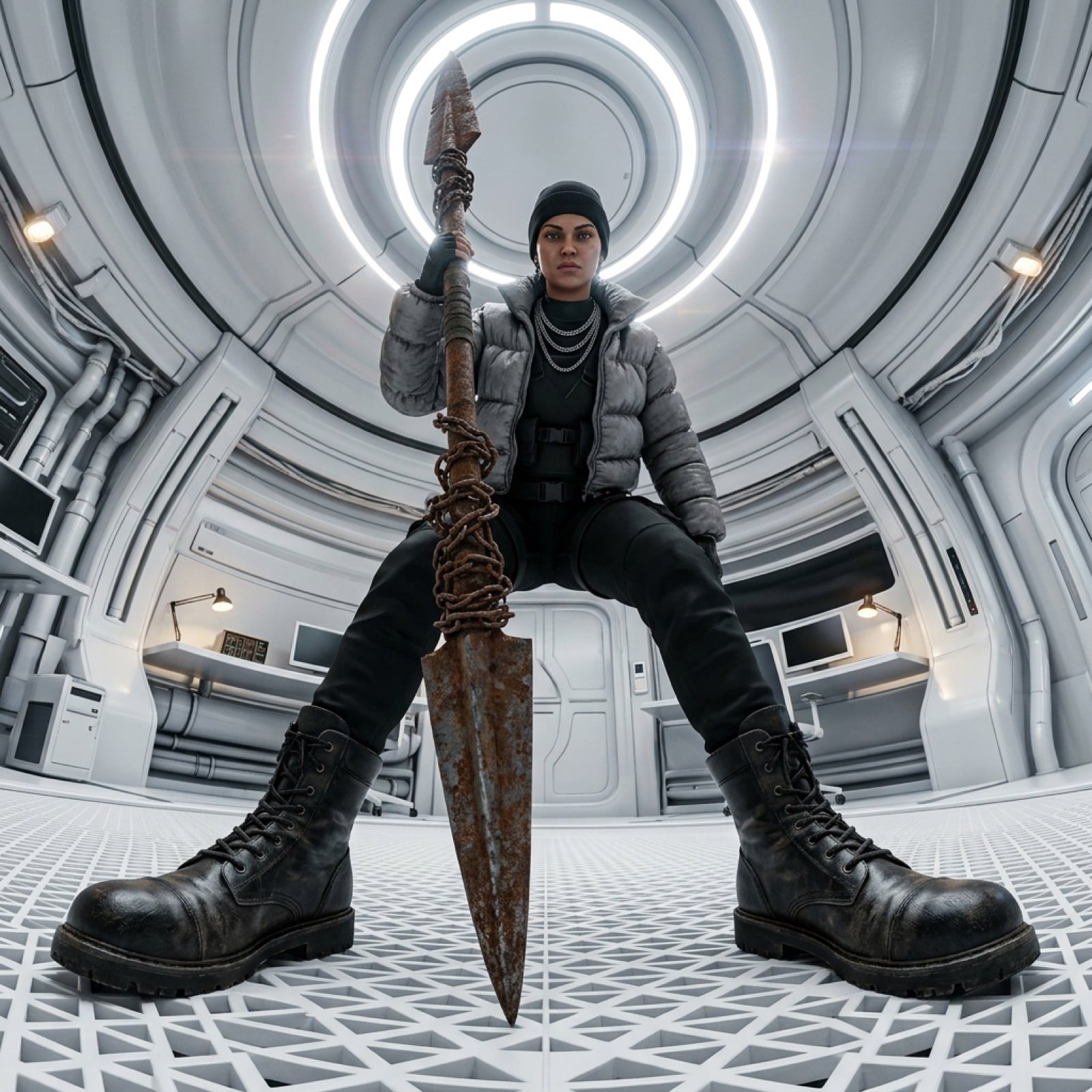
- Prompt included
- Model and format preset
- Free template
The prompt behind this image
Copy the exact prompt behind Cinematic 360-Degree Orbital Tracking Shot Video Prompt, or open it in the studio and make it yours.
Cinematic 360-degree rotating orbital tracking shot. The camera maintains an low-angle "worm's-eye view" while rotating in a full circle around the central character. The character remains in a powerful, wide-stanced power pose, holding the massive rusted chain-wrapped spear vertically. As the camera orbits, the futuristic white circular laboratory environment rotates seamlessly in the background. High-fidelity textures on the black leather tactical boots, the puffy grey jacket, and the weathered metal of the spear. Photorealistic lighting with subtle lens flares from the overhead circular lights. Consistent character features, maintaining the beanie and silver necklaces throughout the rotation. Smooth, stabilized 10-second motion path. 8k resolution, highly detailed, IMAX aesthetic. Logic and Composition Breakdown Spatial Anchoring For a 360 spin to work on a website hero section, the axis of rotation must be the spear and the character’s midline. By specifying "orbital tracking shot," you instruct the AI to move the camera on a circular track rather than just spinning the image, which prevents "melting" or warping of the character's limbs. Consistency Mapping Primary Anchor: The rusted, chain-wrapped spear. Its central position in the frame acts as the pivot point. Secondary Anchor: The oversized tactical boots. Their placement at the bottom corners of the frame must remain grounded on the white grid floor to prevent "floating" during the spin. Environment: The circular ceiling lights provide a natural geometric guide for the AI to calculate the rotation vector. Technical Parameters for Kling 3.0 Pro Motion Sensitivity: Set to 5 or 6. High enough to complete the rotation, but low enough to avoid limb deformation. Prompt Weighting: Focus on "Rotation" and "Orbital" to ensure the camera completes a full circle within the 10-second duration. Negative Prompt Distorted facial features, morphing limbs, spear changing shape, boots losing detail, background flickering, jerky camera movement, zoom-in, zoom-out, character walking, changing clothes, blurry textures, low resolution, 2D anime style, cartoonish, floating objects, extra fingers, messy hair.
How to use Cinematic 360-Degree Orbital Tracking Shot Video Prompt in 3 steps
- 1
Open
The prompt is already in the box next to the preview, with the template's model and format selected.
- 2…a portrait of your subject in softgolden-hour light, 85mm…
Personalize
Edit the subject and creative details for your destination.
- 3Generate
Generate
Press Generate — your image is created in PicX Studio, so you can compare it with the original and refine one variable at a time.
More like this
Templates with the same subject, style or setup. Open one to see its prompt.
Crescent Orbital Megastructure

High Impact Automotive Orbital Poster
Orbital Station Zero-G Kick
Sci-Fi Orbital Art Museum
Dynamic Tracking Shot Product Advertisement
Cinematic Tracking Shot Video Prompt
Crashed Orbital Ring Segment Concept Art
Dynamic Longboard Tracking Shot
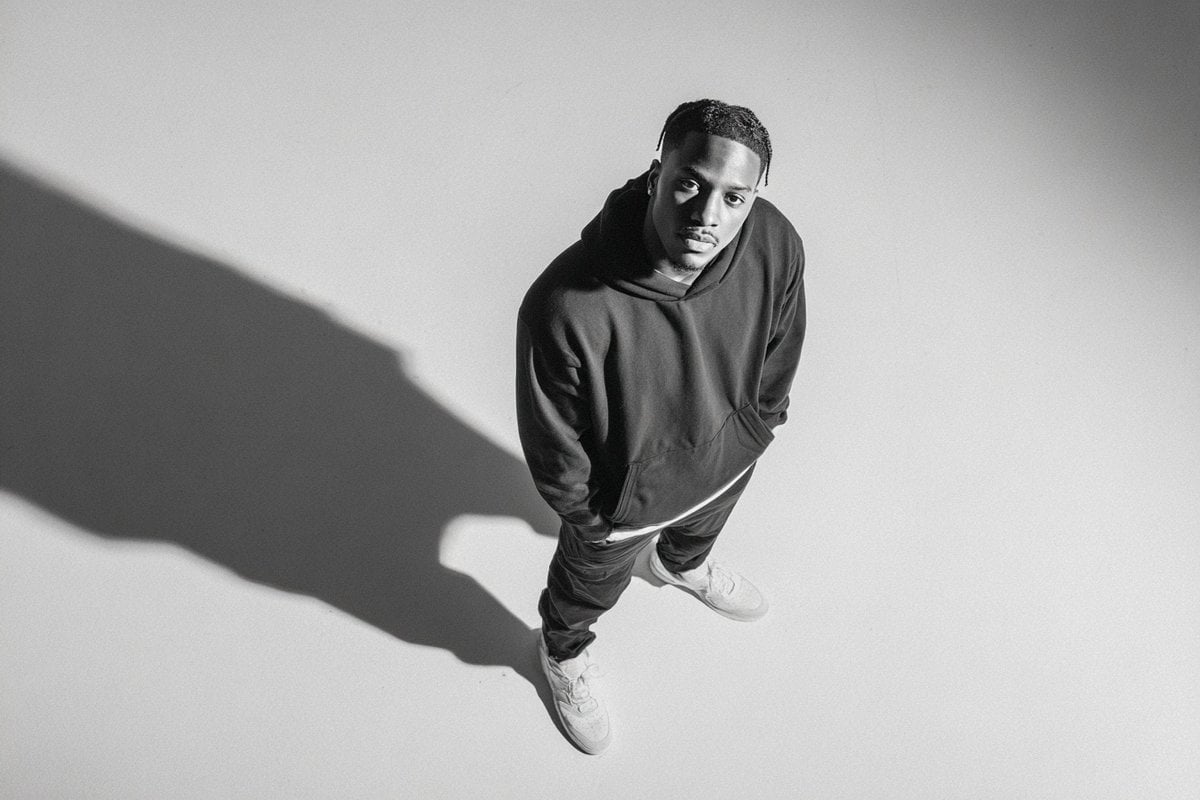
A photographed from a 35-degree overhead angle, standing alone
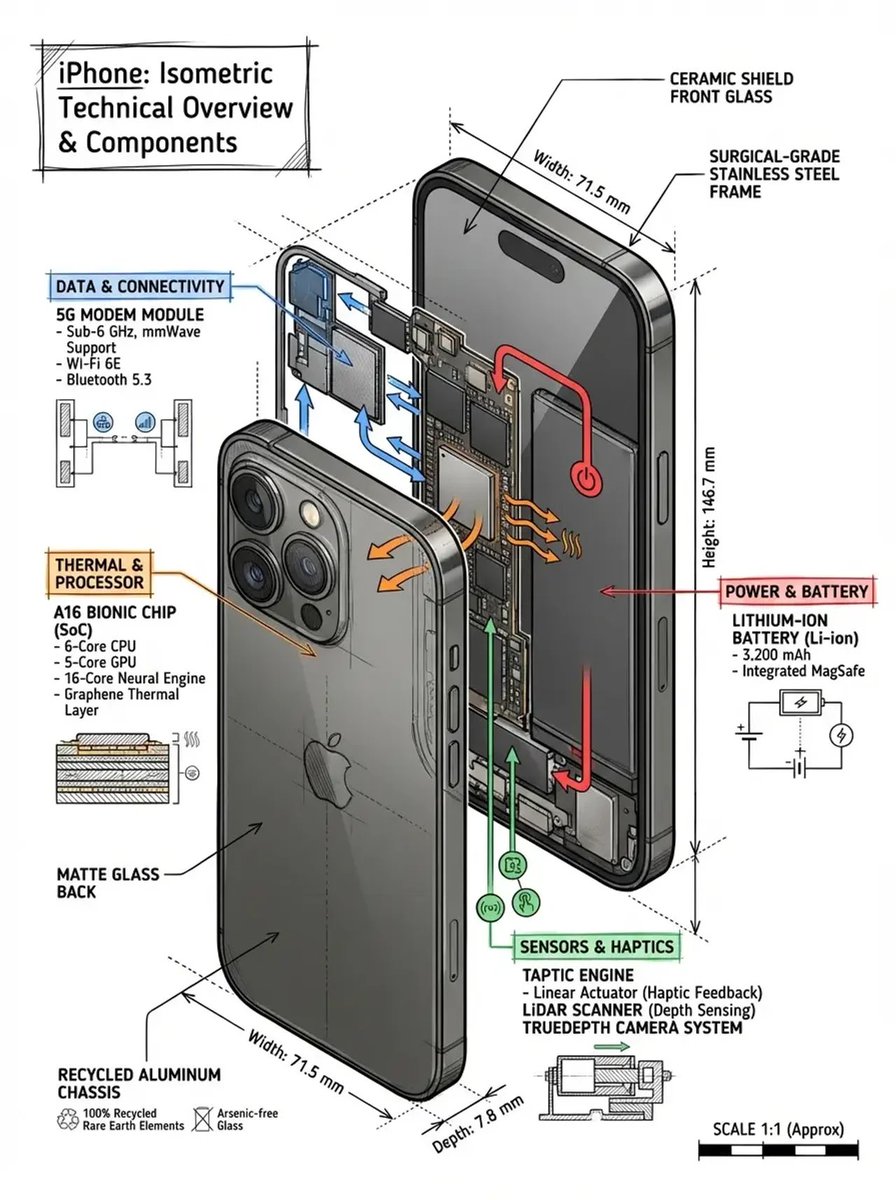
Technical infographic of with a 45-degree isometric 3D perspective
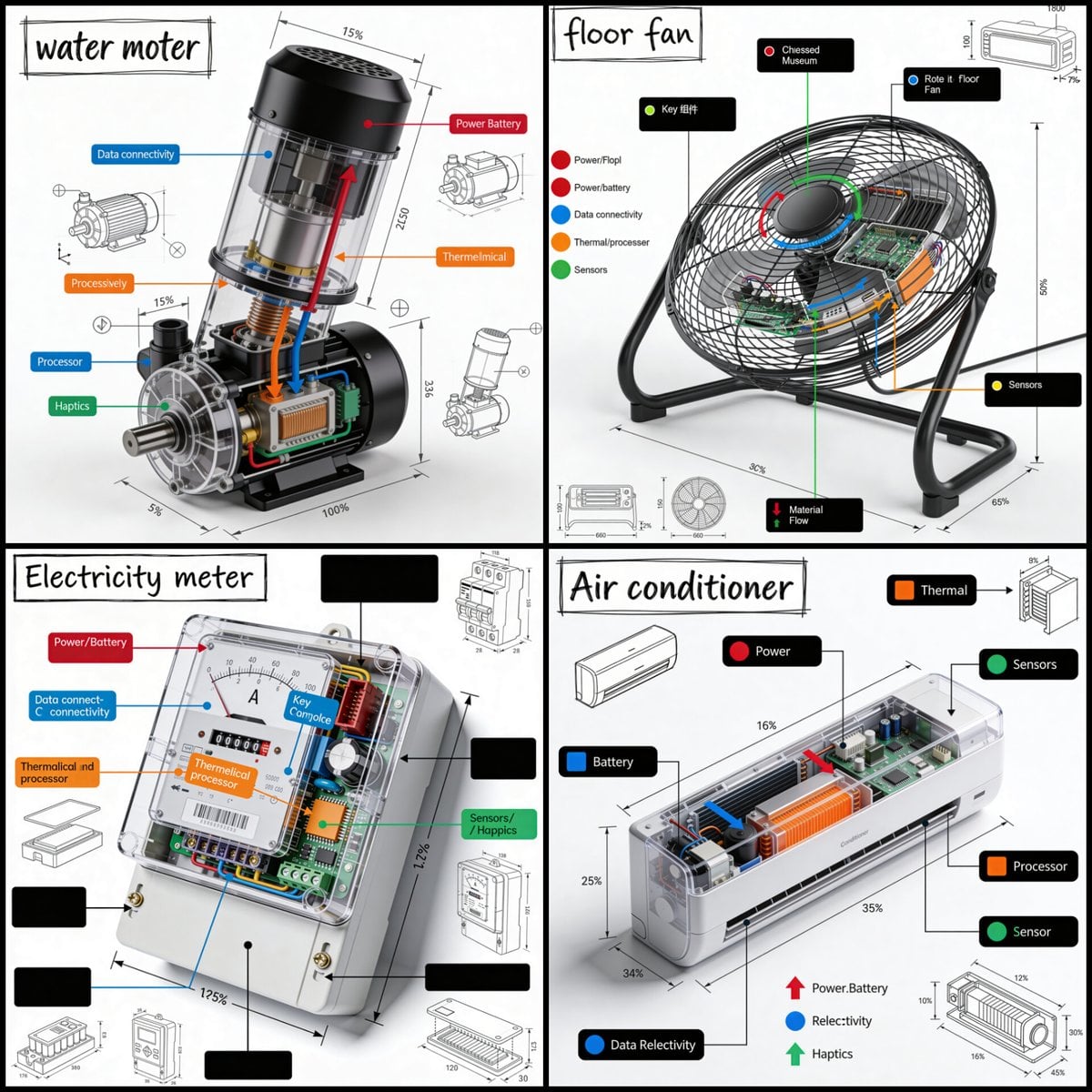
Technical infographic of with a 45-degree isometric 3D perspective
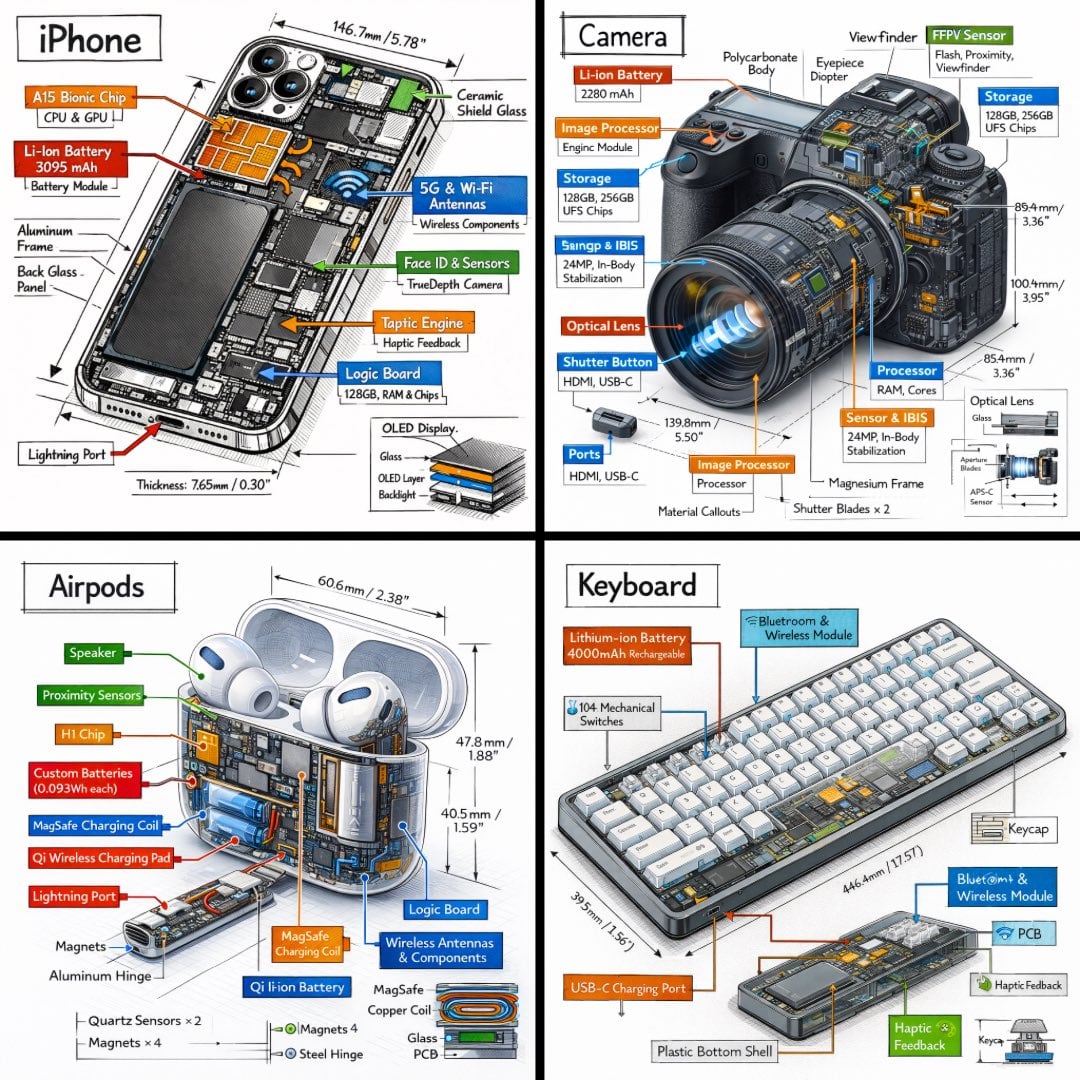
Technical infographic of with a 45-degree isometric 3D perspective
Make it yours
Cinematic 360-Degree Orbital Tracking Shot Video Prompt works as-is. These are the safest ways to change it without losing the look.
Change one field
Copy a single group, rewrite it, and generate again so you can see what that field is doing.
Keep the frame, change the subject
Hold the composition and light of Cinematic 360-Degree Orbital Tracking Shot Video Prompt, then swap wardrobe, props or the person for a new take.
| If the result… | Why | Fix |
|---|---|---|
| The result drifts from the preview | Too many fields changed at once. | Reuse Cinematic 360-Degree Orbital Tracking Shot Video Prompt as-is first, then change one group — subject, light, or setting. |
| The model over-stylizes the scene | The prose prompt leaves finish and camera underspecified. | Add one camera or lighting sentence and stay on Nano Banana 2. |
More Nano Banana 2 templates
Other prompts made for Nano Banana 2.

Photorealistic Leaf Shaped Like a Dragon

K-Pop Idol Portrait Grid for Rapid Selection

Poetic Rain Forest Portrait During Golden Hour

Urban Street Portrait with Cartoon Inner Self Duo

Candid Nighttime Photo with Cat Prompt

High-Concept 3D Diorama Generation Prompt

Cinematic Futuristic Studio Portrait Template

Skincare Editorial Photography Collage Prompt

Hyper-Realistic Commercial Product Photography (Splash Effect)

Hyper-Realistic Nightclub Portrait Prompt
More image prompts
Fresh picks from across the catalog.
Dramatic Golden Hour Chiaroscuro Portrait
Alpine Snow Portrait with Trapper Hat

8K Cinematic Fantasy Portrait of Woman and Horse
Decorative Cinematic Title Font Generation
2D Cel Animation - Seedance 2.0

Isometric 3D Cartoon Scene of a City

X Ozayrr Irl Chatgpt Image 2 Vs Google
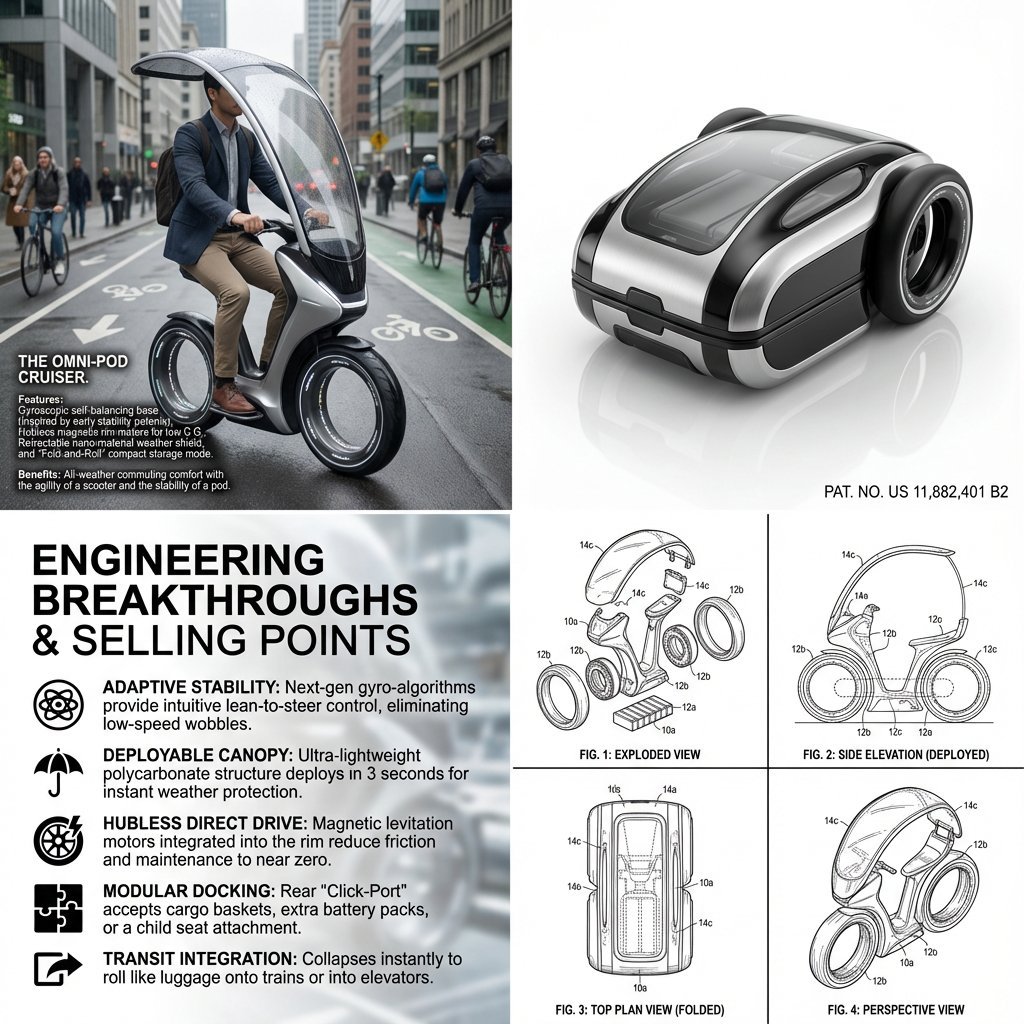
Hybrid Transportation Device Design and Patent Generation

Batch study card generation prompts (physics, English, poetry)

3D Animated Scene with Reference Matching
Browse template categories
Cinematic 360-Degree Orbital Tracking Shot Video Prompt questions
How do I use the Cinematic 360-Degree Orbital Tracking Shot Video Prompt template?
Add your photo if the template asks for one, edit the prompt if you like — the template's model and format are already selected — and press Generate. Your version opens in PicX Studio.
Can I customize the Cinematic 360-Degree Orbital Tracking Shot Video Prompt template?
Yes. You can change the subject, setting, lighting, mood, format, and available model controls before creating your image.
Is the Cinematic 360-Degree Orbital Tracking Shot Video Prompt template free?
Opening and editing this template is free. Generating uses credits, shown on the Generate button when you are signed in.
Which AI model should I use?
Start with Nano Banana 2, which is the model associated with this template. You can compare another compatible model for a different finish.
Looking for something else? Browse all templates.

Your photo, any look
Thousands of ready templates for every top image and video model, from one credit balance.