
Crescent Orbital Megastructure
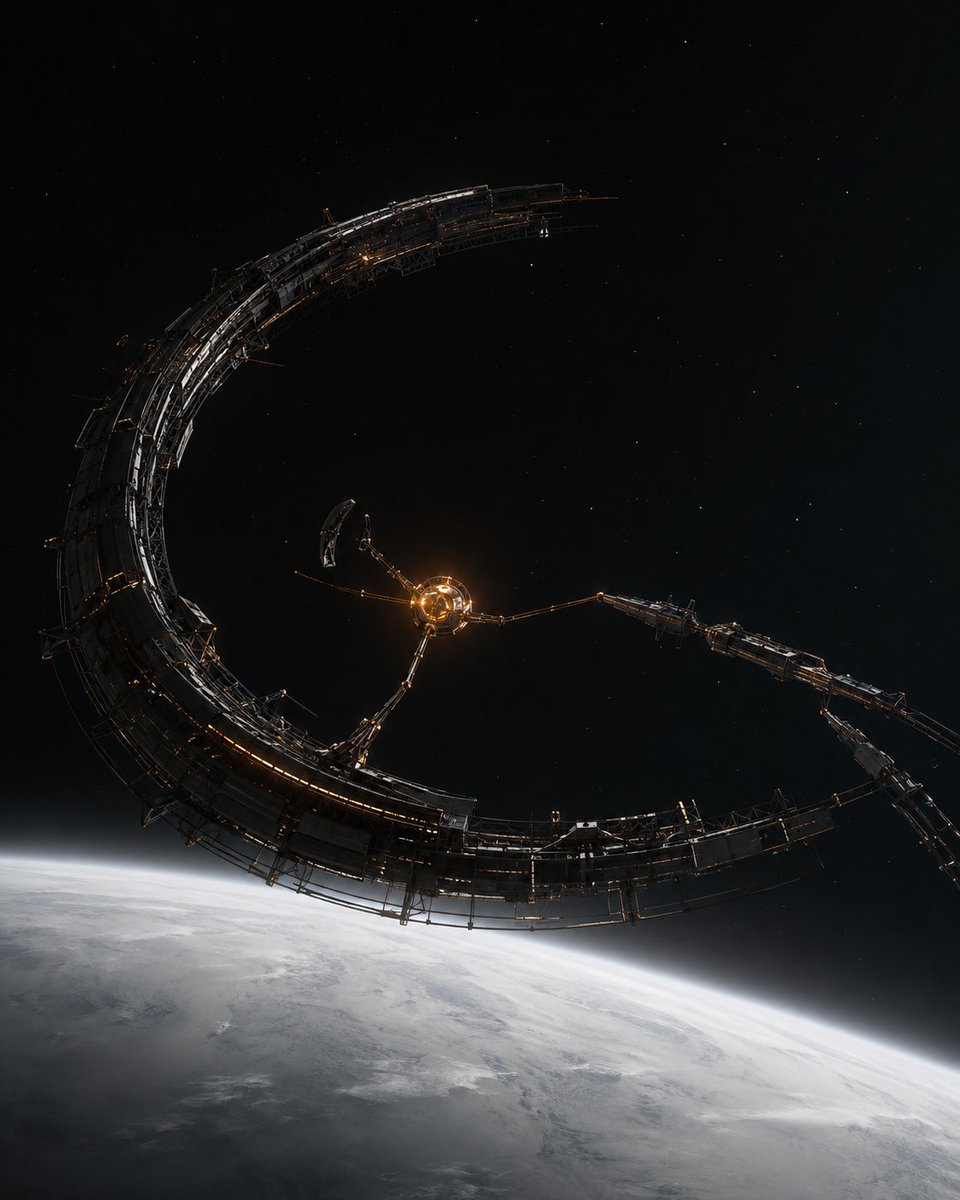
A photorealistic cinematic prompt for creating a massive crescent-shaped sci-fi space station orbiting Earth.
- Prompt included
- Model and format preset
- Free template
The prompt behind this image
Copy the exact prompt behind Crescent Orbital Megastructure, or open it in the studio and make it yours.
Create a cinematic hard-science-fiction space scene showing an enormous crescent-shaped orbital megastructure above {argument name="planet" default="Earth"}. The structure is a dark metallic incomplete ring, shaped like a giant curved arc or broken crescent, with intricate layered panels, exposed trusses, scaffolding, antennae, docking spines, and thin mechanical ribs. At its center is a small glowing spherical hub with warm amber light, connected to the crescent by exactly three long articulated support arms, plus one separate small curved module floating near the hub. The megastructure should feel massive, industrial, and partially under construction, with subtle orange running lights along the frame and cold white highlights on black gunmetal surfaces. Below, the bright curved horizon of Earth fills the lower third of the image, covered in pale clouds and atmospheric haze, while the upper two thirds are deep black space with sparse tiny stars. Use a vertical 4:5 composition, wide-angle orbital perspective, dramatic scale, realistic lighting, high contrast, photorealistic rendering, cinematic concept art detail, no text, no watermark, no visible astronauts or spacecraft.
How to use Crescent Orbital Megastructure in 3 steps
- 1Upload ImagePNG, JPG or paste
Add your photo
Upload the photo the template builds on. The prompt, model and format are already set.
- 2…a portrait of your subject in softgolden-hour light, 85mm…
Personalize
Edit the subject and creative details for your destination.
- 3Generate
Generate
Press Generate — your image is created in PicX Studio, so you can compare it with the original and refine one variable at a time.
More like this
Templates with the same subject, style or setup. Open one to see its prompt.

Fantasy Crescent Star Magic Staff
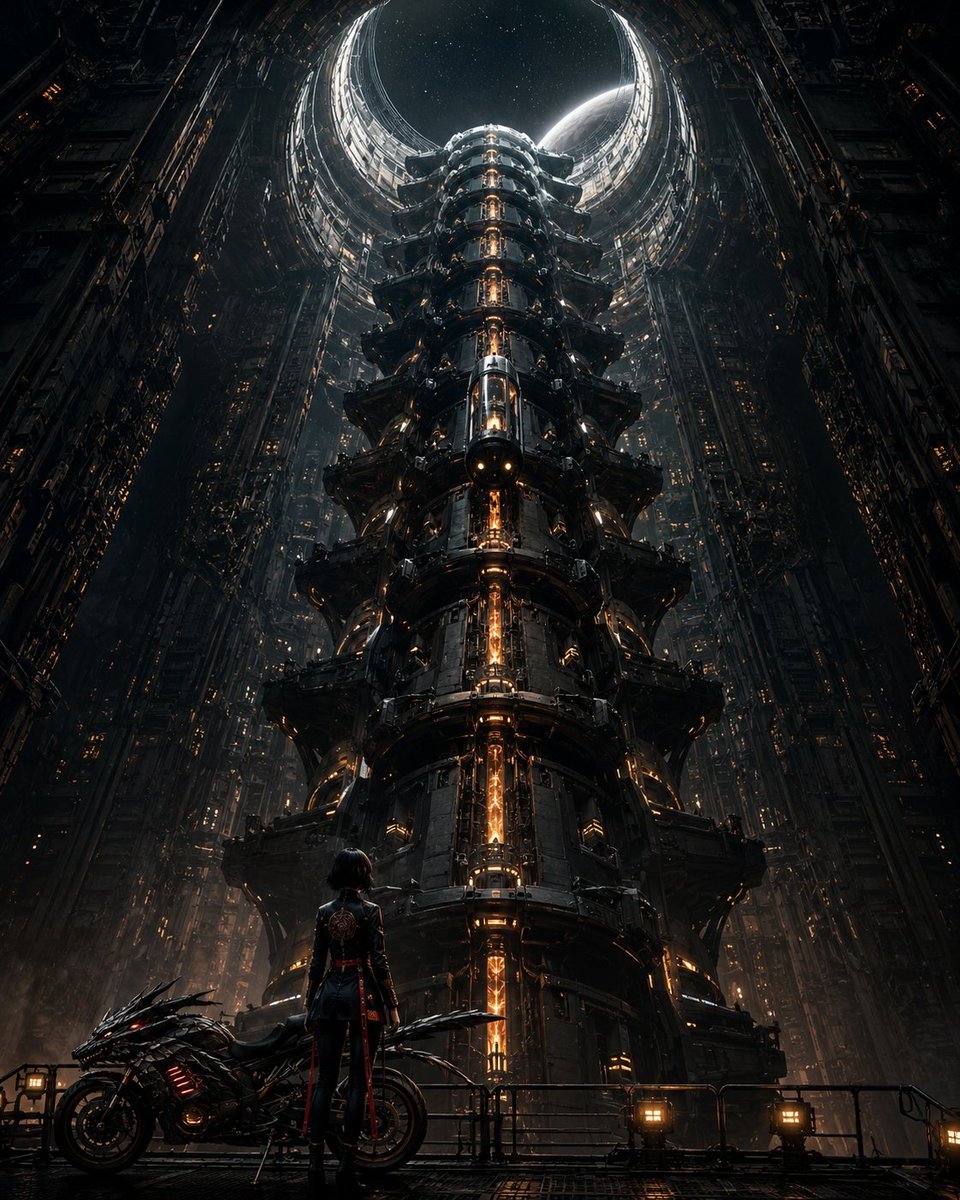
Cyberpunk Megastructure Rider
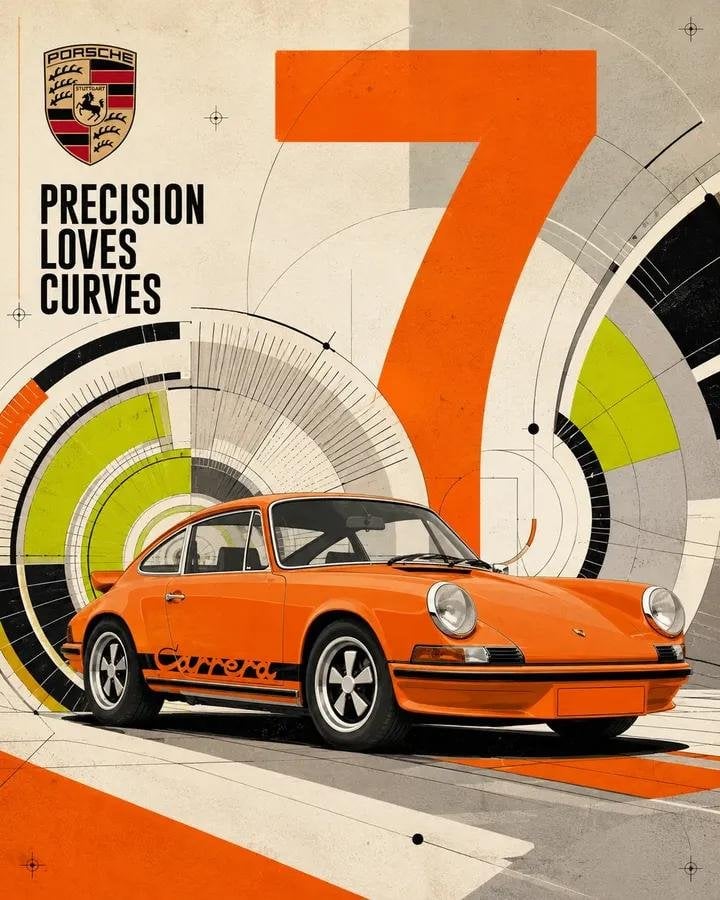
High Impact Automotive Orbital Poster
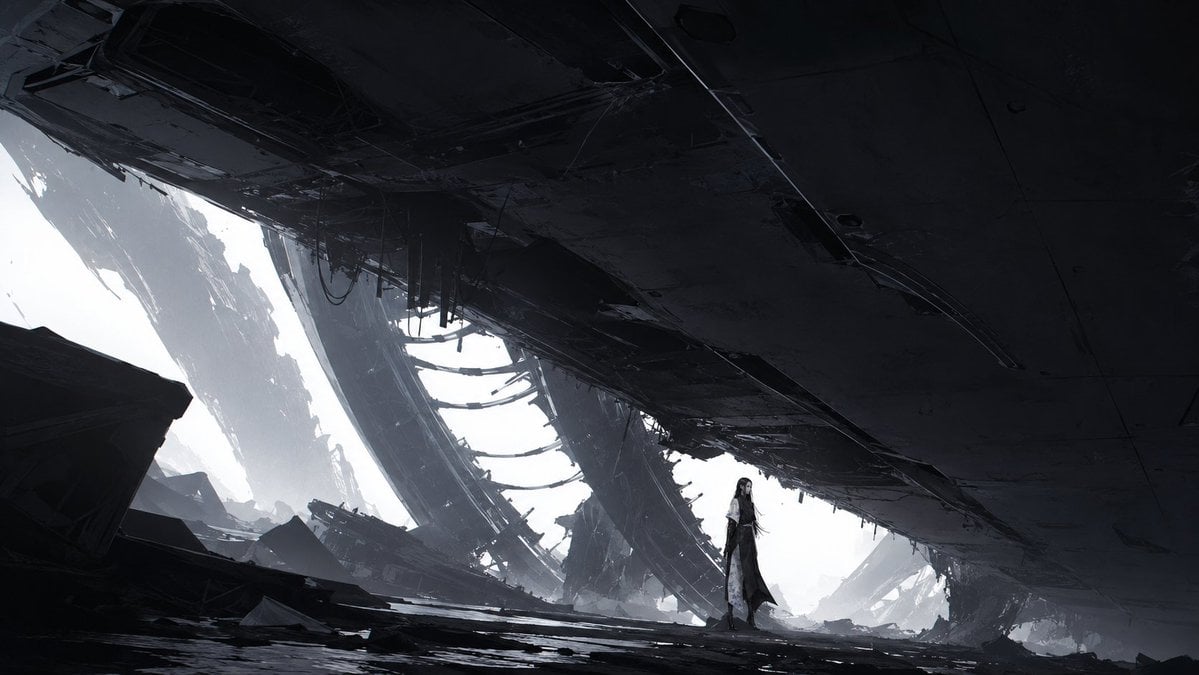
Lone Woman in Ruined Megastructure
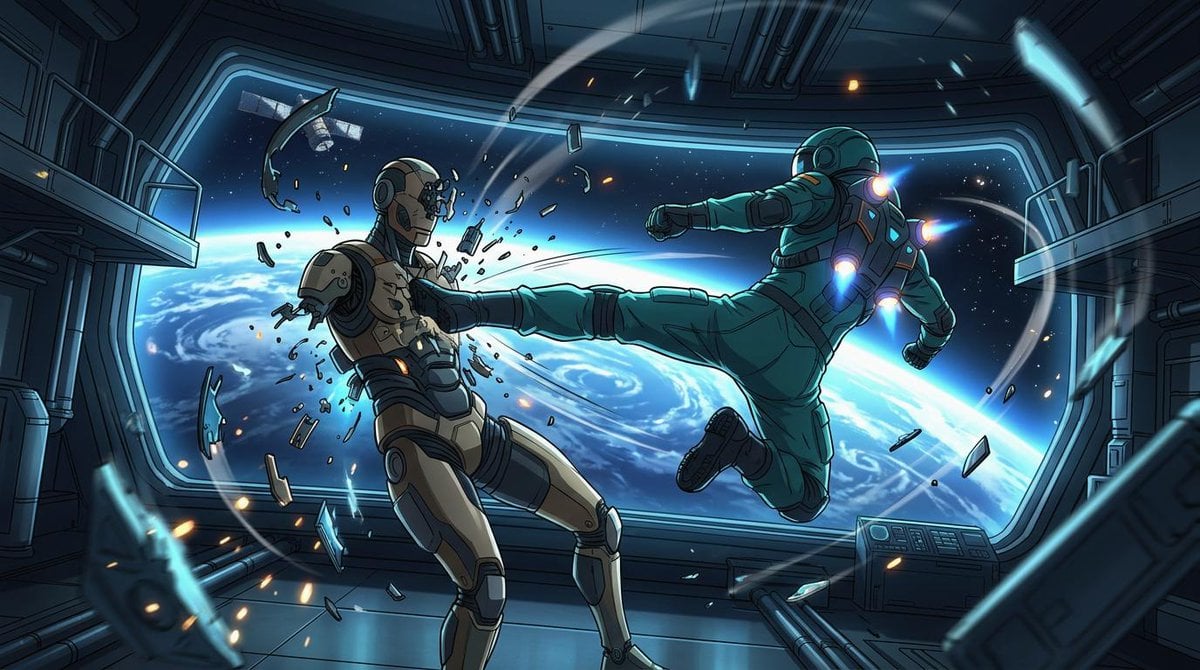
Orbital Station Zero-G Kick
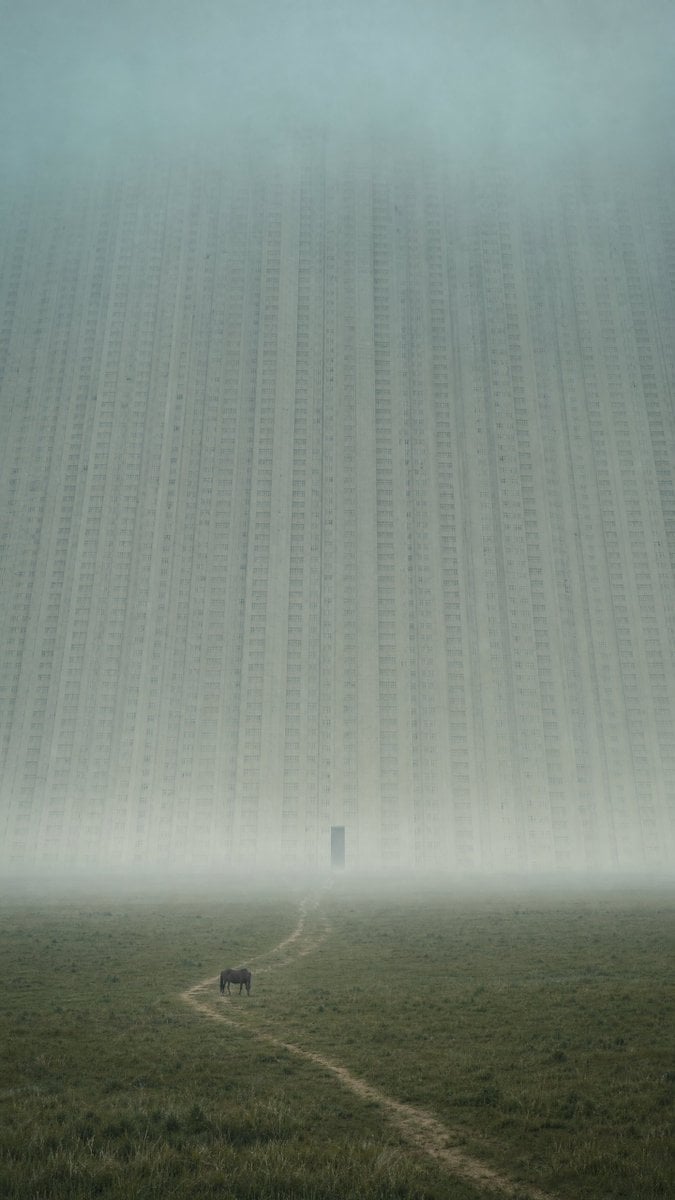
Surreal Urban Megastructure Architecture Prompts
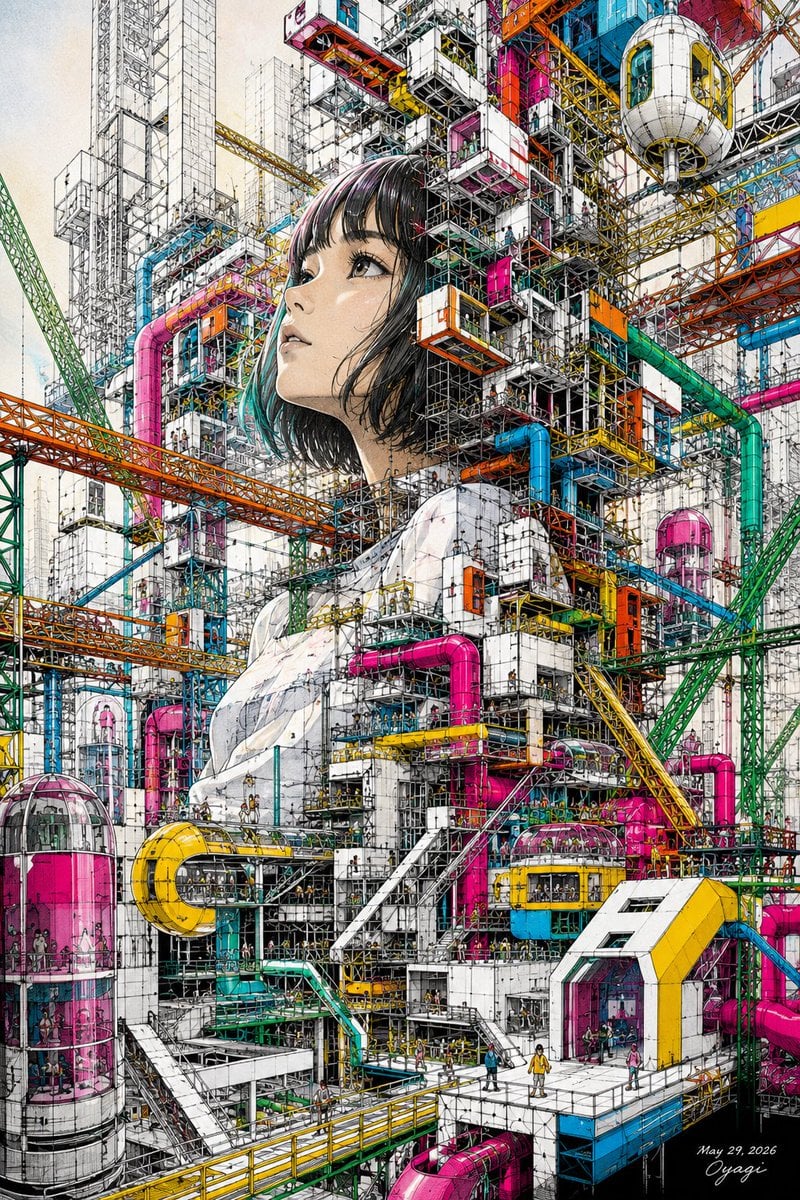
Unfinished Girl Megastructure
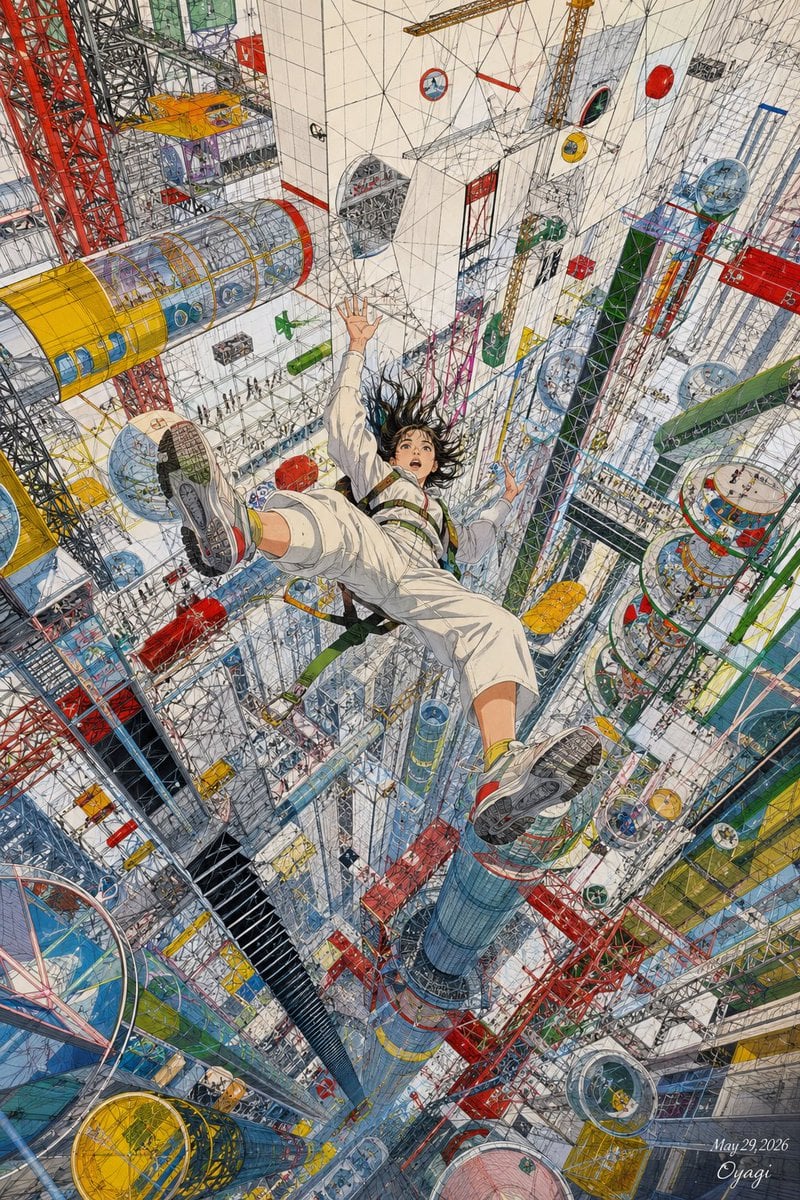
Endless Megastructure Fall
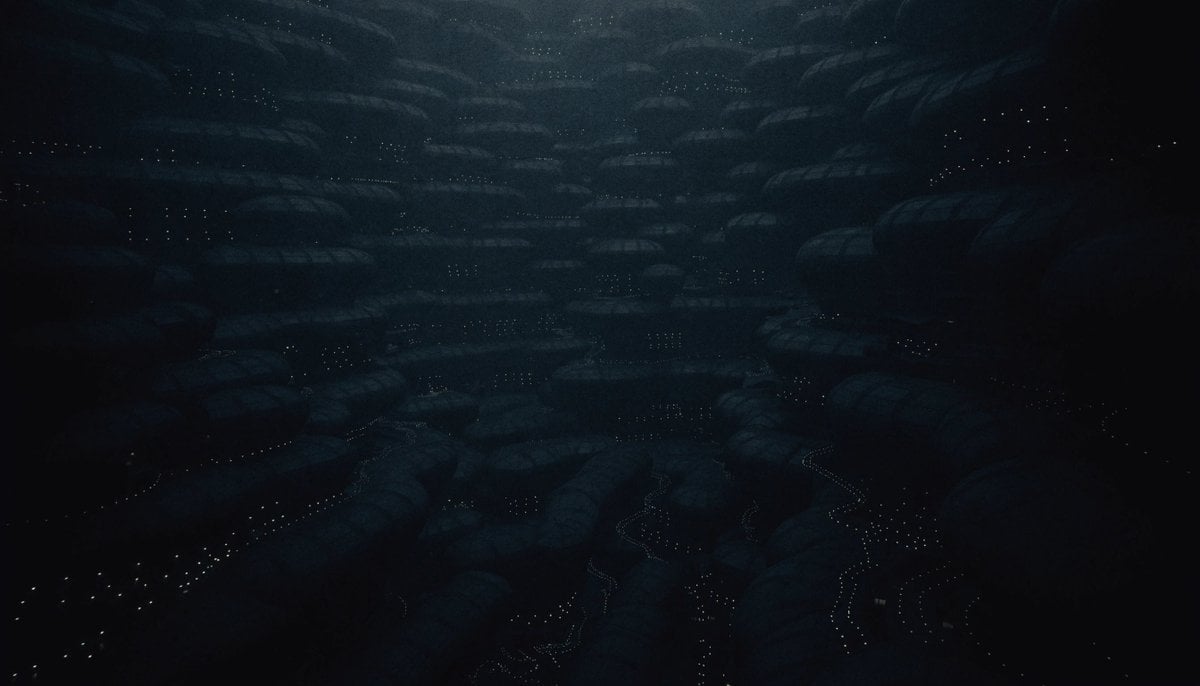
Dark Alien Megastructure Cavern
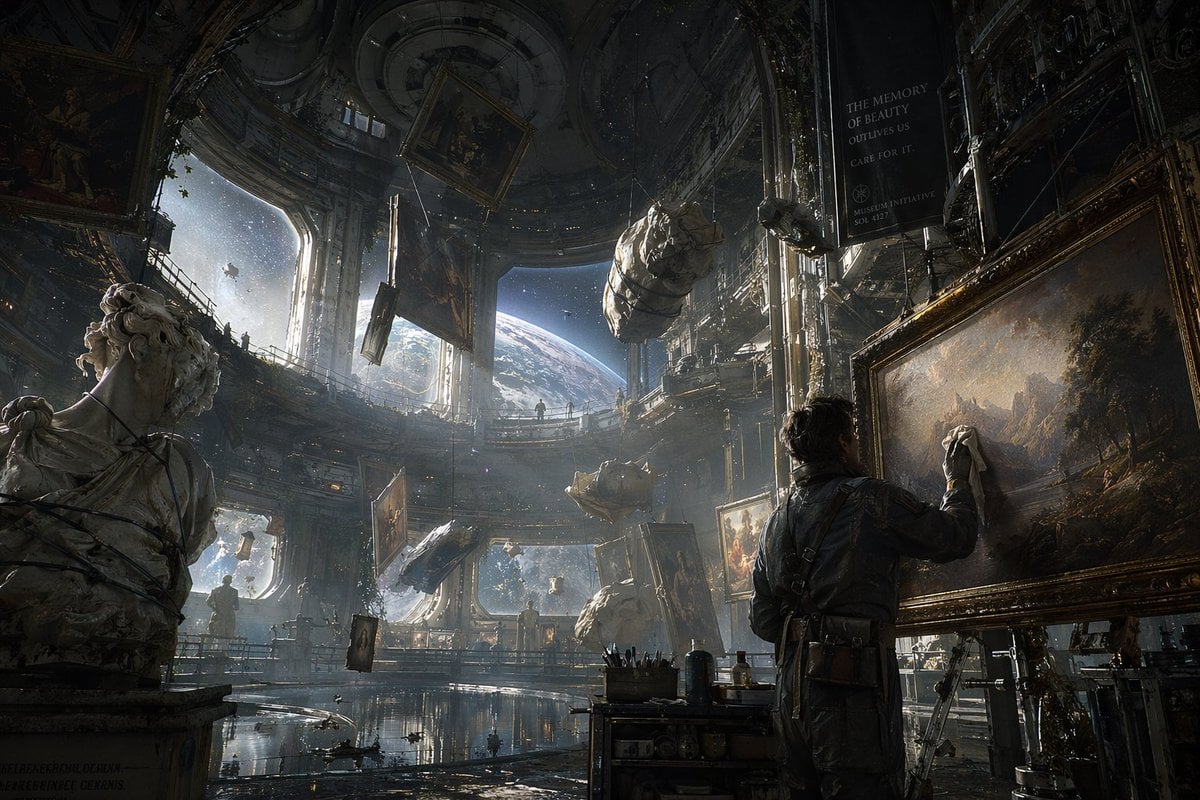
Sci-Fi Orbital Art Museum
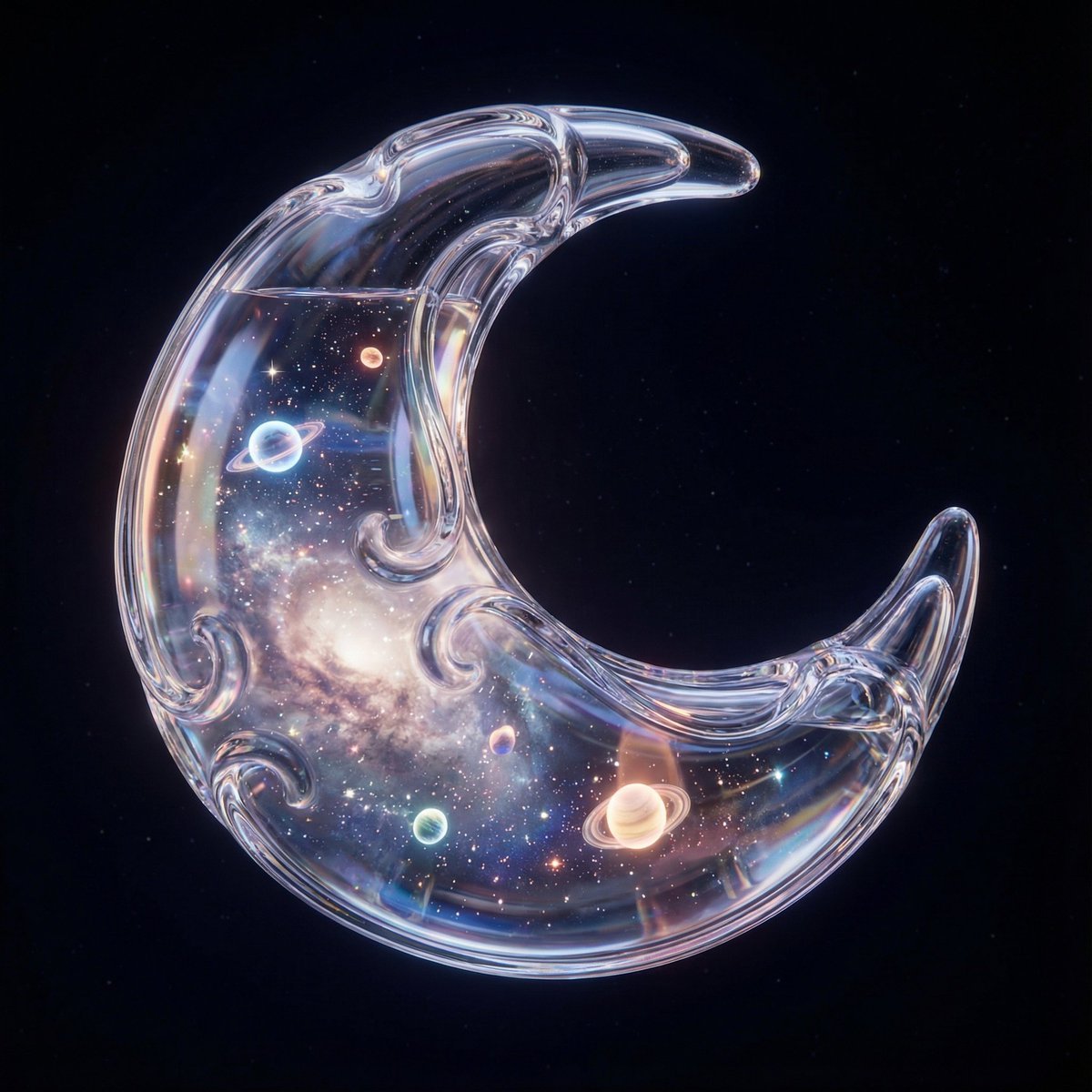
Hyper-Realistic 3D Simulation Prompt: Crescent Moon Vessel
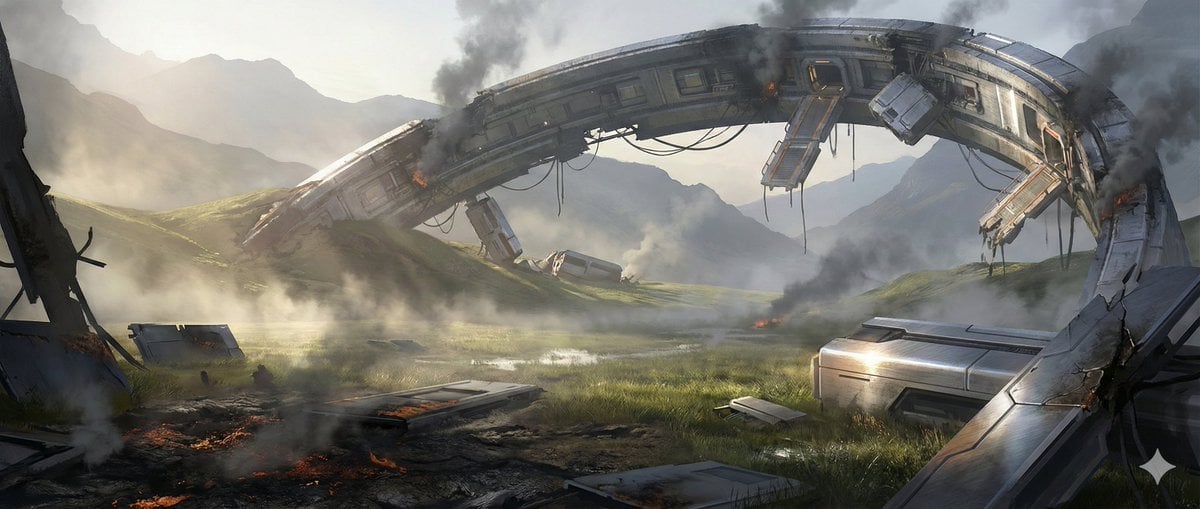
Crashed Orbital Ring Segment Concept Art
Make it yours
Crescent Orbital Megastructure works as-is. These are the safest ways to change it without losing the look.
Change one field
Copy a single group, rewrite it, and generate again so you can see what that field is doing.
Keep the frame, change the subject
Hold the composition and light of Crescent Orbital Megastructure, then swap wardrobe, props or the person for a new take.
| If the result… | Why | Fix |
|---|---|---|
| The result drifts from the preview | Too many fields changed at once. | Reuse Crescent Orbital Megastructure as-is first, then change one group — subject, light, or setting. |
| The model over-stylizes the scene | The prose prompt leaves finish and camera underspecified. | Add one camera or lighting sentence and stay on GPT Image 2. |
More GPT Image 2 templates
Other prompts made for GPT Image 2.

Realistic Portrait of Woman and Deer

The Vista Modular Condo Poster

AI Model Routing Comparison Infographic

2.5D Anime Art Board

Isometric Productivity Desk Scene

New York Double Exposure Poster

Four-Panel AI Landscape Comparison

Japanese Tatami Lifestyle Magazine Cover

NESCAFÉ Coffee Map Poster

Brutalist Cogito Chinese Typography Poster
More image prompts
Fresh picks from across the catalog.
Luxury Sunset Rooftop Terrace
Technical Cutaway Infographic Poster

Generating a 4-Panel Comic Strip: 'Friends Forever'

Colossal Male Model Skyscraper Artwork
Blueprint to Living Construction Site

Expressionist Sketch Art Poster
Chibi Character Fusion Sequence
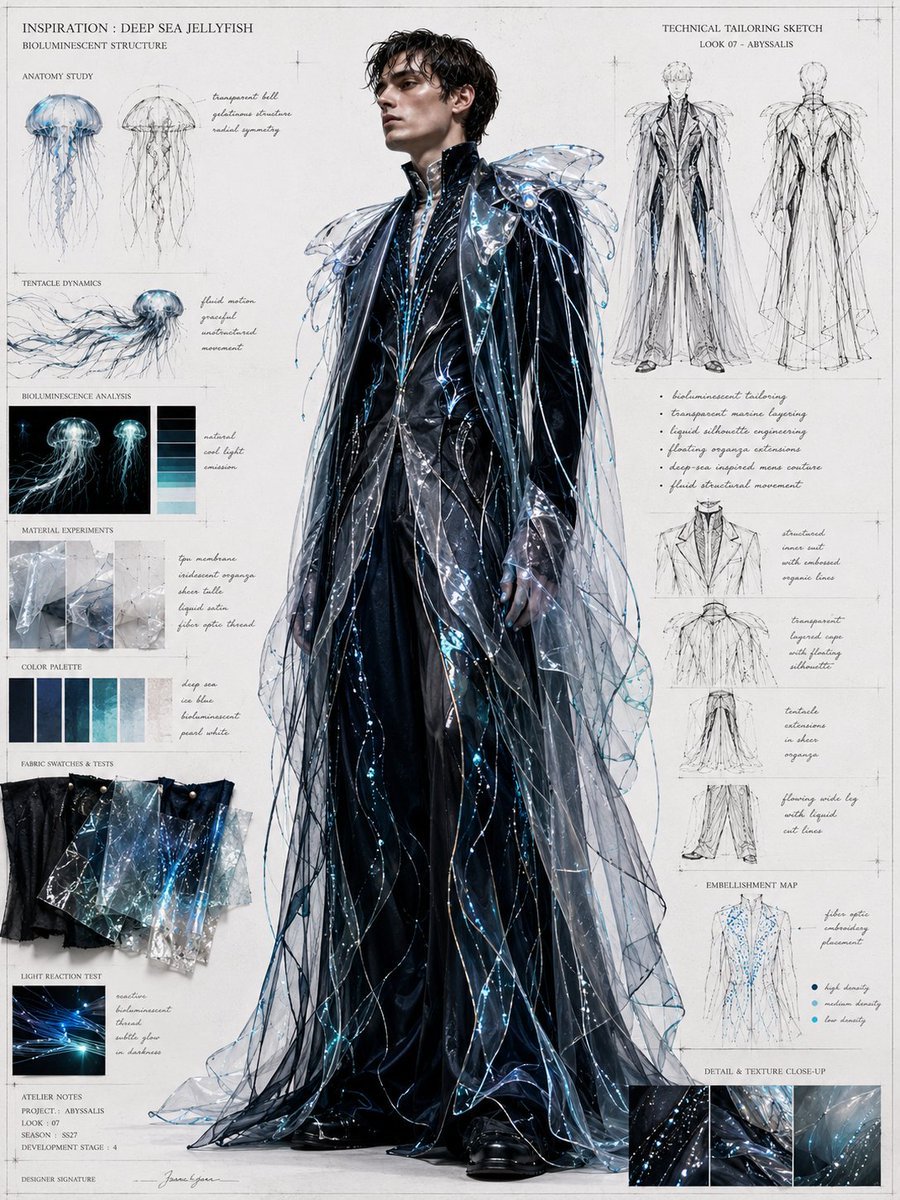
Deep Sea Jellyfish Couture Board

Expressive Photobooth Grid

Vintage Tactile Print Poster
Browse template categories
Crescent Orbital Megastructure questions
How do I use the Crescent Orbital Megastructure template?
Add your photo if the template asks for one, edit the prompt if you like — the template's model and format are already selected — and press Generate. Your version opens in PicX Studio.
Can I customize the Crescent Orbital Megastructure template?
Yes. You can change the subject, setting, lighting, mood, format, and available model controls before creating your image.
Is the Crescent Orbital Megastructure template free?
Opening and editing this template is free. Generating uses credits, shown on the Generate button when you are signed in.
Which AI model should I use?
Start with GPT Image 2, which is the model associated with this template. You can compare another compatible model for a different finish.
Looking for something else? Browse all templates.

Your photo, any look
Thousands of ready templates for every top image and video model, from one credit balance.