
Surreal Urban Megastructure Architecture Prompts
A set of three distinct prompts for generating world-scale urban structures like infinite apartment walls and inverted city ceilings in a misty, atmospheric style.
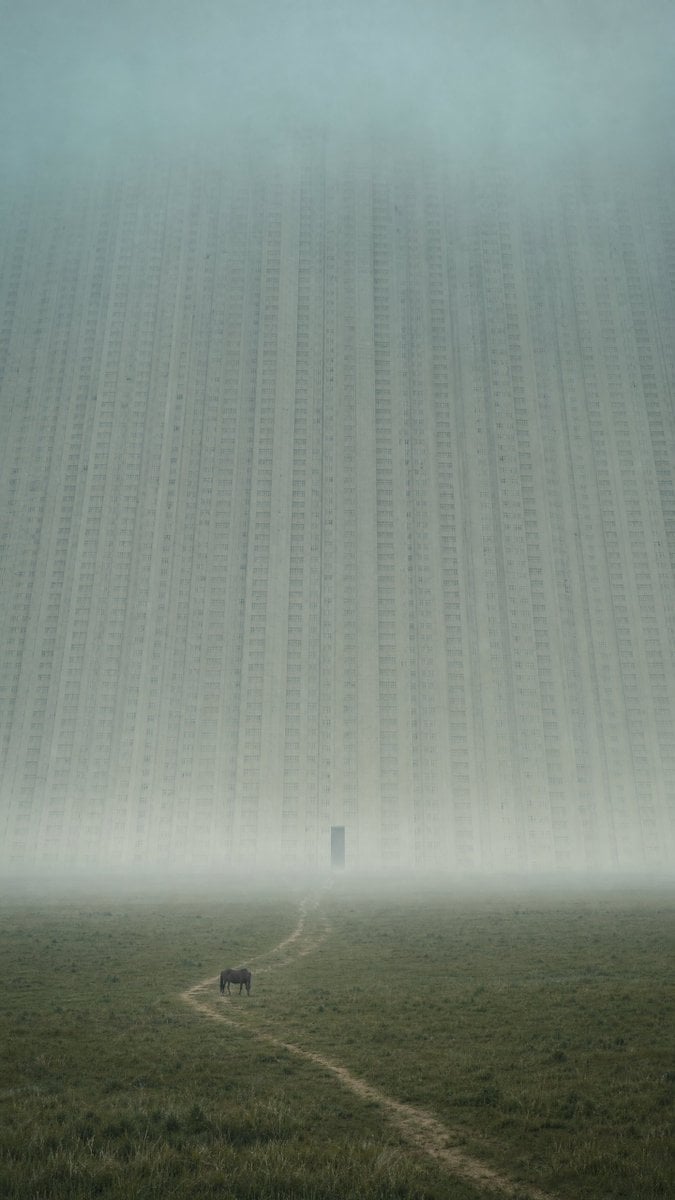
- Prompt included
- Model and format preset
- Premium template
The prompt behind this image
Copy the exact prompt behind Surreal Urban Megastructure Architecture Prompts, or open it in the studio and make it yours.
1. City Wall: A single {argument name="structure material" default="pale concrete"} apartment-city wall rising beyond an empty {argument name="terrain" default="grassland"}, so large that the top disappears into {argument name="atmosphere" default="blue-green fog"} and the window rows merge into one continuous vertical face. Vertical 9:16 distant telephoto from a quiet meadow, 60 percent empty grass and blue haze, one tiny horse in the lower third and a narrow dirt path leading toward the wall; first read is the empty field, second read is the impossible city mass. Cool morning mist, soft diffused light, restrained pale gray and muted green palette, repeated apartment rows softened into texture, one dark rectangular gate far above the ground. No street-level city scene, no skyline collage, no many separate towers, no market, no traffic, no busy engineering, no pipes, no cranes, no cyberpunk lights, no readable text, no logo, no watermark. 2. Inverted Ceiling: A single inverted city ceiling suspended over a black wet plain, so large that only the underside fragment fits in frame and the hanging building layers fade into night fog. 21:9 wide low-angle shot from an empty reflective plain, 70 percent mist, darkness, and mirror-like ground, three tiny people at the lower edge below the overhang; closest point is empty wet ground, final focus is the impossible city underside. Deep blue night haze, faint warm window texture as a thin distant seam, matte concrete slabs, soft reflections, silence. No street-level city scene, no skyline collage, no separate tower cluster, no traffic, no cranes, no pipes, no neon clutter, no readable text, no logo, no watermark, no fisheye distortion, no feet dominating foreground. 3. City Gate: A single stacked apartment-city gate cut through a world-scale city dam, so large that both vertical edges leave the frame and the city details merge into one quiet inhabited cliff. 16:9 frontal long shot across an empty pale salt flat, 65 percent blank foreground and fog-bright sky seen through the colossal rectangular opening, two tiny vehicles stopped at the threshold on a thin road; first read is the empty salt flat, second read is the city gate. White haze, soft overcast light, pale concrete and blue-gray shadows, repeated window bands as quiet surface texture, the far side of the opening dissolving into mist. No street-level city scene, no skyline collage, no fantasy ruin, no ornate city gate, no sci-fi corridor, no many separate towers, no traffic, no cranes, no pipes, no cyberpunk lights, no readable text, no logo, no watermark.
How to use Surreal Urban Megastructure Architecture Prompts in 3 steps
- 1
Open
The prompt is already in the box next to the preview, with the template's model and format selected.
- 2…a portrait of your subject in softgolden-hour light, 85mm…
Personalize
Edit the subject and creative details for your destination.
- 3Generate
Generate
Press Generate — your image is created in PicX Studio, so you can compare it with the original and refine one variable at a time.
More like this
Templates with the same subject, style or setup. Open one to see its prompt.

Surreal Cat Astronaut — Humanoid Face Freefall

Urban Fashion Editorial Collage Streetwear Poster

Bold Red Contrast Fashion Editorial Newspaper Room

Japanese Architectural Concrete Studio Fashion Campaign

Japanese Minimalist Concrete Studio Fashion Editorial

Korean Streetwear Minimalist Campaign Portrait

Cinematic Korean Streetwear Street Portrait

Frozen Street Luxe Graffiti Fashion Campaign

Urban Fashion Editorial Collage Poster

Stylized Fashion Portrait Bold Color Contrast Editorial

Cinematic Street Fashion Portrait Motion Blur Crowd

Subway Platform Quiet Introspective Portrait
Make it yours
Surreal Urban Megastructure Architecture Prompts works as-is. These are the safest ways to change it without losing the look.
Change one field
Copy a single group, rewrite it, and generate again so you can see what that field is doing.
Keep the frame, change the subject
Hold the composition and light of Surreal Urban Megastructure Architecture Prompts, then swap wardrobe, props or the person for a new take.
| If the result… | Why | Fix |
|---|---|---|
| The result drifts from the preview | Too many fields changed at once. | Reuse Surreal Urban Megastructure Architecture Prompts as-is first, then change one group — subject, light, or setting. |
| The model over-stylizes the scene | The prose prompt leaves finish and camera underspecified. | Add one camera or lighting sentence and stay on GPT Image 2. |
More GPT Image 2 templates
Other prompts made for GPT Image 2.

Six VTuber Japanese Logo Sheet

Realistic Portrait of Woman and Deer

The Vista Modular Condo Poster

AI Model Routing Comparison Infographic

2.5D Anime Art Board

Isometric Productivity Desk Scene

New York Double Exposure Poster

Four-Panel AI Landscape Comparison

Japanese Tatami Lifestyle Magazine Cover

NESCAFÉ Coffee Map Poster
More image prompts
Fresh picks from across the catalog.
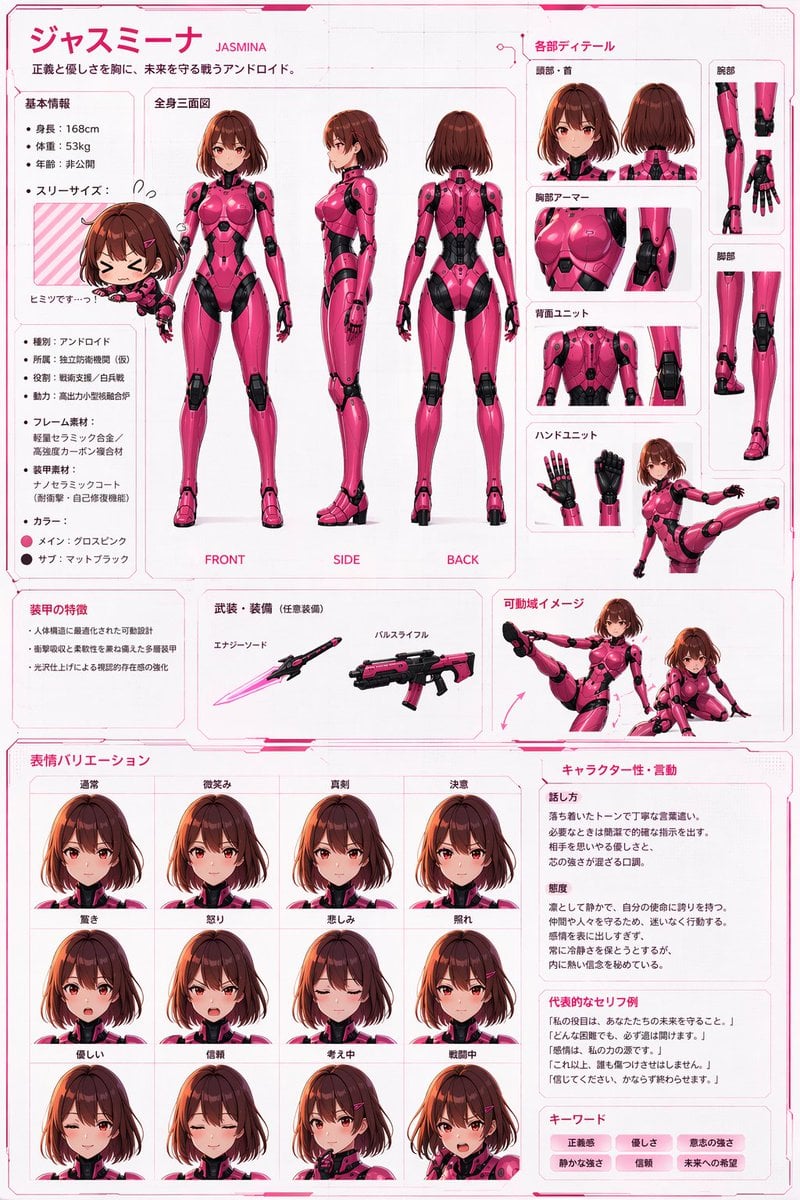
Robot Girl Reference Sheet
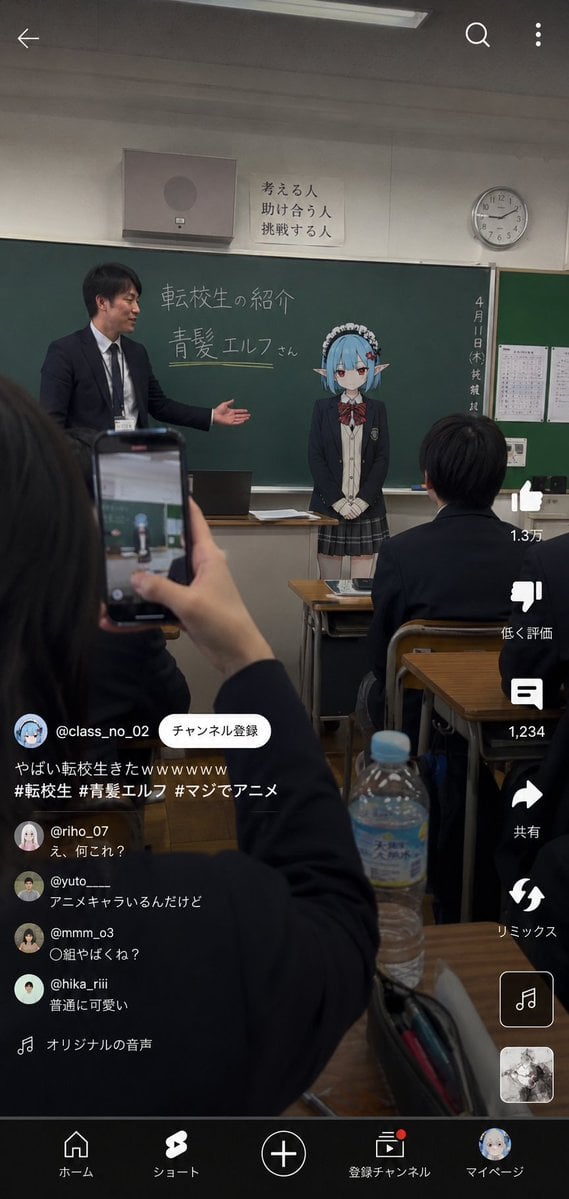
Anime Character Transfer to Reality
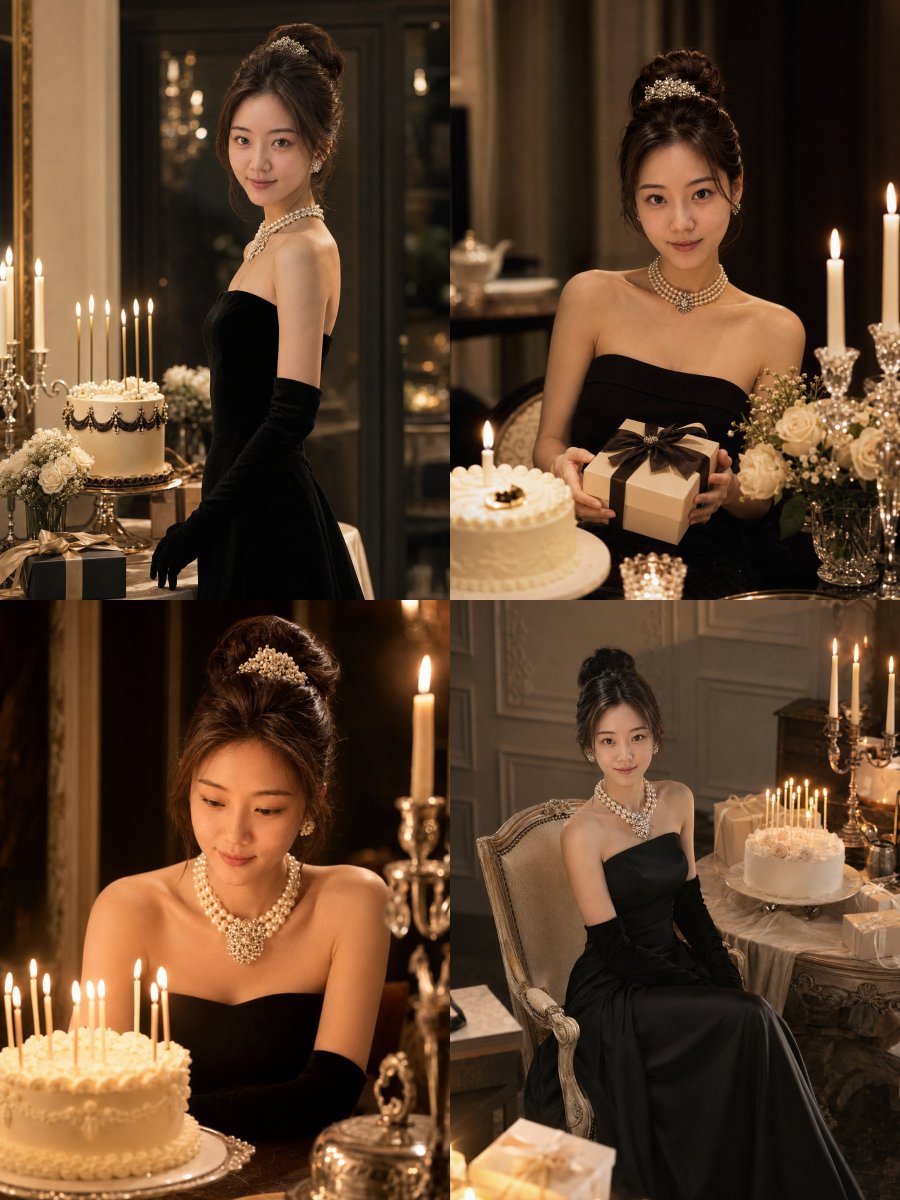
Audrey Hepburn Style Birthday Photoshoot
Japanese Graduation Photo Under Sakura
Kaleidoscopic Food Diorama in Acrylic Box
Giant Robot Meets Woman on Balcony
Sorcery Magazine Anime Cover
Mysterious Red Rim Lighting Portrait
Shadow Box Conversion Prompt
Visionary Eye Mandala
Browse template categories
Surreal Urban Megastructure Architecture Prompts questions
How do I use the Surreal Urban Megastructure Architecture Prompts template?
Add your photo if the template asks for one, edit the prompt if you like — the template's model and format are already selected — and press Generate. Your version opens in PicX Studio.
Can I customize the Surreal Urban Megastructure Architecture Prompts template?
Yes. You can change the subject, setting, lighting, mood, format, and available model controls before creating your image.
Is the Surreal Urban Megastructure Architecture Prompts template free?
Opening and editing this template is free. Generating uses credits, shown on the Generate button when you are signed in.
Which AI model should I use?
Start with GPT Image 2, which is the model associated with this template. You can compare another compatible model for a different finish.
Looking for something else? Browse all templates.

Your photo, any look
Thousands of ready templates for every top image and video model, from one credit balance.