
Giant Robot Meets Woman on Balcony
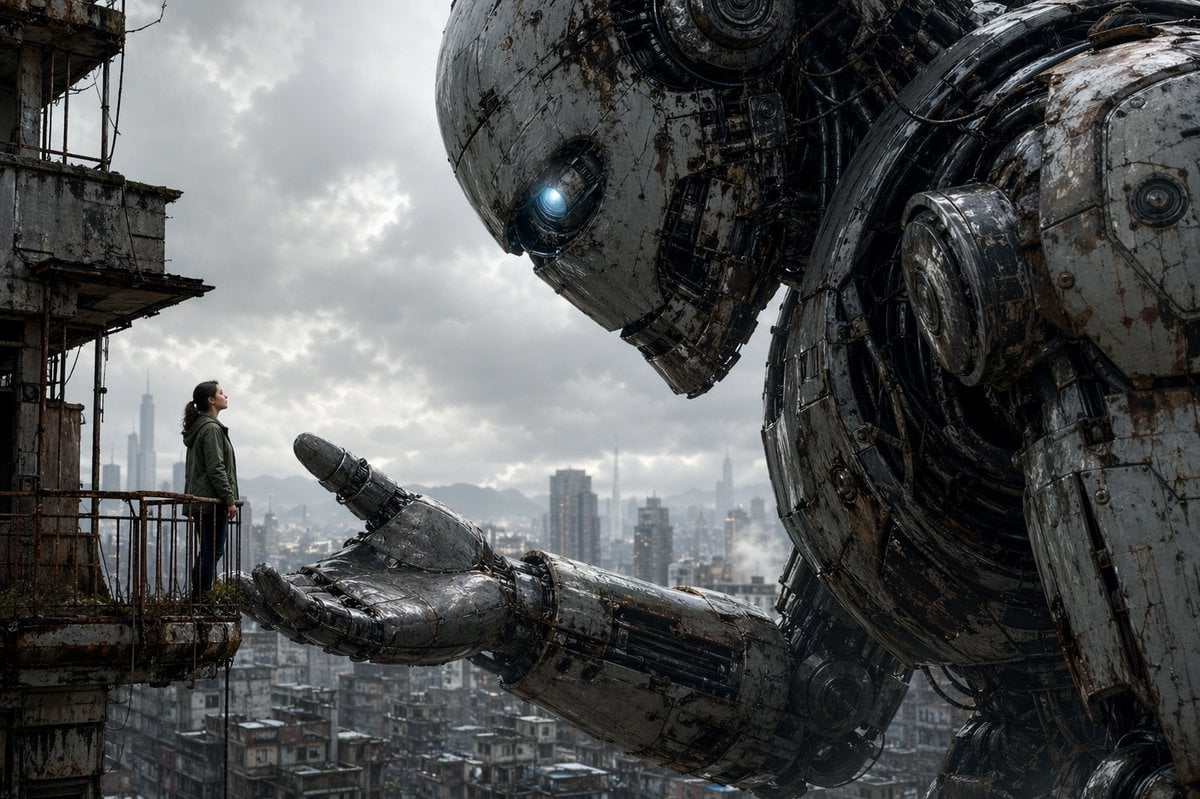
A photorealistic cinematic prompt for creating an emotional dystopian scene of a lone woman facing a colossal weathered robot above a ruined city.
- Prompt included
- Model and format preset
- Free template
The prompt behind this image
Copy the exact prompt behind Giant Robot Meets Woman on Balcony, or open it in the studio and make it yours.
A cinematic ultra-detailed dystopian sci-fi scene showing a colossal humanoid robot leaning in toward a lone woman standing on a small rusted balcony attached to a crumbling concrete high-rise. The composition is wide and dramatic: the woman is positioned on the far left, tiny in scale, while the robot dominates the entire right side of the frame. The giant machine has a weathered white-gray metal shell covered in scratches, grime, rust streaks, exposed joints, cables, pistons, and circular mechanical assemblies, with one glowing icy-blue eye. Its massive open hand is extended gently toward the woman, palm up, as if offering help or inviting trust. The woman appears to be a young adult with dark hair tied back, wearing a muted green hooded jacket and dark pants, standing upright and looking up at the robot without fear. Behind them is a dense, worn urban skyline of low rooftops and distant modern skyscrapers fading into haze, under a heavy overcast sky with thick gray storm clouds. The mood is melancholic, intimate, and awe-inspiring, blending post-apocalyptic realism with emotional scale contrast. Use photorealistic rendering, cinematic lighting, desaturated colors, sharp industrial textures, atmospheric perspective, dramatic cloud detail, and a sense of quiet connection between human and machine.
How to use Giant Robot Meets Woman on Balcony in 3 steps
- 1Upload ImagePNG, JPG or paste
Add your photo
Upload the photo the template builds on. The prompt, model and format are already set.
- 2…a portrait of your subject in softgolden-hour light, 85mm…
Personalize
Edit the subject and creative details for your destination.
- 3Generate
Generate
Press Generate — your image is created in PicX Studio, so you can compare it with the original and refine one variable at a time.
More like this
Templates with the same subject, style or setup. Open one to see its prompt.

Giant Woman Forced Perspective Street Photo
Girl Facing a Giant Robot
Moonlit Indian Woman Balcony Portrait

Woman in Mall with Chanel Bag - Heart Gesture

Floating Woman Above Cityscape with Notifications

Cinematic Giant Cat Chasing Tiny Woman
Dune-Inspired Epic Scene with Woman Riding a Giant Rooster

Nano Banana - Paris Balcony Night Eiffel
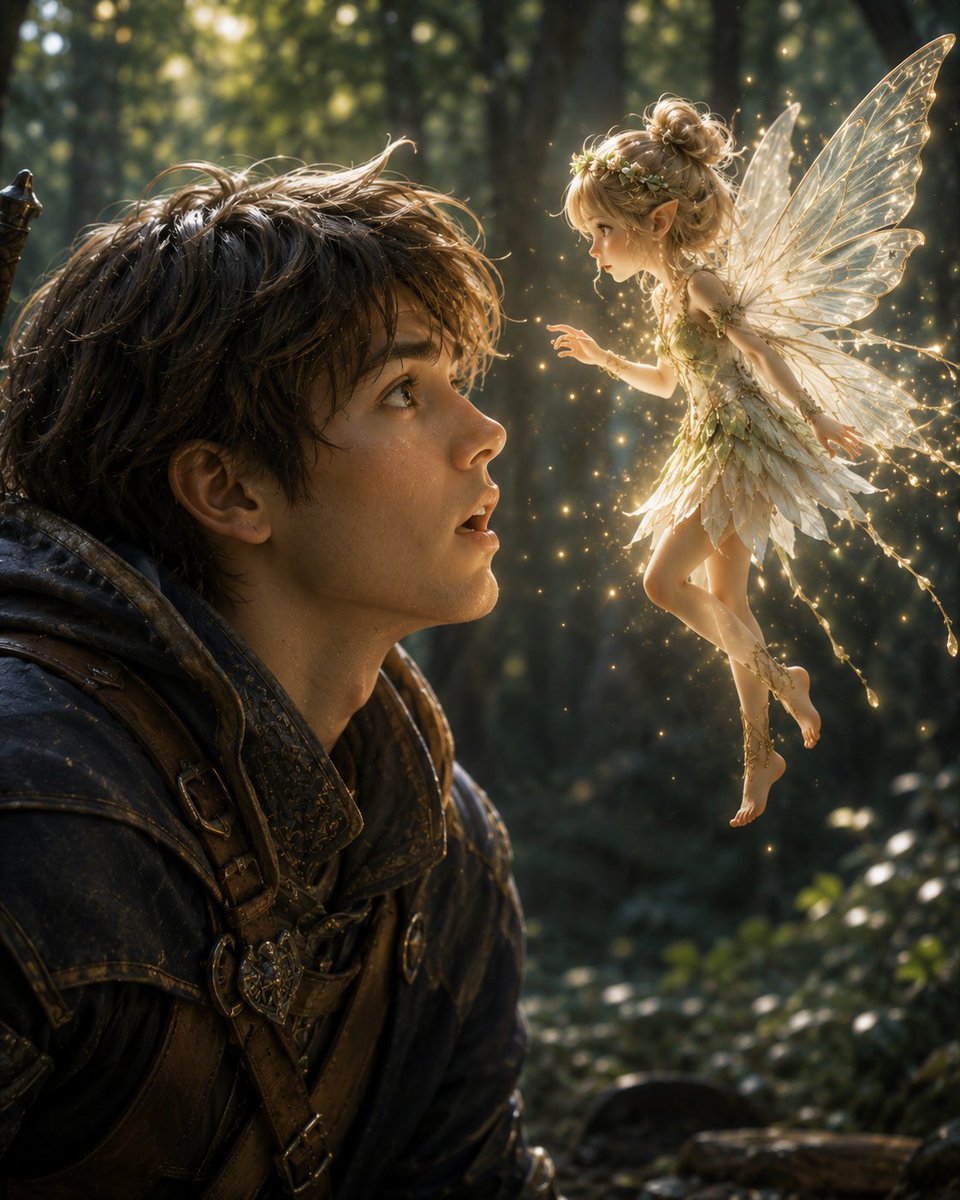
Boy Meets a Glowing Forest Fairy

Fantasy Noble Meets Politician Portrait

Giant Lotus Pond Portrait

Knight Facing Cathedral Giant
Make it yours
Giant Robot Meets Woman on Balcony works as-is. These are the safest ways to change it without losing the look.
Change one field
Copy a single group, rewrite it, and generate again so you can see what that field is doing.
Keep the frame, change the subject
Hold the composition and light of Giant Robot Meets Woman on Balcony, then swap wardrobe, props or the person for a new take.
| If the result… | Why | Fix |
|---|---|---|
| The result drifts from the preview | Too many fields changed at once. | Reuse Giant Robot Meets Woman on Balcony as-is first, then change one group — subject, light, or setting. |
| The model over-stylizes the scene | The prose prompt leaves finish and camera underspecified. | Add one camera or lighting sentence and stay on GPT Image 2. |
More GPT Image 2 templates
Other prompts made for GPT Image 2.

Six VTuber Japanese Logo Sheet

Realistic Portrait of Woman and Deer

The Vista Modular Condo Poster

AI Model Routing Comparison Infographic

2.5D Anime Art Board

Isometric Productivity Desk Scene

New York Double Exposure Poster

Four-Panel AI Landscape Comparison

Japanese Tatami Lifestyle Magazine Cover

NESCAFÉ Coffee Map Poster
More image prompts
Fresh picks from across the catalog.
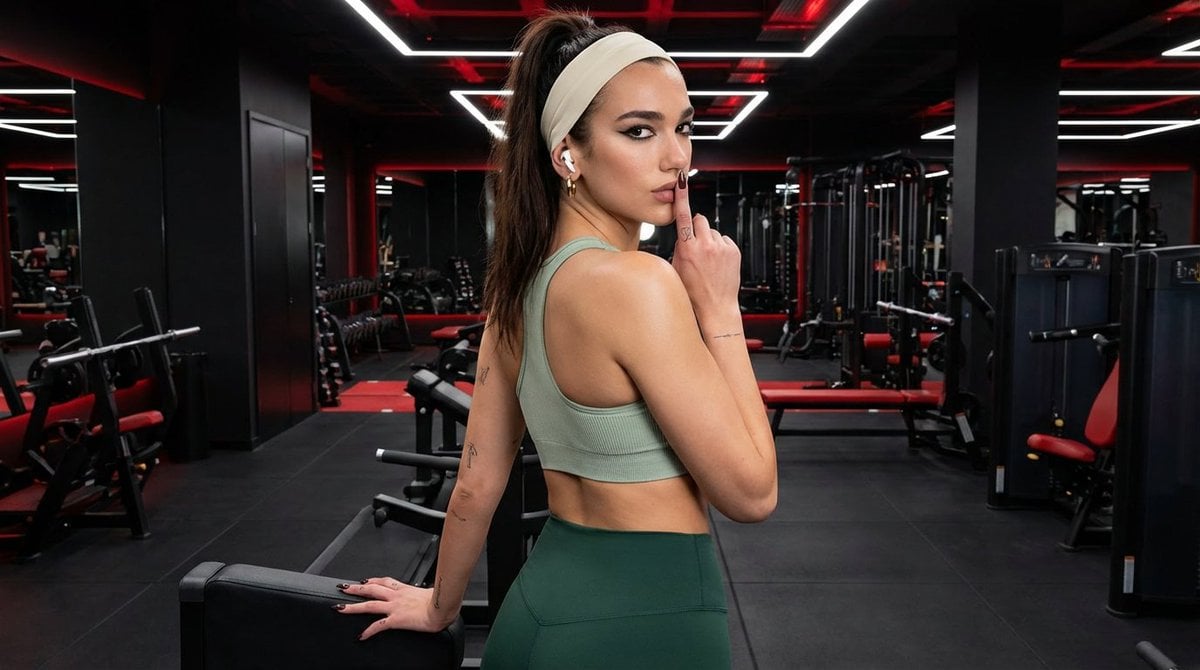
Modern Fitness Editorial Portrait

Colorful Annotated Scone Photo
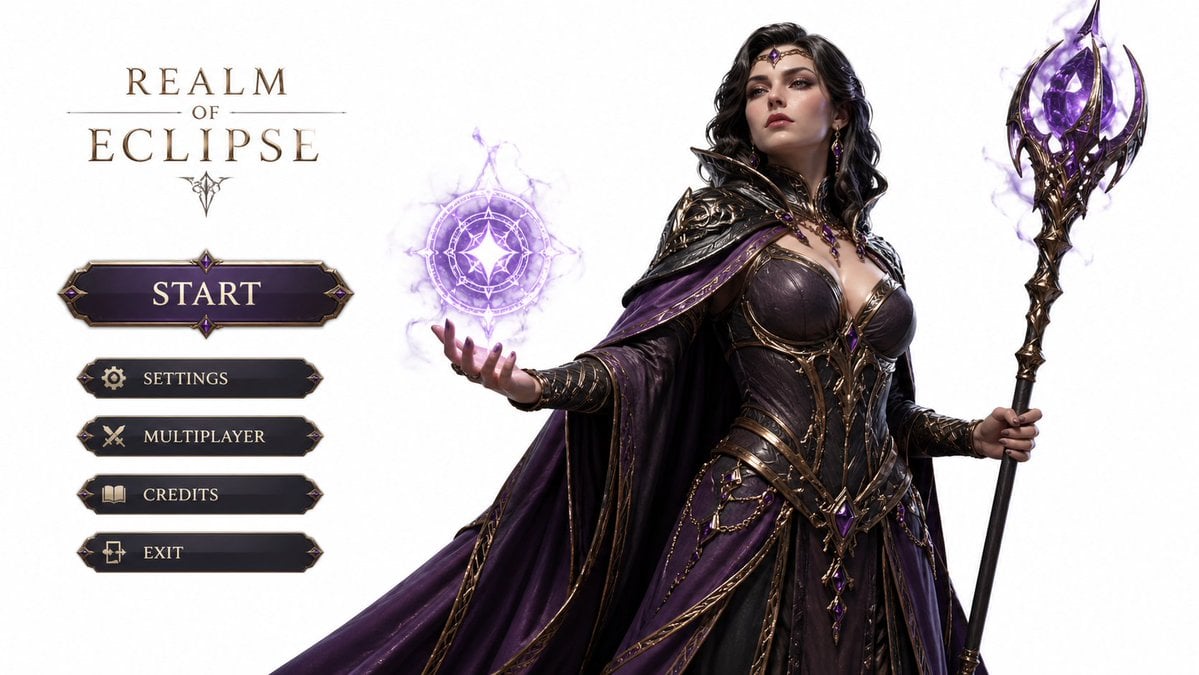
3D Gaming Character Sorceress
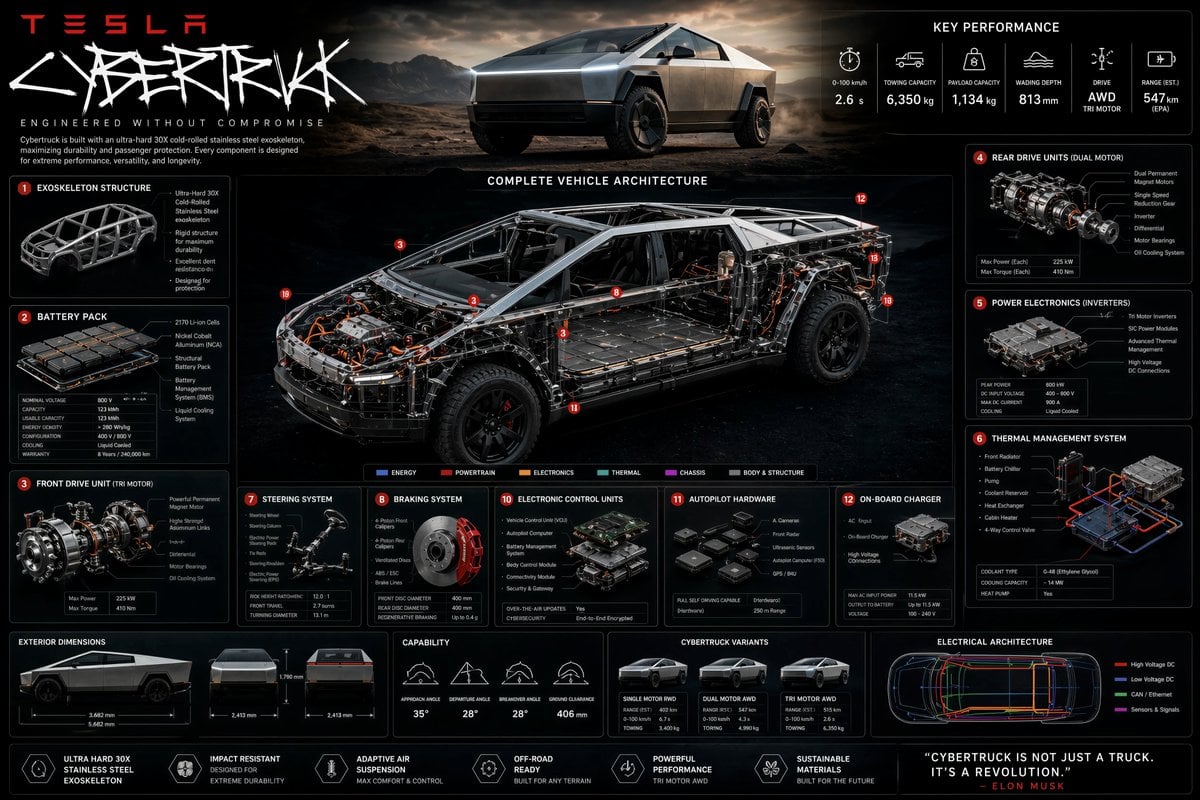
Technical Cutaway Infographic Poster

Tower of Druaga Gilgamesh vs. Druaga Prompt
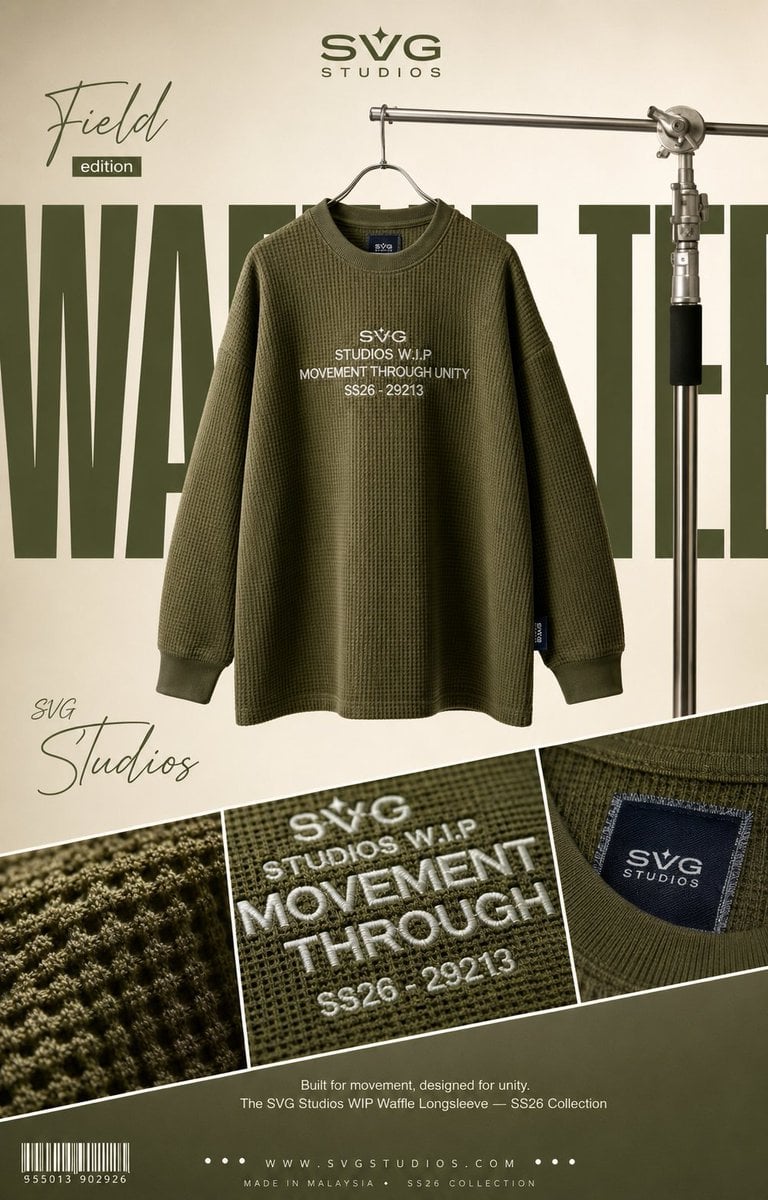
High-End Fashion Editorial Campaign Poster
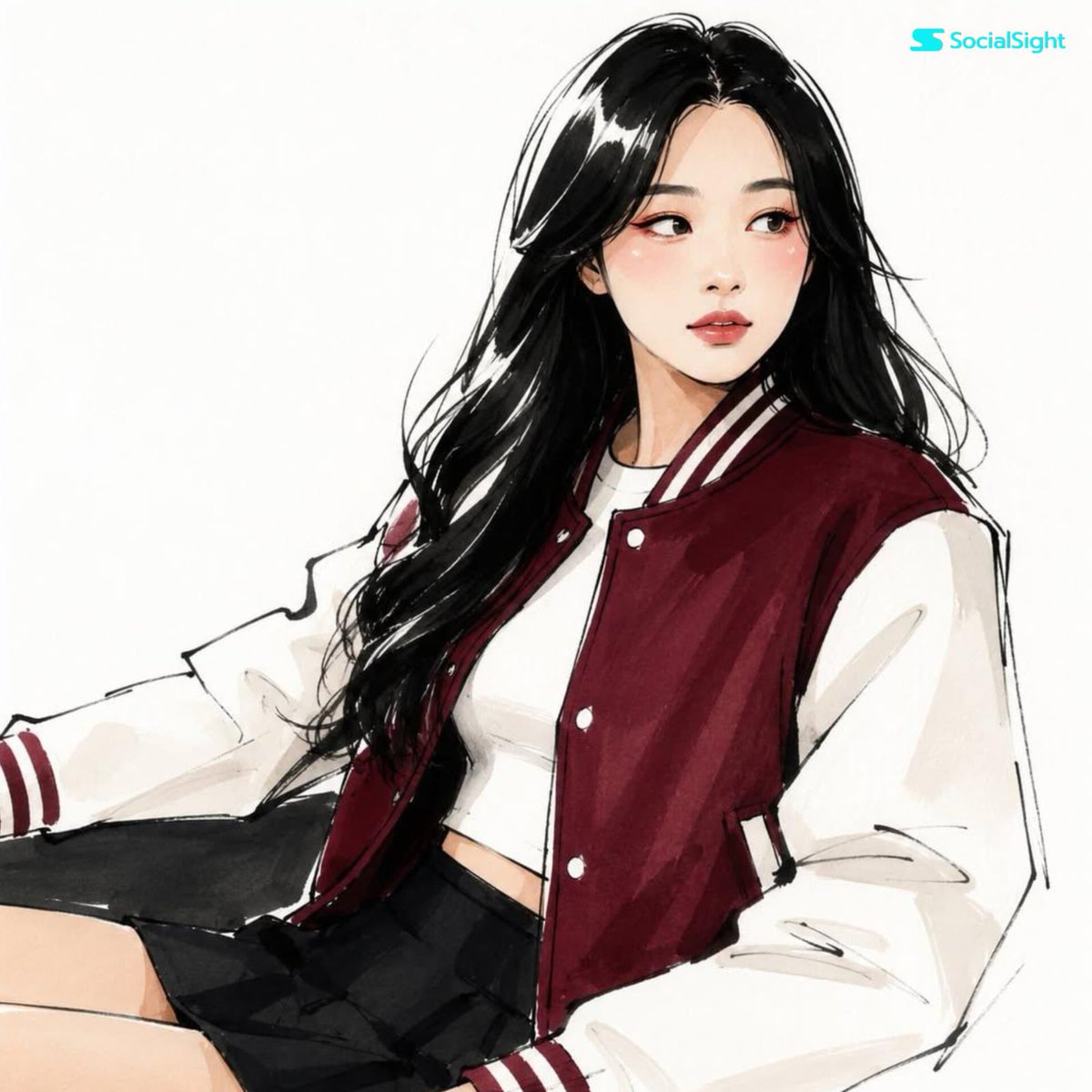
Fashion Editorial Illustration Sketch

Nano Banana Pro Prompt for Generating 'Viral Diagrams'

Merl iOS Personalization Screenshot

Luxury Perfume Ad on Marble Vanity
Browse template categories
Giant Robot Meets Woman on Balcony questions
How do I use the Giant Robot Meets Woman on Balcony template?
Add your photo if the template asks for one, edit the prompt if you like — the template's model and format are already selected — and press Generate. Your version opens in PicX Studio.
Can I customize the Giant Robot Meets Woman on Balcony template?
Yes. You can change the subject, setting, lighting, mood, format, and available model controls before creating your image.
Is the Giant Robot Meets Woman on Balcony template free?
Opening and editing this template is free. Generating uses credits, shown on the Generate button when you are signed in.
Which AI model should I use?
Start with GPT Image 2, which is the model associated with this template. You can compare another compatible model for a different finish.
Looking for something else? Browse all templates.

Your photo, any look
Thousands of ready templates for every top image and video model, from one credit balance.