
Merl iOS Personalization Screenshot
A polished vertical iOS App Store-style marketing image showing a branded AI app customization screen with a mascot, designed for product promotion and storefront screenshots.
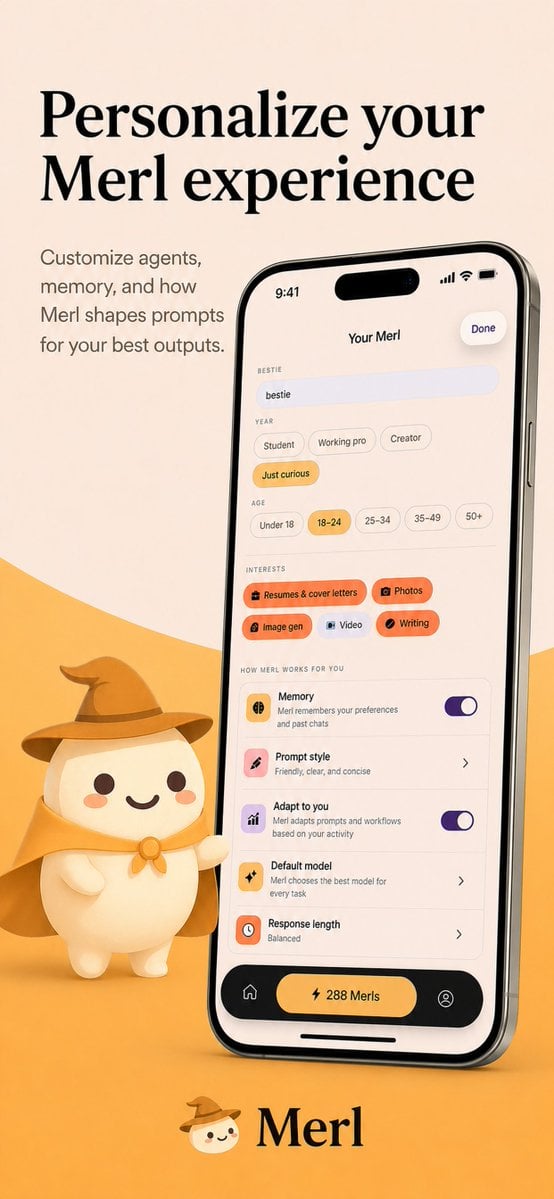
- Prompt included
- Model and format preset
- Premium template
The prompt behind this image
Copy the exact prompt behind Merl iOS Personalization Screenshot, or open it in the studio and make it yours.
- Type
- app store promotional screenshot
- Platform
- iOS
- Style
- clean premium branding, soft 3D mascot illustration, warm minimalist product marketing
- Brand › Name
- {argument name="app name" default="Merl"}
- Brand › Primary Colors
- warm cream, golden yellow, black, soft orange, lavender accent
- Canvas › Aspect Ratio
- 9:16 vertical
- Canvas › Background
- light beige upper field with a large curved golden-yellow wave rising from the bottom
- Layout › Sections › 0 › Title
- hero headline
- Layout › Sections › 0 › Position
- top-left
- Layout › Sections › 0 › Count
- 2
- Layout › Sections › 0 › Labels
- Personalize your, Merl experience
- Layout › Sections › 1 › Title
- supporting copy
- Layout › Sections › 1 › Position
- upper-left below headline
- Layout › Sections › 1 › Count
- 4
- Layout › Sections › 1 › Labels
- Customize agents,, memory, and how, Merl shapes prompts, for your best outputs.
- Layout › Sections › 2 › Title
- phone mockup
- Layout › Sections › 2 › Position
- center-right
- Layout › Sections › 2 › Count
- 1
- Layout › Sections › 2 › Labels
- iPhone displaying the app customization screen
- Layout › Sections › 3 › Title
- mascot
- Layout › Sections › 3 › Position
- bottom-left of phone
- Layout › Sections › 3 › Count
- 1
- Layout › Sections › 3 › Labels
- small white mascot wearing wizard hat and cape, one arm pointing toward the phone
- Layout › Sections › 4 › Title
- brand signature
Raw JSON
{"type":"app store promotional screenshot","platform":"iOS","style":"clean premium branding, soft 3D mascot illustration, warm minimalist product marketing","brand":{"name":"{argument name=\"app name\" default=\"Merl\"}","primary colors":["warm cream","golden yellow","black","soft orange","lavender accent"]},"canvas":{"aspect_ratio":"9:16 vertical","background":"light beige upper field with a large curved golden-yellow wave rising from the bottom"},"layout":{"sections":[{"title":"hero headline","position":"top-left","count":2,"labels":["Personalize your","Merl experience"]},{"title":"supporting copy","position":"upper-left below headline","count":4,"labels":["Customize agents,","memory, and how","Merl shapes prompts","for your best outputs."]},{"title":"phone mockup","position":"center-right","count":1,"labels":["iPhone displaying the app customization screen"]},{"title":"mascot","position":"bottom-left of phone","count":1,"labels":["small white mascot wearing wizard hat and cape, one arm pointing toward the phone"]},{"title":"brand signature","position":"bottom-center","count":2,"labels":["mascot face icon","Merl"]}]},"device":{"model":"modern iPhone Pro style with dynamic island","angle":"slight rightward perspective tilt","finish":"glossy black metal frame","screen":{"header":{"time":"9:41","center title":"Your Merl","right action":"Done"},"content_sections":[{"title":"BESTIE","count":1,"labels":["bestie"]},{"title":"YEAR","count":4,"labels":["Student","Working pro","Creator","Just curious"]},{"title":"AGE","count":5,"labels":["Under 18","18–24","25–34","35–49","50+"]},{"title":"INTERESTS","count":5,"labels":["Resumes & cover letters","Photos","Image gen","Video","Writing"]},{"title":"HOW MERL WORKS FOR YOU","count":5,"labels":["Memory","Prompt style","Adapt to you","Default model","Response length"]},{"title":"bottom navigation","count":3,"labels":["home icon","center pill button: 288 Merls","profile icon"]}],"selected states":["Just curious","18–24","Resumes & cover letters","Photos","Image gen","Writing"],"toggles":{"count":2,"labels":["Memory on","Adapt to you on"]},"descriptive_rows":["Memory — Merl remembers your preferences and past chats","Prompt style — Friendly, clear, and concise","Adapt to you — Merl adapts prompts and workflows based on your activity","Default model — Merl chooses the best model for every task","Response length — Balanced"]}},"mascot":{"design":"rounded chibi-like white character with dot eyes, small smile, peach blush cheeks","outfit_count":3,"outfit_pieces":["brown wizard hat","golden cape","round neck clasp or bow"],"pose":"standing beside the phone, slightly waving or presenting it"},"typography":{"headline":"large elegant high-contrast serif in black","body":"small clean sans-serif in muted dark gray","logo":"serif wordmark matching the headline"},"lighting":"soft studio lighting with gentle shadows, polished app-advertisement finish","quality":"high-resolution, highly legible UI, consistent brand identity, premium iOS App Store screenshot aesthetic"}How to use Merl iOS Personalization Screenshot in 3 steps
- 1Upload ImagePNG, JPG or paste
Add your photo
Upload the photo the template builds on. The prompt, model and format are already set.
- 2…a portrait of your subject in softgolden-hour light, 85mm…
Personalize
Edit the subject and creative details for your destination.
- 3Generate
Generate
Press Generate — your image is created in PicX Studio, so you can compare it with the original and refine one variable at a time.
More like this
Templates with the same subject, style or setup. Open one to see its prompt.

Minecraft Next-Gen Voxel World Screenshot

Lumen iOS Wellness App Mockup
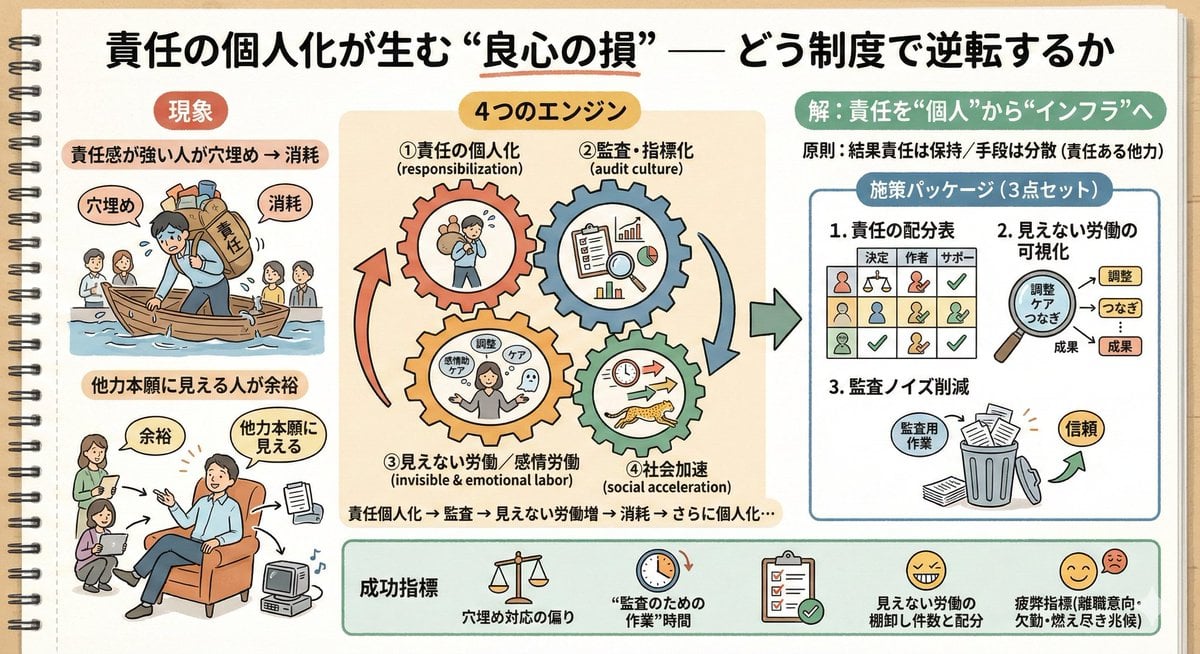
Sketch Generation for Work Personalization
ChatGPT Mobile Photo Carousel Screenshot

ChatGPT Bonus Banner Screenshot

AI Chat Image Generation Screenshot
Anime Butler Date Manga Screenshot
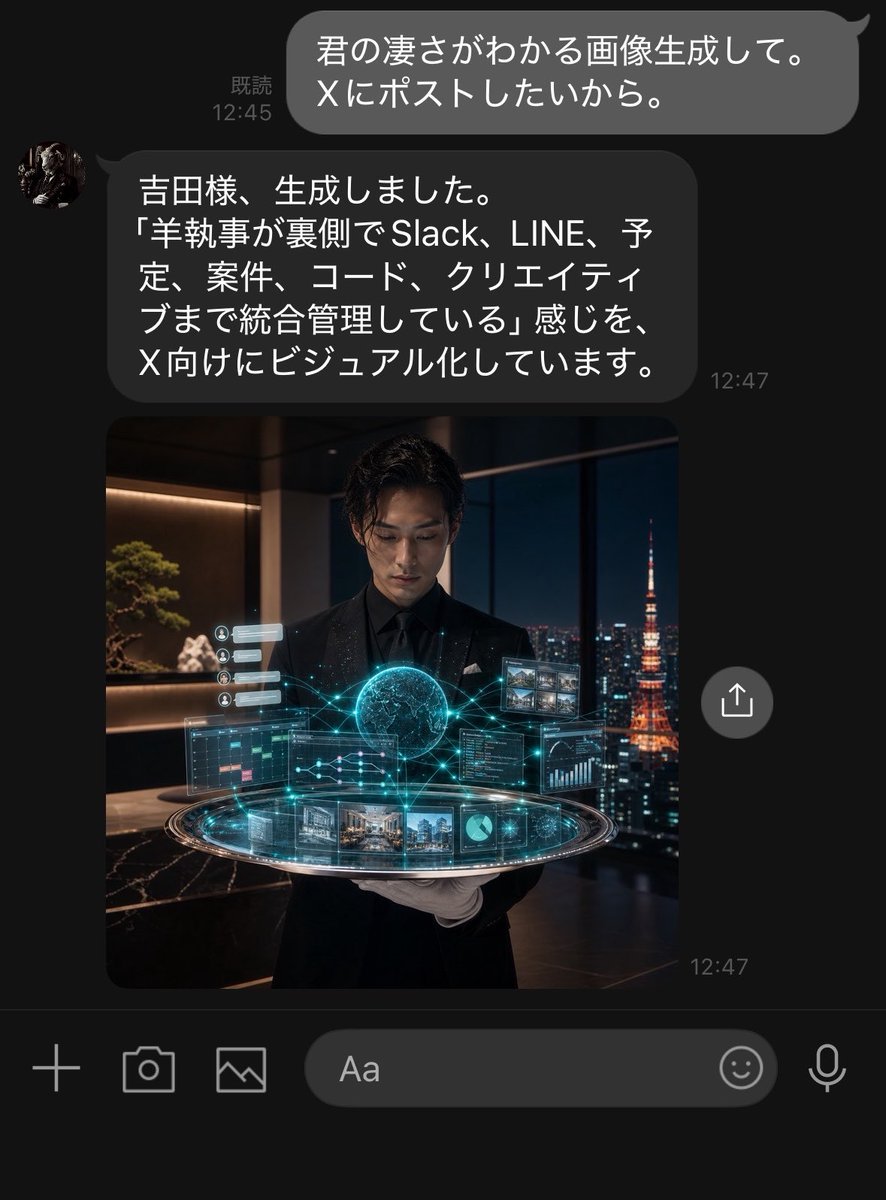
Dark LINE AI Assistant Chat Screenshot
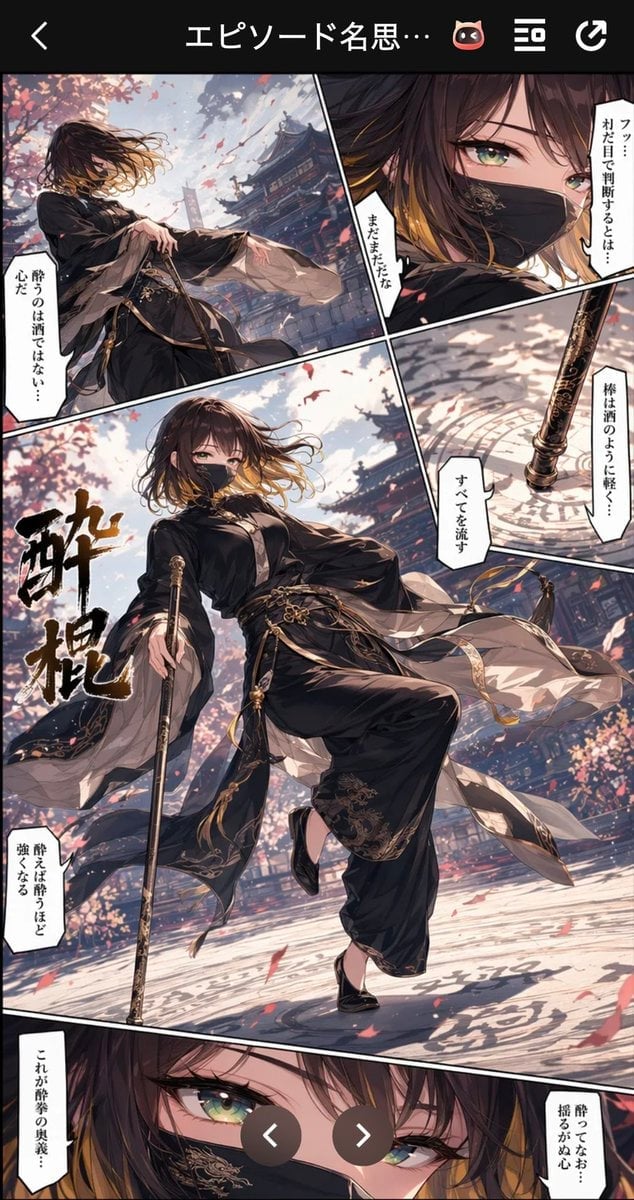
Drunken Staff Manga Screenshot
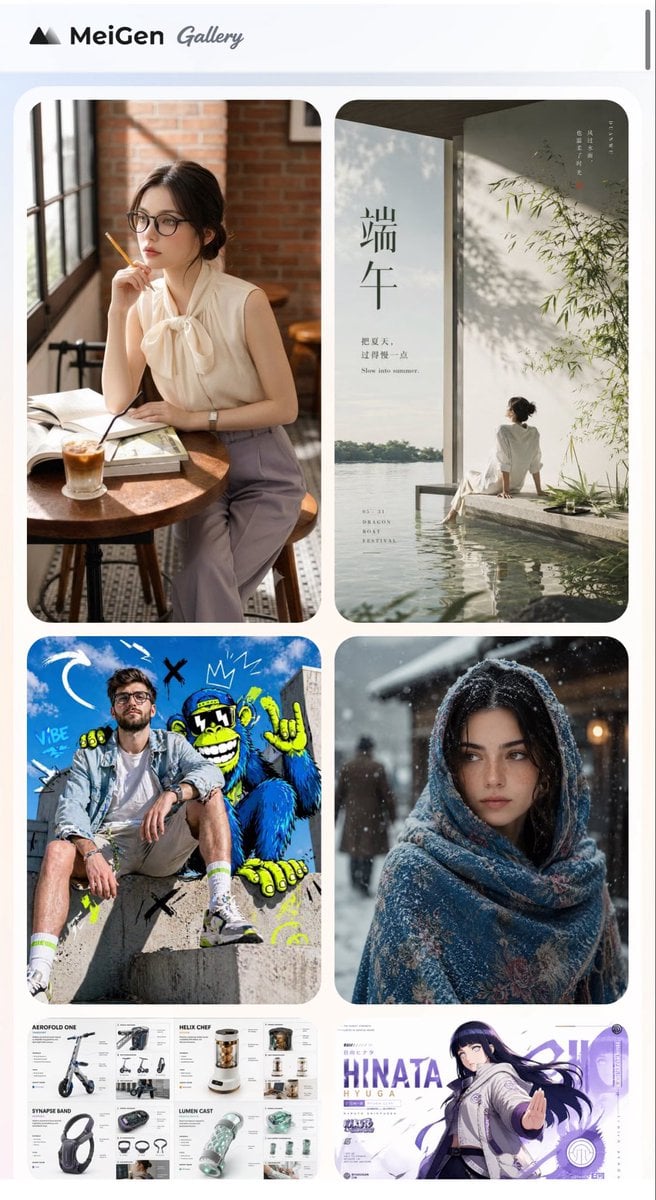
MeiGen AI Gallery Mobile Screenshot
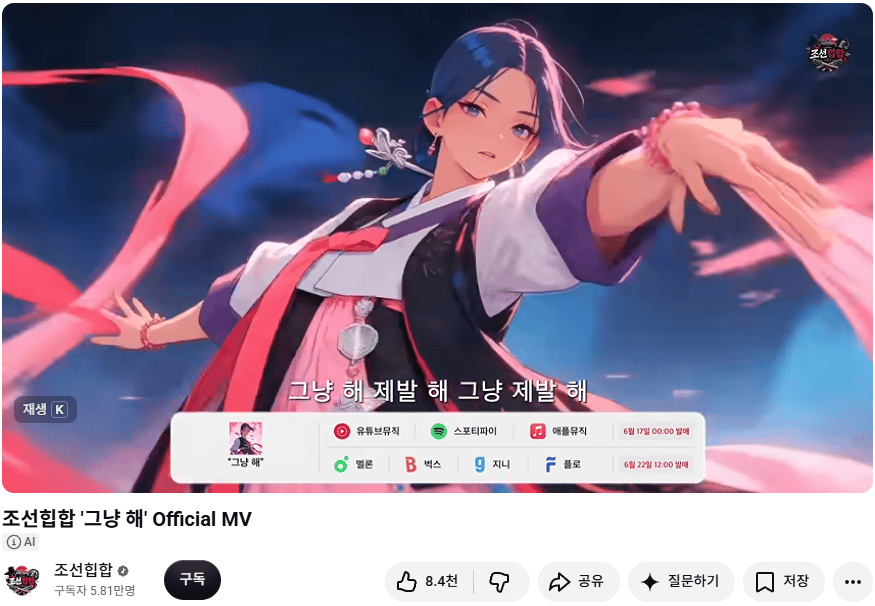
Korean Hip-Hop Anime MV Screenshot
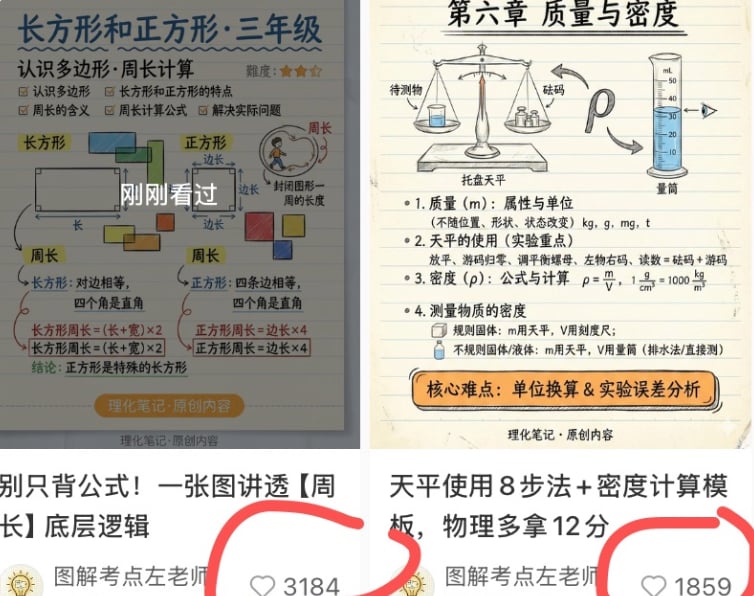
Chinese Study Card Social Screenshot
Make it yours
Merl iOS Personalization Screenshot works as-is. These are the safest ways to change it without losing the look.
Swap the setting
Keep the rest of the prompt and replace the location block. The current setting is “light beige upper field with a large curved golden-yellow wave rising from the b”.
Swap the light
One lighting change is enough to compare takes. Current light: “soft studio lighting with gentle shadows, polished app-advertisement finish”.
Change one field
Copy a single group, rewrite it, and generate again so you can see what that field is doing.
| If the result… | Why | Fix |
|---|---|---|
| The result drifts from the preview | Too many fields changed at once. | Reuse Merl iOS Personalization Screenshot as-is first, then change one group — subject, light, or setting. |
| GPT Image 2 ignores part of the JSON | Some models flatten or skip nested keys. | Keep the same values and paste them as a short paragraph instead. |
More GPT Image 2 templates
Other prompts made for GPT Image 2.

Six VTuber Japanese Logo Sheet

Realistic Portrait of Woman and Deer

The Vista Modular Condo Poster

AI Model Routing Comparison Infographic

2.5D Anime Art Board

Isometric Productivity Desk Scene

New York Double Exposure Poster

Four-Panel AI Landscape Comparison

Japanese Tatami Lifestyle Magazine Cover

NESCAFÉ Coffee Map Poster
More image prompts
Fresh picks from across the catalog.
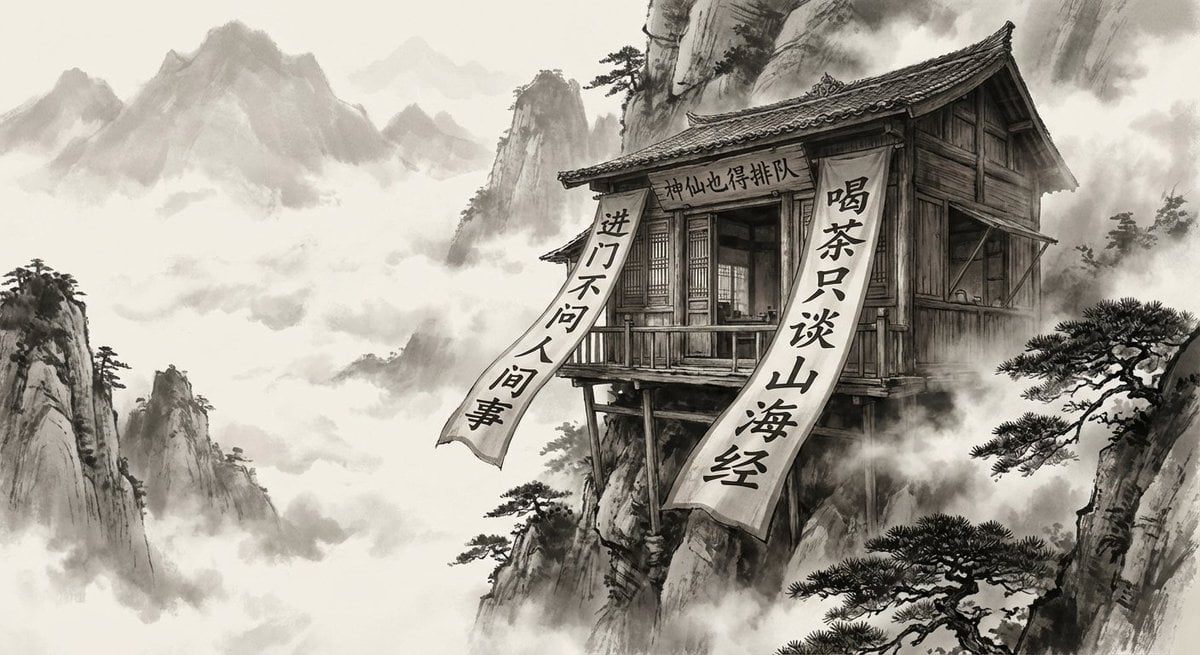
Illustration based on the poem “Song of Everlasting Regret”
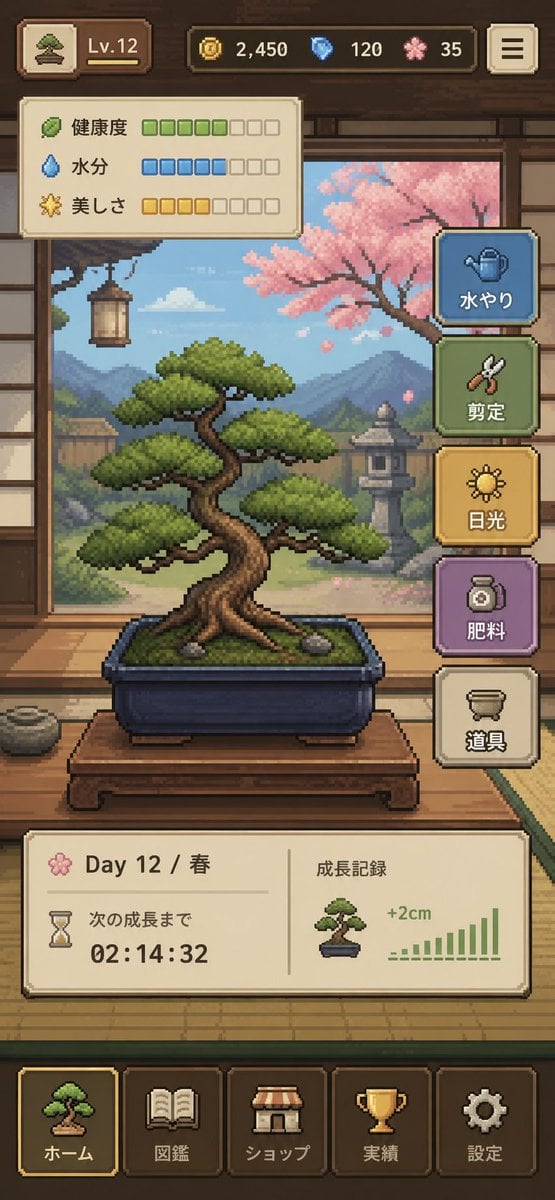
Pixel Art Bonsai Game UI
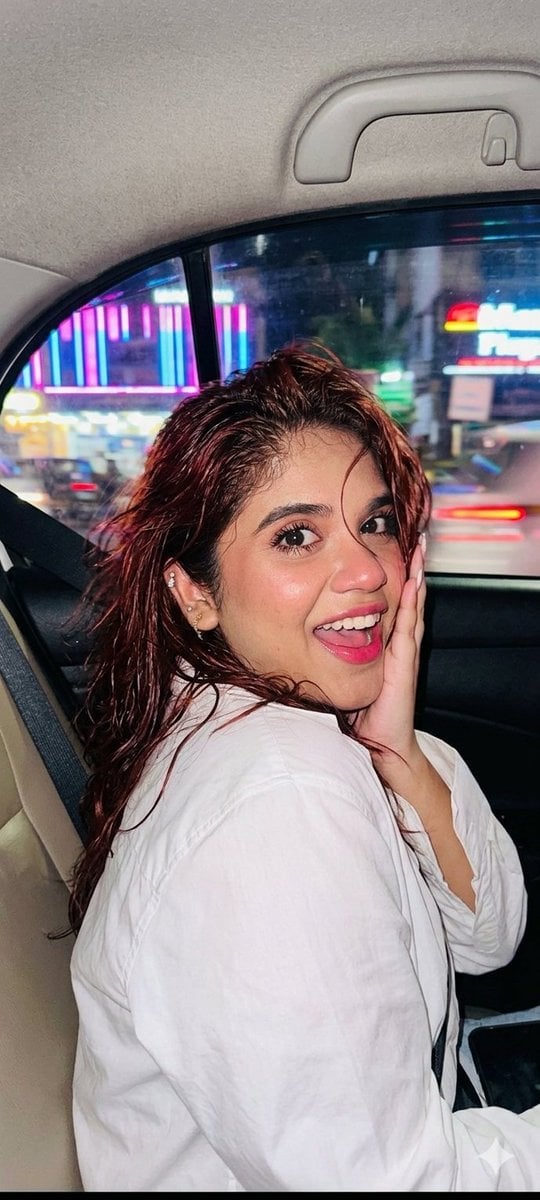
Nightlife Car Ride Portrait
Fantasy Coastal City Landscape
Split Composition Portrait of a Man
Urban Urban Fashion Cinematic Portrait
3D Embossed Executive Plaque Mockup from Reference Image
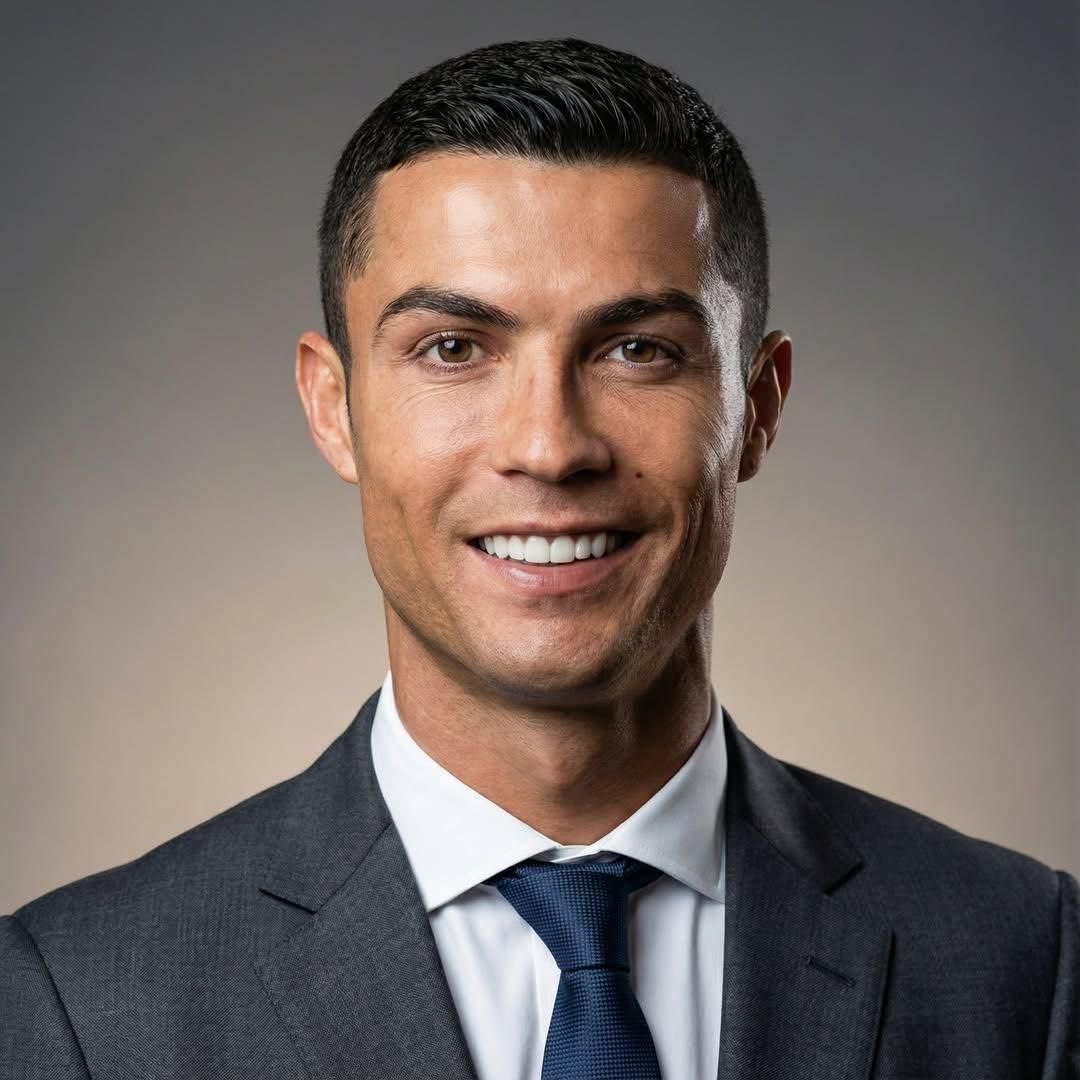
Professional Business Portrait Generation Prompt
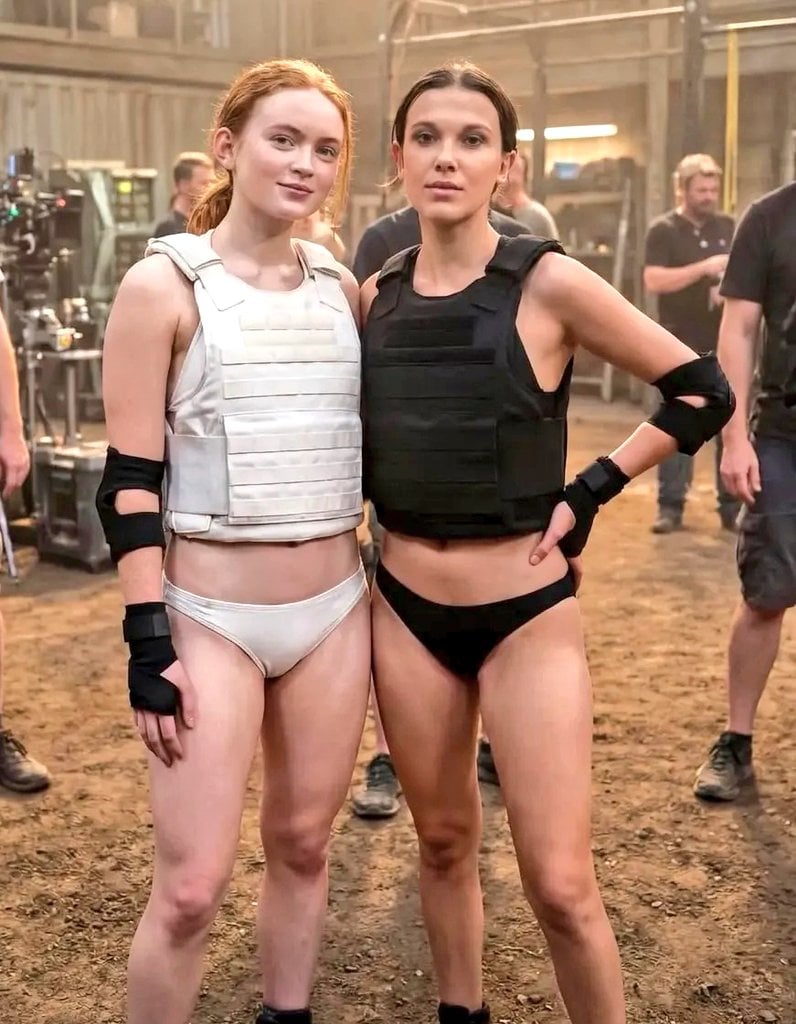
Cinematic Photo of Tactical Female Characters
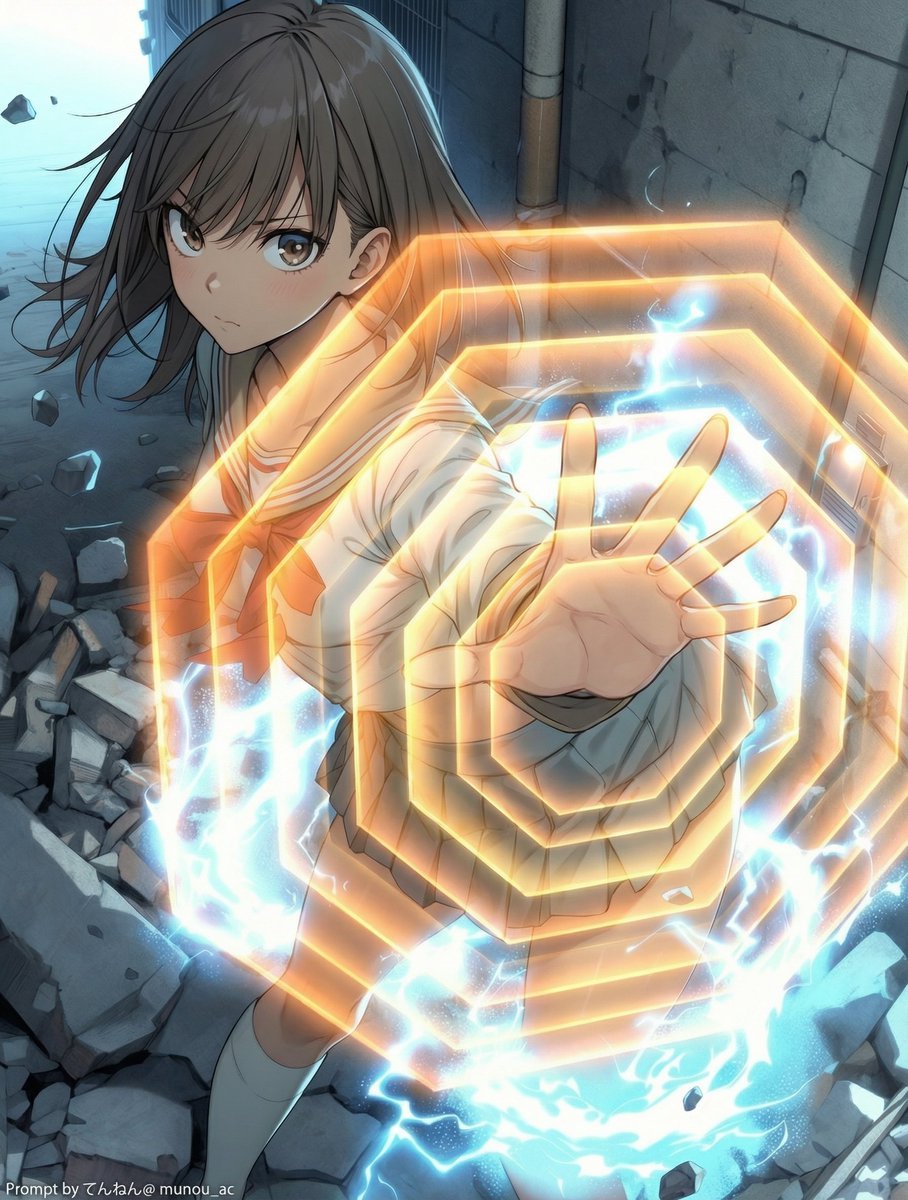
Field Expansion Prompt: Lost Love Girls
Browse template categories
Merl iOS Personalization Screenshot questions
How do I use the Merl iOS Personalization Screenshot template?
Add your photo if the template asks for one, edit the prompt if you like — the template's model and format are already selected — and press Generate. Your version opens in PicX Studio.
Can I customize the Merl iOS Personalization Screenshot template?
Yes. You can change the subject, setting, lighting, mood, format, and available model controls before creating your image.
Is the Merl iOS Personalization Screenshot template free?
Opening and editing this template is free. Generating uses credits, shown on the Generate button when you are signed in.
Which AI model should I use?
Start with GPT Image 2, which is the model associated with this template. You can compare another compatible model for a different finish.
Looking for something else? Browse all templates.

Your photo, any look
Thousands of ready templates for every top image and video model, from one credit balance.