
Pixel Art Bonsai Game UI
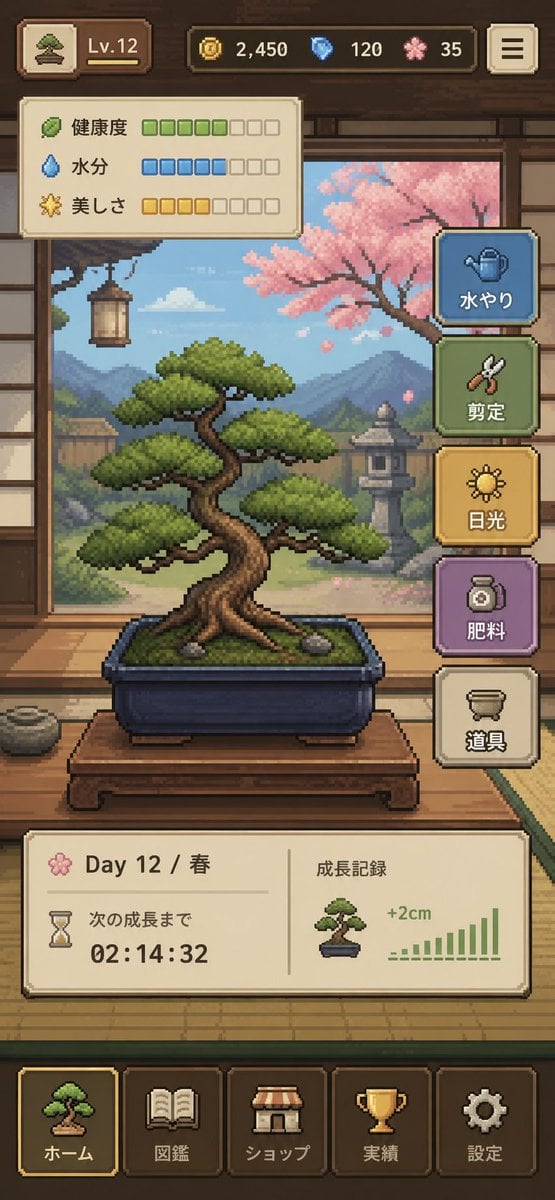
A polished vertical mobile game interface showing a cozy pixel-art bonsai care simulator, ideal for UI concepting, indie game mockups, and app store presentation art.
- Prompt included
- Model and format preset
- Premium template
The prompt behind this image
Copy the exact prompt behind Pixel Art Bonsai Game UI, or open it in the studio and make it yours.
- Type
- pixel art mobile game UI mockup
- Theme
- cozy Japanese bonsai cultivation simulator
- Style › Rendering
- detailed 2D pixel art, polished retro game aesthetic, crisp sprites, warm lighting, soft atmospheric background
- Style › Aspect Ratio
- 9:16 portrait
- Style › Camera
- straight-on view of a traditional Japanese room interior framing the bonsai in the center
- Subject › Main Object
- bonsai tree in a rectangular dark blue ceramic pot
- Subject › Bonsai › Species Look
- pine-like bonsai with layered rounded foliage pads
- Subject › Bonsai › Trunk
- thick twisted brown trunk with exposed roots
- Subject › Bonsai › Placement
- on a low wooden display table
- Subject › Bonsai › Soil
- mossy green surface with 2 small visible stones
- Environment › Setting
- traditional Japanese tatami room with open shoji view to a garden
- Environment › Background Elements
- wooden beams and wall trim, hanging lantern on the left, mountains in the distance, stone lantern in the garden, pink cherry blossom tree on the right, soft blue sky with clouds
- Environment › Mood
- calm, handcrafted, meditative
- Ui › Top Bar › Count
- 5
- Ui › Top Bar › Elements
- small bonsai icon button at top left, level badge showing "Lv.12", coin counter showing "2,450", blue gem counter showing "120", pink blossom currency counter showing "35"
- Ui › Top Bar › Top Right
- menu button with 3 horizontal lines
- Ui › Status Panel › Position
- upper left below top bar
- Ui › Status Panel › Count
- 3
- Ui › Status Panel › Rows › 0 › Label
- 健康度
- Ui › Status Panel › Rows › 0 › Icon
- leaf
- Ui › Status Panel › Rows › 0 › Filled
- 5
- Ui › Status Panel › Rows › 0 › Total
- 8
- Ui › Status Panel › Rows › 0 › Color
- green
- Ui › Status Panel › Rows › 1 › Label
- 水分
Raw JSON
{"type":"pixel art mobile game UI mockup","theme":"cozy Japanese bonsai cultivation simulator","style":{"rendering":"detailed 2D pixel art, polished retro game aesthetic, crisp sprites, warm lighting, soft atmospheric background","aspect_ratio":"9:16 portrait","camera":"straight-on view of a traditional Japanese room interior framing the bonsai in the center"},"subject":{"main_object":"bonsai tree in a rectangular dark blue ceramic pot","bonsai":{"species_look":"pine-like bonsai with layered rounded foliage pads","trunk":"thick twisted brown trunk with exposed roots","placement":"on a low wooden display table","soil":"mossy green surface with 2 small visible stones"}},"environment":{"setting":"traditional Japanese tatami room with open shoji view to a garden","background_elements":["wooden beams and wall trim","hanging lantern on the left","mountains in the distance","stone lantern in the garden","pink cherry blossom tree on the right","soft blue sky with clouds"],"mood":"calm, handcrafted, meditative"},"ui":{"top_bar":{"count":5,"elements":["small bonsai icon button at top left","level badge showing \"Lv.12\"","coin counter showing \"2,450\"","blue gem counter showing \"120\"","pink blossom currency counter showing \"35\""],"top_right":"menu button with 3 horizontal lines"},"status_panel":{"position":"upper left below top bar","count":3,"rows":[{"label":"健康度","icon":"leaf","filled":5,"total":8,"color":"green"},{"label":"水分","icon":"water droplet","filled":5,"total":8,"color":"blue"},{"label":"美しさ","icon":"sparkle flower","filled":4,"total":8,"color":"gold"}]},"action_buttons":{"position":"right side vertical stack","count":5,"buttons":[{"label":"水やり","icon":"watering can","color":"blue"},{"label":"剪定","icon":"shears","color":"green"},{"label":"日光","icon":"sun","color":"gold"},{"label":"肥料","icon":"fertilizer jar","color":"purple"},{"label":"道具","icon":"pot or tools container","color":"cream"}]},"info_panel":{"position":"lower middle above navigation","count":2,"sections":[{"label":"Day 12 / 春","subitems":["flower icon","hourglass icon","text \"次の成長まで\"","countdown timer \"02:14:32\""]},{"label":"成長記録","subitems":["small bonsai thumbnail","text \"+2cm\"","green bar chart with 10 ascending bars"]}]},"bottom_navigation":{"position":"bottom","count":5,"tabs":["ホーム","図鑑","ショップ","実績","設定"],"icons":["bonsai","book","shop awning","trophy","gear"],"active_tab":"ホーム"}},"composition":"central bonsai hero object, UI panels framing the scene without covering the tree, game-ready mockup that looks like a screenshot from a finished mobile app","color_palette":{"dominant":["warm wood brown","tatami beige","moss green","sky blue","cherry blossom pink","muted gold"],"accent_buttons":["dusty blue","sage green","mustard gold","soft purple","cream"]},"quality":"clean, legible interface, professional indie game prototype, charming and highly cohesive"}How to use Pixel Art Bonsai Game UI in 3 steps
- 1Upload ImagePNG, JPG or paste
Add your photo
Upload the photo the template builds on. The prompt, model and format are already set.
- 2…a portrait of your subject in softgolden-hour light, 85mm…
Personalize
Edit the subject and creative details for your destination.
- 3Generate
Generate
Press Generate — your image is created in PicX Studio, so you can compare it with the original and refine one variable at a time.
More like this
Templates with the same subject, style or setup. Open one to see its prompt.

Pixel Limited Finale Fireworks

Pixel Limited Garden Maze

Pixel Limited Rooftop Concert

Pixel Limited Bicycle Coast

Pixel Limited Castle Gate

Pixel Limited Kitchen Chaos

Pixel Limited Carnival Ride

Pixel Limited Rainy Bus Stop

Pixel Limited Space Dock

Pixel Limited Cafe Morning

Pixel Limited Mountain Summit

Pixel Limited Underwater Reef
Make it yours
Pixel Art Bonsai Game UI works as-is. These are the safest ways to change it without losing the look.
Swap the setting
Keep the rest of the prompt and replace the location block. The current setting is “traditional Japanese tatami room with open shoji view to a garden”.
Change one field
Copy a single group, rewrite it, and generate again so you can see what that field is doing.
Keep the frame, change the subject
Hold the composition and light of Pixel Art Bonsai Game UI, then swap wardrobe, props or the person for a new take.
| If the result… | Why | Fix |
|---|---|---|
| The result drifts from the preview | Too many fields changed at once. | Reuse Pixel Art Bonsai Game UI as-is first, then change one group — subject, light, or setting. |
| GPT Image 2 ignores part of the JSON | Some models flatten or skip nested keys. | Keep the same values and paste them as a short paragraph instead. |
More GPT Image 2 templates
Other prompts made for GPT Image 2.

Six VTuber Japanese Logo Sheet

Realistic Portrait of Woman and Deer

The Vista Modular Condo Poster

AI Model Routing Comparison Infographic

2.5D Anime Art Board

Isometric Productivity Desk Scene

New York Double Exposure Poster

Four-Panel AI Landscape Comparison

Japanese Tatami Lifestyle Magazine Cover

NESCAFÉ Coffee Map Poster
More image prompts
Fresh picks from across the catalog.
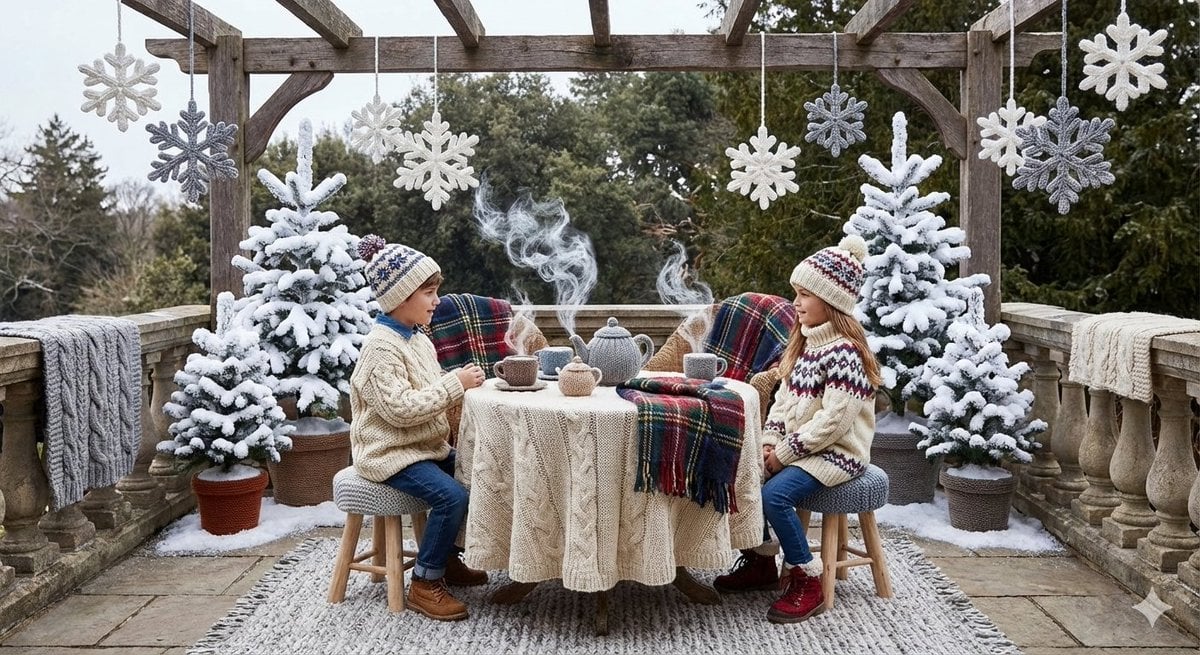
Knitted Terrace Scene with Cable-Knit Textures

Movie Poster Style Ad Generation Prompt

Cinematic Medium Shot of a Woman with a Luxury Basketball
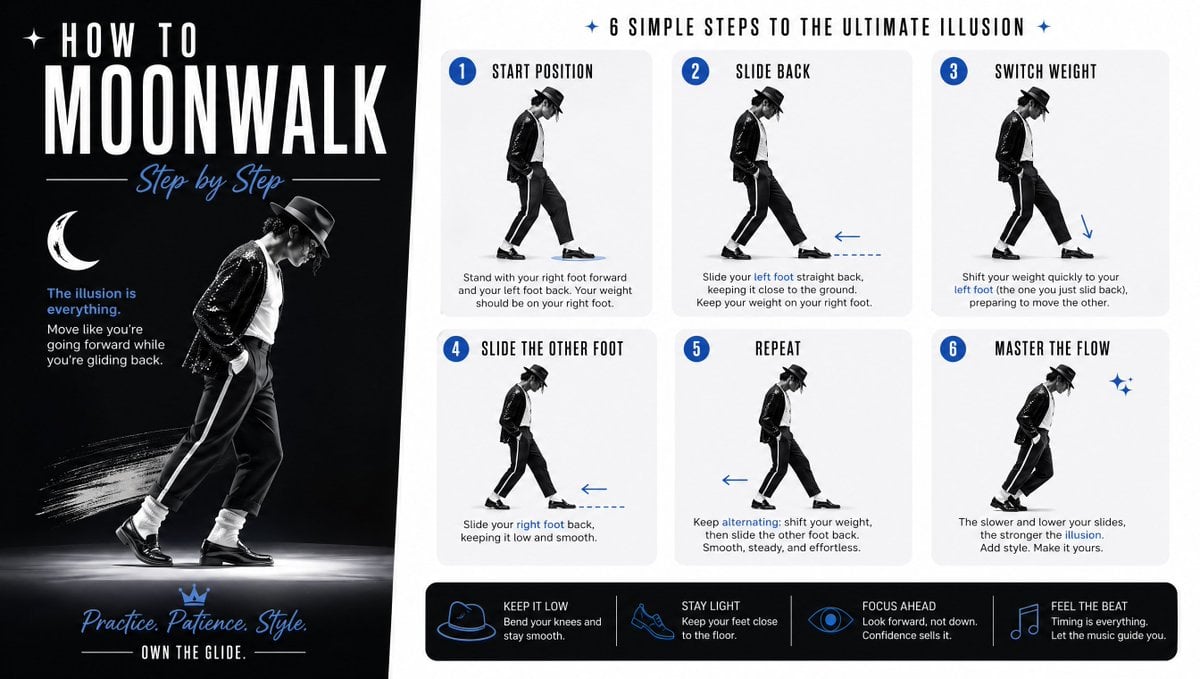
Moonwalk Step-by-Step Tutorial Poster
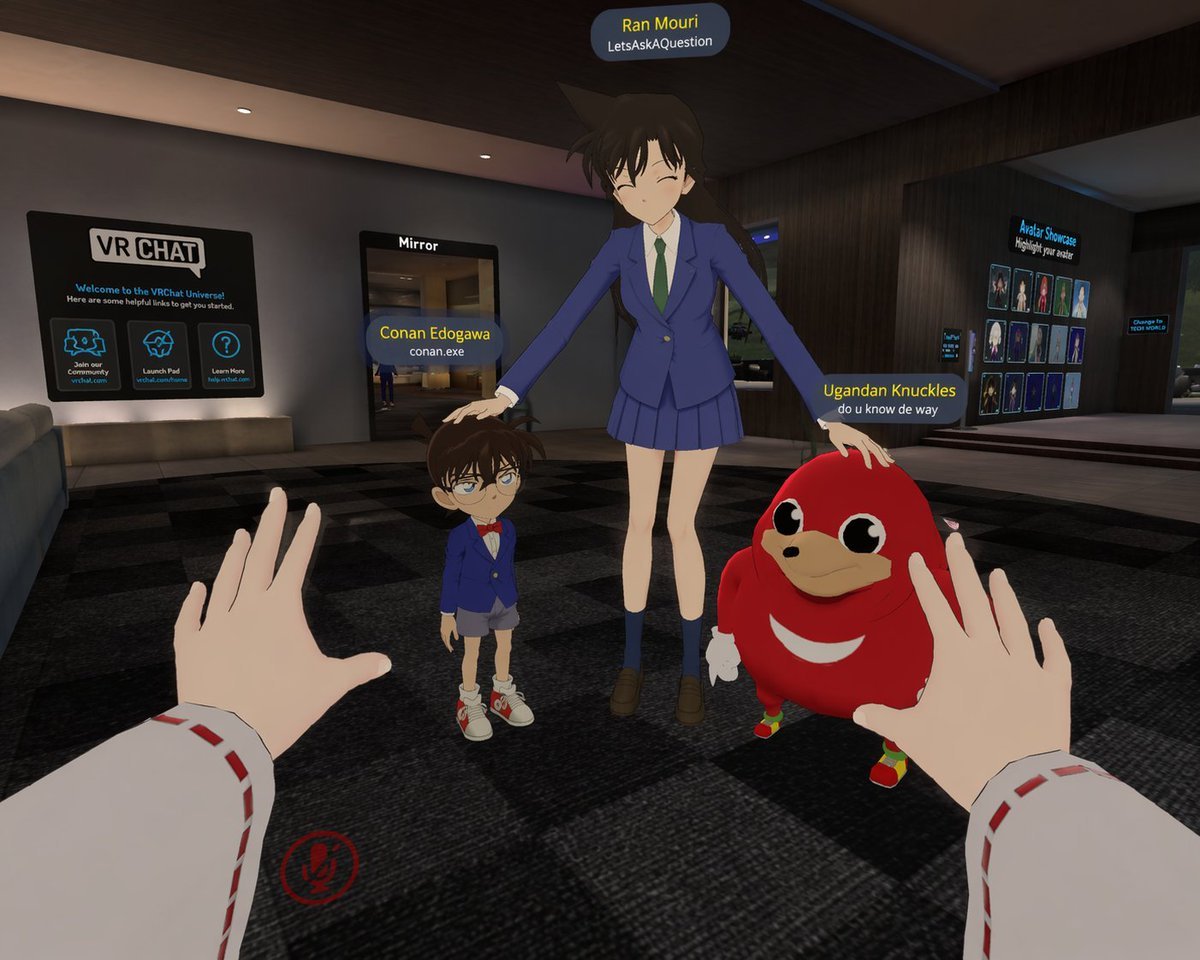
First-Person VRChat Meme Crossover Screenshot

Candid Smartphone Snapshot of Festival Kiss with Fireworks
Image-to-Image Instruction for Clothing Swap

Stylized 3D Cartoon Man in Streetwear

Cinematic 1920s Gatsby Couple Kiss
AI Headshot App Store Promo Poster
Browse template categories
Pixel Art Bonsai Game UI questions
How do I use the Pixel Art Bonsai Game UI template?
Add your photo if the template asks for one, edit the prompt if you like — the template's model and format are already selected — and press Generate. Your version opens in PicX Studio.
Can I customize the Pixel Art Bonsai Game UI template?
Yes. You can change the subject, setting, lighting, mood, format, and available model controls before creating your image.
Is the Pixel Art Bonsai Game UI template free?
Opening and editing this template is free. Generating uses credits, shown on the Generate button when you are signed in.
Which AI model should I use?
Start with GPT Image 2, which is the model associated with this template. You can compare another compatible model for a different finish.
Looking for something else? Browse all templates.

Your photo, any look
Thousands of ready templates for every top image and video model, from one credit balance.