
AI Headshot App Store Promo Poster
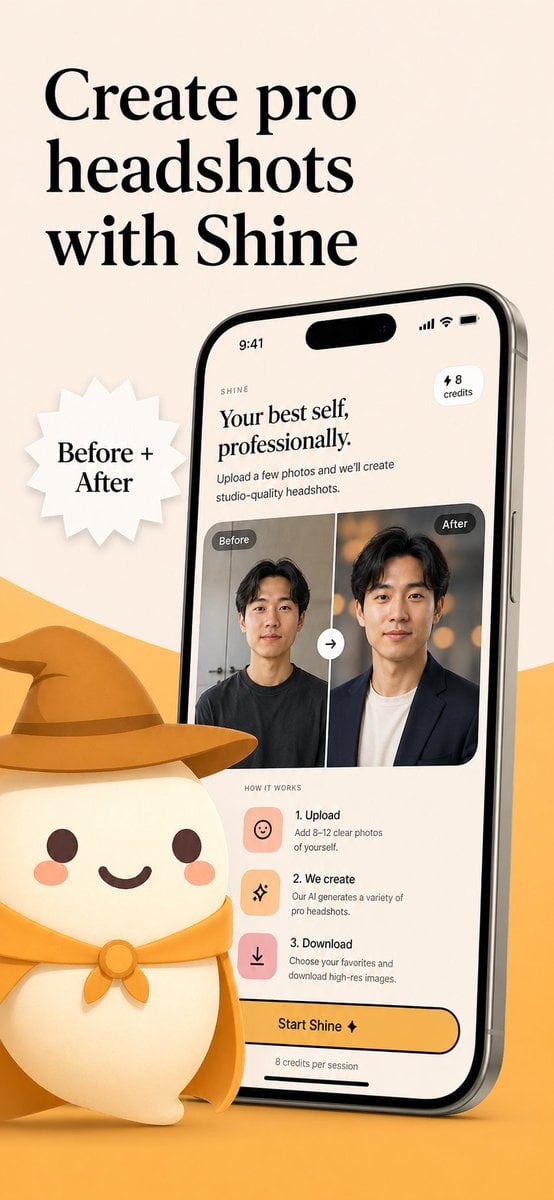
A branded mobile app marketing visual showing an AI headshot app interface, before-and-after results, and a cute mascot, suitable for App Store screenshots or launch campaigns.
- Prompt included
- Model and format preset
- Free template
The prompt behind this image
Copy the exact prompt behind AI Headshot App Store Promo Poster, or open it in the studio and make it yours.
Create a polished App Store promotional poster for an AI headshot app called {argument name="app name" default="Shine"}, in a warm minimalist brand style. Use a vertical smartphone screenshot ad layout on a soft beige background with a curved golden-yellow shape rising from the bottom edge. Place a large elegant black serif headline in the upper left, split across 3 lines, reading {argument name="headline text" default="Create pro headshots with Shine"}. Add a white jagged starburst badge to the left-center with black serif text reading {argument name="badge text" default="Before + After"}. On the right side, show a large angled modern smartphone mockup, slightly tilted left, with thin metallic edges and a realistic screen. The phone display should show the app interface for AI-generated professional headshots. At the top of the screen, include a small wordmark reading SHINE, a large serif subheadline saying "Your best self, professionally.", supporting body text saying "Upload a few photos and we’ll create studio-quality headshots.", a small rounded pill in the upper right that says "⚡ 8 credits", and an iPhone-style status bar showing 9:41. In the middle of the phone screen, show a before-and-after comparison card with 2 portrait panels side by side, each labeled exactly once: 1 left label "Before" and 1 right label "After". The left portrait is a casual man in a dark T-shirt against a plain indoor background; the right portrait is the same man transformed into a professional headshot wearing a dark blazer over a light shirt with a warm studio bokeh background. Put a circular swap arrow button centered between the 2 panels. Below that, include a "HOW IT WORKS" section with exactly 3 steps arranged vertically: 1) "1. Upload" with the text "Add 8–12 clear photos of yourself.", 2) "2. We create" with the text "Our AI generates a variety of pro headshots.", 3) "3. Download" with the text "Choose your favorites and download high-res images." Give each step a rounded square pastel icon tile in peach or pink tones. Near the bottom of the phone screen, add a large rounded yellow CTA button reading {argument name="button text" default="Start Shine ✦"}, and beneath it small text saying "8 credits per session". In the lower left foreground, place a cute stylized white mascot character with a rounded body, tiny arms, blush cheeks, dot eyes, and a smiling mouth, wearing a golden-yellow cowboy hat and matching neckerchief; the oversized hat should extend toward the center and overlap the base area in front of the phone. Use soft 3D illustration for the mascot, premium UI design for the phone screen, consistent beige-and-gold branding, subtle shadows, clean spacing, and a refined startup-marketing aesthetic.
How to use AI Headshot App Store Promo Poster in 3 steps
- 1Upload ImagePNG, JPG or paste
Add your photo
Upload the photo the template builds on. The prompt, model and format are already set.
- 2…a portrait of your subject in softgolden-hour light, 85mm…
Personalize
Edit the subject and creative details for your destination.
- 3Generate
Generate
Press Generate — your image is created in PicX Studio, so you can compare it with the original and refine one variable at a time.
More like this
Templates with the same subject, style or setup. Open one to see its prompt.

Trendy Cafe Drink Promo Poster
Japanese Inventory App Promo Poster

Gpt2 Youtube Thumbnail Anime Music Bootcamp Promo Poster

Japan Travel Brochure Poster
Highlighted App Promo Cover

Formal Business Headshot Profile Poster
Distressed Convenience Store Recruitment Poster
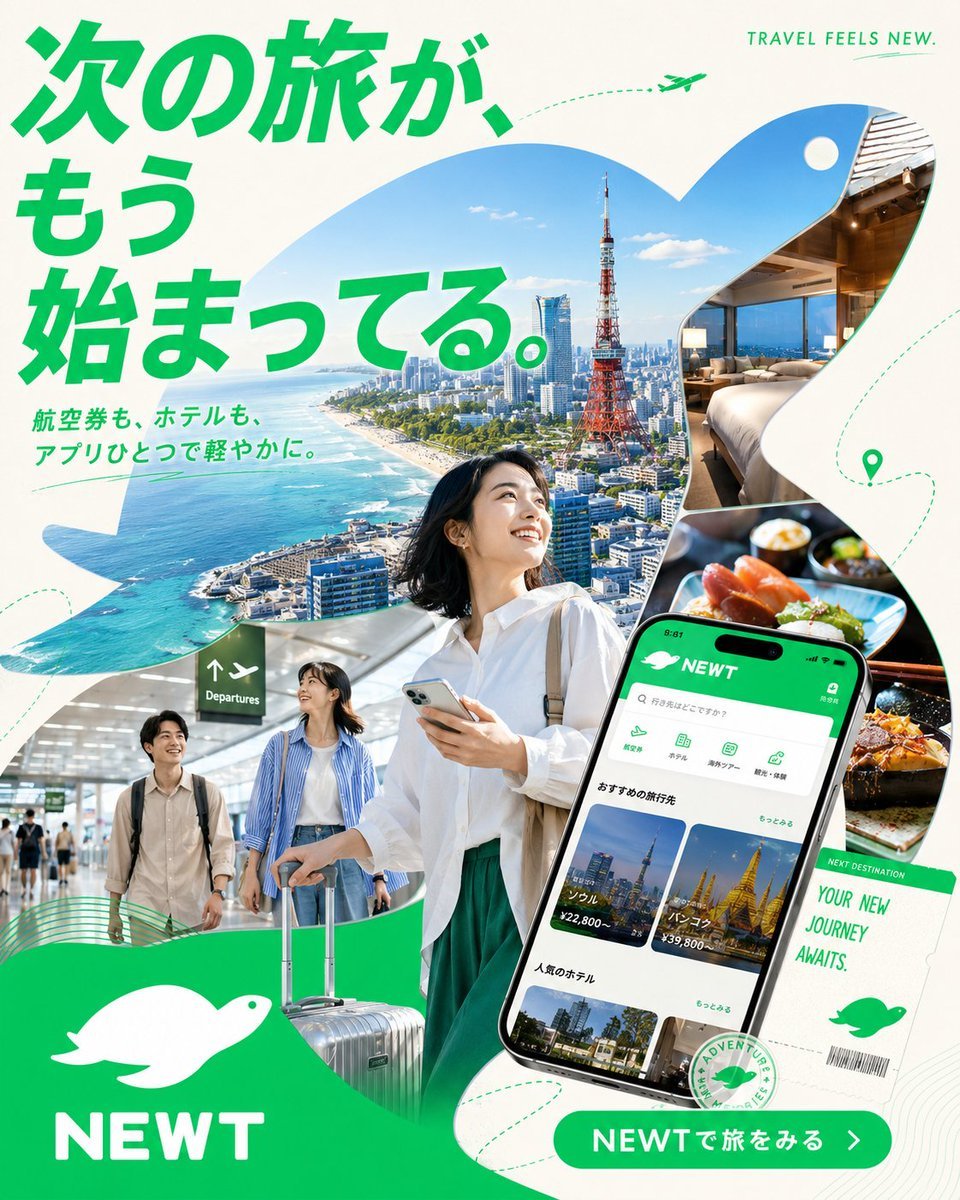
Japanese NEWT Travel App Poster
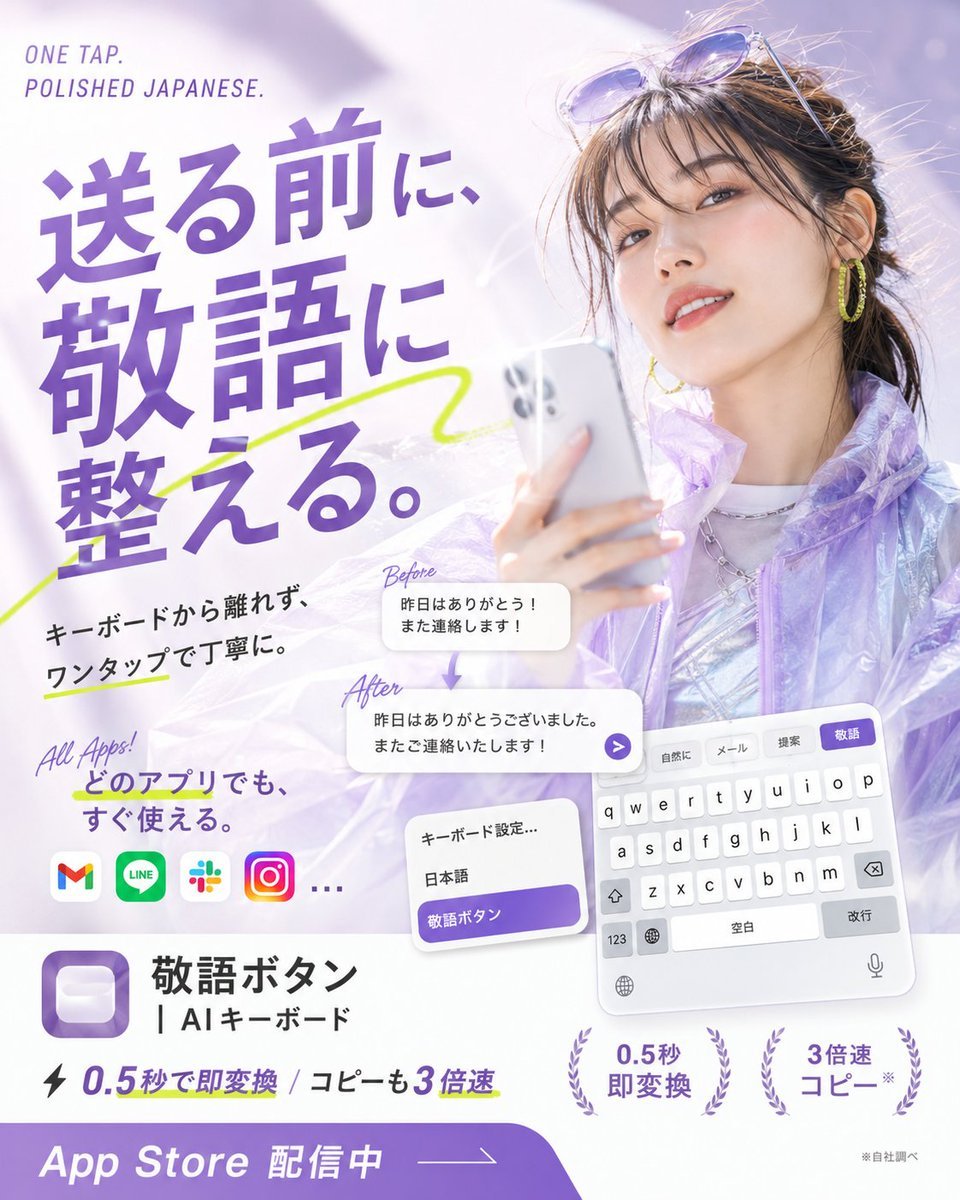
Japanese AI Keyboard App Poster

A k.pop idol on the stage with mic

Cartoon TV Show Poster Pack

Urban Fashion Editorial Collage Streetwear Poster
Make it yours
AI Headshot App Store Promo Poster works as-is. These are the safest ways to change it without losing the look.
Change one field
Copy a single group, rewrite it, and generate again so you can see what that field is doing.
Keep the frame, change the subject
Hold the composition and light of AI Headshot App Store Promo Poster, then swap wardrobe, props or the person for a new take.
| If the result… | Why | Fix |
|---|---|---|
| The result drifts from the preview | Too many fields changed at once. | Reuse AI Headshot App Store Promo Poster as-is first, then change one group — subject, light, or setting. |
| The model over-stylizes the scene | The prose prompt leaves finish and camera underspecified. | Add one camera or lighting sentence and stay on GPT Image 2. |
More GPT Image 2 templates
Other prompts made for GPT Image 2.

Six VTuber Japanese Logo Sheet

Realistic Portrait of Woman and Deer

The Vista Modular Condo Poster

AI Model Routing Comparison Infographic

2.5D Anime Art Board

Isometric Productivity Desk Scene

New York Double Exposure Poster

Four-Panel AI Landscape Comparison

Japanese Tatami Lifestyle Magazine Cover

NESCAFÉ Coffee Map Poster
More image prompts
Fresh picks from across the catalog.
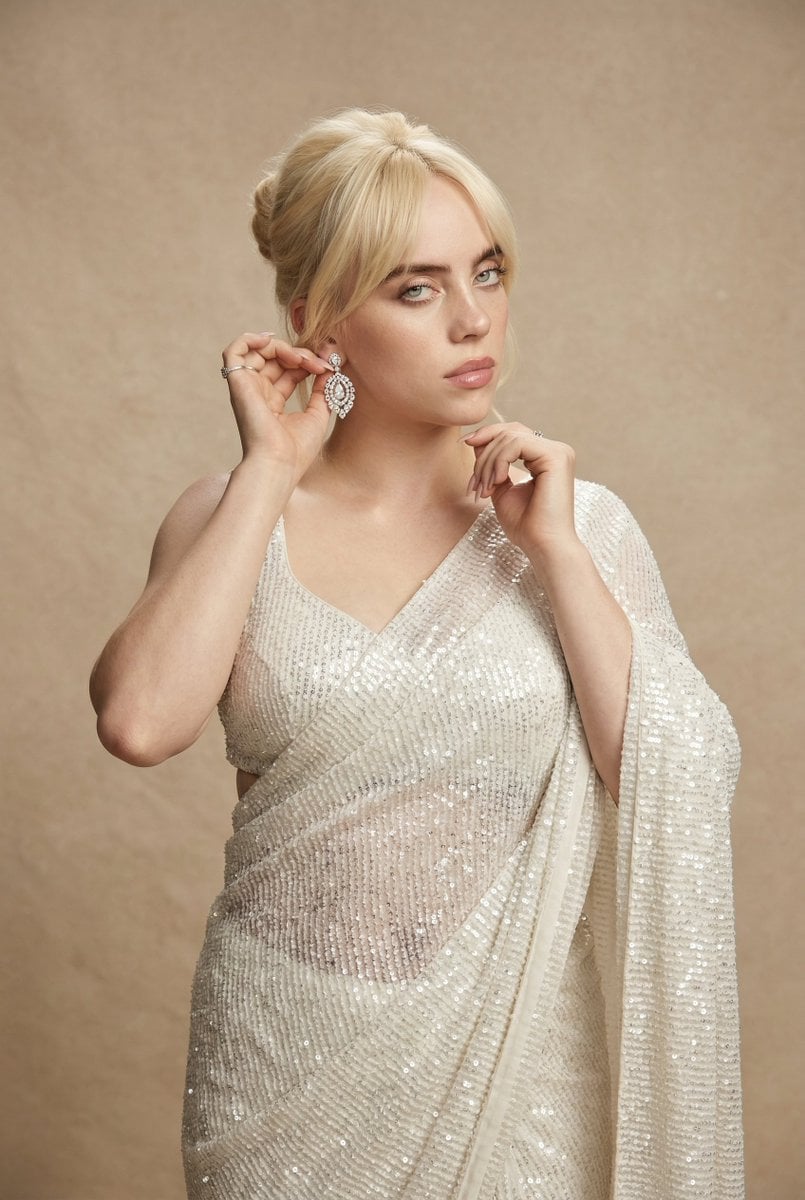
Ultra-detailed high fashion ethnic portrait prompt
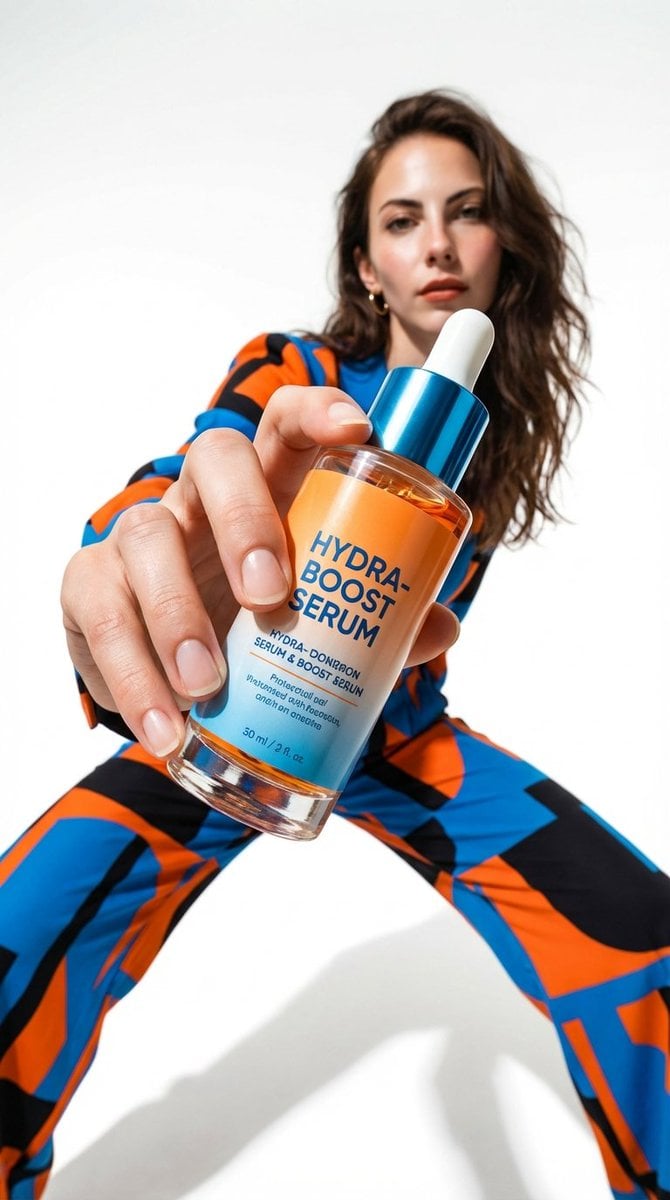
Low-Angle Fashion Campaign Photograph
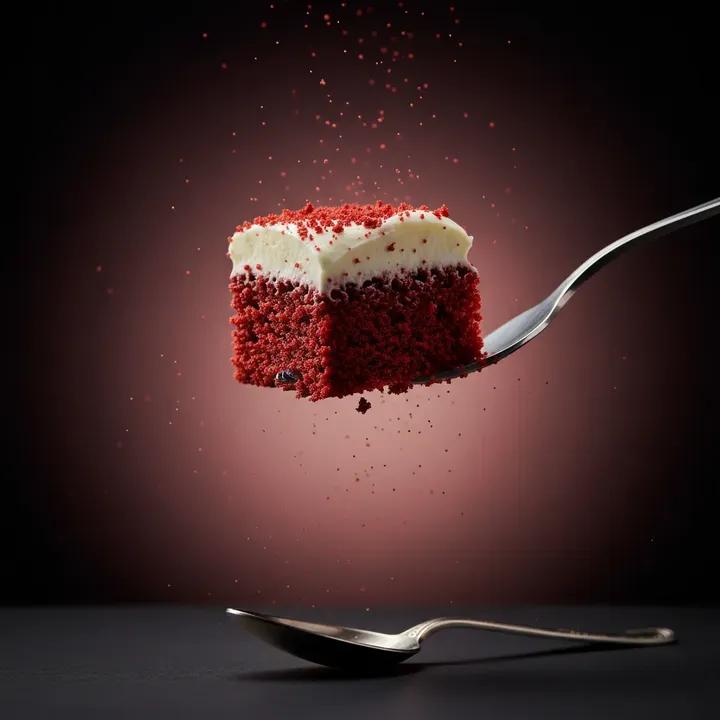
Ultra-Realistic Beverage Product Photography (Lemonate)
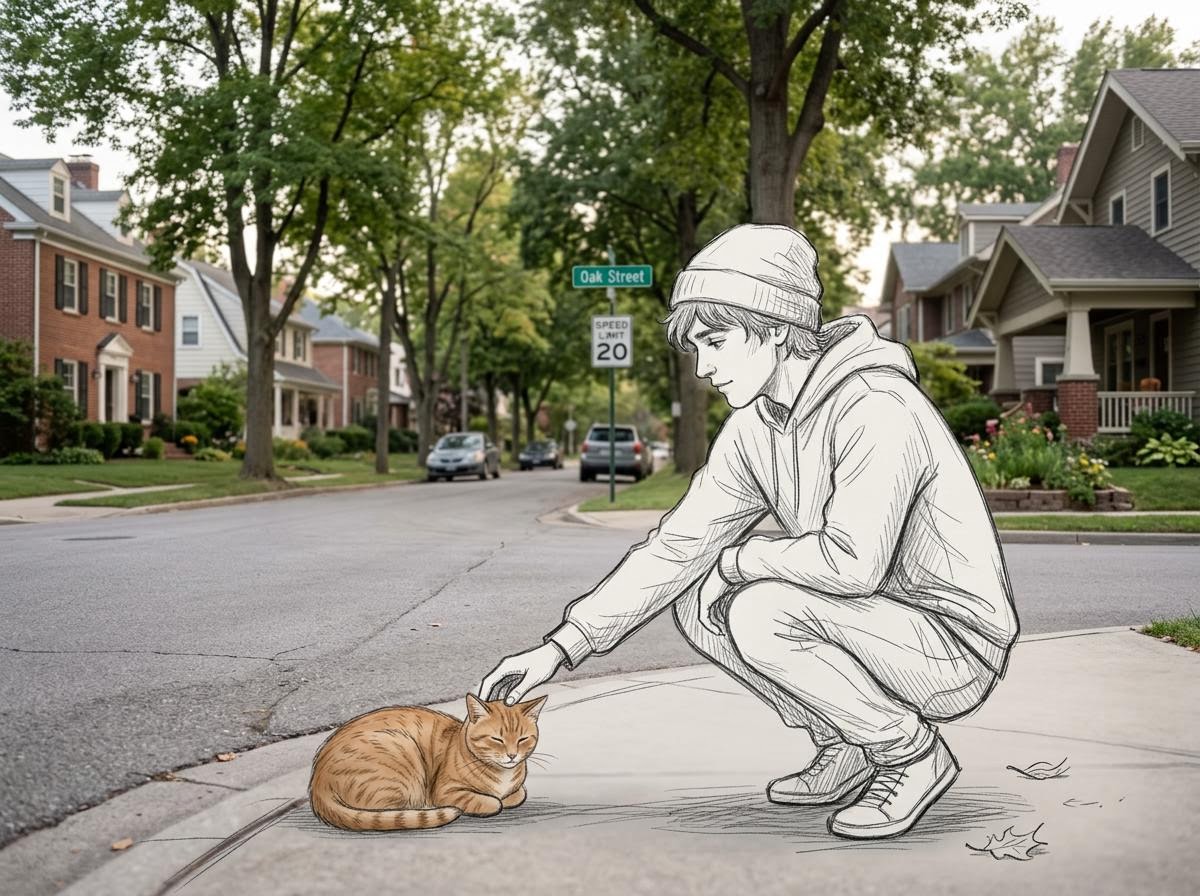
Realistic Photo with Sketch Character Overlay
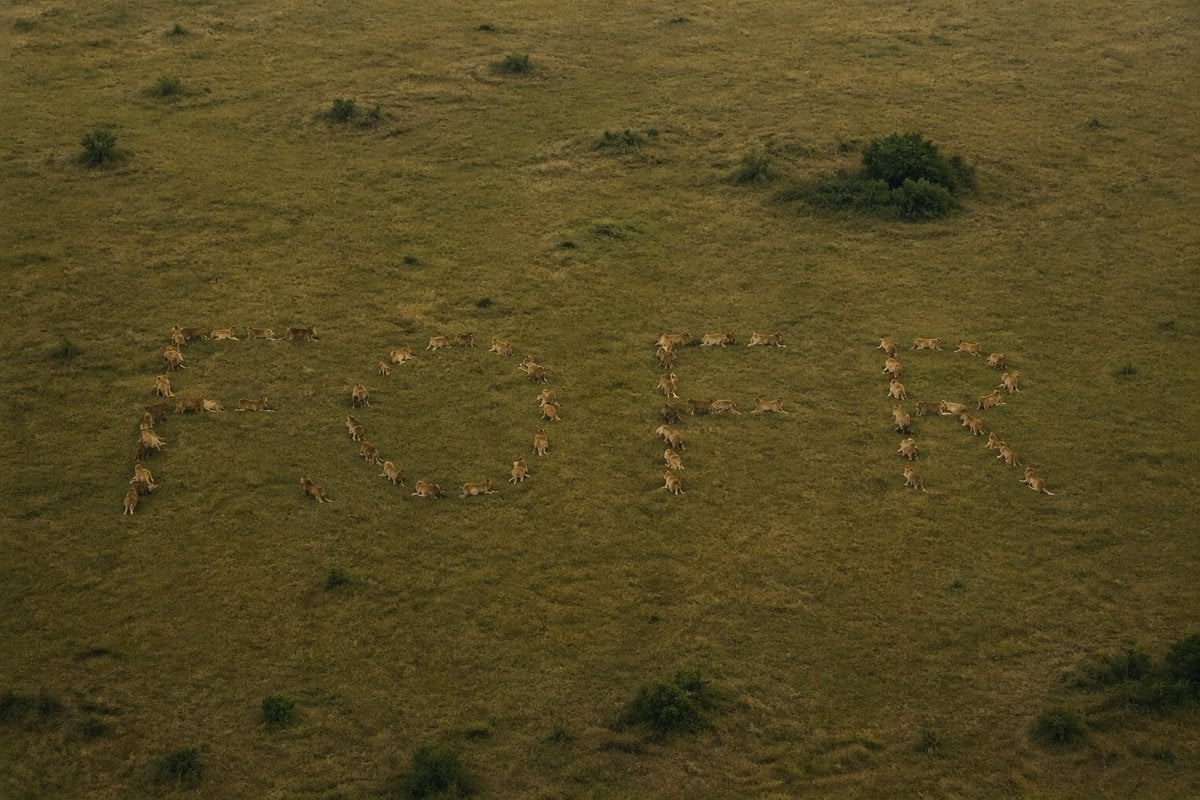
Hidden Word Optical Illusion Prompt
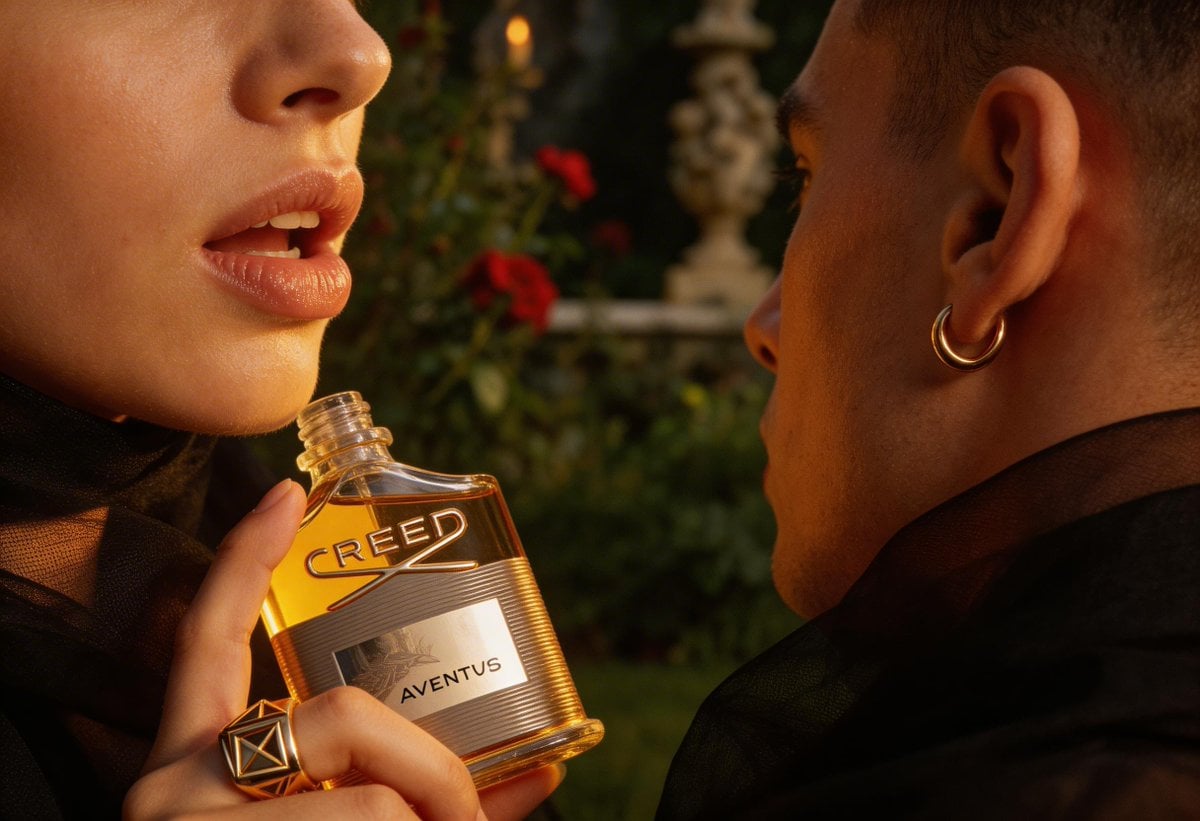
High-End Fashion Editorial Close-up (Creed Aventus)

X Sheldon056 Ultra Realistic Fashion Campaign Poster Featuring
Edgy Flash Photography Portrait with Cat
Cinematic Close-Up of Crispy Chicken Nuggets

Cat Peeking Image Prompt
Browse template categories
AI Headshot App Store Promo Poster questions
How do I use the AI Headshot App Store Promo Poster template?
Add your photo if the template asks for one, edit the prompt if you like — the template's model and format are already selected — and press Generate. Your version opens in PicX Studio.
Can I customize the AI Headshot App Store Promo Poster template?
Yes. You can change the subject, setting, lighting, mood, format, and available model controls before creating your image.
Is the AI Headshot App Store Promo Poster template free?
Opening and editing this template is free. Generating uses credits, shown on the Generate button when you are signed in.
Which AI model should I use?
Start with GPT Image 2, which is the model associated with this template. You can compare another compatible model for a different finish.
Looking for something else? Browse all templates.

Your photo, any look
Thousands of ready templates for every top image and video model, from one credit balance.