How do I use the Realistic Photo with Sketch Character Overlay template?
Choose the primary action to open PicX Studio with the available template settings. Review the model and format, personalize the creative direction, and generate when ready.
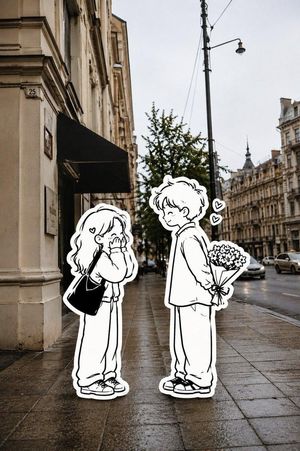
A prompt for Nano Banana 2 on Google Gemini that generates a realistic photograph of a quiet residential street with a hand-drawn, sketch-style character overla

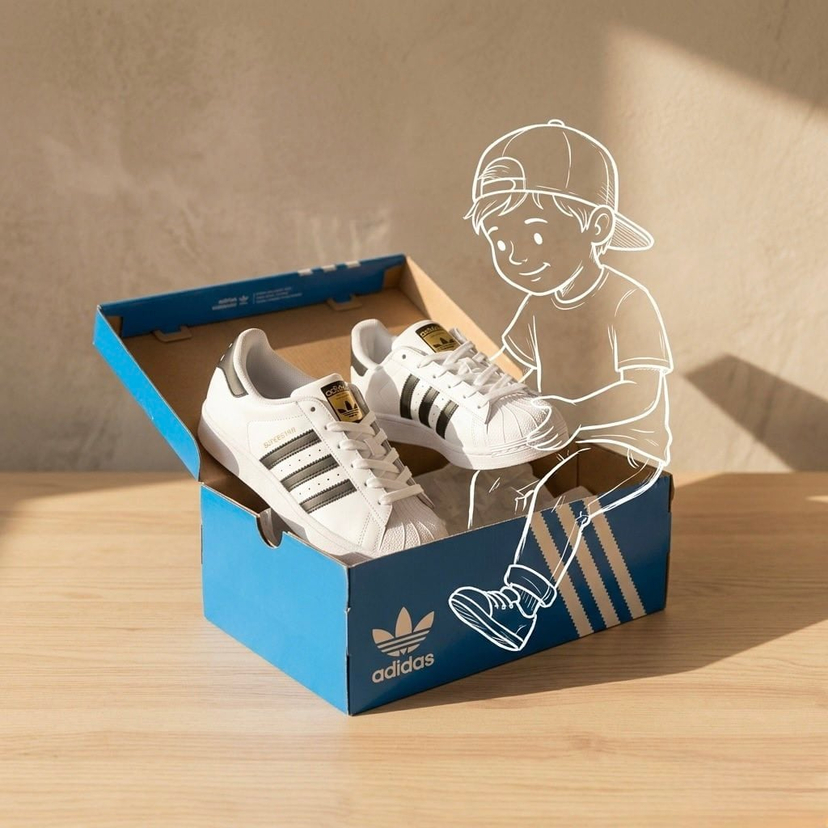
Create a realistic photo of a quiet residential street in soft daylight, with natural lighting and a calm atmosphere. The scene looks like a candid everyday moment, with houses, road signs, and trees in the background. In the foreground, add a hand-drawn sketch-style character interacting with the real world - the character is crouching and gently petting a small cat on the street. The character is drawn in a simple pencil sketch style with visible lines, slightly rough and artistic, like it’s drawn on top of the photo. Blend the sketch and real environment naturally so it feels connected and emotional. Cinematic composition, soft lighting, peaceful mood, realistic background with artistic sketch overlay.
Choose the primary action to open PicX Studio with the available template settings. Review the model and format, personalize the creative direction, and generate when ready.
Yes. You can change the subject, setting, lighting, mood, format, and available model controls before creating your image.
This template is free to open and customize. Generation usage is shown in PicX Studio before you create.
Start with Nano Banana 2, which is the model associated with this template. You can compare another compatible model for a different finish.
© 2026 PicX Studio. All rights reserved.

Follow a topic to a crawlable collection of related PicX Studio templates.