
Surreal Anime Couple Illustration with Text Overlays
Generates a melancholic, dreamlike anime scene of two characters holding hands amidst floating objects and scattered typography.
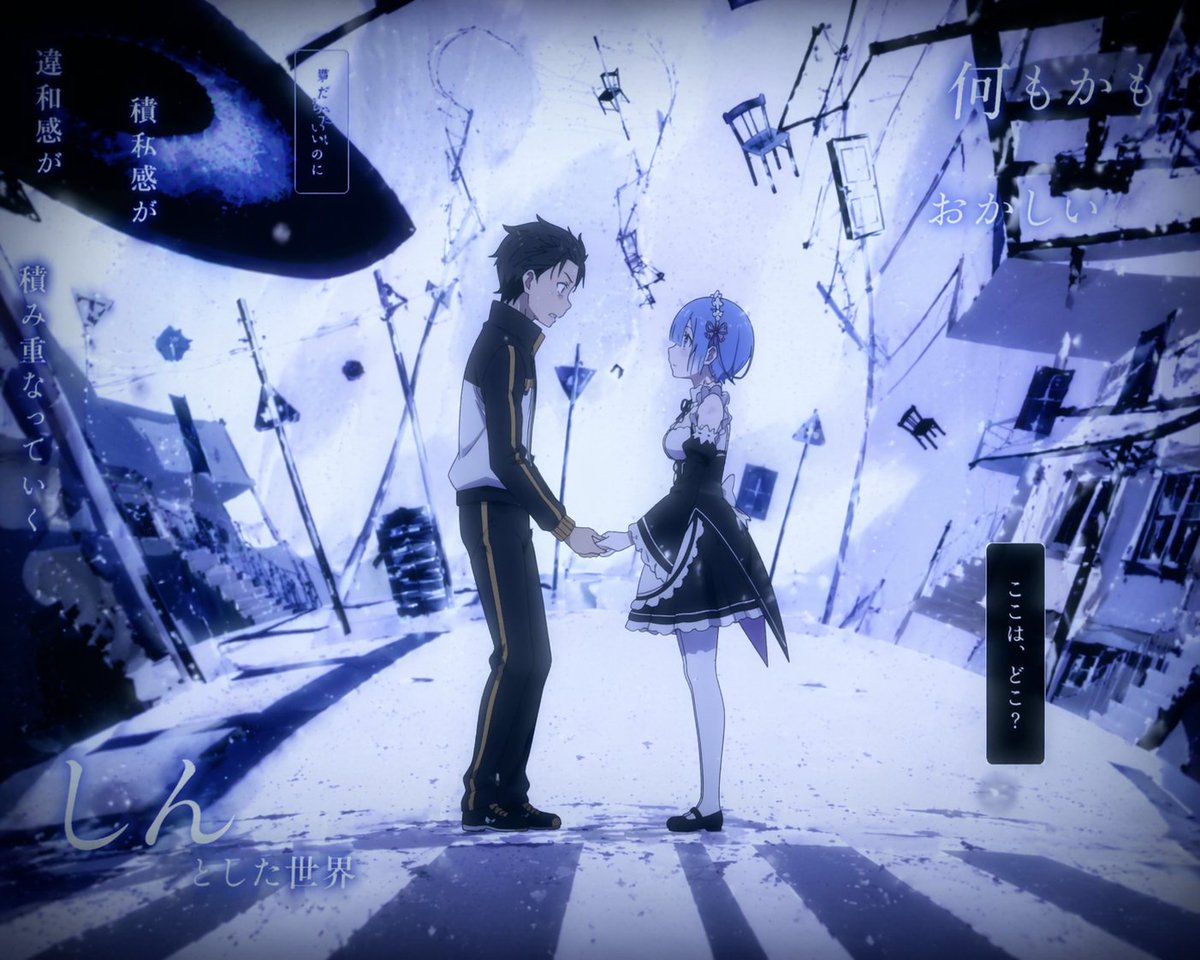
- Prompt included
- Model and format preset
- Free template
The prompt behind this image
Copy the exact prompt behind Surreal Anime Couple Illustration with Text Overlays, or open it in the studio and make it yours.
Anime illustration of {argument name="male character" default="Subaru Natsuki from Re:Zero in a tracksuit"} and {argument name="female character" default="Rem from Re:Zero in a maid outfit"} holding hands in a {argument name="atmosphere" default="surreal, distorted, cold blue winter landscape"}. The background has tilted buildings, floating chairs, doors, utility poles, and a giant dark void in the upper left sky. The scene uses a melancholic blue and white palette with a vignette. Scattered Japanese text overlays include "{argument name="top right text" default="何もかも おかしい"}" top right, "{argument name="bottom right text" default="ここは、どこ?"}" in a vertical box bottom right, "違和感が 積み重なっていく" far left, "夢だったらいいのに" top left, and "しん とした世界" bottom left.
Reference images included
Surreal Anime Couple Illustration with Text Overlays needs input media to work. They load alongside the prompt when you open it in the studio.
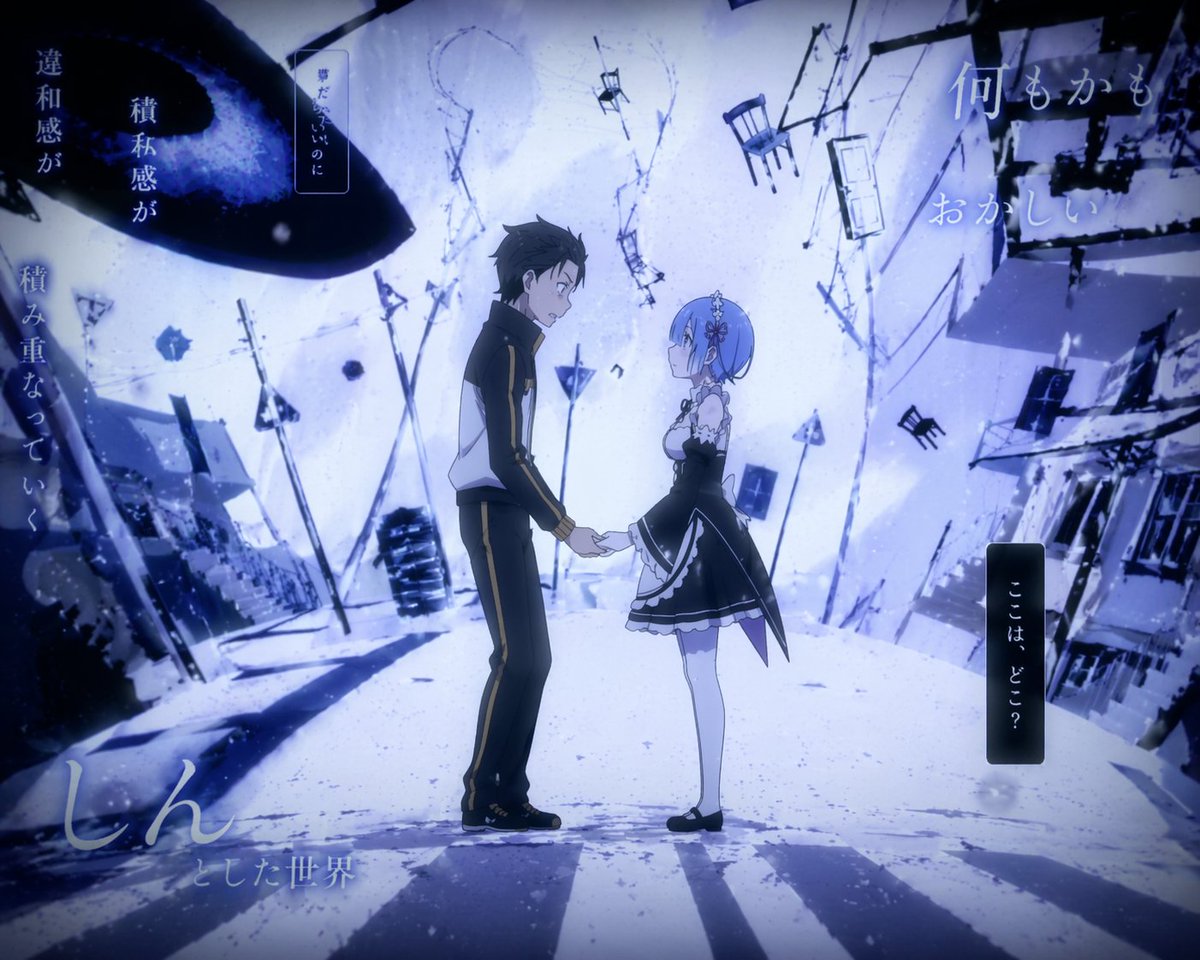
How to use Surreal Anime Couple Illustration with Text Overlays in 3 steps
- 1Upload ImagePNG, JPG or paste
Add your photo
Upload the photo the template builds on. The prompt, model and format are already set.
- 2…a portrait of your subject in softgolden-hour light, 85mm…
Personalize
Edit the subject and creative details for your destination.
- 3Generate
Generate
Press Generate — your image is created in PicX Studio, so you can compare it with the original and refine one variable at a time.
More like this
Templates with the same subject, style or setup. Open one to see its prompt.

Captain Tsubasa Anime World Cup Poster

Anime Character Charm Analysis Sheet

Sunday Afternoon, 1988

Two Tickets, One Night

If We Met in 1985

Found Photograph: Us, 1970

One Dance Before Midnight

Before We said Goodbye

Our Song was on a Cassette

Meet Me When It Rains

The Date After College

Two Hearts. One Scooter.
Make it yours
Surreal Anime Couple Illustration with Text Overlays works as-is. These are the safest ways to change it without losing the look.
Change one field
Copy a single group, rewrite it, and generate again so you can see what that field is doing.
Keep the frame, change the subject
Hold the composition and light of Surreal Anime Couple Illustration with Text Overlays, then swap wardrobe, props or the person for a new take.
| If the result… | Why | Fix |
|---|---|---|
| The result drifts from the preview | Too many fields changed at once. | Reuse Surreal Anime Couple Illustration with Text Overlays as-is first, then change one group — subject, light, or setting. |
| The model over-stylizes the scene | The prose prompt leaves finish and camera underspecified. | Add one camera or lighting sentence and stay on GPT Image 2. |
More GPT Image 2 templates
Other prompts made for GPT Image 2.

Six VTuber Japanese Logo Sheet

Realistic Portrait of Woman and Deer

The Vista Modular Condo Poster

AI Model Routing Comparison Infographic

2.5D Anime Art Board

Isometric Productivity Desk Scene

New York Double Exposure Poster

Four-Panel AI Landscape Comparison

Japanese Tatami Lifestyle Magazine Cover

NESCAFÉ Coffee Map Poster
More image prompts
Fresh picks from across the catalog.

Winter Fashion Portrait with G-Wagon and Face Consistency Prompt
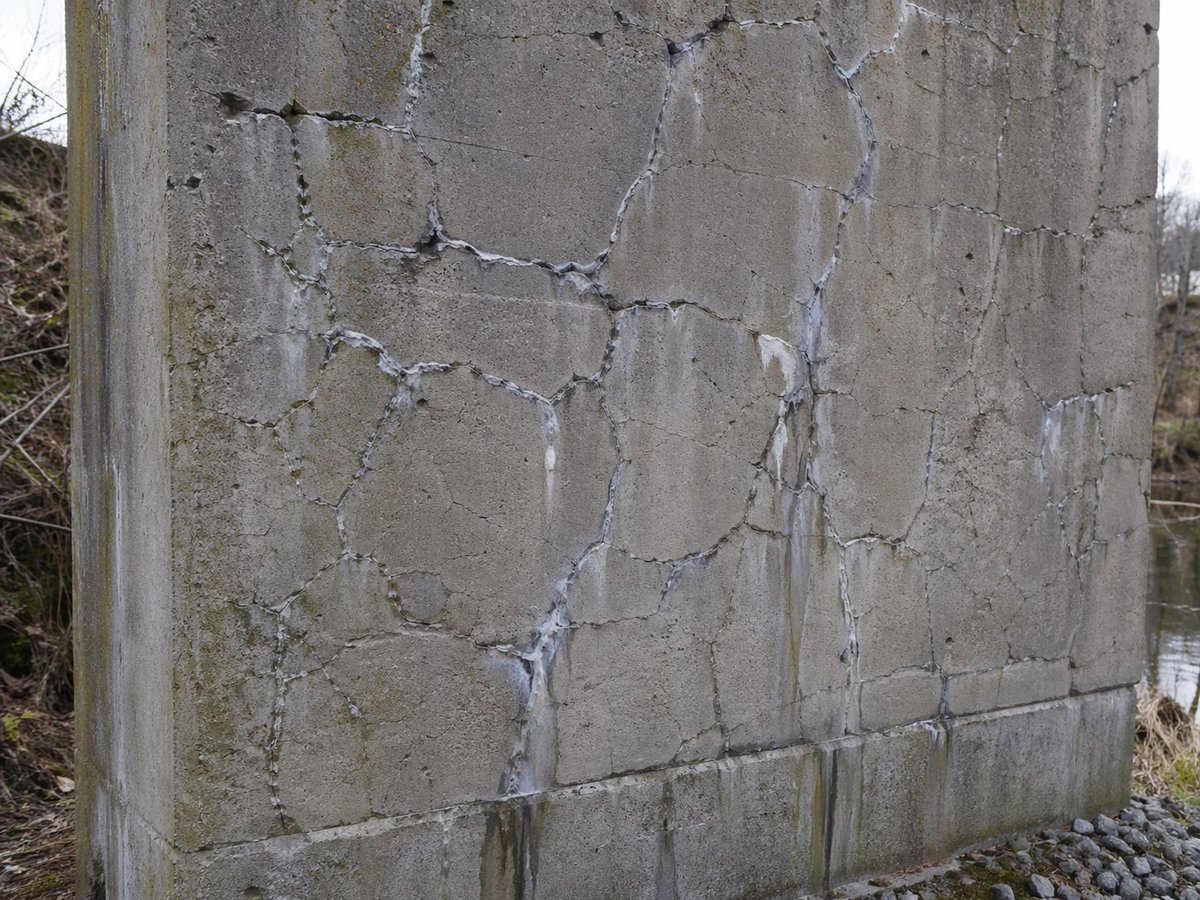
Concrete Wall with ASR Map Cracking

Christmas Ornament Chibi Character Transformation
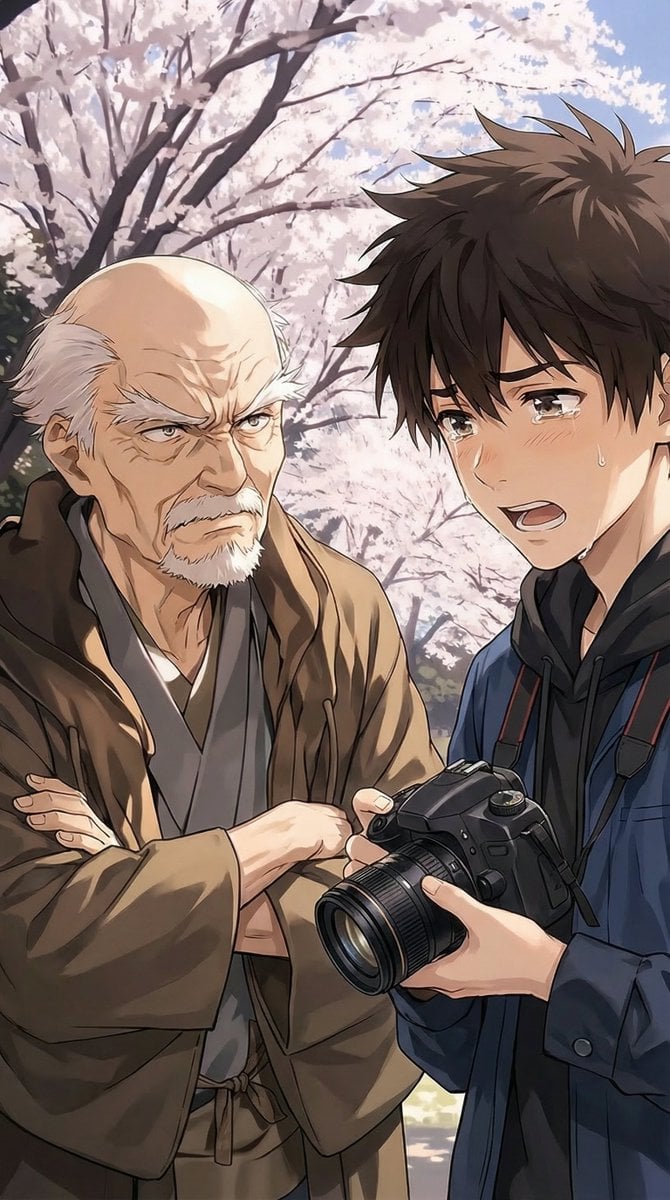
Image Transformation Instruction
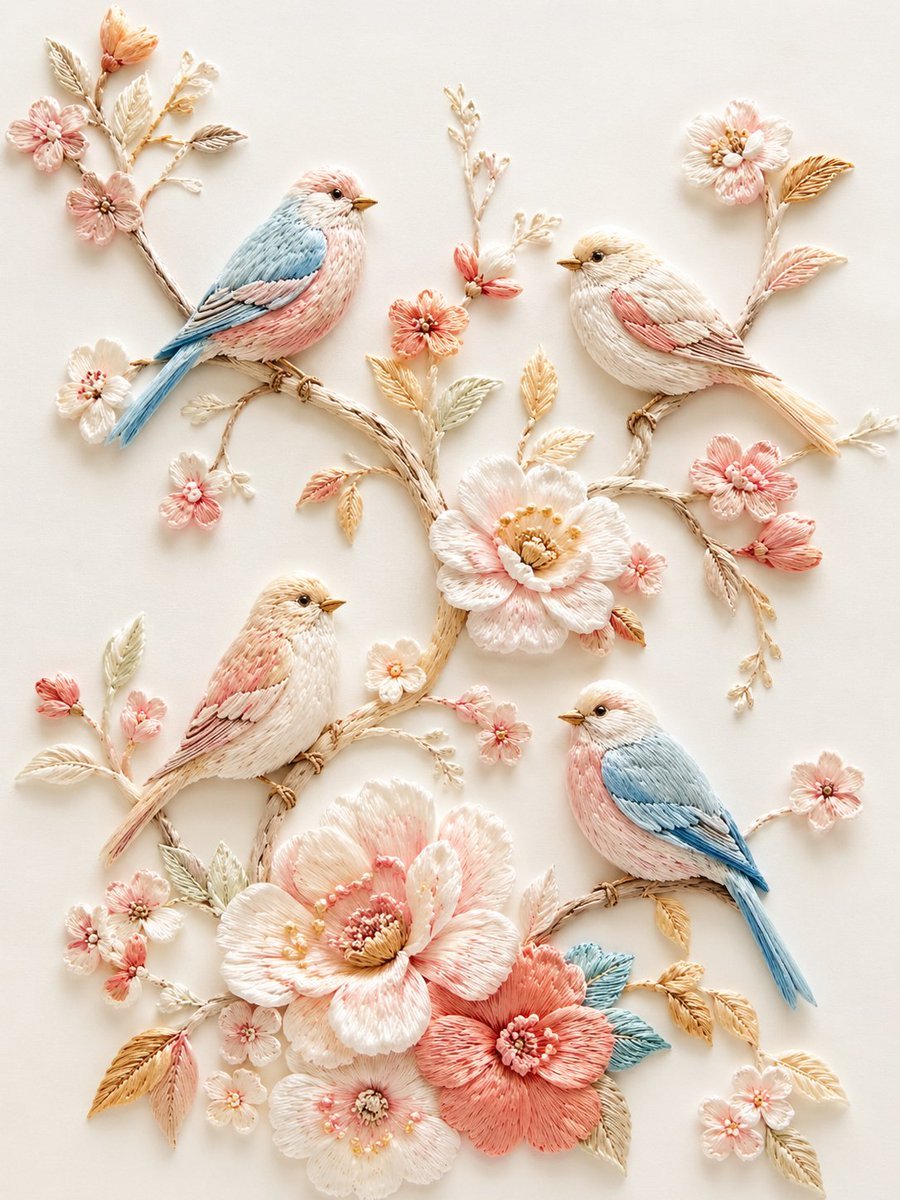
Exquisite Relief Embroidery Illustration
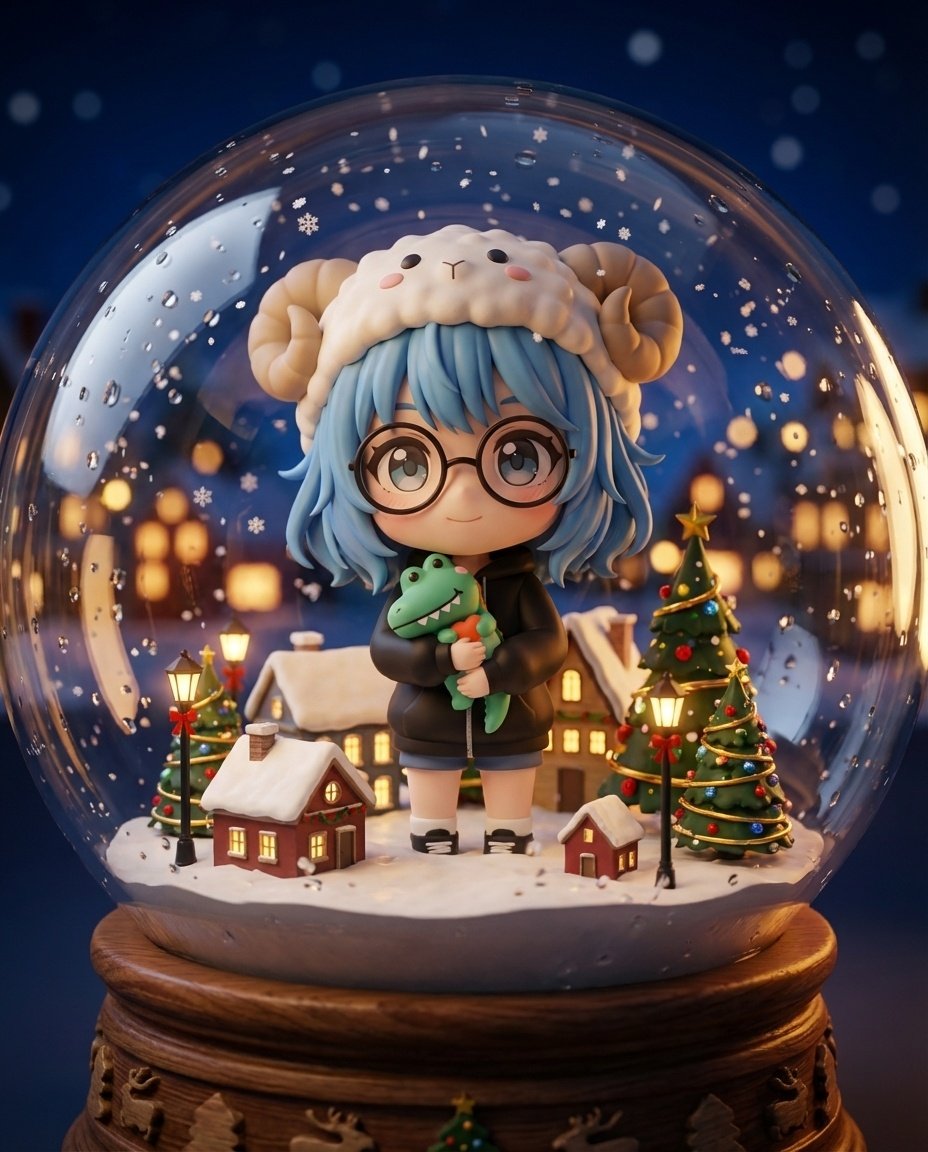
Nano Banana Pro Chibi Snow Globe Prompt
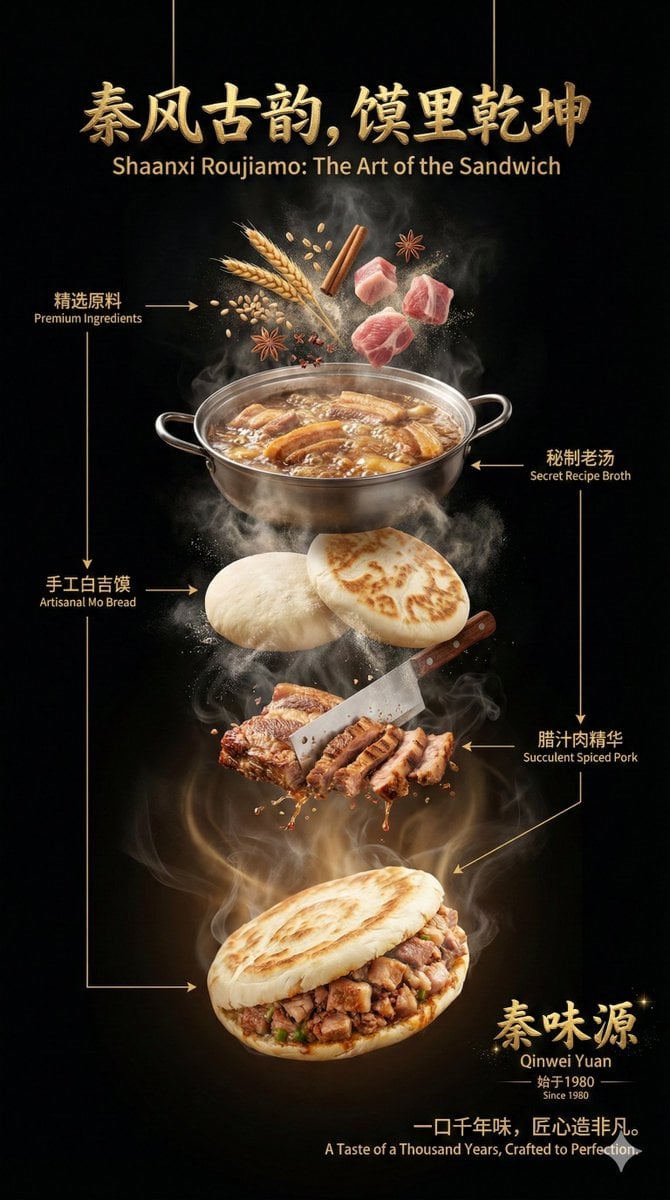
Advanced Commercial Food/Product Poster Template with Vertical Layering
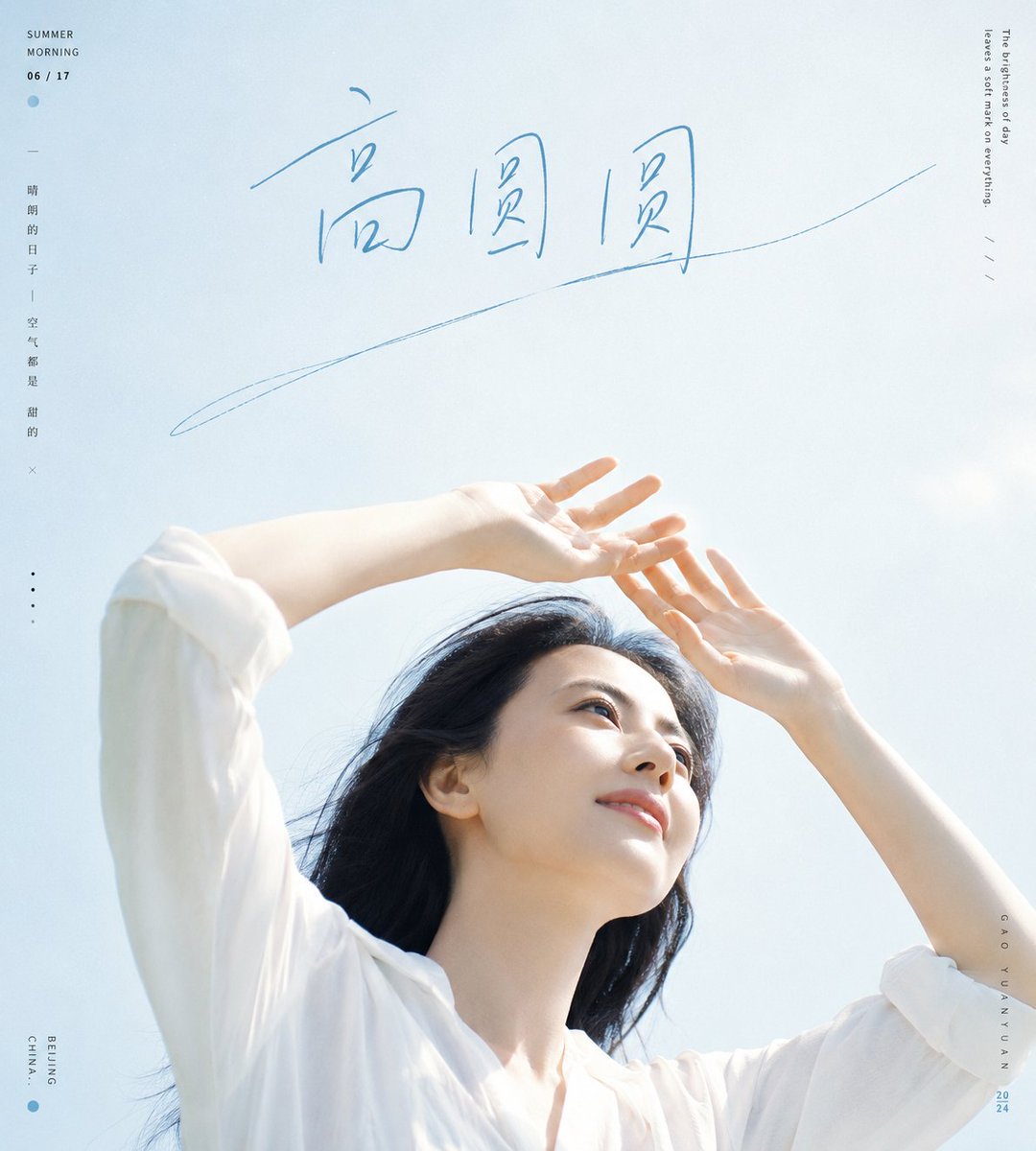
Fresh Summer Sky Portrait Poster
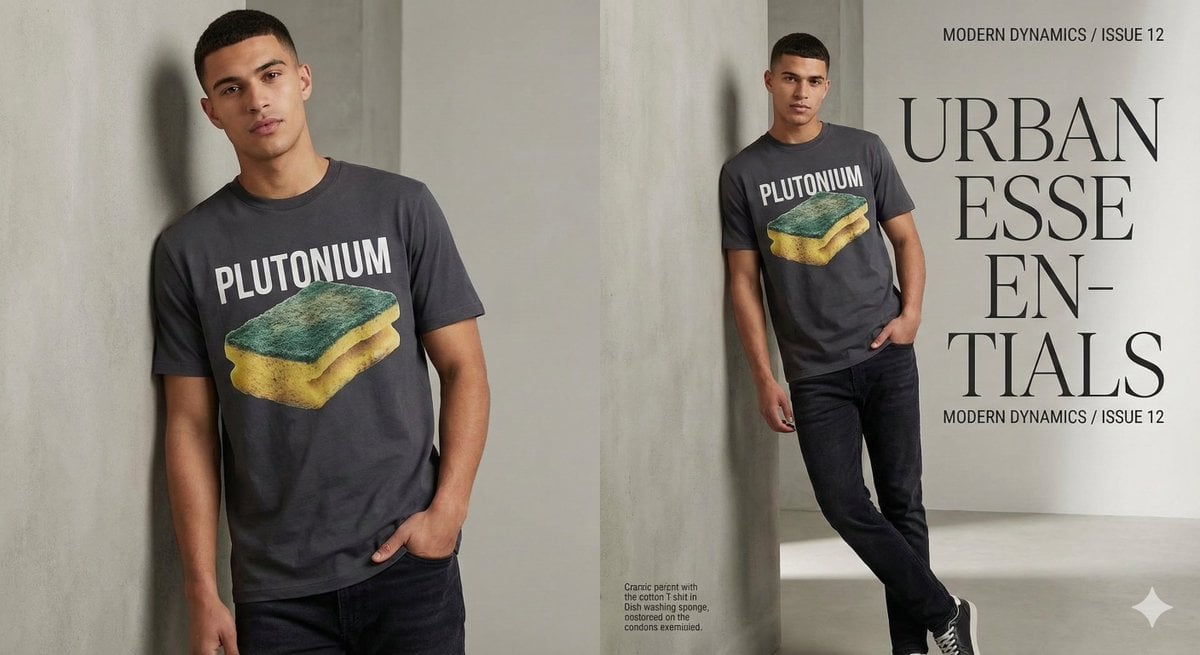
Fashion Magazine Style Sponge T-shirt with 'Error'
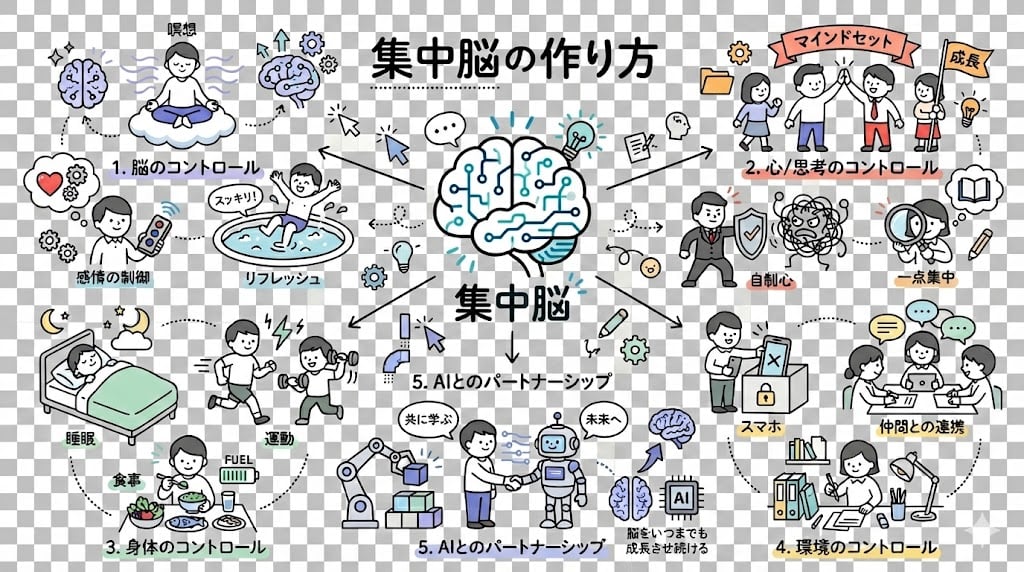
Requesting Transparent PNG Output
Browse template categories
Surreal Anime Couple Illustration with Text Overlays questions
How do I use the Surreal Anime Couple Illustration with Text Overlays template?
Add your photo if the template asks for one, edit the prompt if you like — the template's model and format are already selected — and press Generate. Your version opens in PicX Studio.
Can I customize the Surreal Anime Couple Illustration with Text Overlays template?
Yes. You can change the subject, setting, lighting, mood, format, and available model controls before creating your image.
Is the Surreal Anime Couple Illustration with Text Overlays template free?
Opening and editing this template is free. Generating uses credits, shown on the Generate button when you are signed in.
Which AI model should I use?
Start with GPT Image 2, which is the model associated with this template. You can compare another compatible model for a different finish.
Looking for something else? Browse all templates.

Your photo, any look
Thousands of ready templates for every top image and video model, from one credit balance.