
Advanced Commercial Food/Product Poster Template with Vertical Layering
A highly advanced, structured prompt template for Nano Banana Pro (intended for use with Gemini) to create high-end commercial posters for food or products.
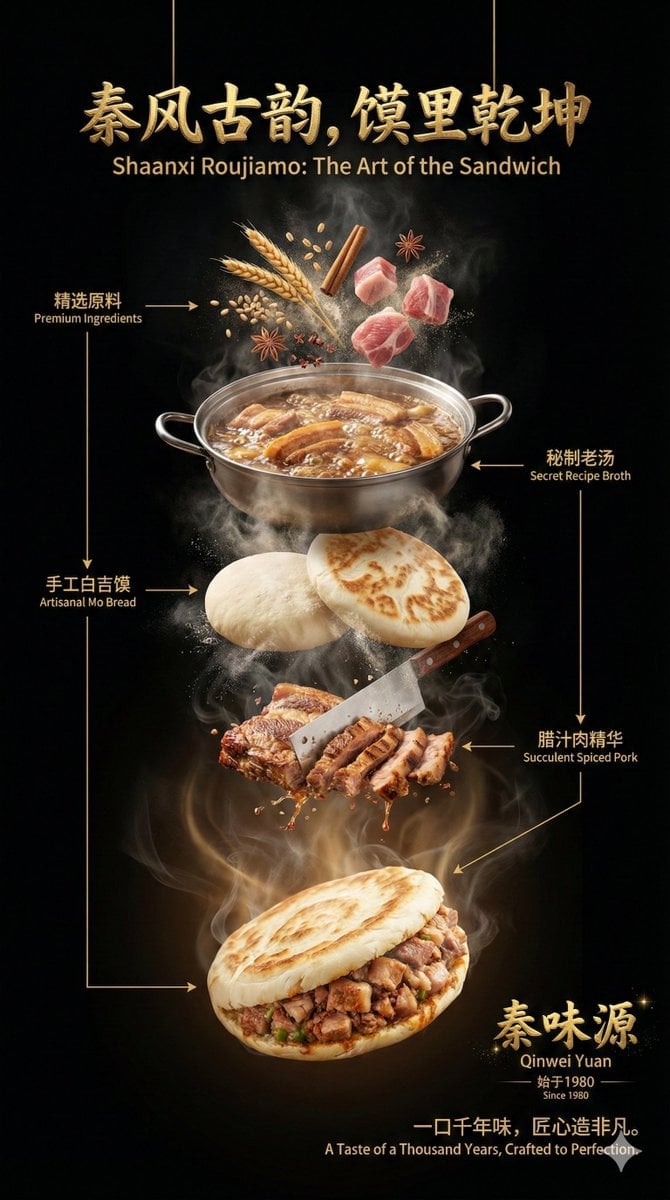
- Prompt included
- Model and format preset
- Premium template
The prompt behind this image
Copy the exact prompt behind Advanced Commercial Food/Product Poster Template with Vertical Layering, or open it in the studio and make it yours.
Frame ratio: 9:16 portrait Visual style (adjustable based on subject): High-end commercial photography, dark luxurious tone, cinematic quality, ultra-realistic, high detail Background (adjustable based on subject): Solid black background (#000000), with no pedestal, no platform, no ground — the subject and all elements float in space 【Subject】 The core display subject is: 【{argument name="core display subject" default="the subject provided by the user"}】 Be sure to use your knowledge base and internet search to break the subject down into multiple "recognizable, understandable components with a hierarchical relationship." Judge and design the breakdown logic and hierarchy order based on the subject's characteristics. 【Overall composition】 The overall composition uses a "vertically layered floating structure," forming a clear visual reading path from top to bottom. There is a clear spatial gap between each layer, with layers connected through air, steam, and light/shadow rather than direct contact. The center of the frame is the visual main axis, with a composition that is stable yet full of tension. 【Title system (top)】 At the very top center of the frame, a high-end main title floats: The copy content is automatically generated by the AI based on the subject (may include a Chinese main title + English subtitle) Font style (adjustable based on subject): handwritten brush-calligraphy feel / natural handwriting feel Material (adjustable based on subject): three-dimensional metallic texture, imitation forged gold metal Expressive features (adjustable based on subject): heavy, 3D, with real metallic reflections and highlight/shadow layers 【Layered structure (middle subject area)】 Based on the subject, autonomously generate 4–6 logically clear floating layers, for example: raw-material layer / component layer / key-element layer / core-structure layer / mood or emotion layer Each layer has clear material, color, texture, and volume There is air and space left between layers — not crowded, not stacked All middle layers: are within a slight steam, heat haze, or air disturbance have fine particles, mist, moisture, or dust floating are controlled by a unified lighting system, keeping overall consistency 【Transition zone (important)】 Between the subject's layers and the final presentation, deliberately preserve an "obviously larger spatial gap": This zone is dominated by air, steam, smoke, energy flow, and light mist No solid objects are placed here Its purpose is to create rhythm, a sense of breathing, and visual contrast It reinforces the turning point "from structure to finished product / from process to result" 【Final product layer (bottom)】 At the very bottom of the frame, present the complete, final form of the subject: Its state is "completed / peak / most attractive presentation" Full-bodied texture, rich in detail, with strong allure or appeal Blends naturally with the background, yet stands out clearly Steam, smoke, or a sense of energy continuously rises from this area upward 【Annotation system】 Moderately add explanatory annotations within the frame: Bilingual, Chinese and English Text restrained and elegant Use thin lines or arrows pointing to the corresponding layer Annotation content is automatically generated by the AI based on the subject Should not overshadow the main visual — serves only as "high-level interpretation" 【Signature / brand element】 Bottom right of the frame: A brand signature or signature-style logo floats Style consistent with the main title (brush-calligraphy feel, metallic gold, 3D, etc.) May be paired with a subtle starlight or sparkle effect to emphasize a premium feel At the bottom, include a one-line commercial hit-style slogan tailored to the subject 【Lighting system】 45°-direction professional studio lighting Warm-colored rim light outlining the structural edges Local highlights emphasizing the authenticity of the material Steam and smoke cut by the light, forming volumetric light 【Overall tone】 Dark, restrained, expensive — or weighted to one side at the bottom (adjustable based on subject) Has a "sense of soul / warmth / handcrafted feel / premium commercial aesthetic" Suitable for brand posters, key visuals, and cover-level commercial displays
How to use Advanced Commercial Food/Product Poster Template with Vertical Layering in 3 steps
- 1
Open
The prompt is already in the box next to the preview, with the template's model and format selected.
- 2…a portrait of your subject in softgolden-hour light, 85mm…
Personalize
Edit the subject and creative details for your destination.
- 3Generate
Generate
Press Generate — your image is created in PicX Studio, so you can compare it with the original and refine one variable at a time.
More like this
Templates with the same subject, style or setup. Open one to see its prompt.

Trendy Cafe Drink Promo Poster
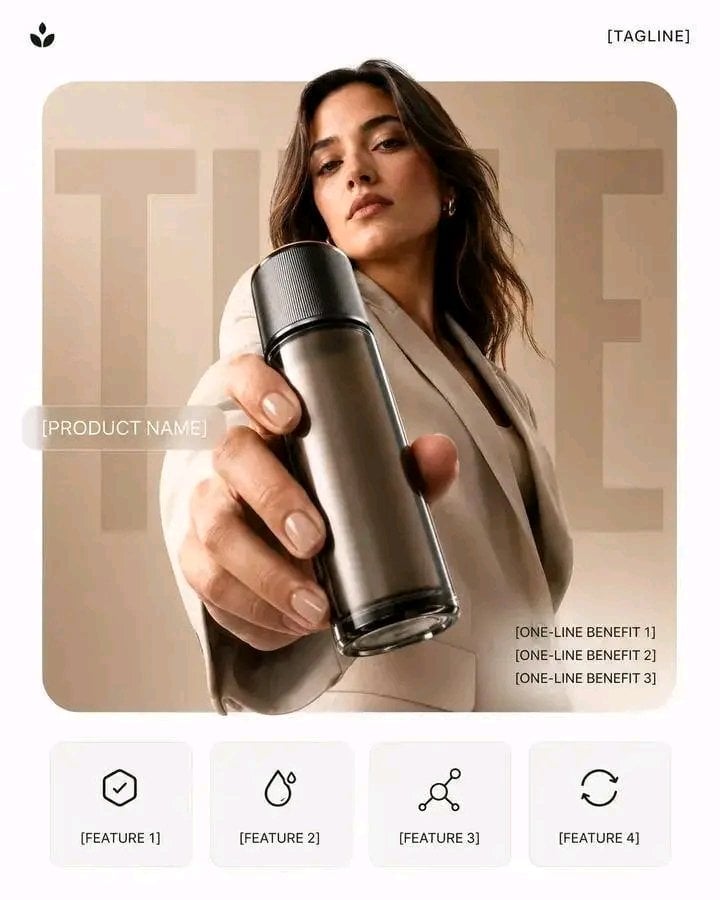
Premium Vertical Product Campaign Poster
Premium Vertical Product Campaign Poster
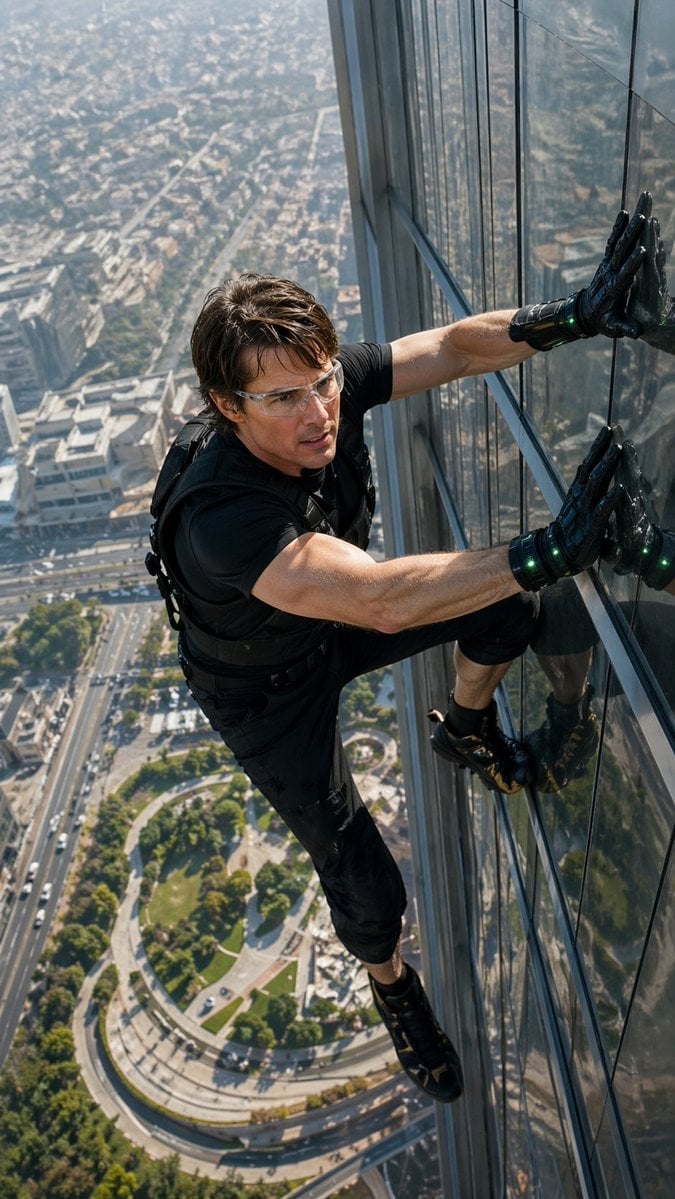
Skyscraper Symbiote Ascent Vertical Poster
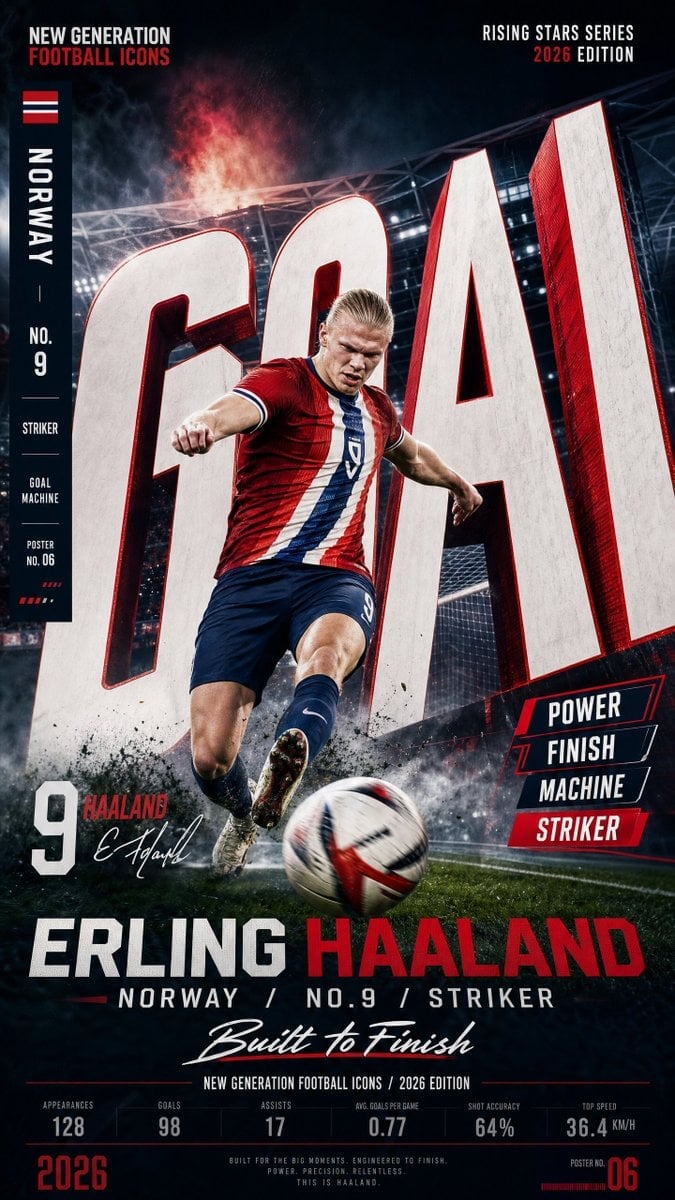
Vertical Football Star Campaign Poster
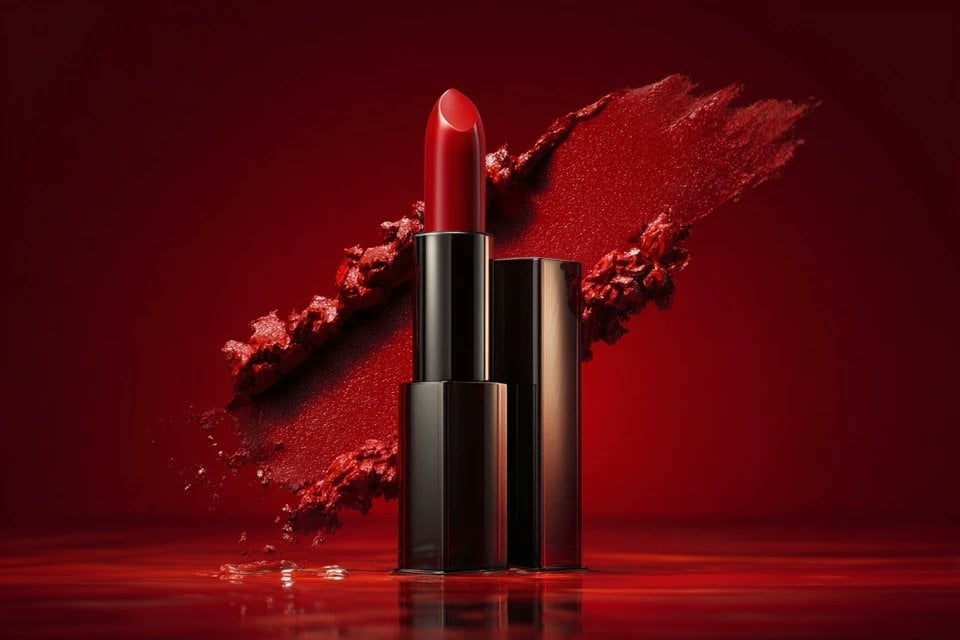
Soft Shadow Studio Minimalist Product Shot
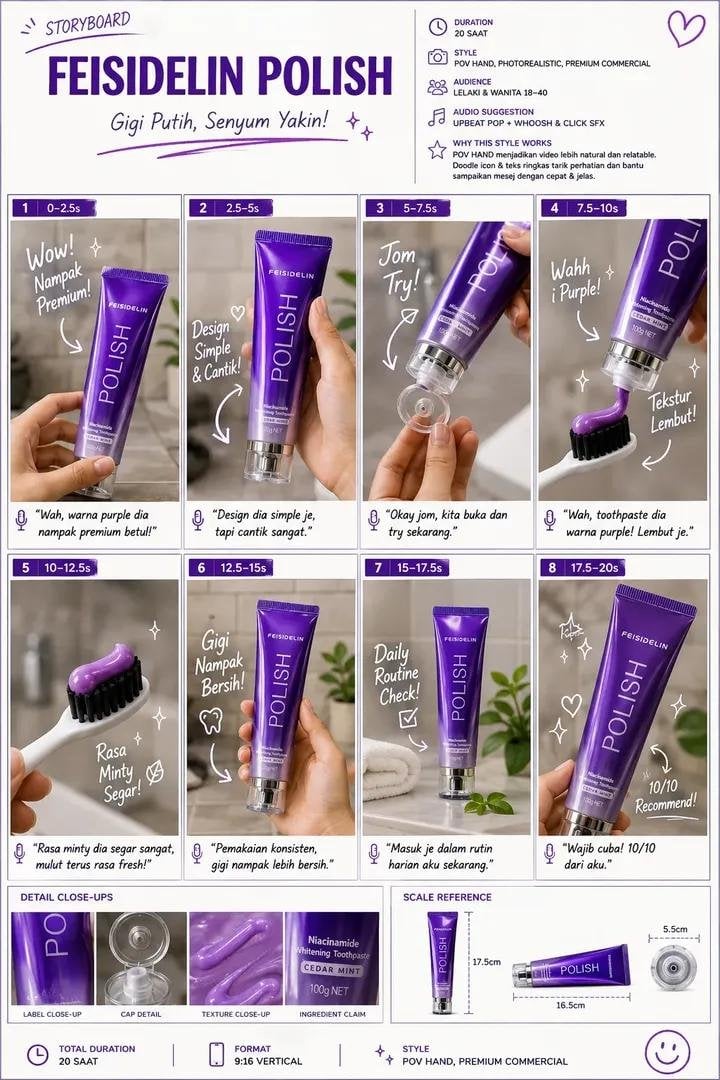
Luxury Toothpaste Commercial Storyboard
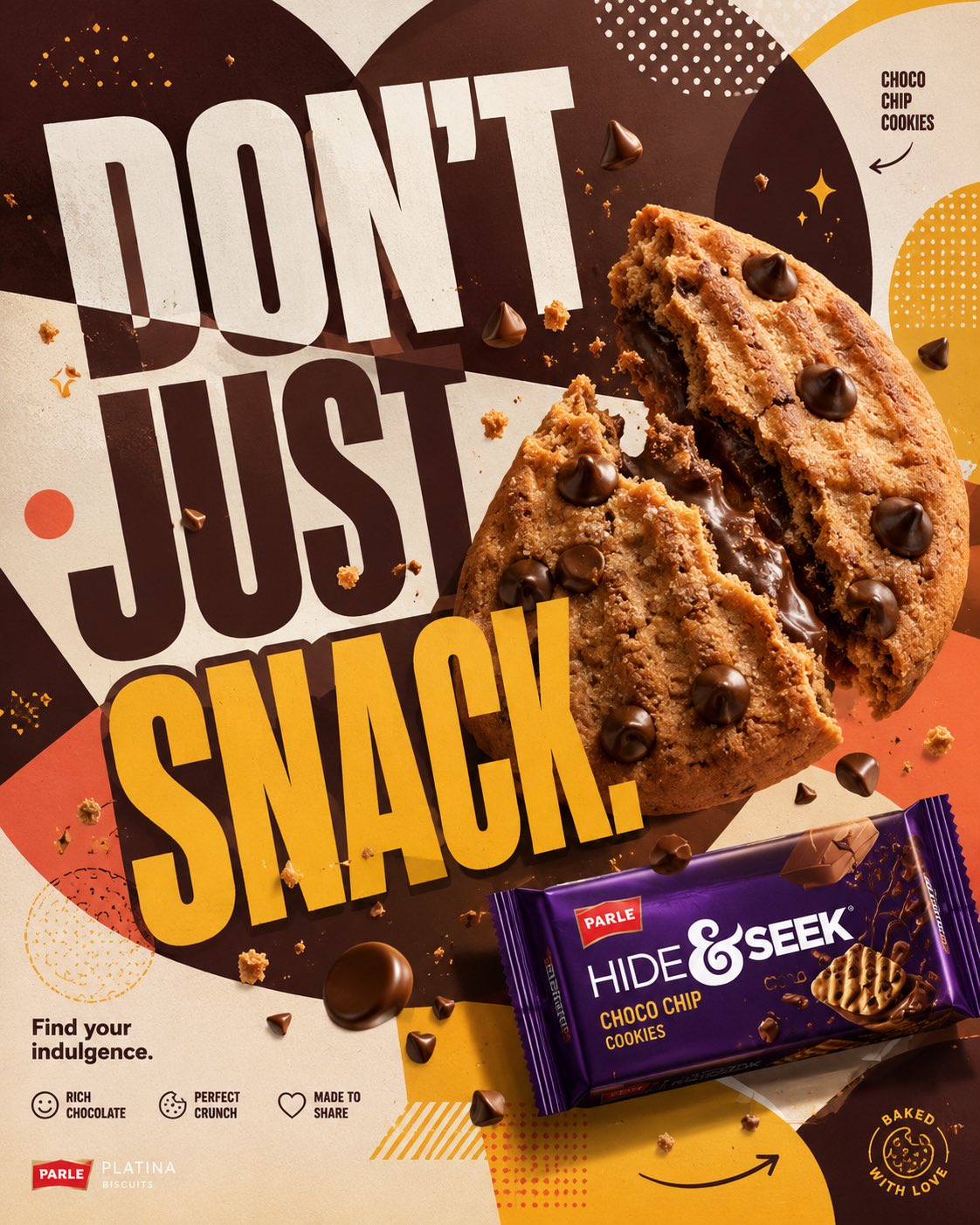
Parle Hide and Seek Cookie Campaign Poster
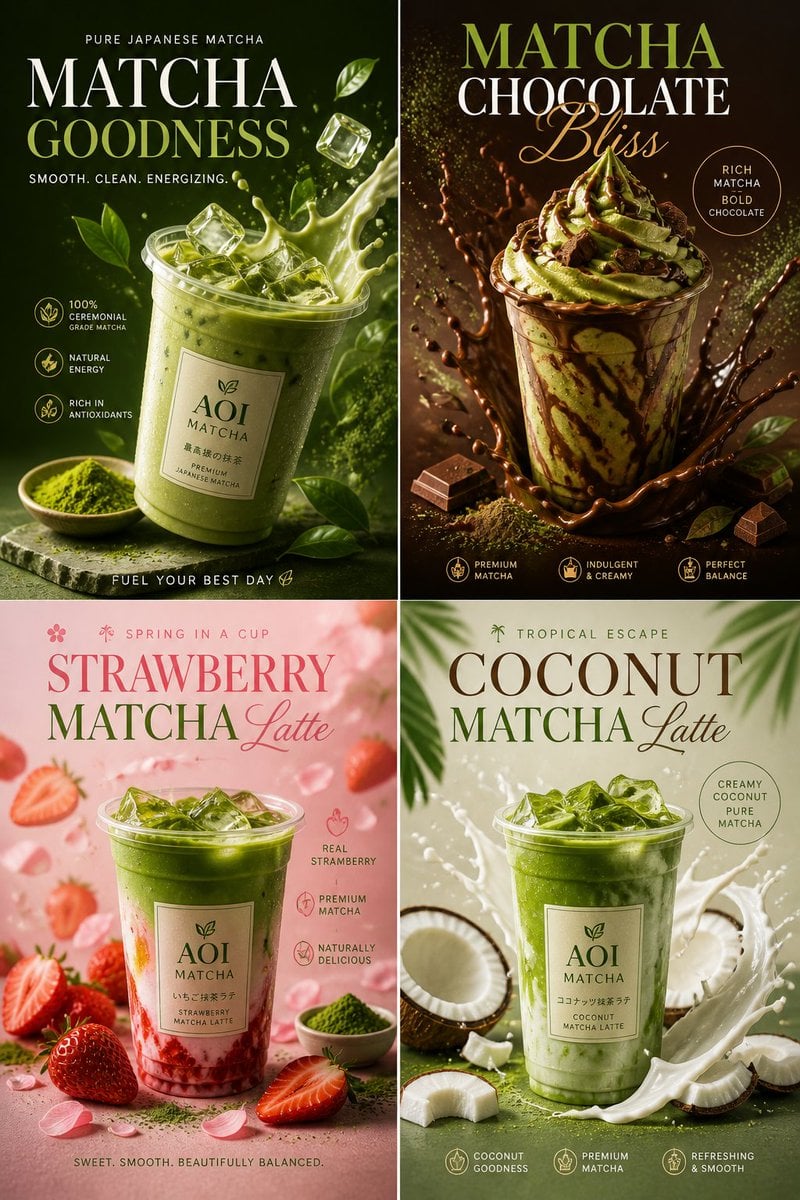
Commercial Food Photography Poster
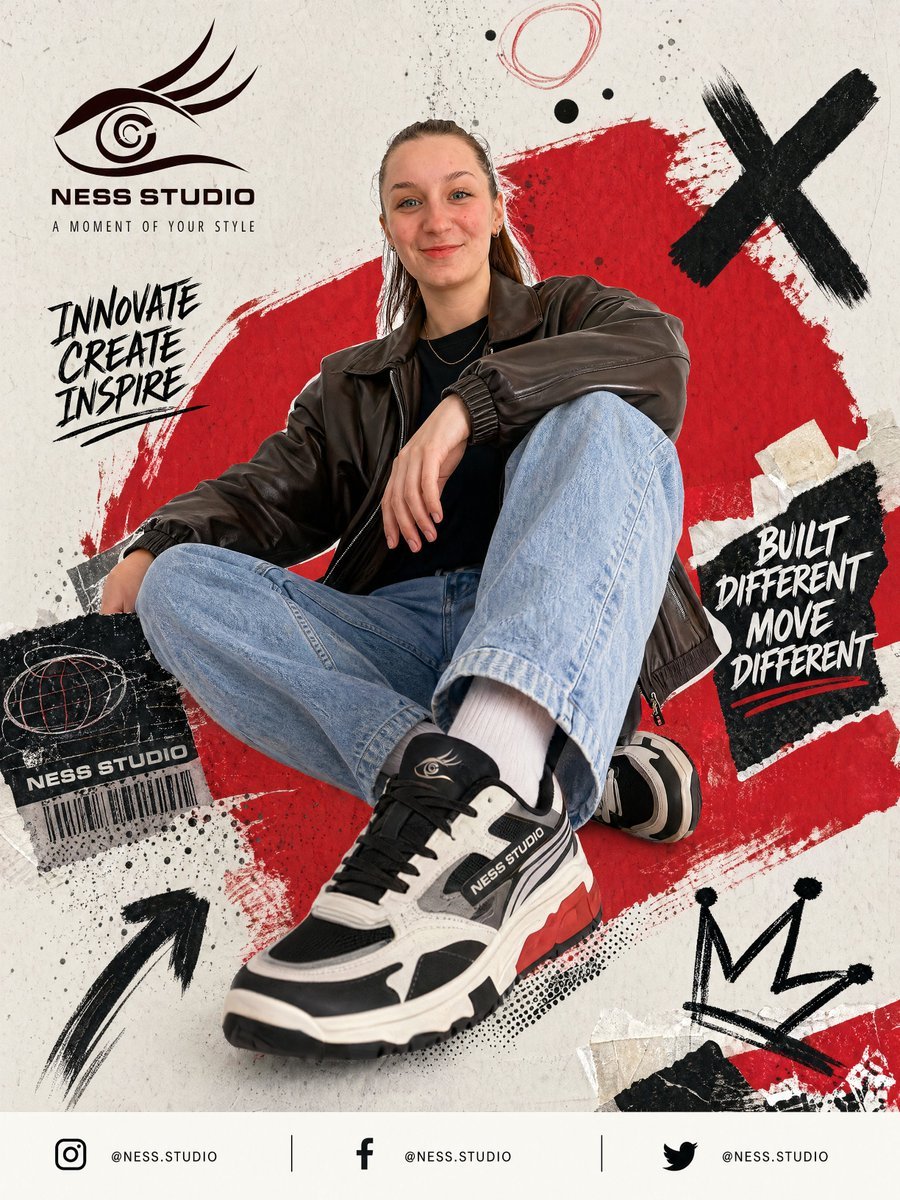
Gpt2 Product Marketing Streetwear Sneaker Poster Ad
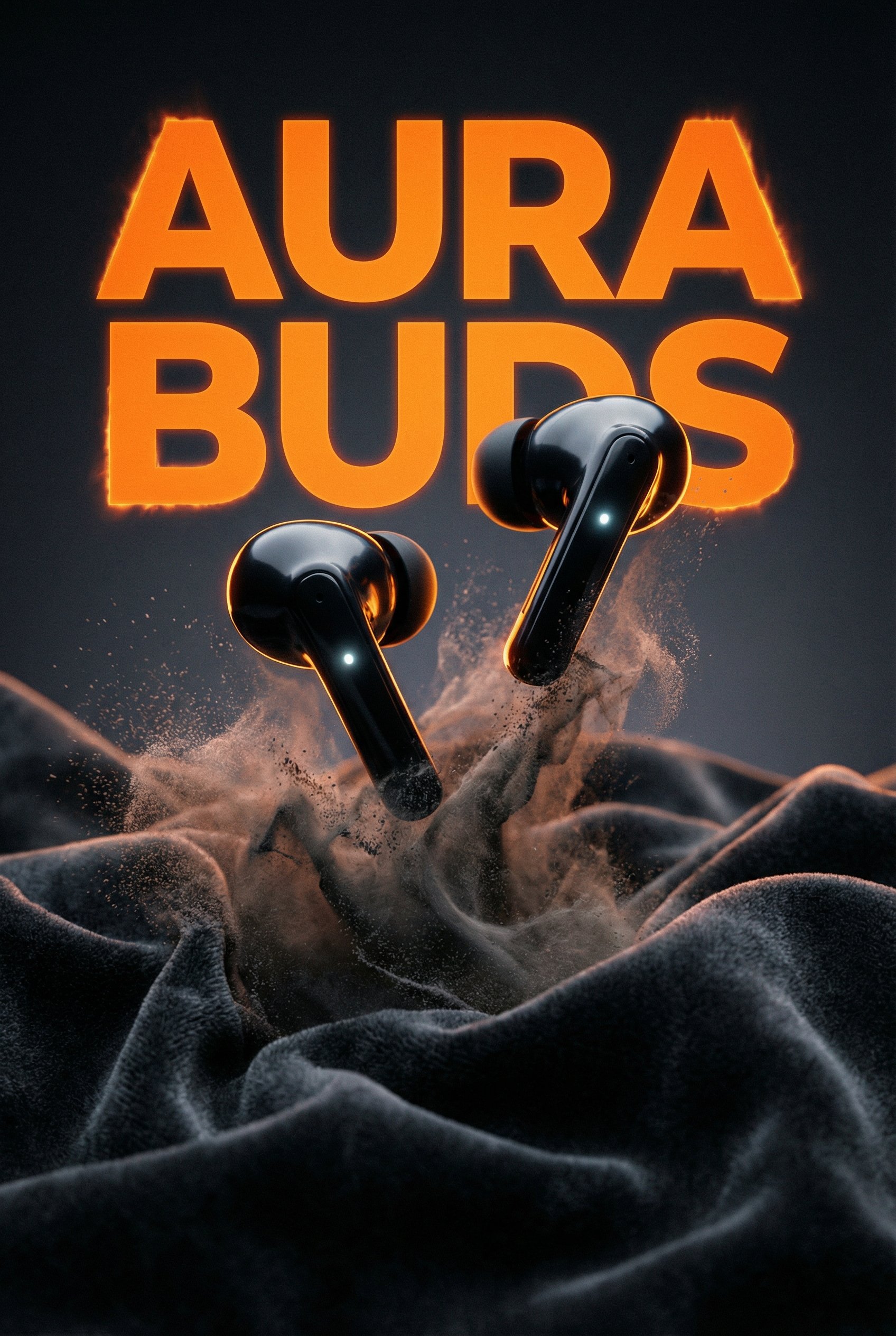
Aura Buds Poster Shoot Creative
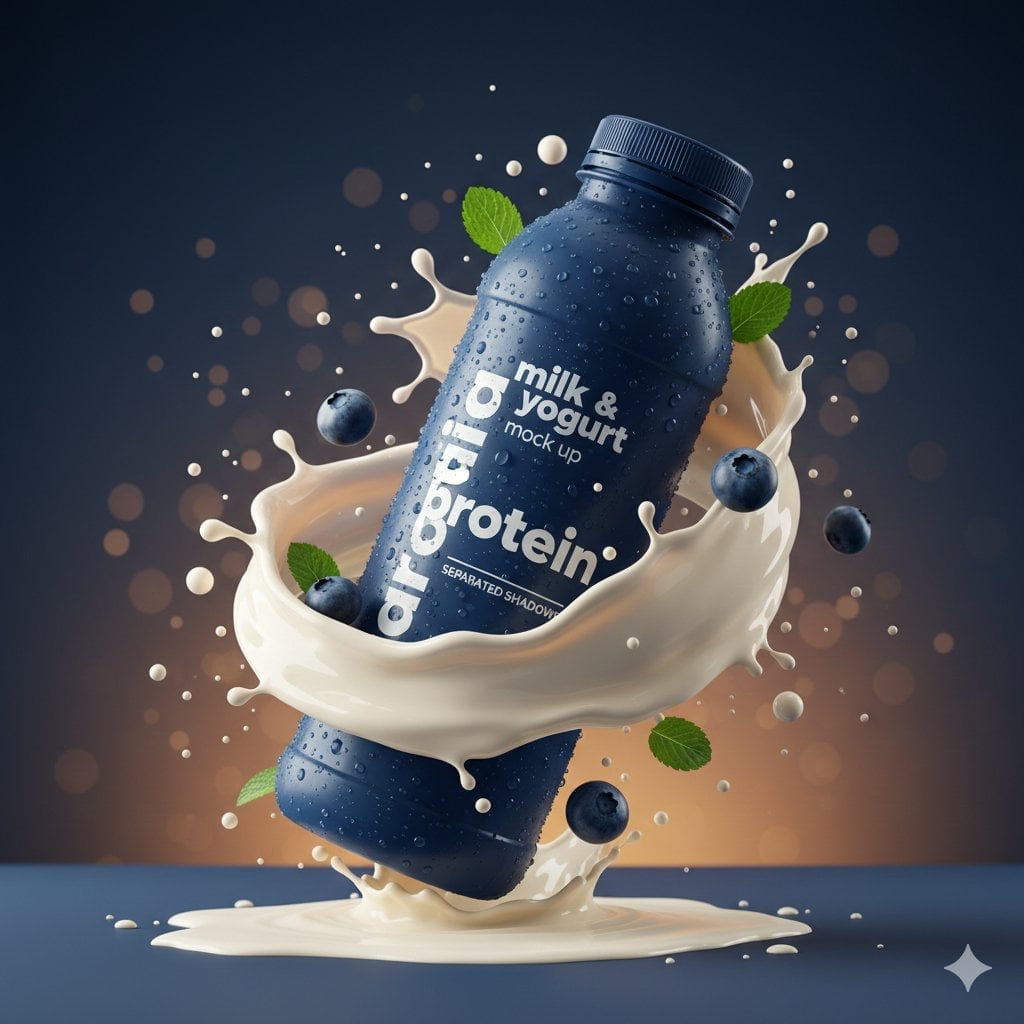
Commercial Product Splash Photography
Make it yours
Advanced Commercial Food/Product Poster Template with Vertical Layering works as-is. These are the safest ways to change it without losing the look.
Change one field
Copy a single group, rewrite it, and generate again so you can see what that field is doing.
Keep the frame, change the subject
Hold the composition and light of Advanced Commercial Food/Product Poster Template with Vertical Layering, then swap wardrobe, props or the person for a new take.
| If the result… | Why | Fix |
|---|---|---|
| The result drifts from the preview | Too many fields changed at once. | Reuse Advanced Commercial Food/Product Poster Template with Vertical Layering as-is first, then change one group — subject, light, or setting. |
| The model over-stylizes the scene | The prose prompt leaves finish and camera underspecified. | Add one camera or lighting sentence and stay on Nano Banana 2. |
More Nano Banana 2 templates
Other prompts made for Nano Banana 2.

Photorealistic Leaf Shaped Like a Dragon

K-Pop Idol Portrait Grid for Rapid Selection

Poetic Rain Forest Portrait During Golden Hour

Urban Street Portrait with Cartoon Inner Self Duo

Candid Nighttime Photo with Cat Prompt

High-Concept 3D Diorama Generation Prompt

Cinematic Futuristic Studio Portrait Template

Skincare Editorial Photography Collage Prompt

Hyper-Realistic Commercial Product Photography (Splash Effect)

Hyper-Realistic Nightclub Portrait Prompt
More image prompts
Fresh picks from across the catalog.
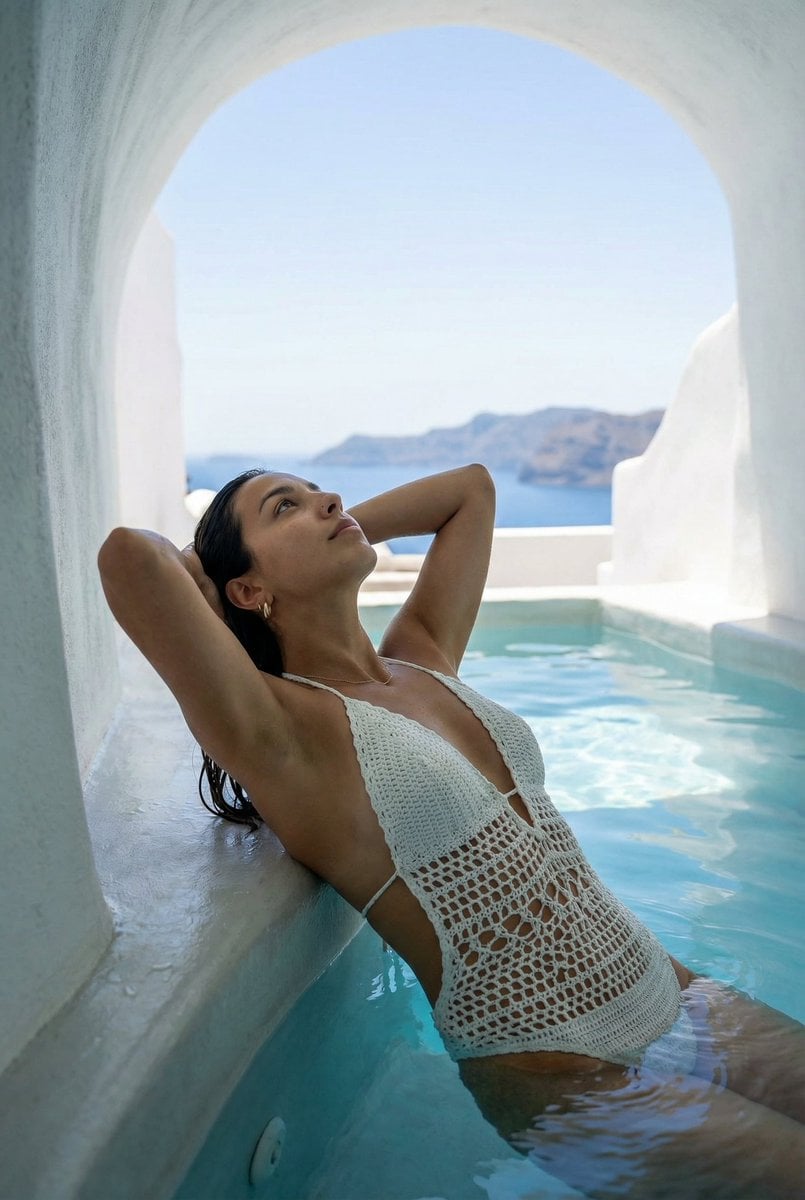
Santorini Monokini Pose Replication Prompt
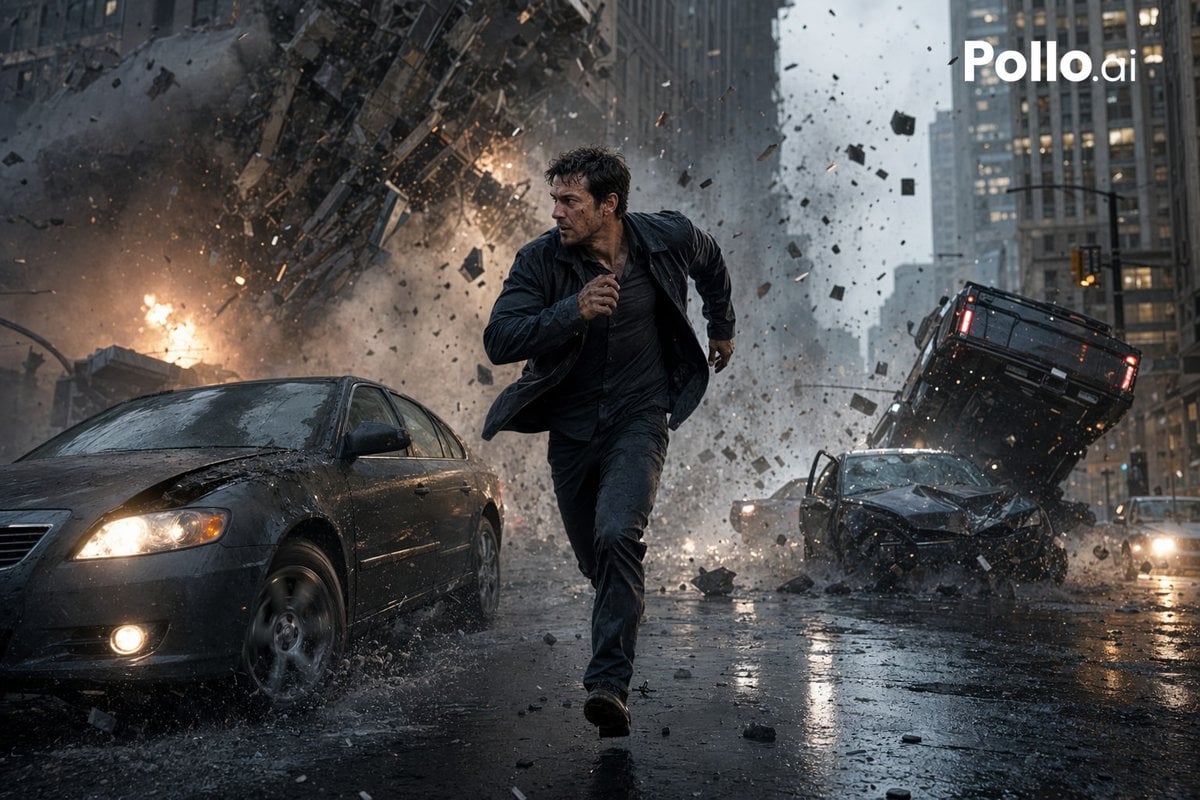
Gpt2 Youtube Thumbnail Cinematic City Explosion Chase
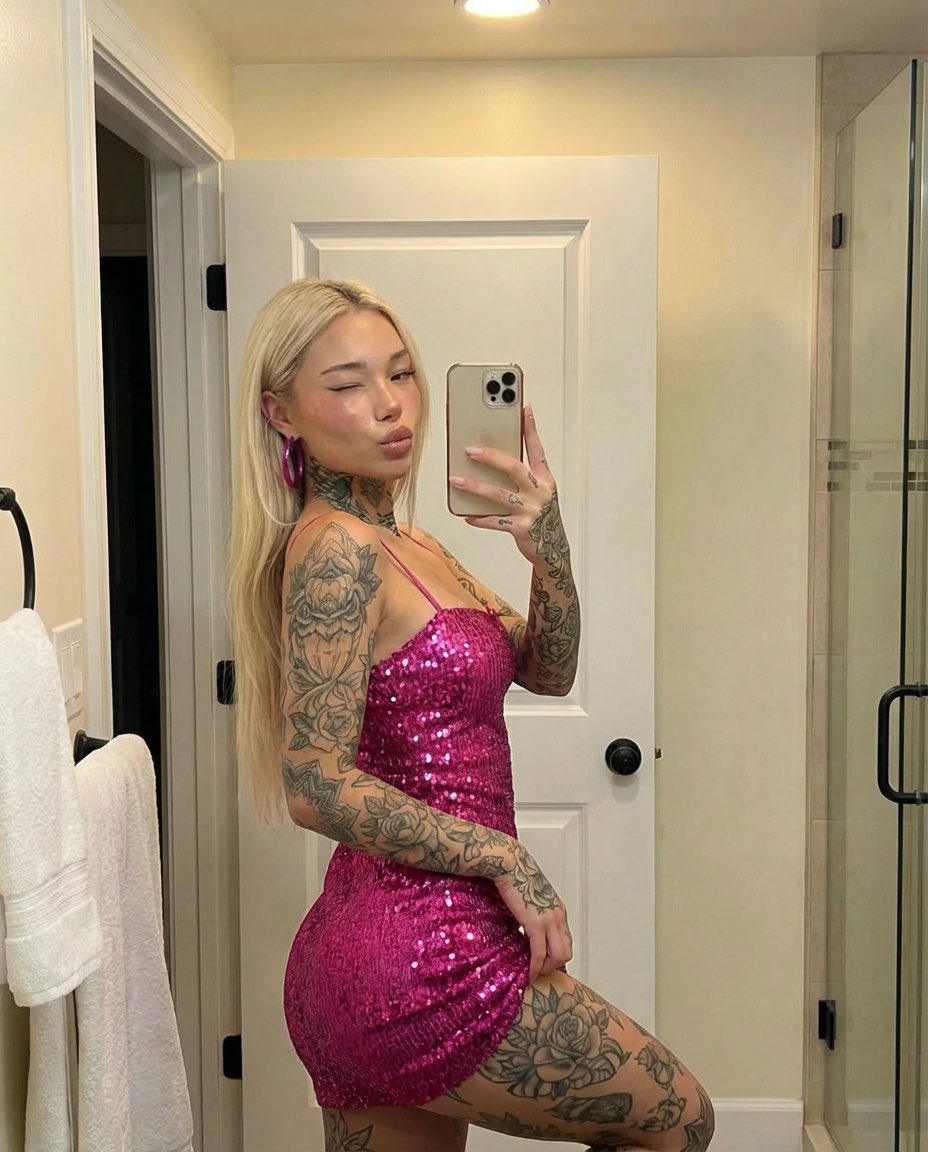
Tattooed Woman Mirror Selfie Prompt
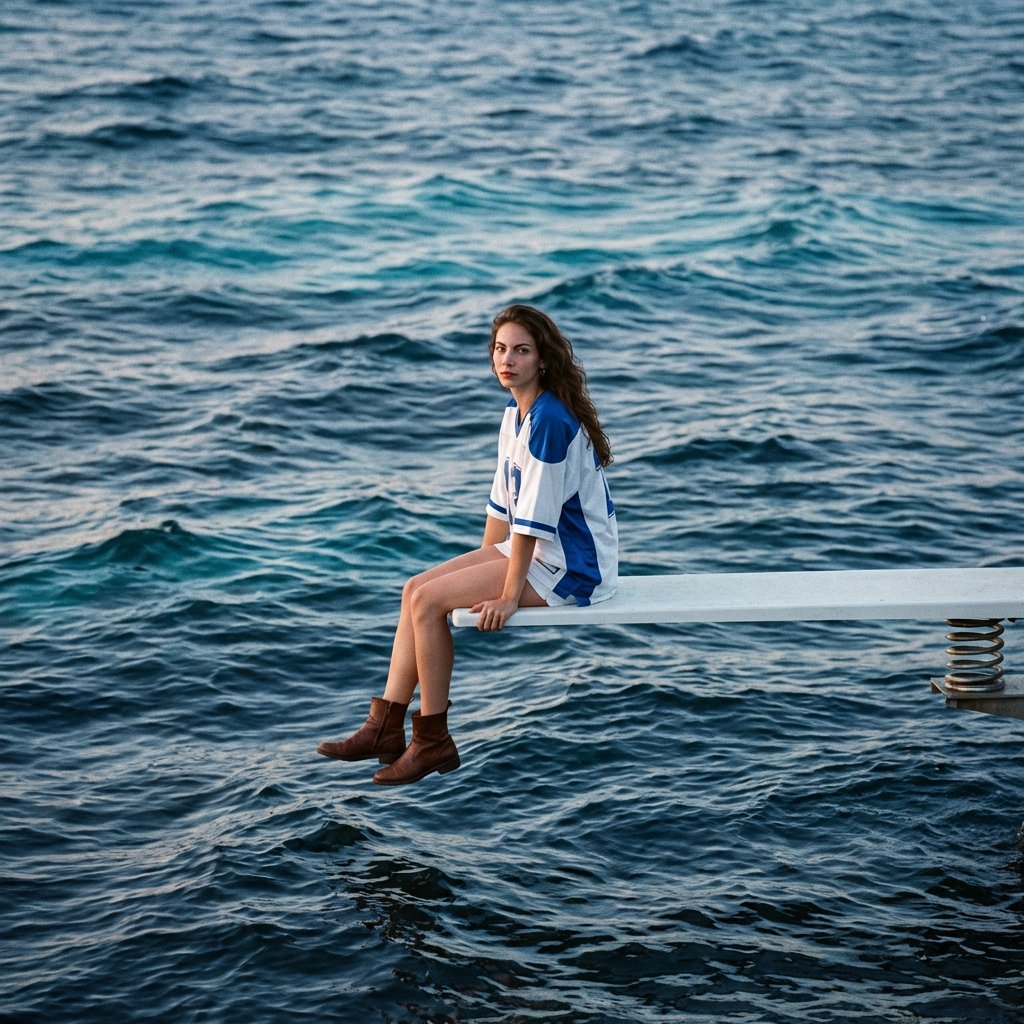
SZA SOS Album Cover Recreation
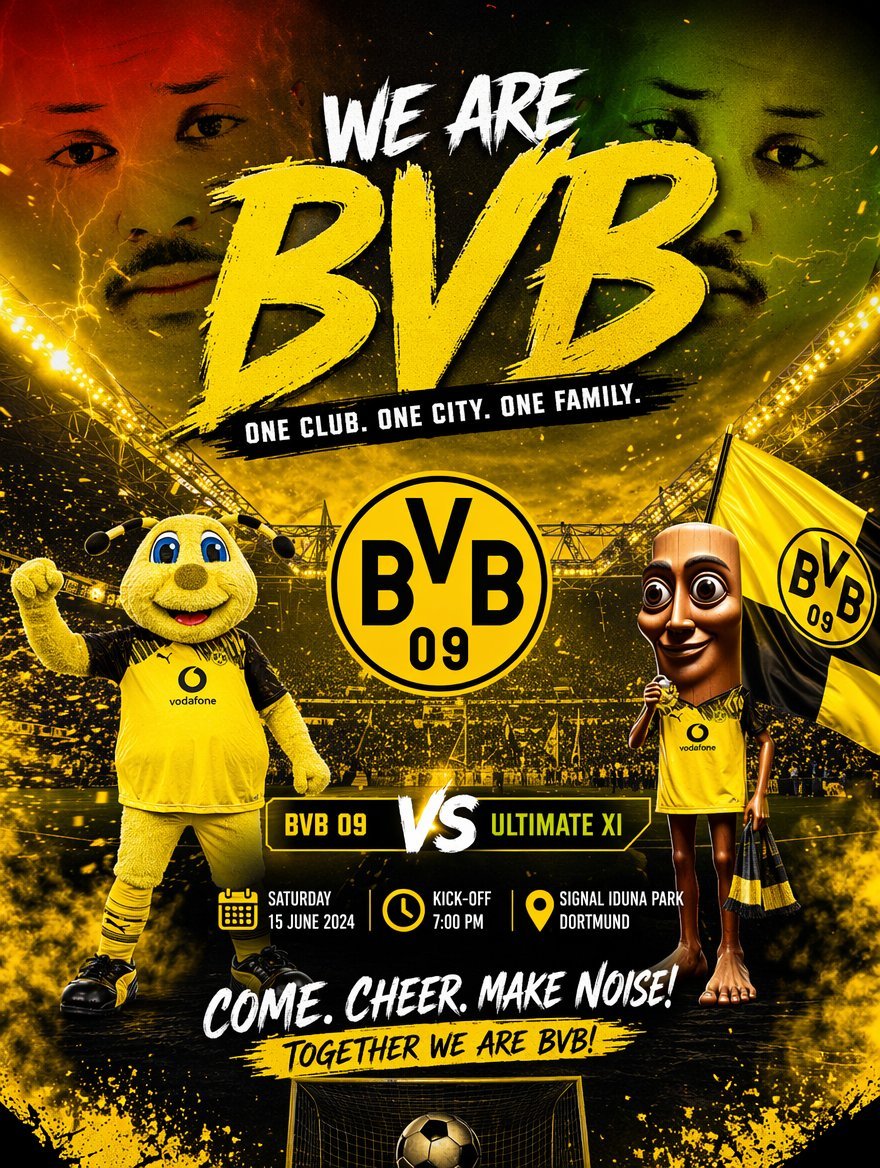
Soccer Event Poster Redesign
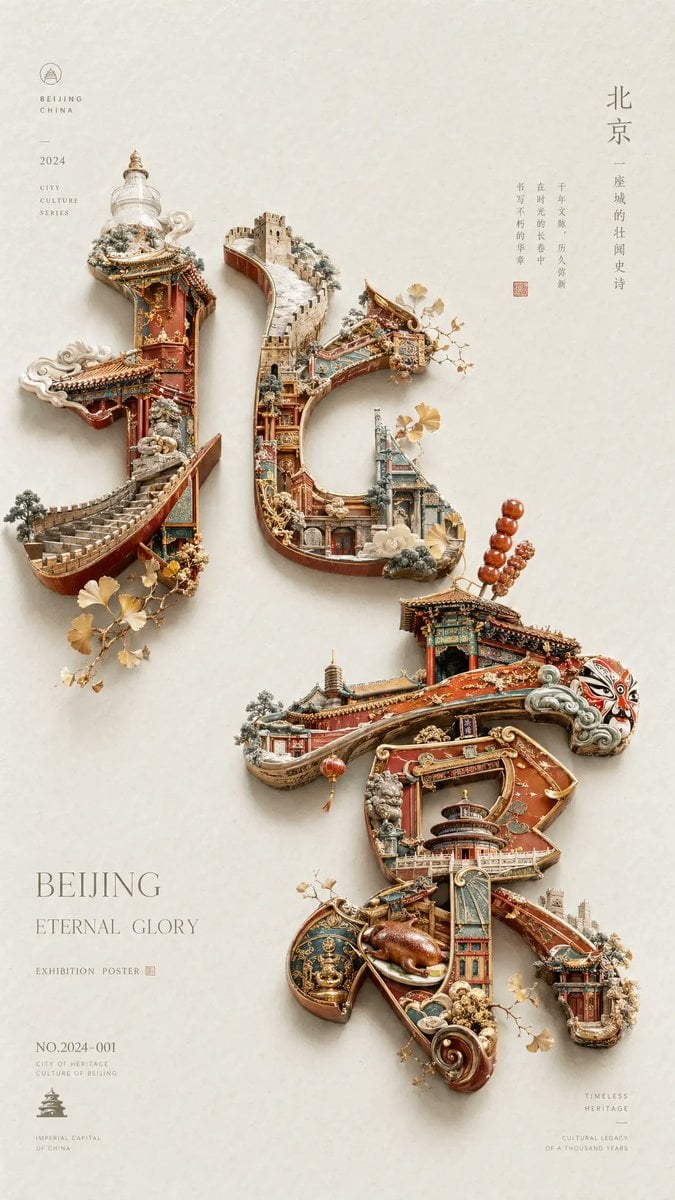
Beijing Cultural Heritage Poster

Ultra Realistic Cinematic Winter
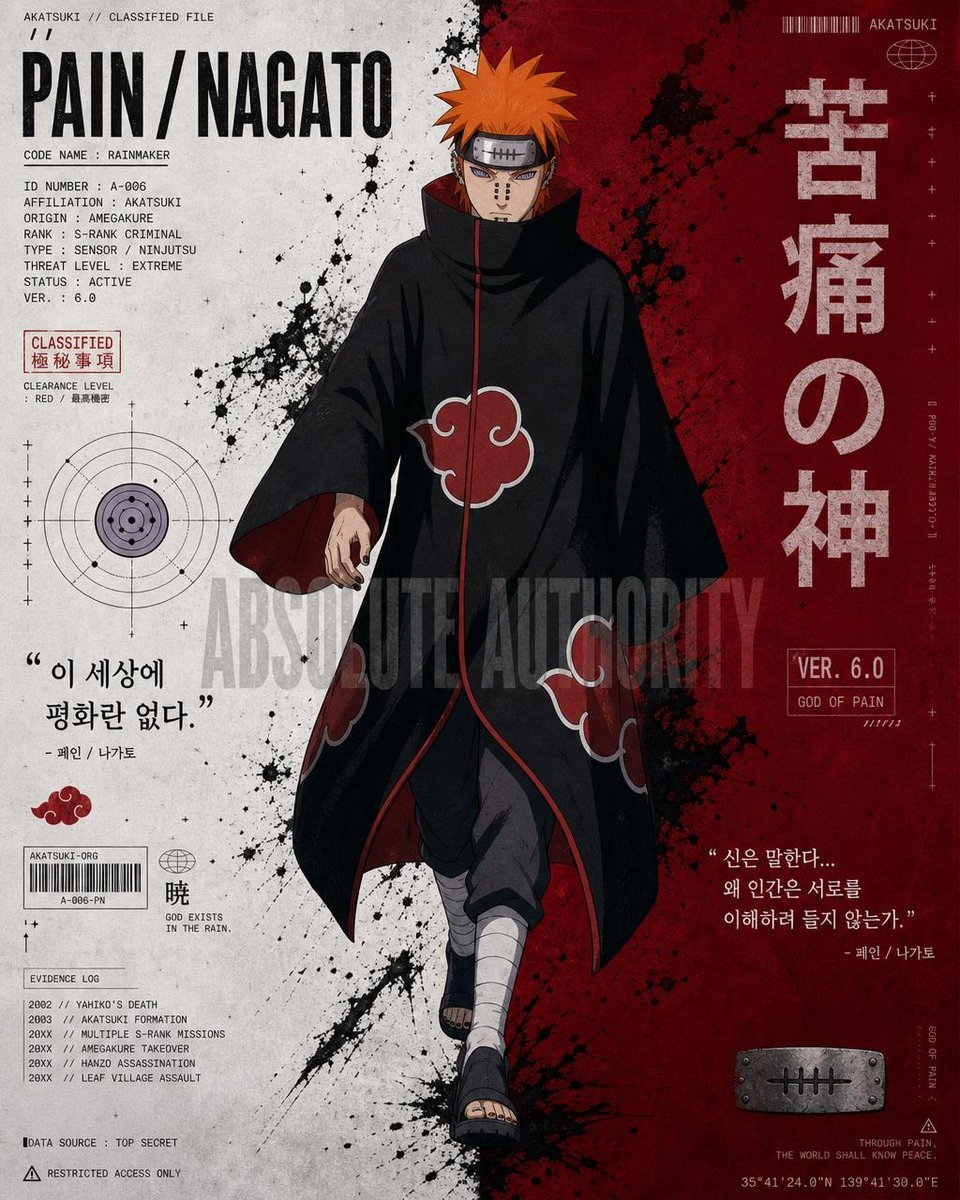
Anime Character Editorial Poster Prompt

Cinematic Double-Exposure Portrait of Contrast and Connection
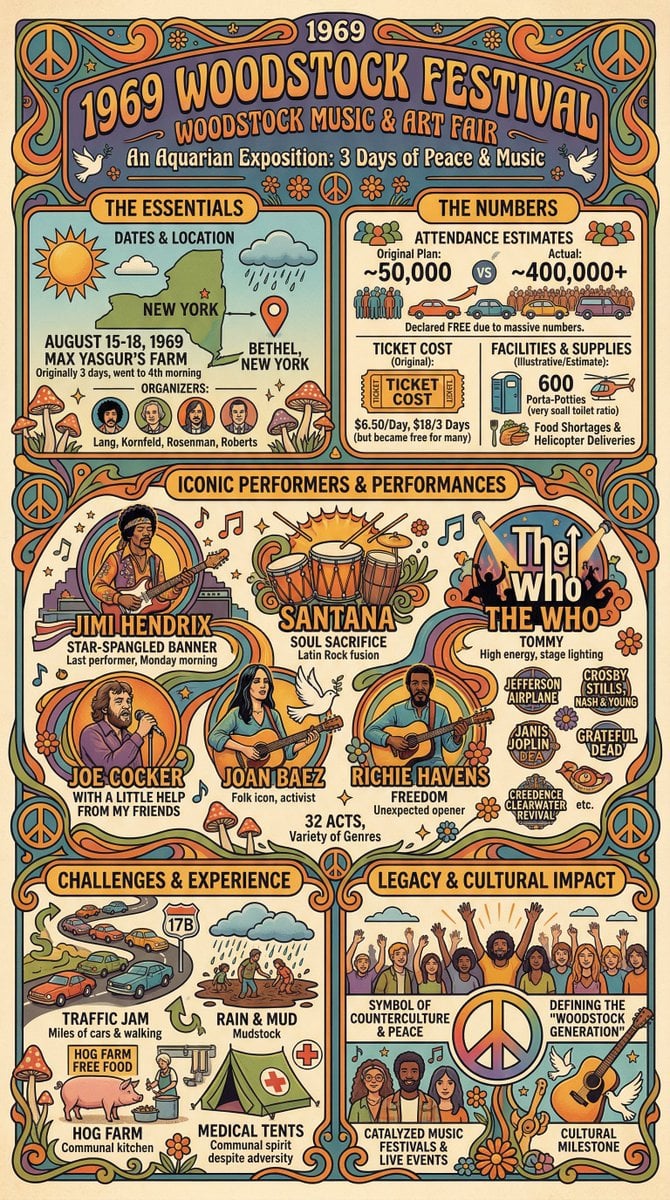
Infographic Creation with Simple Text Prompt
Browse template categories
Advanced Commercial Food/Product Poster Template with Vertical Layering questions
How do I use the Advanced Commercial Food/Product Poster Template with Vertical Layering template?
Add your photo if the template asks for one, edit the prompt if you like — the template's model and format are already selected — and press Generate. Your version opens in PicX Studio.
Can I customize the Advanced Commercial Food/Product Poster Template with Vertical Layering template?
Yes. You can change the subject, setting, lighting, mood, format, and available model controls before creating your image.
Is the Advanced Commercial Food/Product Poster Template with Vertical Layering template free?
Opening and editing this template is free. Generating uses credits, shown on the Generate button when you are signed in.
Which AI model should I use?
Start with Nano Banana 2, which is the model associated with this template. You can compare another compatible model for a different finish.
Looking for something else? Browse all templates.

Your photo, any look
Thousands of ready templates for every top image and video model, from one credit balance.