
SZA SOS Album Cover Recreation
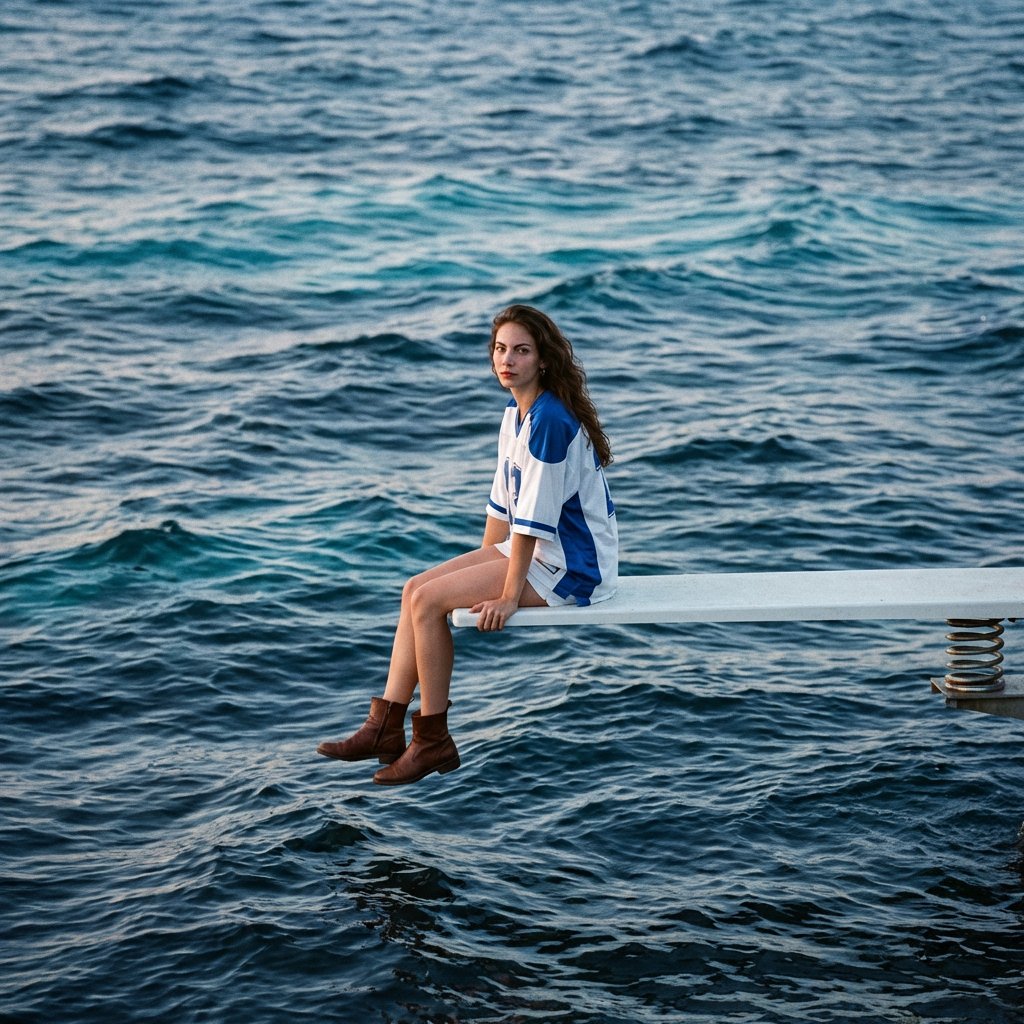
A detailed prompt for recreating the SZA SOS album cover aesthetic, featuring a subject with specific facial features (requiring a reference image) sitting on a diving board over a vast, textured blue ocean, emphasizing…
- Prompt included
- Model and format preset
- Free template
The prompt behind this image
Copy the exact prompt behind SZA SOS Album Cover Recreation, or open it in the studio and make it yours.
A square-format album cover scene featuring the person in the reference image as the sole subject. The subject's facial features, skin tone, expression, and hairstyle are identical to the given facial reference; the face remains unchanged. The subject sits in a relaxed three-quarter profile at the very edge of a white spring-loaded diving board that extends from the right edge of the frame into a wide, open ocean. There is no land or horizon visible; only layered, textured, undulating waves fill the entire background. The subject is positioned in the right third of the frame, adhering to the rule of thirds. The camera is at eye level, in a three-quarter profile facing left, with the chin slightly raised, legs swinging freely, and hands resting loosely on the knees. The diving board serves as a clean, almost horizontal directional line. Clothing: {argument name="clothing description" default="oversized white and blue athletic jersey, white shorts, brown boots"}. The color palette is dominated by cool ocean blues: a deep indigo base, Prussian blue midtones, turquoise-cyan highlights at the wave crests, slate blue shadows, and almost black troughs with subtle silvery glints. Lighting is provided by soft, diffused sunset light with a slight fall. Overall, a cool, blue hour vibe. Add in the fine-film grain, slight halos, subtle vignetting, slight matte curve, and restrained contrast. Shot with a cinematic 35mm film look using 135mm telephoto equivalent, f/4, 1/500s, ISO 400. The medium-deep depth of field keeps the subject and board in focus while ensuring the wave texture remains visible. Minimal typography space is left at the top for album text.
How to use SZA SOS Album Cover Recreation in 3 steps
- 1Upload ImagePNG, JPG or paste
Add your photo
Upload the photo the template builds on. The prompt, model and format are already set.
- 2…a portrait of your subject in softgolden-hour light, 85mm…
Personalize
Edit the subject and creative details for your destination.
- 3Generate
Generate
Press Generate — your image is created in PicX Studio, so you can compare it with the original and refine one variable at a time.
More like this
Templates with the same subject, style or setup. Open one to see its prompt.
Two A.M. Coastline Album Cover

Music Album Cover Abstract Liquid Mercury

Sparkling Seaside Anime Album Cover

Japanese Musician Album Cover

Ornate A-Un Kimono Album Cover
Dark Forest Undine Album Cover
Monochrome Visual-Kei Album Cover
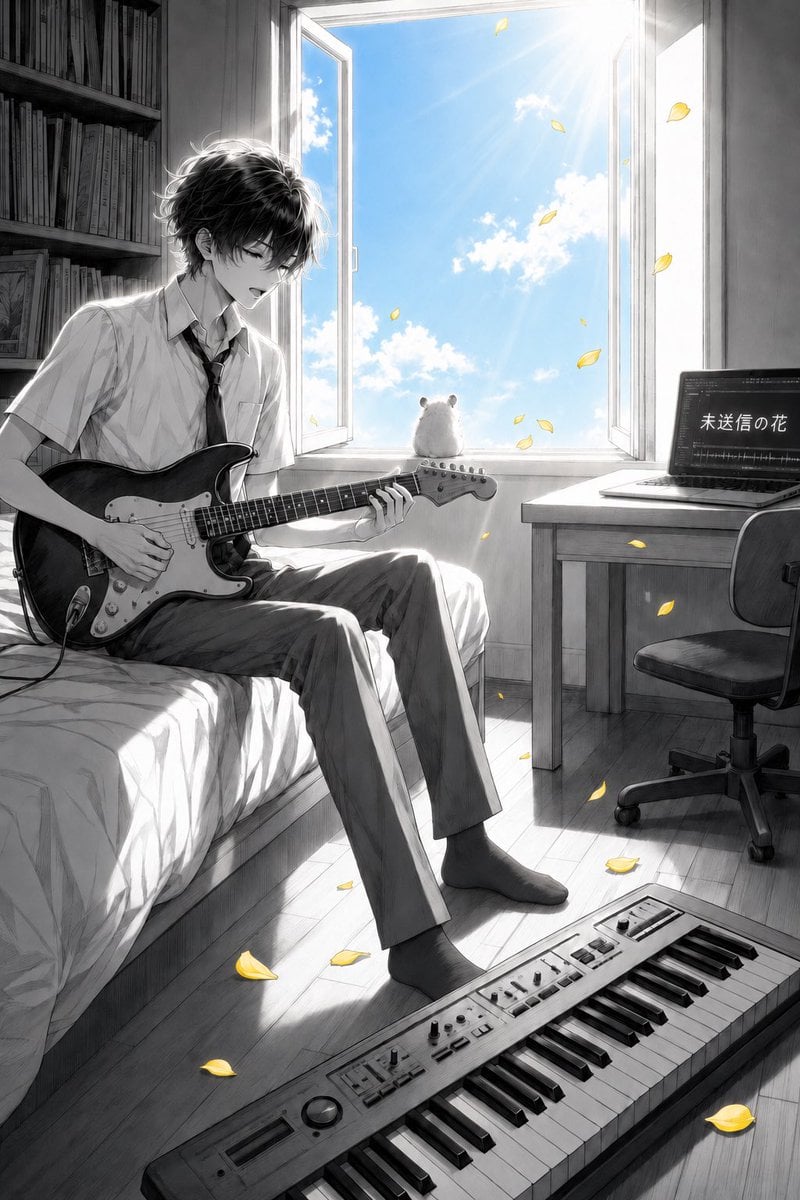
Anime Bedroom Guitar Album Cover
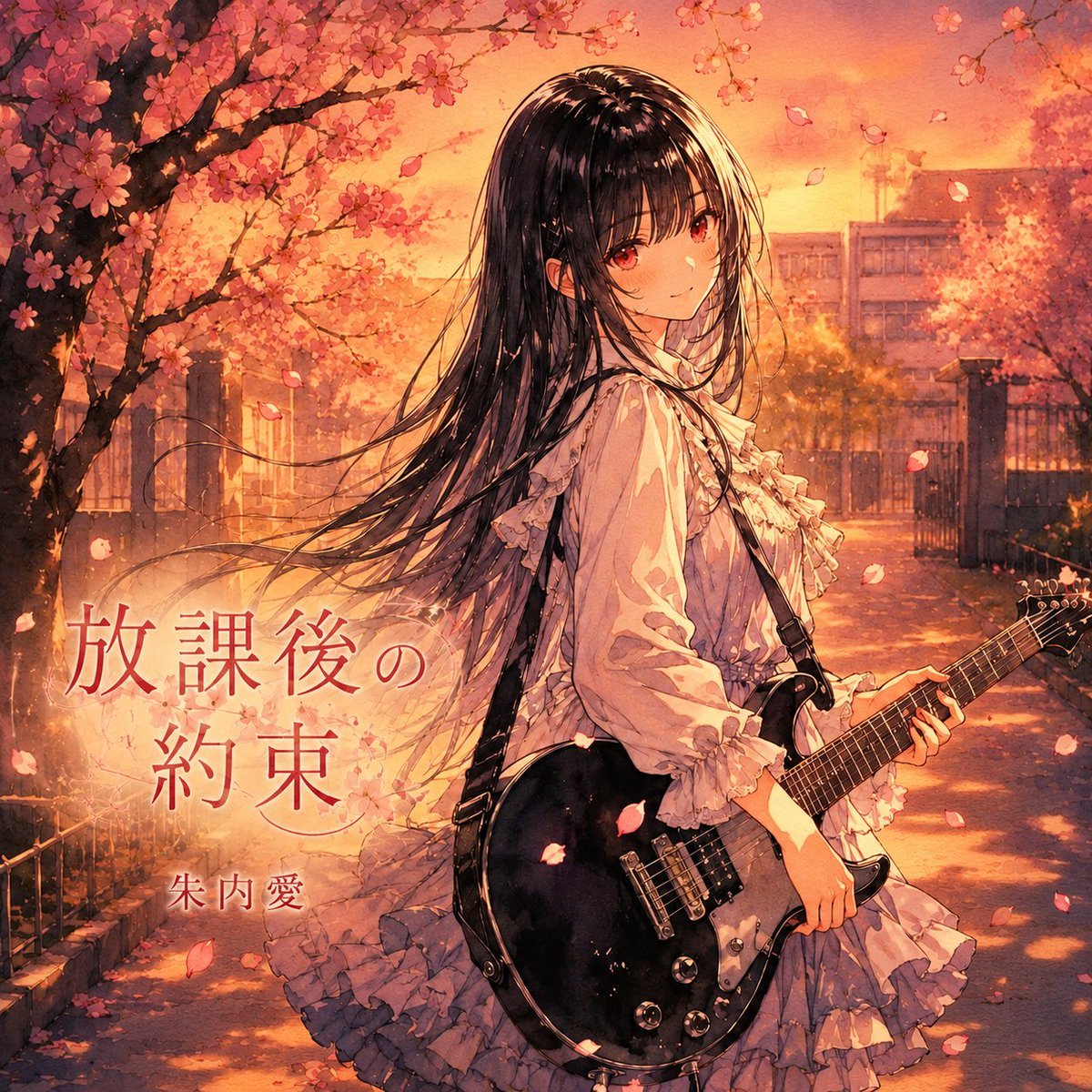
Anime Cherry Blossom Rock Album Cover
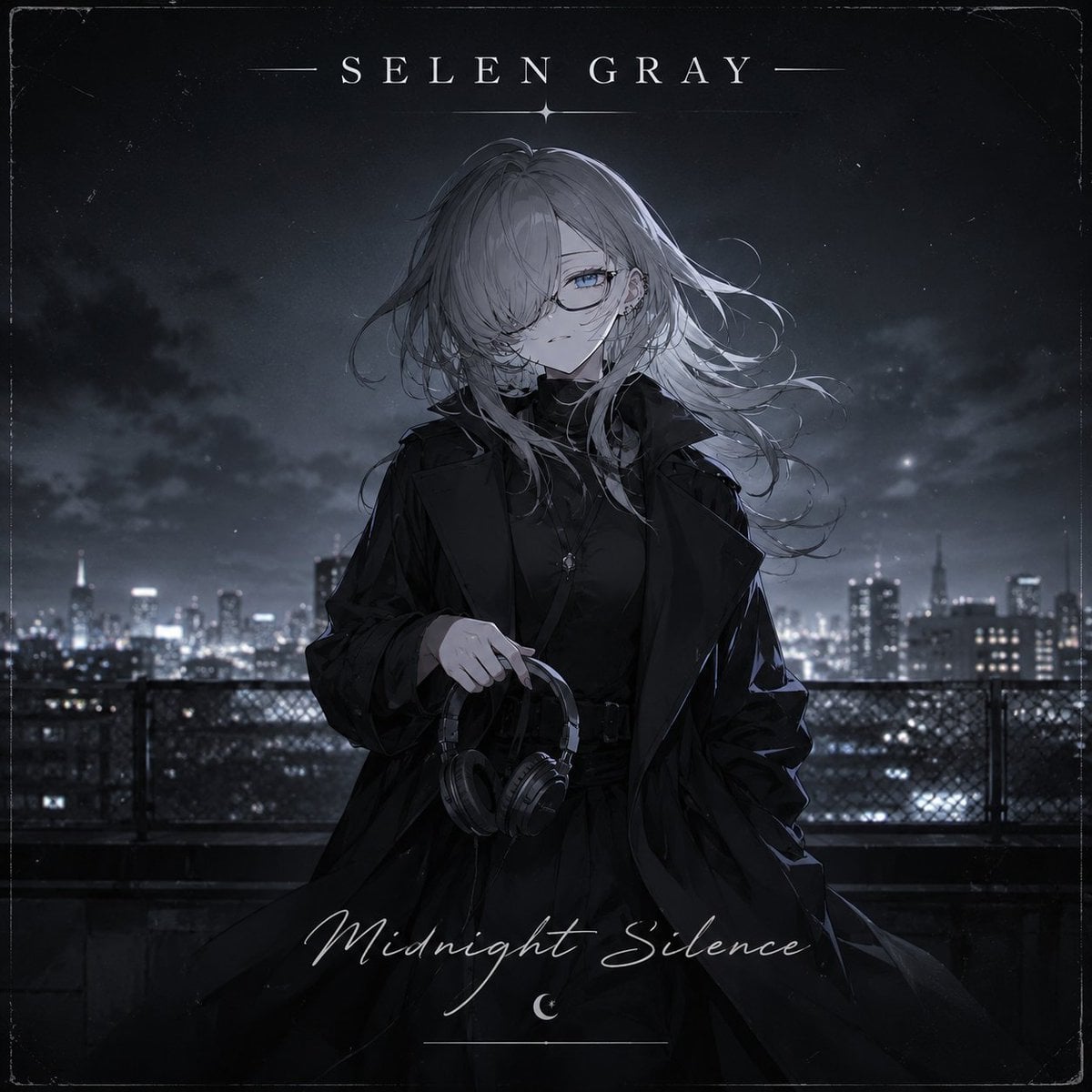
Midnight Anime Album Cover

Anime Maid CD Album Cover
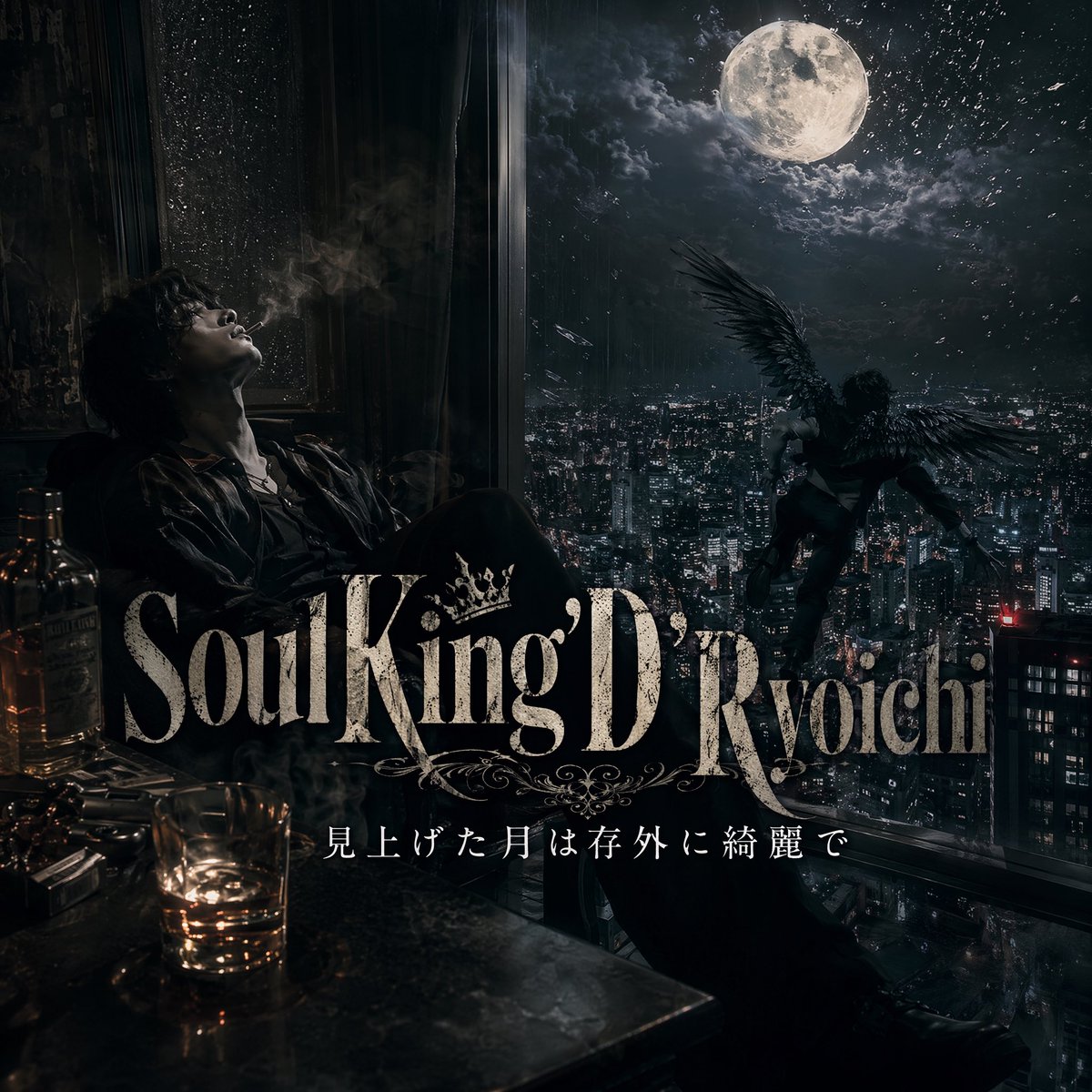
Dark Moonlit Noir Album Cover
Make it yours
SZA SOS Album Cover Recreation works as-is. These are the safest ways to change it without losing the look.
Change one field
Copy a single group, rewrite it, and generate again so you can see what that field is doing.
Keep the frame, change the subject
Hold the composition and light of SZA SOS Album Cover Recreation, then swap wardrobe, props or the person for a new take.
| If the result… | Why | Fix |
|---|---|---|
| The result drifts from the preview | Too many fields changed at once. | Reuse SZA SOS Album Cover Recreation as-is first, then change one group — subject, light, or setting. |
| The model over-stylizes the scene | The prose prompt leaves finish and camera underspecified. | Add one camera or lighting sentence and stay on Nano Banana 2. |
More Nano Banana 2 templates
Other prompts made for Nano Banana 2.

Photorealistic Leaf Shaped Like a Dragon

K-Pop Idol Portrait Grid for Rapid Selection

Poetic Rain Forest Portrait During Golden Hour

Urban Street Portrait with Cartoon Inner Self Duo

Candid Nighttime Photo with Cat Prompt

High-Concept 3D Diorama Generation Prompt

Cinematic Futuristic Studio Portrait Template

Skincare Editorial Photography Collage Prompt

Hyper-Realistic Commercial Product Photography (Splash Effect)

Hyper-Realistic Nightclub Portrait Prompt
More image prompts
Fresh picks from across the catalog.
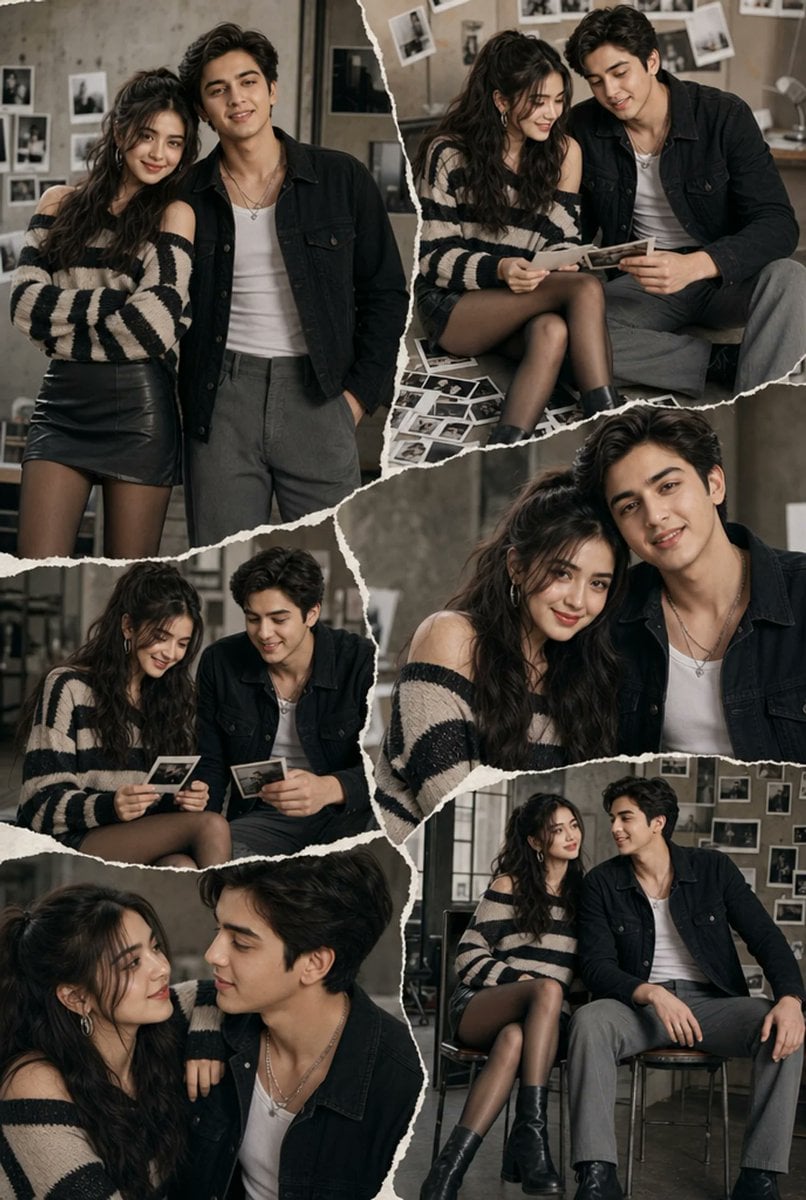
Editorial Couple Torn-Paper Collage
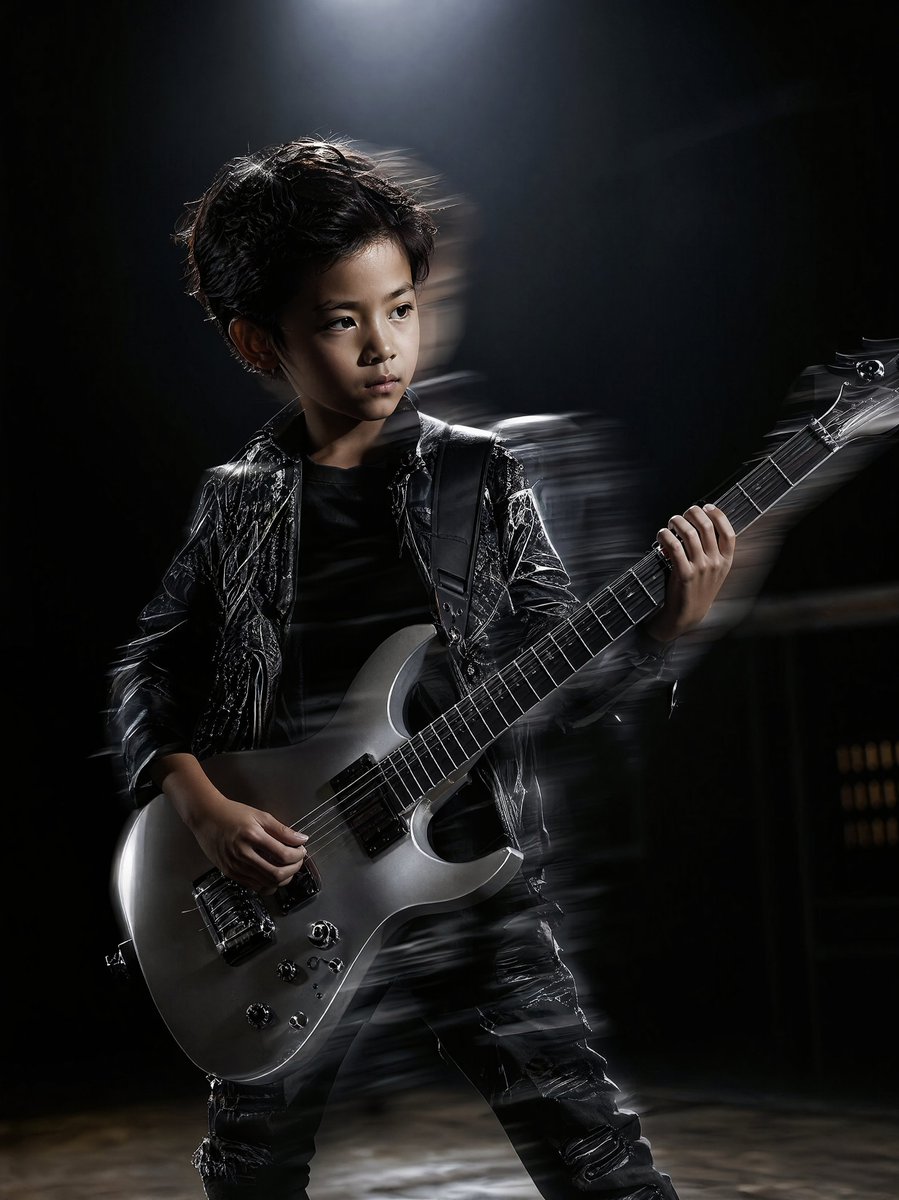
Moody Guitarist Portrait
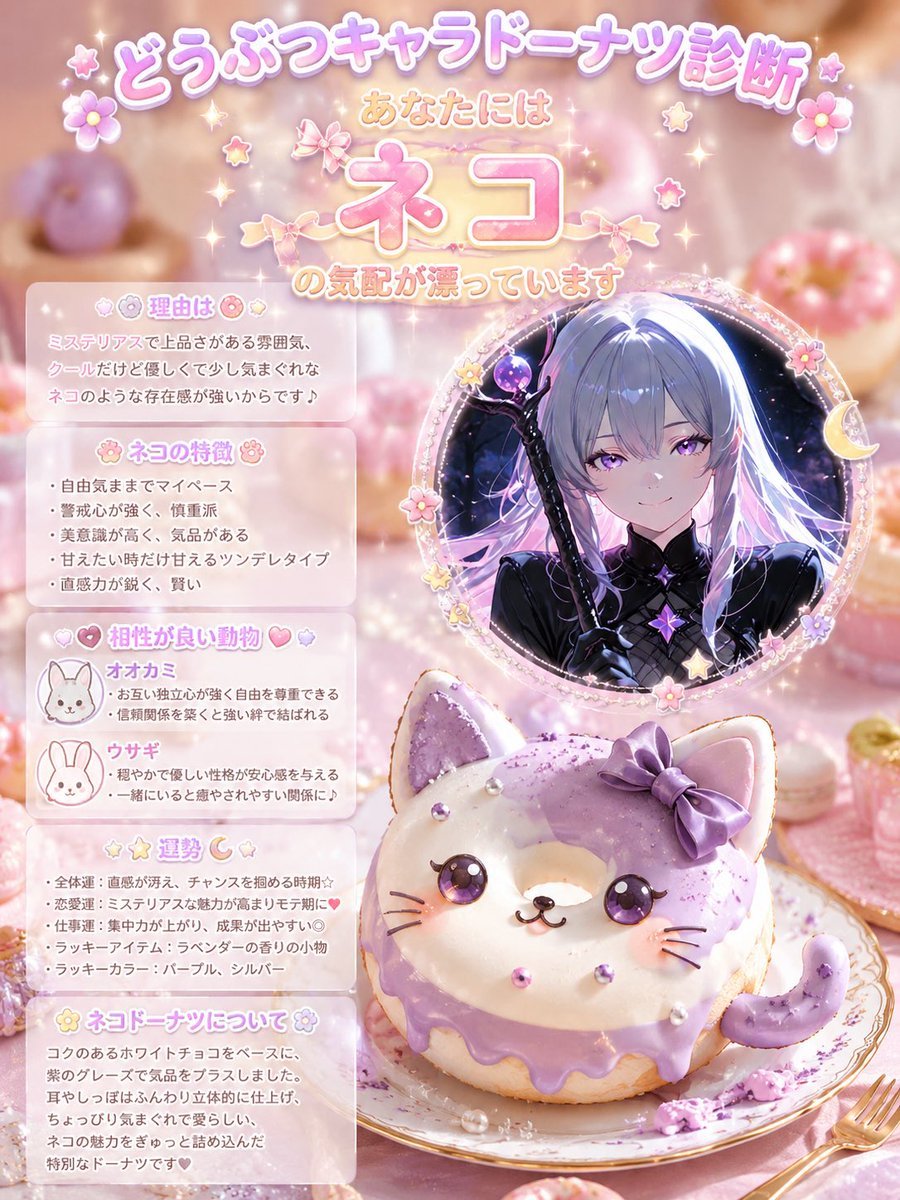
Kawaii Cat Donut Diagnosis Poster

JRPG Hatsune Miku Fantasy Logo

Vintage Brush Flag City Posters
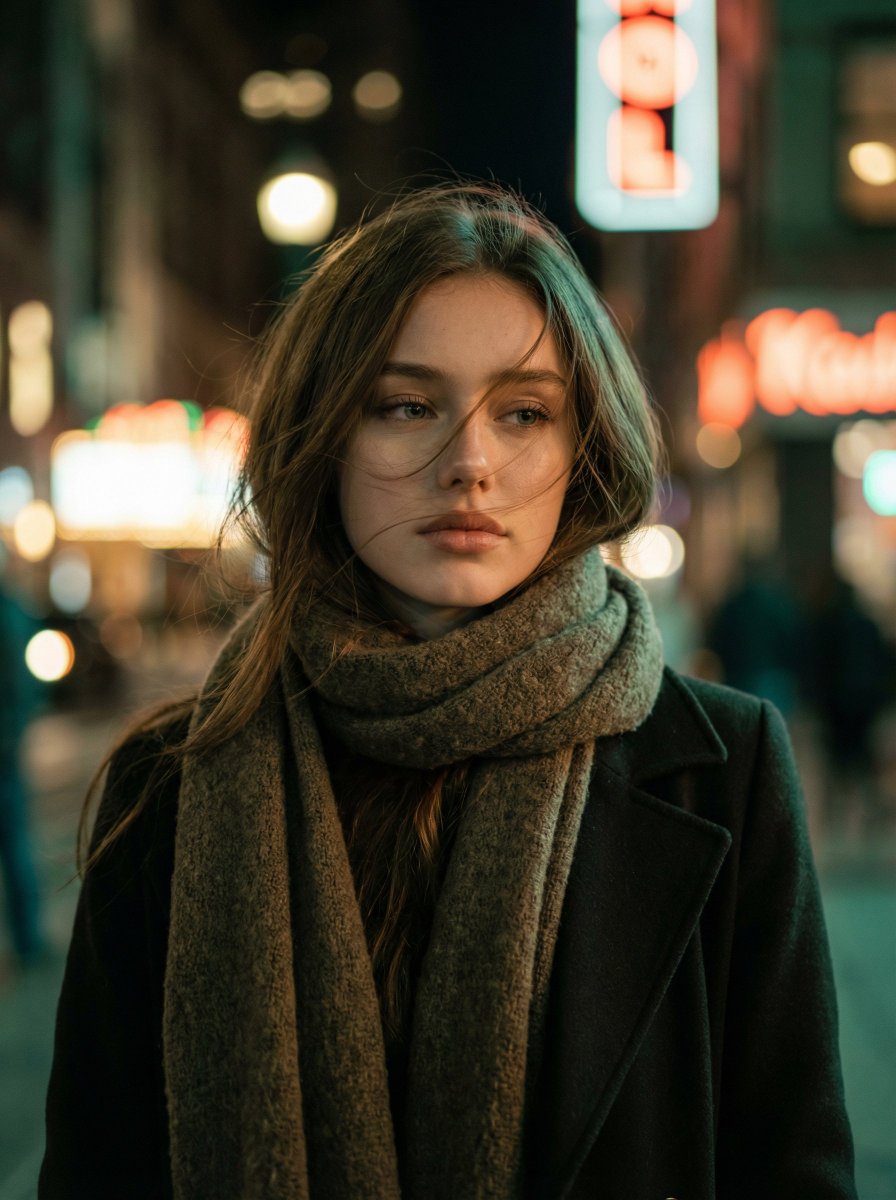
Cinematic Night Portrait of a Young Woman
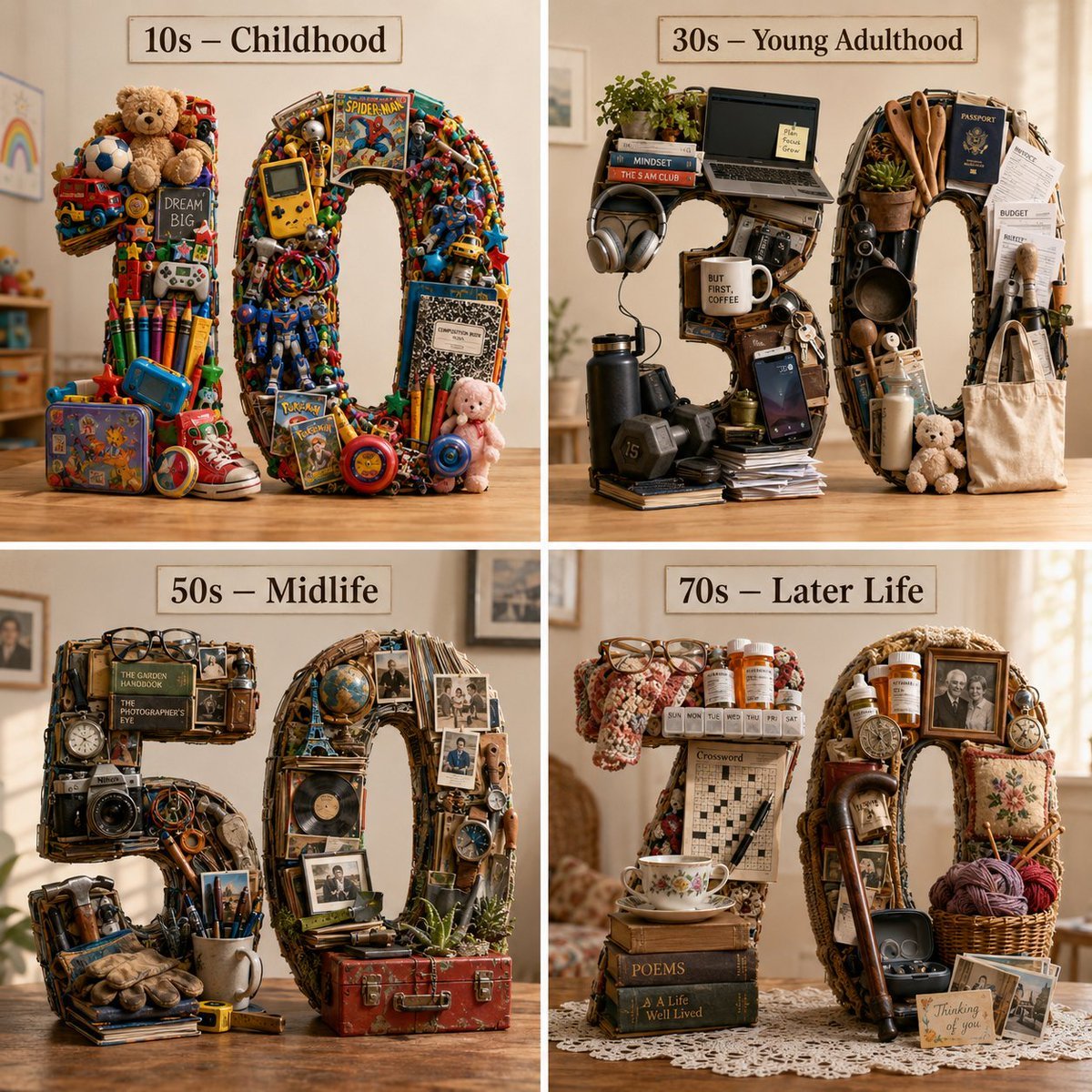
Typographic Human Life Stages Sculpture
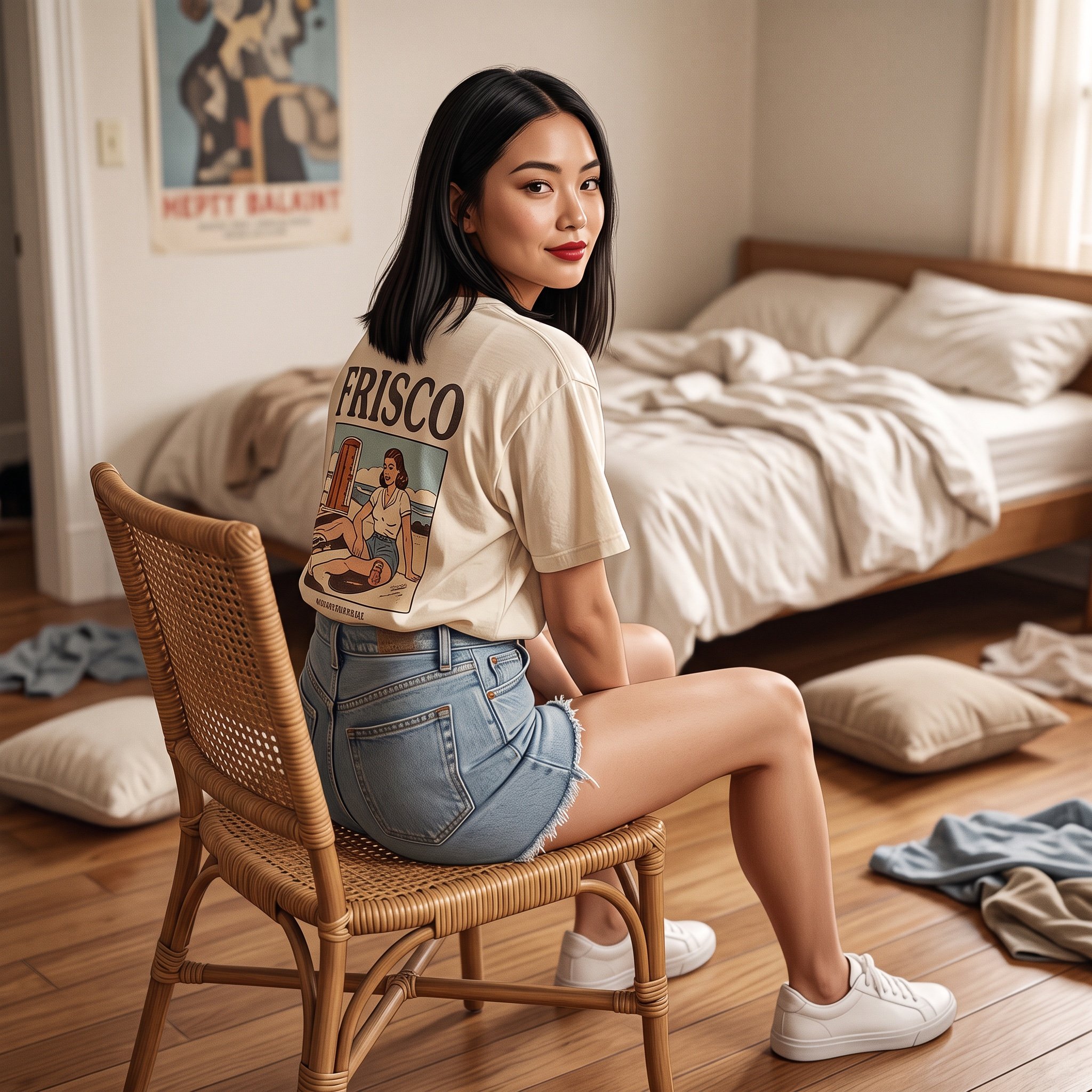
Photorealistic Frisco T-Shirt Lifestyle Portrait Prompt
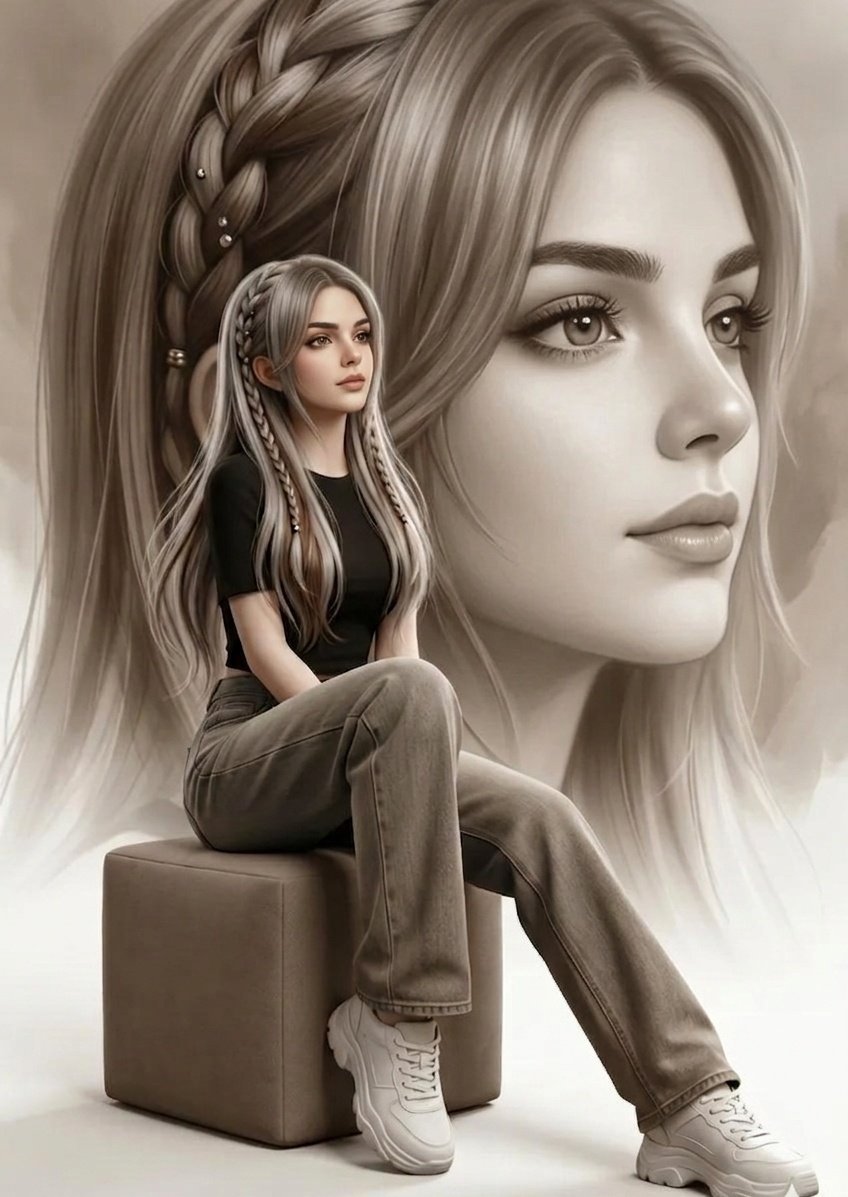
Double Exposure Fashion Portrait
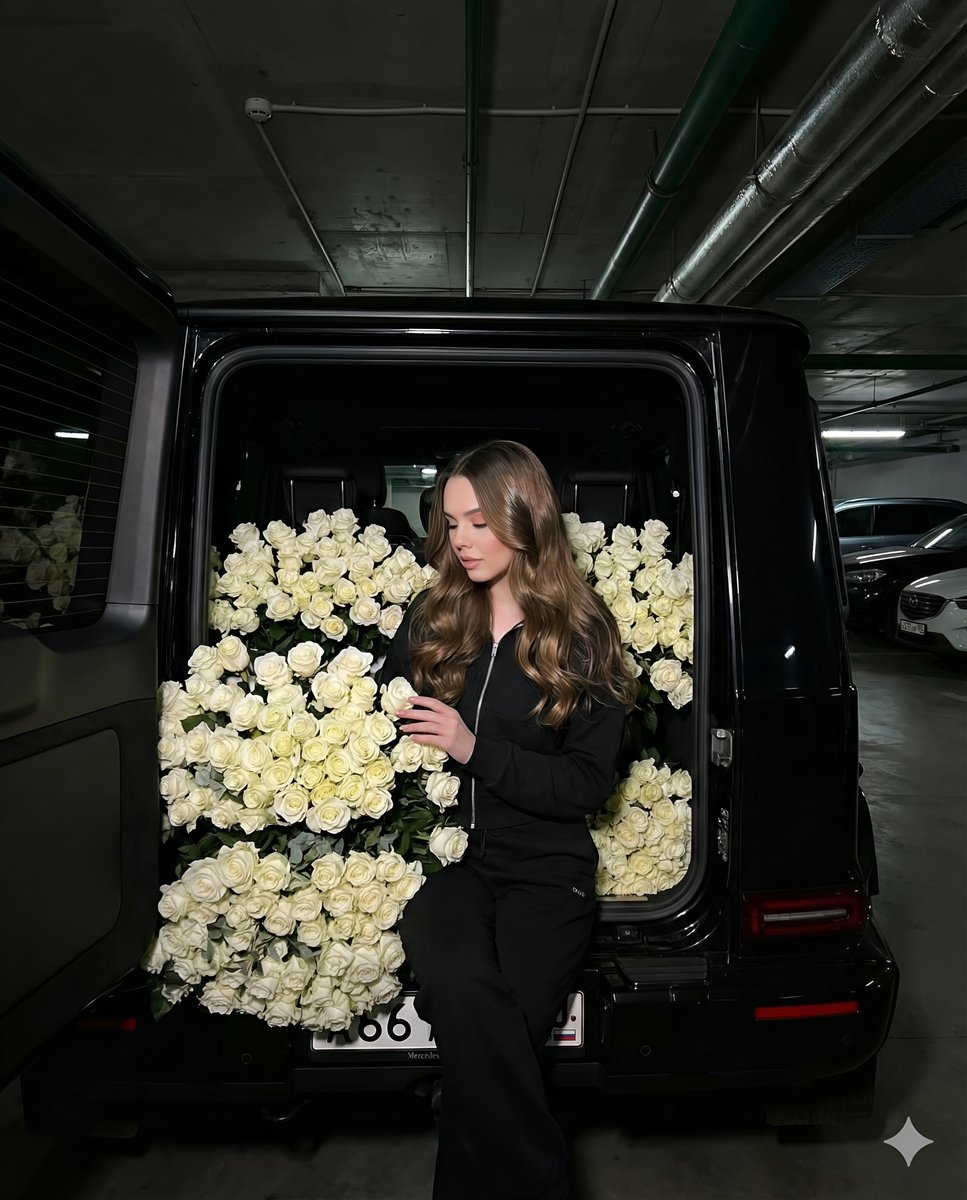
Fashion Shoot in a Car Trunk Filled with White Roses
Browse template categories
SZA SOS Album Cover Recreation questions
How do I use the SZA SOS Album Cover Recreation template?
Add your photo if the template asks for one, edit the prompt if you like — the template's model and format are already selected — and press Generate. Your version opens in PicX Studio.
Can I customize the SZA SOS Album Cover Recreation template?
Yes. You can change the subject, setting, lighting, mood, format, and available model controls before creating your image.
Is the SZA SOS Album Cover Recreation template free?
Opening and editing this template is free. Generating uses credits, shown on the Generate button when you are signed in.
Which AI model should I use?
Start with Nano Banana 2, which is the model associated with this template. You can compare another compatible model for a different finish.
Looking for something else? Browse all templates.

Your photo, any look
Thousands of ready templates for every top image and video model, from one credit balance.