
Editorial Couple Torn-Paper Collage
Generates a realistic fashion photoshoot collage of an anonymous stylish couple in a modern studio, useful for editorial mood boards and social visuals.
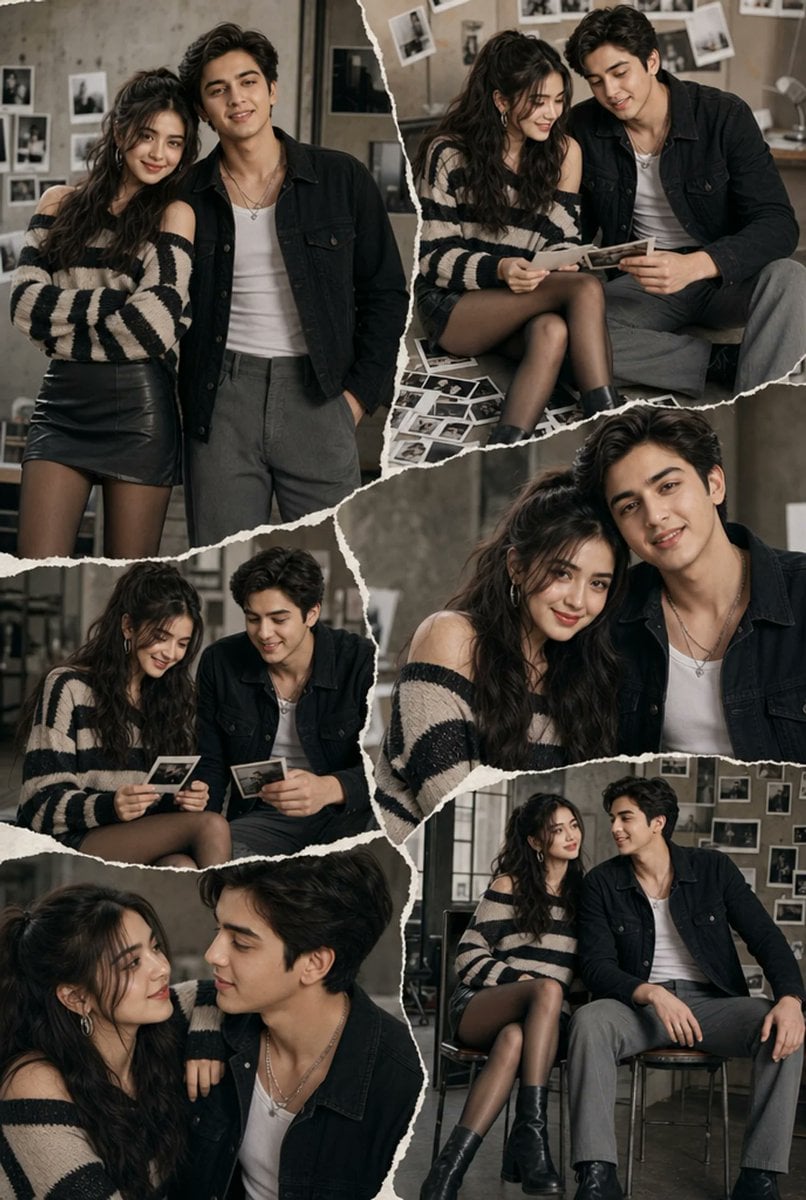
- Prompt included
- Model and format preset
- Free template
The prompt behind this image
Copy the exact prompt behind Editorial Couple Torn-Paper Collage, or open it in the studio and make it yours.
Goal: Create an ultra-realistic editorial fashion photoshoot scrapbook collage of {argument name="couple description" default="a fashionable young couple, one woman and one man, with intentionally soft blurred anonymous faces"} in a contemporary photography studio, arranged like torn paper pieces from a magazine contact-sheet story. Canvas: Vertical portrait image, 2:3 aspect ratio, full-bleed collage with no outer border. Use muted warm-gray studio lighting, realistic film grain, shallow depth of field, and a high-end editorial look. Layout: Build exactly 6 torn-paper photo panels separated by rough white ripped edges and overlapping diagonals: 1. Large upper-left panel: the couple stands close together, the woman leaning into the man; both shown from thigh to head. 2. Upper-right panel: the couple sits together looking down at printed photographs or Polaroids in their hands, with loose photo prints scattered near their feet. 3. Middle-left panel: seated candid moment, both holding individual instant photos, knees angled inward. 4. Middle-right panel: intimate close-up crop of their shoulders and upper bodies, faces large but softly blurred, clothing details visible. 5. Bottom-left panel: close cropped side-by-side portrait, the woman in the foreground and the man partly behind her, relaxed and candid. 6. Bottom-right panel: full seated portrait on simple studio chairs, both looking off to the side, wall of pinned photos behind them. Subject details: The woman wears {argument name="woman outfit" default="an oversized off-shoulder black-and-cream striped knit sweater, black leather mini skirt, sheer black tights, chunky black ankle boots, and silver hoop earrings"}. She has long dark wavy hair. The man wears {argument name="man outfit" default="a black denim jacket over a white tank top, gray tailored trousers, black shoes, and layered silver necklaces"}. He has dark tousled hair. Keep their poses natural, affectionate, and editorial rather than overly romantic. Background and props: Use a modern industrial photography studio with concrete walls, dark metal window frames, stools, simple chairs, and many small black-and-white and color photo prints taped or pinned to the wall. Include scattered Polaroids/contact prints in several panels, especially the upper-right and middle-left scenes. Visual style: Ultra-realistic DSLR photography, contemporary fashion editorial, muted taupe-gray palette, soft directional window light, natural shadows, subtle film texture. The collage edges should look like real torn paper: irregular, fibrous, white, layered, and slightly shadowed where panels overlap. Constraints: Show exactly 2 people and exactly 6 collage panels. Keep the faces anonymous with smooth soft blur or featureless soft rectangular blur, while preserving hair, clothing, body language, and realistic lighting. No readable text, no logos, no watermark, no extra people, no cartoon styling.
How to use Editorial Couple Torn-Paper Collage in 3 steps
- 1Upload ImagePNG, JPG or paste
Add your photo
Upload the photo the template builds on. The prompt, model and format are already set.
- 2…a portrait of your subject in softgolden-hour light, 85mm…
Personalize
Edit the subject and creative details for your destination.
- 3Generate
Generate
Press Generate — your image is created in PicX Studio, so you can compare it with the original and refine one variable at a time.
More like this
Templates with the same subject, style or setup. Open one to see its prompt.
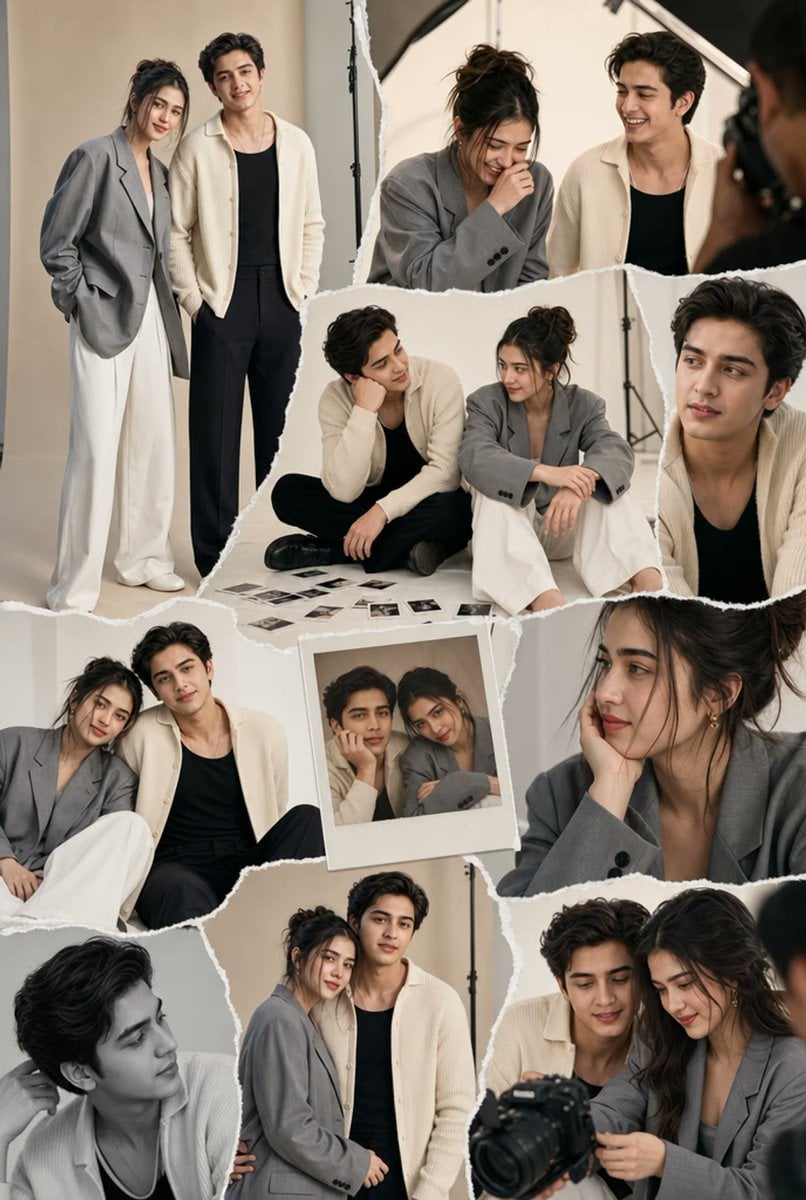
Torn-Paper Couple Studio Collage
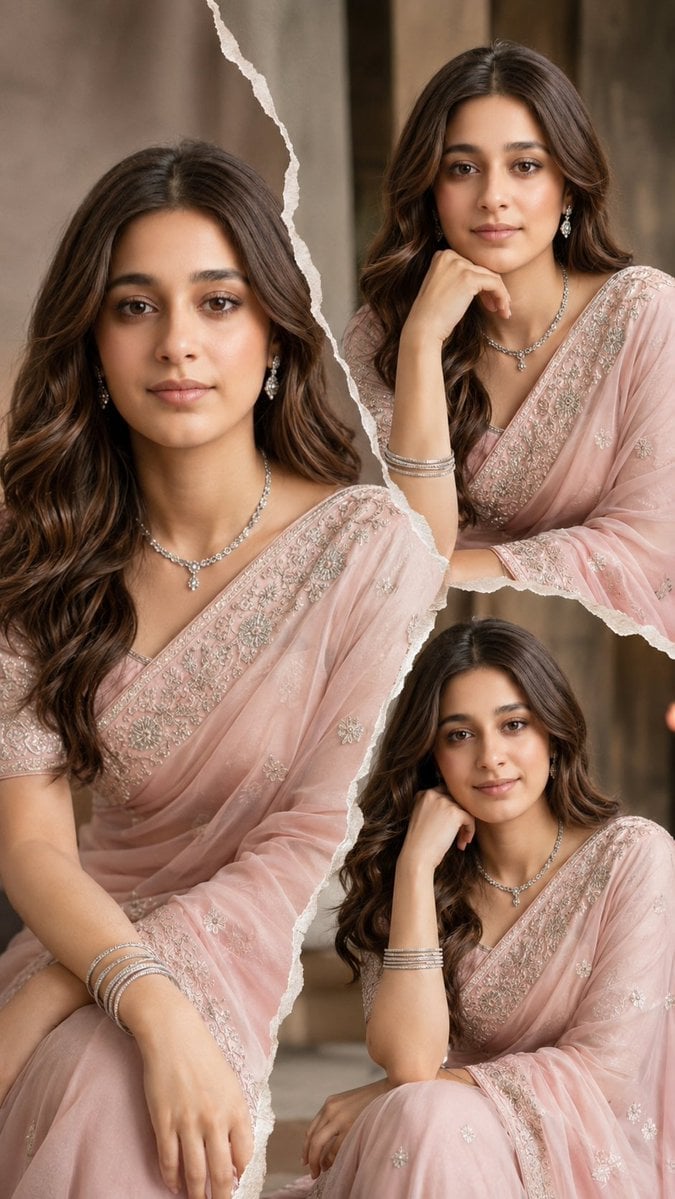
Torn Paper Saree Fashion Collage
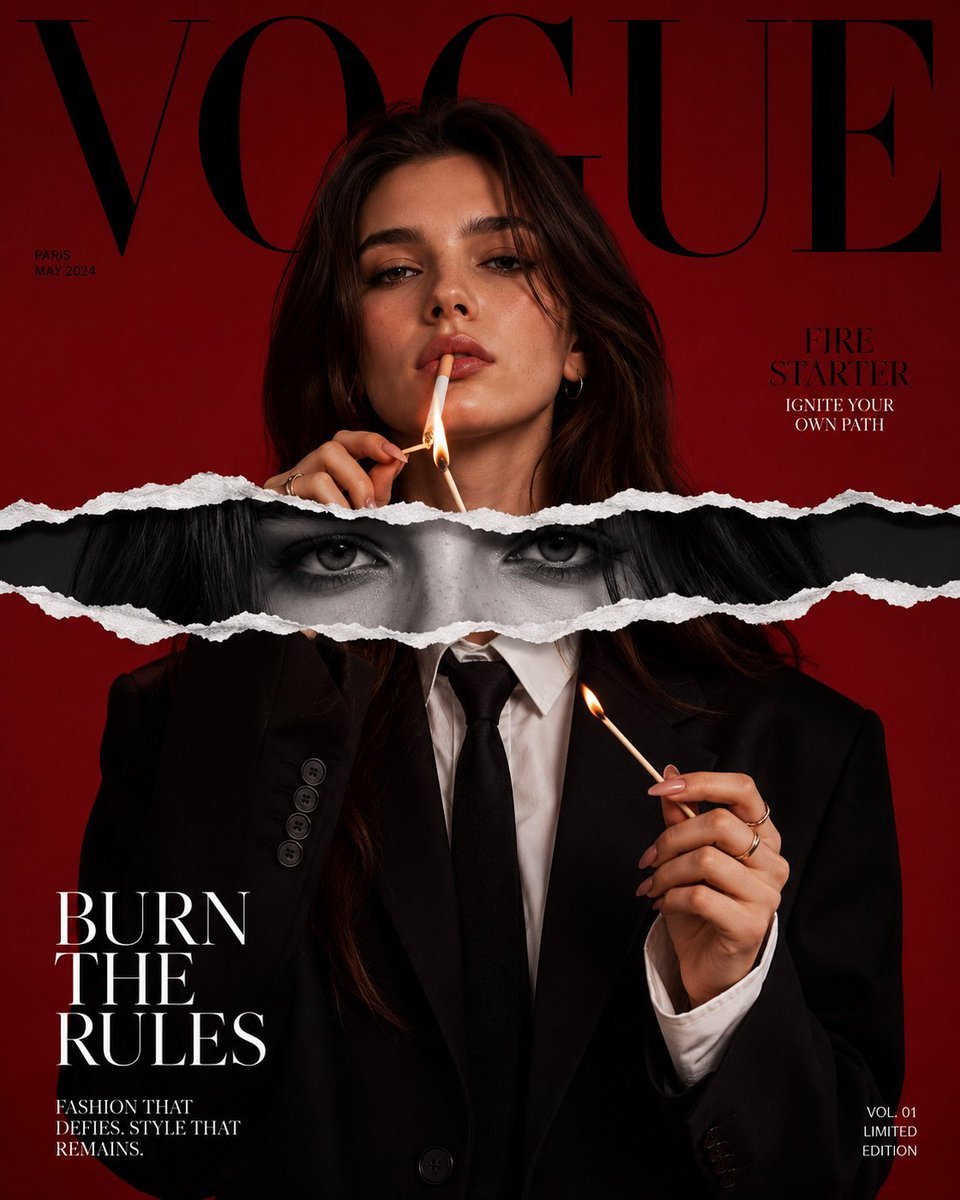
Torn Paper Editorial Magazine Cover

Paper Cut Finale Fireworks

Paper Cut Garden Maze

Paper Cut Rooftop Concert

Paper Cut Bicycle Coast

Paper Cut Castle Gate

Paper Cut Kitchen Chaos

Paper Cut Carnival Ride

Paper Cut Rainy Bus Stop

Paper Cut Space Dock
Make it yours
Editorial Couple Torn-Paper Collage works as-is. These are the safest ways to change it without losing the look.
Change one field
Copy a single group, rewrite it, and generate again so you can see what that field is doing.
Keep the frame, change the subject
Hold the composition and light of Editorial Couple Torn-Paper Collage, then swap wardrobe, props or the person for a new take.
| If the result… | Why | Fix |
|---|---|---|
| The result drifts from the preview | Too many fields changed at once. | Reuse Editorial Couple Torn-Paper Collage as-is first, then change one group — subject, light, or setting. |
| The model over-stylizes the scene | The prose prompt leaves finish and camera underspecified. | Add one camera or lighting sentence and stay on GPT Image 2. |
More GPT Image 2 templates
Other prompts made for GPT Image 2.

Six VTuber Japanese Logo Sheet

Realistic Portrait of Woman and Deer

The Vista Modular Condo Poster

AI Model Routing Comparison Infographic

2.5D Anime Art Board

Isometric Productivity Desk Scene

New York Double Exposure Poster

Four-Panel AI Landscape Comparison

Japanese Tatami Lifestyle Magazine Cover

NESCAFÉ Coffee Map Poster
More image prompts
Fresh picks from across the catalog.
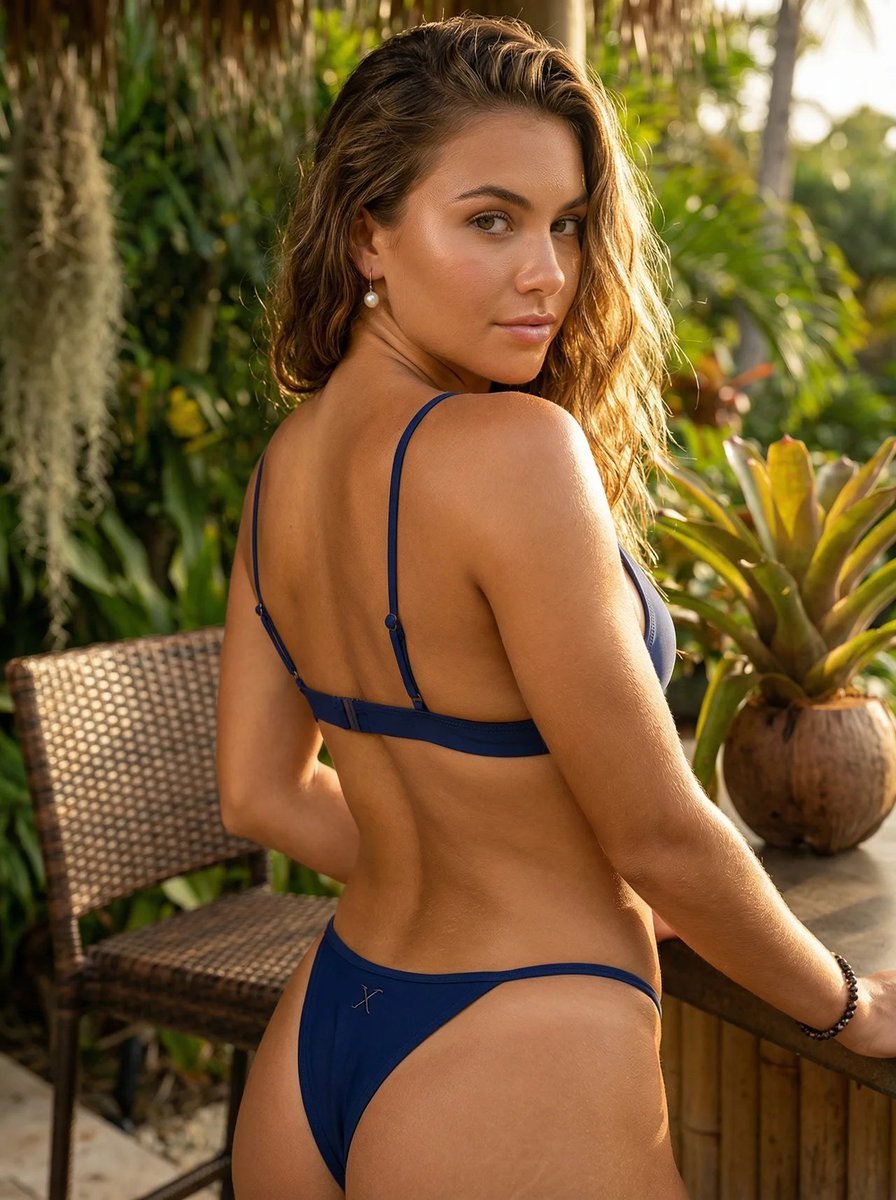
Luxury Lifestyle Editorial Portrait

Convert videogame screenshot to hyperreal modern engine
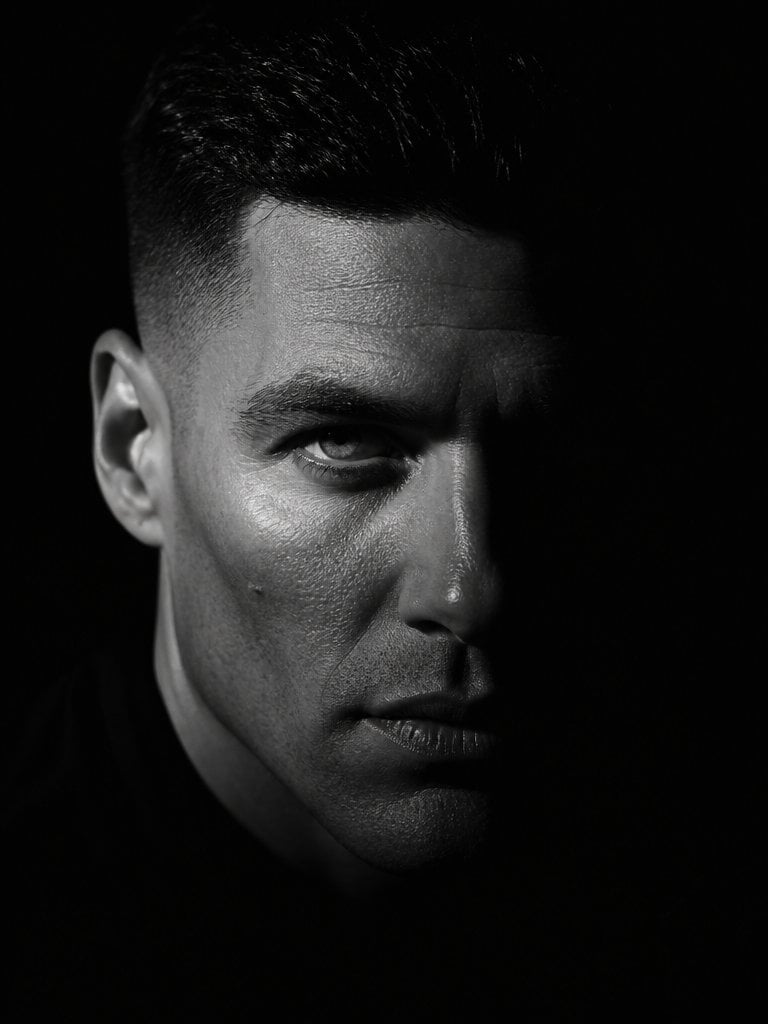
Dramatic Chiaroscuro Male Editorial Portrait
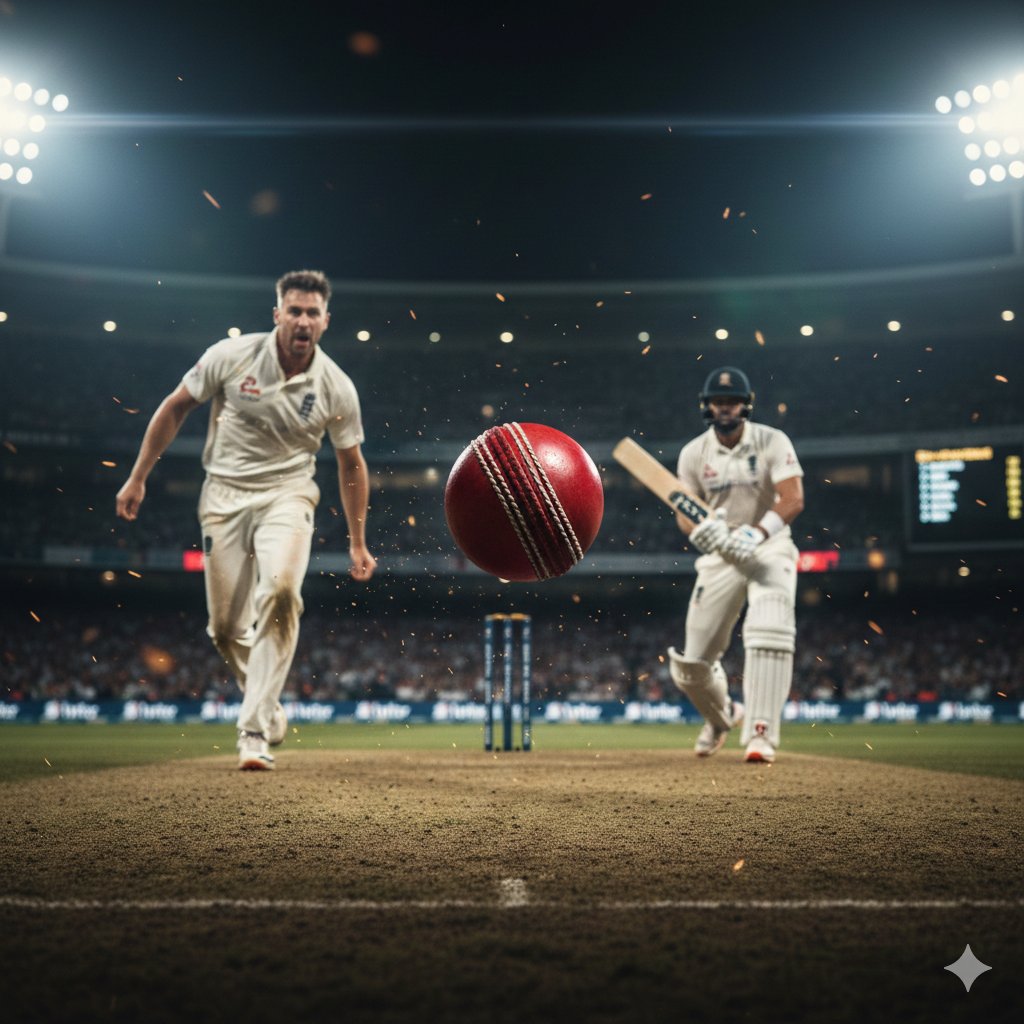
Hyper-realistic cinematic cricket scene prompt for Gemini App
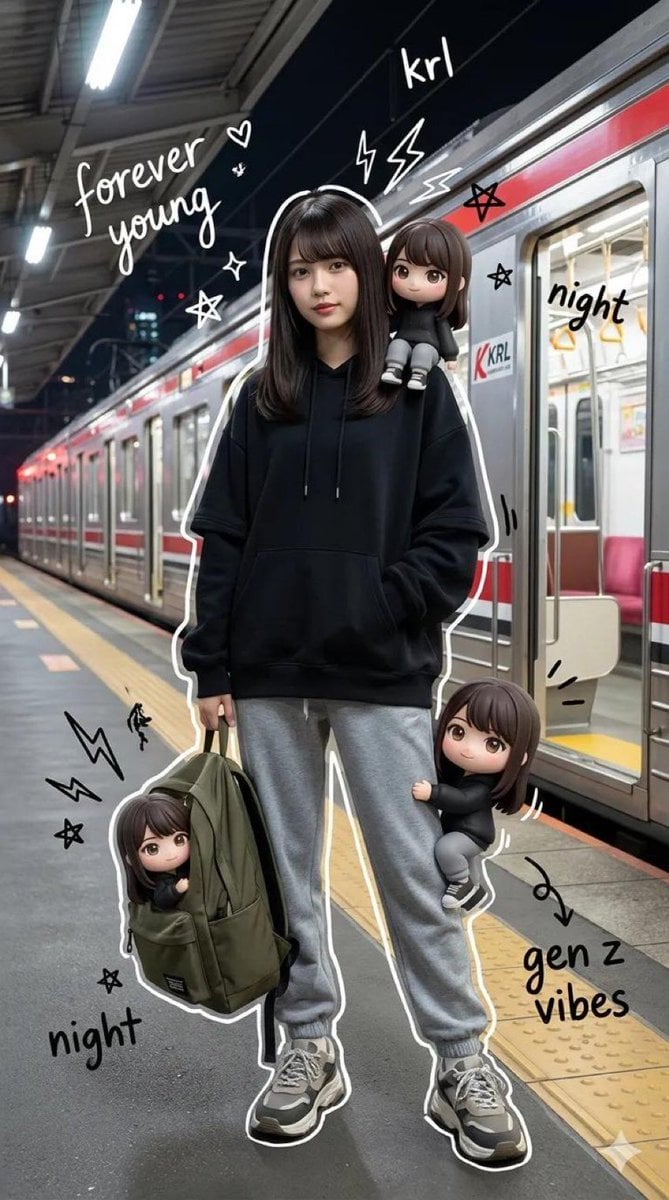
Mixed-Media Portrait of Gen Z Teenager with Chibi Clones
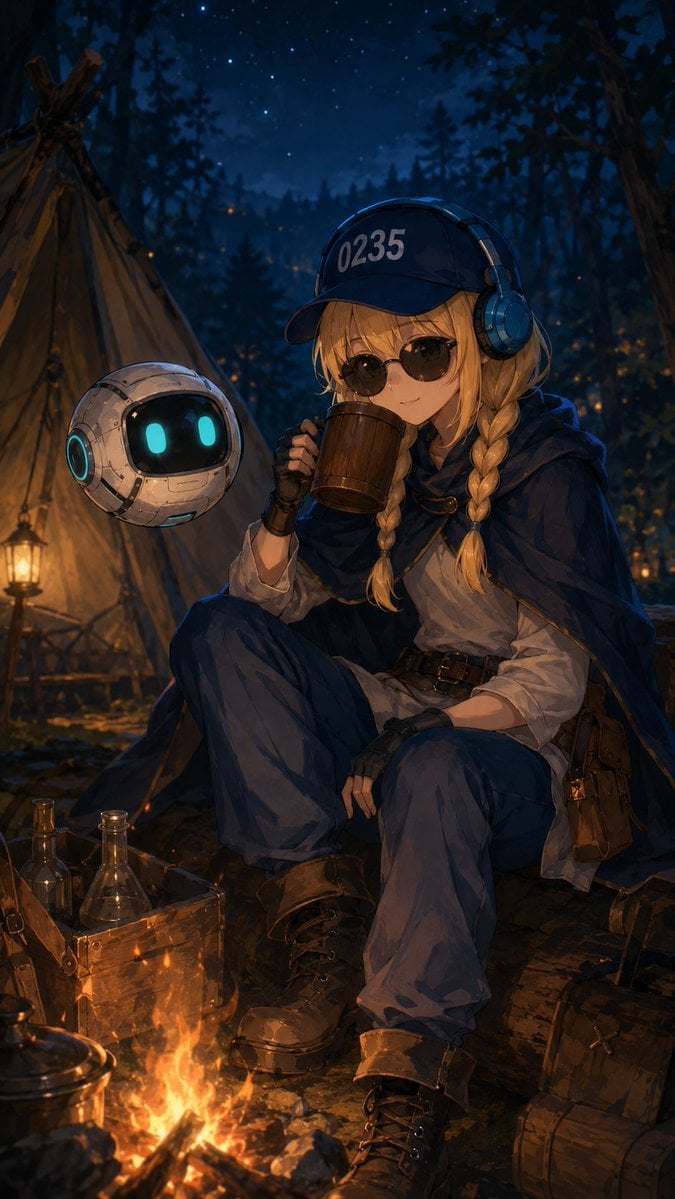
Traveling Alchemist Campsite
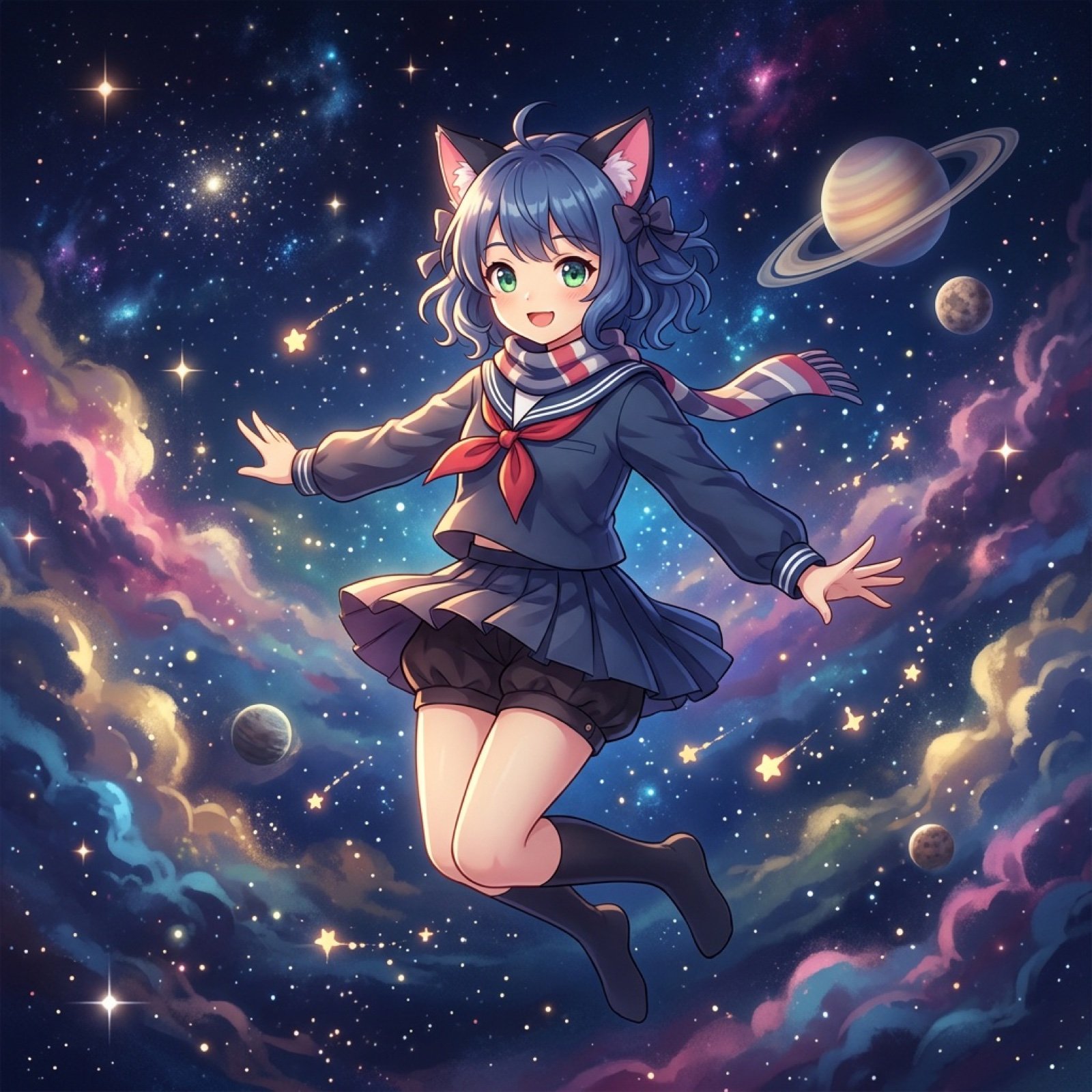
Nano Banana Pro Image Prompt for Video Generation
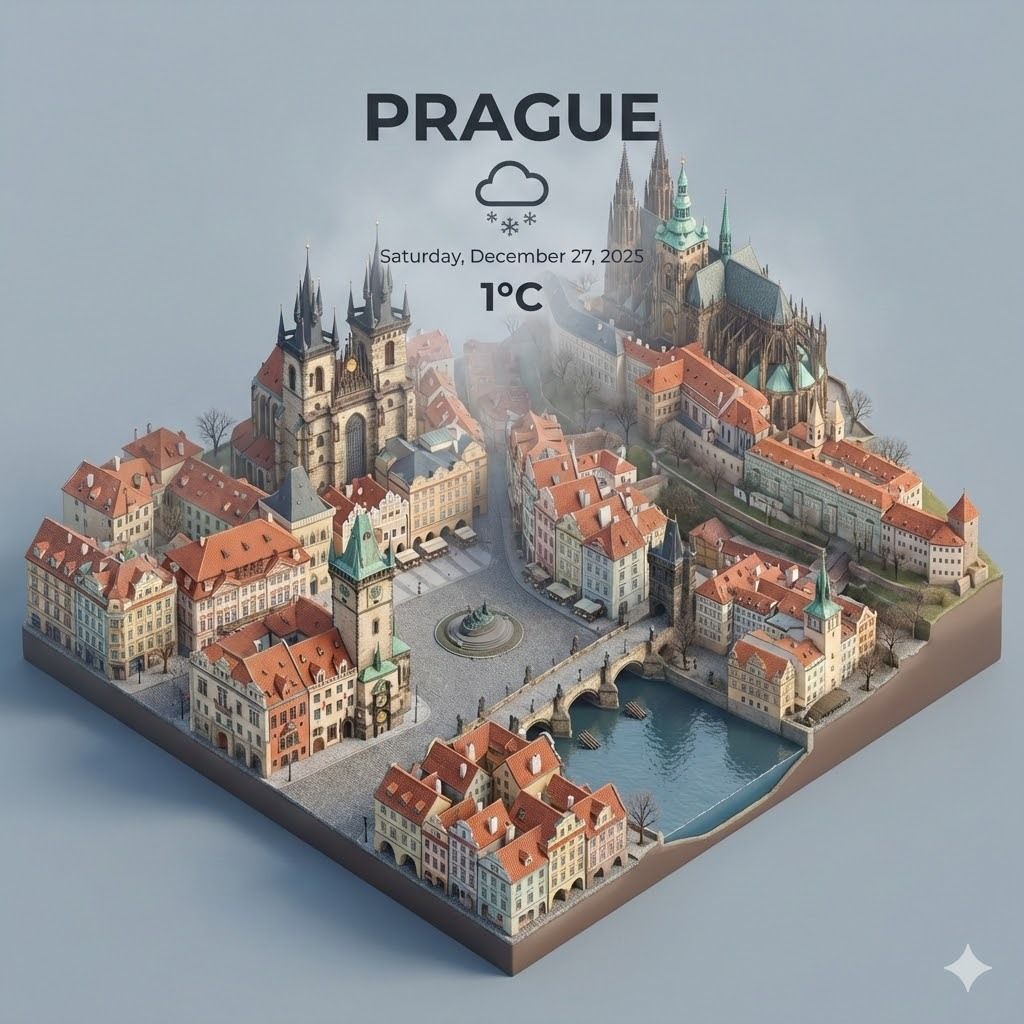
Spectacular City Recreations
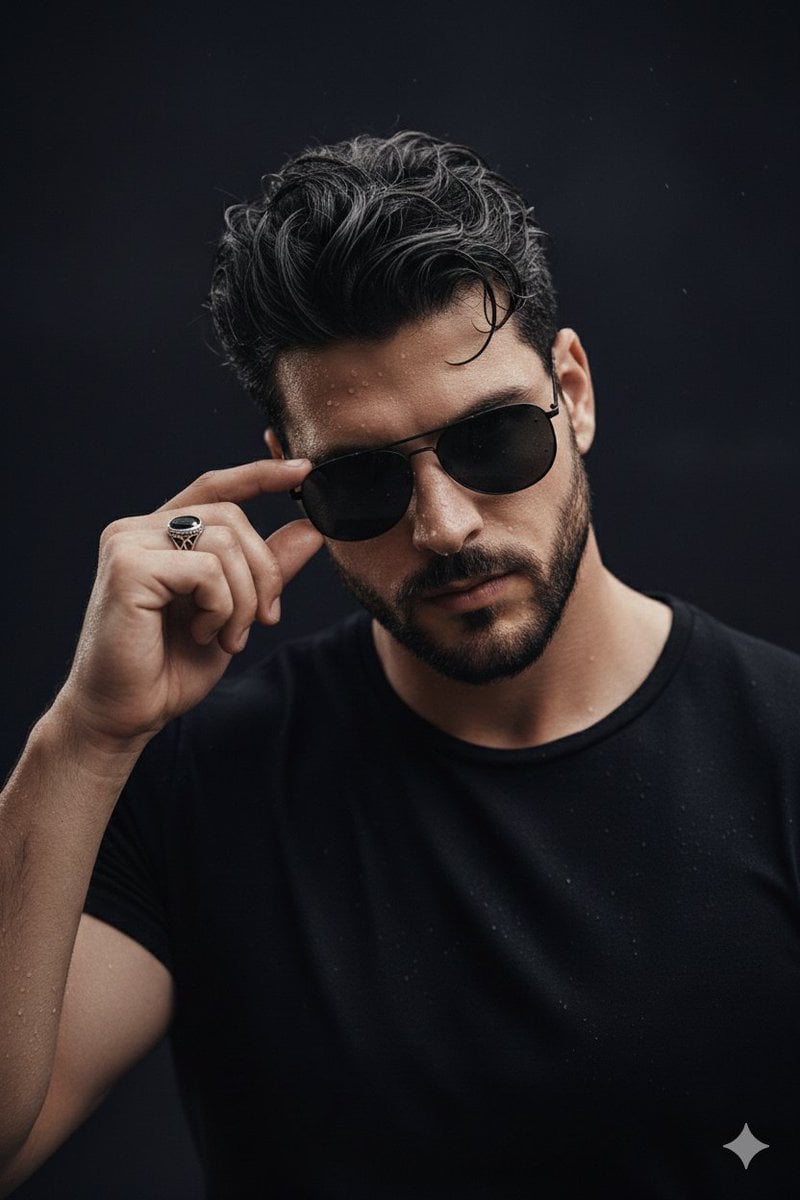
Ultra-Realistic Cinematic Close-up Portrait of a Man with Wet Skin
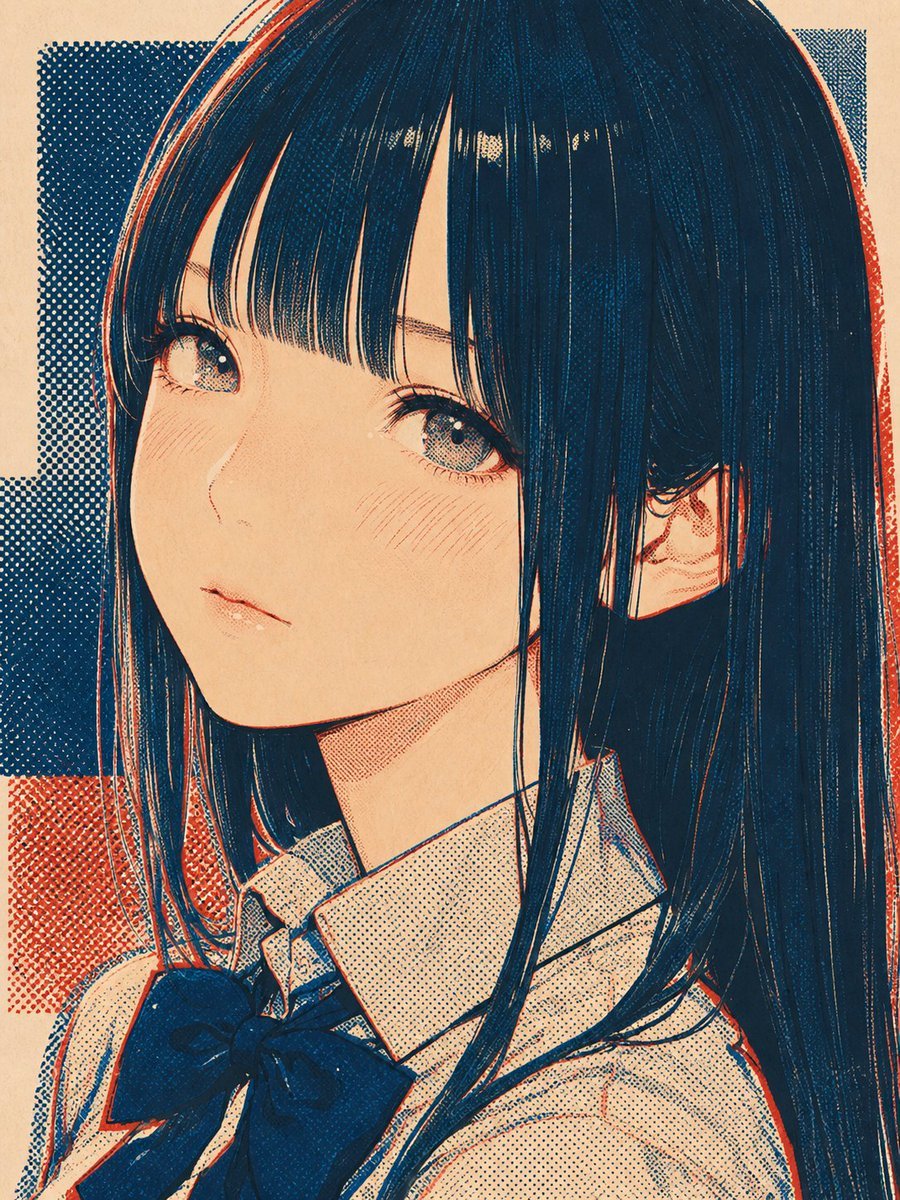
Halftone Screen Print Style
Browse template categories
Editorial Couple Torn-Paper Collage questions
How do I use the Editorial Couple Torn-Paper Collage template?
Add your photo if the template asks for one, edit the prompt if you like — the template's model and format are already selected — and press Generate. Your version opens in PicX Studio.
Can I customize the Editorial Couple Torn-Paper Collage template?
Yes. You can change the subject, setting, lighting, mood, format, and available model controls before creating your image.
Is the Editorial Couple Torn-Paper Collage template free?
Opening and editing this template is free. Generating uses credits, shown on the Generate button when you are signed in.
Which AI model should I use?
Start with GPT Image 2, which is the model associated with this template. You can compare another compatible model for a different finish.
Looking for something else? Browse all templates.

Your photo, any look
Thousands of ready templates for every top image and video model, from one credit balance.