
Dark Moonlit Noir Album Cover
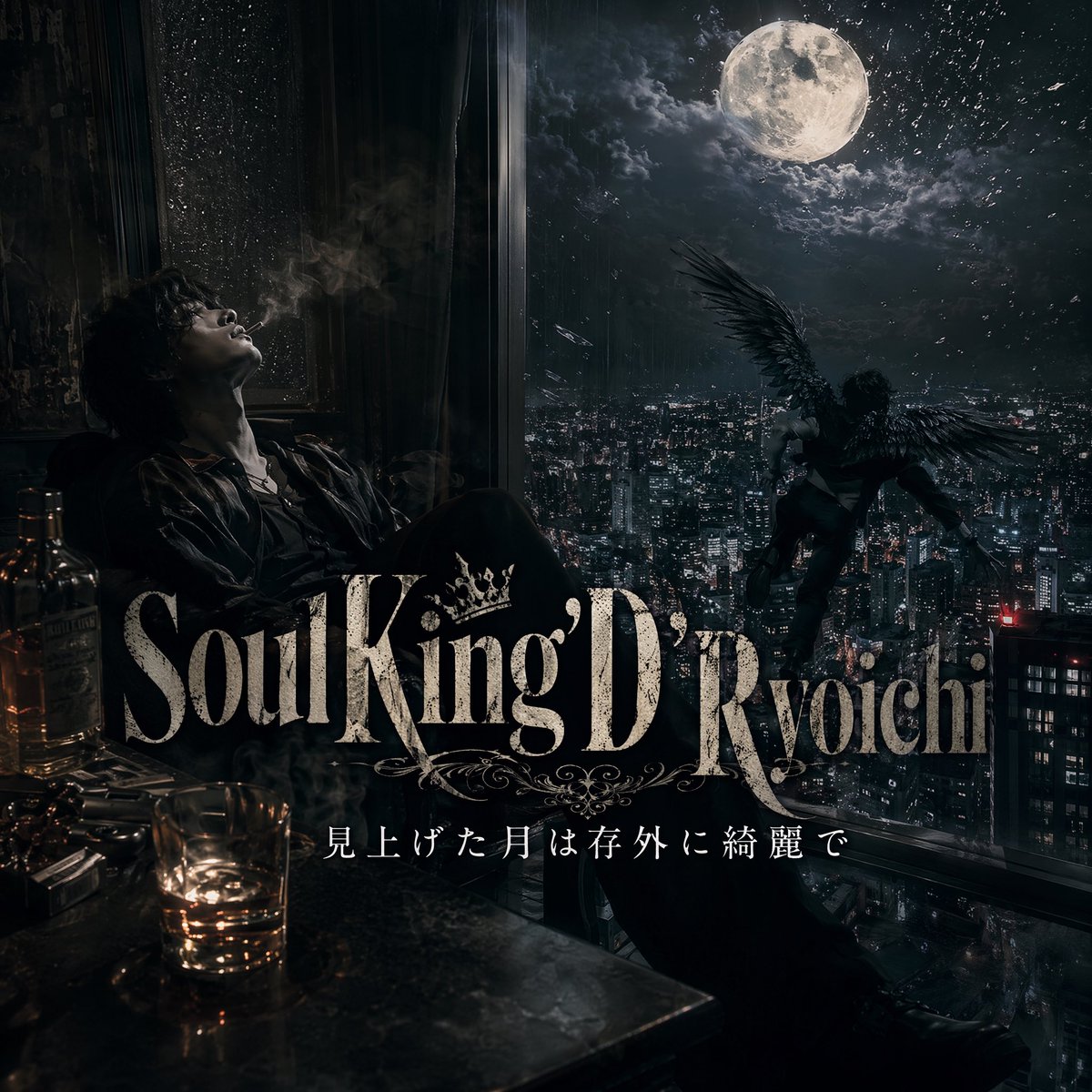
A cinematic dark-fantasy music cover image featuring a brooding man, a moonlit city, and a winged figure, ideal for album art or lyric-based promotional visuals.
- Prompt included
- Model and format preset
- Free template
The prompt behind this image
Copy the exact prompt behind Dark Moonlit Noir Album Cover, or open it in the studio and make it yours.
A dark, cinematic album-cover-style scene inside a high-rise room at night, viewed from a moody interior looking out over a vast modern city filled with dense skyscraper lights. On the left side, a solitary man sits slouched beside a tall rain-speckled window, his face obscured in deep shadow and cigarette smoke drifting upward, wearing a dark suit or open-collar dress shirt with a disheveled, brooding presence. In the lower left foreground, place exactly 2 liquor bottles, 1 short tumbler glass with amber whiskey, and a cluttered tabletop reflecting low warm light. Outside the giant window on the right, a winged human figure with large black feathered wings hovers or descends over the city, silhouetted dramatically against a huge luminous full moon surrounded by torn clouds and faint sparkling particles in the sky. The palette is nearly monochrome with cold blue-black shadows and small warm amber highlights from the drink and room lights. Add layered atmospheric haze, smoke, wet glass texture, dramatic contrast, realistic photography blended with dark fantasy, luxury noir, melancholic and dangerous mood. Across the lower middle, overlay large ornate serif title typography reading {argument name="title text" default="Soul King D'Ryoichi"}, with a decorative crown and flourishes integrated into the lettering. Beneath it, add a smaller elegant Japanese subtitle line reading {argument name="subtitle text" default="見上げた月は存外に綺麗で"}. Make it look like a premium music single cover or visual for lyrics, highly detailed, polished, cinematic, centered composition, square format.
How to use Dark Moonlit Noir Album Cover in 3 steps
- 1Upload ImagePNG, JPG or paste
Add your photo
Upload the photo the template builds on. The prompt, model and format are already set.
- 2…a portrait of your subject in softgolden-hour light, 85mm…
Personalize
Edit the subject and creative details for your destination.
- 3Generate
Generate
Press Generate — your image is created in PicX Studio, so you can compare it with the original and refine one variable at a time.
More like this
Templates with the same subject, style or setup. Open one to see its prompt.
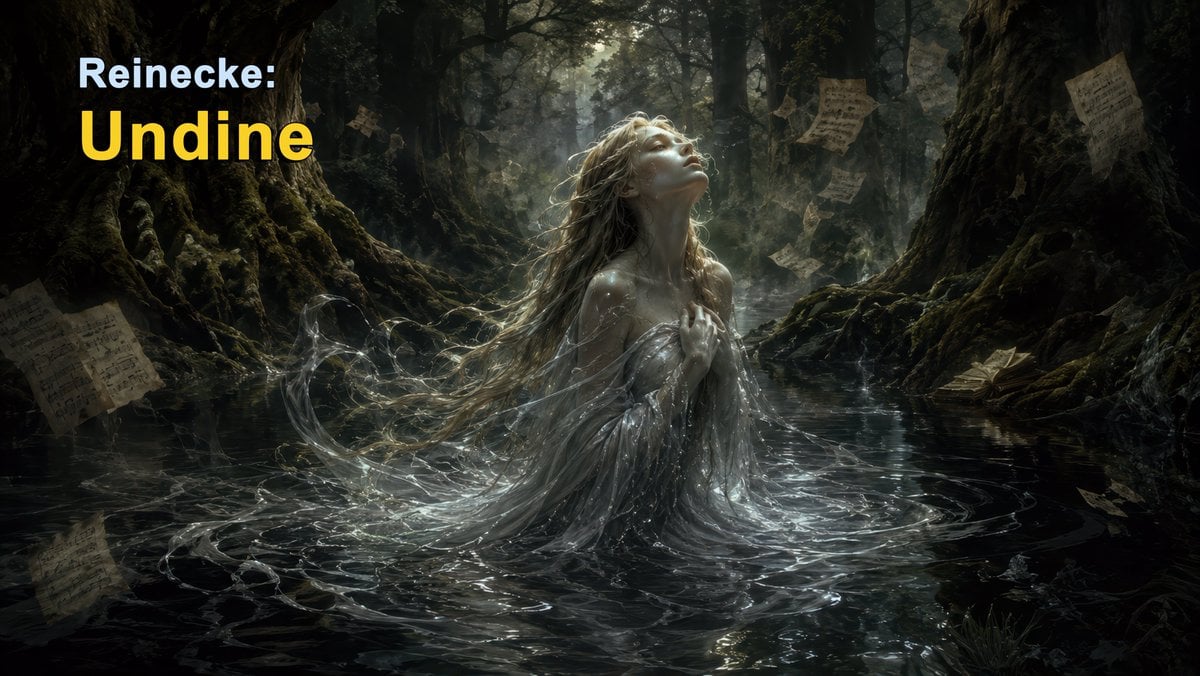
Dark Forest Undine Album Cover
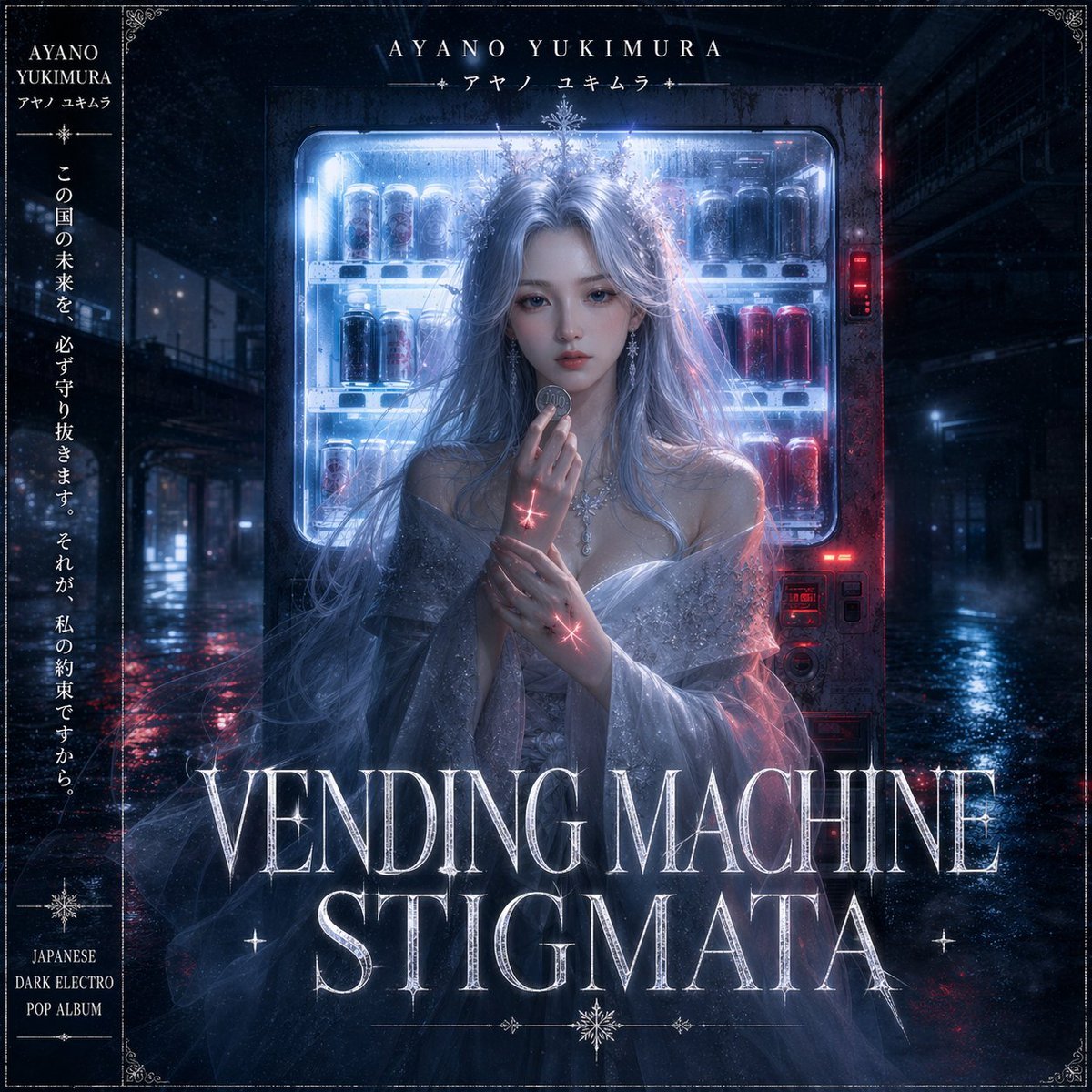
Dark Electro Album Cover
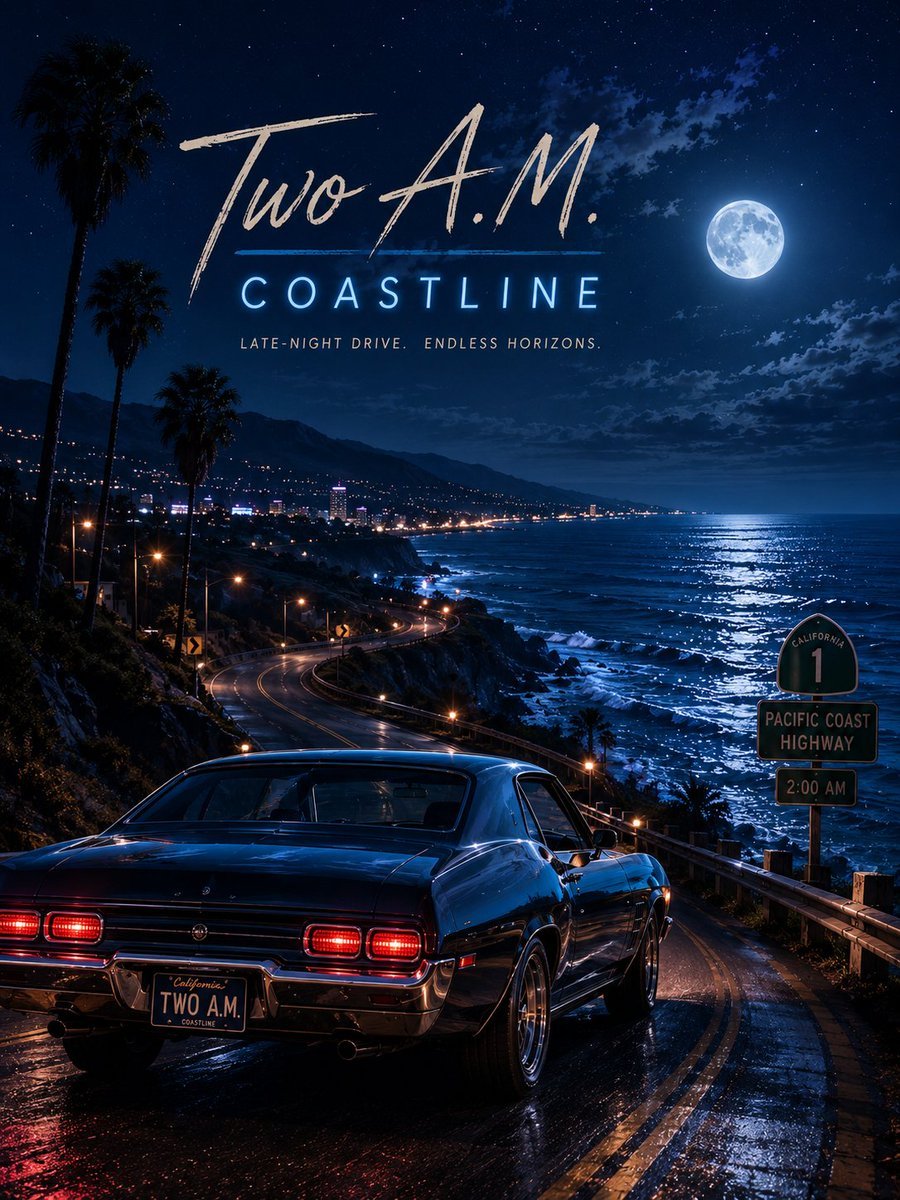
Two A.M. Coastline Album Cover

Music Album Cover Abstract Liquid Mercury

Sparkling Seaside Anime Album Cover
Japanese Musician Album Cover
Ornate A-Un Kimono Album Cover
Monochrome Visual-Kei Album Cover
Anime Bedroom Guitar Album Cover
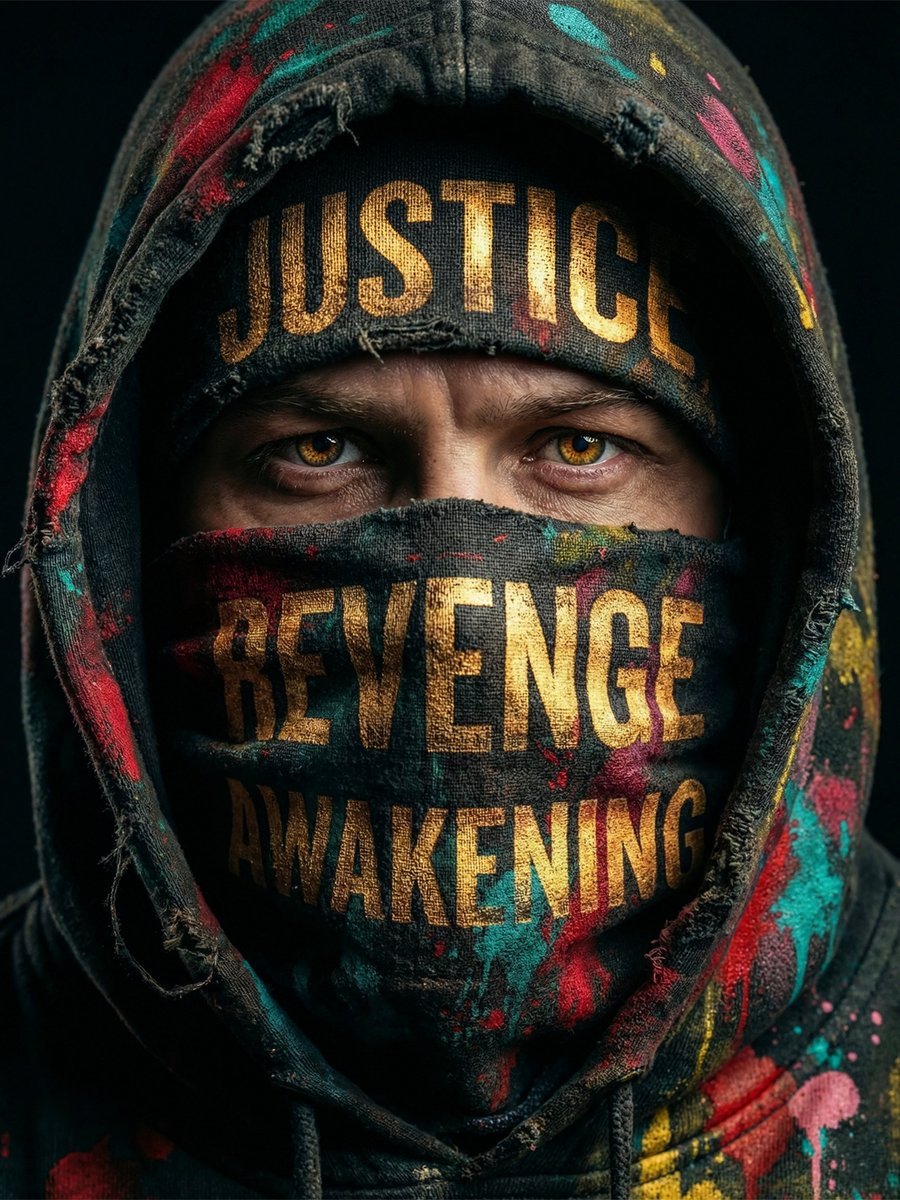
Noir Justice Revenge Awakening Portrait
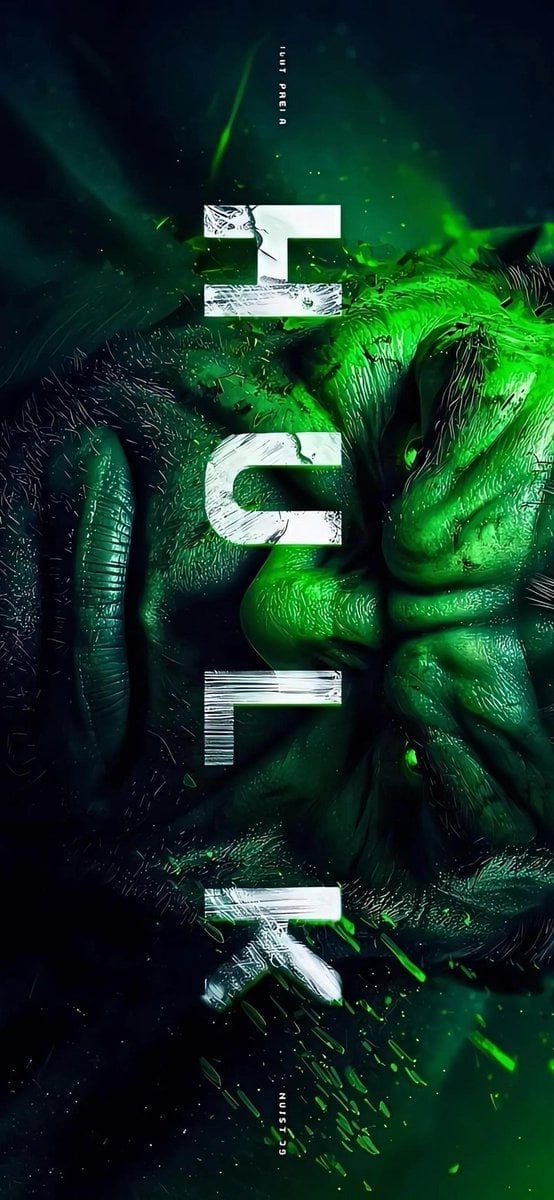
Masked Vigilante Noir Poster

Spider-Man Noir Detective Rain Alley
Make it yours
Dark Moonlit Noir Album Cover works as-is. These are the safest ways to change it without losing the look.
Change one field
Copy a single group, rewrite it, and generate again so you can see what that field is doing.
Keep the frame, change the subject
Hold the composition and light of Dark Moonlit Noir Album Cover, then swap wardrobe, props or the person for a new take.
| If the result… | Why | Fix |
|---|---|---|
| The result drifts from the preview | Too many fields changed at once. | Reuse Dark Moonlit Noir Album Cover as-is first, then change one group — subject, light, or setting. |
| The model over-stylizes the scene | The prose prompt leaves finish and camera underspecified. | Add one camera or lighting sentence and stay on GPT Image 2. |
More GPT Image 2 templates
Other prompts made for GPT Image 2.

Six VTuber Japanese Logo Sheet

Realistic Portrait of Woman and Deer

The Vista Modular Condo Poster

AI Model Routing Comparison Infographic

2.5D Anime Art Board

Isometric Productivity Desk Scene

New York Double Exposure Poster

Four-Panel AI Landscape Comparison

Japanese Tatami Lifestyle Magazine Cover

NESCAFÉ Coffee Map Poster
More image prompts
Fresh picks from across the catalog.
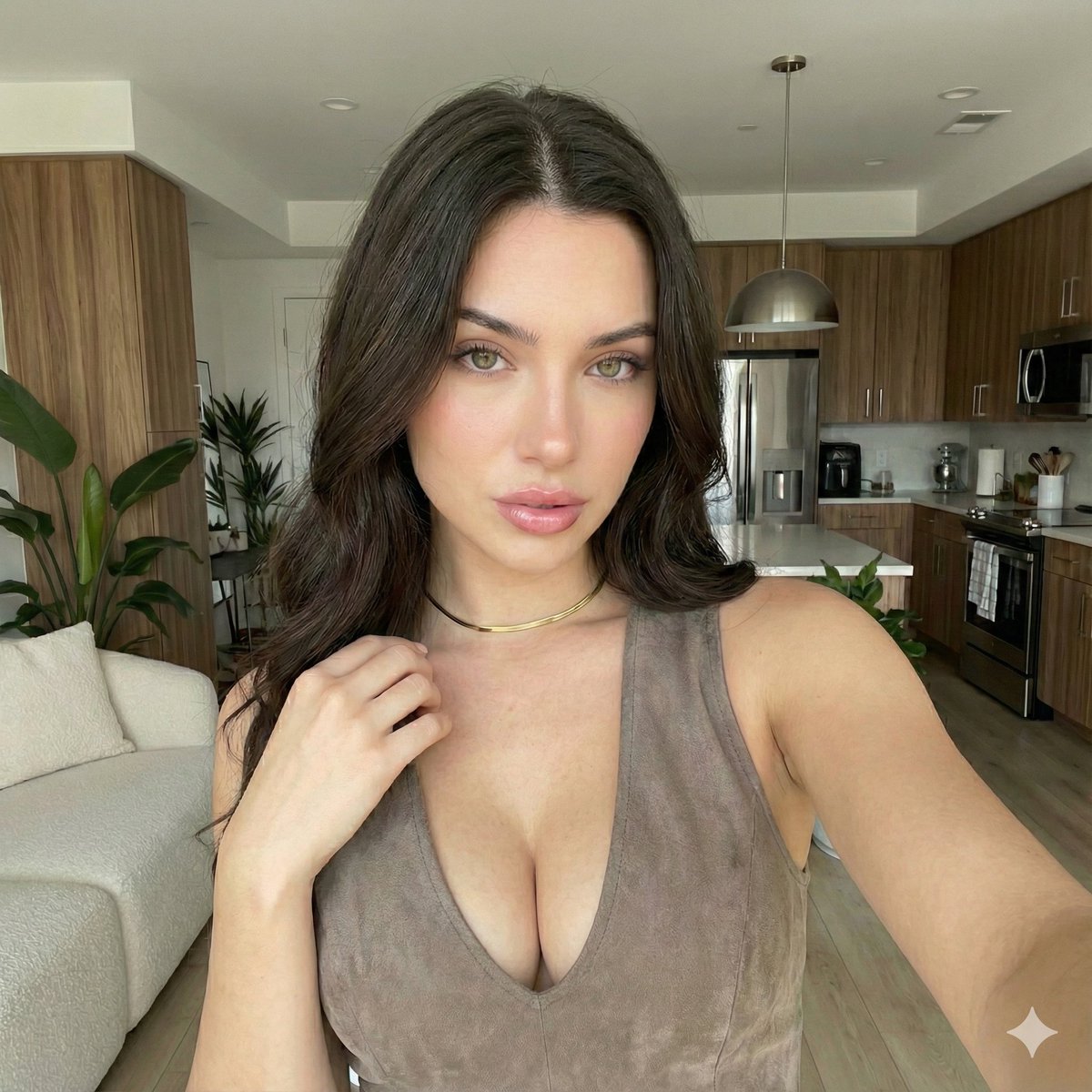
iPhone 17 Pro Max Influencer Selfie
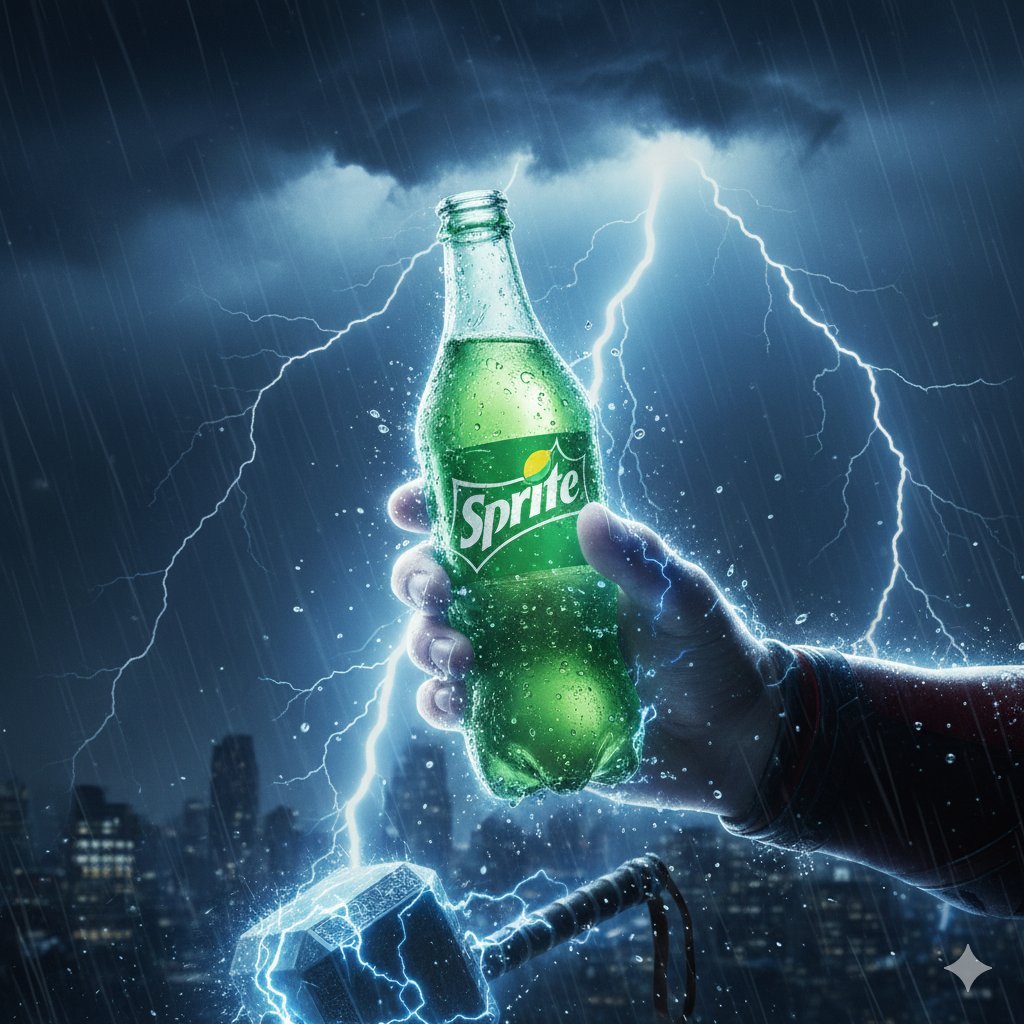
Thor Holding Sprite Bottle Prompt
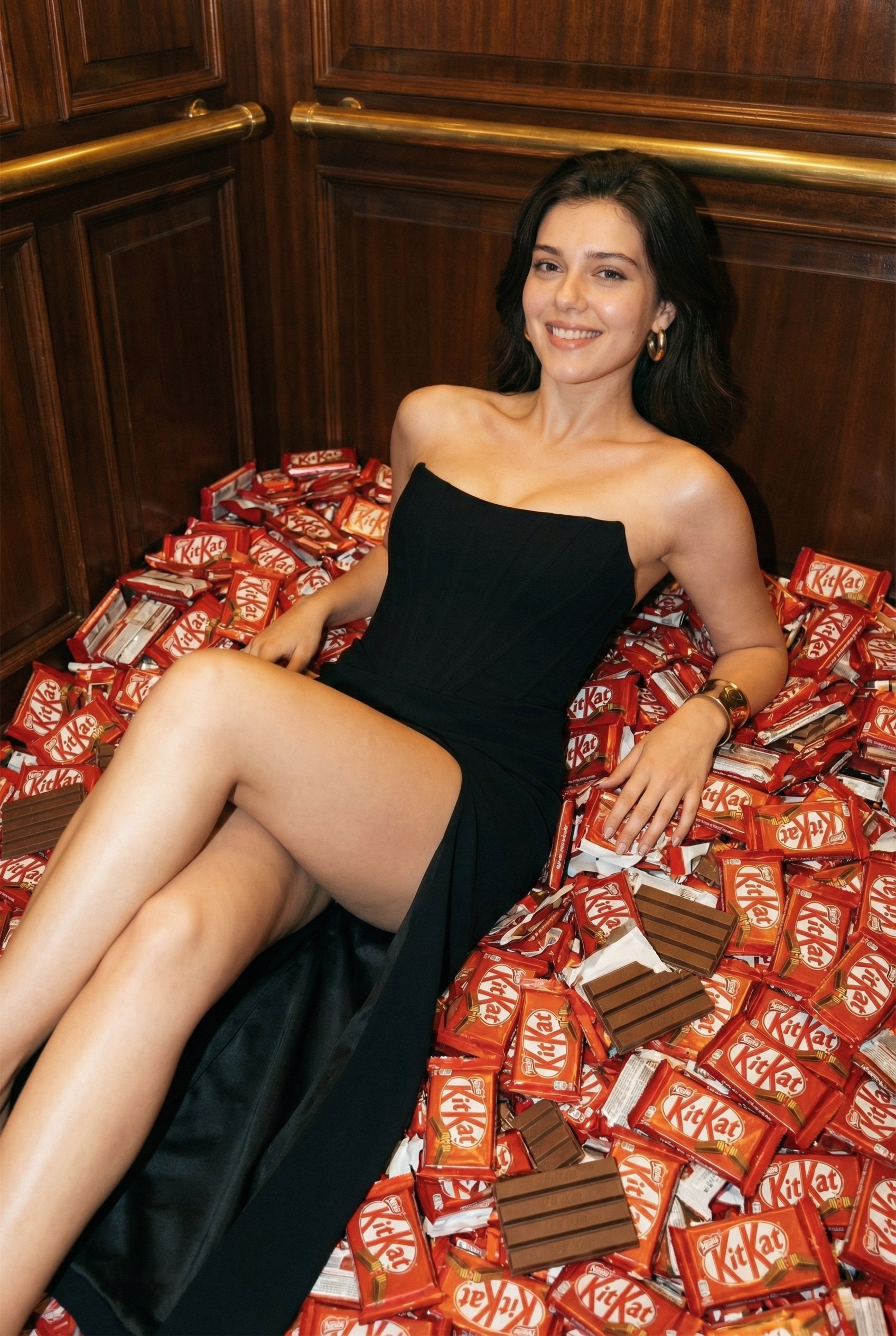
Luxurious KitKat Sweet Retreat
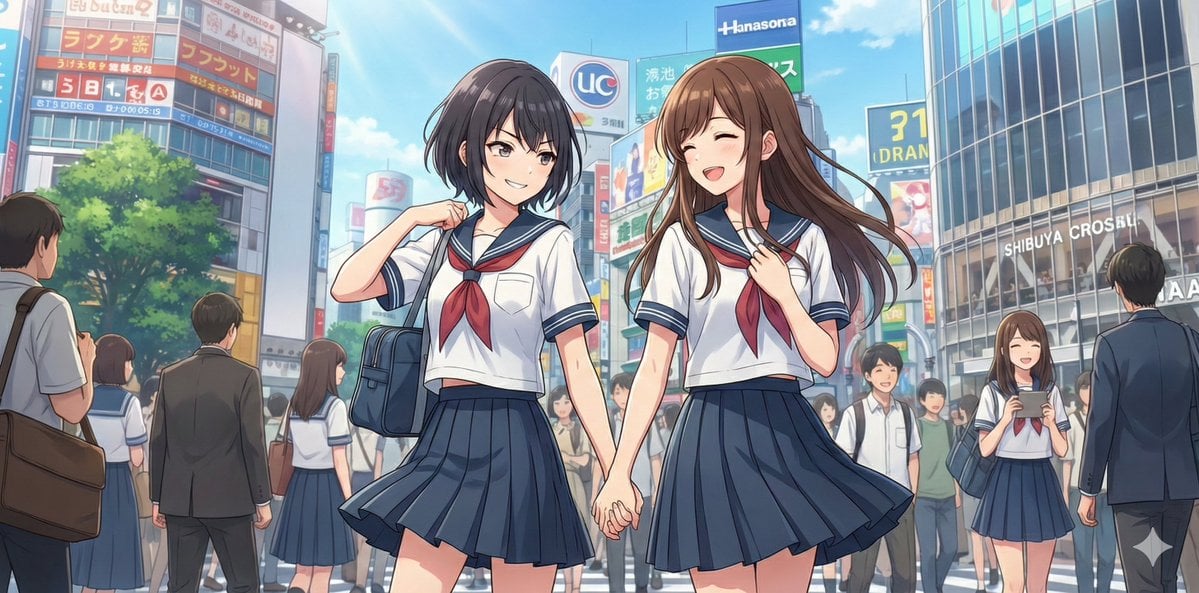
NanoBananaPro Image Generation Prompt: Two High School Girls in Shibuya
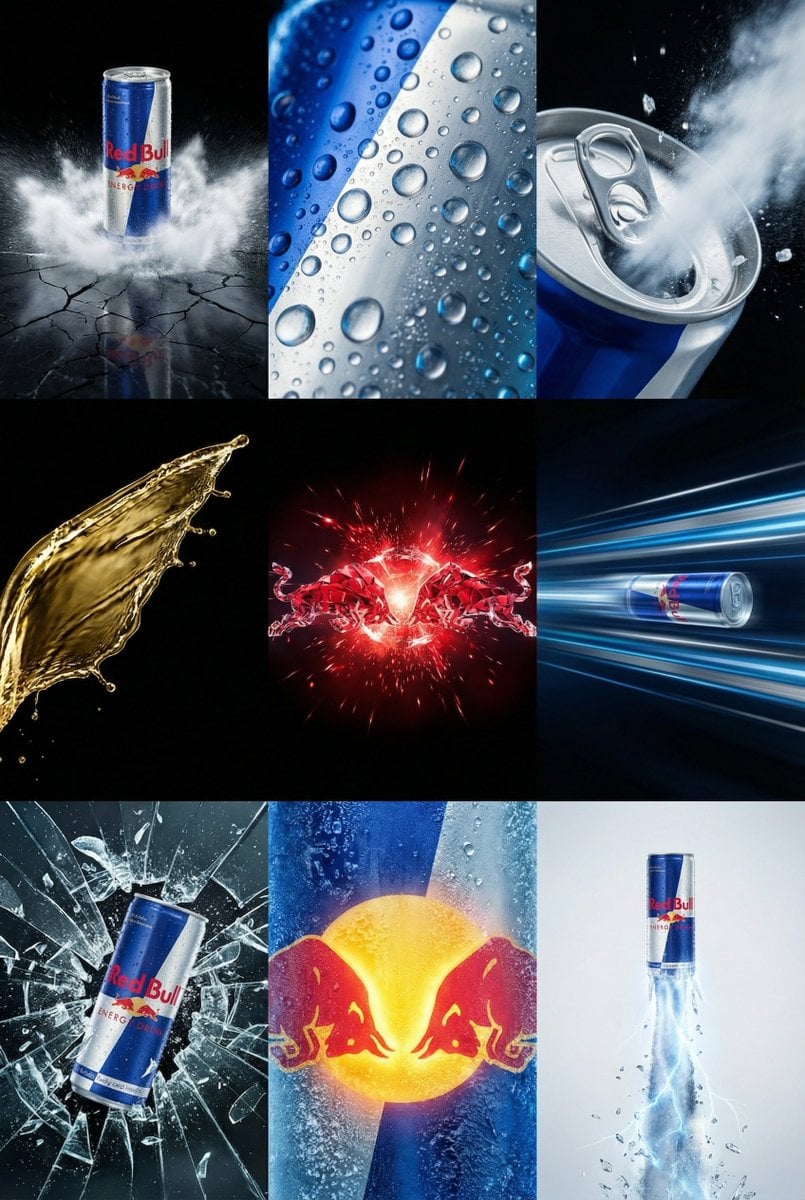
Red Bull Commercial Grid Collage Prompt (JSON)
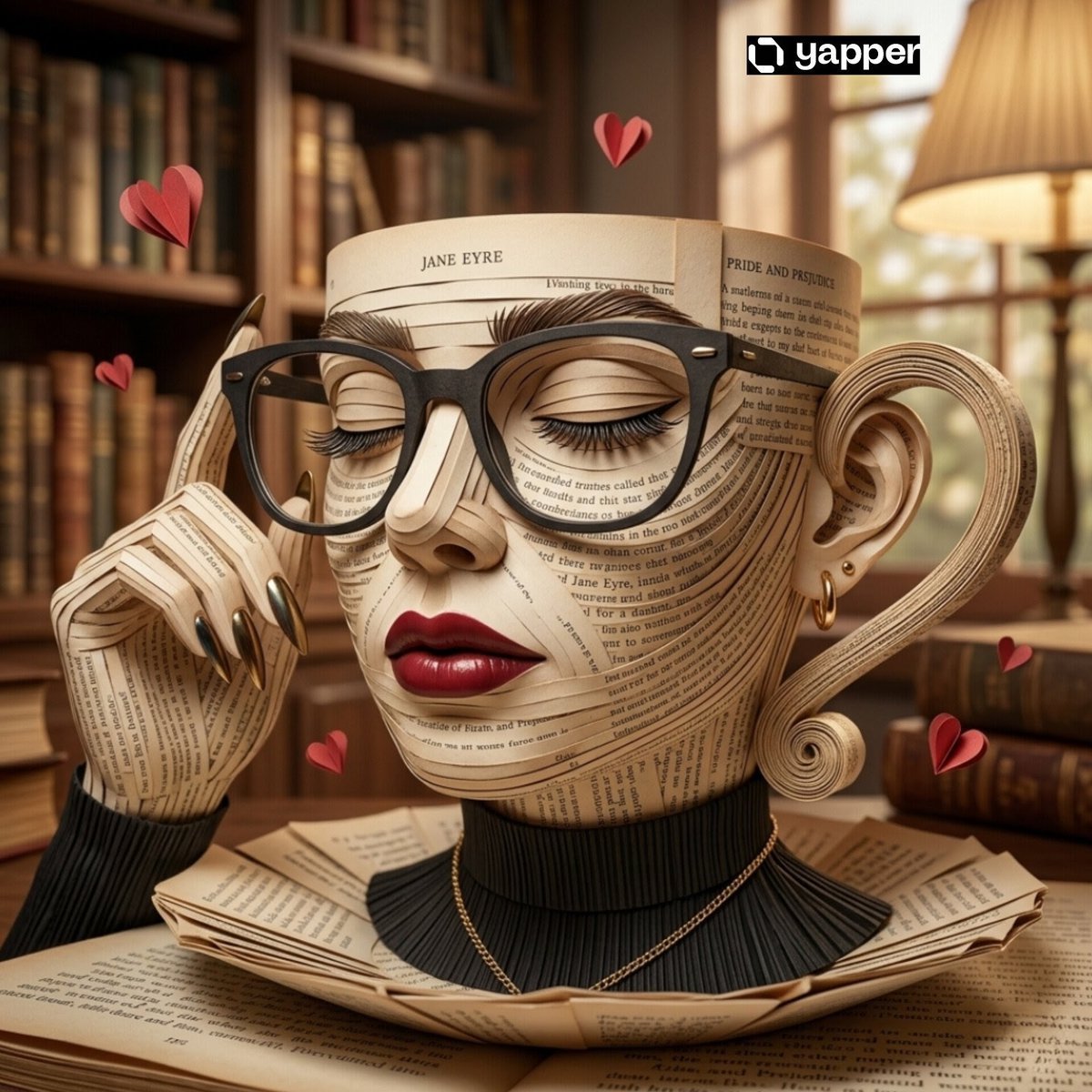
Surreal Coffee Cup Artwork Prompt
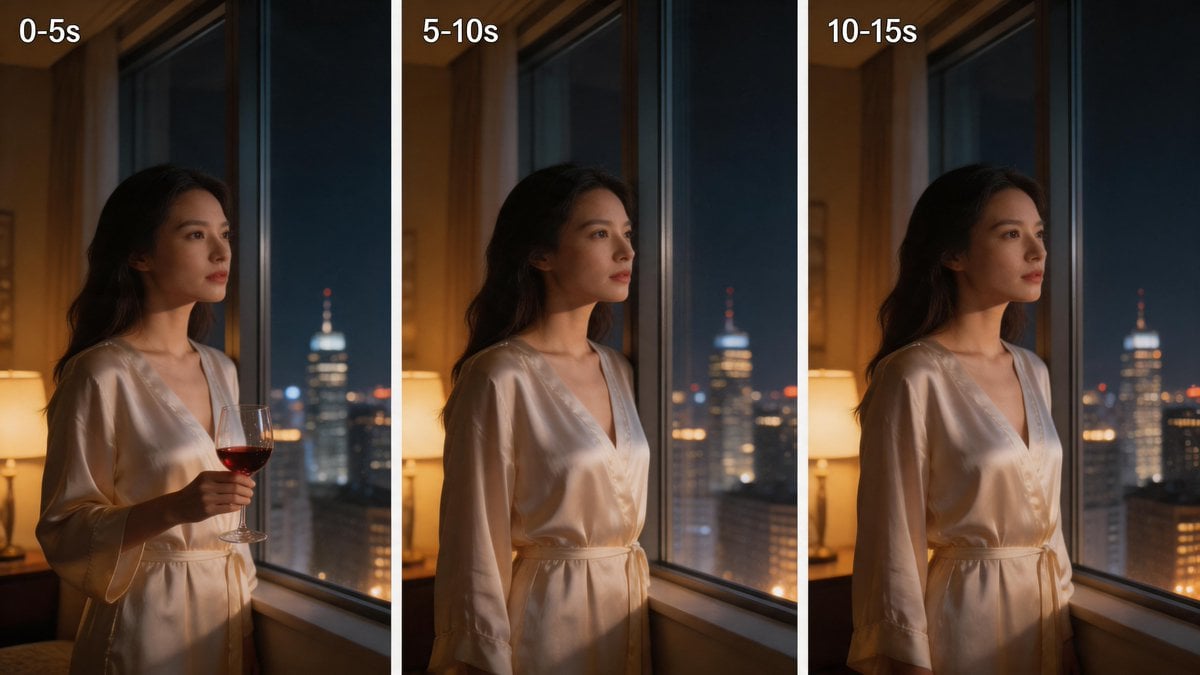
Three-Panel Night Window Comparison
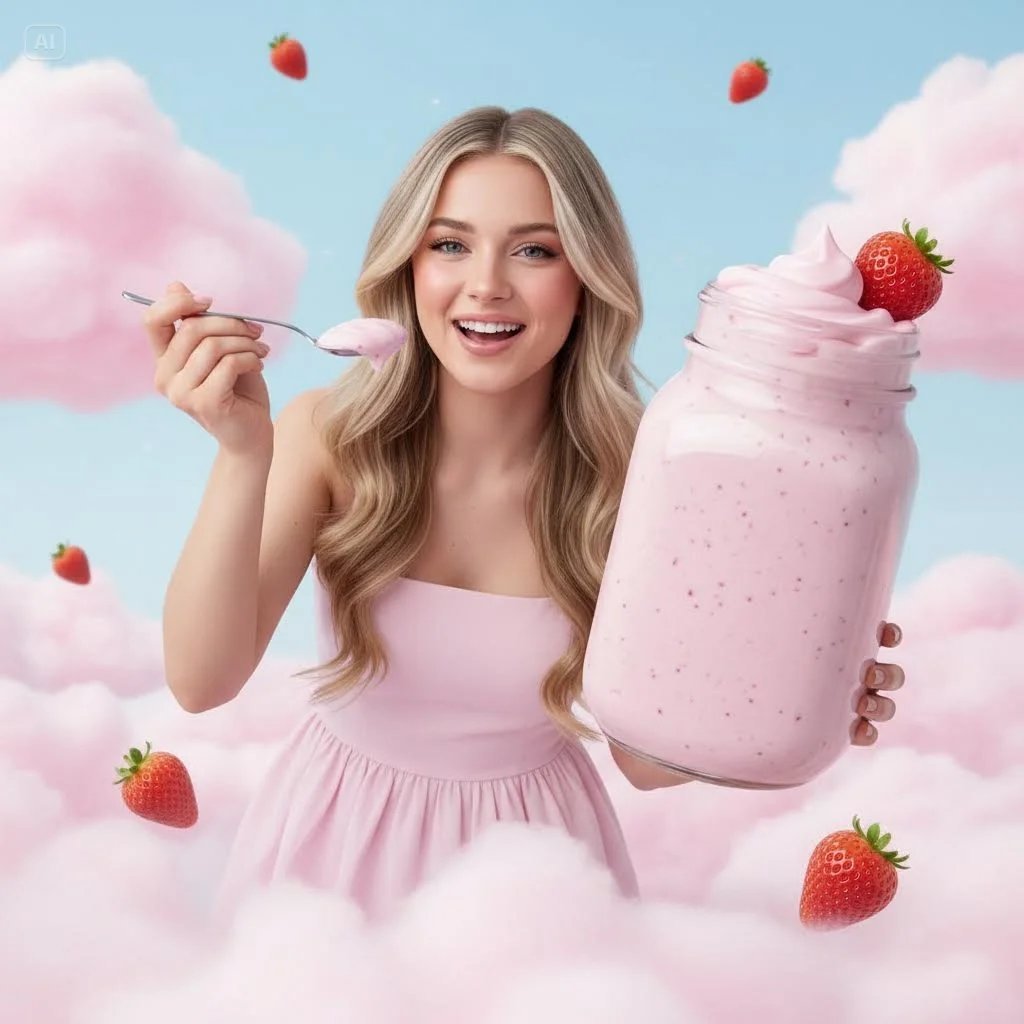
Surreal Strawberry Yogurt Commercial Scene
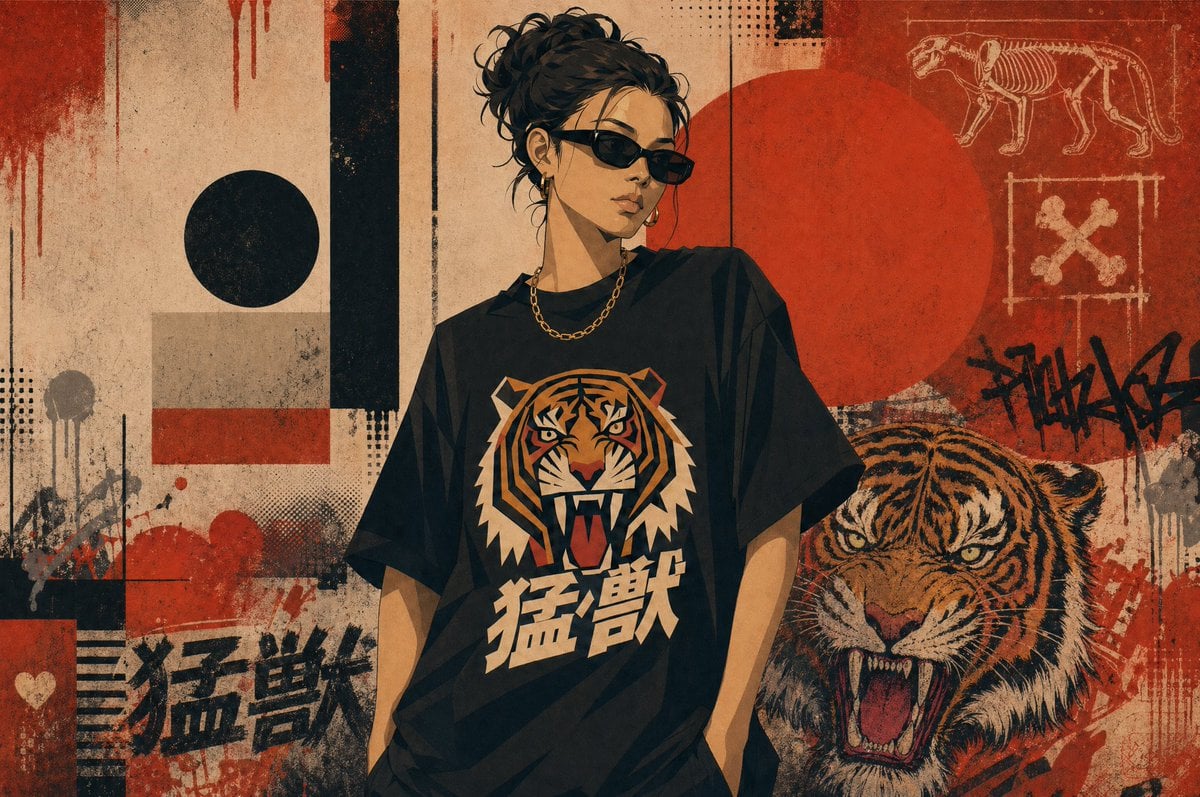
Grunge Tiger Streetwear Poster
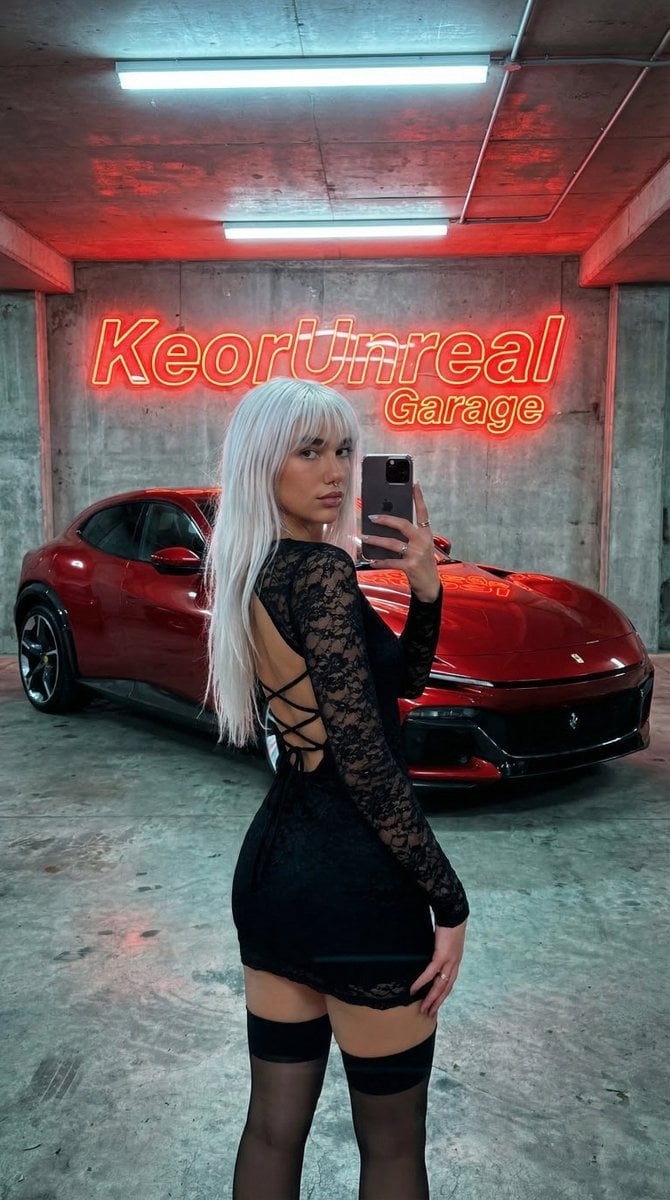
Urban Fashion Garage Mirror Selfie
Browse template categories
Dark Moonlit Noir Album Cover questions
How do I use the Dark Moonlit Noir Album Cover template?
Add your photo if the template asks for one, edit the prompt if you like — the template's model and format are already selected — and press Generate. Your version opens in PicX Studio.
Can I customize the Dark Moonlit Noir Album Cover template?
Yes. You can change the subject, setting, lighting, mood, format, and available model controls before creating your image.
Is the Dark Moonlit Noir Album Cover template free?
Opening and editing this template is free. Generating uses credits, shown on the Generate button when you are signed in.
Which AI model should I use?
Start with GPT Image 2, which is the model associated with this template. You can compare another compatible model for a different finish.
Looking for something else? Browse all templates.

Your photo, any look
Thousands of ready templates for every top image and video model, from one credit balance.