
iPhone 17 Pro Max Influencer Selfie
A highly specific, structured prompt mimicking the aesthetic and technical specifications of a high-end iPhone selfie (iPhone 17 Pro Max, 48MP ProRAW).
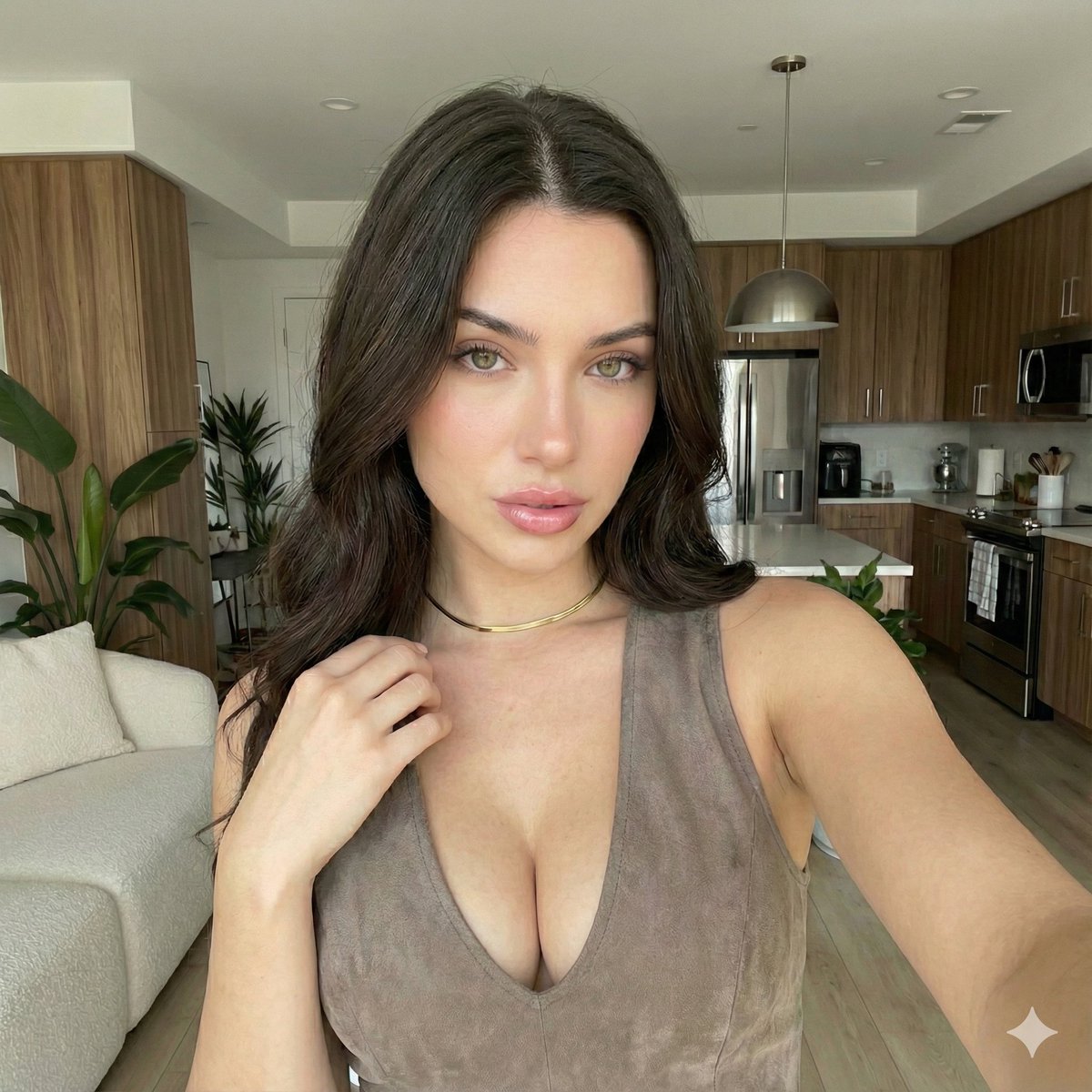
- Prompt included
- Model and format preset
- Premium template
The prompt behind this image
Copy the exact prompt behind iPhone 17 Pro Max Influencer Selfie, or open it in the studio and make it yours.
{ "prompt_data": { "subject_description": { "demographics": "Young woman, approximately early 20s, Caucasian", "hair": "Long, dark brown, loose wavy texture, center part, voluminous", "eyes": "Hazel/light brown, direct eye contact, captivating gaze", "skin": "Fair complexion, dewy finish, flawless texture", "face_features": "High cheekbones, defined jawline, full lips with soft pink gloss, natural eyebrows", "expression": "Neutral, soft, alluring, confident" }, "outfit_and_accessories": { "clothing": "Sleeveless deep V-neck top or dress", "fabric_texture": "Suede or soft velvet material", "color": "Taupe / Light Brown / Beige", "jewelry": "Minimalist thin gold choker necklace" }, "environment_and_background": { "setting": "Modern upscale apartment interior, open floor plan", "kitchen_area": { "cabinets": "Vertical grain wood finish", "appliances": "Stainless steel microwave and oven combo", "lighting": "Modern metal dome pendant light", "countertops": "White/Light stone" }, "living_area": { "furniture": "Cream/White textured sofa or sectional", "decor": "Large indoor potted green plants (Ficus/Fiddle Leaf)", "flooring": "Light wood flooring", "walls": "White, clean architectural lines" } }, "technical_specs": { "camera_model": "iPhone 17 Pro Max", "camera_angle": "Selfie perspective from front-facing camera, arm extended, eye-level", "framing": "Medium close-up, chest up", "lighting": "Soft natural daylight, diffused indoor lighting, even illumination on face, True Tone flash off", "style": "Photorealistic, influencer aesthetic, high definition, 48MP ProRAW, Photonic Engine processing, sharp focus", "vibe": "Casual luxury, clean girl aesthetic, cozy, morning atmosphere, ultra-wide selfie lens quality" } } }
How to use iPhone 17 Pro Max Influencer Selfie in 3 steps
- 1
Open
The prompt is already in the box next to the preview, with the template's model and format selected.
- 2…a portrait of your subject in softgolden-hour light, 85mm…
Personalize
Edit the subject and creative details for your destination.
- 3Generate
Generate
Press Generate — your image is created in PicX Studio, so you can compare it with the original and refine one variable at a time.
More like this
Templates with the same subject, style or setup. Open one to see its prompt.

4x4 Grid - Candid Nostalgic Vacation Selfies

Nano Banana - Peace Sign Bedroom Selfie
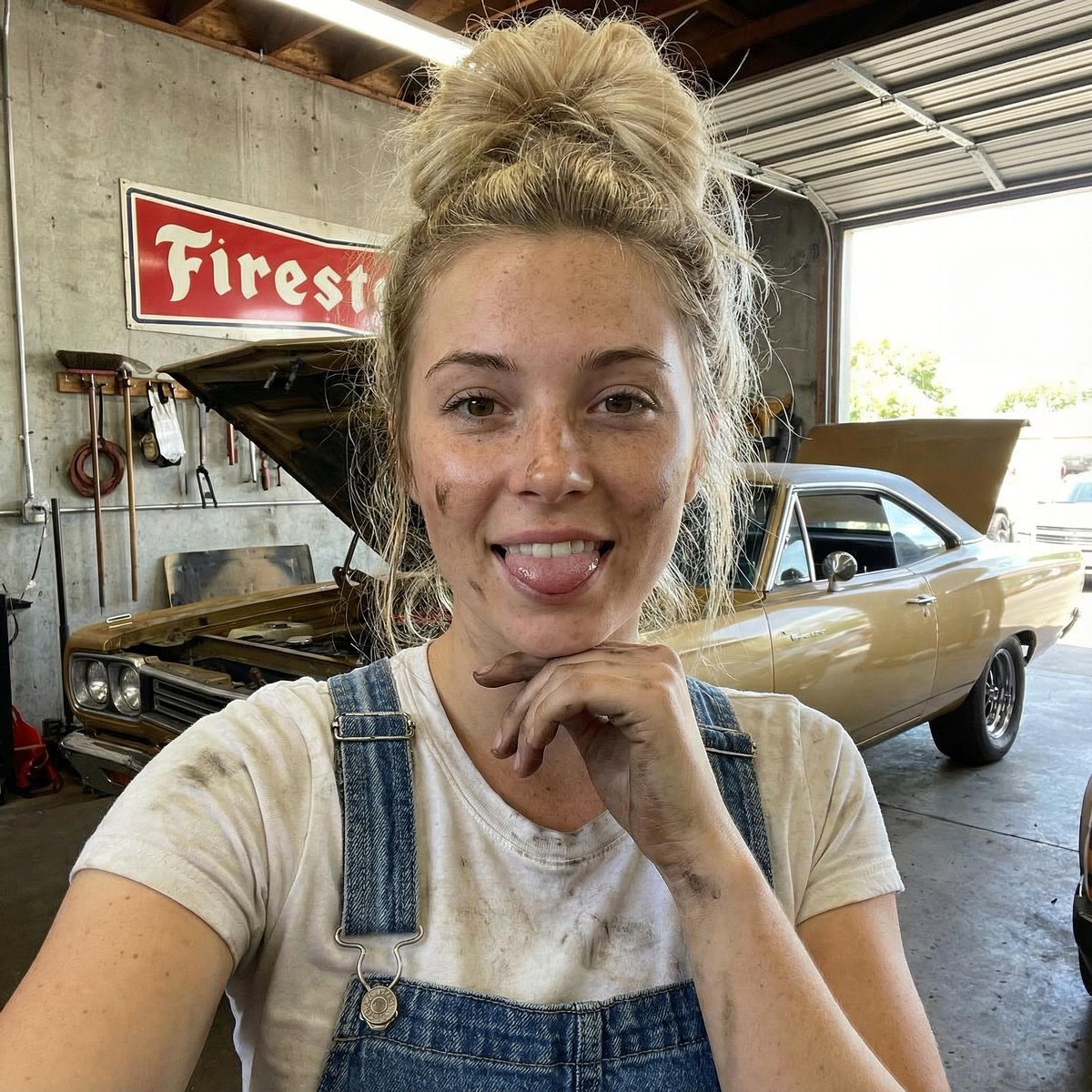
Mechanic Garage Selfie with iPhone 17 Pro Max Specs (JSON)

Rooftop Fisheye — Cat-Ear Balaclava at Golden Hour

Felt & Knit 3D Character — Photo-Exact Face, Pixar-Quality Plush Figurine

Eid al-Adha Cute Chaos — Fisheye Selfie with Farm Selfie, Mosque & Animals

Cat Photobomb Selfie — 0.5x Wide Angle Café Chaos

Gen Z Triple Selfie Collage — Y2K Flash Photography

Surreal Cat Astronaut — Humanoid Face Freefall

Photoreal Village Lanterns Minecraft Scene

Photoreal Snow Biome Name Tag UI

Photoreal Selfie Minecraft Block World
Make it yours
iPhone 17 Pro Max Influencer Selfie works as-is. These are the safest ways to change it without losing the look.
Change one field
Copy a single group, rewrite it, and generate again so you can see what that field is doing.
Keep the frame, change the subject
Hold the composition and light of iPhone 17 Pro Max Influencer Selfie, then swap wardrobe, props or the person for a new take.
| If the result… | Why | Fix |
|---|---|---|
| The result drifts from the preview | Too many fields changed at once. | Reuse iPhone 17 Pro Max Influencer Selfie as-is first, then change one group — subject, light, or setting. |
| The model over-stylizes the scene | The prose prompt leaves finish and camera underspecified. | Add one camera or lighting sentence and stay on Nano Banana 2. |
More Nano Banana 2 templates
Other prompts made for Nano Banana 2.

Photorealistic Leaf Shaped Like a Dragon

K-Pop Idol Portrait Grid for Rapid Selection

Poetic Rain Forest Portrait During Golden Hour

Urban Street Portrait with Cartoon Inner Self Duo

Candid Nighttime Photo with Cat Prompt

High-Concept 3D Diorama Generation Prompt

Cinematic Futuristic Studio Portrait Template

Skincare Editorial Photography Collage Prompt

Hyper-Realistic Commercial Product Photography (Splash Effect)

Hyper-Realistic Nightclub Portrait Prompt
More image prompts
Fresh picks from across the catalog.
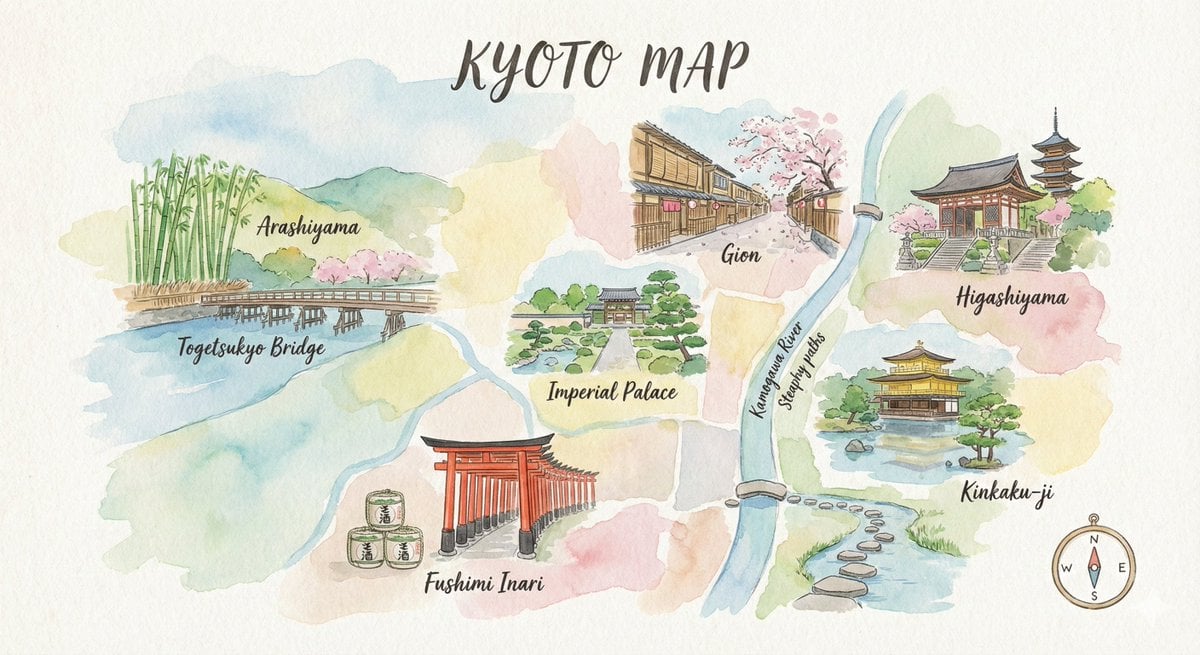
Watercolor Travel Map Illustration Prompt
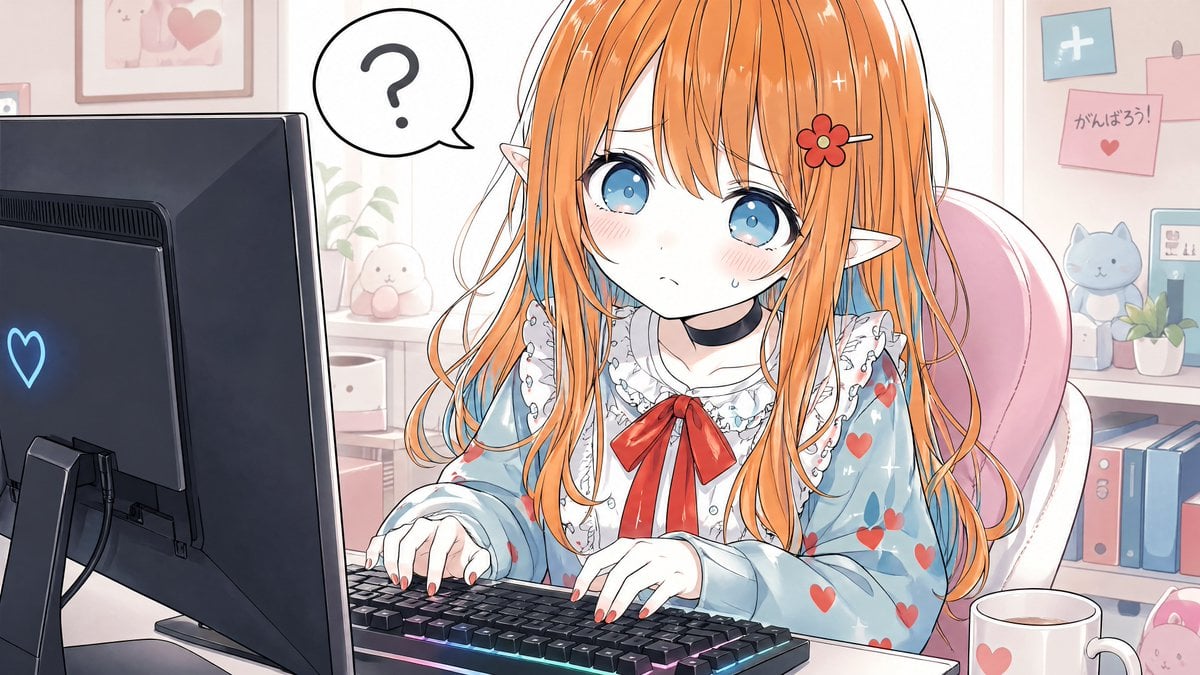
Confused Elf Girl at Pastel Desk
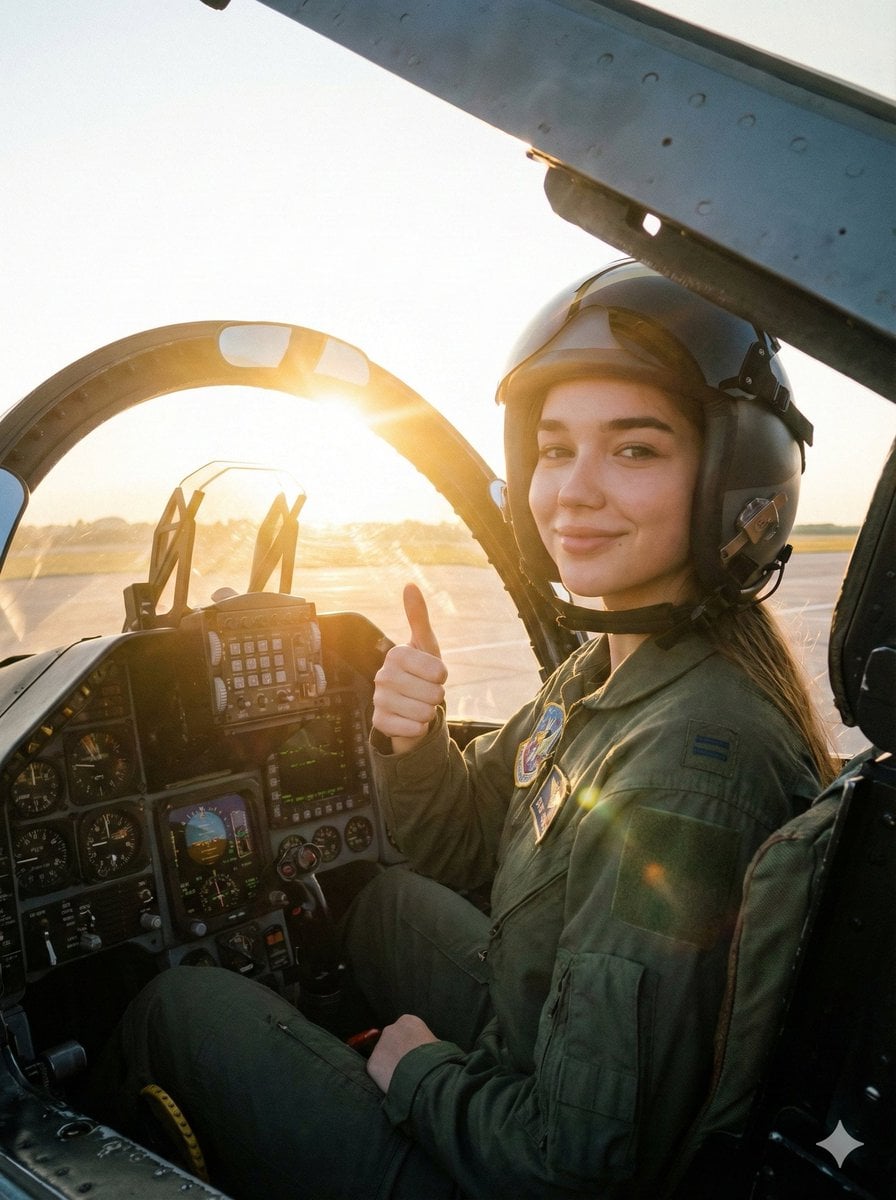
Cinematic Female Fighter Pilot Portrait at Sunset
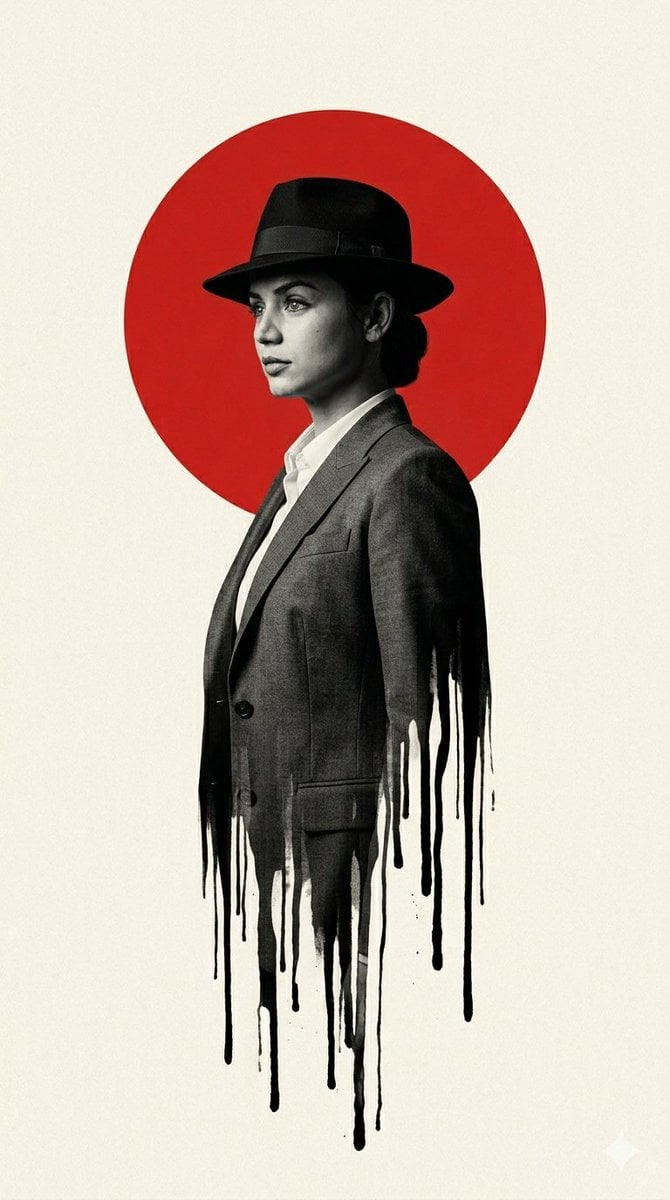
Noir Man With Red Sun Poster
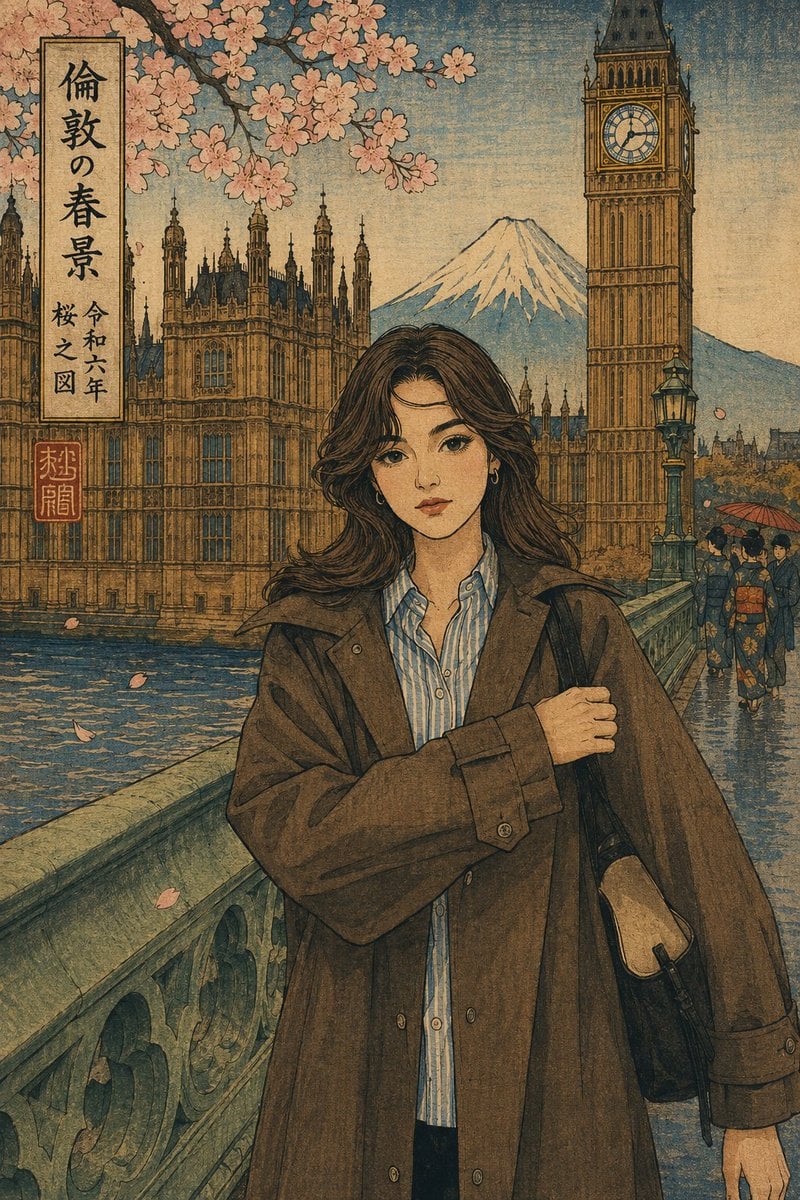
Ukiyo-e Portrait Transformation
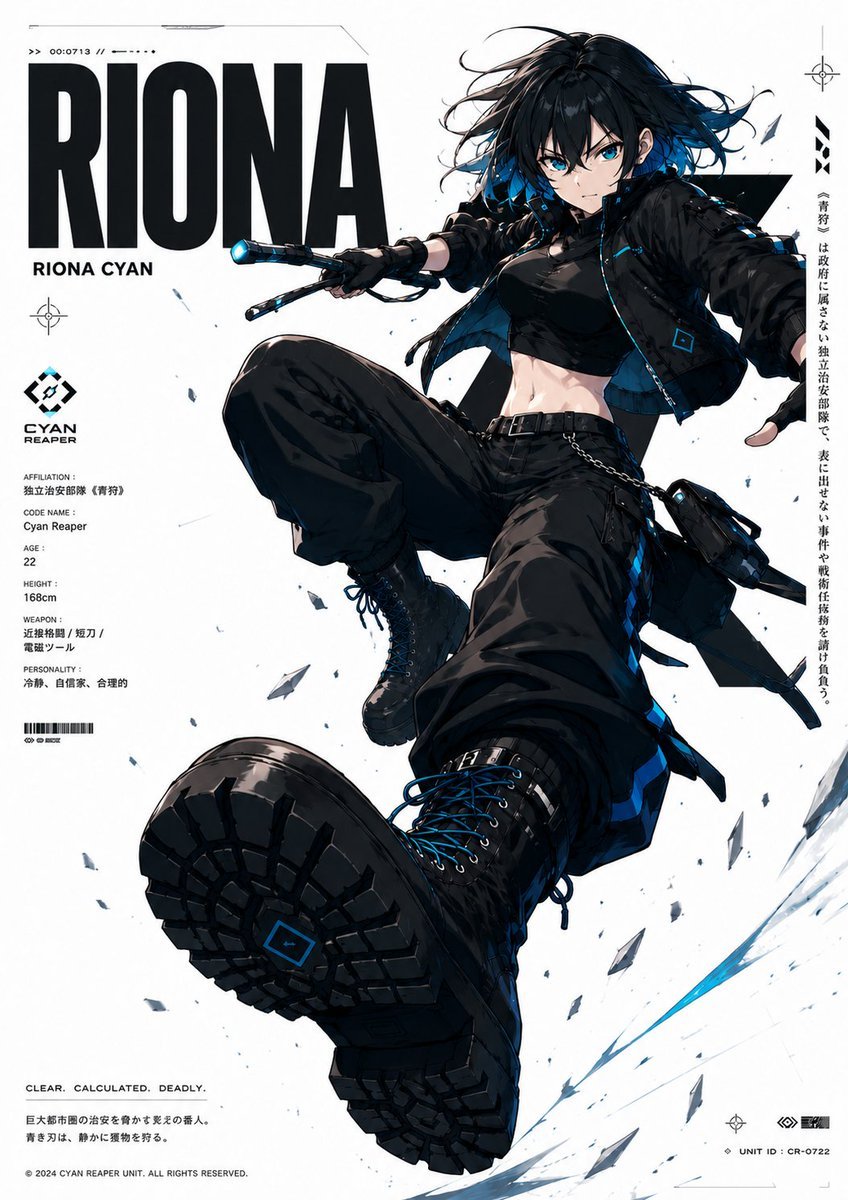
Cyberpunk Anime Character Dossier
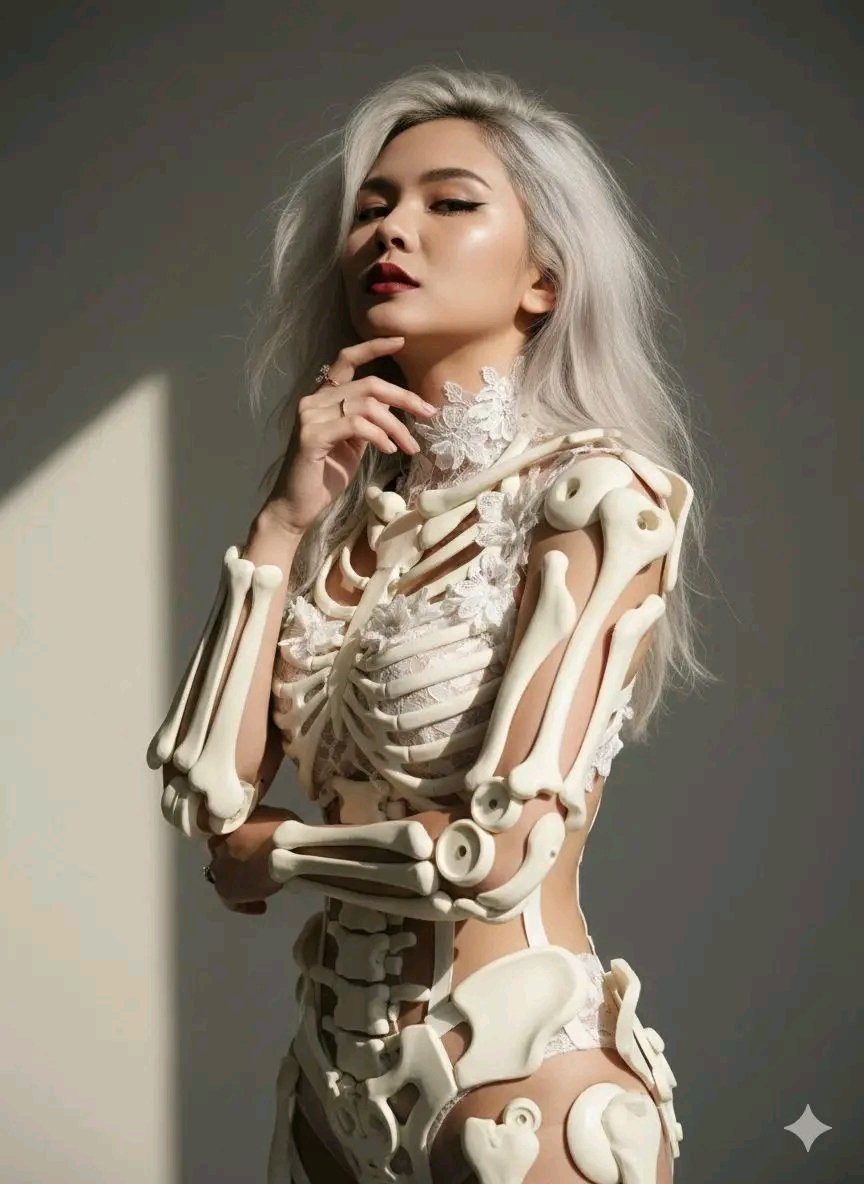
Avant-Garde Sculptural Portrait with Skeletal Elements
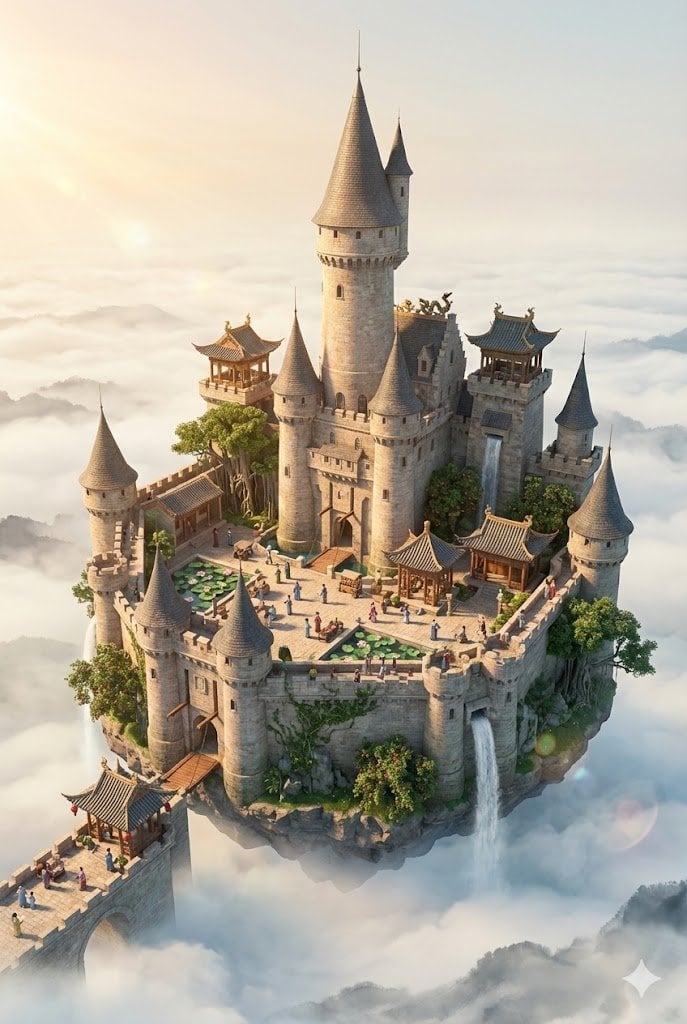
Floating Sky Castle Digital Art Poster Prompt
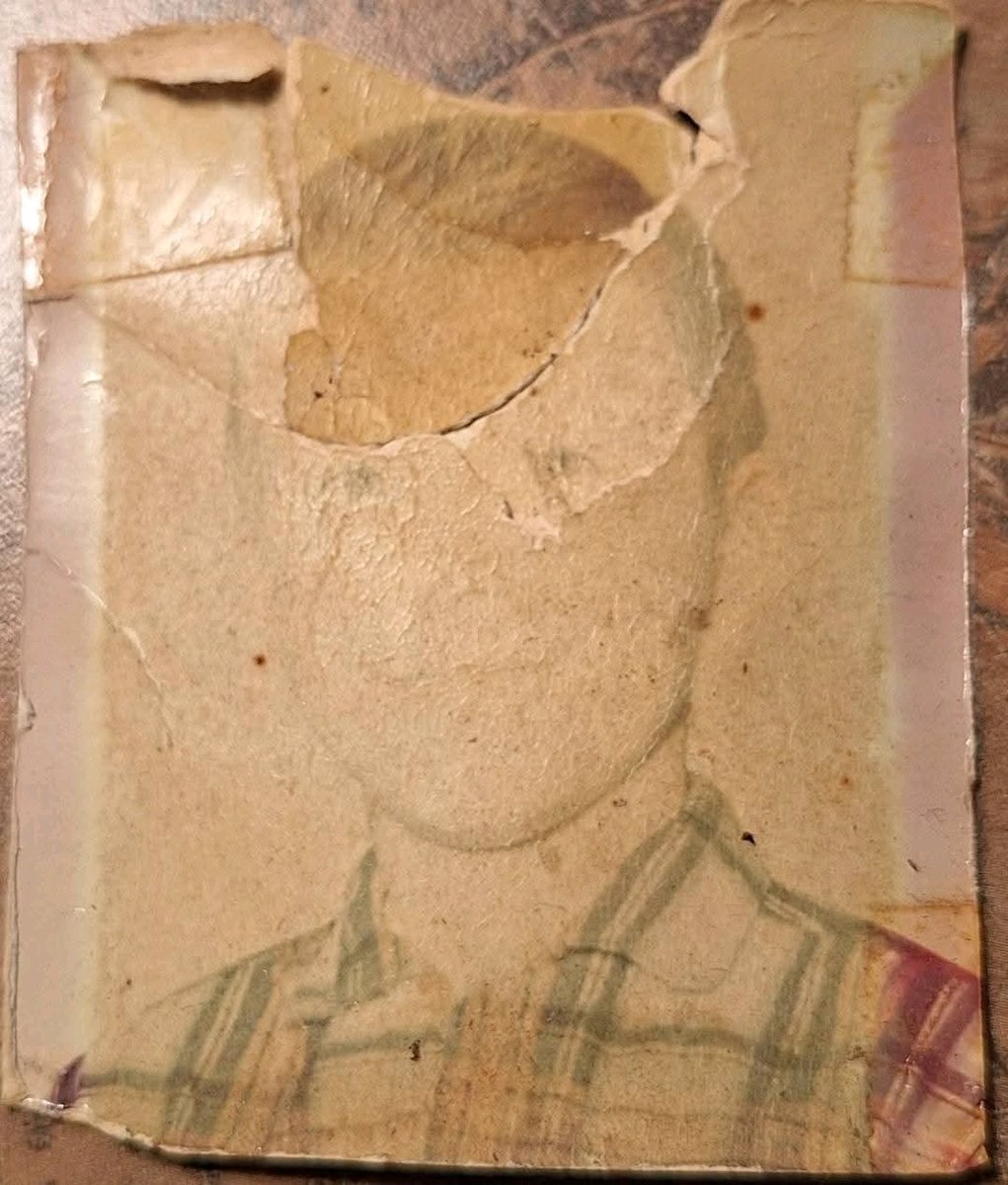
Old Photo Restoration to DSLR-Quality Portrait
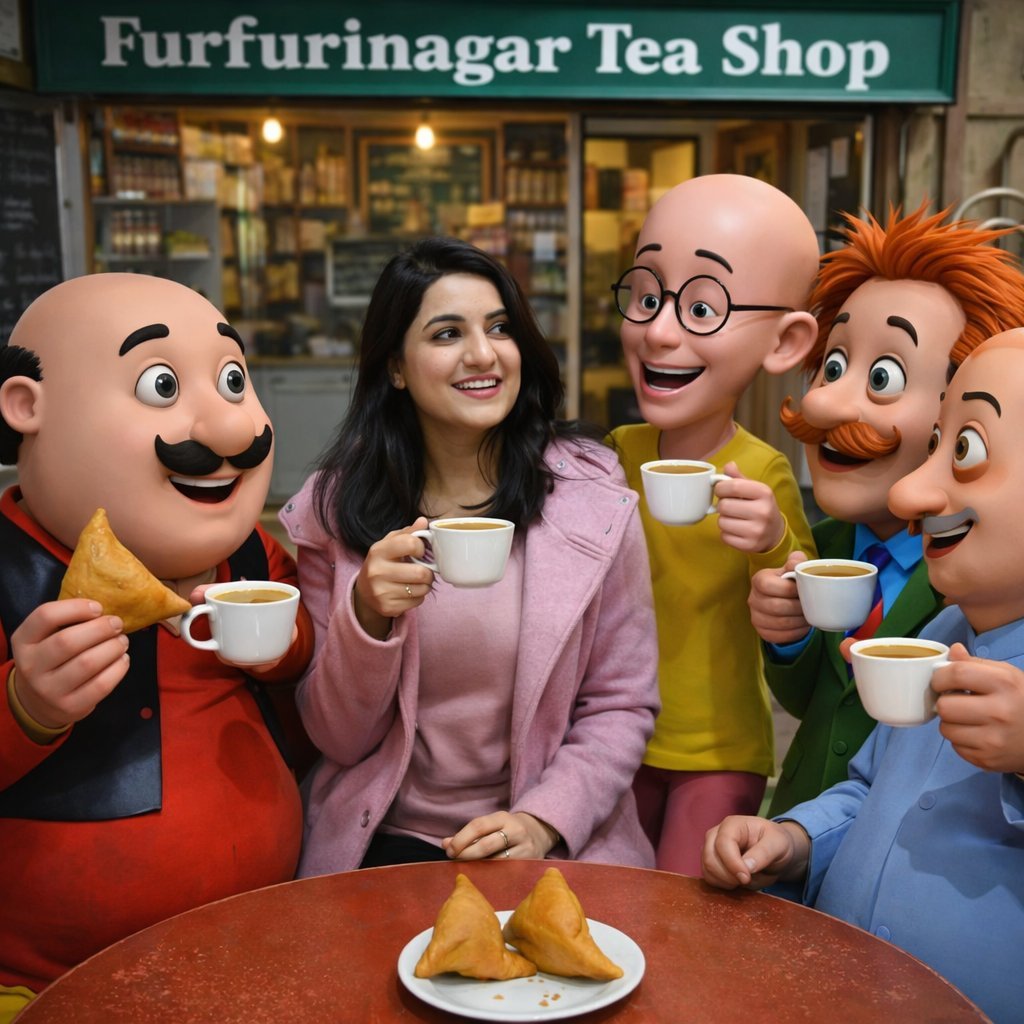
Motu Patlu Tea Shop Scene with Custom Face
Browse template categories
iPhone 17 Pro Max Influencer Selfie questions
How do I use the iPhone 17 Pro Max Influencer Selfie template?
Add your photo if the template asks for one, edit the prompt if you like — the template's model and format are already selected — and press Generate. Your version opens in PicX Studio.
Can I customize the iPhone 17 Pro Max Influencer Selfie template?
Yes. You can change the subject, setting, lighting, mood, format, and available model controls before creating your image.
Is the iPhone 17 Pro Max Influencer Selfie template free?
Opening and editing this template is free. Generating uses credits, shown on the Generate button when you are signed in.
Which AI model should I use?
Start with Nano Banana 2, which is the model associated with this template. You can compare another compatible model for a different finish.
Looking for something else? Browse all templates.

Your photo, any look
Thousands of ready templates for every top image and video model, from one credit balance.