
Cyberpunk Anime Character Dossier
Generates a dynamic cyberpunk anime operator profile poster with bold typography, dossier text, tactical clothing, and an extreme foreshortened action pose.
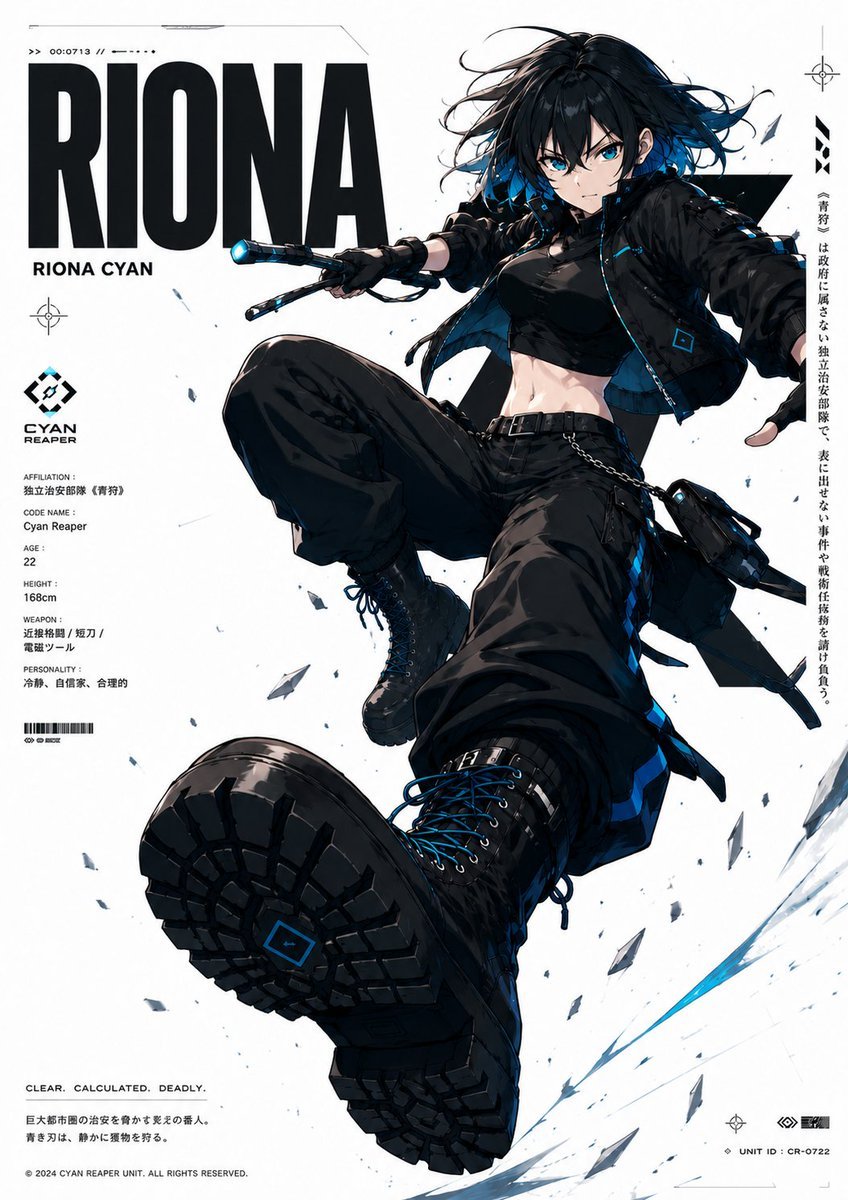
- Prompt included
- Model and format preset
- Free template
The prompt behind this image
Copy the exact prompt behind Cyberpunk Anime Character Dossier, or open it in the studio and make it yours.
Goal: Create a high-impact anime character dossier poster for {argument name="character name" default="RIONA"}, a cyberpunk tactical female fighter named Riona Cyan, shown in an extreme dynamic foreshortened action pose as if leaping or drop-kicking toward the viewer. Canvas: Vertical poster, approximately 2:3 aspect ratio, clean white background with black, cyan-blue, and gray accents. Use a crisp premium character-key-visual style, like a futuristic game operator profile sheet. Layout: Put a huge bold black sans-serif title “{argument name="character name" default="RIONA"}” in the upper left, with smaller subtitle “RIONA CYAN” underneath. The character dominates the center and right side, overlapping the typography. Add thin technical UI lines, crosshair marks, barcode-like details, tiny serial numbers, and scattered glass or metal shards across the poster. On the left side, include a compact profile column with a cyan-and-black emblem logo and the label “CYAN REAPER,” followed by dossier fields. On the right edge, add one vertical Japanese-style motto text column using {argument name="vertical motto" default="〈青狩〉は政府に属さない独立治安部隊で、表に出せない事件や戦術任務を請け負う。"}. At the bottom left, include the slogan “CLEAR. CALCULATED. DEADLY.” and two short Japanese-style microtext lines; at the bottom right, add tiny unit ID text “UNIT ID : CR-0722.” Character details: A young adult woman, age 22, athletic and lean with visible toned abdomen, pale skin, black hair with electric cyan-blue dyed ends, messy windblown medium-length hair, and a deliberately obscured face covered by a soft rectangular blur censor block. She wears a black cropped tactical top, a cropped black bomber jacket with cyan trim and small square cyan patches, loose black cargo pants with straps, belt, chain, pouches, holster-like utility bags, fingerless black gloves, and heavy black combat boots with thick soles and cyan laces. The most prominent boot sole is huge in the foreground, facing the viewer, with detailed tread and a small cyan square mark. Her pose is aggressive and airborne: one leg thrust forward toward the camera, the other bent high, one arm extended back for balance, and the other holding a short electrified baton or compact blade with a glowing cyan tip. Visible counted elements: Include exactly 1 main character, exactly 1 huge foreground boot sole, exactly 1 secondary raised boot, exactly 1 handheld cyan-glowing weapon, exactly 1 cyan-and-black “CYAN REAPER” logo, exactly 1 large title word, exactly 1 left dossier column, exactly 1 right vertical motto column, exactly 3 small crosshair UI markers, exactly 1 barcode block, and many small shard fragments dispersed diagonally around the character. Left dossier text: Use these readable English field labels and values: “AFFILIATION: Independent Security Force (Blue Hunt)”; “CODE NAME: Cyan Reaper”; “AGE: 22”; “HEIGHT: 168cm”; “WEAPON: Arc baton / short blade / electromagnetic tool”; “PERSONALITY: Calm, confident, rational.” Keep the text tiny but legible, like a military database printout. Visual style: Ultra-detailed anime illustration, sharp inked linework, dramatic perspective, high contrast black clothing against white negative space, cyan rim lighting, glossy fabric highlights, technical graphic design, clean editorial poster composition, subtle motion arcs and blue slash trails near the lower right. Make the image feel like a polished sci-fi character profile splash art. Constraints: Keep the background mostly white and uncluttered, preserve the bold typography hierarchy, do not add extra characters, do not add a realistic photo style, do not remove the intentional face blur, and avoid excessive readable text beyond the specified dossier and poster labels.
How to use Cyberpunk Anime Character Dossier in 3 steps
- 1Upload ImagePNG, JPG or paste
Add your photo
Upload the photo the template builds on. The prompt, model and format are already set.
- 2…a portrait of your subject in softgolden-hour light, 85mm…
Personalize
Edit the subject and creative details for your destination.
- 3Generate
Generate
Press Generate — your image is created in PicX Studio, so you can compare it with the original and refine one variable at a time.
More like this
Templates with the same subject, style or setup. Open one to see its prompt.












Make it yours
Cyberpunk Anime Character Dossier works as-is. These are the safest ways to change it without losing the look.
Change one field
Copy a single group, rewrite it, and generate again so you can see what that field is doing.
Keep the frame, change the subject
Hold the composition and light of Cyberpunk Anime Character Dossier, then swap wardrobe, props or the person for a new take.
| If the result… | Why | Fix |
|---|---|---|
| The result drifts from the preview | Too many fields changed at once. | Reuse Cyberpunk Anime Character Dossier as-is first, then change one group — subject, light, or setting. |
| The model over-stylizes the scene | The prose prompt leaves finish and camera underspecified. | Add one camera or lighting sentence and stay on GPT Image 2. |
More GPT Image 2 templates
Other prompts made for GPT Image 2.

Six VTuber Japanese Logo Sheet

Realistic Portrait of Woman and Deer

The Vista Modular Condo Poster

AI Model Routing Comparison Infographic

2.5D Anime Art Board

Isometric Productivity Desk Scene

New York Double Exposure Poster

Four-Panel AI Landscape Comparison

Japanese Tatami Lifestyle Magazine Cover

NESCAFÉ Coffee Map Poster
More image prompts
Fresh picks from across the catalog.
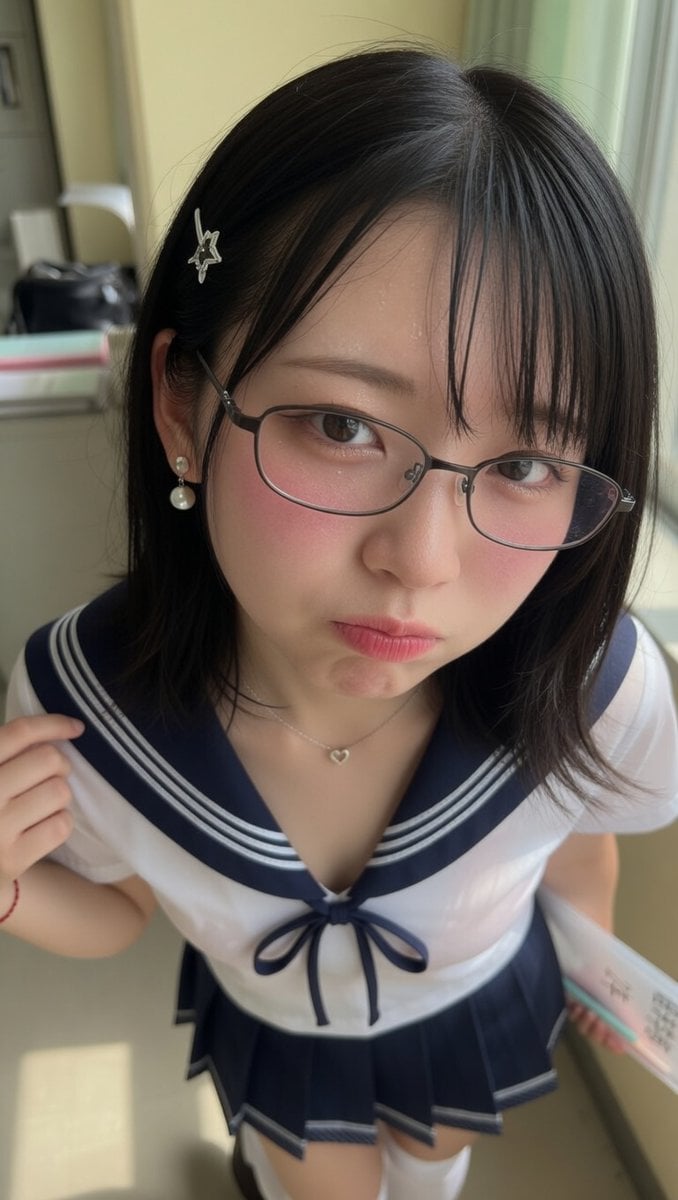
Close-Up Perspective Portrait Prompt
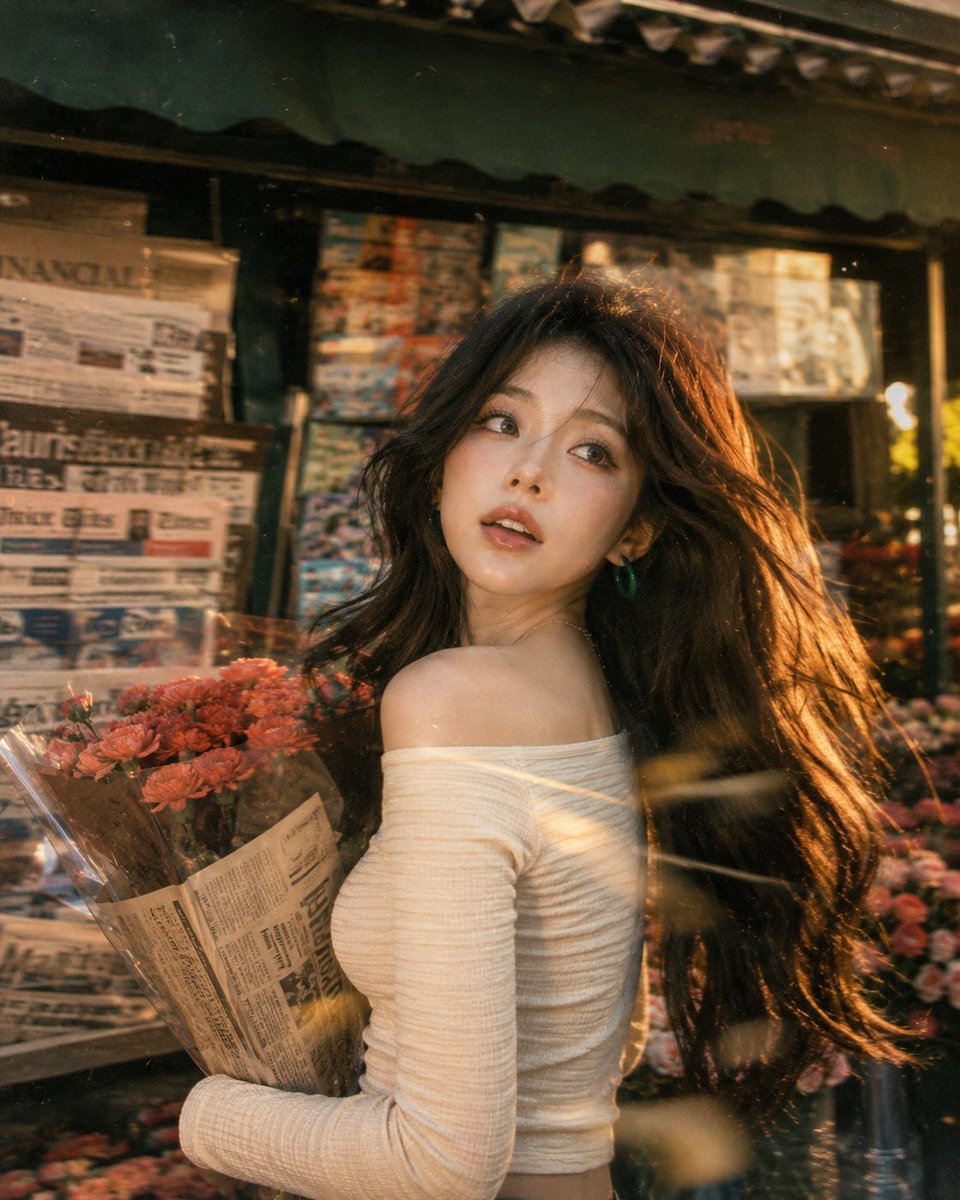
Vintage Fujifilm Film Portrait
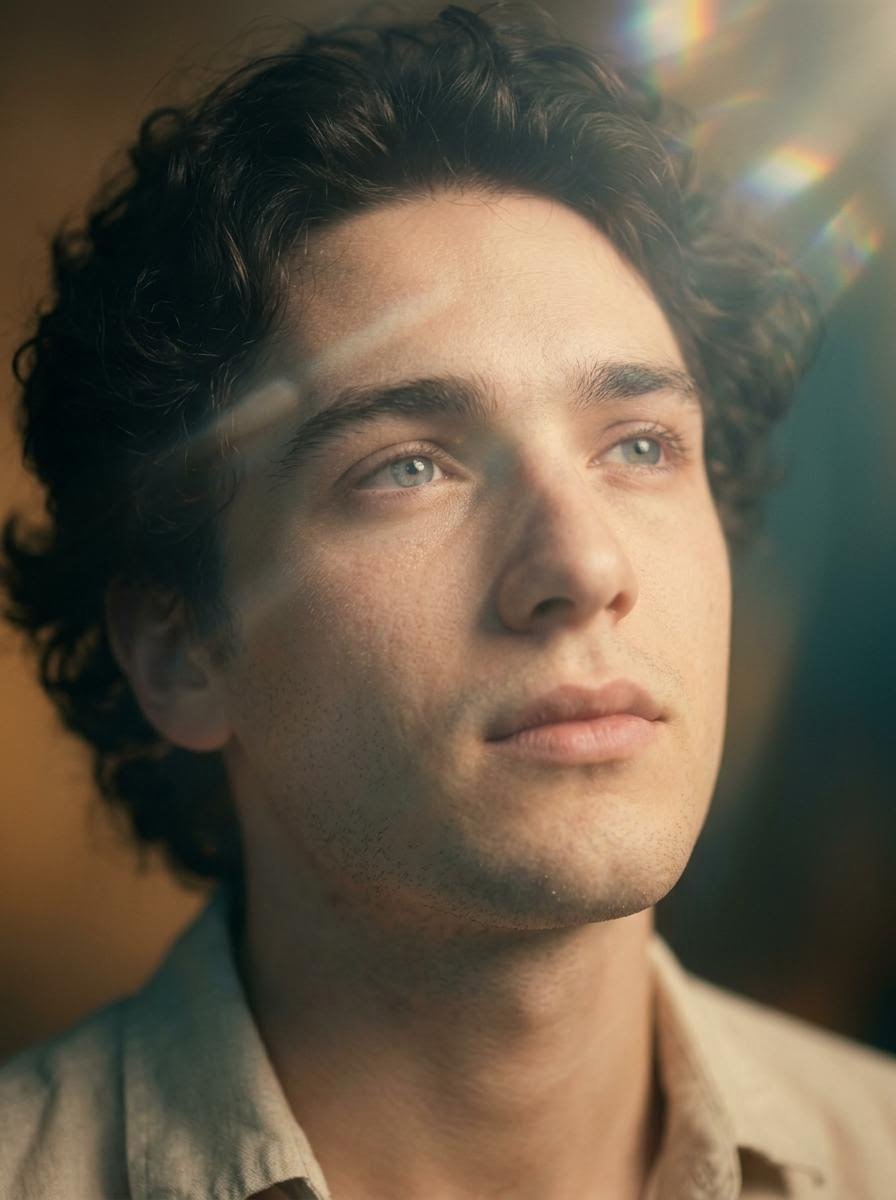
Cinematic Close-Up Portrait with Lens Flares
Urban Street Market Caricature Portrait
Brick Mini Set Box Mockup
Rainy Tokyo Convenience Store Scene
Surreal Elastic Skin Distortion Portrait
Minimalist Chocolate Packaging Grid for New Flavors
Candid series of Indonesian president photos
Anime Twin-Tail Patent Trench Fashion
Browse template categories
Cyberpunk Anime Character Dossier questions
How do I use the Cyberpunk Anime Character Dossier template?
Add your photo if the template asks for one, edit the prompt if you like — the template's model and format are already selected — and press Generate. Your version opens in PicX Studio.
Can I customize the Cyberpunk Anime Character Dossier template?
Yes. You can change the subject, setting, lighting, mood, format, and available model controls before creating your image.
Is the Cyberpunk Anime Character Dossier template free?
Opening and editing this template is free. Generating uses credits, shown on the Generate button when you are signed in.
Which AI model should I use?
Start with GPT Image 2, which is the model associated with this template. You can compare another compatible model for a different finish.
Looking for something else? Browse all templates.

Your photo, any look
Thousands of ready templates for every top image and video model, from one credit balance.