
Floating Sky Castle Digital Art Poster Prompt
A highly detailed prompt for generating a cinematic digital art poster of a majestic floating 'Sky Castle' that fuses Western medieval architecture with subtle Qing Dynasty Chinese influences, hovering above an ethereal…
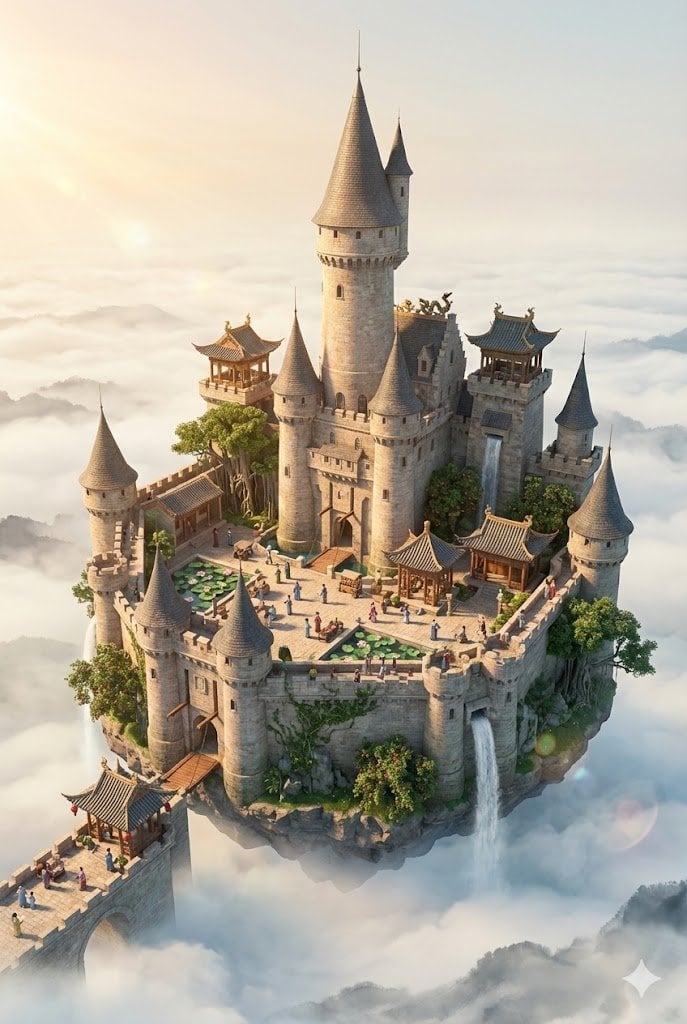
- Prompt included
- Model and format preset
- Premium template
The prompt behind this image
Copy the exact prompt behind Floating Sky Castle Digital Art Poster Prompt, or open it in the studio and make it yours.
A cinematic digital art poster featuring a majestic floating "Sky Castle" in the form of a miniature island, hovering serenely above an endless sea of clouds and dominating the composition. The floating island is shaped as a grand Western-style medieval castle complex, centered around a towering central keep with conical roofs, fortified stone walls, multiple cylindrical turrets, crenellated battlements, arched gateways, drawbridges, and multi-level ramparts. The entire structure embodies authentic medieval European castle architecture: massive stone masonry, narrow arrow-slit windows, wooden hoardings, and a grand central tower rising prominently in the middle. The castle seamlessly incorporates subtle Qing Dynasty Chinese influences: ornate tiled roofs with gentle upturned eaves crowning the turrets, intricate wooden pavilions nestled within courtyards, and decorative ridge ornaments on the main keep. The scene is alive with tiny Qing Dynasty inhabitants in period clothing: scholars in flowing robes, merchants with queues and silk garments, women in elegant traditional attire, street vendors with bamboo baskets, sedan chair bearers, rickshaw pullers, children playing, and horse-drawn carts — all bustling across the castle’s courtyards, bridges, and ramparts. The castle is intertwined with lush subtropical greenery: ancient banyan trees climbing the stone walls, lychee groves spilling over the battlements, lotus ponds in the inner courtyards, and winding rivers cascading like waterfalls down the floating structure. No modern elements — only a harmonious fusion of classic Western medieval castle design with delicate Qing Dynasty Chinese details, creating a fairy-tale sky fortress surrounded by serene natural beauty. The castle floats peacefully above a vast, ethereal cloud sea rendered in the traditional Chinese ink wash painting style, with soft misty gradients, delicate brush-like textures, and atmospheric depth. Completely free of any text, lettering, typography, or overlaid information — pure visual composition with no words present. Surround the floating castle with generous negative space for a clean, museum-like elegance. The overall layout is restrained, balanced, and sophisticated, evoking the feeling of contemplating a rare and precious art piece. Style: Octane Render, Cinema 4D, isometric perspective, micro world, living ecosystem, 8K ultra-high resolution. DreamWorks animation quality, intricate 3D modeling, delicate soft light projection, cinematic atmosphere, vibrant yet harmonious colors, warm golden-hour lighting with gentle lens flares and subtle god rays.
How to use Floating Sky Castle Digital Art Poster Prompt in 3 steps
- 1
Open
The prompt is already in the box next to the preview, with the template's model and format selected.
- 2…a portrait of your subject in softgolden-hour light, 85mm…
Personalize
Edit the subject and creative details for your destination.
- 3Generate
Generate
Press Generate — your image is created in PicX Studio, so you can compare it with the original and refine one variable at a time.
More like this
Templates with the same subject, style or setup. Open one to see its prompt.
Skyscraper Symbiote Ascent Vertical Poster

Gpt2 Infographic Edu Visual Biomimetic Skyray Aircraft Poster

Japan Travel Brochure Poster
Skydancer Kite Advertisement Poster
Digital Creator Mirror Selfie Poster

Cartoon TV Show Poster Pack

Trendy Cafe Drink Promo Poster

Urban Fashion Editorial Collage Streetwear Poster

Premium Fashion Editorial Cover Layout System

Polo Ralph Lauren Luxury American Heritage Fashion Campaign

Monochrome Halftone Editorial Fashion Poster

Retro Mirror Luxury Fashion Campaign Poster
Make it yours
Floating Sky Castle Digital Art Poster Prompt works as-is. These are the safest ways to change it without losing the look.
Change one field
Copy a single group, rewrite it, and generate again so you can see what that field is doing.
Keep the frame, change the subject
Hold the composition and light of Floating Sky Castle Digital Art Poster Prompt, then swap wardrobe, props or the person for a new take.
| If the result… | Why | Fix |
|---|---|---|
| The result drifts from the preview | Too many fields changed at once. | Reuse Floating Sky Castle Digital Art Poster Prompt as-is first, then change one group — subject, light, or setting. |
| The model over-stylizes the scene | The prose prompt leaves finish and camera underspecified. | Add one camera or lighting sentence and stay on Nano Banana 2. |
More Nano Banana 2 templates
Other prompts made for Nano Banana 2.

Photorealistic Leaf Shaped Like a Dragon

K-Pop Idol Portrait Grid for Rapid Selection

Poetic Rain Forest Portrait During Golden Hour

Urban Street Portrait with Cartoon Inner Self Duo

Candid Nighttime Photo with Cat Prompt

High-Concept 3D Diorama Generation Prompt

Cinematic Futuristic Studio Portrait Template

Skincare Editorial Photography Collage Prompt

Hyper-Realistic Commercial Product Photography (Splash Effect)

Hyper-Realistic Nightclub Portrait Prompt
More image prompts
Fresh picks from across the catalog.
Layered Paper-Cut Diorama Illustration
Elf Knight Victory Parade
World Cup Cheerleader Action Shot
Rainbow Hair Censored Portrait
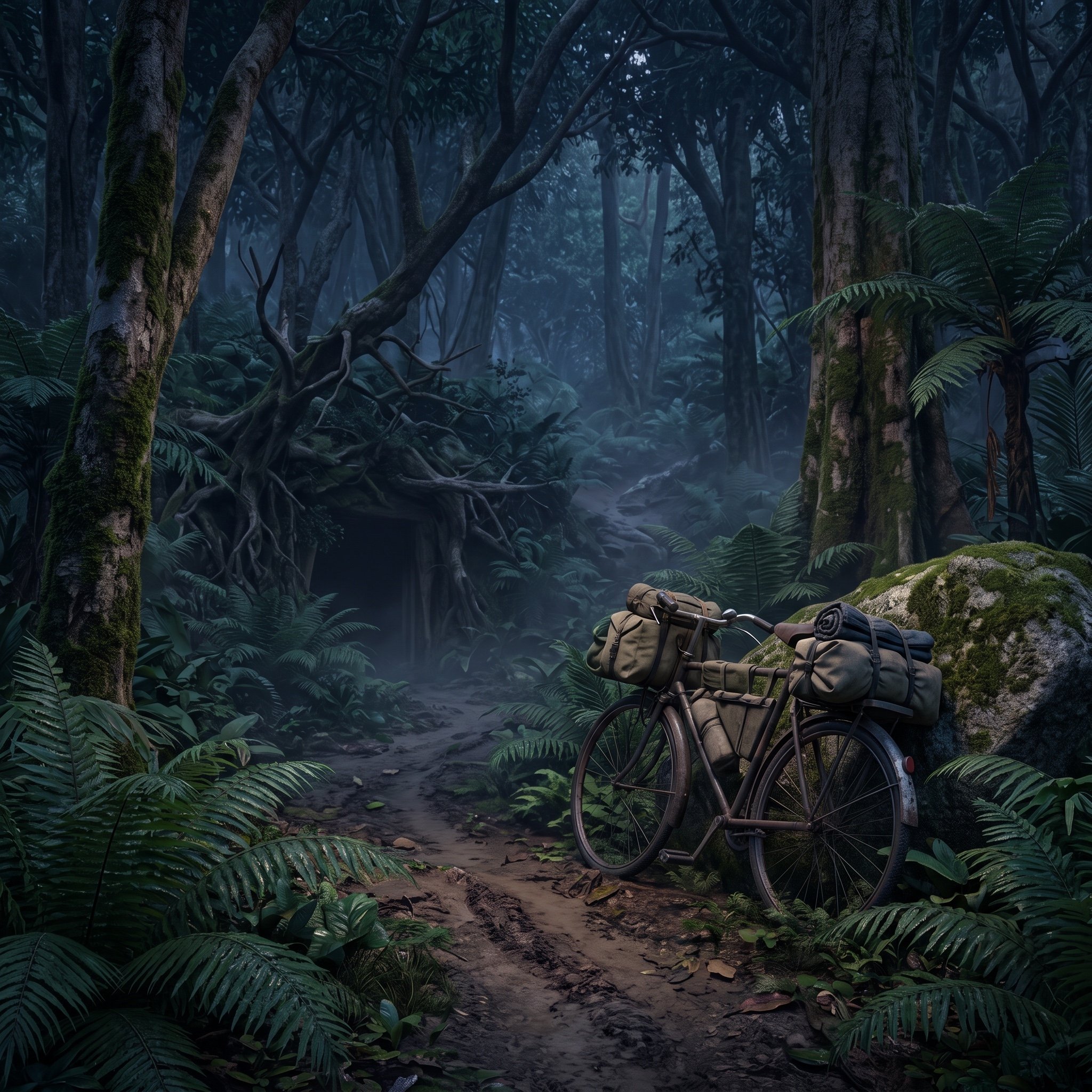
Ho Chi Minh Trail Vietnam War Scene Prompt
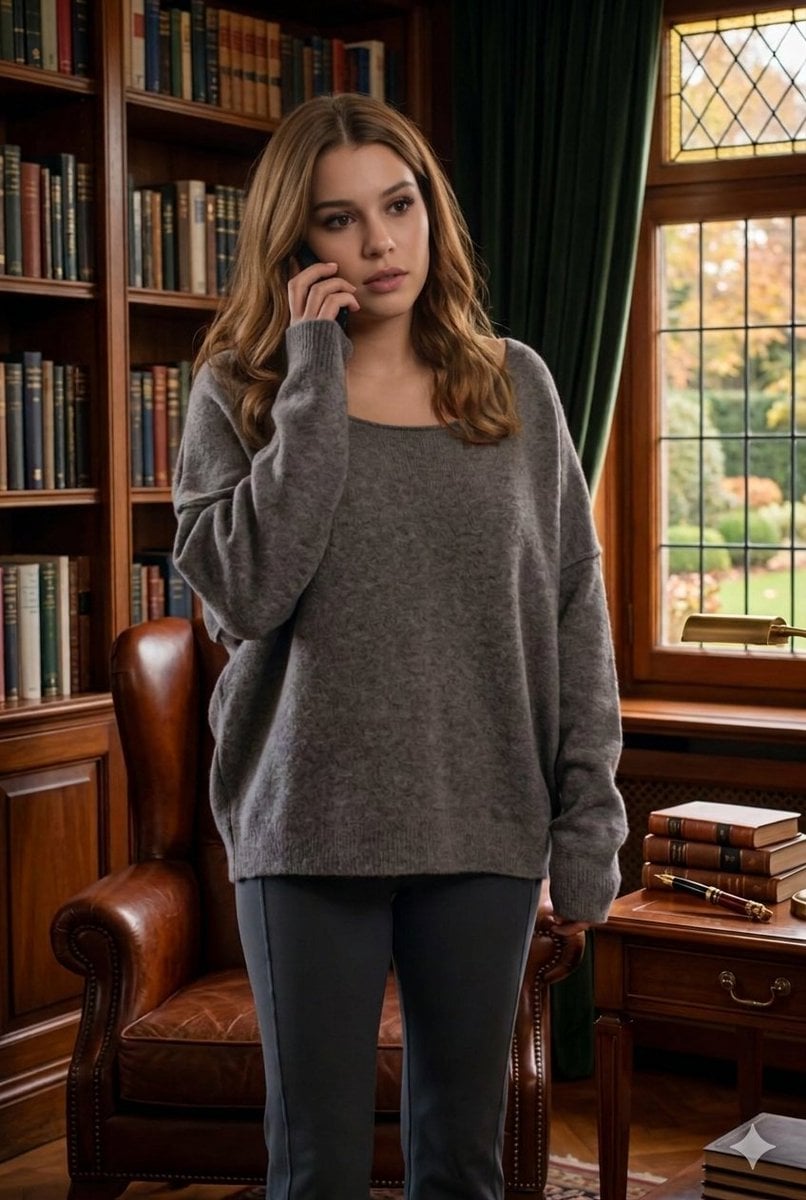
Cinematic Library Scene with Woman on Phone
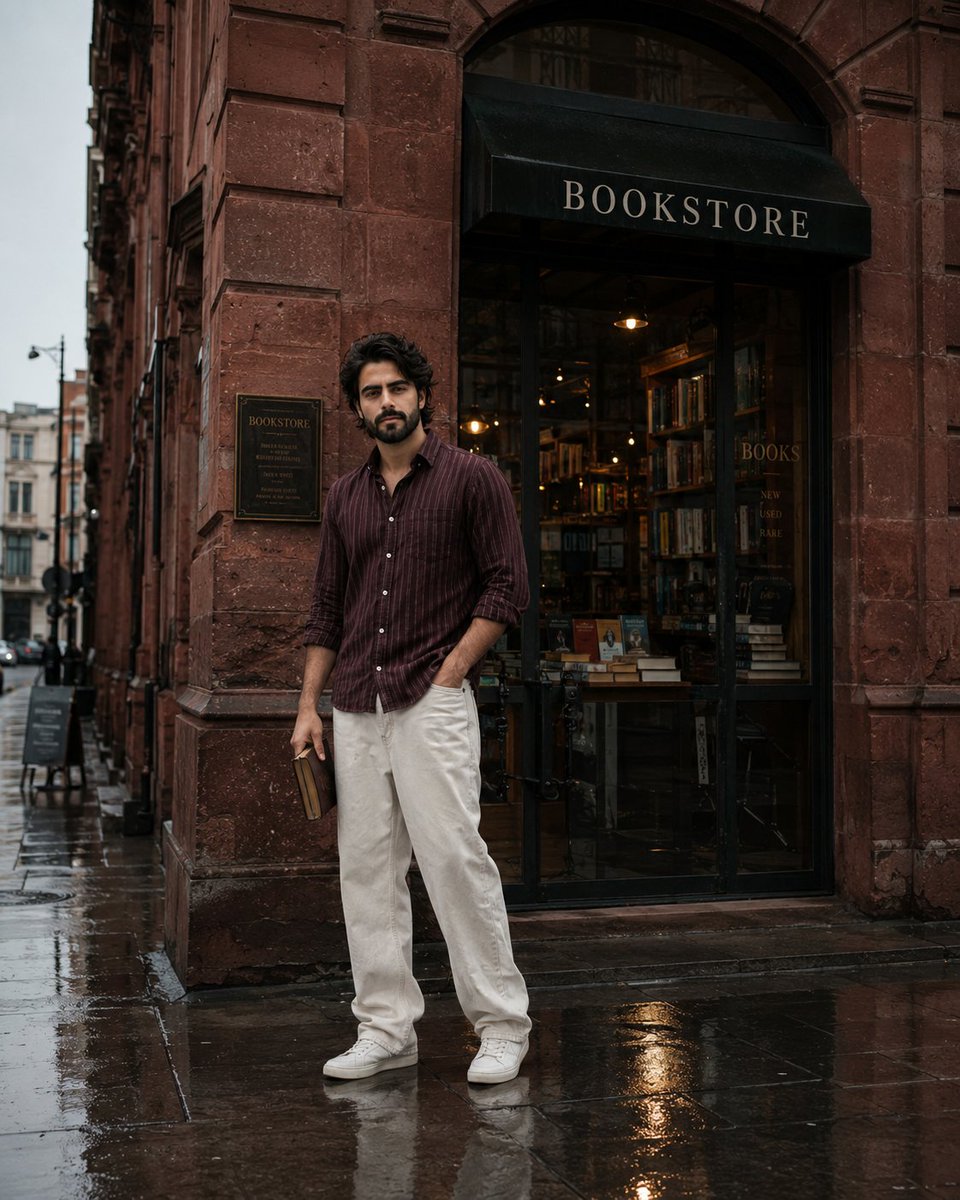
Street Side Bookstore Portrait
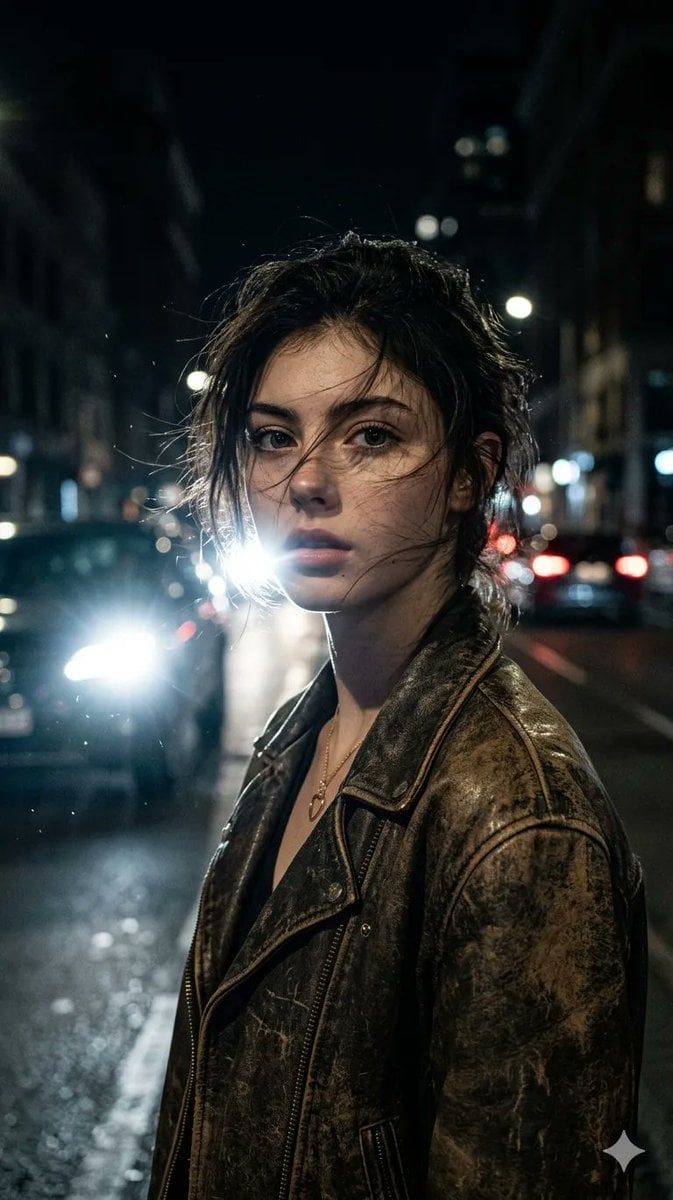
Cinematic Urban Night Portrait
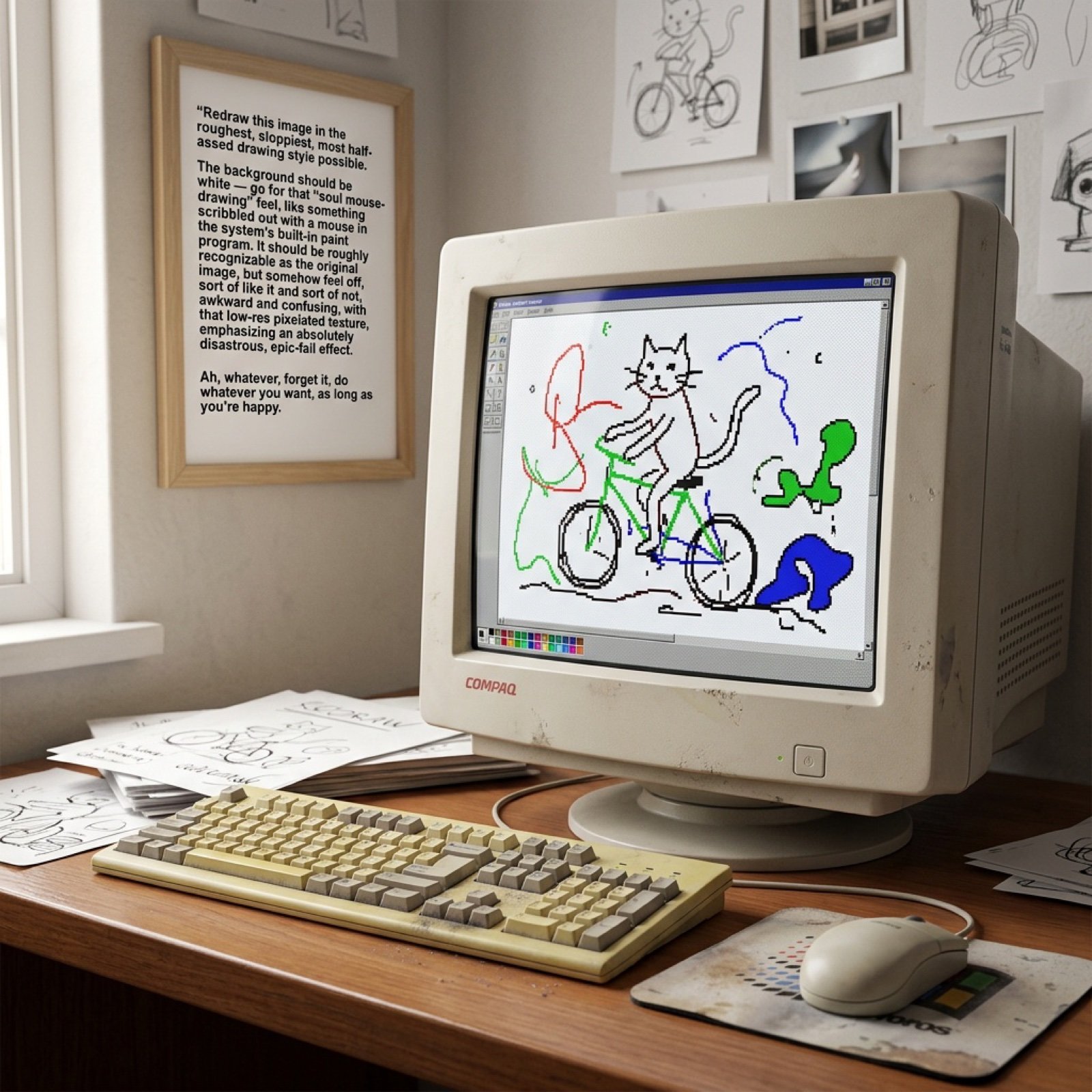
MS Paint Style Soulful Sketch
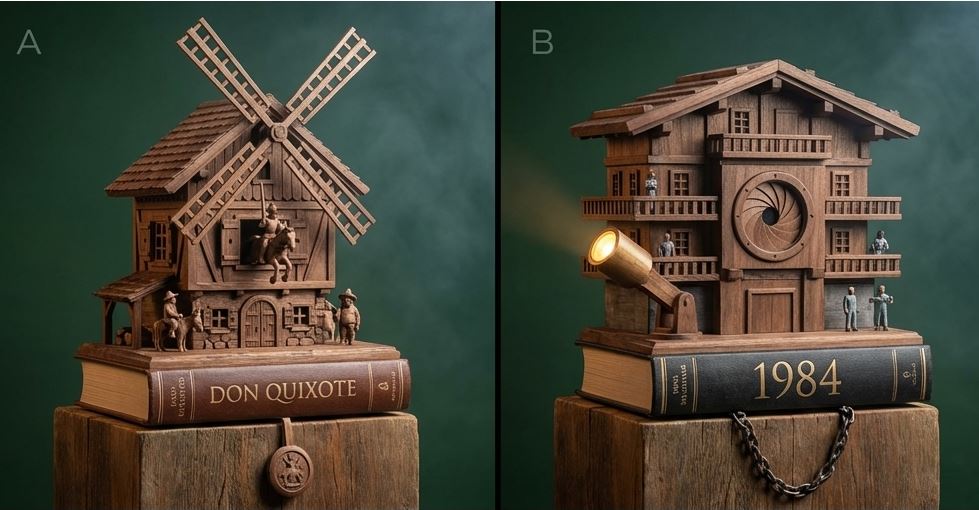
Cuckoo Clock Inspired Literary Mechanism Prompt
Browse template categories
Floating Sky Castle Digital Art Poster Prompt questions
How do I use the Floating Sky Castle Digital Art Poster Prompt template?
Add your photo if the template asks for one, edit the prompt if you like — the template's model and format are already selected — and press Generate. Your version opens in PicX Studio.
Can I customize the Floating Sky Castle Digital Art Poster Prompt template?
Yes. You can change the subject, setting, lighting, mood, format, and available model controls before creating your image.
Is the Floating Sky Castle Digital Art Poster Prompt template free?
Opening and editing this template is free. Generating uses credits, shown on the Generate button when you are signed in.
Which AI model should I use?
Start with Nano Banana 2, which is the model associated with this template. You can compare another compatible model for a different finish.
Looking for something else? Browse all templates.

Your photo, any look
Thousands of ready templates for every top image and video model, from one credit balance.