
Premium Vertical Product Campaign Poster
Curated from MeiGen gallery ID 2054012494319145184: Premium Vertical Product Campaign Poster.

- Prompt included
- Model and format preset
- Free template
The prompt behind this image
Copy the exact prompt behind Premium Vertical Product Campaign Poster, or open it in the studio and make it yours.
Create a photorealistic premium product campaign poster in a 4:5 vertical aspect ratio. Main subject: a confident model holding or presenting the product close to camera, product in sharp focus, model slightly behind, strong perspective so product feels powerful, premium, and hero-like. Clean studio background with large rounded rectangle panel matching product theme color, subtle oversized typography or abstract product-related shapes softly blended behind subject. Cinematic softbox lighting, realistic shadows, premium commercial photography, glossy highlights, clean reflections, sharp details, high-end advertising look. Composition includes minimal brand logo placeholder, short tagline, glassmorphism product name label, short benefit bullets, and four clean feature cards. Premium campaign poster, realistic product photography, minimalistic layout, modern typography, clean negative space, luxury branding, high detail, cinematic advertising, professional commercial poster.
How to use Premium Vertical Product Campaign Poster in 3 steps
- 1
Open
The prompt is already in the box next to the preview, with the template's model and format selected.
- 2…a portrait of your subject in softgolden-hour light, 85mm…
Personalize
Edit the subject and creative details for your destination.
- 3Generate
Generate
Press Generate — your image is created in PicX Studio, so you can compare it with the original and refine one variable at a time.
More like this
Templates with the same subject, style or setup. Open one to see its prompt.
Premium Vertical Product Campaign Poster
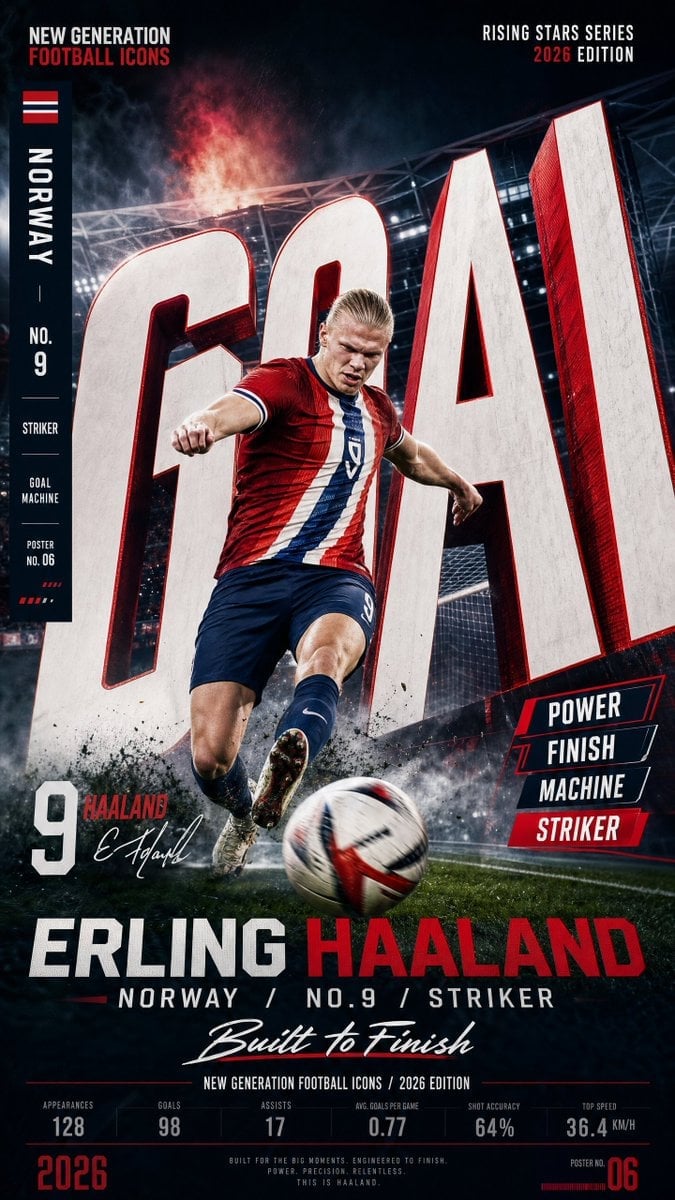
Vertical Football Star Campaign Poster
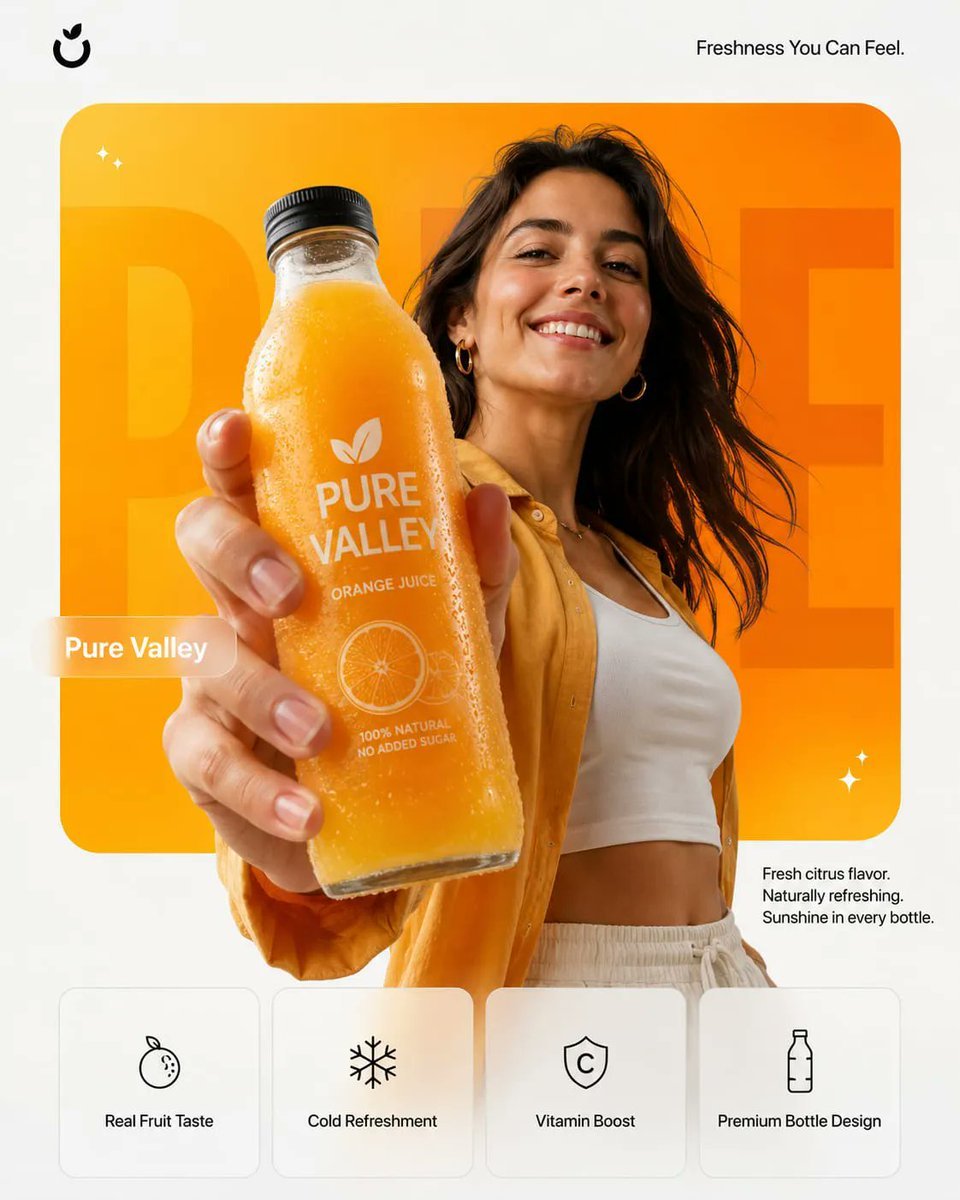
Premium Product Campaign Poster Prompt
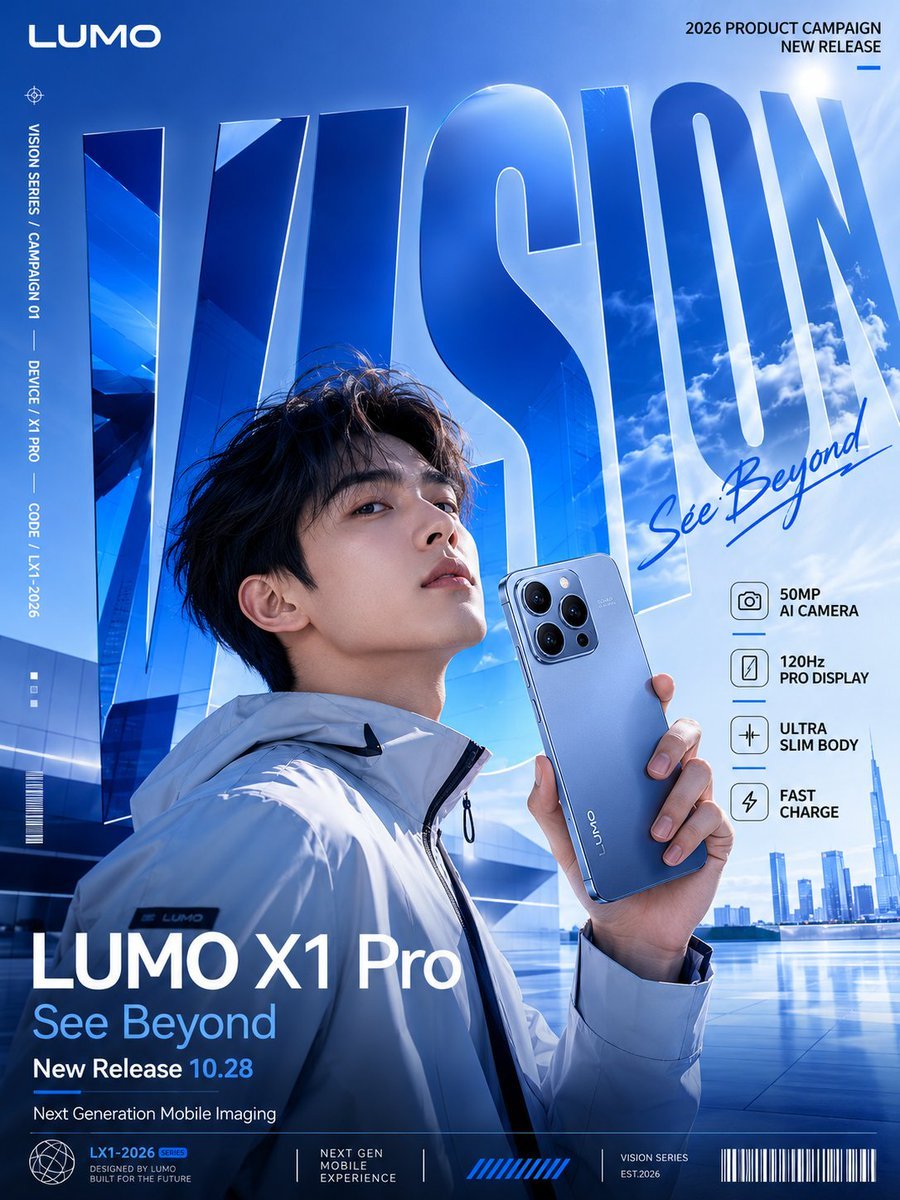
Perspective Typography Product Poster Prompt
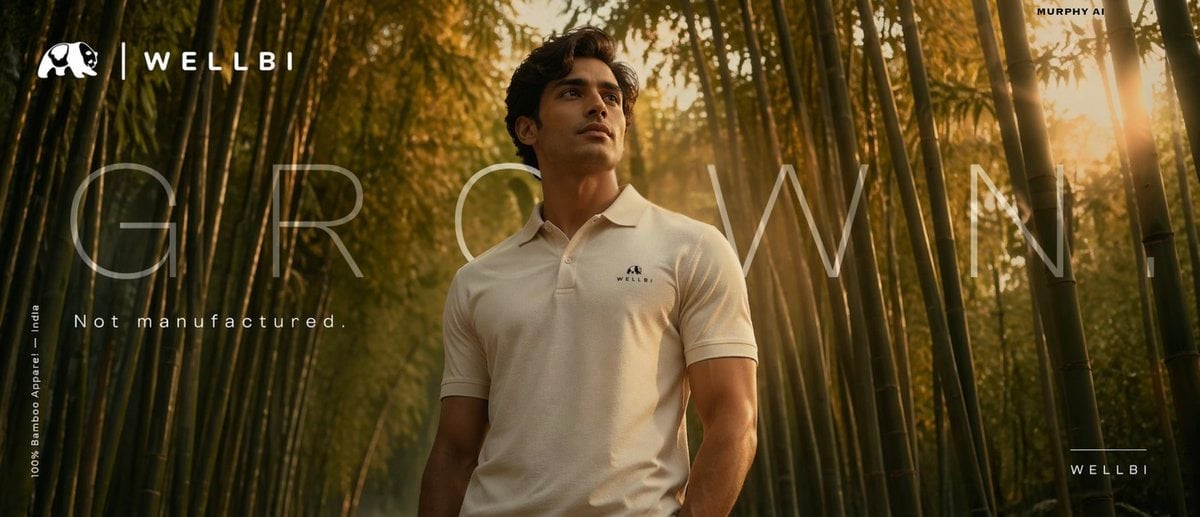
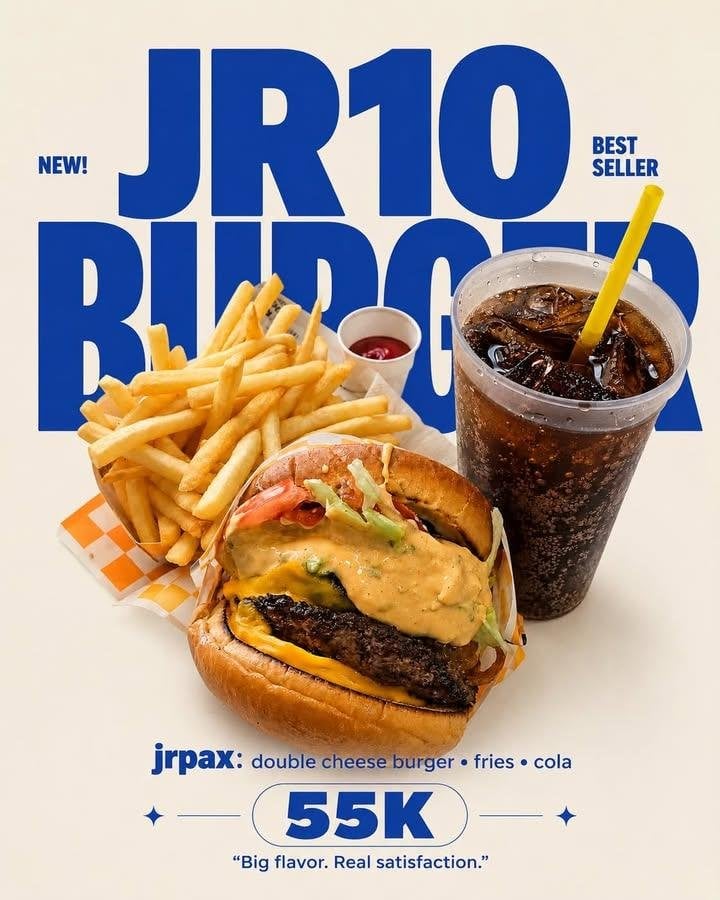
Cinematic product poster for WELLBI, India s premium bamboo apparel
Editorial Typography Product Poster

Typography Mask Editorial Fashion Poster
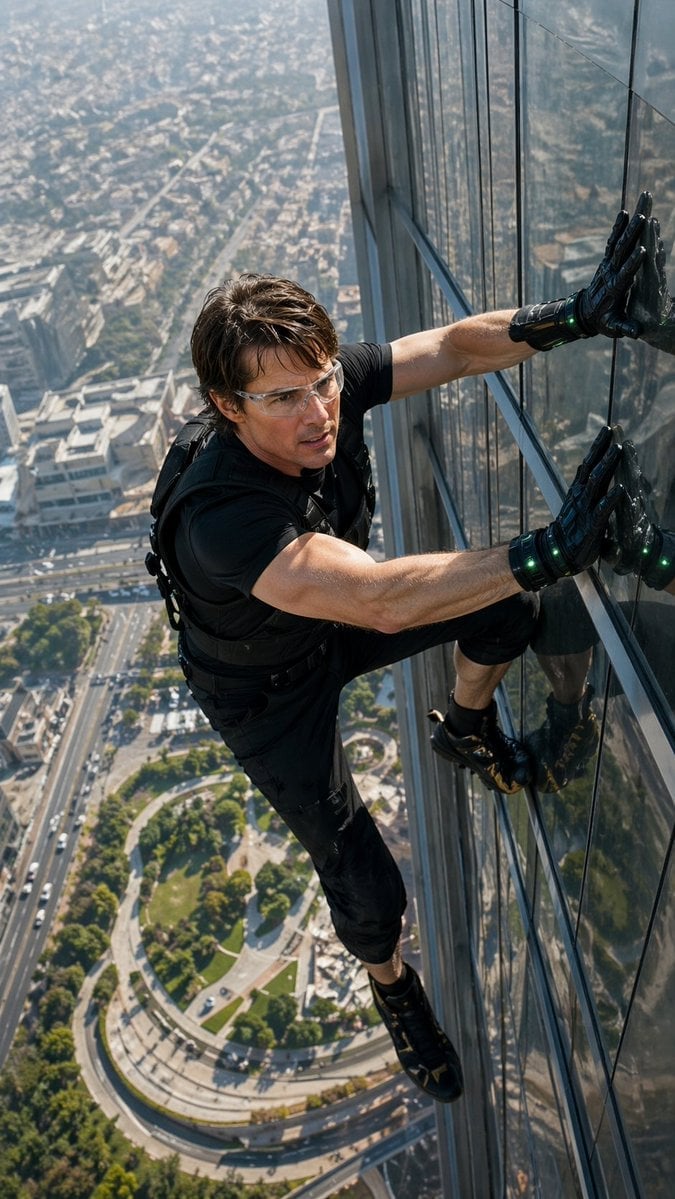
Skyscraper Symbiote Ascent Vertical Poster
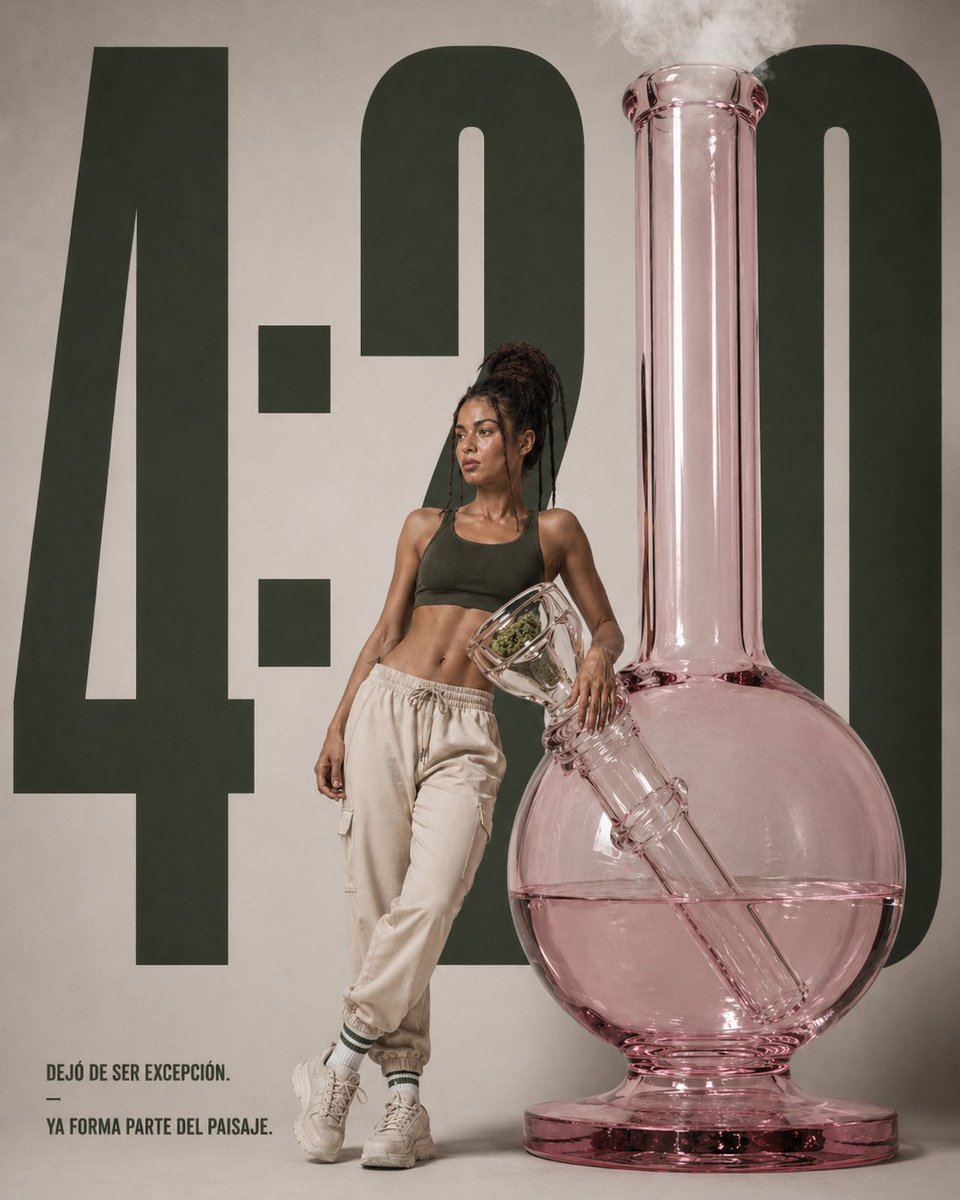
Luxury Editorial 4:20 Product Poster
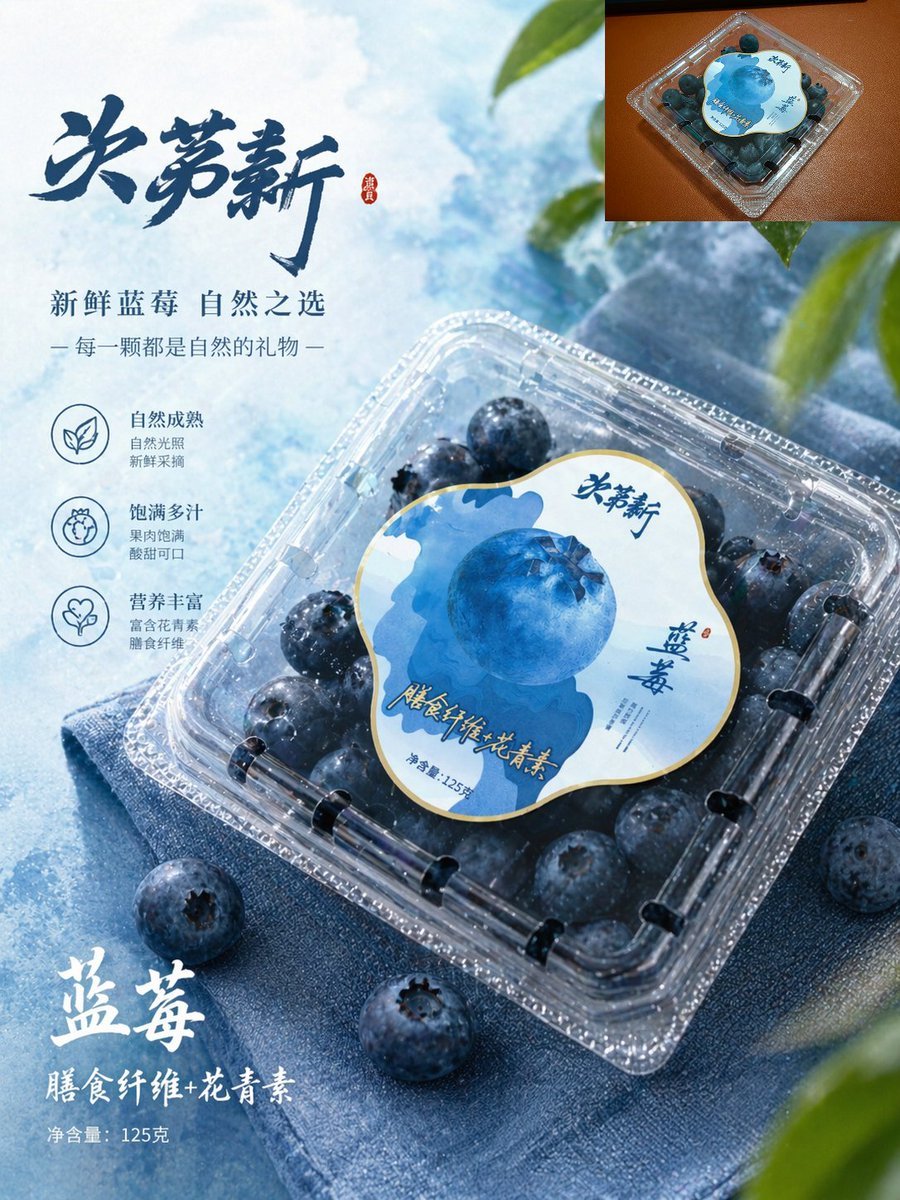
Premium Blueberry Product Poster

Gpt2 Product Marketing Streetwear Sneaker Poster Ad

Coffee Boba Product Poster
Make it yours
Premium Vertical Product Campaign Poster works as-is. These are the safest ways to change it without losing the look.
Change one field
Copy a single group, rewrite it, and generate again so you can see what that field is doing.
Keep the frame, change the subject
Hold the composition and light of Premium Vertical Product Campaign Poster, then swap wardrobe, props or the person for a new take.
| If the result… | Why | Fix |
|---|---|---|
| The result drifts from the preview | Too many fields changed at once. | Reuse Premium Vertical Product Campaign Poster as-is first, then change one group — subject, light, or setting. |
| The model over-stylizes the scene | The prose prompt leaves finish and camera underspecified. | Add one camera or lighting sentence and stay on PicX Studio. |
More image prompts
Fresh picks from across the catalog.
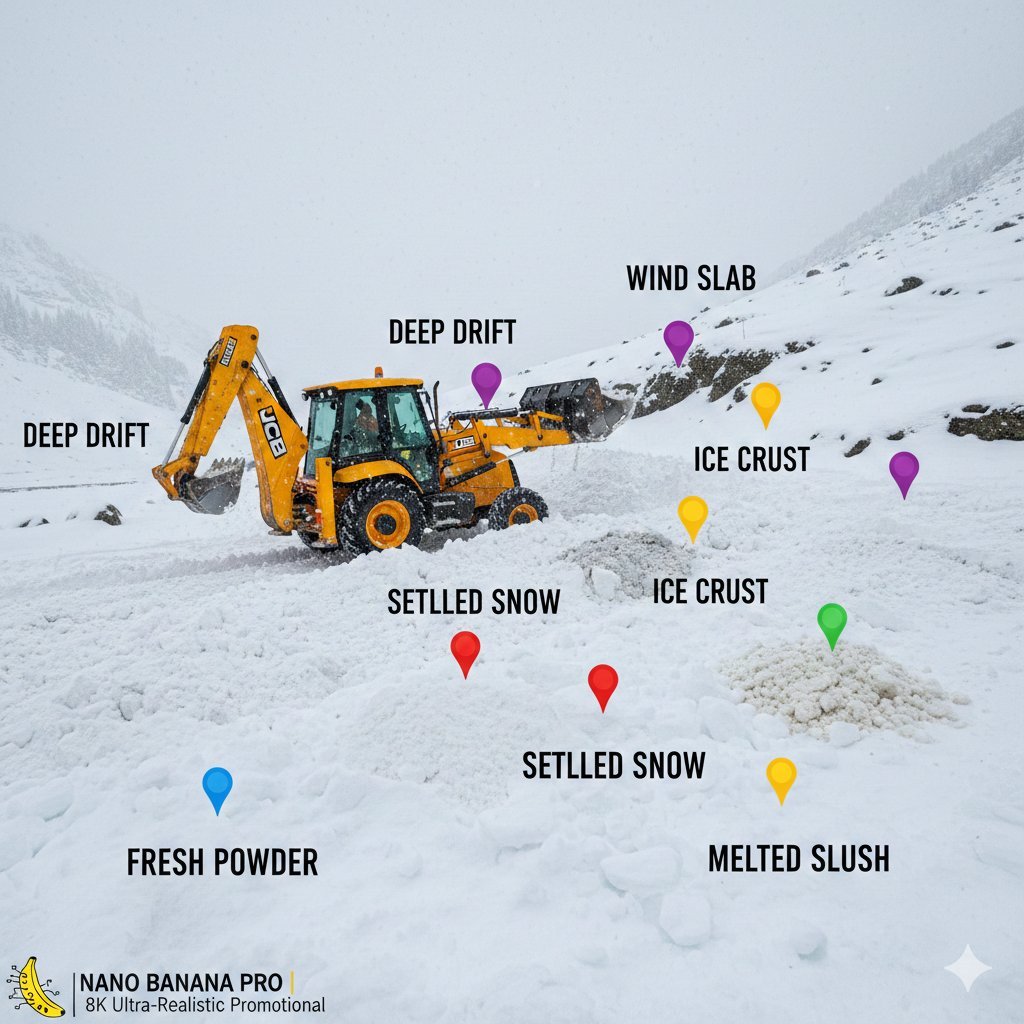
Cinematic JCB Clearing Snow in Kashmir
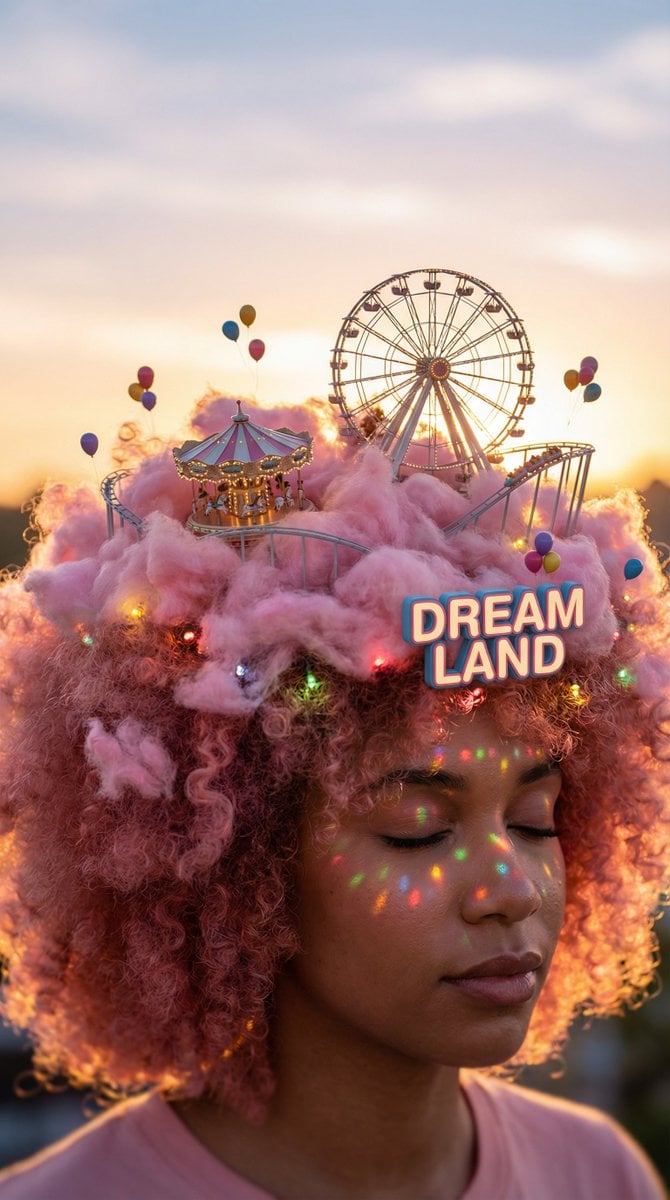
Head-top Diorama Prompt for Nano Banana Pro Agent V1.2 (Afro/Cloud Amusement Park)
untitled
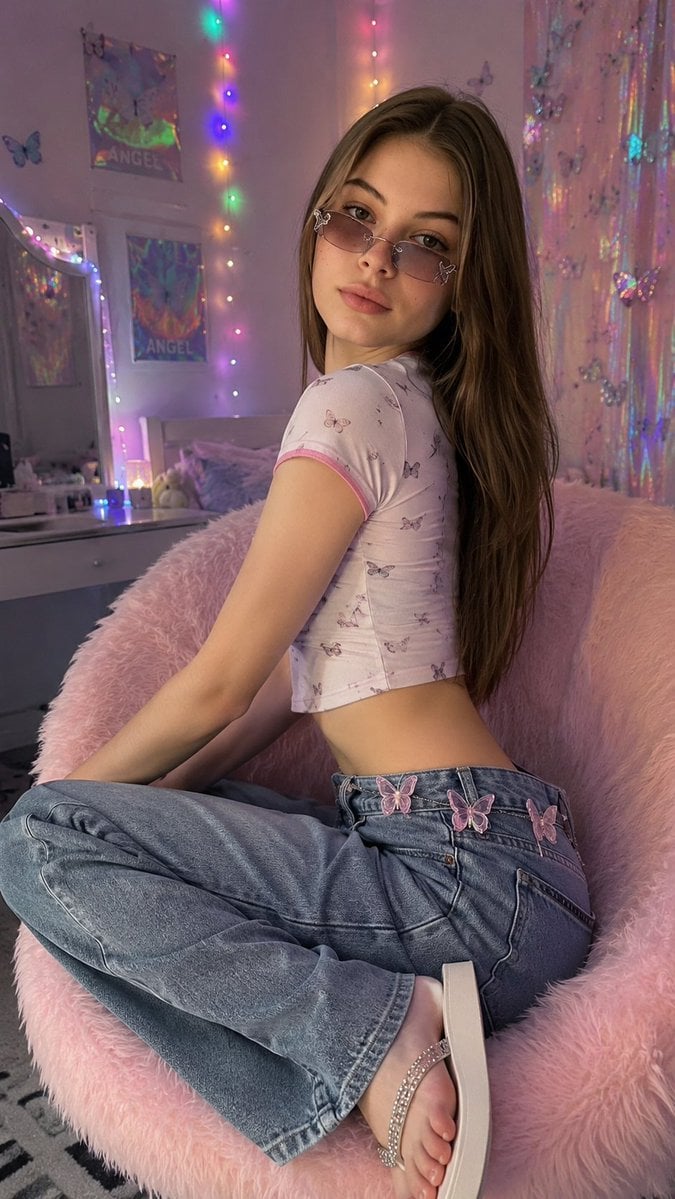
Y2K Aesthetic Bedroom Portrait
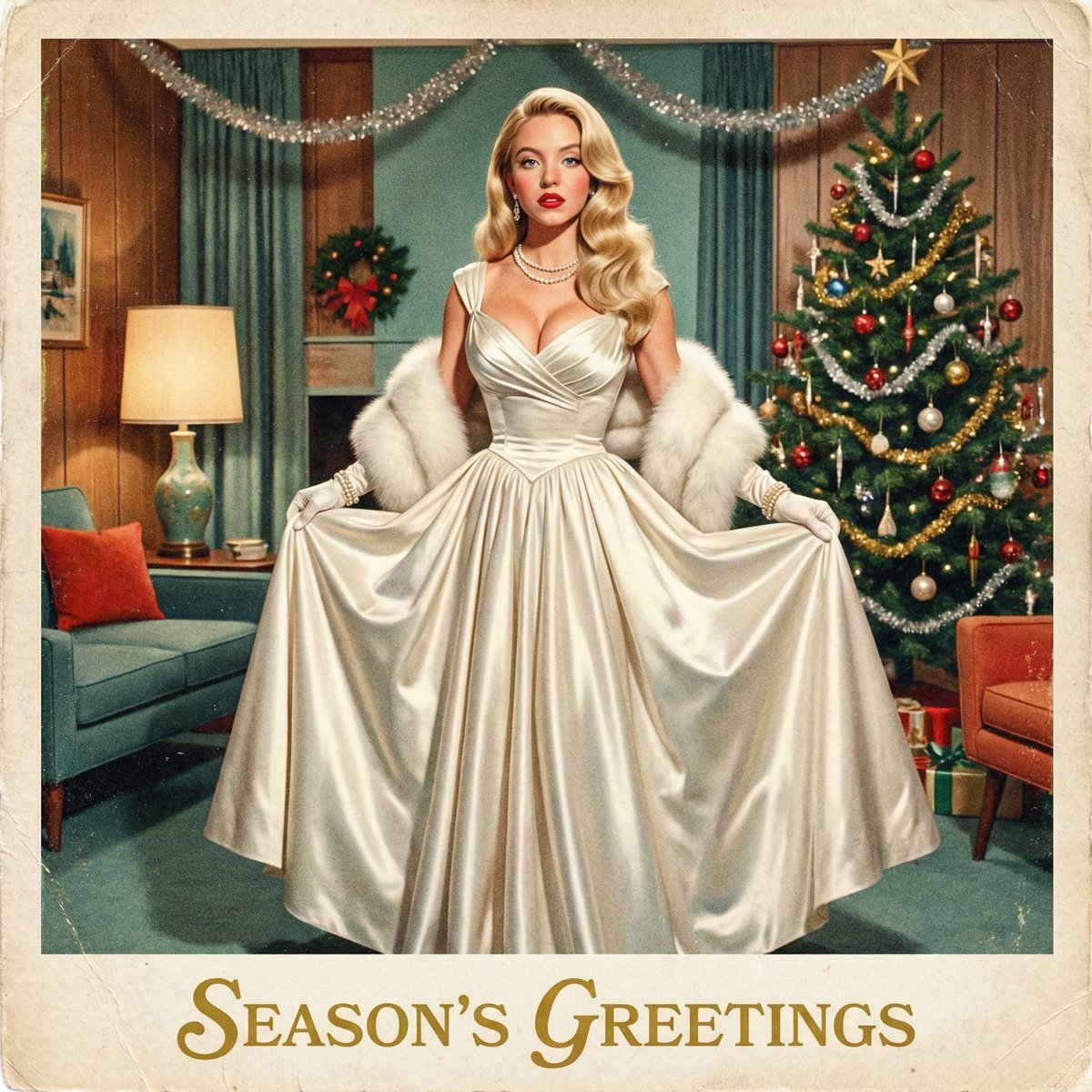
Chrono-Holiday Artisan: Christmas Card Re-render by Era
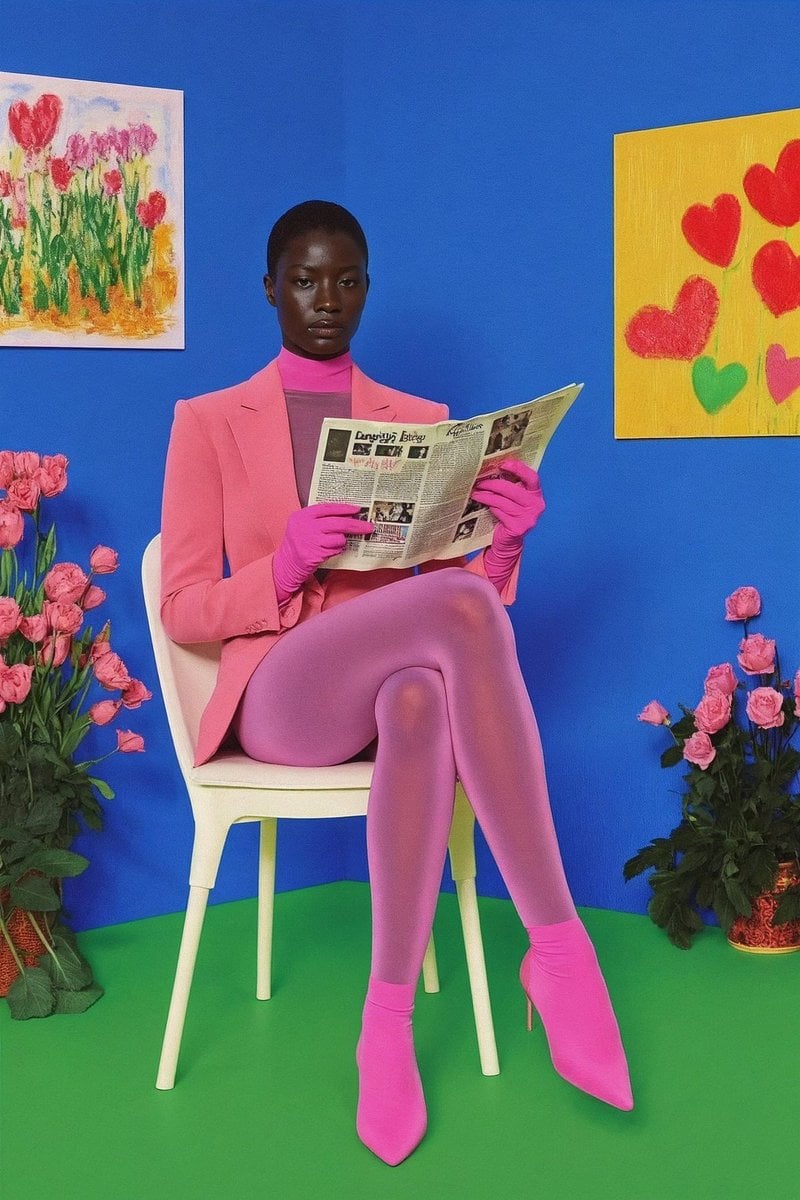
12‑image Instagram feed character aesthetic prompt
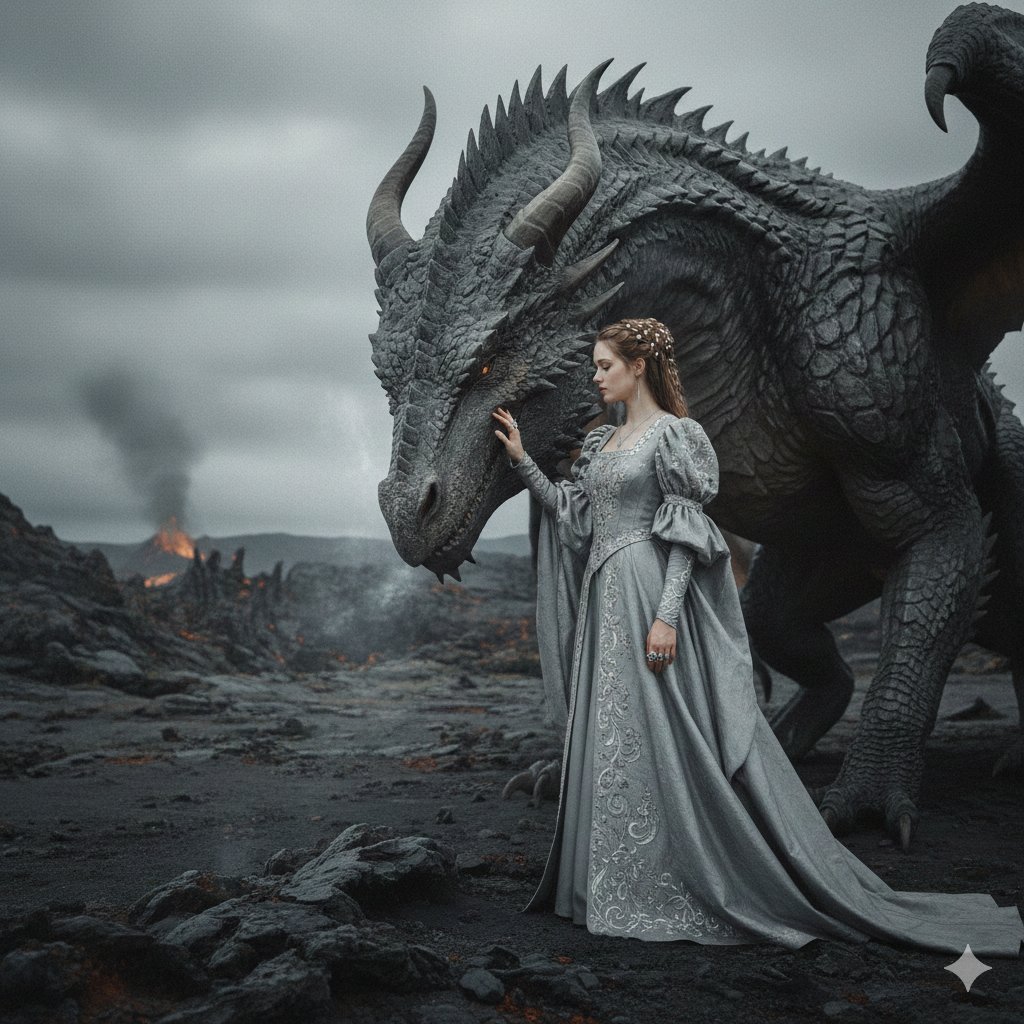
Cinematic Noblewoman and Dragon Prompt
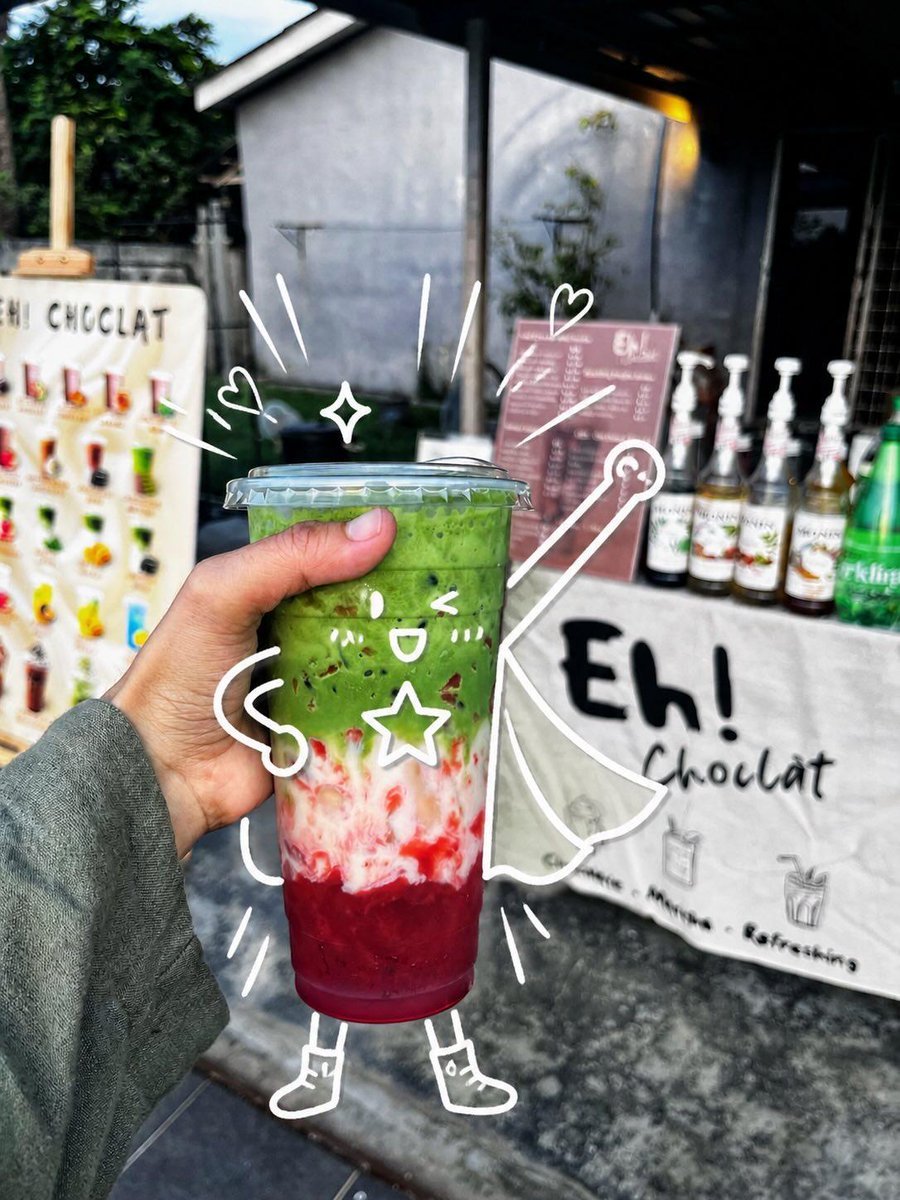
Cute Superhero Drink Doodle Photo
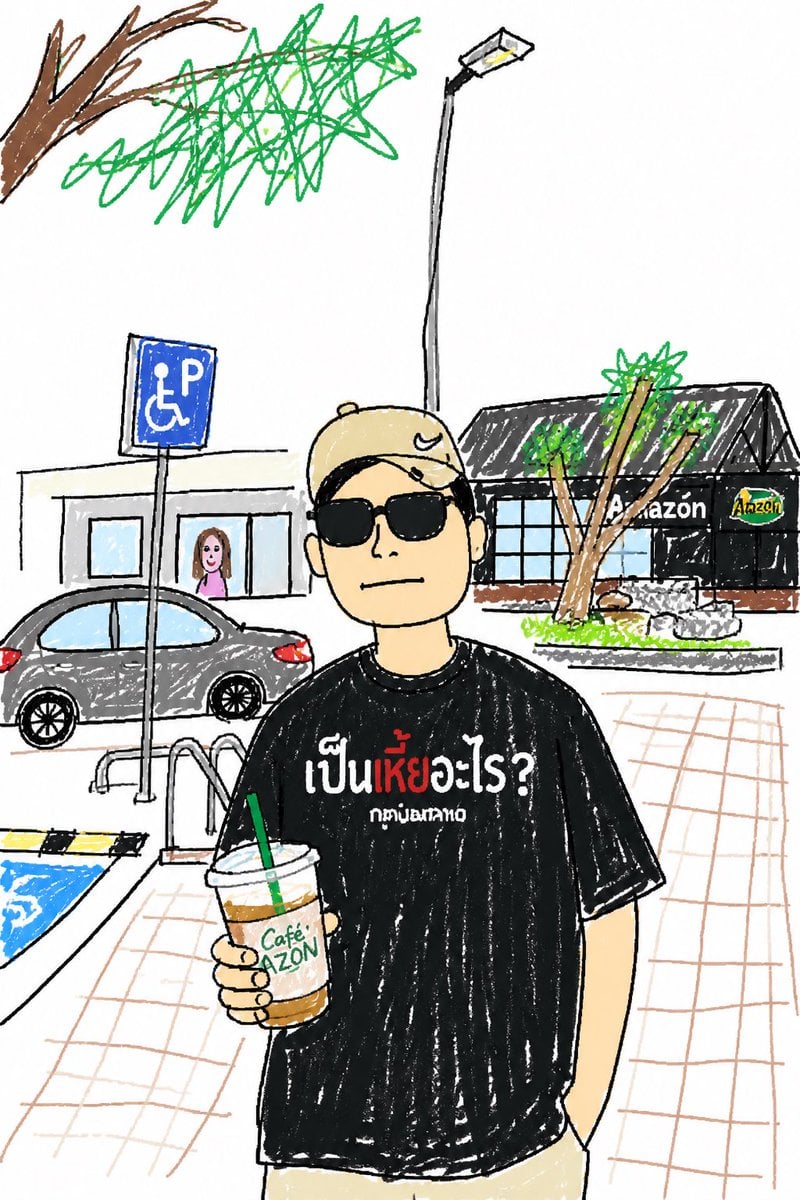
Childlike Sketch Photo Transform
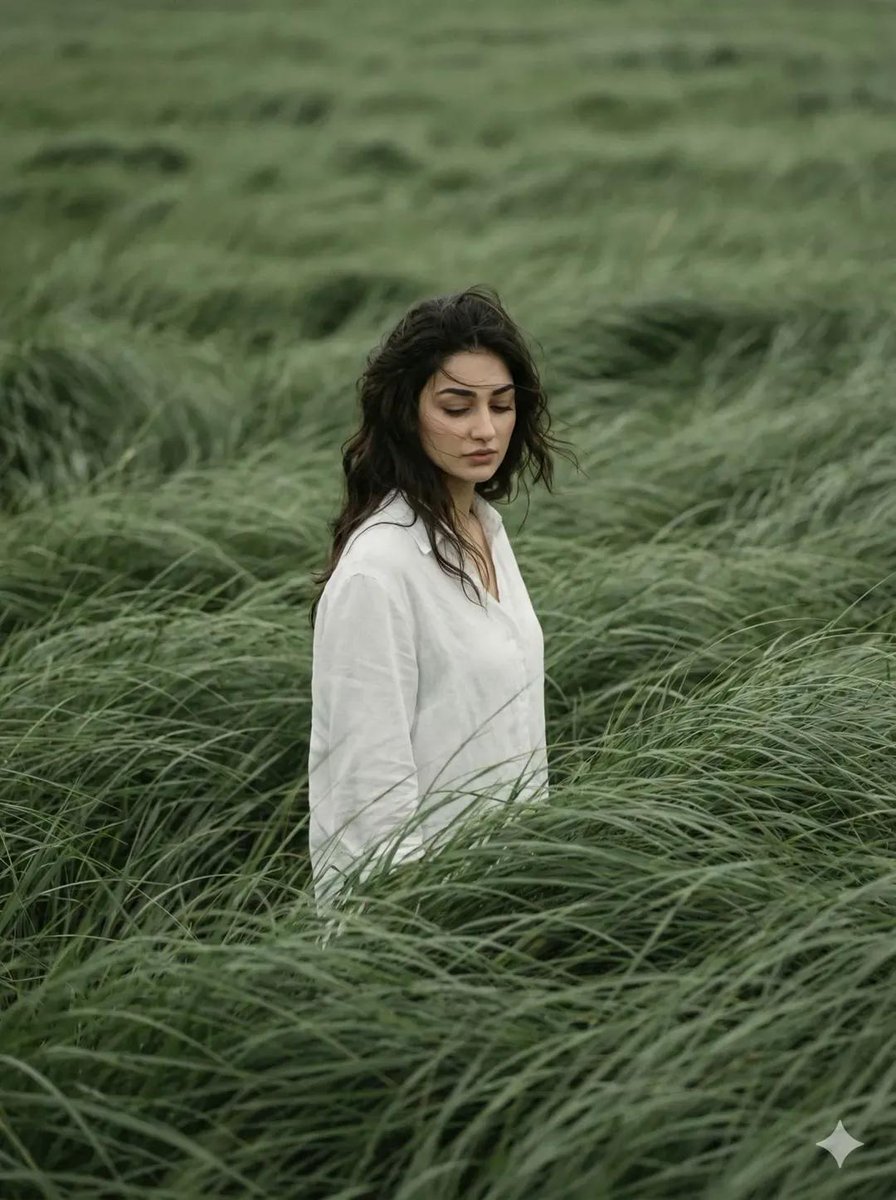
Cinematic Editorial Portrait in Wind-Swept Grass Fields
Browse template categories
Premium Vertical Product Campaign Poster questions
How do I use the Premium Vertical Product Campaign Poster template?
Add your photo if the template asks for one, edit the prompt if you like — the template's model and format are already selected — and press Generate. Your version opens in PicX Studio.
Can I customize the Premium Vertical Product Campaign Poster template?
Yes. You can change the subject, setting, lighting, mood, format, and available model controls before creating your image.
Is the Premium Vertical Product Campaign Poster template free?
Opening and editing this template is free. Generating uses credits, shown on the Generate button when you are signed in.
Which AI model should I use?
Choose a compatible model in PicX Studio based on the style, speed, and output controls your project needs.
Looking for something else? Browse all templates.

Your photo, any look
Thousands of ready templates for every top image and video model, from one credit balance.