
Luxury Editorial 4:20 Product Poster
This prompt generates a stylish studio ad image combining an oversized smoking product with fashion-editorial typography, ideal for cannabis lifestyle campaigns or conceptual product posters.
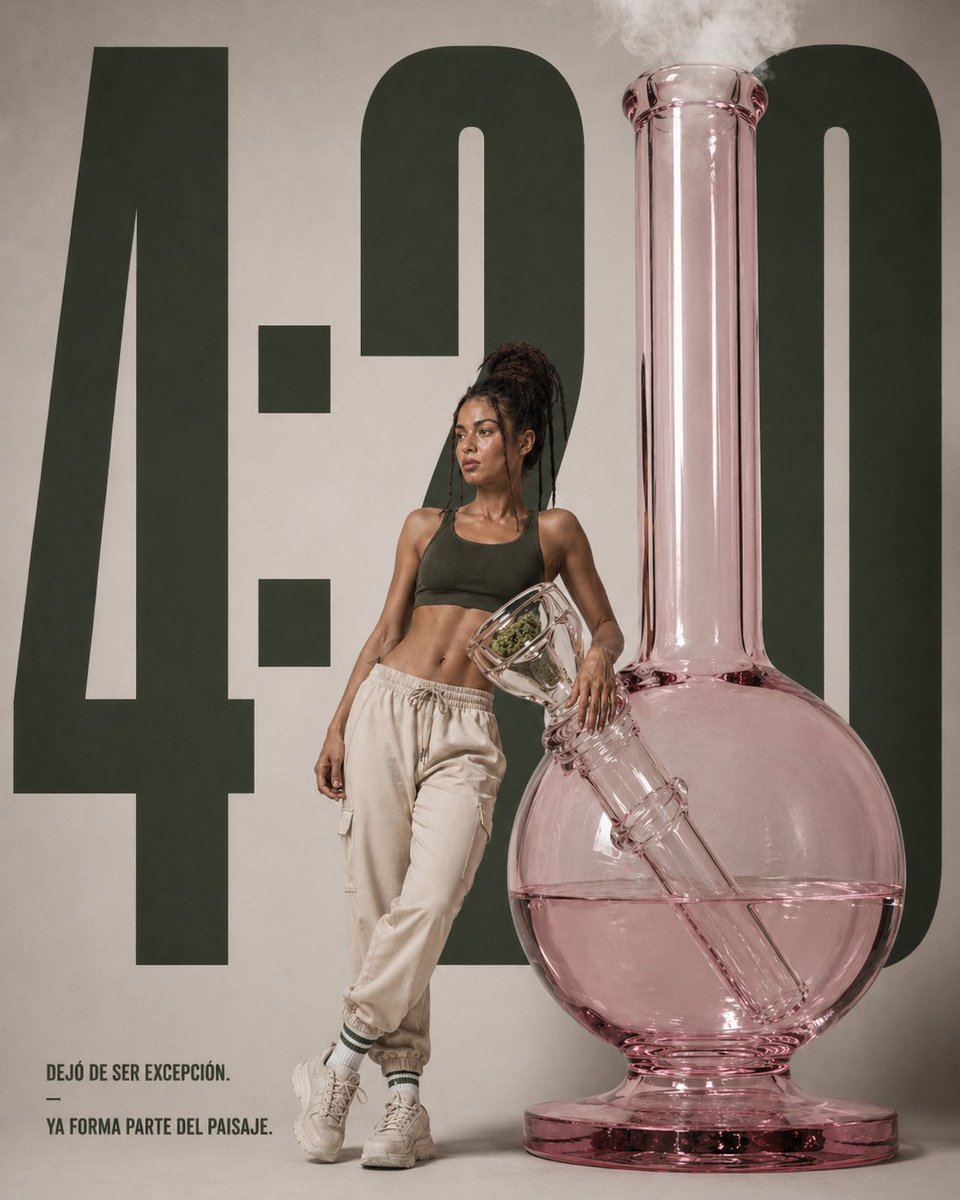
- Prompt included
- Model and format preset
- Free template
The prompt behind this image
Copy the exact prompt behind Luxury Editorial 4:20 Product Poster, or open it in the studio and make it yours.
A high-end editorial product poster in a minimalist studio, featuring an oversized translucent pink glass bong standing on the right side of the frame, nearly as tall as the composition, with a round water chamber half-filled with pale pink liquid, a long vertical neck releasing soft white smoke from the top, and a diagonal downstem visible inside the glass. A slim athletic woman with dark skin and long dreadlocks tied up in a high bun stands leaning casually against the bong near the center-left, her face intentionally obscured with a soft rectangular blur, wearing a dark olive sports bra, loose cream jogger pants, white crew socks with green stripes, and chunky off-white sneakers. She poses with one leg crossed in front of the other and one arm resting on the bong’s angled bowl. Behind them, place enormous bold dark green condensed numbers reading {argument name="headline text" default="4:20"} spanning almost the full height of the background on a warm light beige wall. In the lower left corner, add a small block of uppercase Spanish copy in a clean sans-serif font reading {argument name="quote" default="DEJÓ DE SER EXCEPCIÓN. — YA FORMA PARTE DEL PAISAJE."}. The overall look should feel like a luxury lifestyle ad campaign: clean composition, muted earthy palette, soft diffused studio lighting, subtle shadows, sharp product detail, fashion-editorial styling, realistic glass reflections, and a polished contemporary cannabis culture aesthetic.
How to use Luxury Editorial 4:20 Product Poster in 3 steps
- 1Upload ImagePNG, JPG or paste
Add your photo
Upload the photo the template builds on. The prompt, model and format are already set.
- 2…a portrait of your subject in softgolden-hour light, 85mm…
Personalize
Edit the subject and creative details for your destination.
- 3Generate
Generate
Press Generate — your image is created in PicX Studio, so you can compare it with the original and refine one variable at a time.
More like this
Templates with the same subject, style or setup. Open one to see its prompt.

Premium Vintage Travel Poster Landscape

Gpt2 Product Marketing Streetwear Sneaker Poster Ad

19 Luxury Helicopter Travel — California Series

08 Rodeo Drive Luxury Exit — California Series
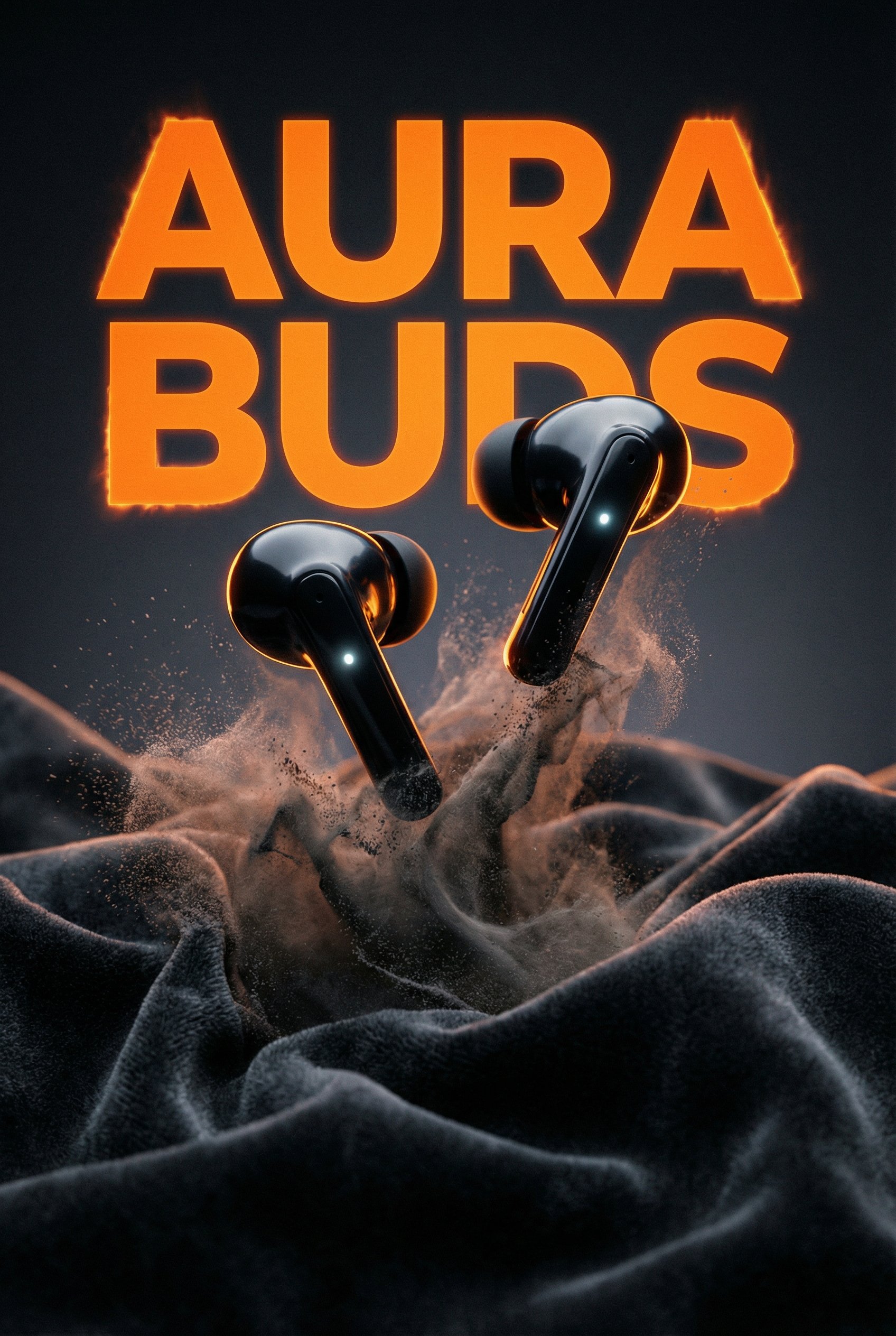
Aura Buds Poster Shoot Creative

Japan Travel Brochure Poster

Luxury ABKR Portrait Poster
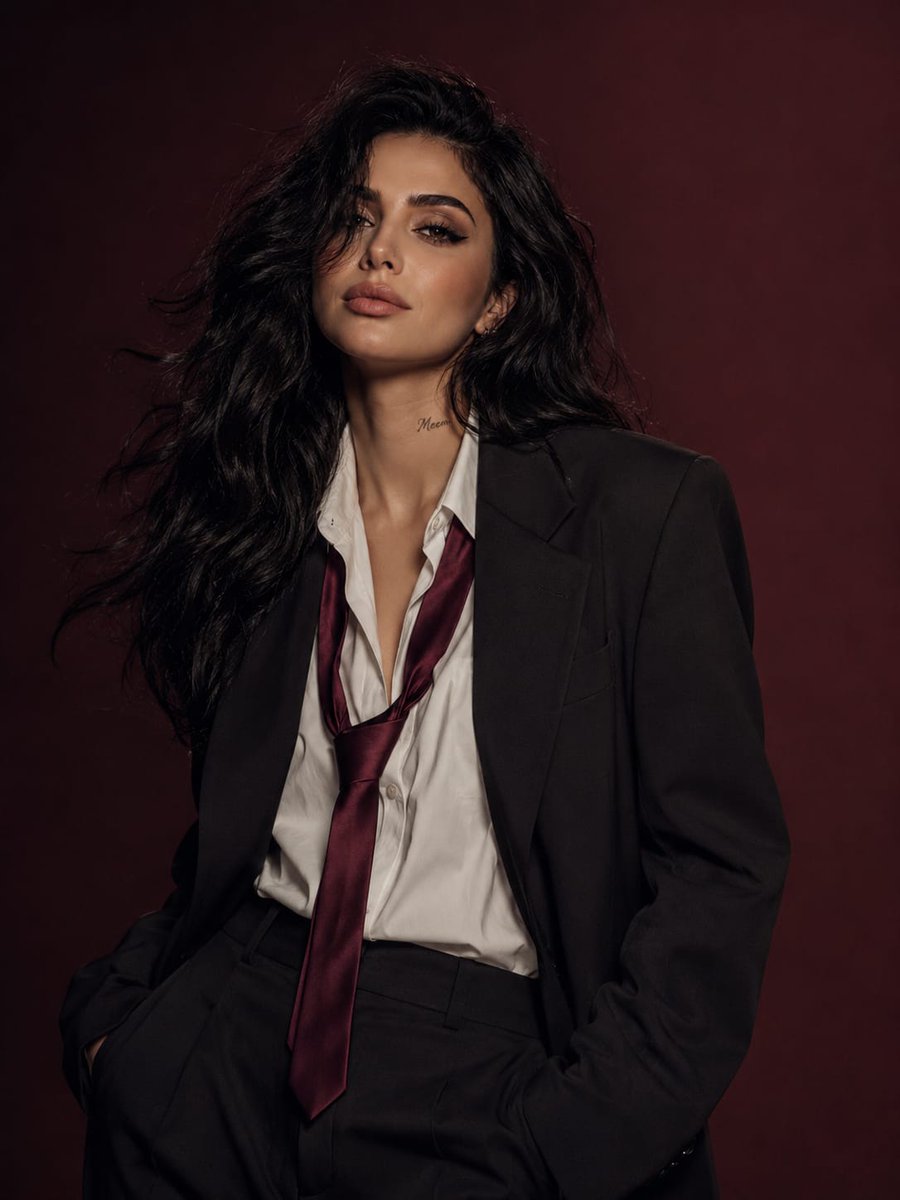
Power Suit Luxury Editorial

Luxury Fashion Editorial Portrait
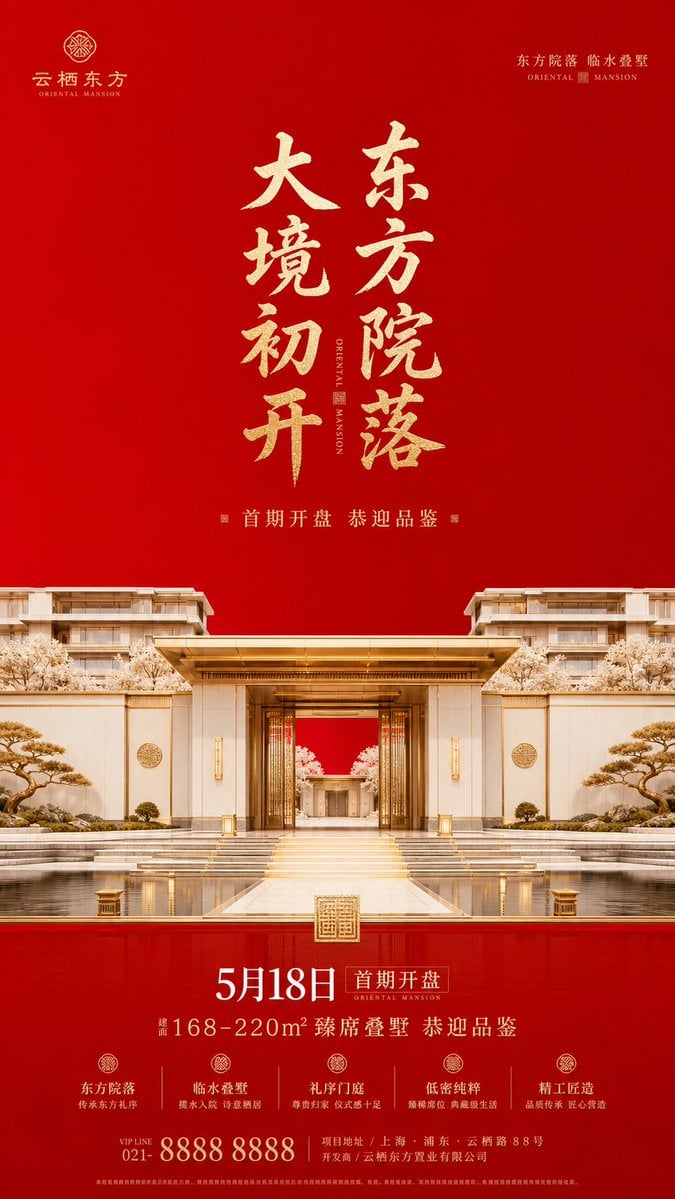
Luxury Oriental Mansion Opening Poster

Minimalist Olive Green Editorial Poster
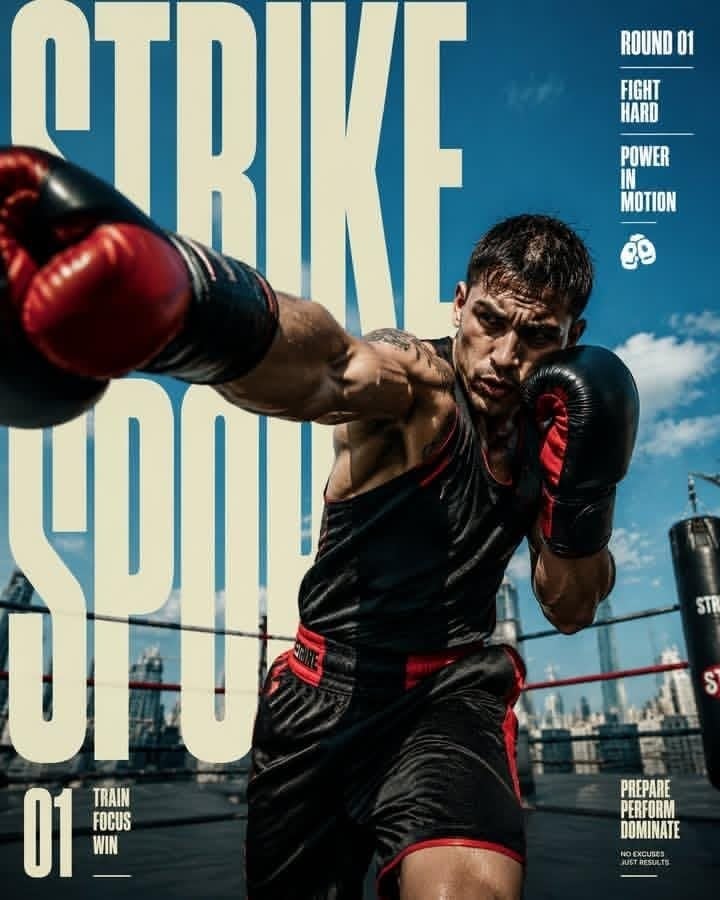
Strike Sport Boxer Editorial Poster
Make it yours
Luxury Editorial 4:20 Product Poster works as-is. These are the safest ways to change it without losing the look.
Change one field
Copy a single group, rewrite it, and generate again so you can see what that field is doing.
Keep the frame, change the subject
Hold the composition and light of Luxury Editorial 4:20 Product Poster, then swap wardrobe, props or the person for a new take.
| If the result… | Why | Fix |
|---|---|---|
| The result drifts from the preview | Too many fields changed at once. | Reuse Luxury Editorial 4:20 Product Poster as-is first, then change one group — subject, light, or setting. |
| The model over-stylizes the scene | The prose prompt leaves finish and camera underspecified. | Add one camera or lighting sentence and stay on GPT Image 2. |
More GPT Image 2 templates
Other prompts made for GPT Image 2.

Six VTuber Japanese Logo Sheet

Realistic Portrait of Woman and Deer

The Vista Modular Condo Poster

AI Model Routing Comparison Infographic

2.5D Anime Art Board

Isometric Productivity Desk Scene

New York Double Exposure Poster

Four-Panel AI Landscape Comparison

Japanese Tatami Lifestyle Magazine Cover

NESCAFÉ Coffee Map Poster
More image prompts
Fresh picks from across the catalog.
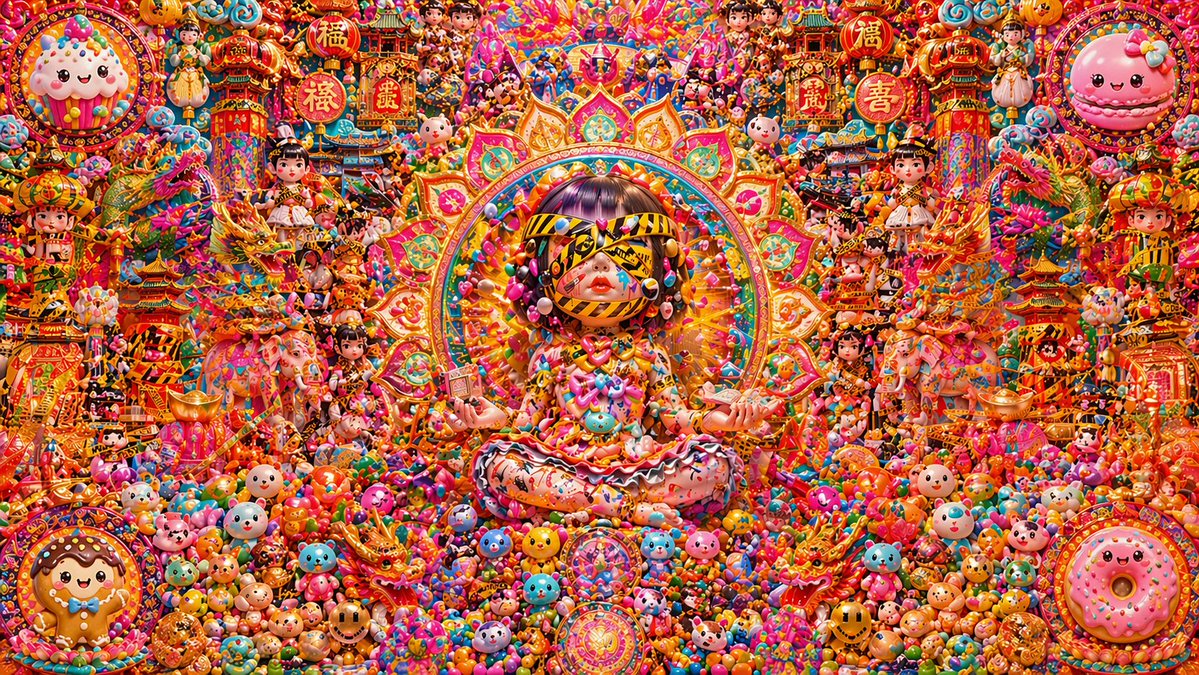
Candy Lunar New Year Shrine
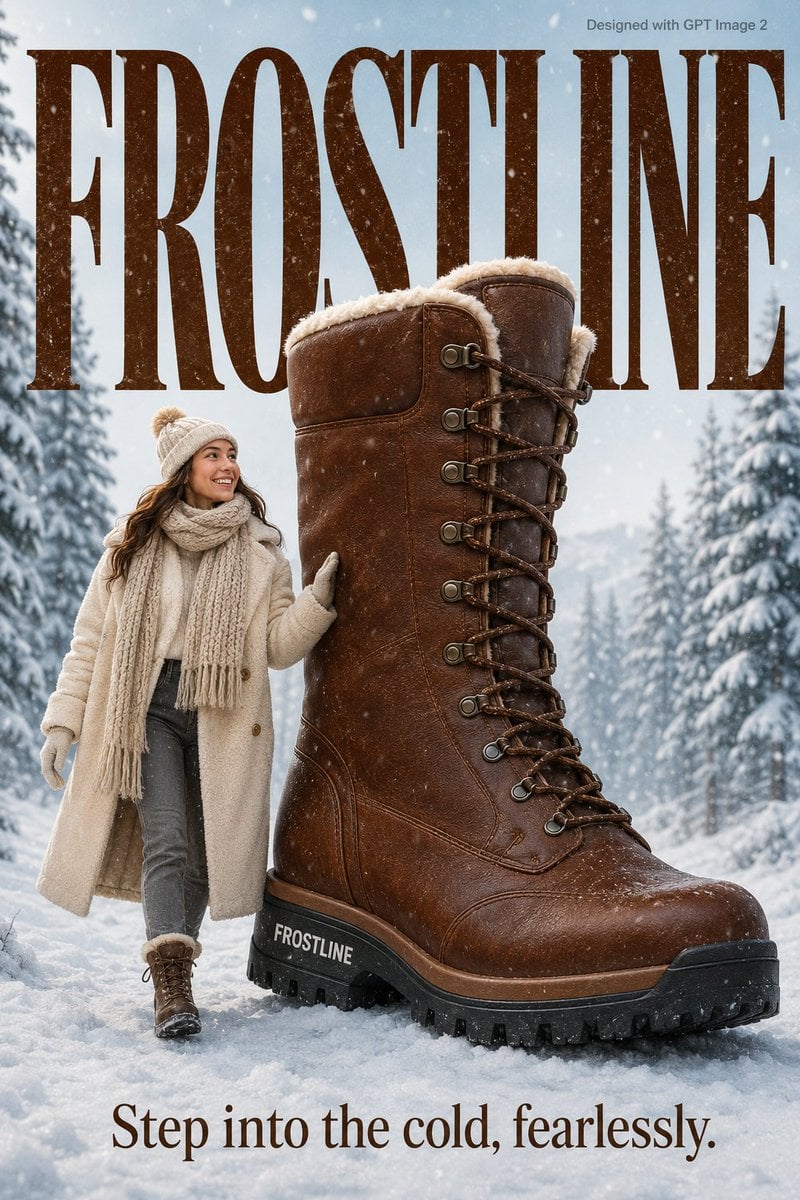
Cozy Winter Lifestyle Brand Advertisement
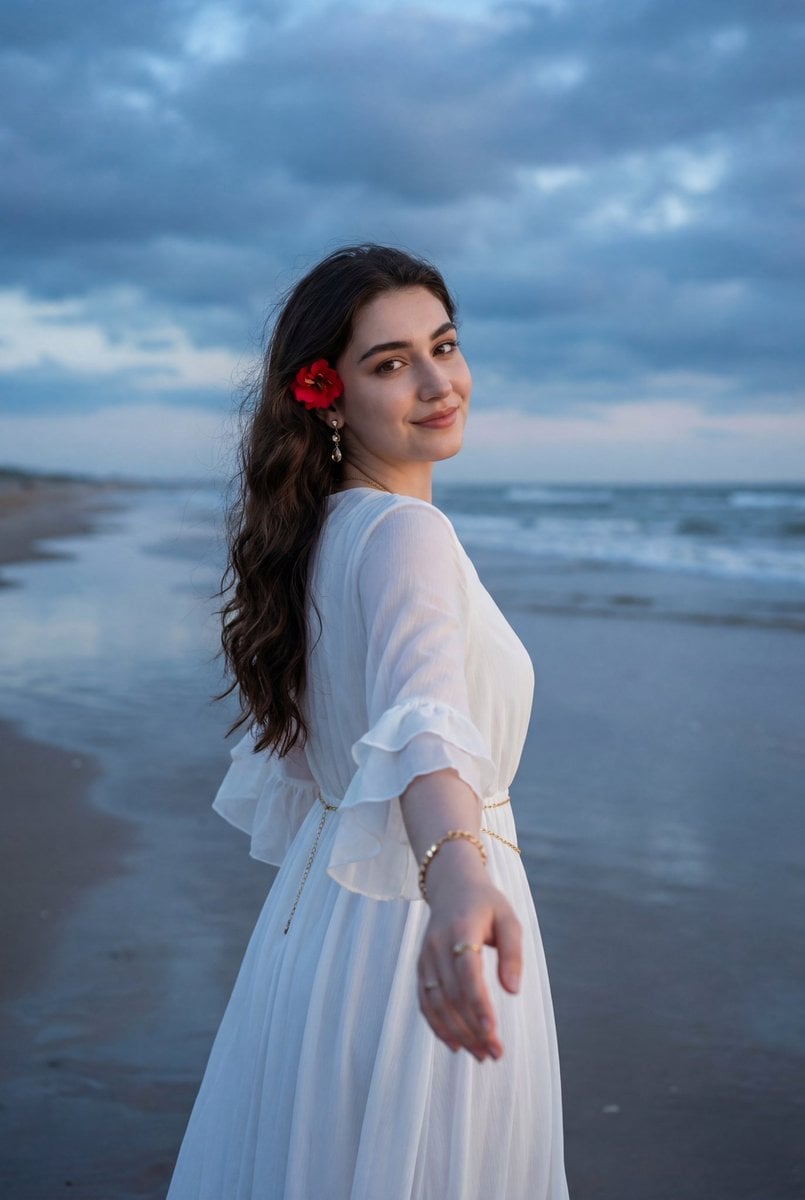
Ethereal Coastal Lifestyle Portrait at Blue Hour
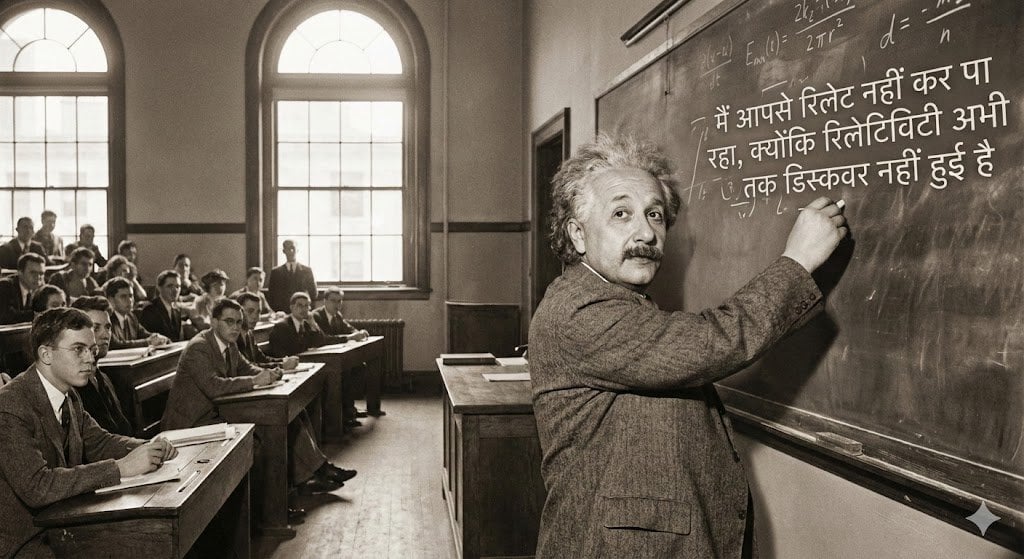
Einstein teaching at MIT with Hindi joke text
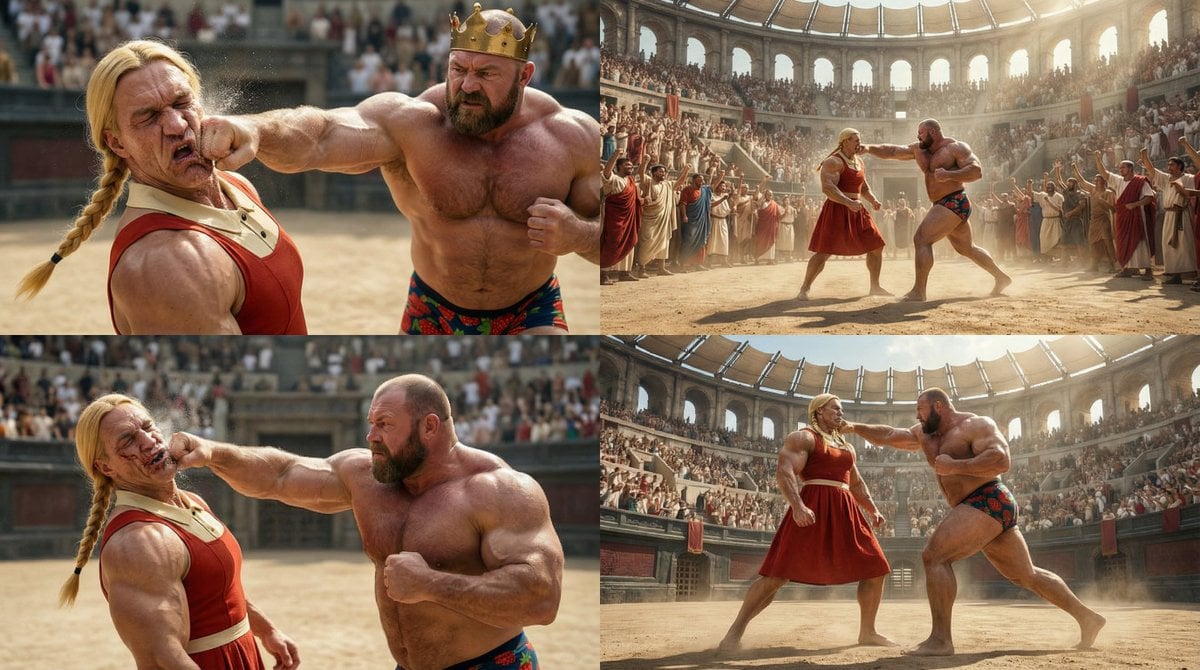
Reference Image Naming Convention Prompt
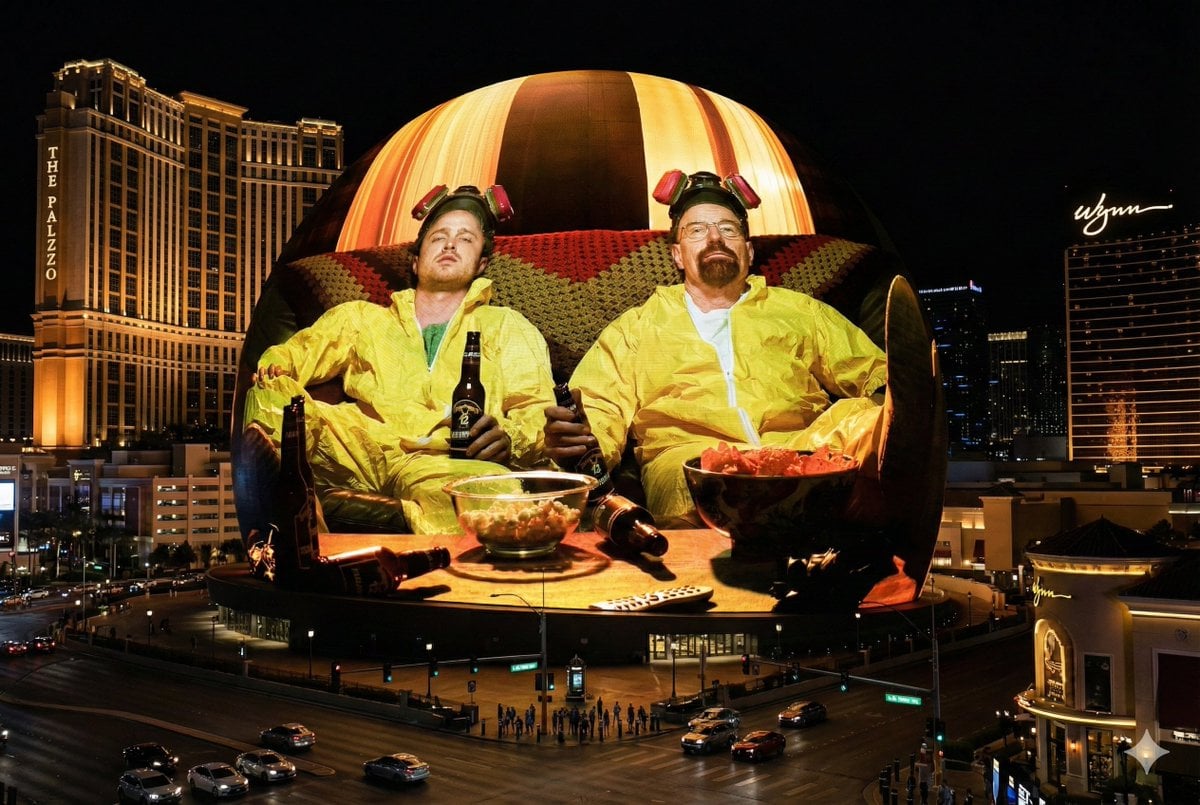
Image Projection onto Las Vegas Sphere
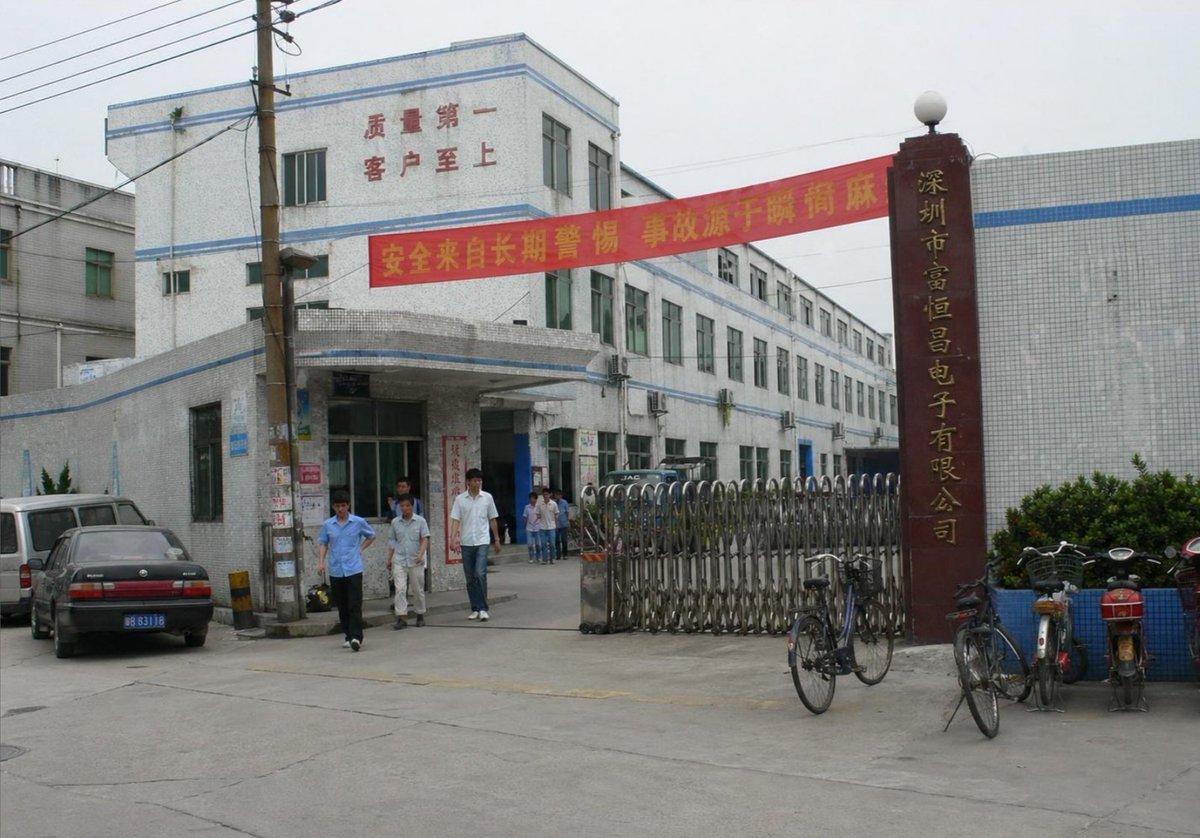
Photorealistic Shenzhen Factory Entrance
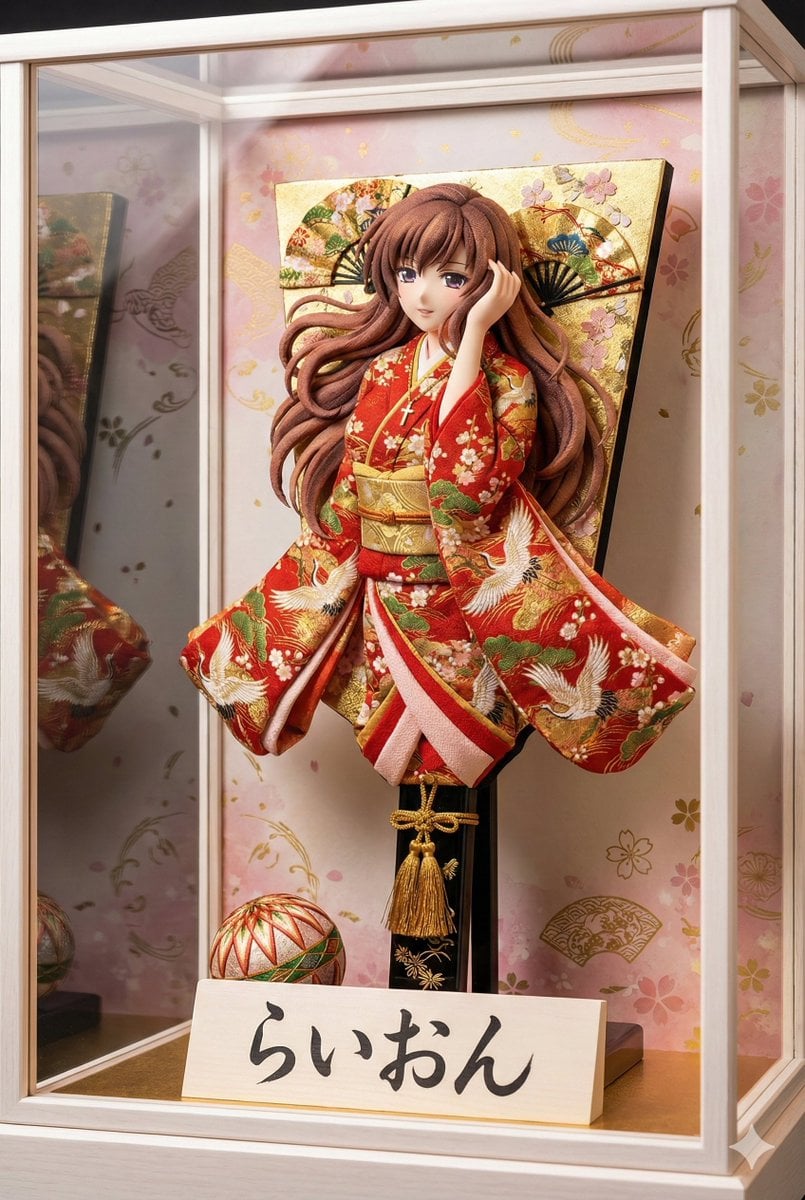
3D Hagoita (Japanese Battledore) Image Generation Prompt
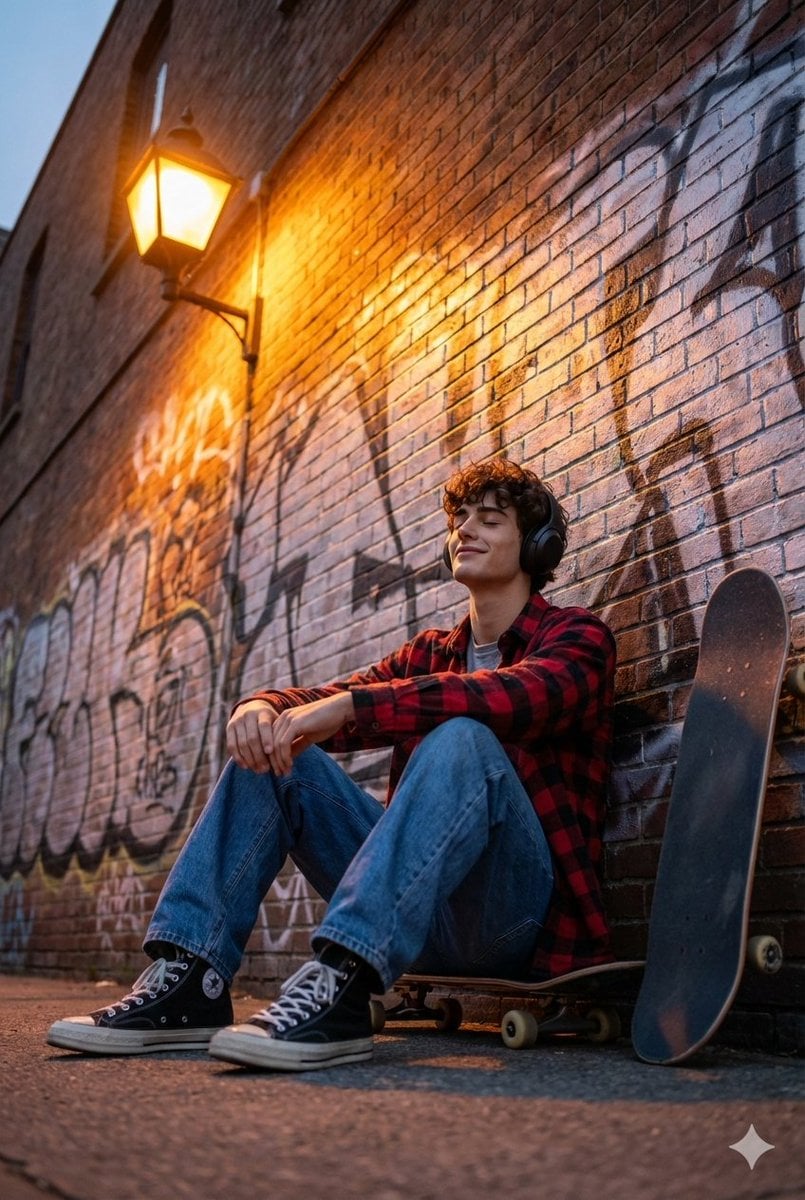
Cinematic Skateboarder Portrait Prompt at Golden Hour
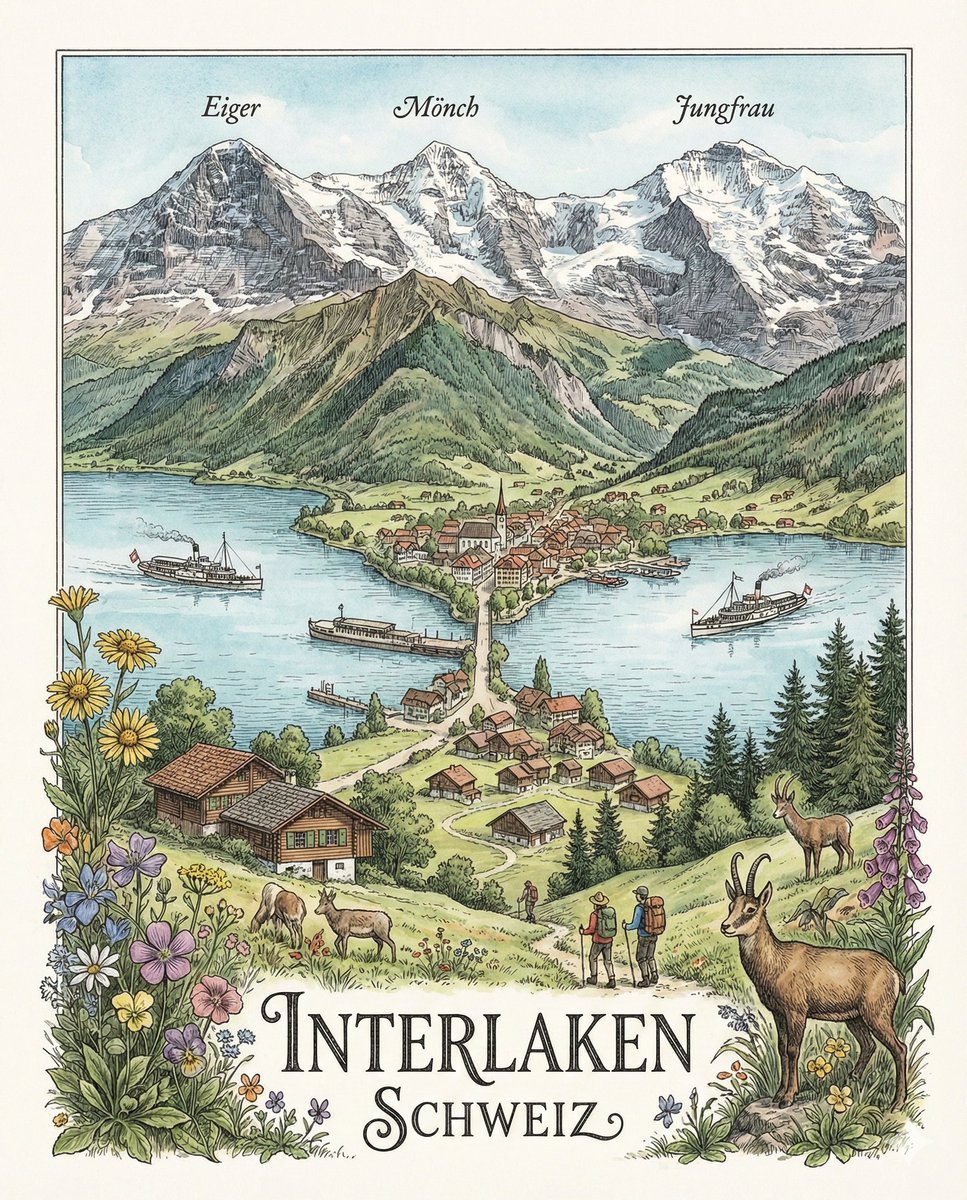
Geographically Accurate Precision Illustration of Interlaken, Switzerland
Browse template categories
Luxury Editorial 4:20 Product Poster questions
How do I use the Luxury Editorial 4:20 Product Poster template?
Add your photo if the template asks for one, edit the prompt if you like — the template's model and format are already selected — and press Generate. Your version opens in PicX Studio.
Can I customize the Luxury Editorial 4:20 Product Poster template?
Yes. You can change the subject, setting, lighting, mood, format, and available model controls before creating your image.
Is the Luxury Editorial 4:20 Product Poster template free?
Opening and editing this template is free. Generating uses credits, shown on the Generate button when you are signed in.
Which AI model should I use?
Start with GPT Image 2, which is the model associated with this template. You can compare another compatible model for a different finish.
Looking for something else? Browse all templates.

Your photo, any look
Thousands of ready templates for every top image and video model, from one credit balance.