
Power Suit Luxury Editorial
A sophisticated fashion campaign featuring a woman in an oversized power suit with rebellious styling against a deep burgundy backdrop.
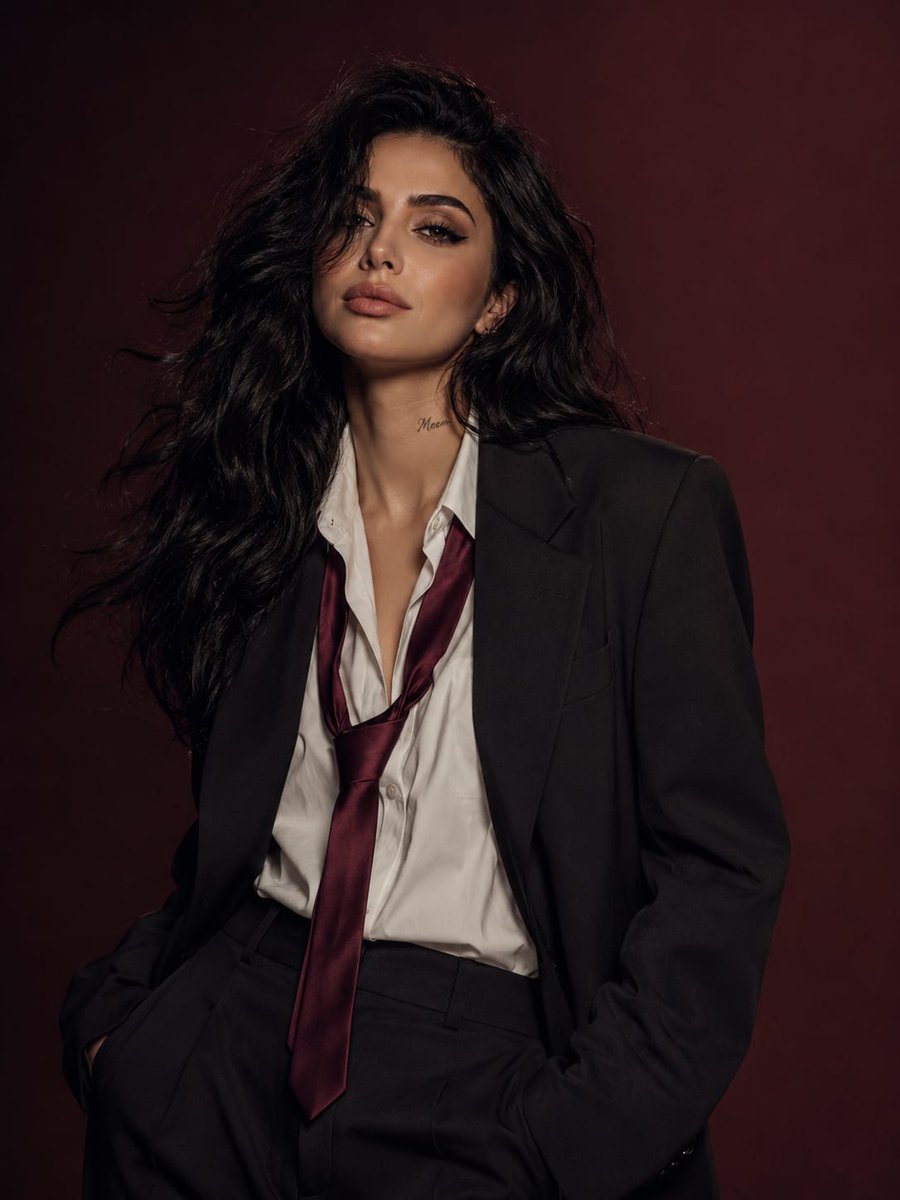
- Prompt included
- Model and format preset
- Premium template
The prompt behind this image
Copy the exact prompt behind Power Suit Luxury Editorial, or open it in the studio and make it yours.
Using the reference image, create an ultra-photorealistic luxury fashion editorial portrait of the same woman, preserving her facial identity and distinctive features. She is a beautiful young woman with long, voluminous dark wavy hair that falls naturally around her shoulders, with a few loose strands partially covering her face. Her skin is flawless porcelain with realistic texture and soft matte makeup. She has subtly smoky eyes, naturally groomed brows, and muted rose-toned lips, giving her a serene, mysterious, and effortlessly confident expression. Add a small elegant {argument name="tattoo" default="tattoo on the side of her neck that reads “Meem”"} in delicate minimalist handwritten script. Dress her in an {argument name="outfit" default="oversized black tailored power suit"} featuring a sharp structured blazer and relaxed-fit trousers. Underneath, she wears a crisp white dress shirt with the top buttons casually undone. A {argument name="accessory" default="deep burgundy silk tie"} hangs loosely around her neck, slightly untied and off-center, creating a refined rebellious fashion statement. She stands in a relaxed yet commanding pose with both hands tucked naturally into her trouser pockets. Place her against a seamless deep burgundy gradient studio backdrop. Use soft cinematic lighting that gently wraps around her face, creating elegant depth and subtle shadows. A light breeze adds movement to her hair, enhancing the sophisticated editorial atmosphere. Capture the scene as a premium luxury fashion campaign with exceptional realism: natural skin pores, individually detailed hair strands, rich fabric textures, immaculate tailoring, and shallow depth of field. Simulate a medium-format camera using an 85mm portrait lens, soft diffused key light, and elegant cinematic color grading. Visual direction: Saint Laurent-inspired tailoring, Vogue Korea editorial aesthetic, minimalist luxury styling, modern power dressing, sophisticated Korean fashion campaign, timeless elegance, dark luxury portraiture. Quality tags: masterpiece, ultra realistic, photorealistic, 8K, luxury editorial photography, cinematic composition, highly detailed, premium textures, realistic lighting. Negative Prompt low quality, blurry, bad anatomy, extra fingers, extra limbs, distorted face, duplicate person, malformed hands, cartoon, anime, CGI, plastic skin, watermark, logo, text, noisy image, oversaturated colors, poor lighting, unrealistic proportions, low resolution, artifacts, unnatural hair, poorly rendered clothing, awkward pose.
How to use Power Suit Luxury Editorial in 3 steps
- 1Upload ImagePNG, JPG or paste
Add your photo
Upload the photo the template builds on. The prompt, model and format are already set.
- 2…a portrait of your subject in softgolden-hour light, 85mm…
Personalize
Edit the subject and creative details for your destination.
- 3Generate
Generate
Press Generate — your image is created in PicX Studio, so you can compare it with the original and refine one variable at a time.
More like this
Templates with the same subject, style or setup. Open one to see its prompt.
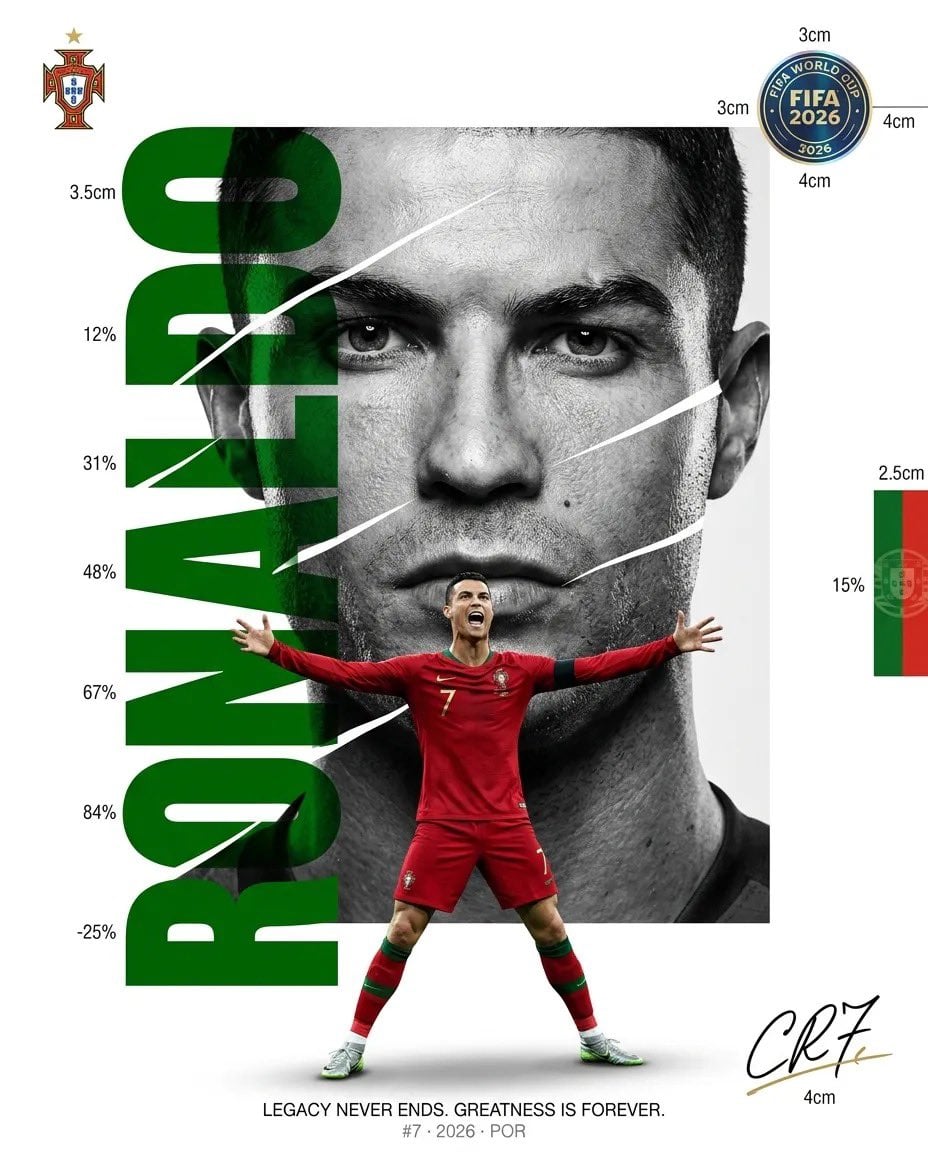
Luxury Sliced Wordmark Player Poster
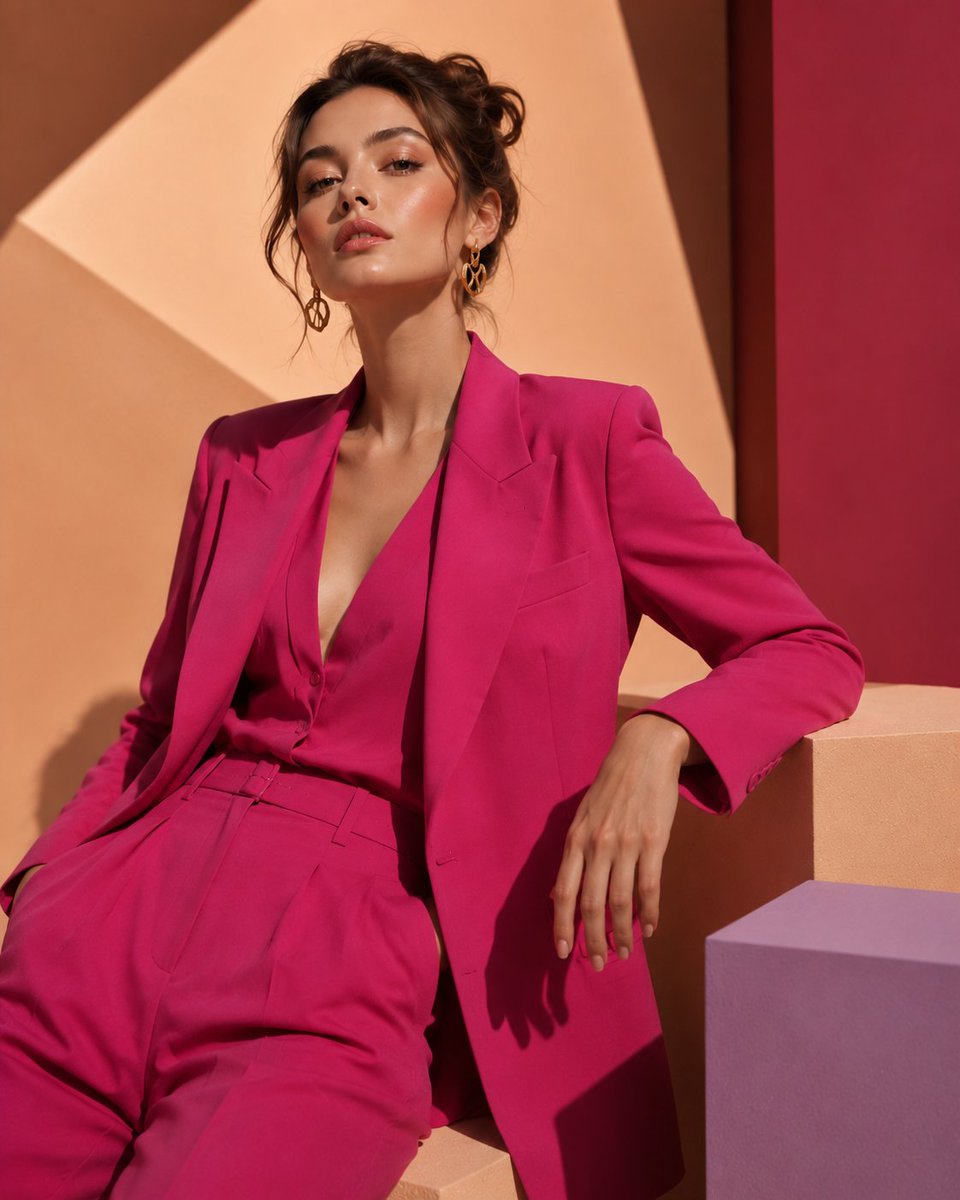
Fuchsia Power Suit Fashion Editorial
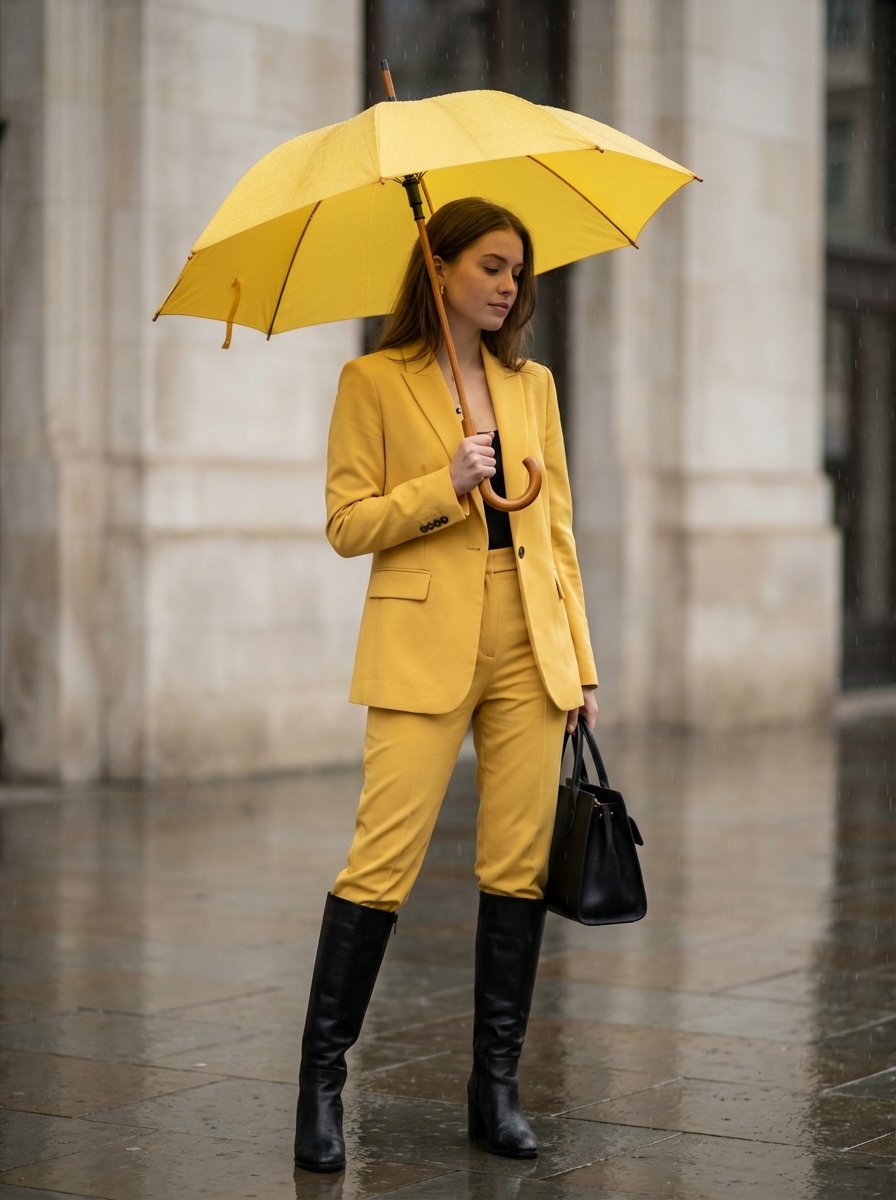
Rainy Day Yellow Power Suit Editorial Prompt

19 Luxury Helicopter Travel — California Series

08 Rodeo Drive Luxury Exit — California Series
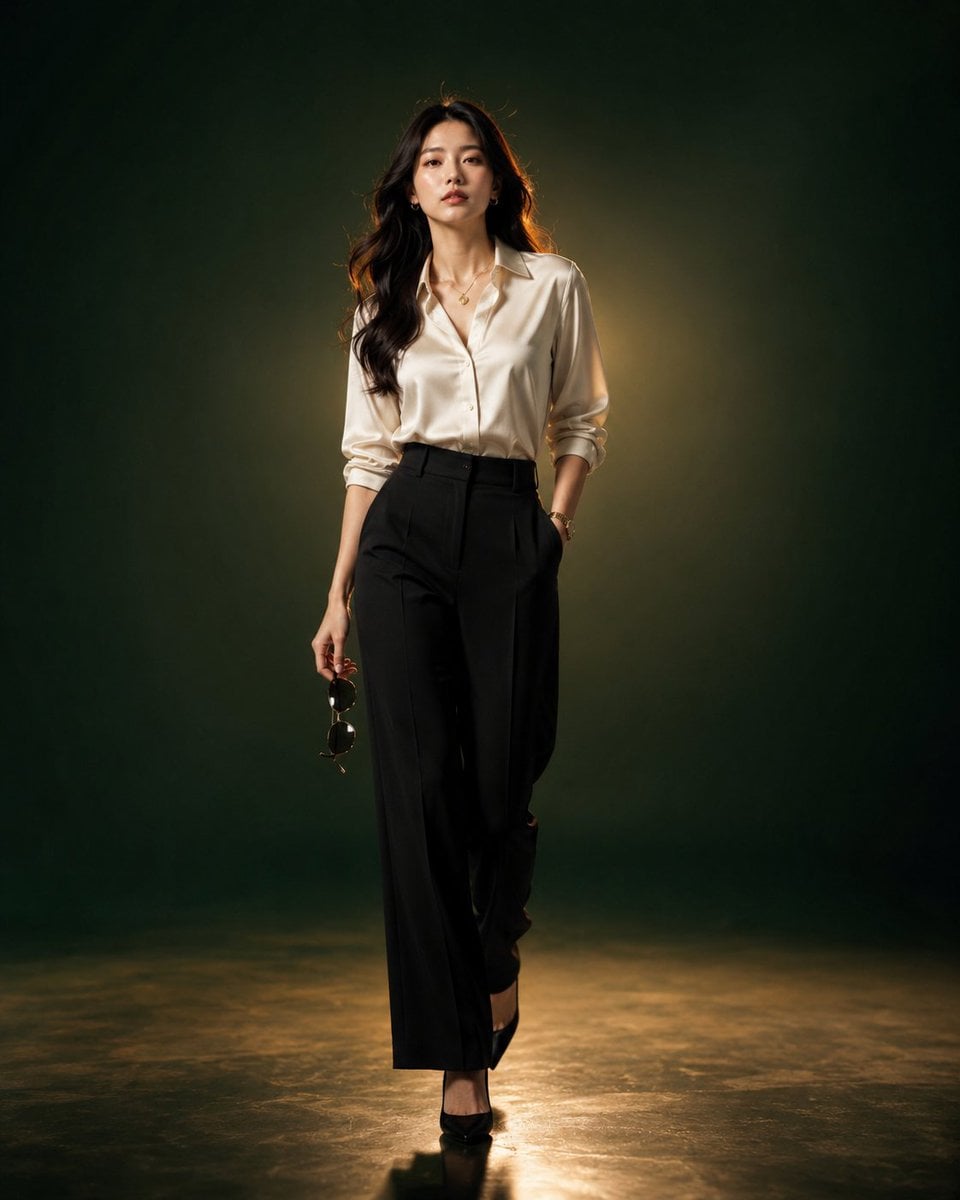
Luxury Fashion Editorial Portrait
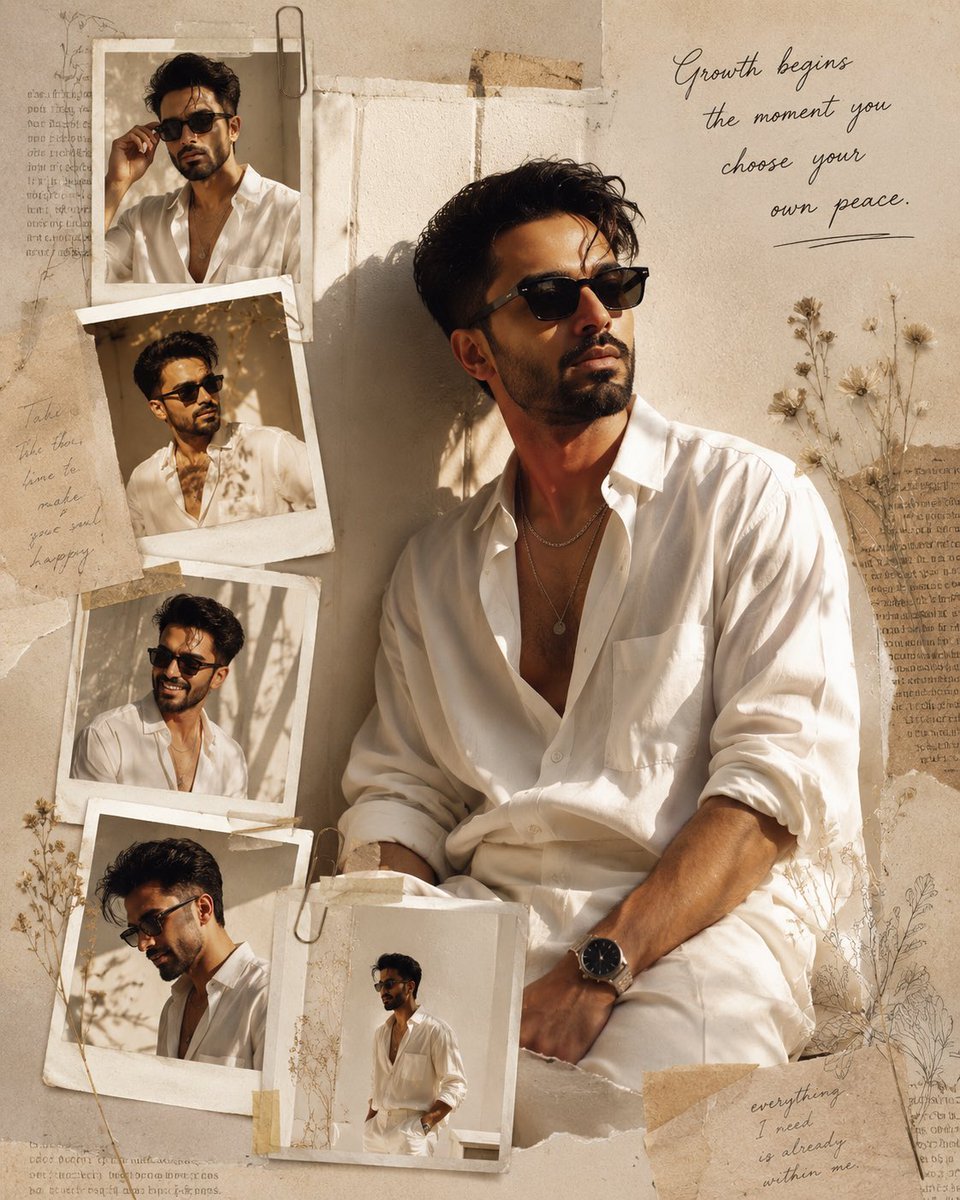
Luxury Fashion Editorial Scrapbook
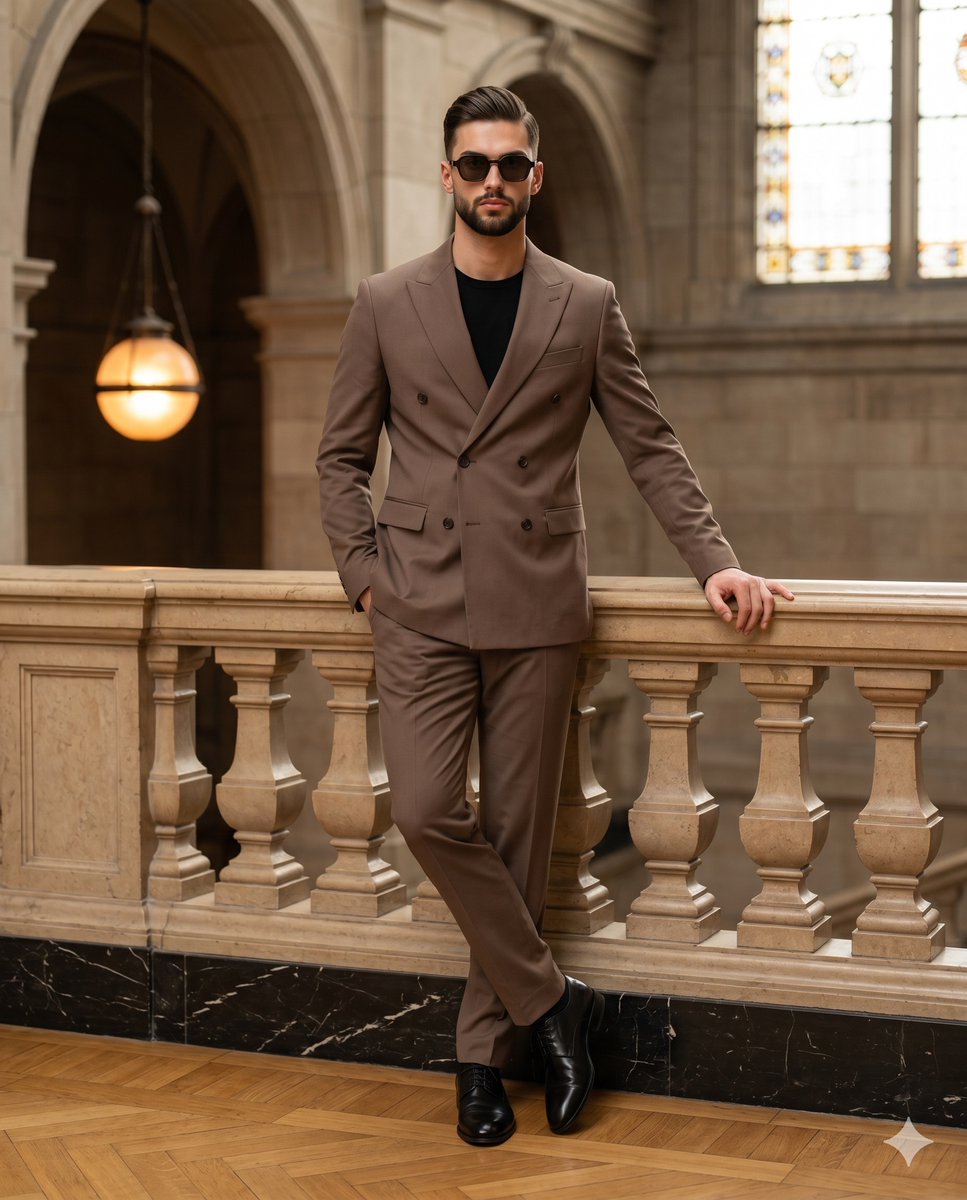
Mocha Suit Editorial Portrait
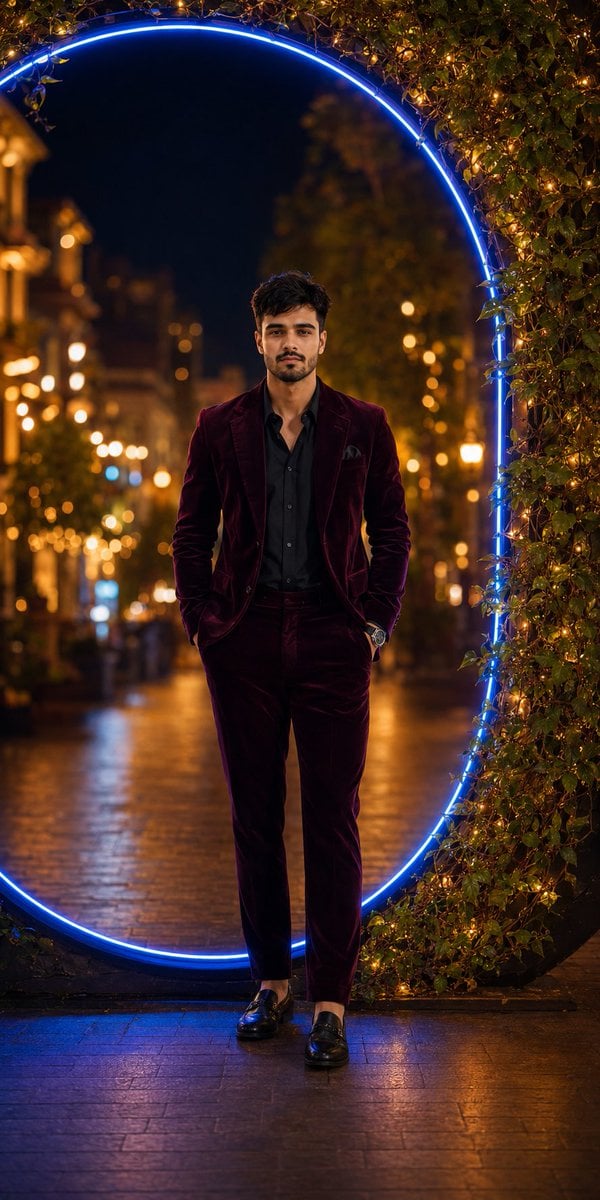
Luxury Velvet Suit Neon Portrait
Sealing Wax Letter Desk
Ballroom Floor Reflections
Vintage Camera Leather Case
Make it yours
Power Suit Luxury Editorial works as-is. These are the safest ways to change it without losing the look.
Change one field
Copy a single group, rewrite it, and generate again so you can see what that field is doing.
Keep the frame, change the subject
Hold the composition and light of Power Suit Luxury Editorial, then swap wardrobe, props or the person for a new take.
| If the result… | Why | Fix |
|---|---|---|
| The result drifts from the preview | Too many fields changed at once. | Reuse Power Suit Luxury Editorial as-is first, then change one group — subject, light, or setting. |
| The model over-stylizes the scene | The prose prompt leaves finish and camera underspecified. | Add one camera or lighting sentence and stay on GPT Image 2. |
More GPT Image 2 templates
Other prompts made for GPT Image 2.

Six VTuber Japanese Logo Sheet

Realistic Portrait of Woman and Deer

The Vista Modular Condo Poster

AI Model Routing Comparison Infographic

2.5D Anime Art Board

Isometric Productivity Desk Scene

New York Double Exposure Poster

Four-Panel AI Landscape Comparison

Japanese Tatami Lifestyle Magazine Cover

NESCAFÉ Coffee Map Poster
More image prompts
Fresh picks from across the catalog.
Glowing Goblin Shaman in Swamp
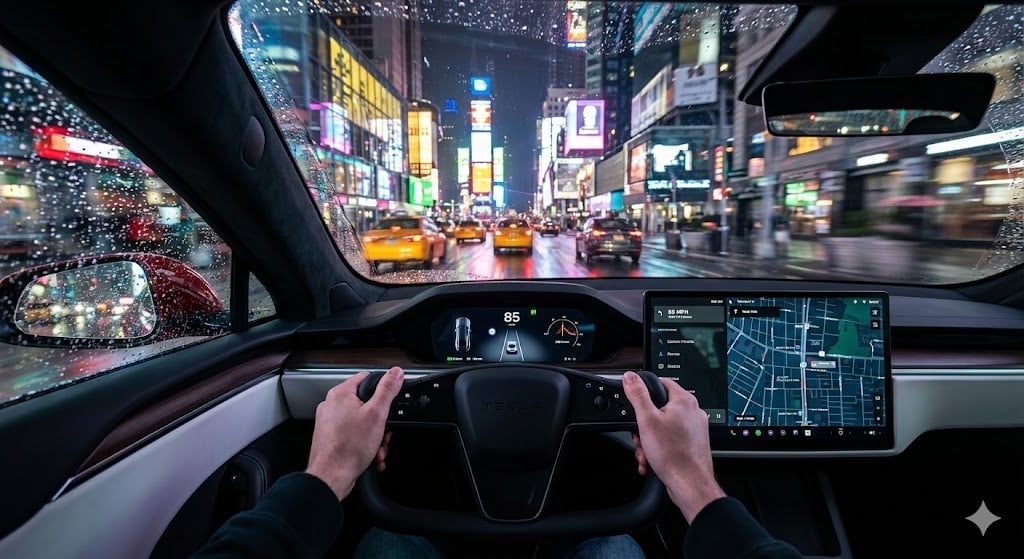
Cinematic First-Person Tesla Drive in Rain-Soaked Manhattan
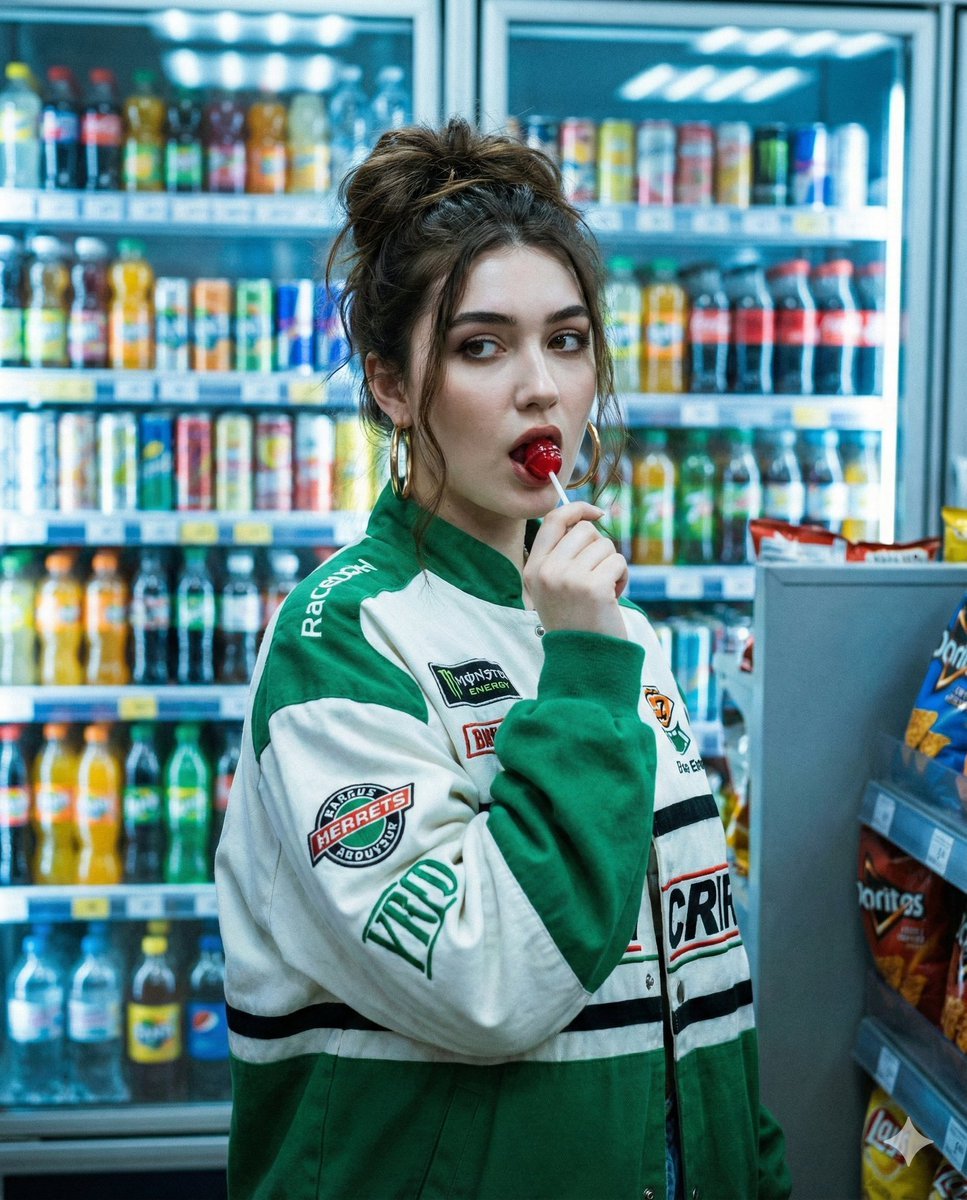
Y2K Cinematic Portrait in a Convenience Store
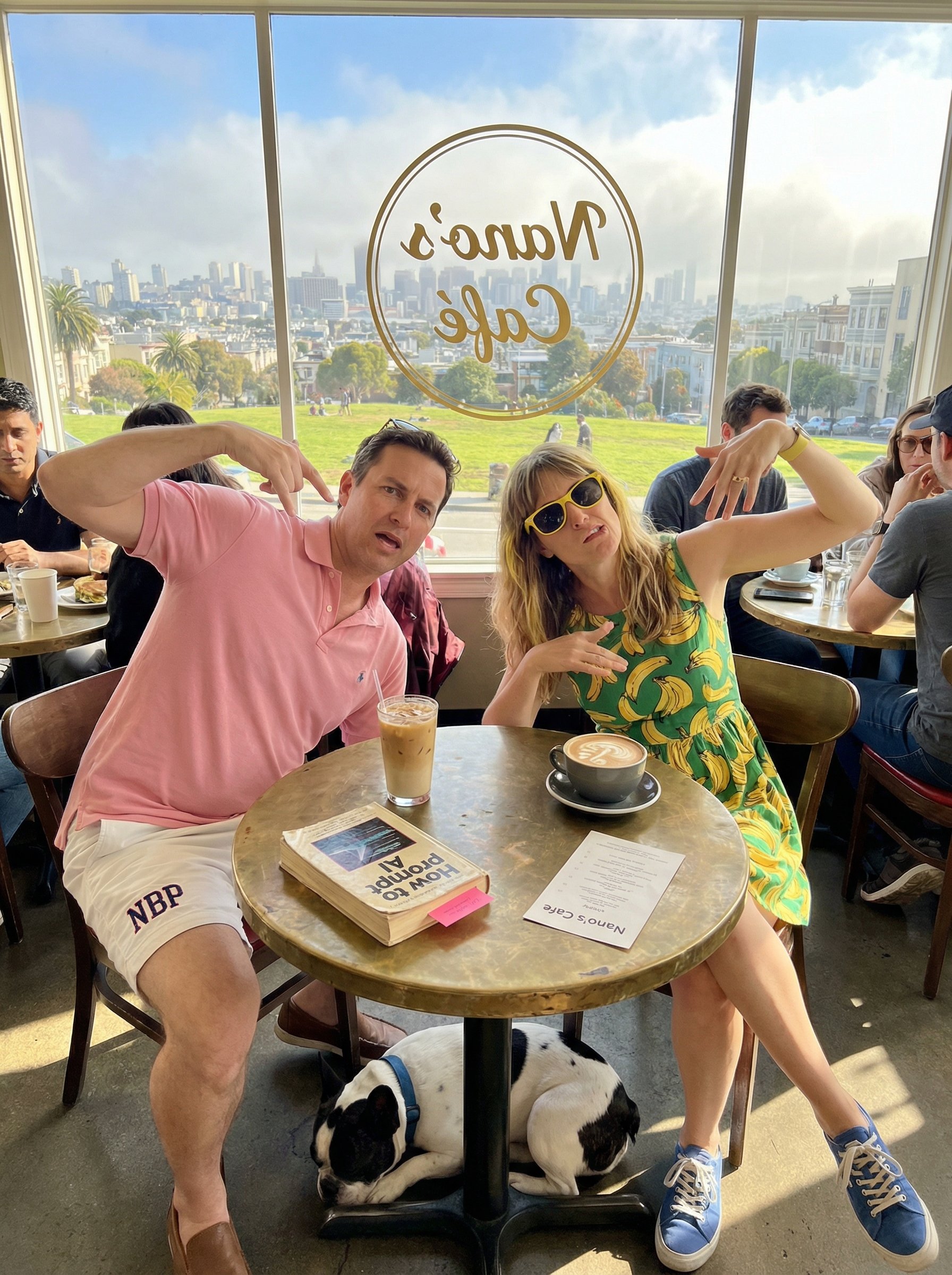
untitled
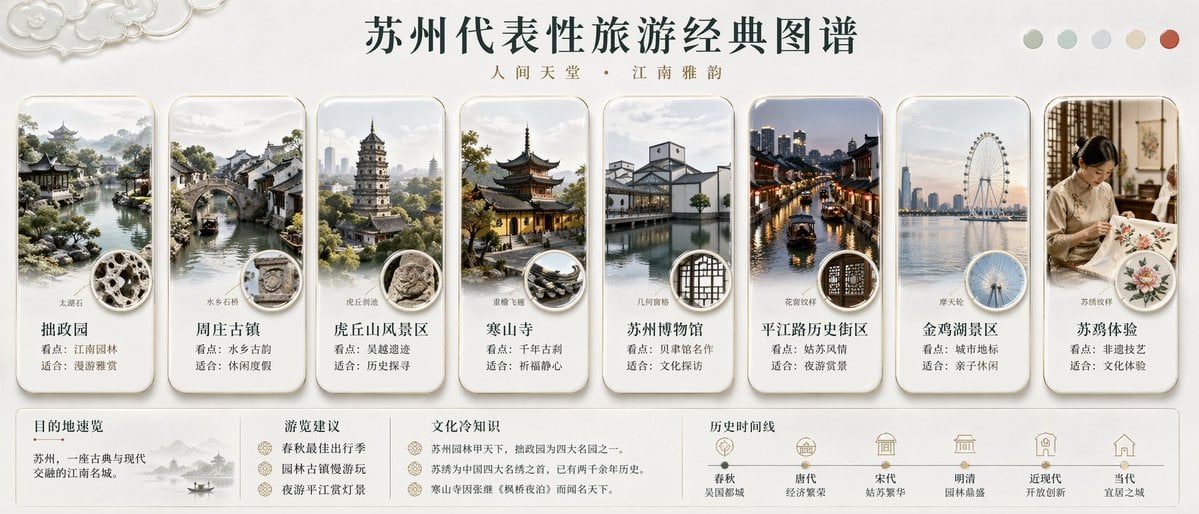
Suzhou Classic Travel Infographic
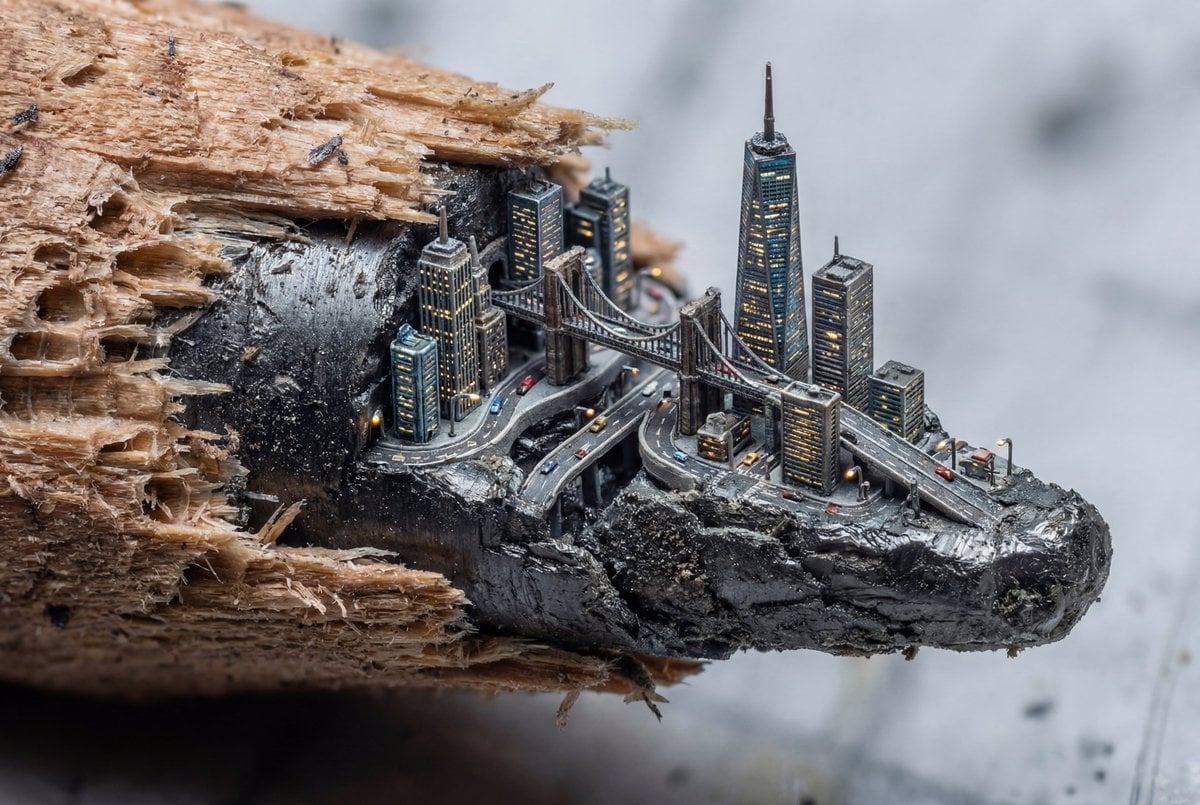
Microscopic City Art Addition Prompt

Minimal Japanese Cooking Class Hero Image
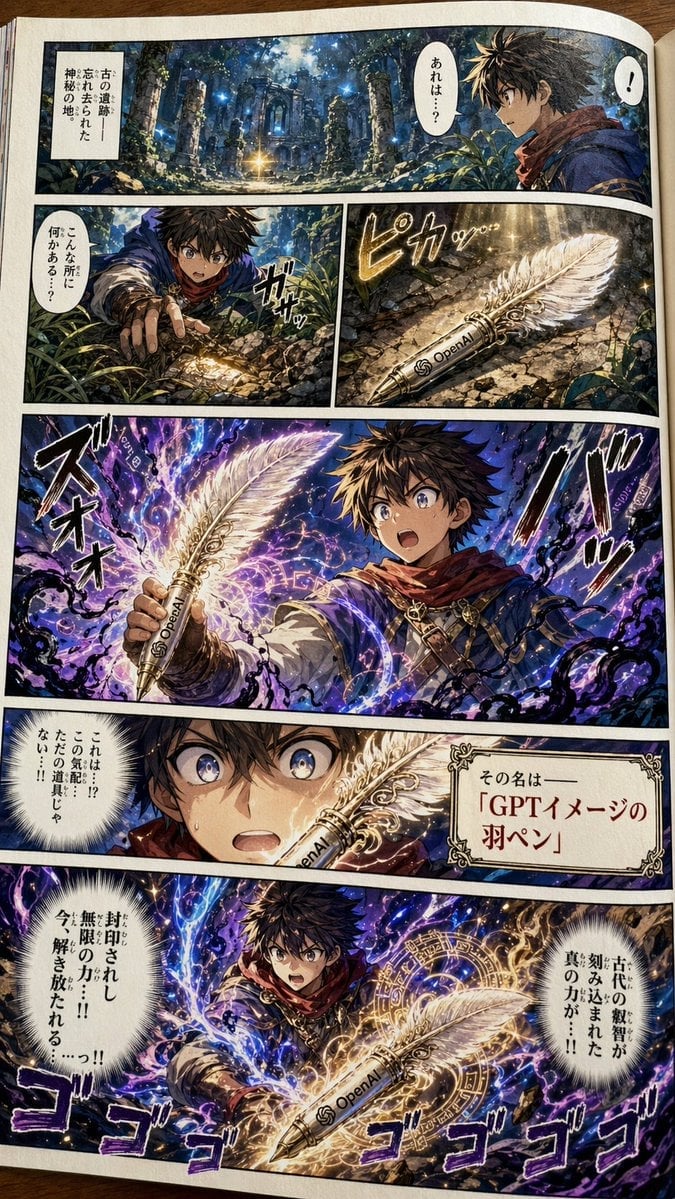
Japanese Shonen Manga Page
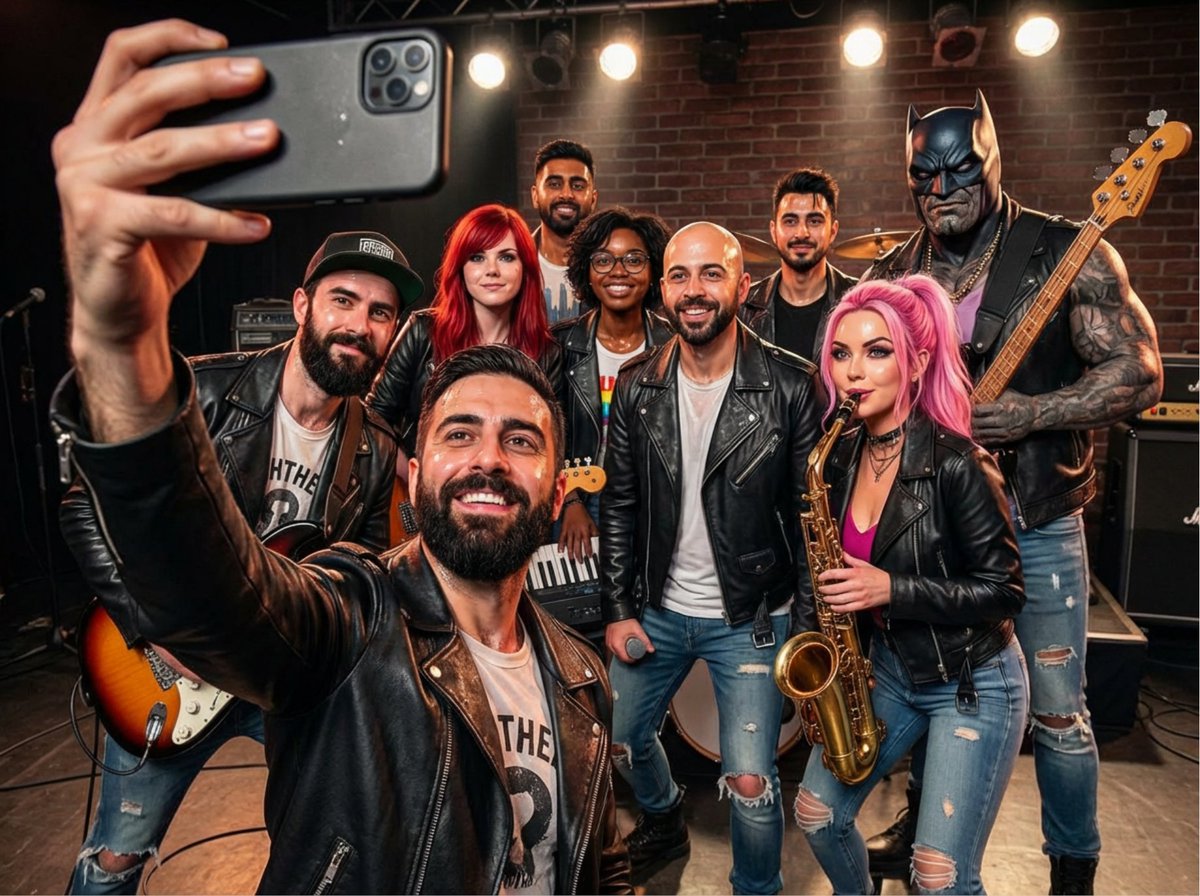
Rock band poster with consistent faces
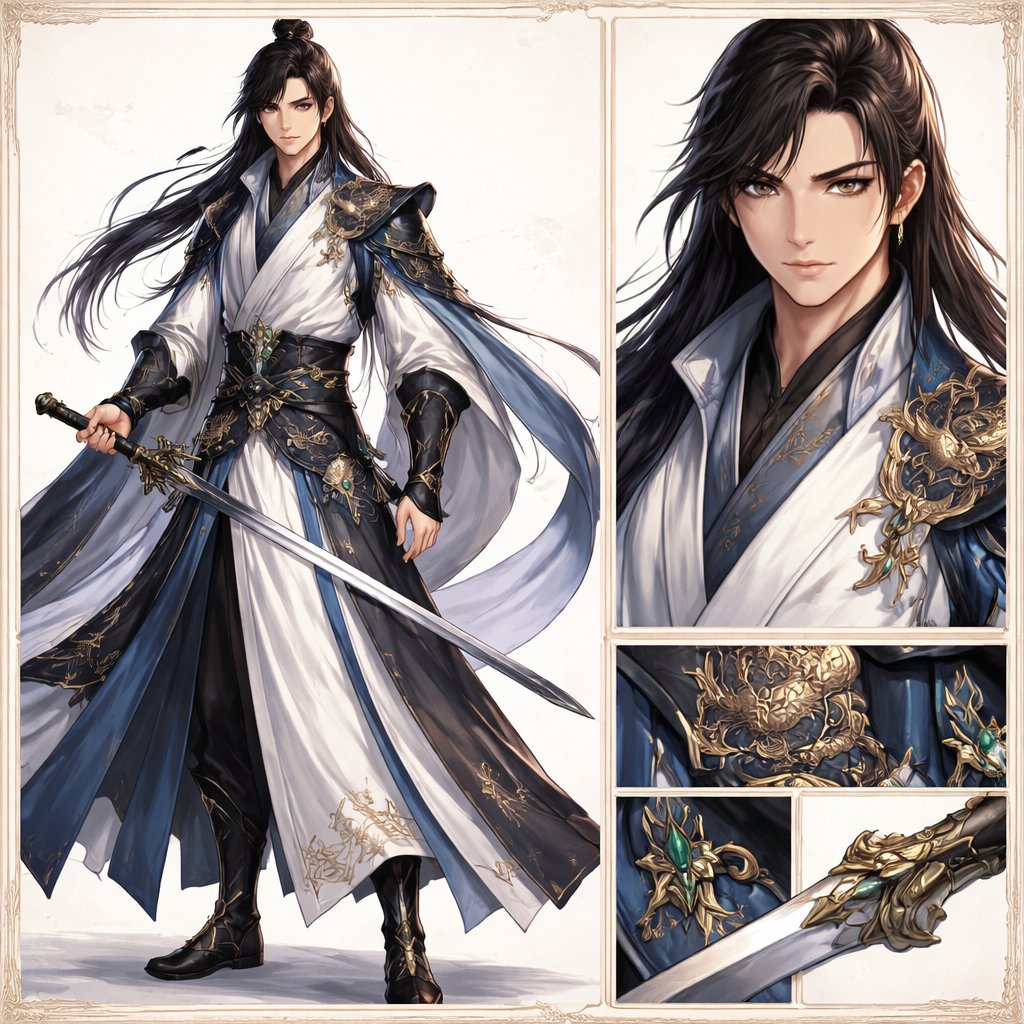
Elegant Wuxia Swordsman Design Sheet
Browse template categories
Power Suit Luxury Editorial questions
How do I use the Power Suit Luxury Editorial template?
Add your photo if the template asks for one, edit the prompt if you like — the template's model and format are already selected — and press Generate. Your version opens in PicX Studio.
Can I customize the Power Suit Luxury Editorial template?
Yes. You can change the subject, setting, lighting, mood, format, and available model controls before creating your image.
Is the Power Suit Luxury Editorial template free?
Opening and editing this template is free. Generating uses credits, shown on the Generate button when you are signed in.
Which AI model should I use?
Start with GPT Image 2, which is the model associated with this template. You can compare another compatible model for a different finish.
Looking for something else? Browse all templates.

Your photo, any look
Thousands of ready templates for every top image and video model, from one credit balance.