
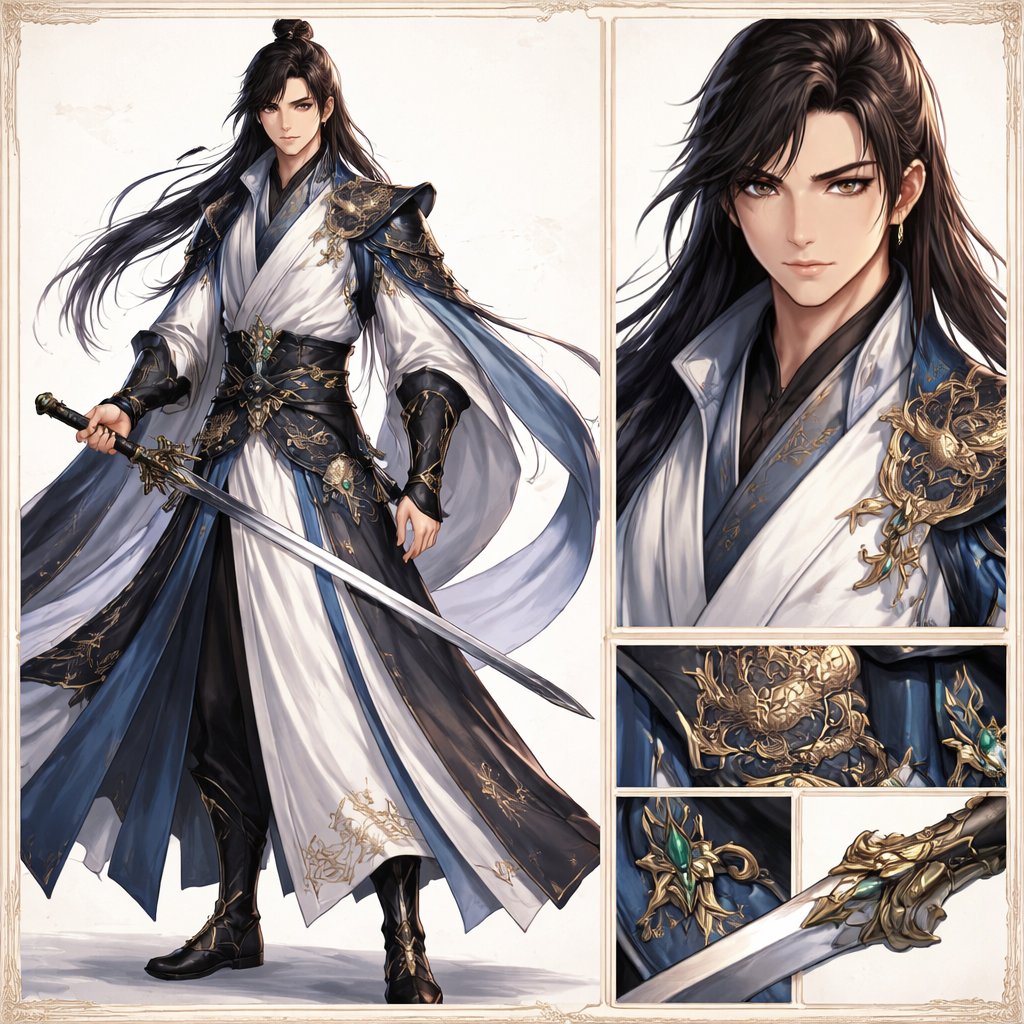
Elegant Wuxia Swordsman Design Sheet
Generates a polished fantasy character reference-style illustration of a noble male swordsman with full-body view and zoomed-in costume and weapon details, ideal for concept art presentation.
- Prompt included
- Model and format preset
- Free template
The prompt behind this image
Copy the exact prompt behind Elegant Wuxia Swordsman Design Sheet, or open it in the studio and make it yours.
Create an elegant high-fantasy character design sheet in a refined wuxia/xianxia style on a clean ivory background with a thin ornate vintage border. The layout is a split showcase with 5 visible panels: 1 large full-body panel on the left, 1 tall upper-right portrait close-up, and 3 stacked/lower detail panels on the right showing armor and weapon craftsmanship. The main subject is a handsome adult male swordsman, {argument name="character name" default="original character"}, with long flowing {argument name="hair color" default="black"} hair tied in a half-up topknot, the rest loose and wind-swept, wearing a small gold earring. His expression is calm, noble, and slightly aloof. He wears luxurious layered robes in {argument name="robe colors" default="white, deep navy blue, and black"}, with wide sleeves, flowing sashes, and highly detailed gold embroidery. Over the shoulders and torso are ornate dark blue and black armor elements with elaborate gold filigree and dragon-like decorative metalwork, plus a jade-green gemstone set into the waist ornament and weapon fittings. In the full-body panel he stands in a poised three-quarter stance holding a long straight jian sword diagonally downward, with the robe hems and ribbons flowing gracefully to suggest motion. The costume should include exactly 6 standout outfit elements: white inner robe, dark blue outer robe panels, black underlayer trousers, wide black-and-gold waist belt, sculpted gold shoulder armor, and black bracers with gold detailing. The right-side close-up portrait emphasizes the layered collar, glossy hair texture, shoulder ornament, and elegant fabric rendering. The 3 detail panels show exactly these focus areas: a gold dragon-like waist armor emblem, a jade-set sword guard or accessory ornament, and a close-up of the ornate gold sword hilt and guard with part of the blade. Overall aesthetic: ultra-detailed concept art, stylish and polished, crisp linework blended with painterly rendering, premium character-sheet presentation, soft neutral studio lighting, subtle shadows, luxurious textures, and a restrained palette of ivory, midnight blue, black, gold, and jade green.
How to use Elegant Wuxia Swordsman Design Sheet in 3 steps
- 1Upload ImagePNG, JPG or paste
Add your photo
Upload the photo the template builds on. The prompt, model and format are already set.
- 2…a portrait of your subject in softgolden-hour light, 85mm…
Personalize
Edit the subject and creative details for your destination.
- 3Generate
Generate
Press Generate — your image is created in PicX Studio, so you can compare it with the original and refine one variable at a time.
More like this
Templates with the same subject, style or setup. Open one to see its prompt.











Make it yours
Elegant Wuxia Swordsman Design Sheet works as-is. These are the safest ways to change it without losing the look.
Change one field
Copy a single group, rewrite it, and generate again so you can see what that field is doing.
Keep the frame, change the subject
Hold the composition and light of Elegant Wuxia Swordsman Design Sheet, then swap wardrobe, props or the person for a new take.
| If the result… | Why | Fix |
|---|---|---|
| The result drifts from the preview | Too many fields changed at once. | Reuse Elegant Wuxia Swordsman Design Sheet as-is first, then change one group — subject, light, or setting. |
| The model over-stylizes the scene | The prose prompt leaves finish and camera underspecified. | Add one camera or lighting sentence and stay on GPT Image 2. |
More GPT Image 2 templates
Other prompts made for GPT Image 2.

Six VTuber Japanese Logo Sheet

Realistic Portrait of Woman and Deer

The Vista Modular Condo Poster

AI Model Routing Comparison Infographic

2.5D Anime Art Board

Isometric Productivity Desk Scene

New York Double Exposure Poster

Four-Panel AI Landscape Comparison

Japanese Tatami Lifestyle Magazine Cover

NESCAFÉ Coffee Map Poster
More image prompts
Fresh picks from across the catalog.
Urban Success Street Portrait
Aisha Wing Character Transformation
Style Transfer for Cinematic Live-Action Keyframes
Playful Wink Studio Portrait
Stunning Photo Prompt for Gemini Nano Banana
Vintage Photo Restoration to Modern Portrait Prompt
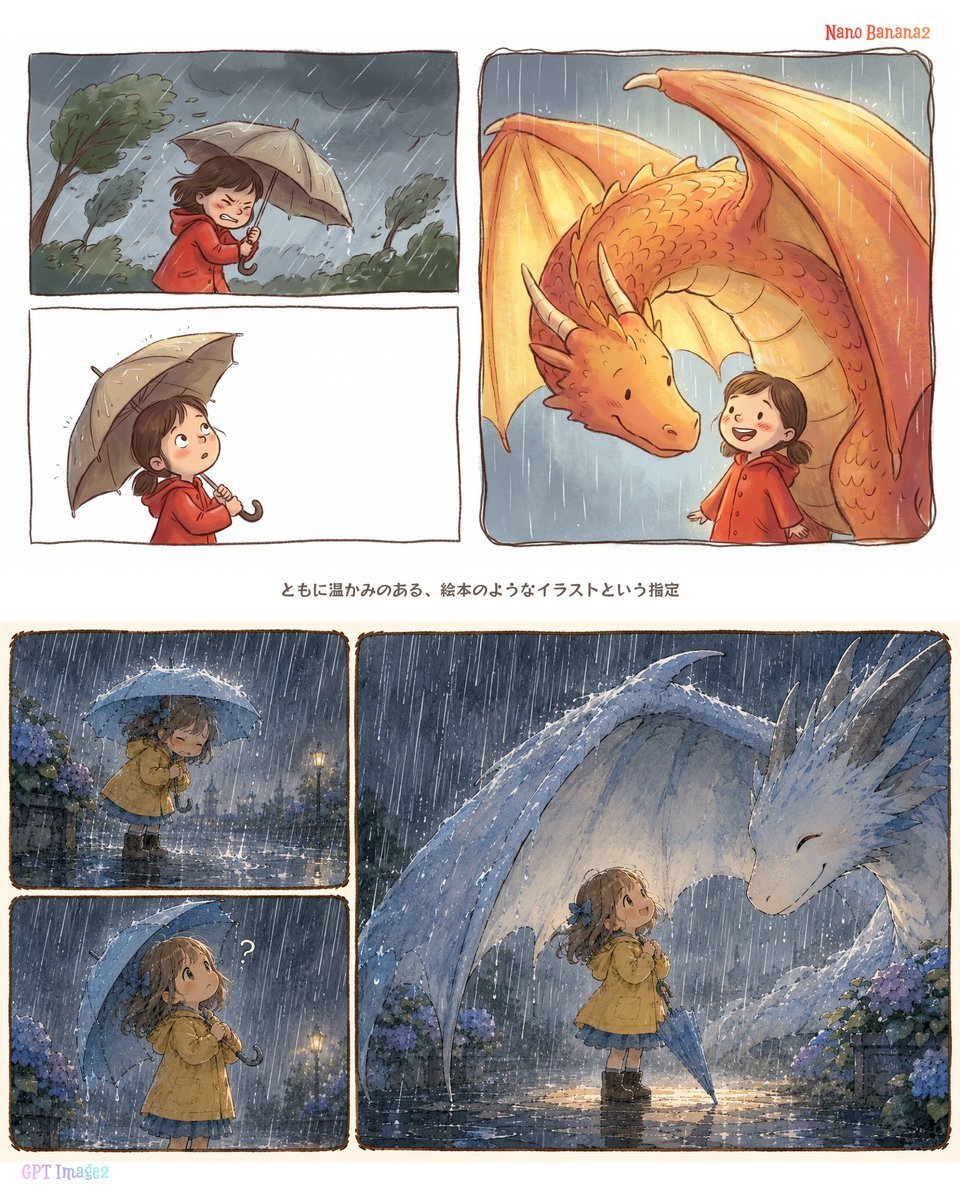
Rainy Dragon Comparison Sheet
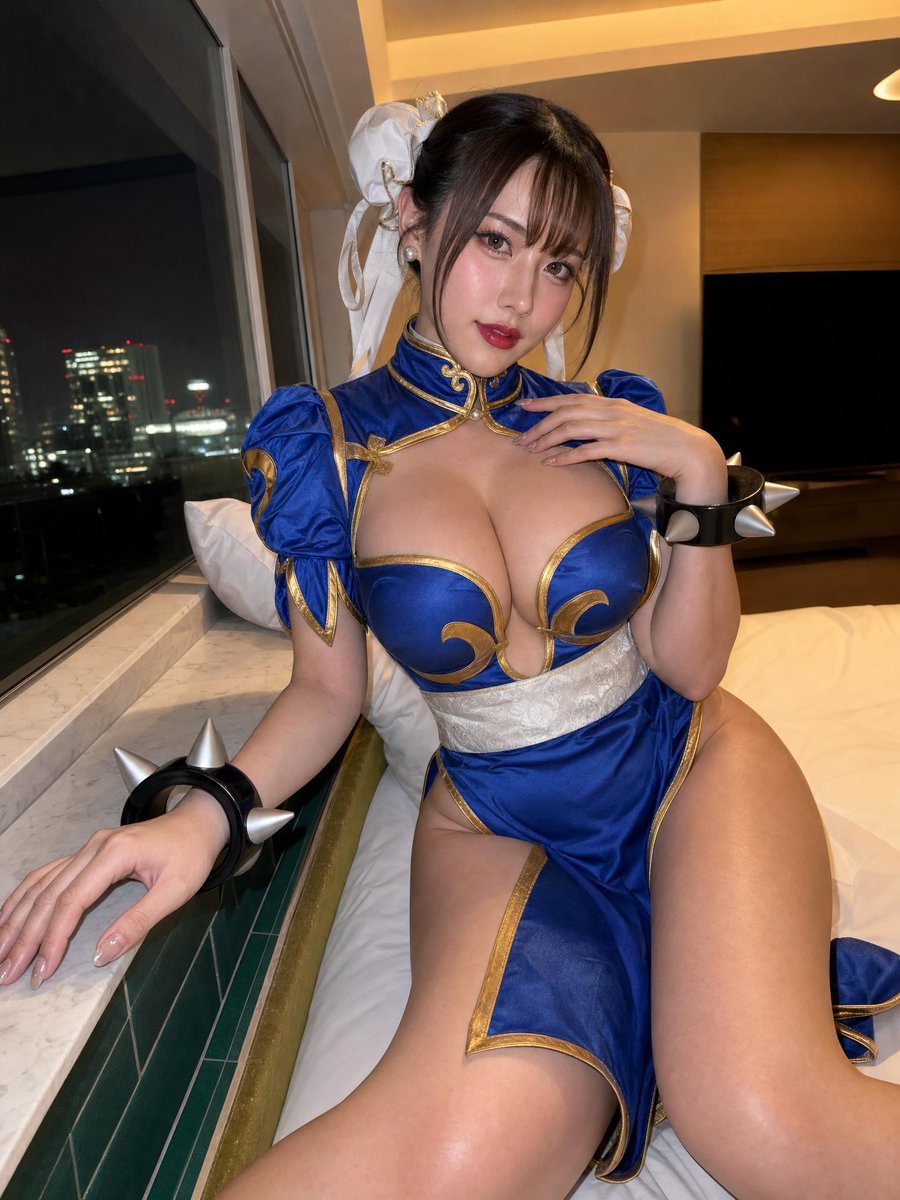
Idol-Style Cosplay Hotel Portrait

Professional Male Editorial Fashion Portrait
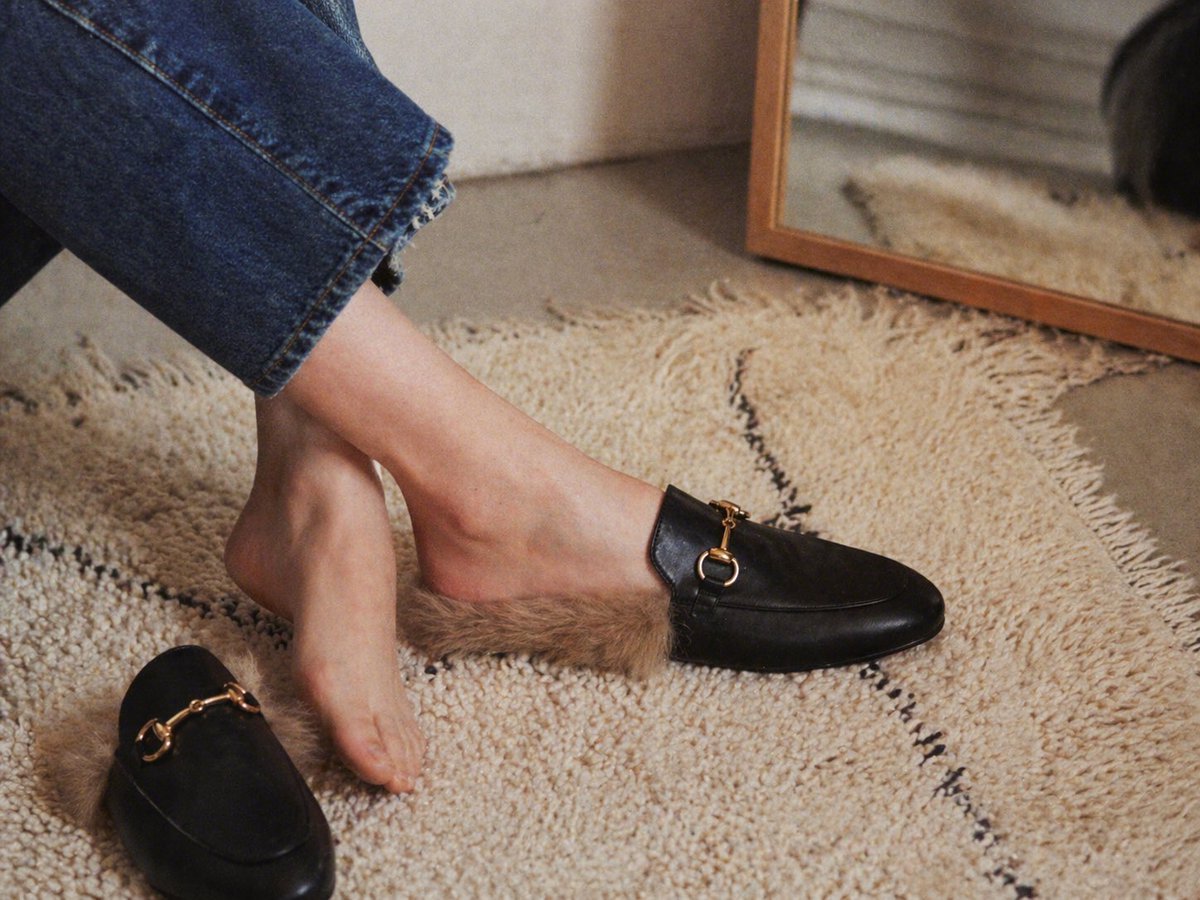
Gpt2 E Commerce Main Image Luxury Fur Lined Loafer Lifestyle Photo
Browse template categories
Elegant Wuxia Swordsman Design Sheet questions
How do I use the Elegant Wuxia Swordsman Design Sheet template?
Add your photo if the template asks for one, edit the prompt if you like — the template's model and format are already selected — and press Generate. Your version opens in PicX Studio.
Can I customize the Elegant Wuxia Swordsman Design Sheet template?
Yes. You can change the subject, setting, lighting, mood, format, and available model controls before creating your image.
Is the Elegant Wuxia Swordsman Design Sheet template free?
Opening and editing this template is free. Generating uses credits, shown on the Generate button when you are signed in.
Which AI model should I use?
Start with GPT Image 2, which is the model associated with this template. You can compare another compatible model for a different finish.
Looking for something else? Browse all templates.

Your photo, any look
Thousands of ready templates for every top image and video model, from one credit balance.