
untitled
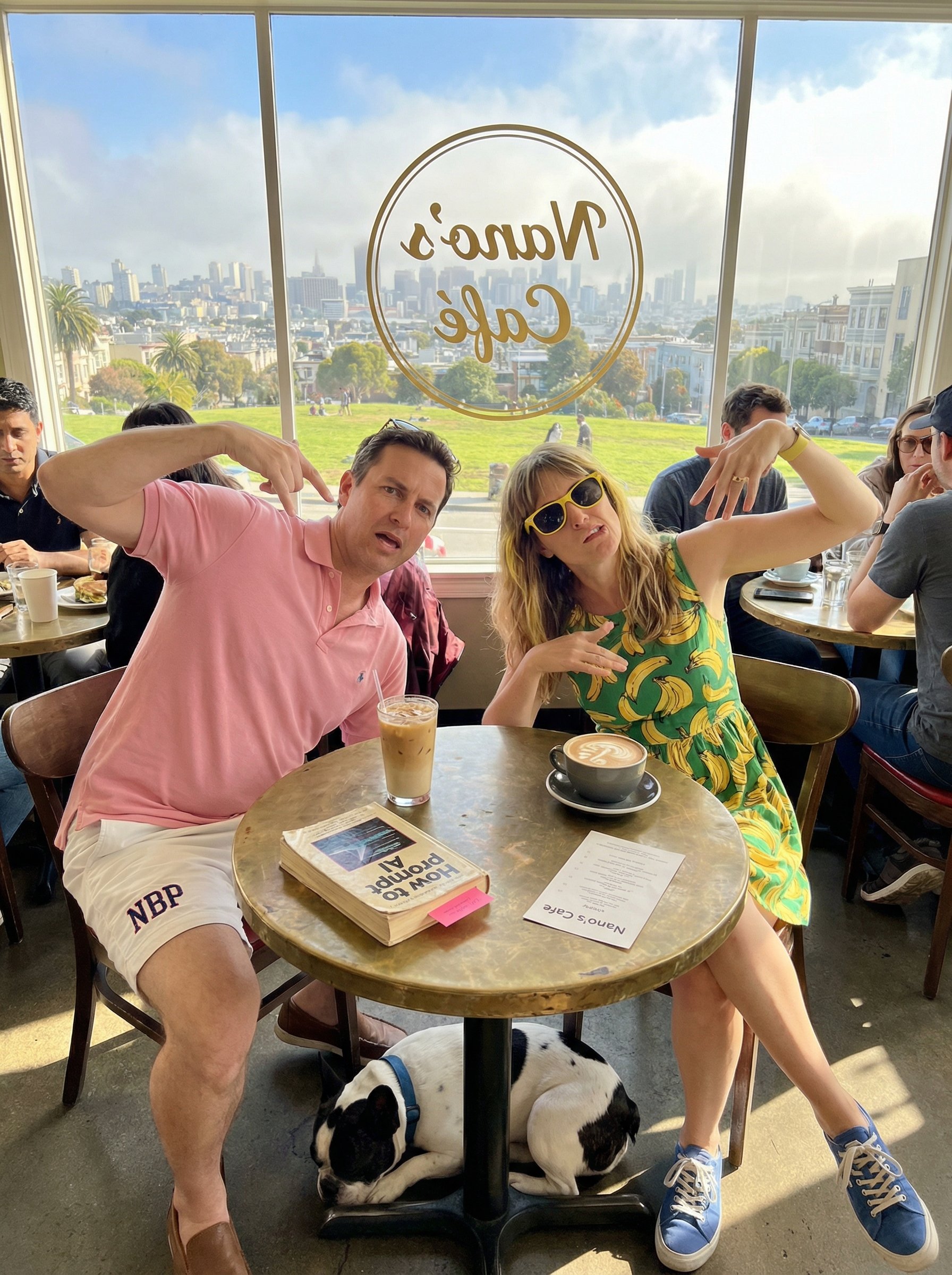
untitled is a ready photo look for Nano Banana.
- Prompt included
- Model and format preset
- Free template
The prompt behind this image
Copy the exact prompt behind untitled, or open it in the studio and make it yours.
You can be very, very specific with your prompts. Here's an example to show just how detailed you can be: - a photo of a man and woman at a cafe in San Francisco, they are sat by the window - the view behind them is like the view from Dolores park, it is sunny, in the morning, blue sky, with warm remnants of fog - the cafe is a bit cramped and it's a busy morning - the man is wearing a pink polo t-shirt and white shorts, the shorts have an NBP motto - the woman is in a green and yellow summer dress with a banana motif, she has yellow-rimmed sunglasses, her shoes are blue - beneath their table is a curled up sleeping dog, it's a black and white french bulldog with a blue collar - the table is round and metallic - on the table lies an old 80s book with the title "How to prompt AI", a pink post-it note acts like a bookmark - on the window of the cafe a beautiful design says "Nano's Cafe" in gold etched lettering in a circle (it's mirrored), - on the table is an iced latte and a capuccino, the capuccino has swan latte art - there's also a Nano's Cafe menu on the table - they are both pulling awkward poses for the photo
How to use untitled in 3 steps
- 1Upload ImagePNG, JPG or paste
Add your photo
Upload the photo the template builds on. The prompt, model and format are already set.
- 2…a portrait of your subject in softgolden-hour light, 85mm…
Personalize
Edit the subject and creative details for your destination.
- 3Generate
Generate
Press Generate — your image is created in PicX Studio, so you can compare it with the original and refine one variable at a time.
More like this
Templates with the same subject, style or setup. Open one to see its prompt.






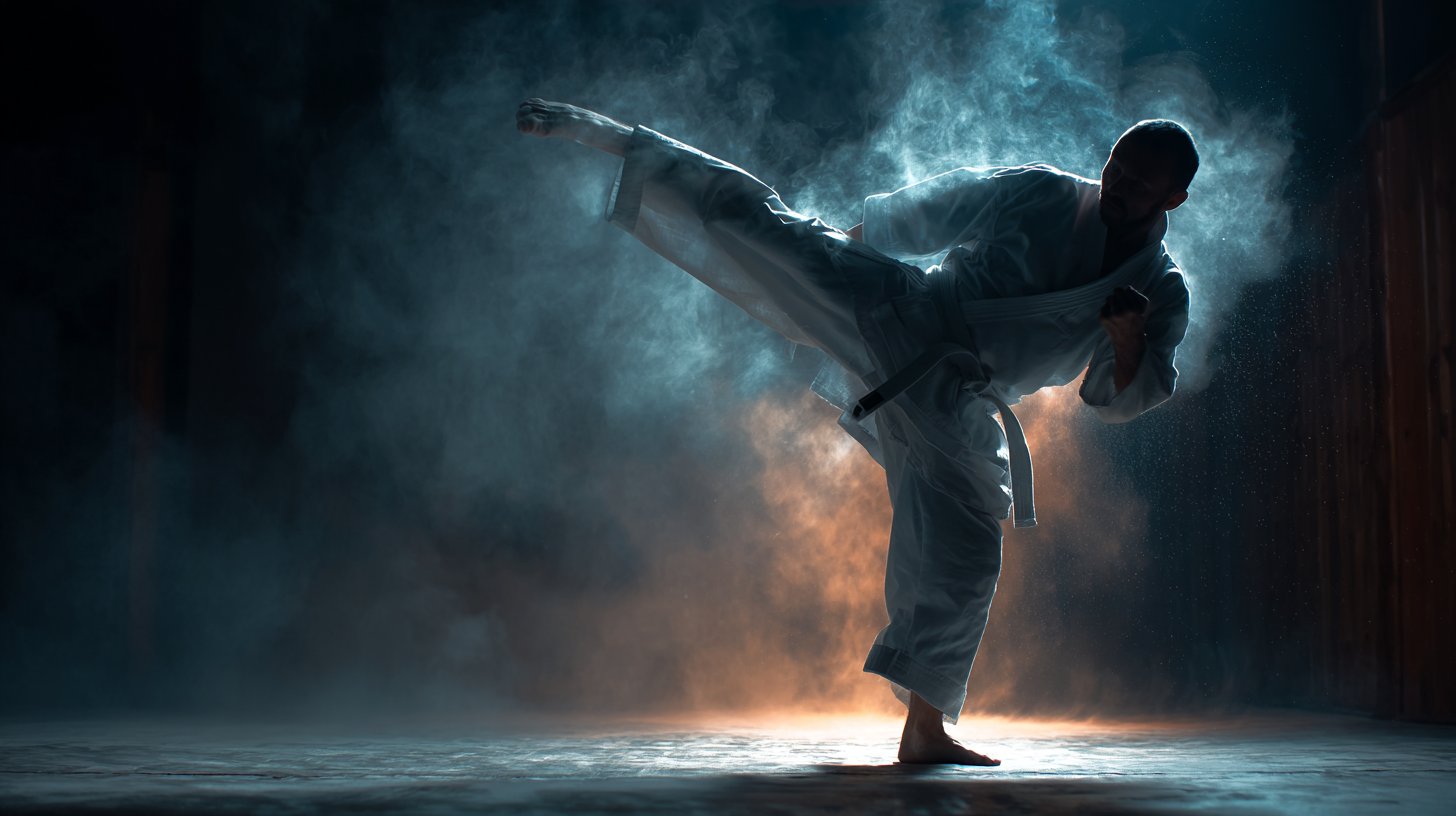
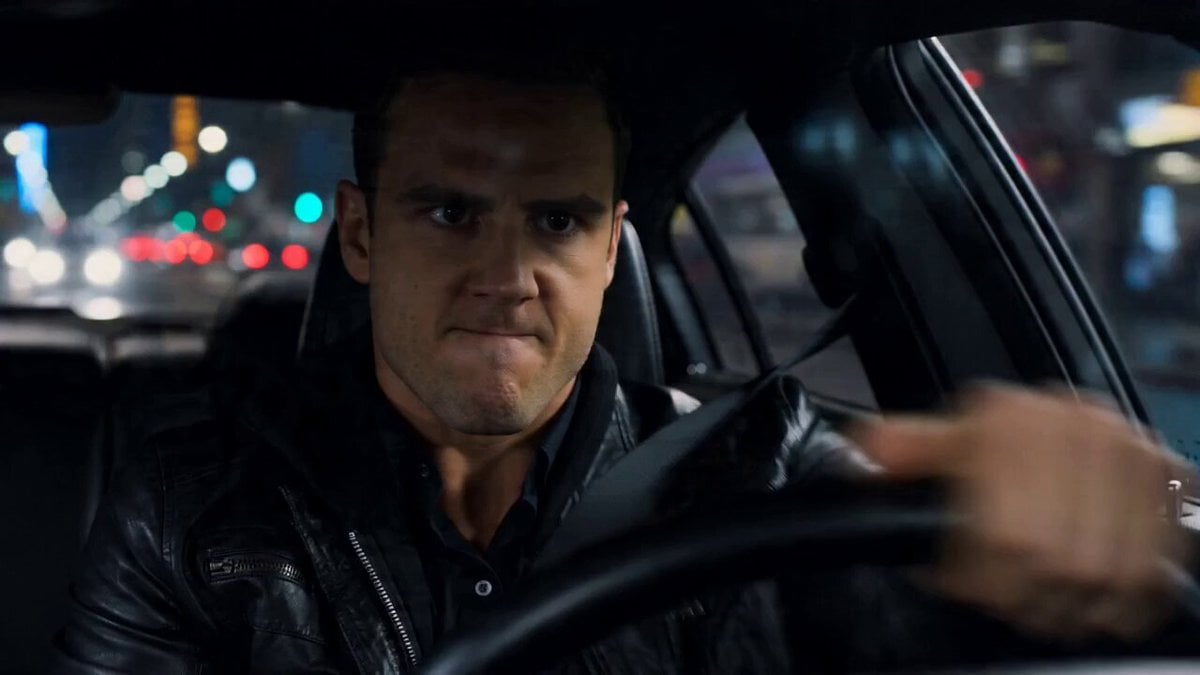
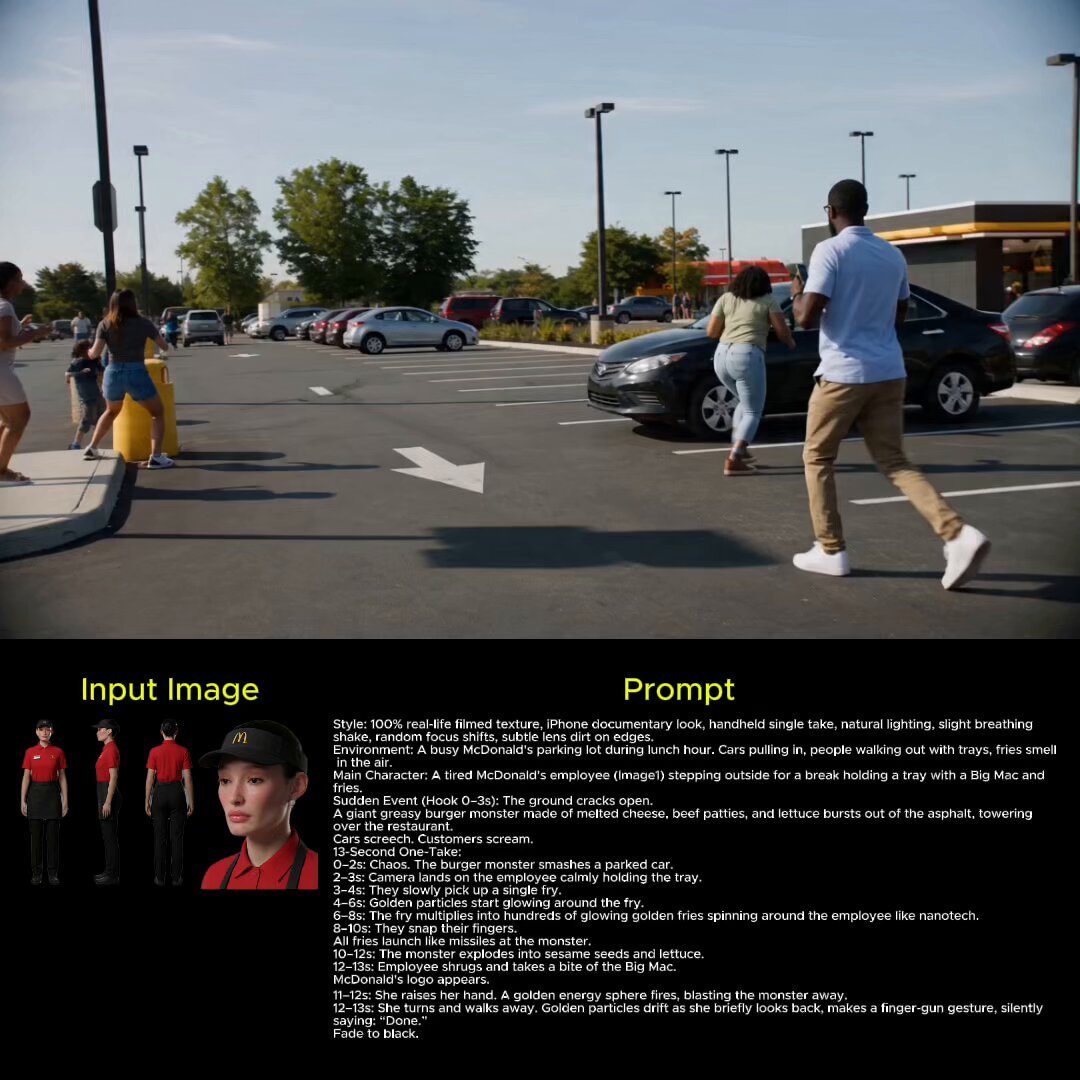
Make it yours
untitled works as-is. These are the safest ways to change it without losing the look.
Change one field
Copy a single group, rewrite it, and generate again so you can see what that field is doing.
Keep the frame, change the subject
Hold the composition and light of 164-untitled, then swap wardrobe, props or the person for a new take.
| If the result… | Why | Fix |
|---|---|---|
| The result drifts from the preview | Too many fields changed at once. | Reuse 164-untitled as-is first, then change one group — subject, light, or setting. |
| The model over-stylizes the scene | The prose prompt leaves finish and camera underspecified. | Add one camera or lighting sentence and stay on Nano Banana. |
More Nano Banana templates
Other prompts made for Nano Banana.










More image prompts
Fresh picks from across the catalog.
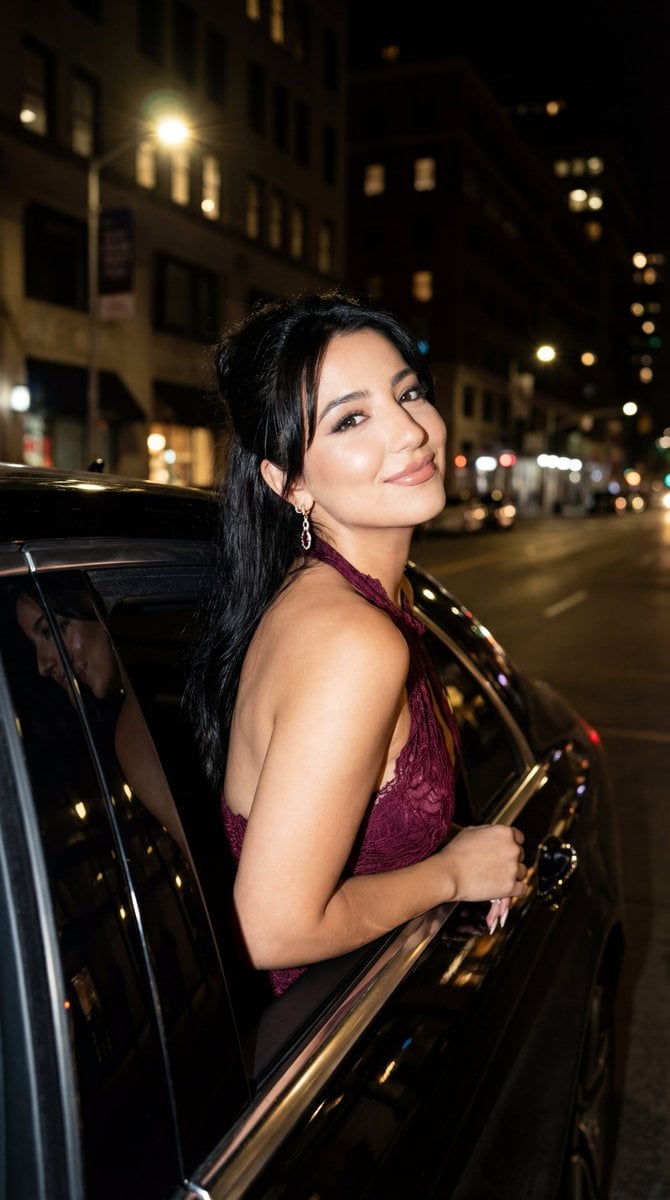
Night Paparazzi Car Editorial Prompt with Identity Lock
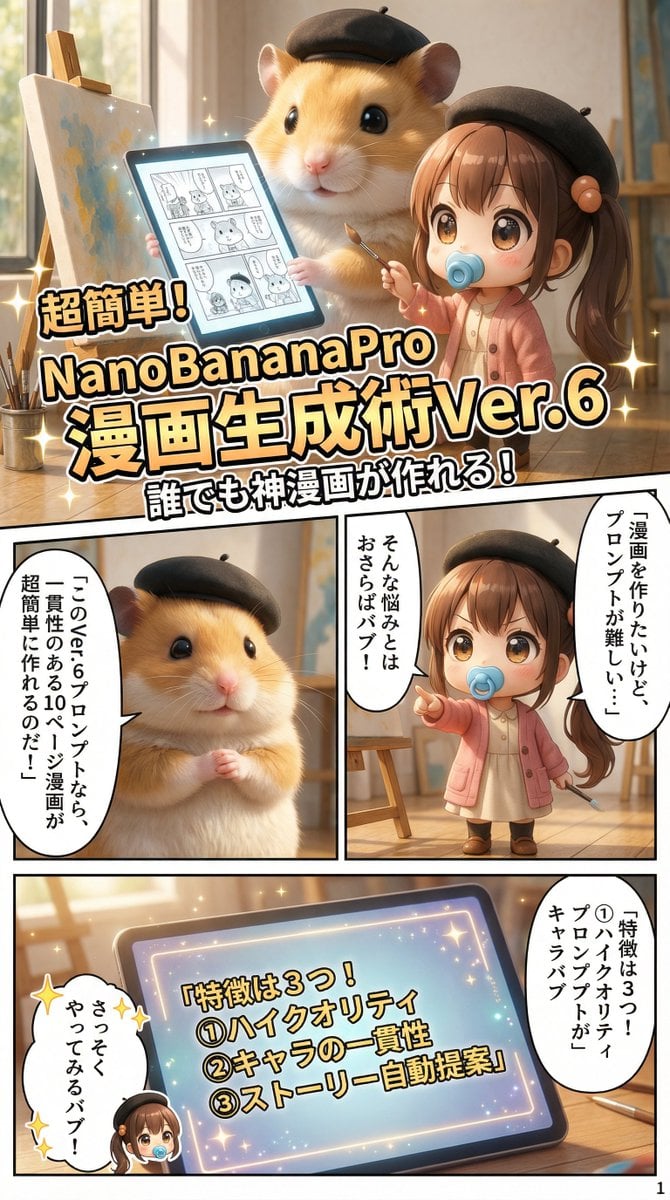
Gemini System Prompt for 10-Page Manga Generation in Nano Banana Pro
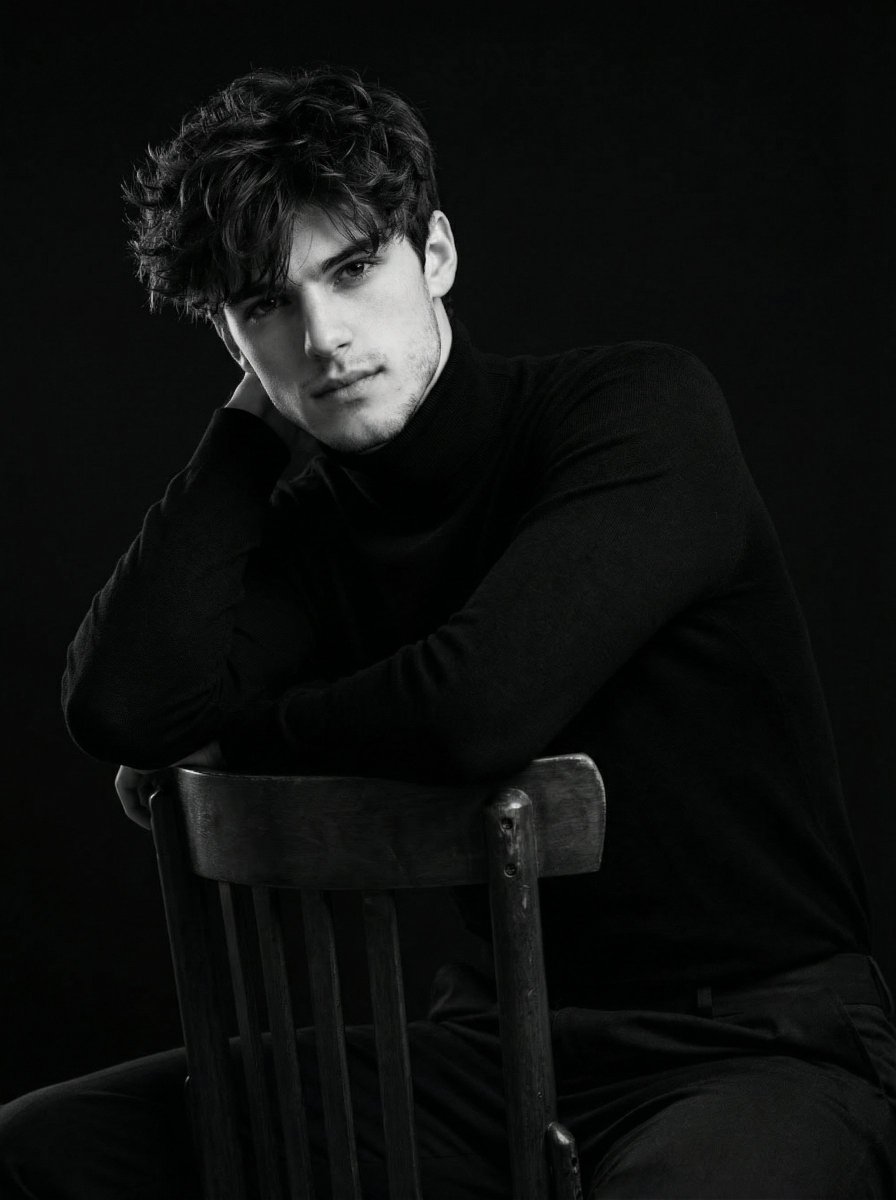
Ultra-Realistic Cinematic Black and White Portrait
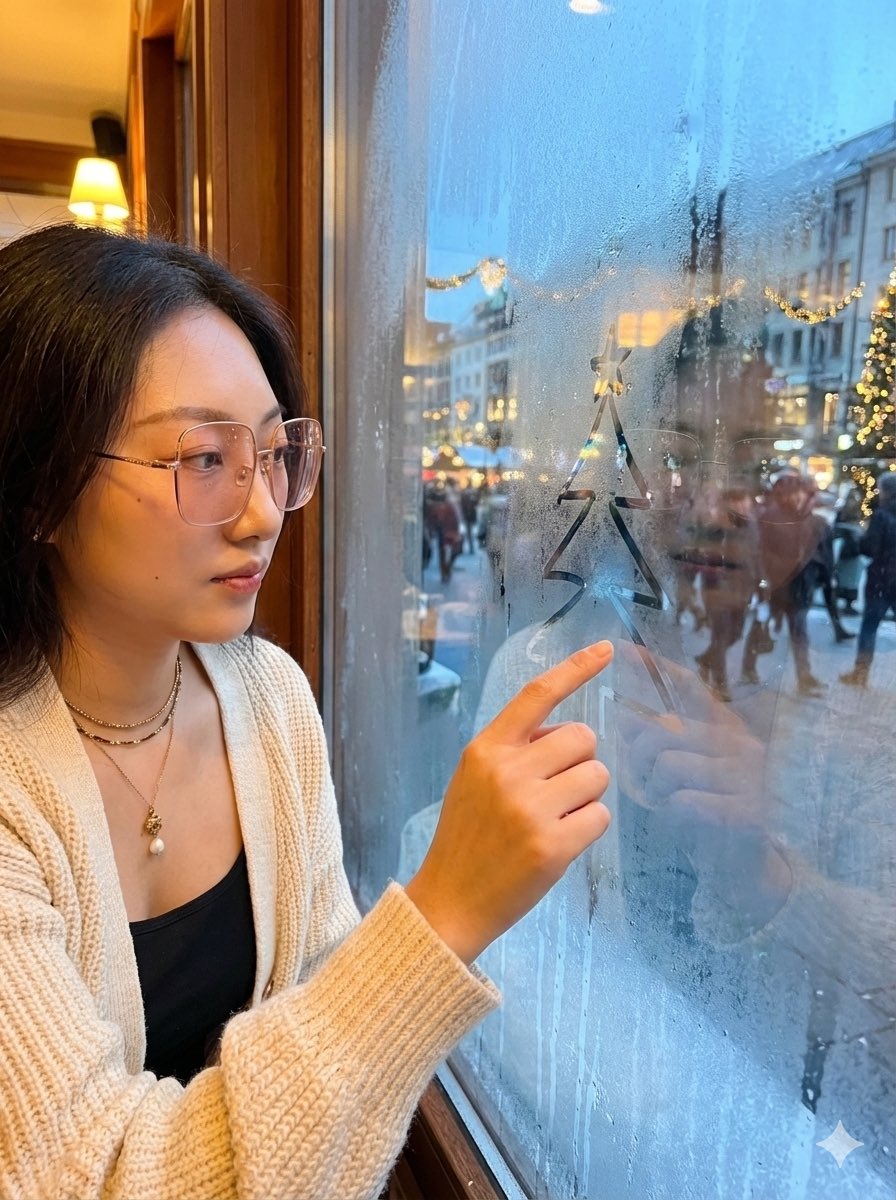
Christmas Window Condensation Doodle Portrait
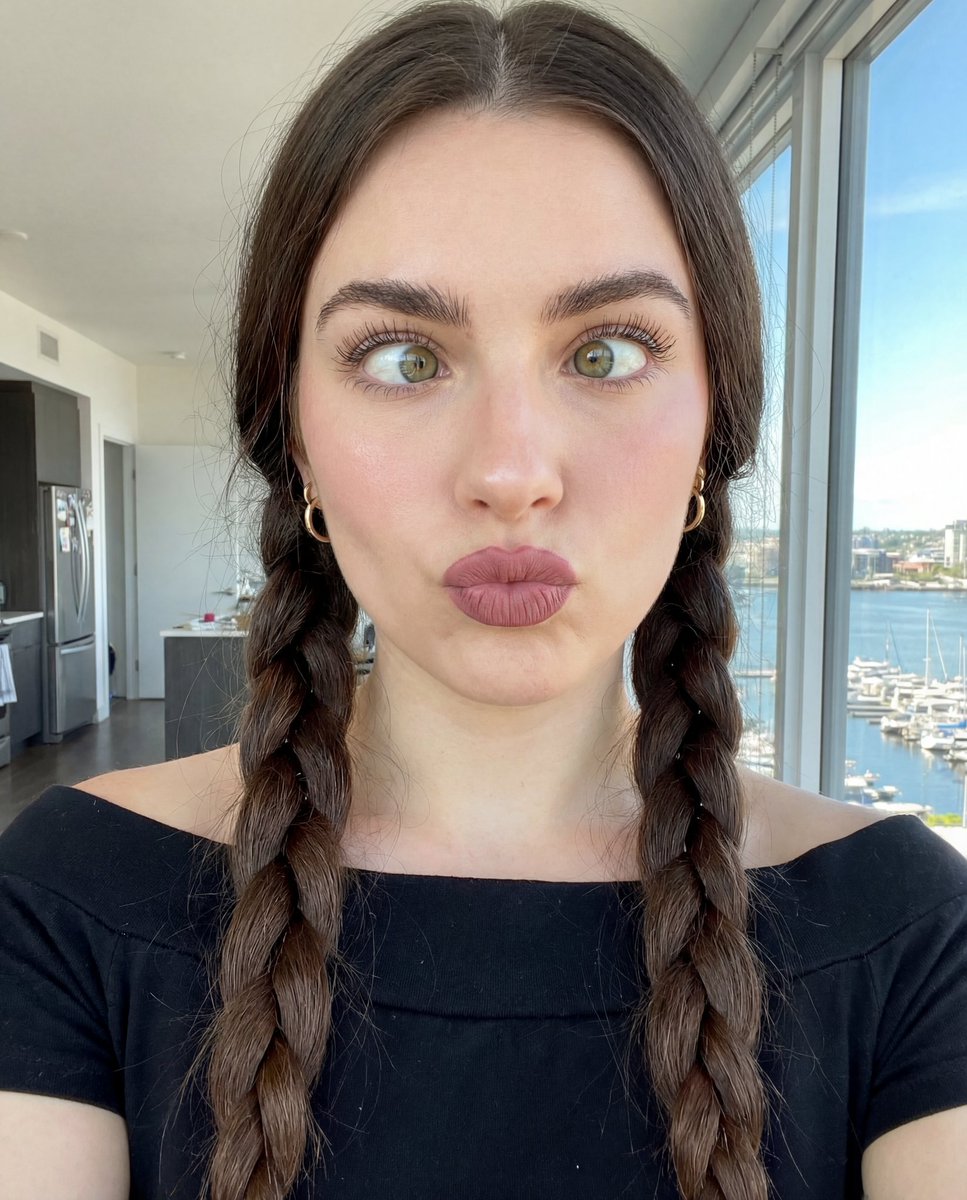
Hyper-Detailed Selfie Portrait Prompt with Anatomical Specs
Creative Pink Office Portrait with Chibi Characters
Fashion Photo in Metallic Red Sequin Suit
Detailed Pixar Style 3D Avatar Generation Prompt
Luxury Lifestyle Analysis Poster
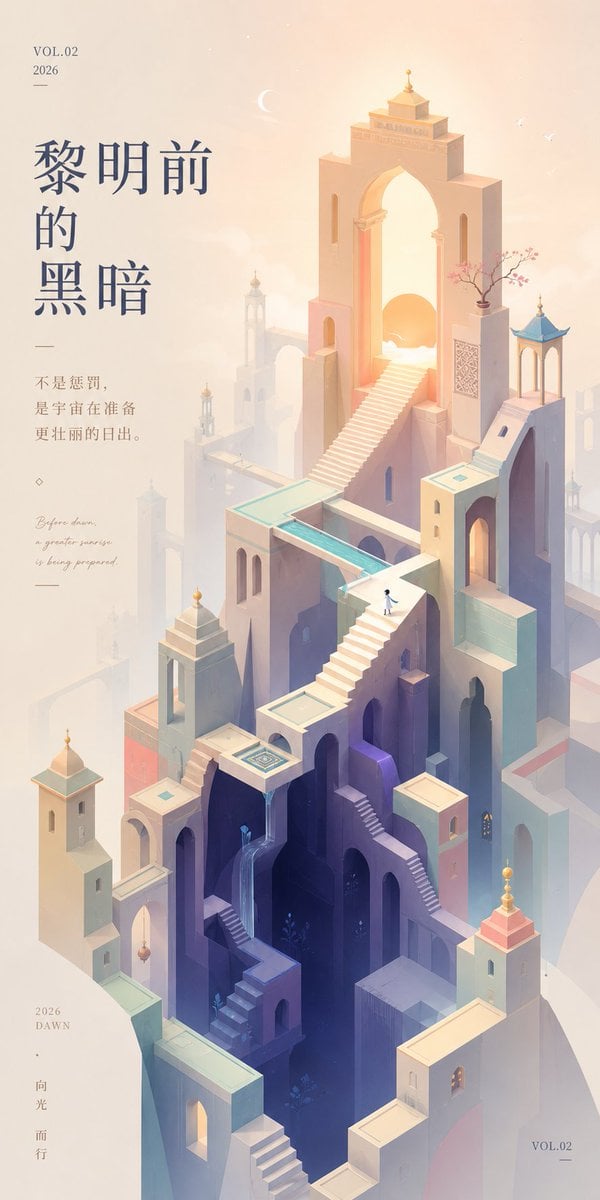
Monument Valley Dawn Quote Wallpaper
Browse template categories
untitled questions
How do I use the 164-untitled template?
Add your photo if the template asks for one, edit the prompt if you like — the template's model and format are already selected — and press Generate. Your version opens in PicX Studio.
Can I customize the 164-untitled template?
Yes. You can change the subject, setting, lighting, mood, format, and available model controls before creating your image.
Is the 164-untitled template free?
Opening and editing this template is free. Generating uses credits, shown on the Generate button when you are signed in.
Which AI model should I use?
Start with Nano Banana, which is the model associated with this template. You can compare another compatible model for a different finish.
Looking for something else? Browse all templates.

Your photo, any look
Thousands of ready templates for every top image and video model, from one credit balance.