
Mocha Suit Editorial Portrait
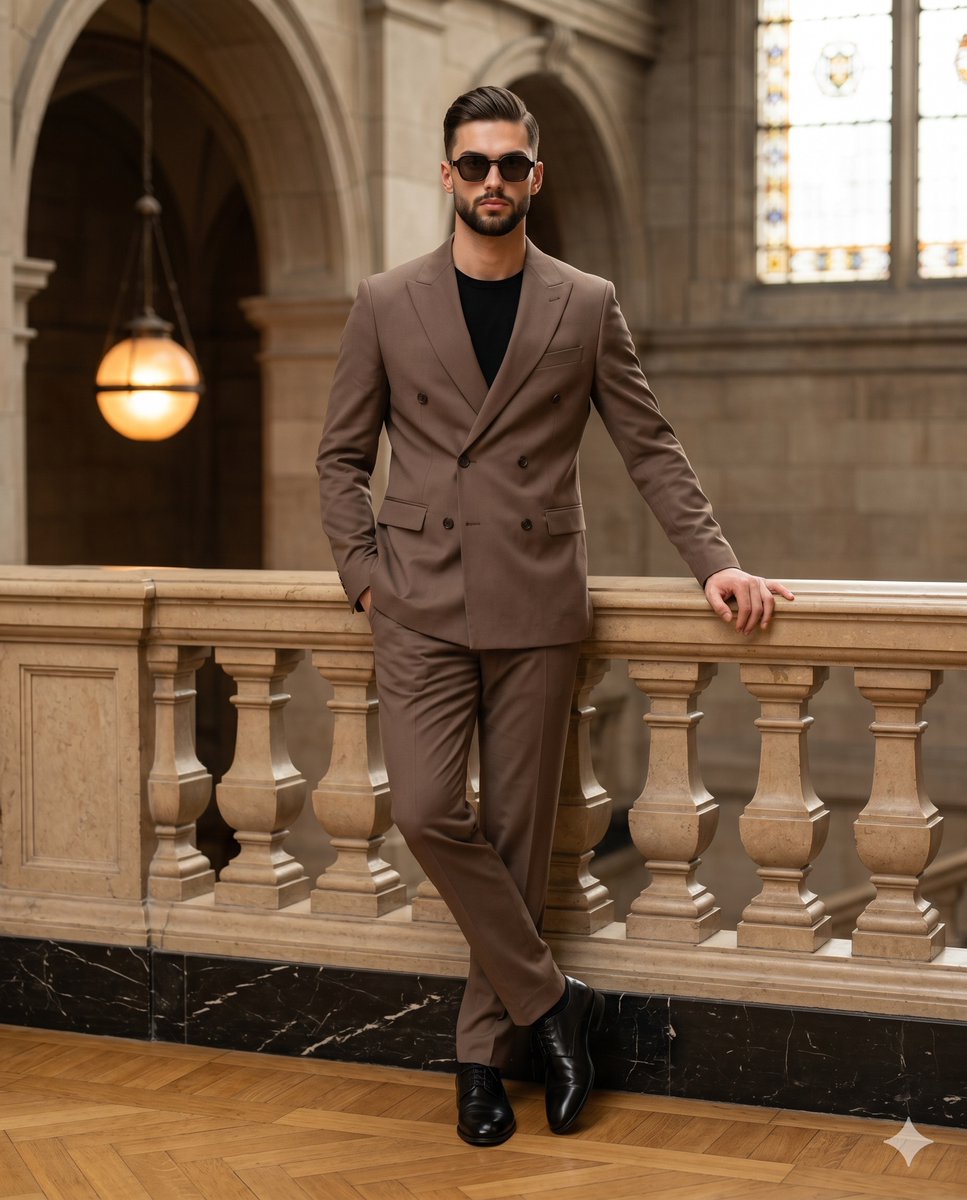
An elegant editorial fashion prompt featuring a man in a tailored mocha suit, set within a classical grand hall with soft cinematic lighting.
- Prompt included
- Model and format preset
- Premium template
The prompt behind this image
Copy the exact prompt behind Mocha Suit Editorial Portrait, or open it in the studio and make it yours.
A stylish, confident man stands center frame in a perfectly tailored {argument name="suit color" default="mocha brown"} double-breasted suit worn over a sharp black t-shirt, his eyes concealed behind dark geometric sunglasses while his expression remains poised with a closed, neutral mouth. He adopts a relaxed, deliberately posed leaning stance with level shoulders and legs casually crossed at the ankles, ending in polished black leather dress shoes. His left hand is tucked seamlessly into his left jacket pocket, while his relaxed right hand rests flat against the smooth, pristine top rail of a {argument name="architectural element" default="warm beige stone balustrade"}, fingers slightly spread in a natural drape. This balustrade, featuring classic carved repeating columns, traverses horizontally across the midground above a polished black marble baseboard elegantly detailed with white veining. He stands on a warm honey-brown wood parquet floor laid in a classic checkered block pattern. Beyond the foreground, the spatial depth extends deeply into a {argument name="location" default="grand indoor classical hall"}, characterized by matte plaster walls and out-of-focus intricate stone-carved grand archways. In the upper right background, an arched window fitted with stained or frosted glass allows bright daylight to stream in, while a small, pristine hanging spherical glass lamp in the left middle ground emits a soft, warm orange glow. The scene is bathed in a sophisticated mix of soft, diffused natural daylight from the front-left and top, blending seamlessly with warm golden ambient practical fill. This moderately directional light creates beautifully preserved highlights along the left side of his face, his left shoulder, and the edge of the balustrade railing, while casting short, softly graded gray shadows beneath him on the parquet floor and across the right side of his suit and face. The color palette is warmly analogous, harmonizing the dominant mocha browns, rich black accents, warm beiges, and the amber glow of the lighting to evoke an affluent, classically elegant, and highly polished mood. Captured as a tack-sharp, grain-free editorial fashion photograph blending modern menswear with classic architectural portraiture, the image is shot straight on using an 85mm lens at an f/1.8 aperture, 1/200s shutter speed, and ISO 200 to achieve a shallow depth of field with creamy bokeh that smoothly blurs the majestic background. Expert post-processing features warm color grading to emphasize earth tones, a slight contrast bump, and targeted sharpening on the subject, all perfectly framed in a 4:5 aspect ratio.
How to use Mocha Suit Editorial Portrait in 3 steps
- 1
Open
The prompt is already in the box next to the preview, with the template's model and format selected.
- 2…a portrait of your subject in softgolden-hour light, 85mm…
Personalize
Edit the subject and creative details for your destination.
- 3Generate
Generate
Press Generate — your image is created in PicX Studio, so you can compare it with the original and refine one variable at a time.
More like this
Templates with the same subject, style or setup. Open one to see its prompt.

untitled

Gpt Image 2 Fashion Portrait

Caution Tape Fashion — Industrial Editorial

Couture Fashion Editorial Woman and Drag

Nano Banana 2 Editorial Fashion Portrait

Found Photograph: Us, 1970

80s Couple Studio Portrait

80s Bollywood Star

80s Golden Hour Cinema

Me in 1985

1985 Studio Portrait

Hyper-Realistic Minecraft POV Portrait
Make it yours
Mocha Suit Editorial Portrait works as-is. These are the safest ways to change it without losing the look.
Change one field
Copy a single group, rewrite it, and generate again so you can see what that field is doing.
Keep the frame, change the subject
Hold the composition and light of Mocha Suit Editorial Portrait, then swap wardrobe, props or the person for a new take.
| If the result… | Why | Fix |
|---|---|---|
| The result drifts from the preview | Too many fields changed at once. | Reuse Mocha Suit Editorial Portrait as-is first, then change one group — subject, light, or setting. |
| The model over-stylizes the scene | The prose prompt leaves finish and camera underspecified. | Add one camera or lighting sentence and stay on Nano Banana 2. |
More Nano Banana 2 templates
Other prompts made for Nano Banana 2.

Photorealistic Leaf Shaped Like a Dragon

K-Pop Idol Portrait Grid for Rapid Selection

Poetic Rain Forest Portrait During Golden Hour

Urban Street Portrait with Cartoon Inner Self Duo

Candid Nighttime Photo with Cat Prompt

High-Concept 3D Diorama Generation Prompt

Cinematic Futuristic Studio Portrait Template

Skincare Editorial Photography Collage Prompt

Hyper-Realistic Commercial Product Photography (Splash Effect)

Hyper-Realistic Nightclub Portrait Prompt
More image prompts
Fresh picks from across the catalog.
Nano Banana Pro Website Integration
Flower Field Lifestyle Photography
Rabbit Portfolio Design System Board
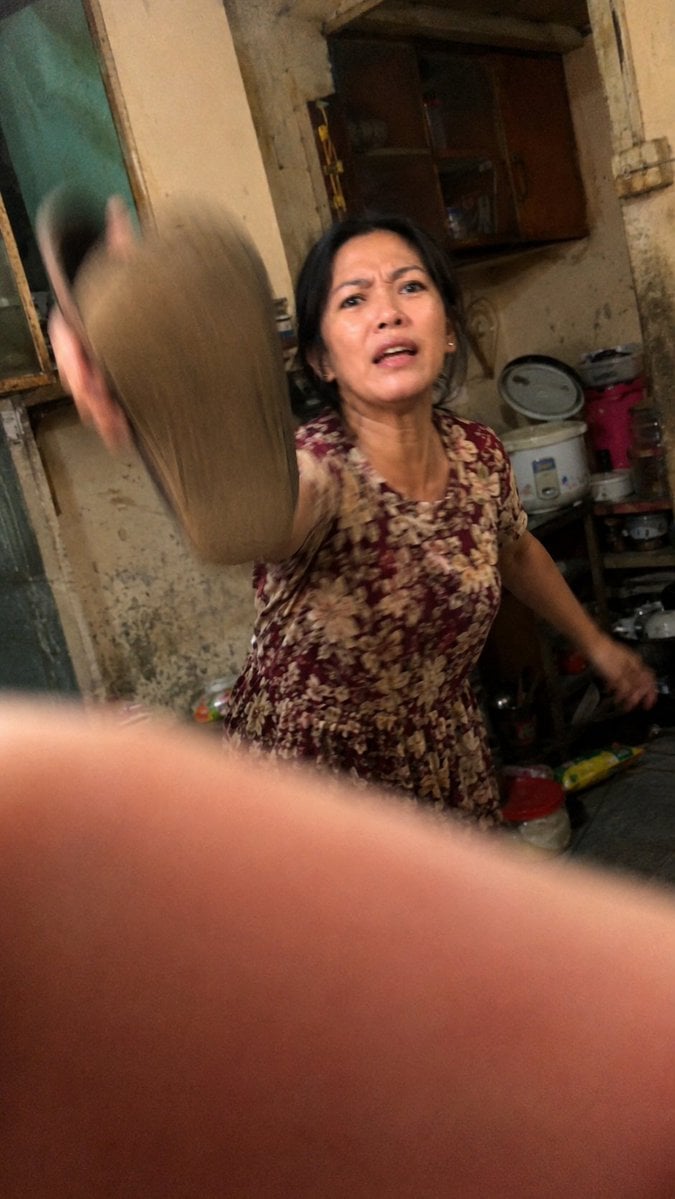
Accidental Kitchen Candid Realism
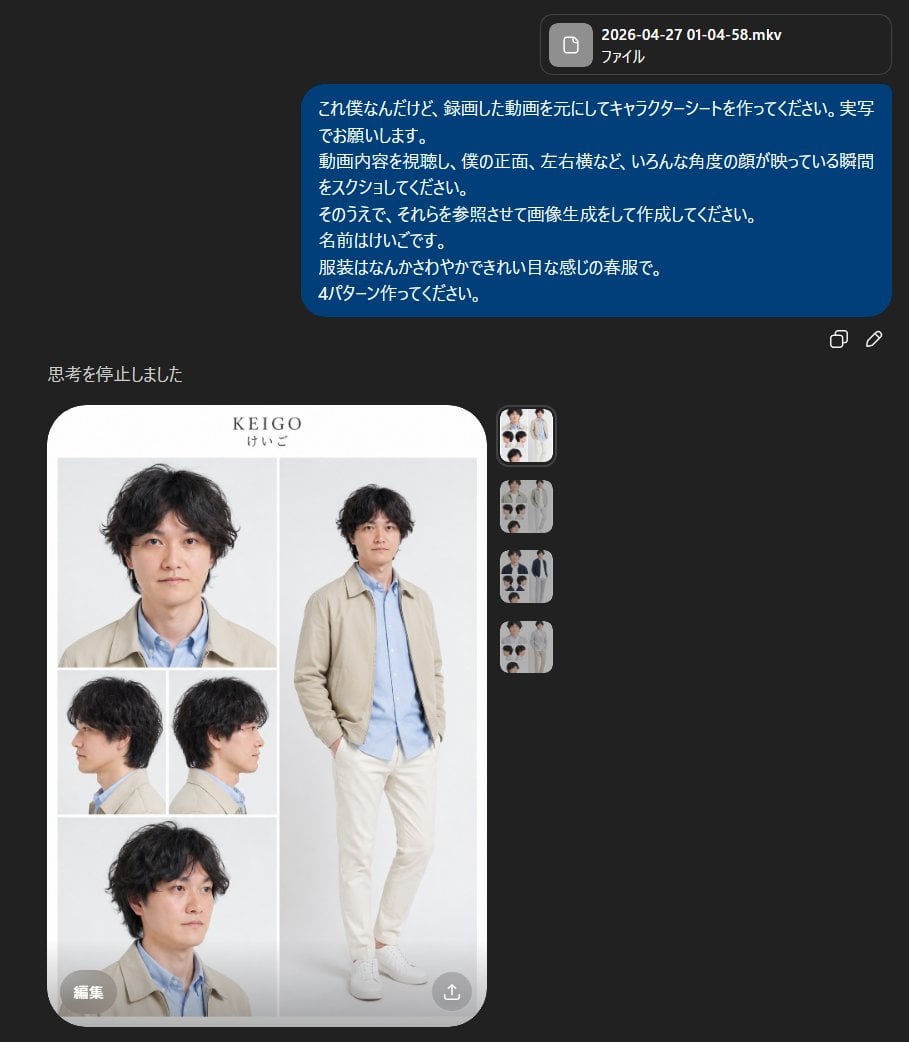
Realistic Male Character Sheet
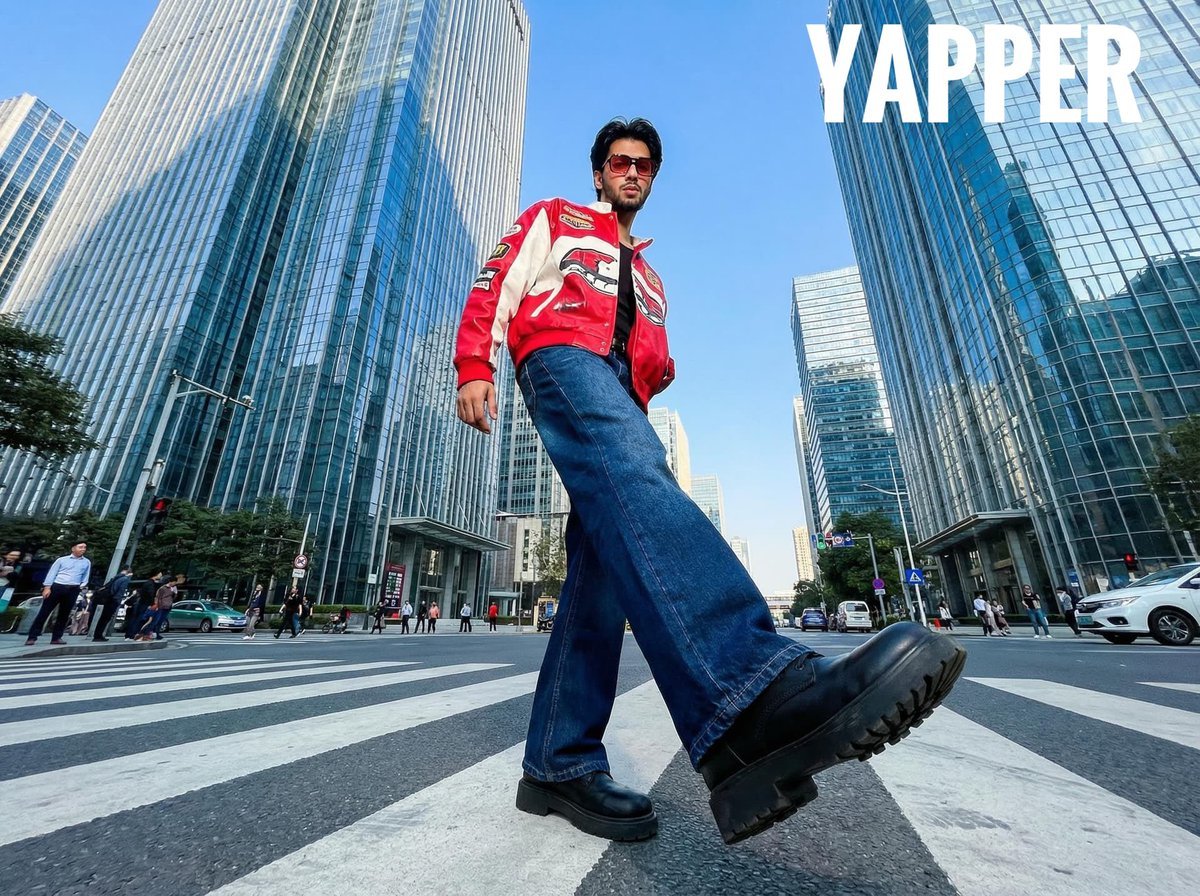
Ultra-Wide-Angle Street Fashion Photography
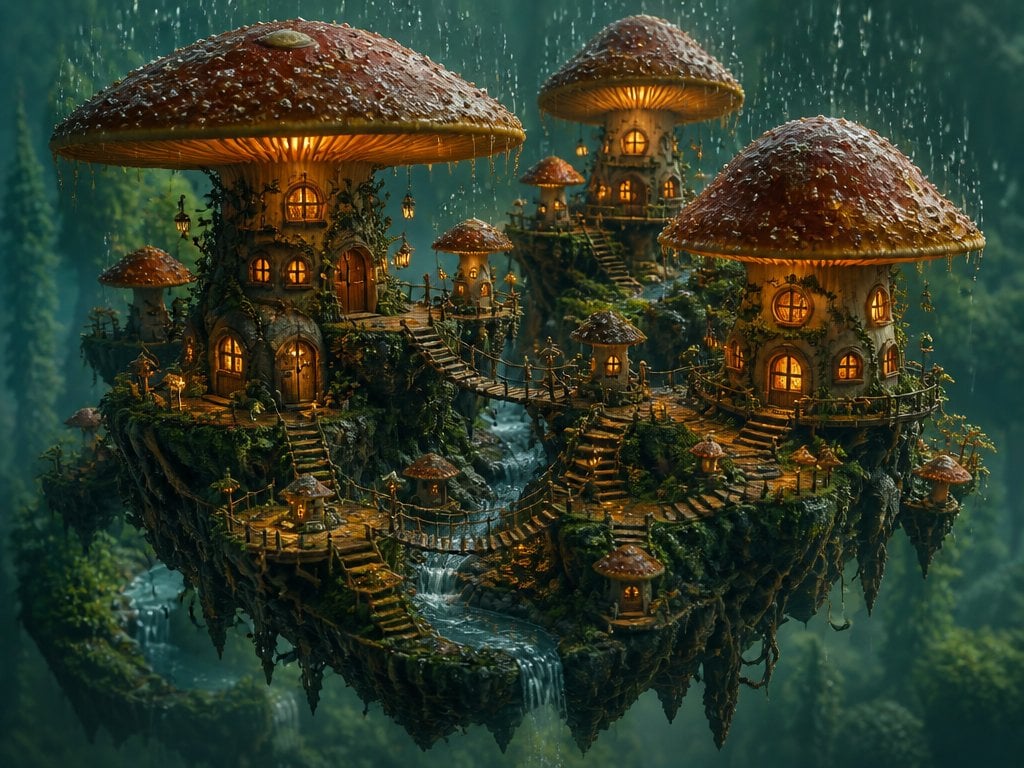
Isometric 3D World Render
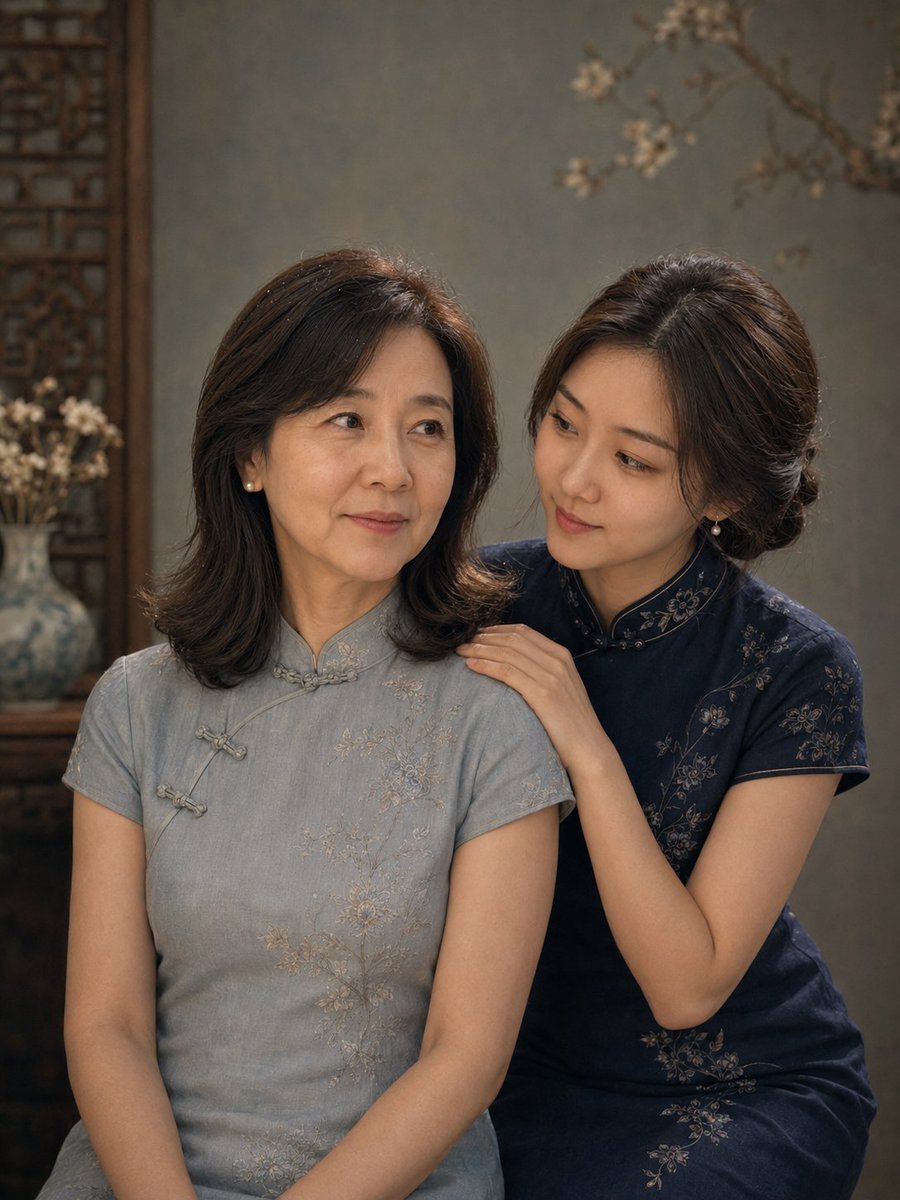
Vintage Qipao Mother and Daughter Portrait
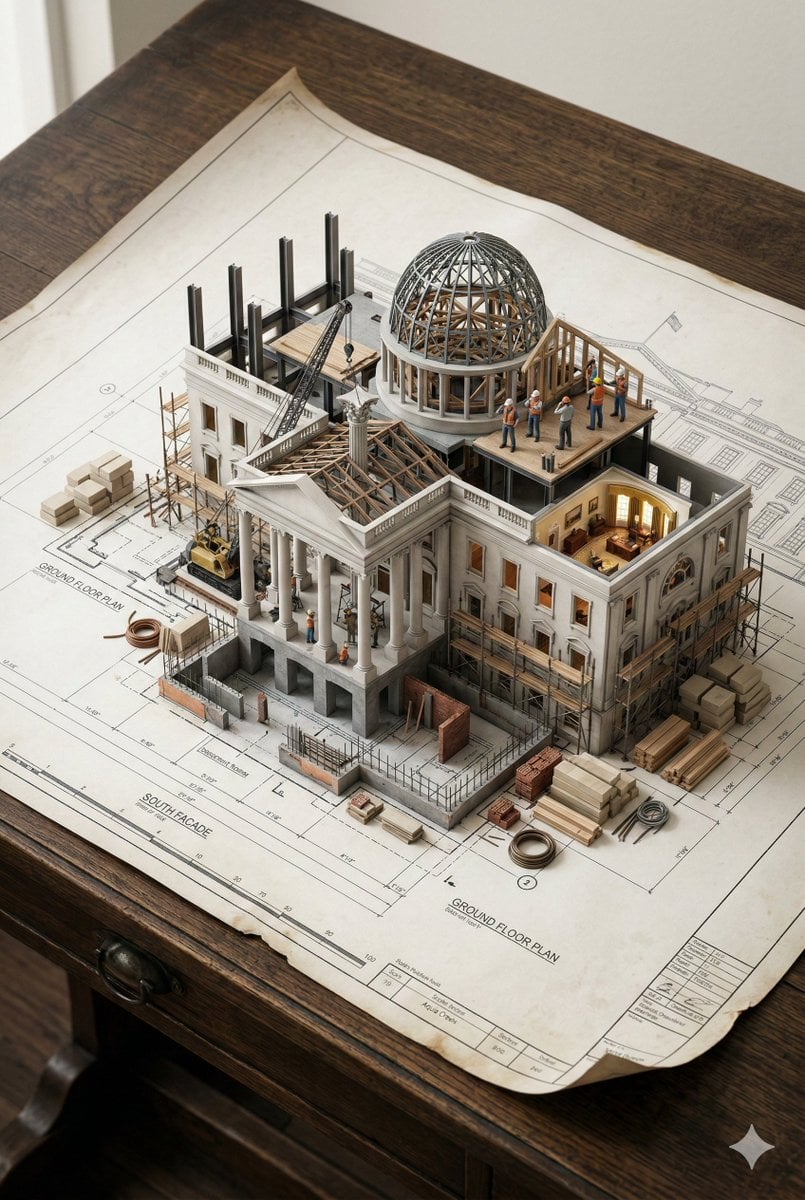
3D Miniature Architectural Blueprint Prompt
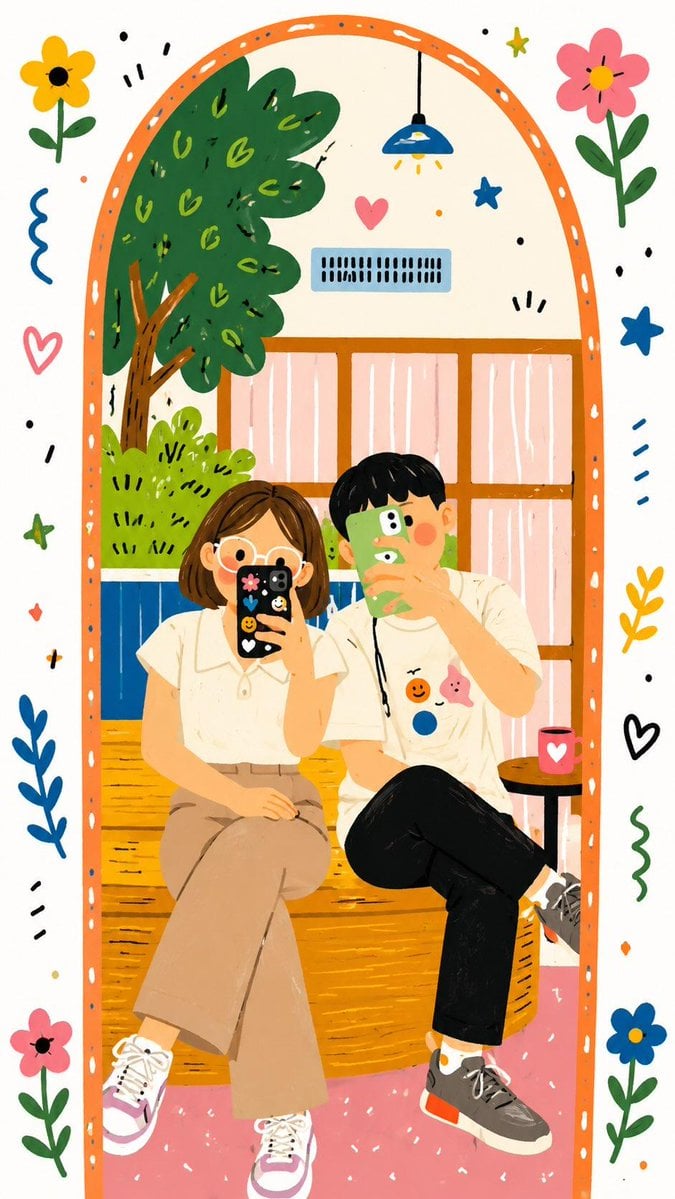
Decorative Folk Doodle Transformation
Browse template categories
Mocha Suit Editorial Portrait questions
How do I use the Mocha Suit Editorial Portrait template?
Add your photo if the template asks for one, edit the prompt if you like — the template's model and format are already selected — and press Generate. Your version opens in PicX Studio.
Can I customize the Mocha Suit Editorial Portrait template?
Yes. You can change the subject, setting, lighting, mood, format, and available model controls before creating your image.
Is the Mocha Suit Editorial Portrait template free?
Opening and editing this template is free. Generating uses credits, shown on the Generate button when you are signed in.
Which AI model should I use?
Start with Nano Banana 2, which is the model associated with this template. You can compare another compatible model for a different finish.
Looking for something else? Browse all templates.

Your photo, any look
Thousands of ready templates for every top image and video model, from one credit balance.