
Rabbit Portfolio Design System Board
A polished design-system-style portfolio mockup featuring a soft 3D rabbit mascot, ideal for generating brand presentation boards, landing pages, and UI concept showcases.
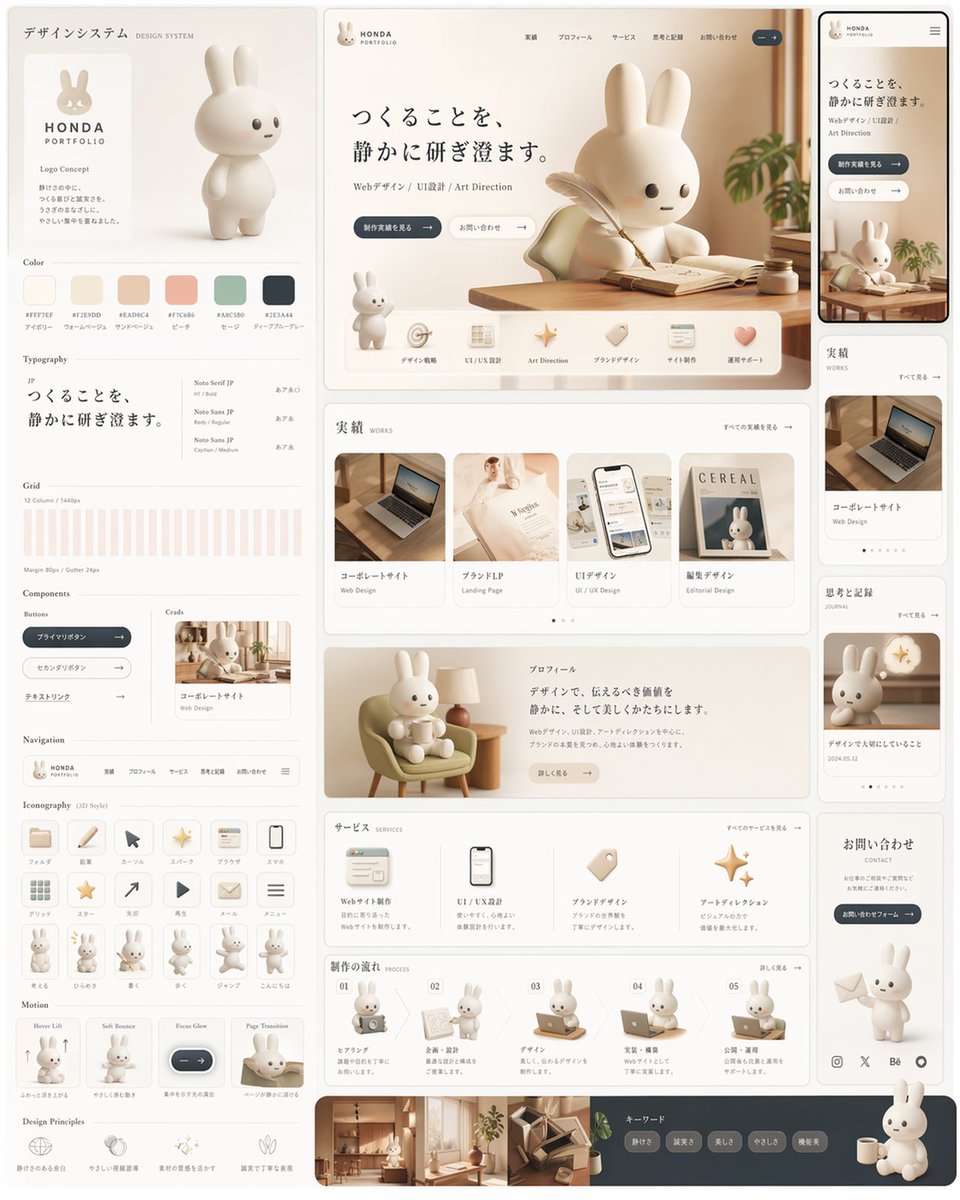
- Prompt included
- Model and format preset
- Premium template
The prompt behind this image
Copy the exact prompt behind Rabbit Portfolio Design System Board, or open it in the studio and make it yours.
- Type
- design system style portfolio landing page mockup
- Style
- soft premium Japanese web design board, warm neutral editorial aesthetic, rounded UI, minimal luxury, creamy monochrome palette, subtle shadows, clean spacing, polished product-design presentation
- Brand › Name
- {argument name="brand name" default="HONDA PORTFOLIO"}
- Brand › Mascot
- cute white 3D rabbit character with long ears, tiny dot eyes, small mouth, smooth matte surface
- Canvas › Aspect Ratio
- 3:4
- Canvas › Background
- very light warm gray
- Palette › Count
- 6
- Palette › Swatches
- #F7F3EF, #E7DDD0, #EAD9CA, #F1C6B4, #A8C0B2, #2E3A44
- Layout › Type
- multi-panel design system board
- Layout › Sections › 0 › Title
- デザインシステム
- Layout › Sections › 0 › Position
- left column
- Layout › Sections › 0 › Count
- 11
- Layout › Sections › 0 › Labels
- logo concept, Color, Typography, Grid, Components, Navigation, Iconography, mascot pose row, Motion, Design Principles, mini card preview
- Layout › Sections › 1 › Title
- hero website
- Layout › Sections › 1 › Position
- top center
- Layout › Sections › 1 › Count
- 8
- Layout › Sections › 1 › Labels
- brand header, Japanese headline, subtext line, 2 CTA buttons, large rabbit at desk, feature icon row of 6 items, small standing rabbit, wood desk scene
- Layout › Sections › 2 › Title
- mobile preview
- Layout › Sections › 2 › Position
- top right narrow column
- Layout › Sections › 2 › Count
- 1
- Layout › Sections › 2 › Labels
- smartphone mockup of the same hero page
- Layout › Sections › 3 › Title
- 実績
- Layout › Sections › 3 › Position
- middle center
- Layout › Sections › 3 › Count
- 4
Raw JSON
{"type":"design system style portfolio landing page mockup","style":"soft premium Japanese web design board, warm neutral editorial aesthetic, rounded UI, minimal luxury, creamy monochrome palette, subtle shadows, clean spacing, polished product-design presentation","brand":{"name":"{argument name=\"brand name\" default=\"HONDA PORTFOLIO\"}","mascot":"cute white 3D rabbit character with long ears, tiny dot eyes, small mouth, smooth matte surface"},"canvas":{"aspect_ratio":"3:4","background":"very light warm gray"},"palette":{"count":6,"swatches":["#F7F3EF","#E7DDD0","#EAD9CA","#F1C6B4","#A8C0B2","#2E3A44"]},"layout":{"type":"multi-panel design system board","sections":[{"title":"デザインシステム","position":"left column","count":11,"labels":["logo concept","Color","Typography","Grid","Components","Navigation","Iconography","mascot pose row","Motion","Design Principles","mini card preview"]},{"title":"hero website","position":"top center","count":8,"labels":["brand header","Japanese headline","subtext line","2 CTA buttons","large rabbit at desk","feature icon row of 6 items","small standing rabbit","wood desk scene"]},{"title":"mobile preview","position":"top right narrow column","count":1,"labels":["smartphone mockup of the same hero page"]},{"title":"実績","position":"middle center","count":4,"labels":["コーポレートサイト","ブランドLP","UIデザイン","雑誌デザイン"]},{"title":"right sidebar cards","position":"middle and lower right","count":4,"labels":["実績 card","コーポレートサイト card","思考と記録 card","お問い合わせ card"]},{"title":"プロフィール","position":"lower middle","count":1,"labels":["rabbit sitting in lounge chair with profile text block"]},{"title":"サービス","position":"lower middle","count":4,"labels":["Webサイト制作","UI / UX設計","ブランドデザイン","アートディレクション"]},{"title":"制作の流れ","position":"bottom middle","count":5,"labels":["01 hearing","02 proposal","03 design","04 implementation","05 publish"]},{"title":"フッター","position":"bottom full width","count":4,"labels":["interior photo strip","keyword pills","social icons","large seated rabbit with mug"]}],"note":"all panels arranged like a cohesive design system presentation board with thin rounded cards and generous margins"},"subject":{"main_character":"stylized 3D rabbit mascot, toy-like proportions, soft sculpted body, off-white material","expressions_or_poses":{"count":13,"items":["standing neutral full-body on left branding card","large writing at desk in hero","small standing beside hero feature row","sitting in armchair holding a cup in profile section","with laptop in process step 1","presenting board in process step 2","working at desk in process step 3","using laptop in process step 4","at laptop in process step 5","small full-body pose 1 in iconography row","small full-body pose 2 in iconography row","small full-body pose 3 in iconography row","large seated rabbit with mug at bottom right"]}},"scene_details":{"hero_scene":"sunlit wooden desk by a window, open notebook, feather pen, tiny ink bottle, soft plant leaves entering from the right, calm morning light","cards":"portfolio thumbnails include laptop on desk, elegant fashion/editorial booklet, smartphone UI mockup, cereal magazine cover with rabbit"},"typography":{"headline":"{argument name=\"headline text\" default=\"つくることを、静かに研ぎ澄ます。\"}","body_language":"Japanese","font_mood":"refined modern serif for headline paired with clean sans-serif UI text"},"ui":{"components_count":9,"components":["primary pill button dark slate","secondary pill button light outline","tag pills","navigation bar","rounded icon buttons","content cards","smartphone frame","pagination dots","social icons"]},"materials":{"surfaces":["matte plastic rabbit","light walnut wood","cream paper","soft fabric chair","glass and ceramic accents"]},"lighting":"soft diffused daylight, gentle highlights, minimal contrast, warm beige reflections","camera":"straight-on full board view, slightly elevated, crisp editorial product shot","quality":"high-end dribbble/behance presentation, immaculate alignment, realistic 3D rendering blended with UI mockup design","customization":{"accent color":"{argument name=\"accent color\" default=\"warm beige and slate blue\"}","mascot animal":"{argument name=\"mascot animal\" default=\"rabbit\"}","language":"{argument name=\"language\" default=\"Japanese\"}"}}How to use Rabbit Portfolio Design System Board in 3 steps
- 1Upload ImagePNG, JPG or paste
Add your photo
Upload the photo the template builds on. The prompt, model and format are already set.
- 2…a portrait of your subject in softgolden-hour light, 85mm…
Personalize
Edit the subject and creative details for your destination.
- 3Generate
Generate
Press Generate — your image is created in PicX Studio, so you can compare it with the original and refine one variable at a time.
More like this
Templates with the same subject, style or setup. Open one to see its prompt.
Rabbit Racer Workflow Board
Chinese Event Poster Portfolio Board
Light Mode UI Design System Board
Aviation-Themed UI Design System Board
Iridescent Butterfly UI System Board
Pet Brand Identity System Board
Chalkboard king rabbit illustration at sunset
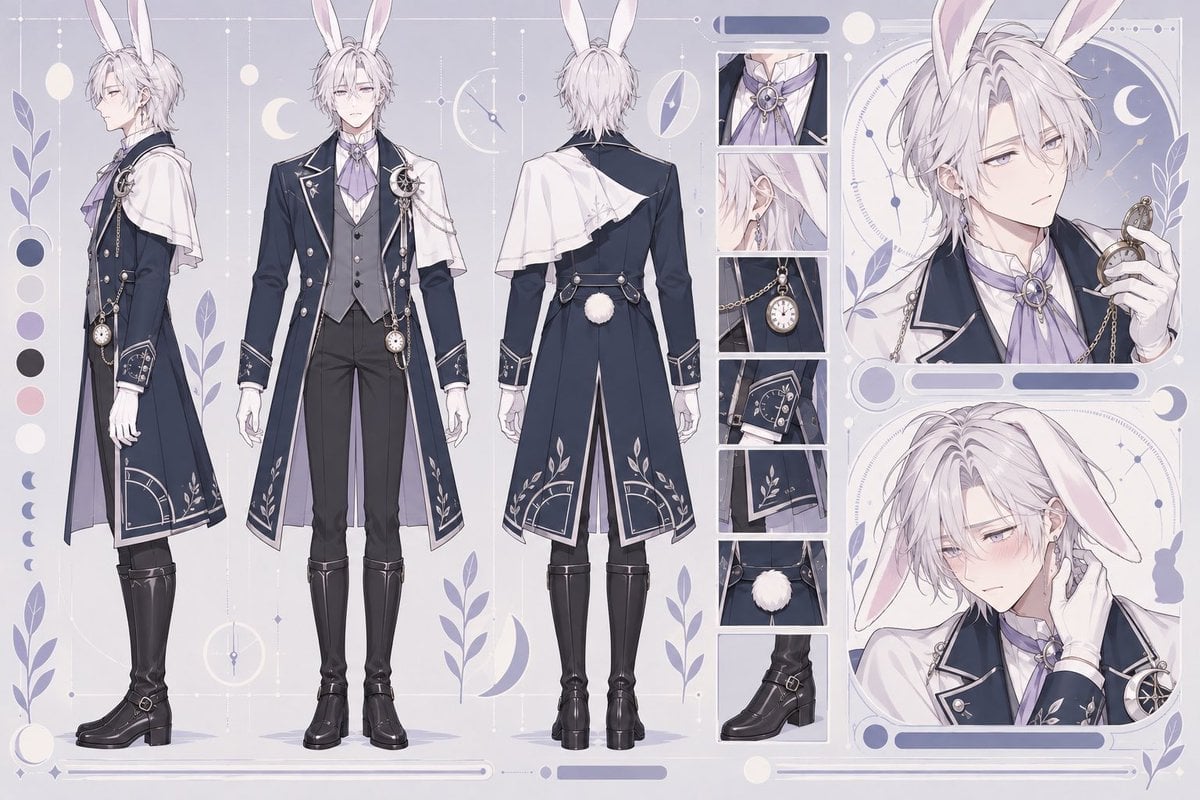
Rabbit Gentleman Character Sheet
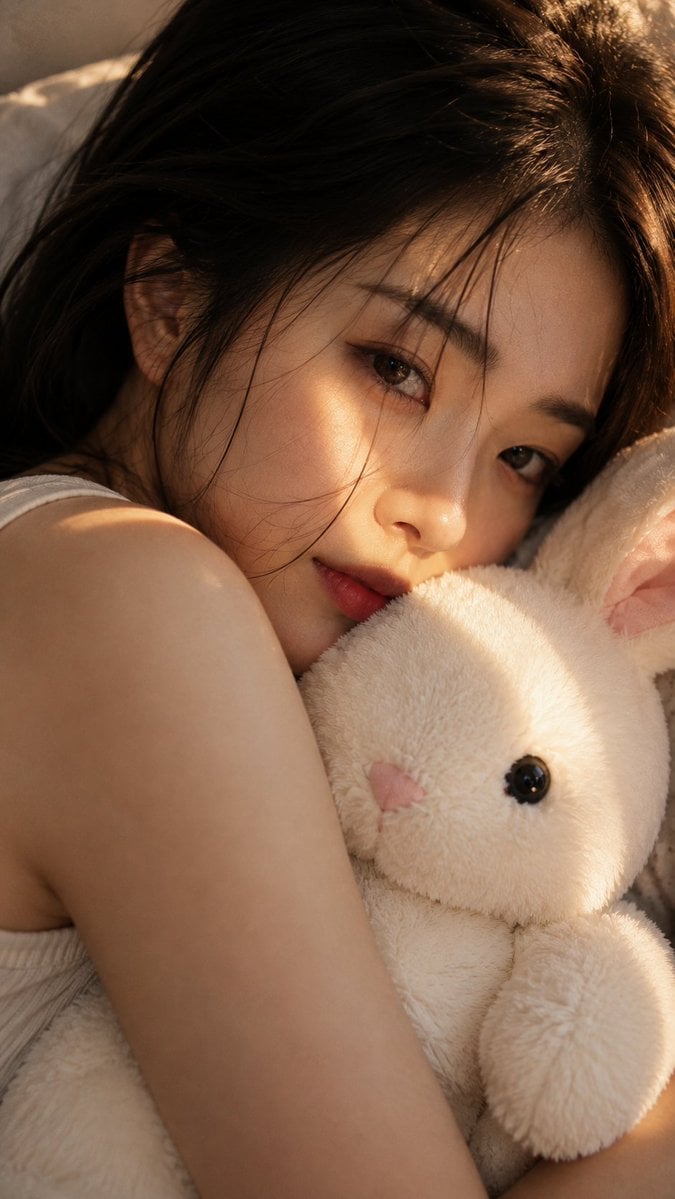
Woman with Plush Rabbit Close-up
Driftplane Exposure System Prompt
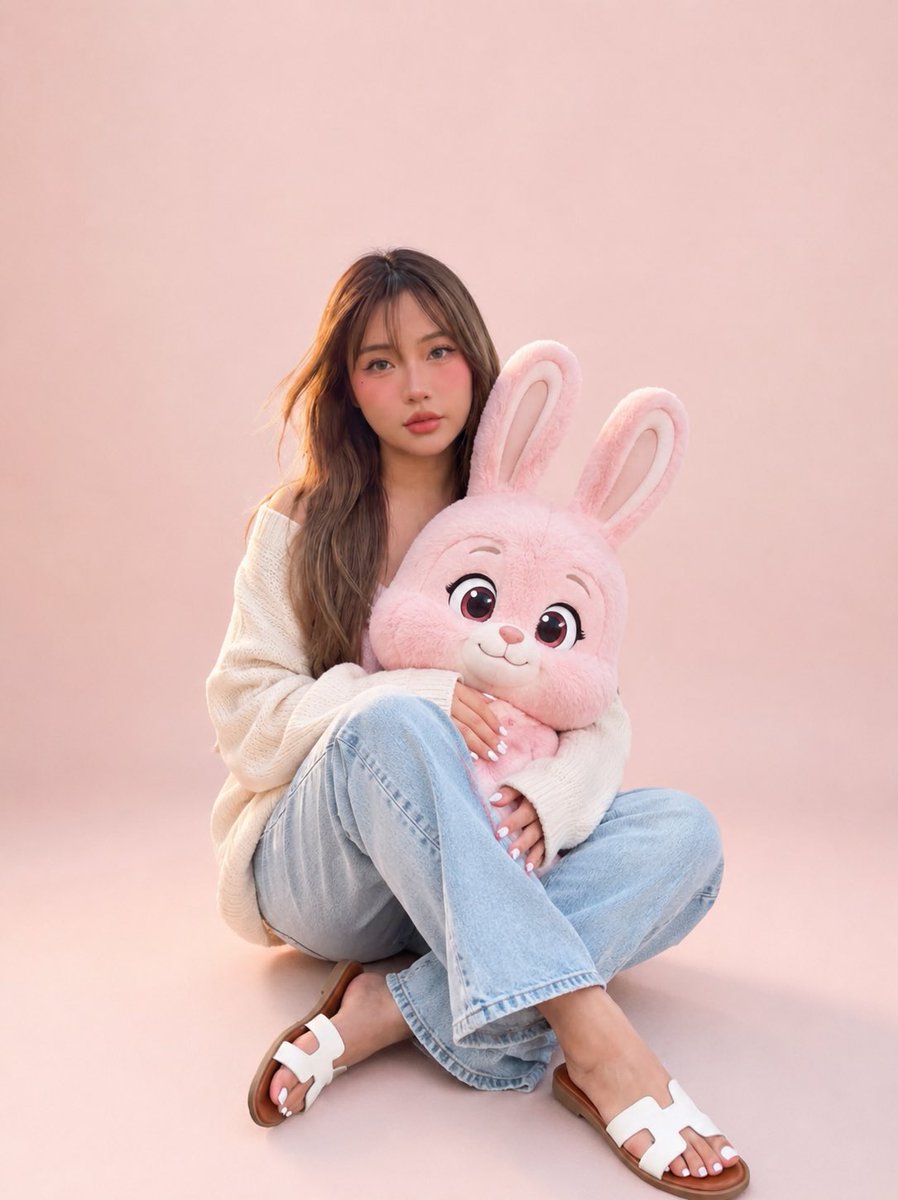
Portrait with Cartoon Pink Rabbit
Rabbit-Eared Swordswoman in Ruined Cathedral
Make it yours
Rabbit Portfolio Design System Board works as-is. These are the safest ways to change it without losing the look.
Swap the setting
Keep the rest of the prompt and replace the location block. The current setting is “very light warm gray”.
Swap the light
One lighting change is enough to compare takes. Current light: “soft diffused daylight, gentle highlights, minimal contrast, warm beige reflecti”.
Change one field
Copy a single group, rewrite it, and generate again so you can see what that field is doing.
| If the result… | Why | Fix |
|---|---|---|
| The result drifts from the preview | Too many fields changed at once. | Reuse Rabbit Portfolio Design System Board as-is first, then change one group — subject, light, or setting. |
| GPT Image 2 ignores part of the JSON | Some models flatten or skip nested keys. | Keep the same values and paste them as a short paragraph instead. |
More GPT Image 2 templates
Other prompts made for GPT Image 2.

Six VTuber Japanese Logo Sheet

Realistic Portrait of Woman and Deer

The Vista Modular Condo Poster

AI Model Routing Comparison Infographic

Isometric Productivity Desk Scene

New York Double Exposure Poster

Four-Panel AI Landscape Comparison

Japanese Tatami Lifestyle Magazine Cover

NESCAFÉ Coffee Map Poster

Brutalist Cogito Chinese Typography Poster
More image prompts
Fresh picks from across the catalog.
8 LINE stickers from a person image
Tiny Characters Festival on Everyday Object Prompt
Image-to-Beverage Mockup Conversion
Cinematic Close-up Portrait Replacement Prompt
Logo Integration and Marker Overlay
Resin Charm Illustration Prompt
Creative Family Studio Photograph Prompt
Minimalist Personal Branding Mockup
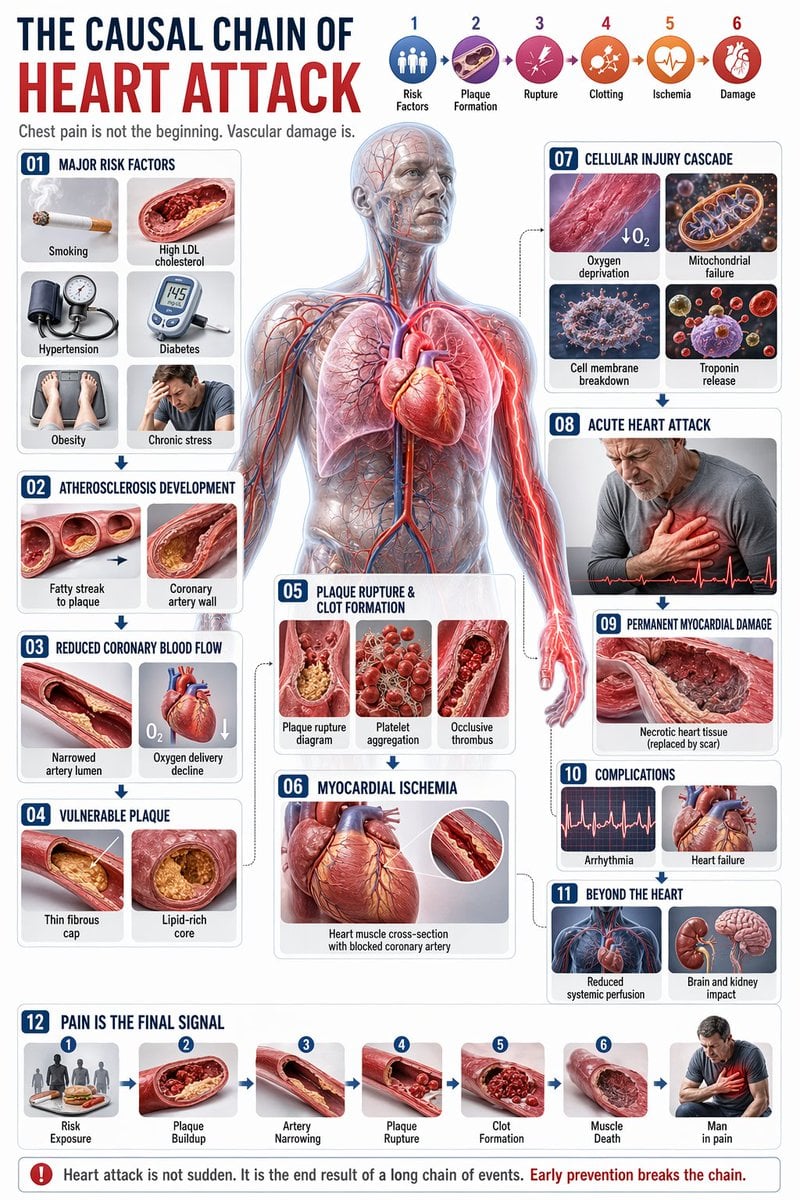
Medical Infographic JSON Prompt
Consistent Anime Sidekick Character Designer
Browse template categories
Rabbit Portfolio Design System Board questions
How do I use the Rabbit Portfolio Design System Board template?
Add your photo if the template asks for one, edit the prompt if you like — the template's model and format are already selected — and press Generate. Your version opens in PicX Studio.
Can I customize the Rabbit Portfolio Design System Board template?
Yes. You can change the subject, setting, lighting, mood, format, and available model controls before creating your image.
Is the Rabbit Portfolio Design System Board template free?
Opening and editing this template is free. Generating uses credits, shown on the Generate button when you are signed in.
Which AI model should I use?
Start with GPT Image 2, which is the model associated with this template. You can compare another compatible model for a different finish.
Looking for something else? Browse all templates.

Your photo, any look
Thousands of ready templates for every top image and video model, from one credit balance.