
Medical Infographic JSON Prompt
A complex structured JSON prompt for generating a professional 3D medical infographic about heart attacks.
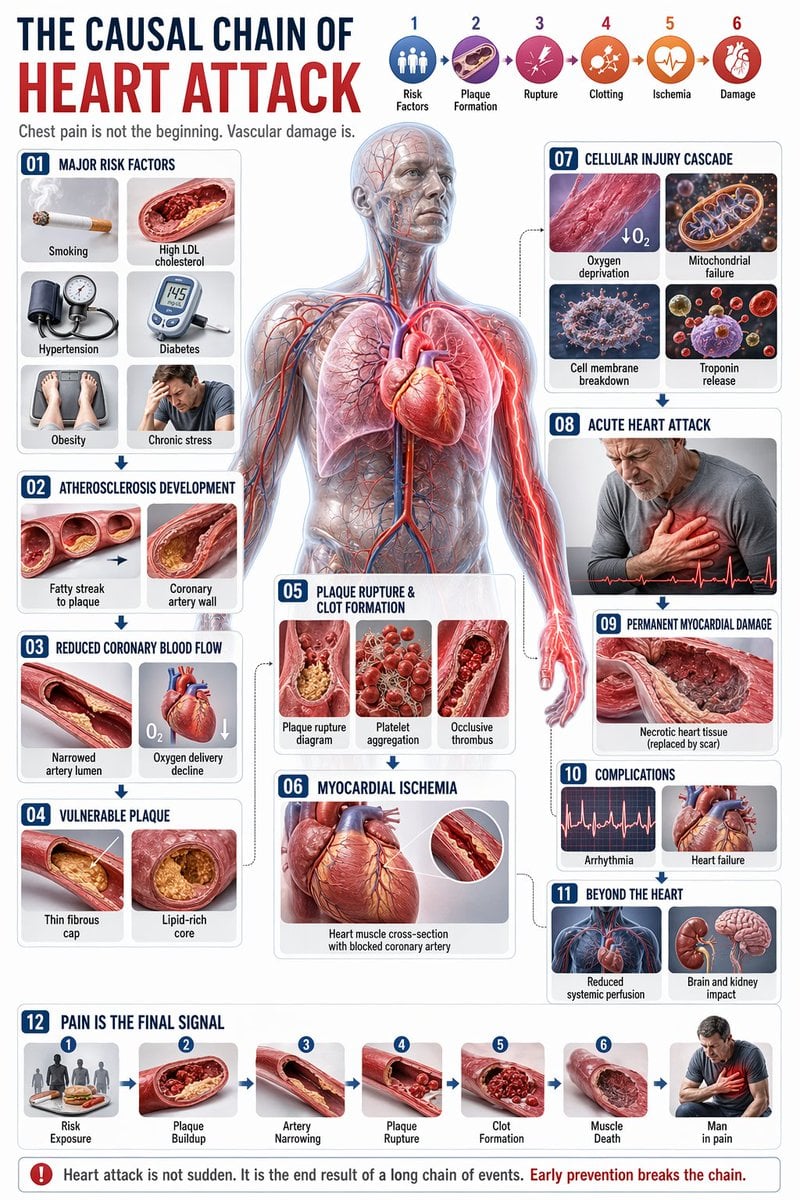
- Prompt included
- Model and format preset
- Free template
The prompt behind this image
Copy the exact prompt behind Medical Infographic JSON Prompt, or open it in the studio and make it yours.
- Type
- comprehensive medical infographic
- Style
- highly detailed 3D medical illustration, clinical white background, clean typography
- Header › Title Cn
- Header › Title En
- {argument name="english title" default="THE CAUSAL CHAIN OF HEART ATTACK"}
- Header › Subtitle
- Chest pain is not the beginning. Vascular damage is.
- Header › Top Right Sequence › Count
- 6
- Header › Top Right Sequence › Labels
- Risk Factors, Plaque Formation, Rupture, Clotting, Ischemia, Damage
- Centerpiece › Description
- {argument name="central figure" default="transparent anatomical human body showing heart, coronary arteries, lungs, and vascular system"}
- Centerpiece › Details
- pathway highlighted in {argument name="highlight color" default="glowing red"} focusing on the coronary arteries and radiating pain to the chest and left arm
- Layout › Left Column › 0 › Id
- 01
- Layout › Left Column › 0 › Title
- Major Risk Factors
- Layout › Left Column › 0 › Elements
- 6
- Layout › Left Column › 0 › Labels
- Smoking, High LDL cholesterol, Hypertension, Diabetes, Obesity, Chronic stress
- Layout › Left Column › 1 › Id
- 02
- Layout › Left Column › 1 › Title
- Atherosclerosis Development
- Layout › Left Column › 1 › Elements
- 2
- Layout › Left Column › 1 › Labels
- Fatty streak to plaque, Coronary artery wall
- Layout › Left Column › 2 › Id
- 03
- Layout › Left Column › 2 › Title
- Reduced Coronary Blood Flow
- Layout › Left Column › 2 › Elements
- 2
- Layout › Left Column › 2 › Labels
- Narrowed artery lumen, Oxygen delivery decline
- Layout › Left Column › 3 › Id
- 04
- Layout › Left Column › 3 › Title
- Vulnerable Plaque
- Layout › Left Column › 3 › Elements
- 2
Raw JSON
{
  "type": "comprehensive medical infographic",
  "style": "highly detailed 3D medical illustration, clinical white background, clean typography",
  "header": {
    "title_cn": "",
    "title_en": "{argument name=\"english title\" default=\"THE CAUSAL CHAIN OF HEART ATTACK\"}",
    "subtitle": "Chest pain is not the beginning. Vascular damage is.",
    "top_right_sequence": {
      "count": 6,
      "labels": [
        "Risk Factors",
        "Plaque Formation",
        "Rupture",
        "Clotting",
        "Ischemia",
        "Damage"
      ]
    }
  },
  "centerpiece": {
    "description": "{argument name=\"central figure\" default=\"transparent anatomical human body showing heart, coronary arteries, lungs, and vascular system\"}",
    "details": "pathway highlighted in {argument name=\"highlight color\" default=\"glowing red\"} focusing on the coronary arteries and radiating pain to the chest and left arm"
  },
  "layout": {
    "left_column": [
      {
        "id": "01",
        "title": "Major Risk Factors",
        "elements": 6,
        "labels": [
          "Smoking",
          "High LDL cholesterol",
          "Hypertension",
          "Diabetes",
          "Obesity",
          "Chronic stress"
        ]
      },
      {
        "id": "02",
        "title": "Atherosclerosis Development",
        "elements": 2,
        "labels": [
          "Fatty streak to plaque",
          "Coronary artery wall"
        ]
      },
      {
        "id": "03",
        "title": "Reduced Coronary Blood Flow",
        "elements": 2,
        "labels": [
          "Narrowed artery lumen",
          "Oxygen delivery decline"
        ]
      },
      {
        "id": "04",
        "title": "Vulnerable Plaque",
        "elements": 2,
        "labels": [
          "Thin fibrous cap",
          "Lipid-rich core"
        ]
      }
    ],
    "center_overlay": [
      {
        "id": "05",
        "title": "Plaque Rupture & Clot Formation",
        "elements": 3,
        "labels": [
          "Plaque rupture diagram",
          "Platelet aggregation",
          "Occlusive thrombus"
        ]
      },
      {
        "id": "06",
        "title": "Myocardial Ischemia",
        "elements": 1,
        "labels": [
          "Heart muscle cross-section with blocked coronary artery"
        ]
      }
    ],
    "right_column": [
      {
        "id": "07",
        "title": "Cellular Injury Cascade",
        "elements": 4,
        "labels": [
          "Oxygen deprivation",
          "Mitochondrial failure",
          "Cell membrane breakdown",
          "Troponin release"
        ]
      },
      {
        "id": "08",
        "title": "Acute Heart Attack",
        "elements": 1,
        "labels": [
          "Patient clutching chest"
        ]
      },
      {
        "id": "09",
        "title": "Permanent Myocardial Damage",
        "elements": 1,
        "labels": [
          "Necrotic heart tissue"
        ]
      },
      {
        "id": "10",
        "title": "Complications",
        "elements": 2,
        "labels": [
          "Arrhythmia",
          "Heart failure"
        ]
      },
      {
        "id": "11",
        "title": "Beyond the Heart",
        "elements": 2,
        "labels": [
          "Reduced systemic perfusion",
          "Brain and kidney impact"
        ]
      }
    ],
    "bottom_row": [
      {
        "id": "12",
        "title": "Pain Is the Final Signal",
        "elements": 7,
        "labels": [
          "Risk Exposure",
          "Plaque Buildup",
          "Artery Narrowing",
          "Plaque Rupture",
          "Clot Formation",
          "Muscle Death",
          "Man in pain"
        ]
      }
    ]
  },
  "theme": "{argument name=\"disease focus\" default=\"heart attack and coronary artery blockage\"}"
}How to use Medical Infographic JSON Prompt in 3 steps
- 1
Open
The prompt is already in the box next to the preview, with the template's model and format selected.
- 2…a portrait of your subject in softgolden-hour light, 85mm…
Personalize
Edit the subject and creative details for your destination.
- 3Generate
Generate
Press Generate — your image is created in PicX Studio, so you can compare it with the original and refine one variable at a time.
More like this
Templates with the same subject, style or setup. Open one to see its prompt.

Japan Travel Brochure Poster

Isometric Process Educational Diorama

Isometric Vehicle Teardown Infographic Template

Gpt2 E Commerce Main Image Earbuds E Commerce Infographic

Gpt2 Infographic Edu Visual Alishan One Day Travel Poster

Gpt2 Infographic Edu Visual Ethnographic Plate for Tibetan Ceremonial Hat

Gpt2 Infographic Edu Visual Earth Signs Zodiac Character Poster

Gpt2 Infographic Edu Visual Water Signs Zodiac Character Poster

Gpt2 Infographic Edu Visual Ink Wash Tribute Poster for Chen Uen

Gpt2 Infographic Edu Visual Vintage Claude Shannon Infographic Poster

Gpt2 Infographic Edu Visual Taoist Three Souls Seven Po Poster

Gpt2 Infographic Edu Visual Biomimetic Skyray Aircraft Poster
Make it yours
Medical Infographic JSON Prompt works as-is. These are the safest ways to change it without losing the look.
Change one field
Copy a single group, rewrite it, and generate again so you can see what that field is doing.
Keep the frame, change the subject
Hold the composition and light of Medical Infographic JSON Prompt, then swap wardrobe, props or the person for a new take.
| If the result… | Why | Fix |
|---|---|---|
| The result drifts from the preview | Too many fields changed at once. | Reuse Medical Infographic JSON Prompt as-is first, then change one group — subject, light, or setting. |
| GPT Image 2 ignores part of the JSON | Some models flatten or skip nested keys. | Keep the same values and paste them as a short paragraph instead. |
More GPT Image 2 templates
Other prompts made for GPT Image 2.

Six VTuber Japanese Logo Sheet

Realistic Portrait of Woman and Deer

The Vista Modular Condo Poster

AI Model Routing Comparison Infographic

2.5D Anime Art Board

Isometric Productivity Desk Scene

New York Double Exposure Poster

Four-Panel AI Landscape Comparison

Japanese Tatami Lifestyle Magazine Cover

NESCAFÉ Coffee Map Poster
More image prompts
Fresh picks from across the catalog.
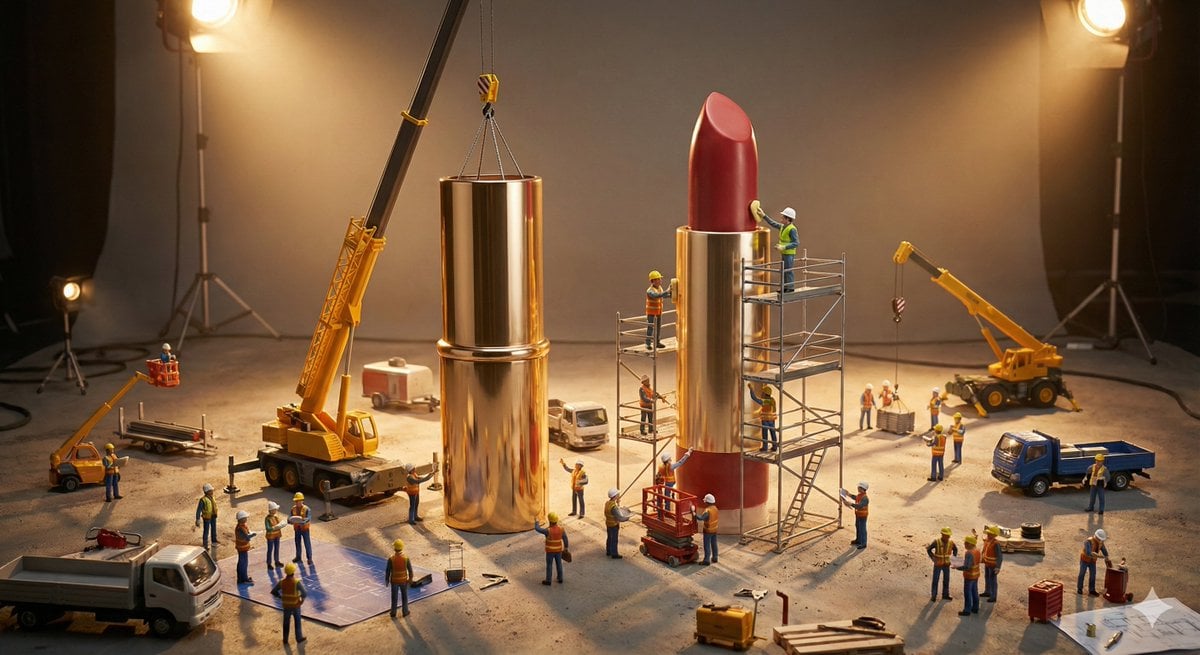
Construction of the Impossible Prompt: Miniature Engineers

High-Contrast Tennis Court Sports Portrait

Cinematic Portrait with 3D Mini Character
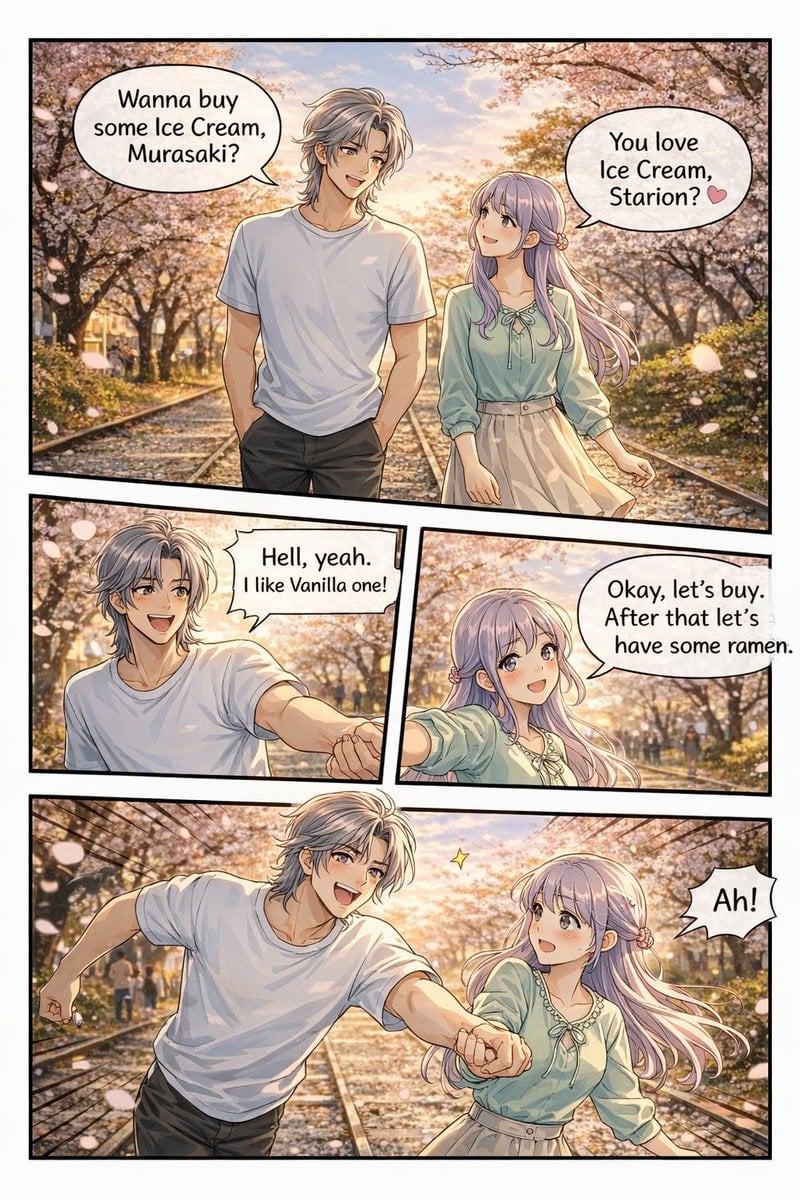
Panel Anime Romance Comic Strip

Pixar Style Cool Boy Illustration

Brand Concept Visualizations

Realistic mirror selfie of a young woman in a cozy cream sweater

Fashion Casting Monochrome Contact Sheet
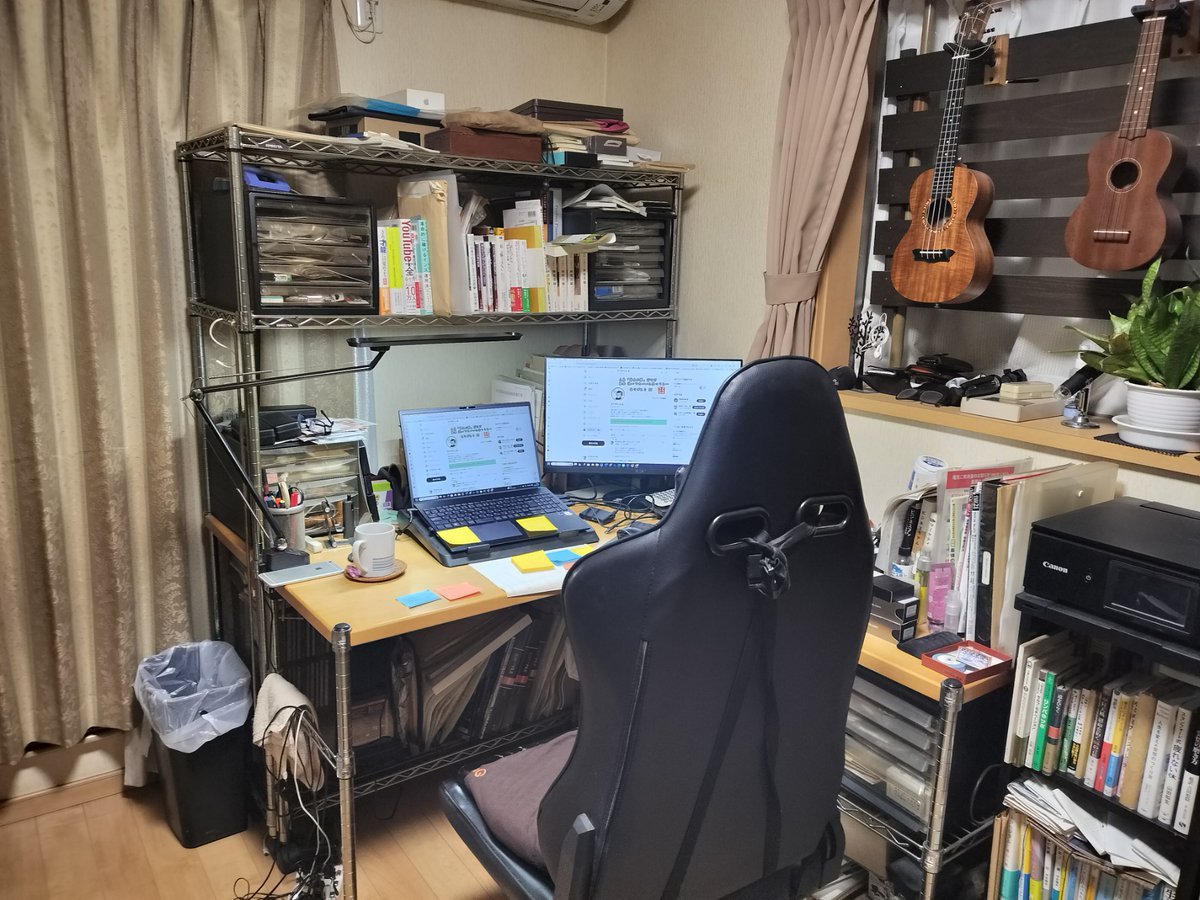
NanoBanana Pro Prompt for Cleaning and Organizing a Messy Room

AI Footballer Goal Celebration Generation
Browse template categories
Medical Infographic JSON Prompt questions
How do I use the Medical Infographic JSON Prompt template?
Add your photo if the template asks for one, edit the prompt if you like — the template's model and format are already selected — and press Generate. Your version opens in PicX Studio.
Can I customize the Medical Infographic JSON Prompt template?
Yes. You can change the subject, setting, lighting, mood, format, and available model controls before creating your image.
Is the Medical Infographic JSON Prompt template free?
Opening and editing this template is free. Generating uses credits, shown on the Generate button when you are signed in.
Which AI model should I use?
Start with GPT Image 2, which is the model associated with this template. You can compare another compatible model for a different finish.
Looking for something else? Browse all templates.

Your photo, any look
Thousands of ready templates for every top image and video model, from one credit balance.