
AI Footballer Goal Celebration Generation
A complex, multi-step prompt that instructs the AI to first analyze a subject's facial features to infer a nationality, automatically select a matching world-renowned football club, and then render the subject in the…
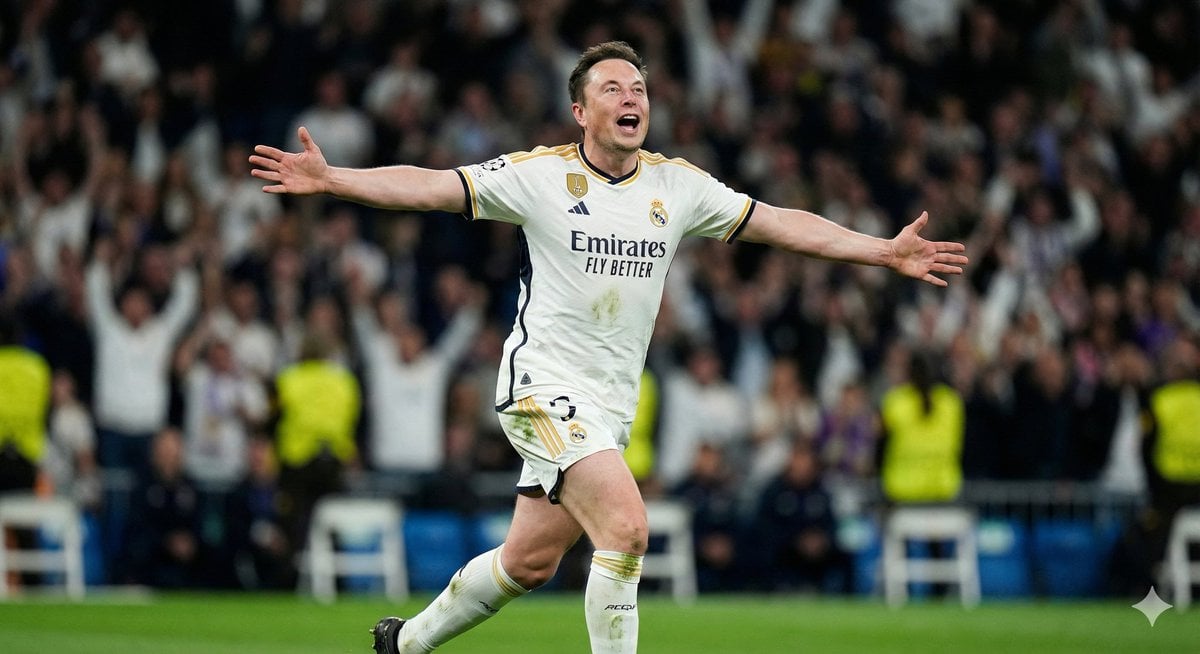
- Prompt included
- Model and format preset
- Free template
The prompt behind this image
Copy the exact prompt behind AI Footballer Goal Celebration Generation, or open it in the studio and make it yours.
Analyze the input face features, skin tone, hair type, and bone structure to infer a plausible region or nationality, then automatically select a world-renowned professional football club matching that identity and outfit the subject in the club’s current official home kit with crest and sponsor visible. Autonomously choose one goal celebration that feels natural and high-energy: knee slide roaring, kissing the badge with emotion, airplane-run shouting at the sky, or fist-pump with a teammate hugging from behind. Render the final scene as a hyper-realistic sports photo shot on a long telephoto lens with compressed perspective, dramatic stadium night lighting, strong rim light, sweat on the subject, visible grass stains, razor-sharp facial focus, and a heavily blurred crowd in the background capturing the subject as a pro footballer celebrating a goal.
How to use AI Footballer Goal Celebration Generation in 3 steps
- 1
Open
The prompt is already in the box next to the preview, with the template's model and format selected.
- 2…a portrait of your subject in softgolden-hour light, 85mm…
Personalize
Edit the subject and creative details for your destination.
- 3Generate
Generate
Press Generate — your image is created in PicX Studio, so you can compare it with the original and refine one variable at a time.
More like this
Templates with the same subject, style or setup. Open one to see its prompt.
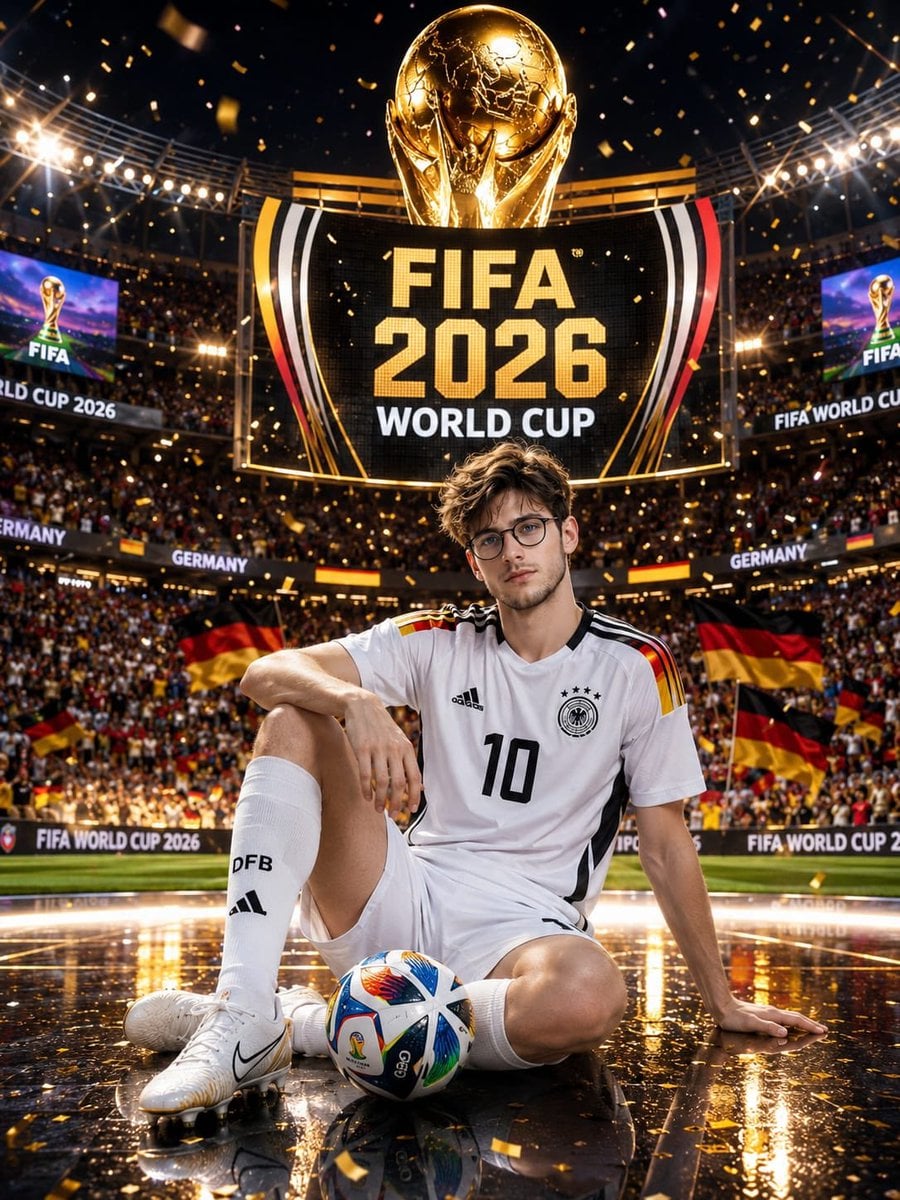
Germany 10 Championship Celebration Poster

Campaign Smoke National Symbols World Cup
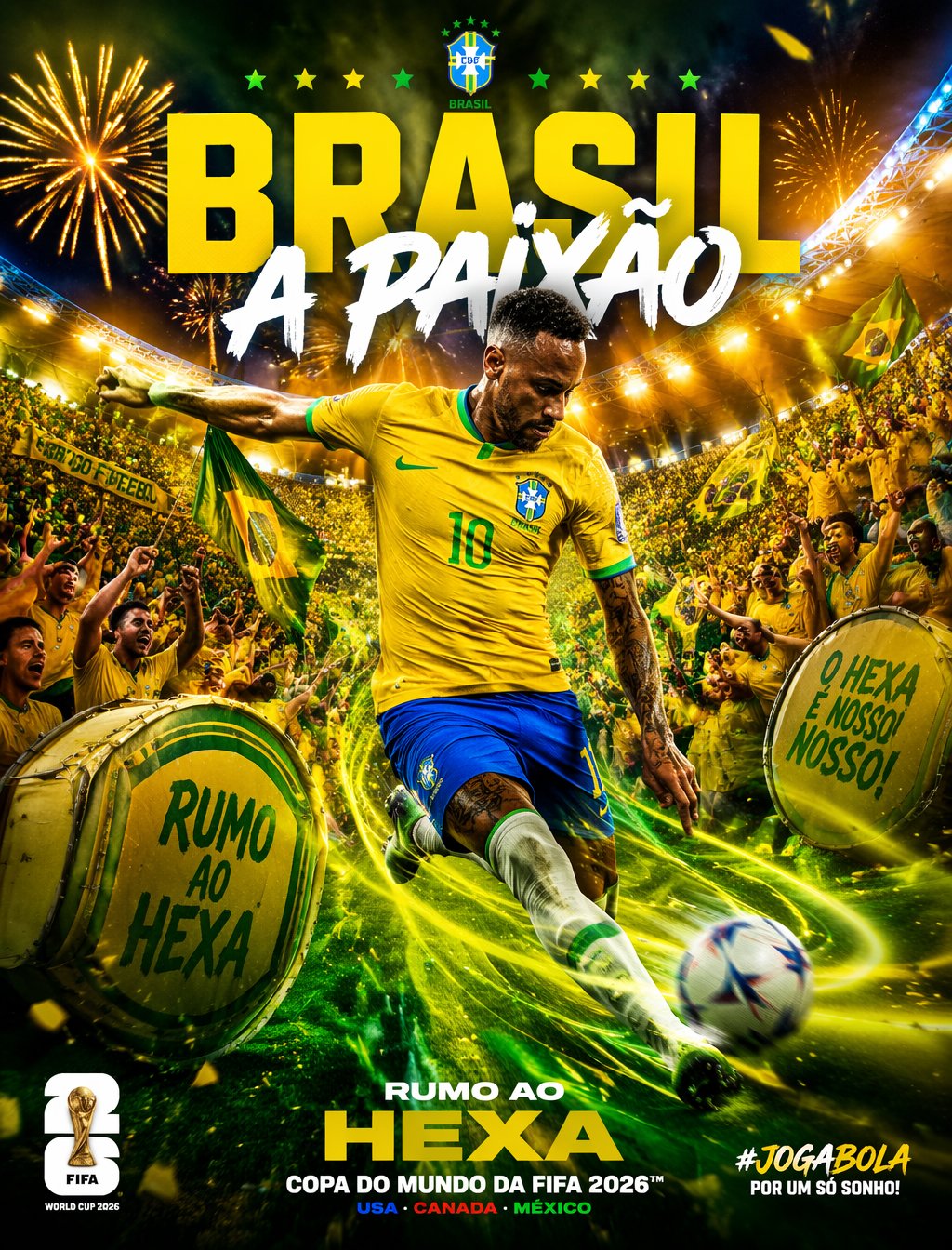
Brazil Passion Power Shot Poster
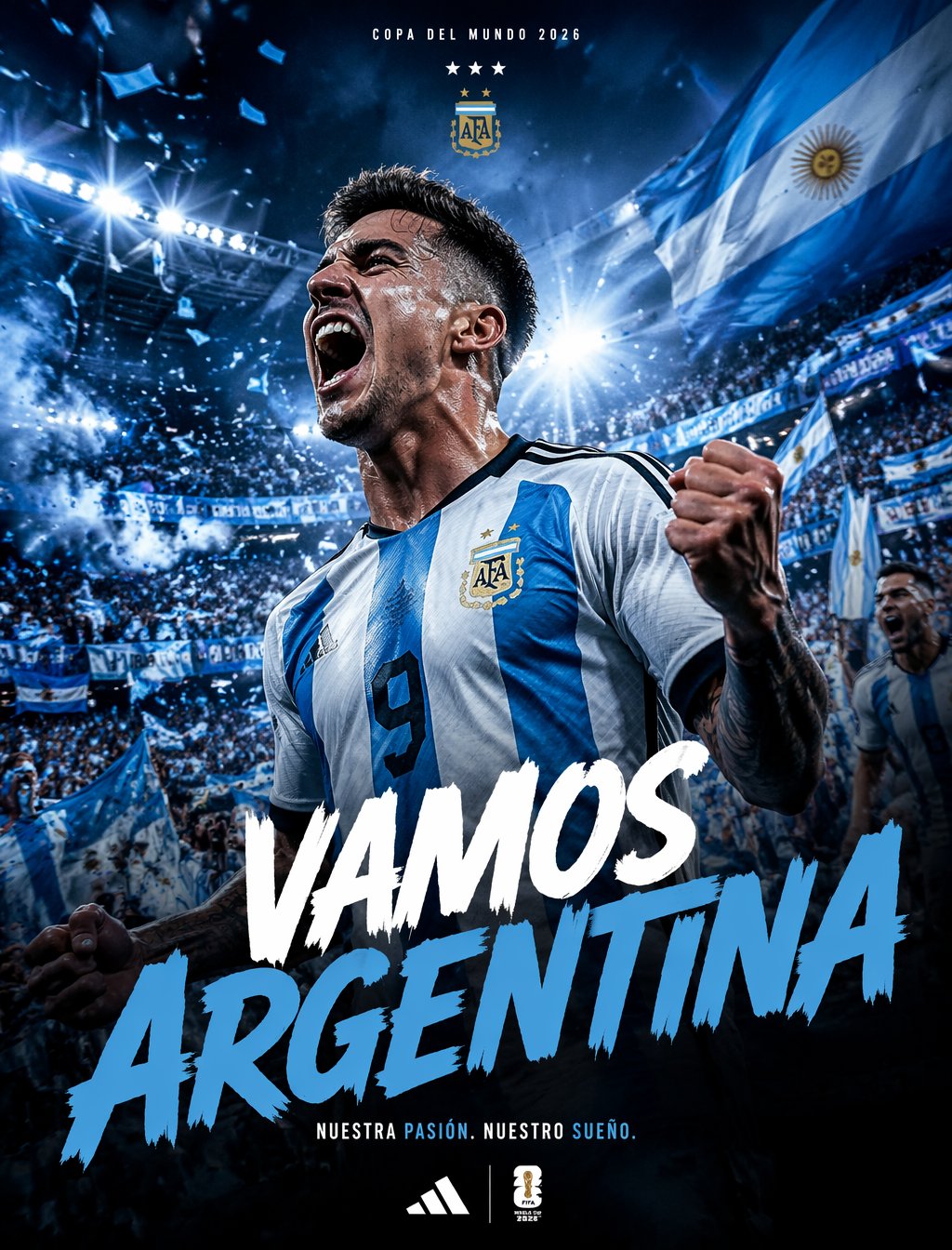
Argentina Vamos Diagonal Fan Poster
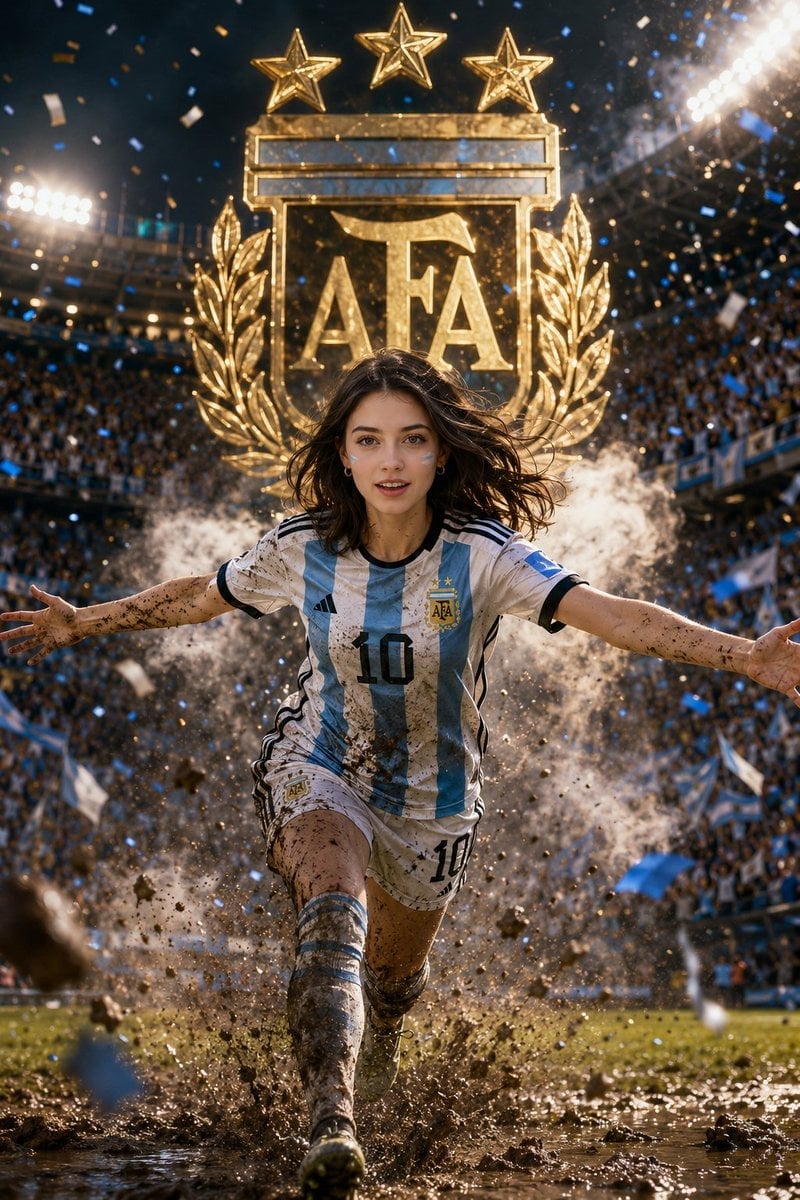
Argentina 10 Celebration Fan Poster
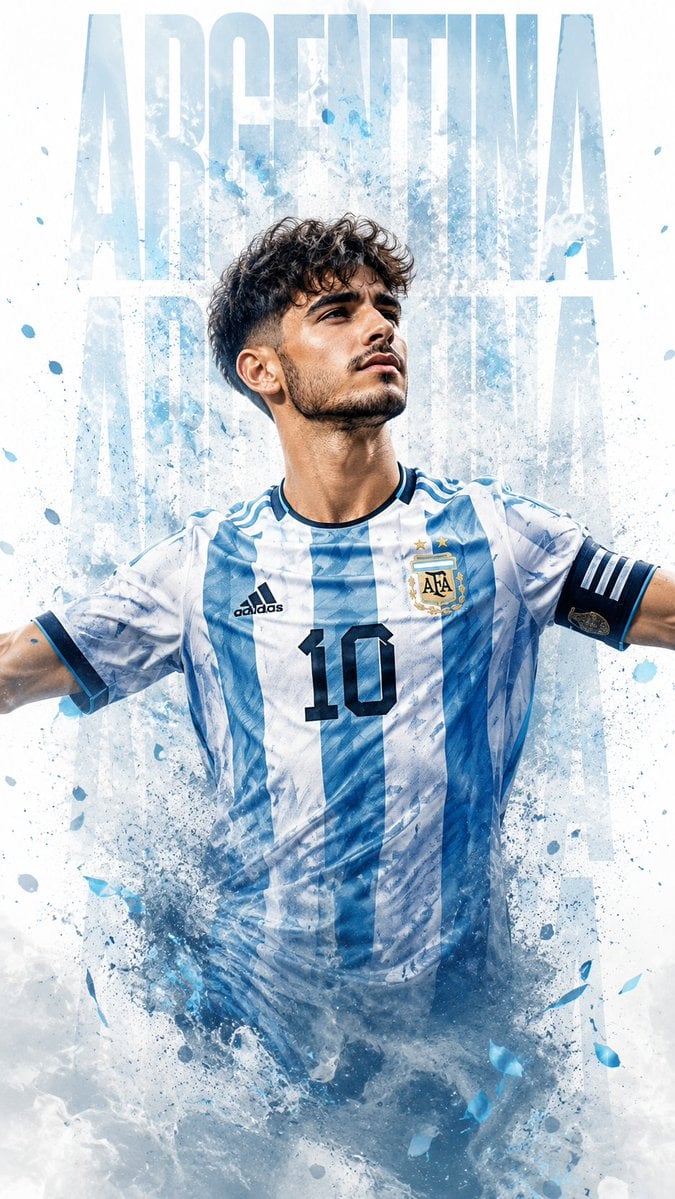
Photorealistic Footballer Celebration Illustration
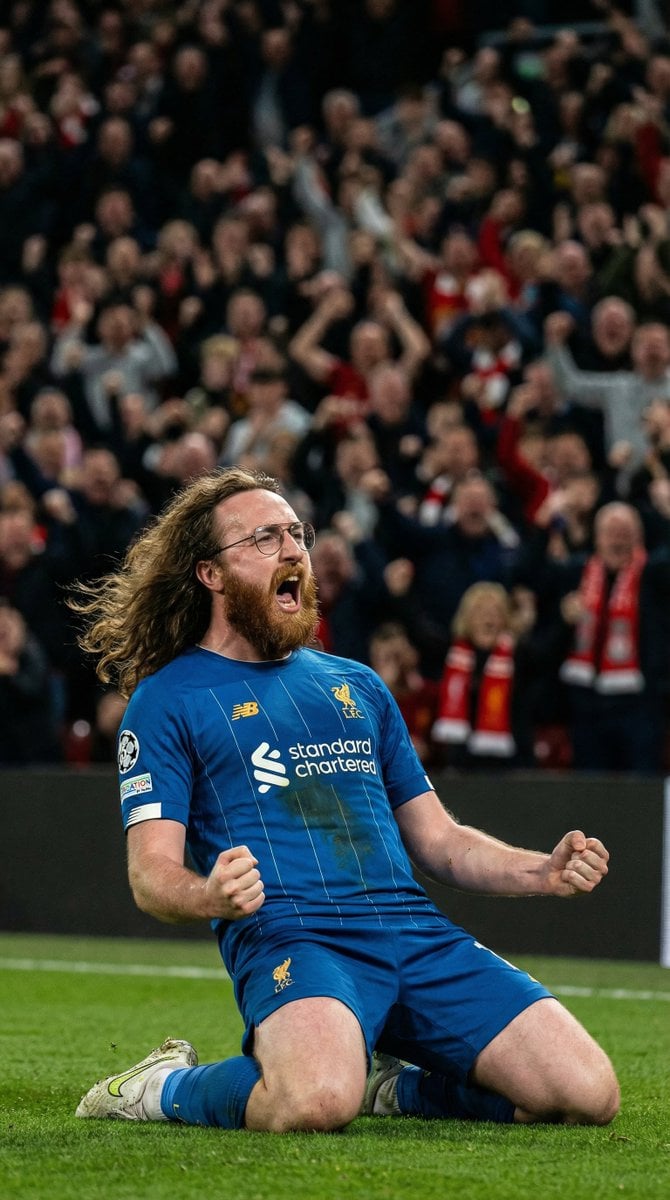
Hyper-Realistic Football Goal Celebration
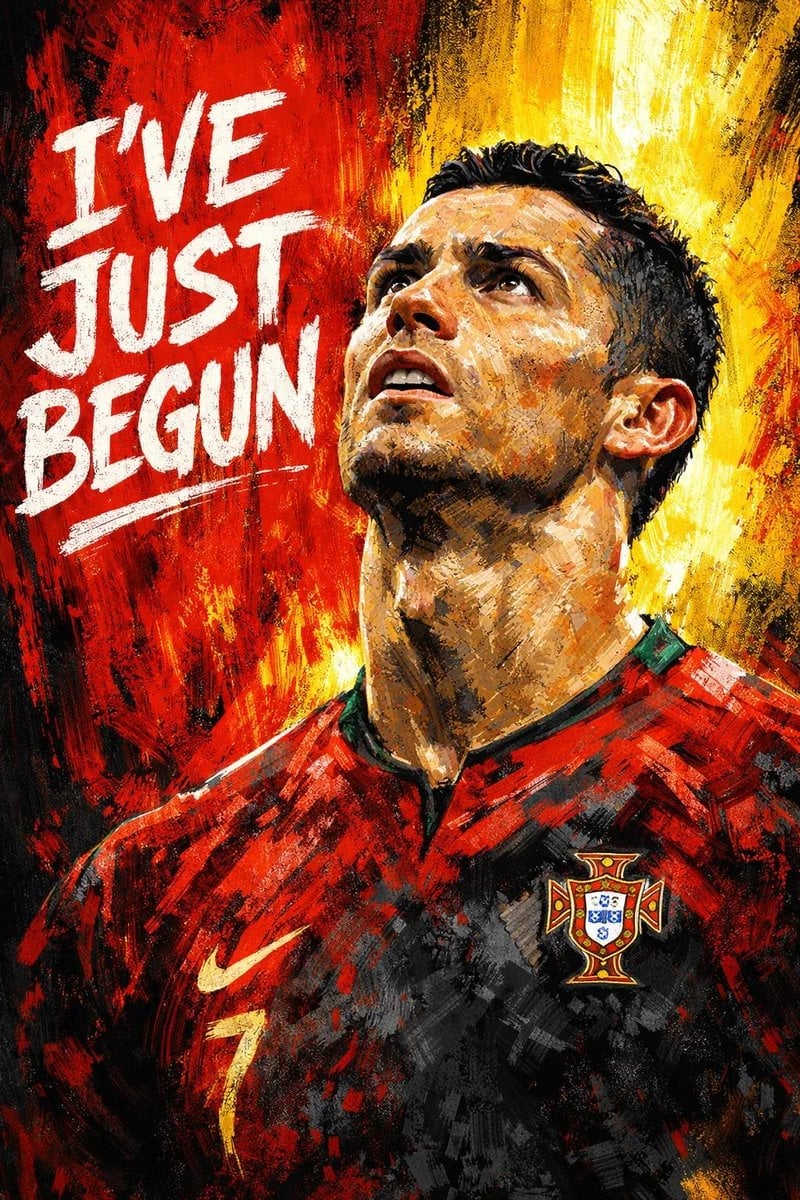
Dramatic, digital painting-style portrait of a male footballer looking
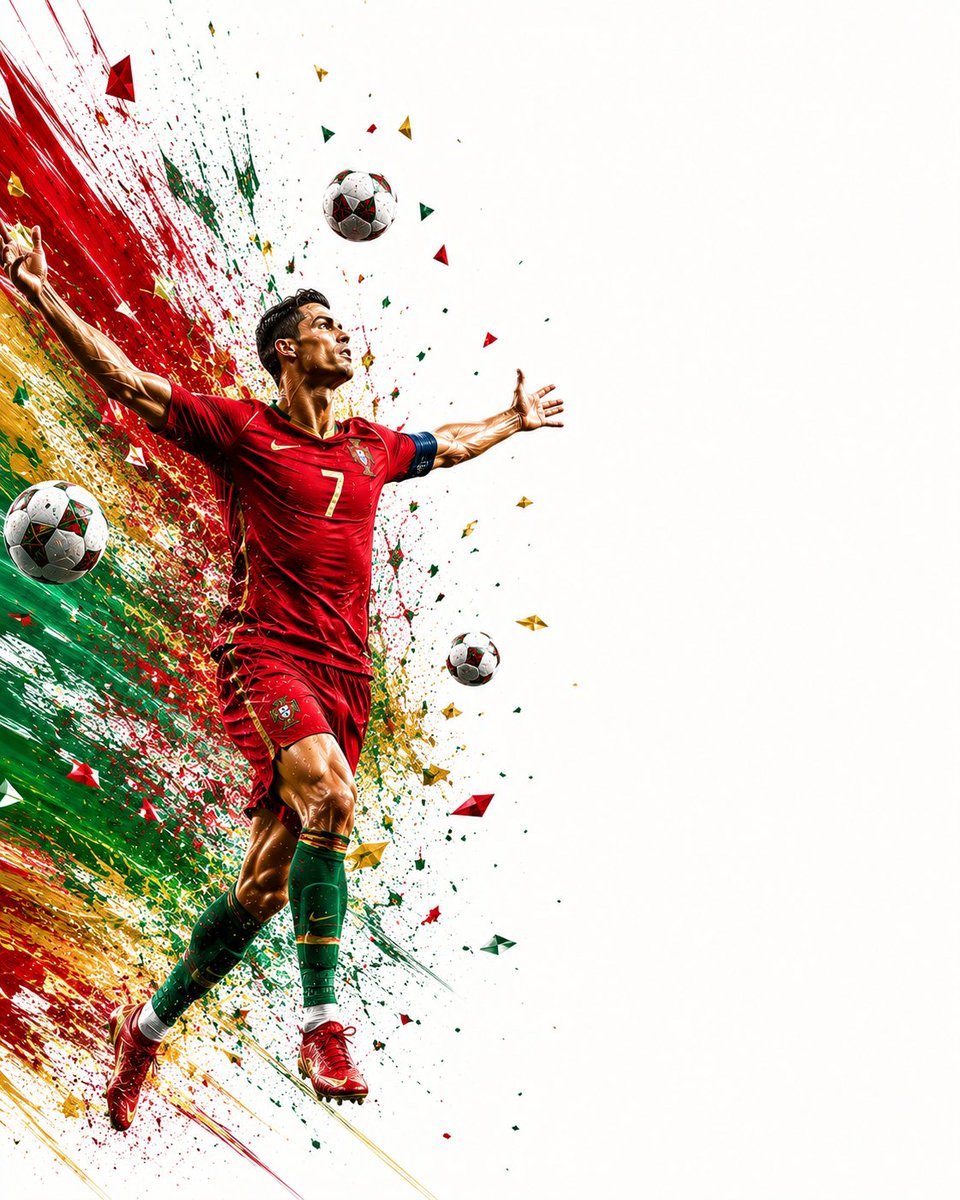
Wide Sports Poster Celebration
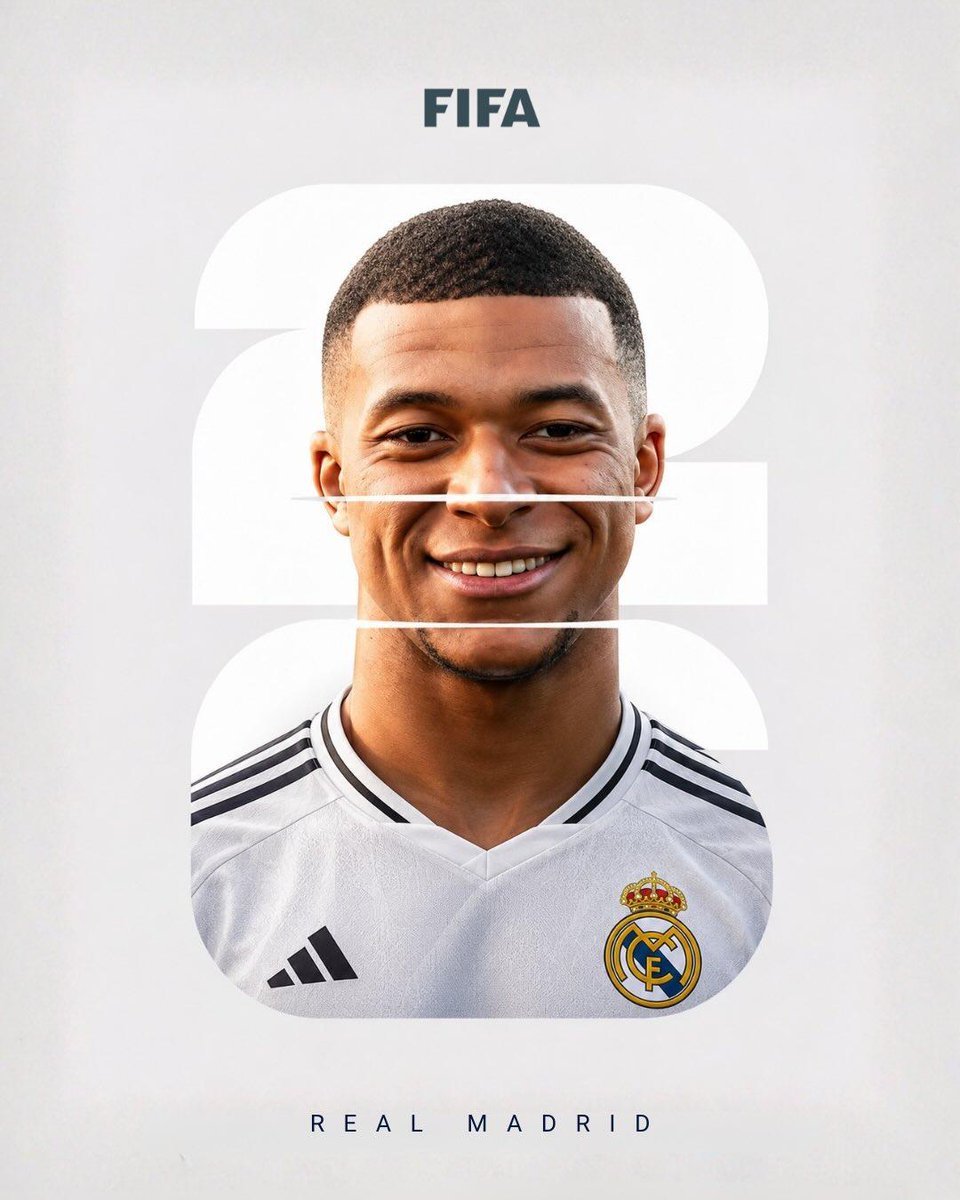
Elite Footballer Sports Magazine Artwork
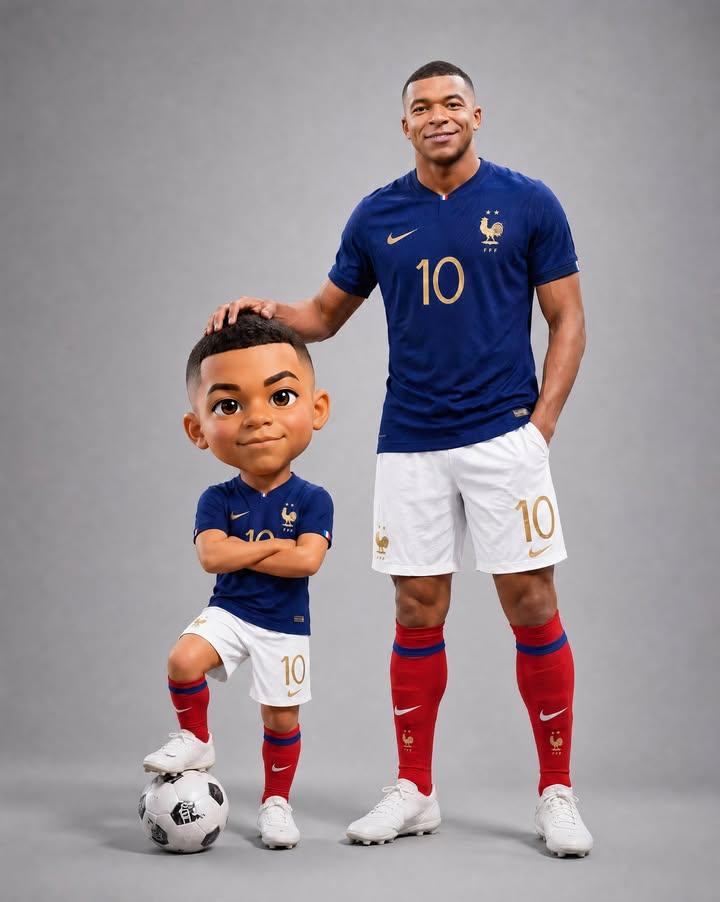
Footballer with Chibi Mini-Me Portrait
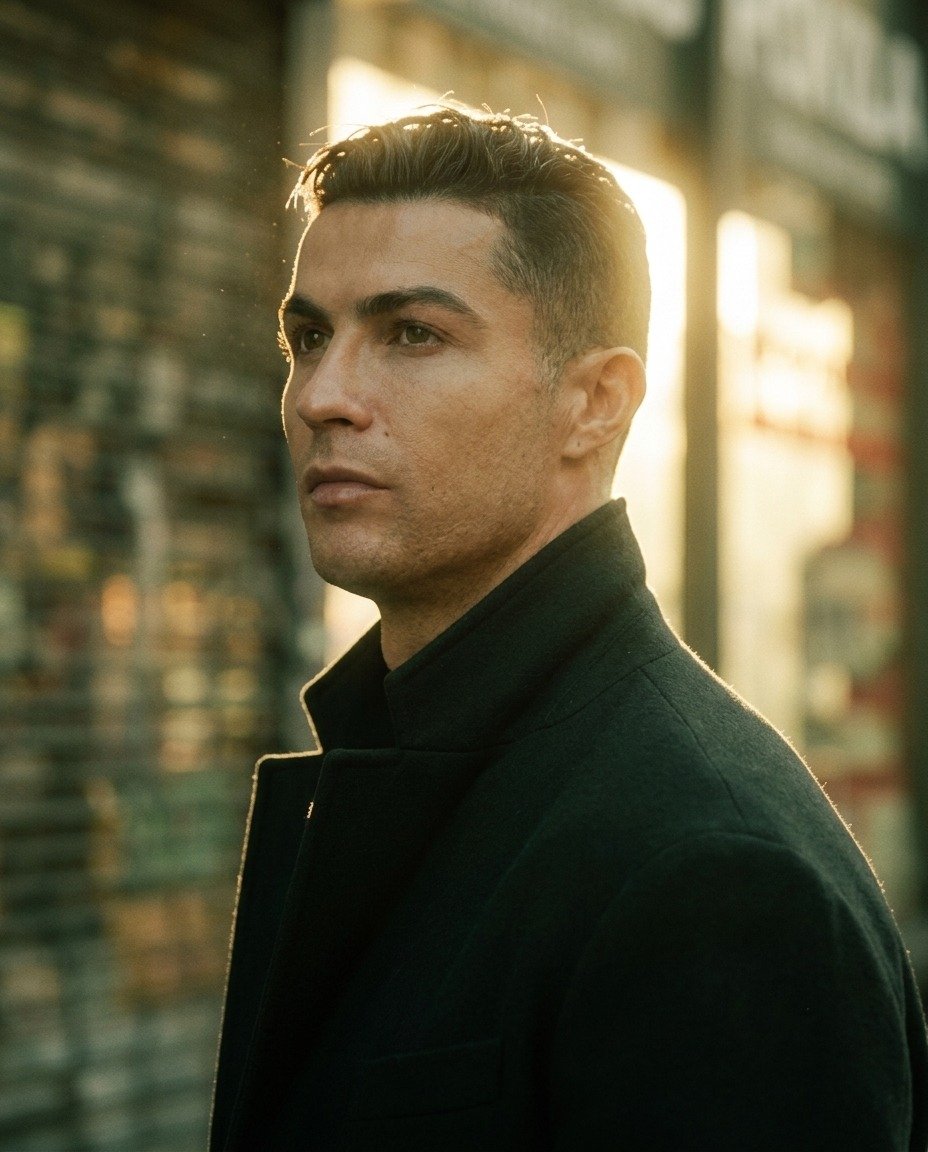
Golden Hour Footballer Editorial
Make it yours
AI Footballer Goal Celebration Generation works as-is. These are the safest ways to change it without losing the look.
Change one field
Copy a single group, rewrite it, and generate again so you can see what that field is doing.
Keep the frame, change the subject
Hold the composition and light of AI Footballer Goal Celebration Generation, then swap wardrobe, props or the person for a new take.
| If the result… | Why | Fix |
|---|---|---|
| The result drifts from the preview | Too many fields changed at once. | Reuse AI Footballer Goal Celebration Generation as-is first, then change one group — subject, light, or setting. |
| The model over-stylizes the scene | The prose prompt leaves finish and camera underspecified. | Add one camera or lighting sentence and stay on Nano Banana 2. |
More Nano Banana 2 templates
Other prompts made for Nano Banana 2.

Photorealistic Leaf Shaped Like a Dragon

K-Pop Idol Portrait Grid for Rapid Selection

Poetic Rain Forest Portrait During Golden Hour

Urban Street Portrait with Cartoon Inner Self Duo

Candid Nighttime Photo with Cat Prompt

High-Concept 3D Diorama Generation Prompt

Cinematic Futuristic Studio Portrait Template

Skincare Editorial Photography Collage Prompt

Hyper-Realistic Commercial Product Photography (Splash Effect)

Hyper-Realistic Nightclub Portrait Prompt
More image prompts
Fresh picks from across the catalog.
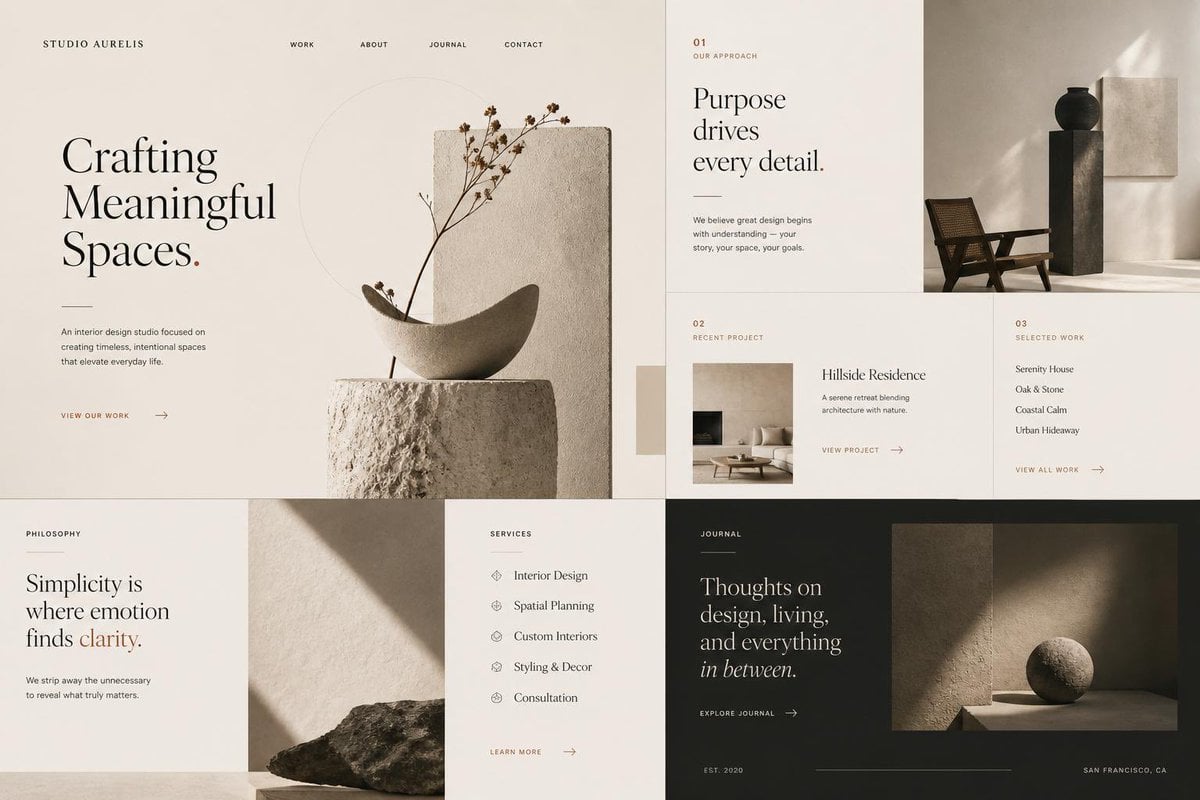
Minimal Interior Studio Website
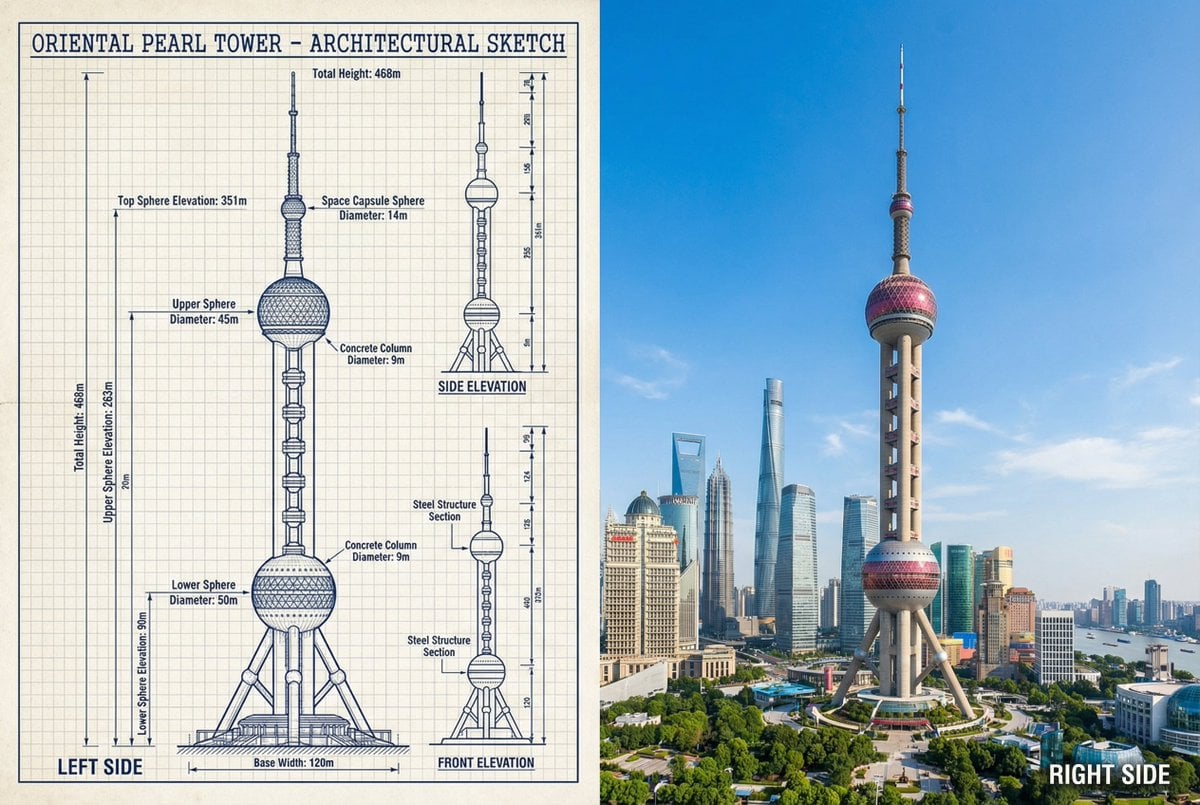
JSON Prompt for Side-by-Side Architectural Comparison of Oriental Pearl Tower
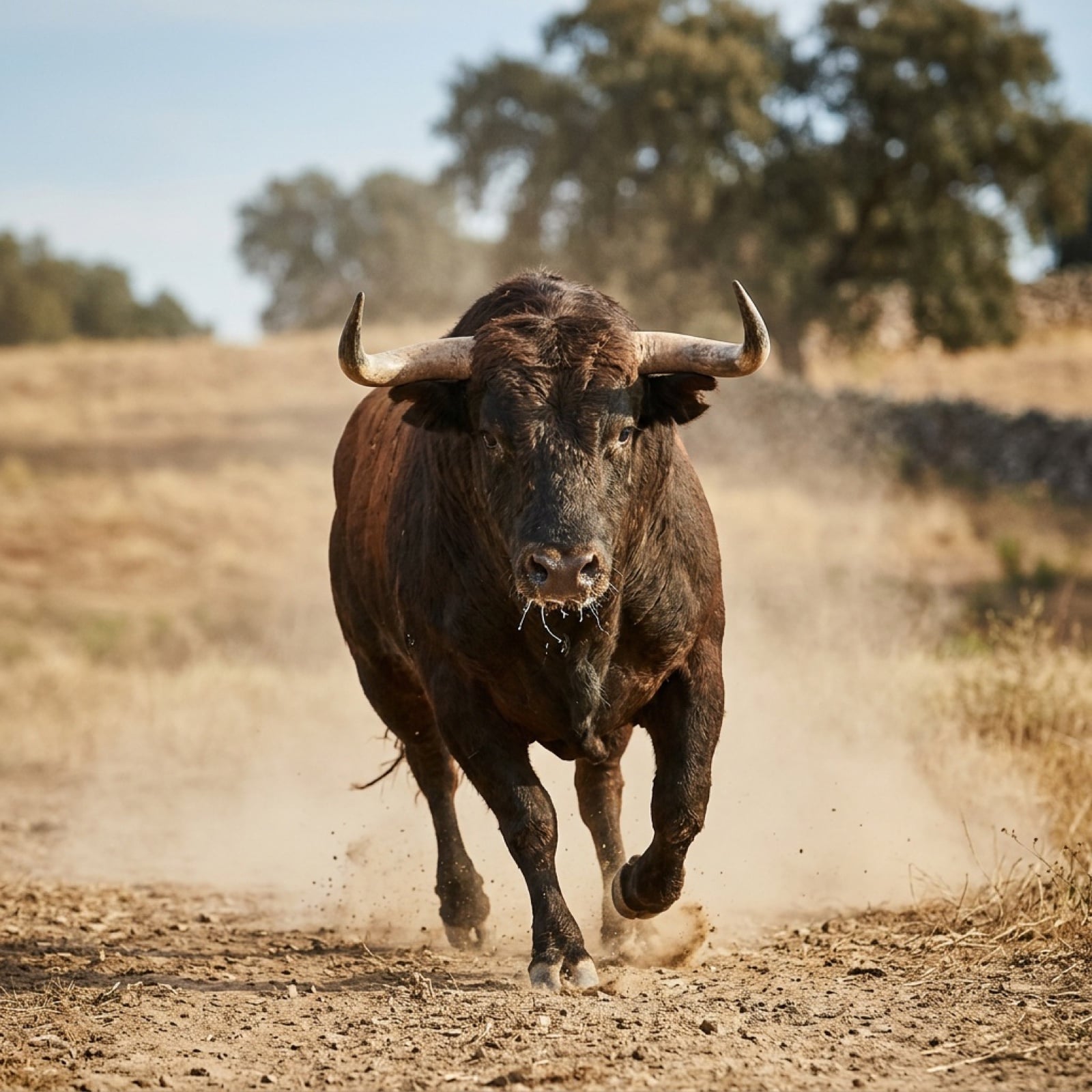
Bull Running into the Camera
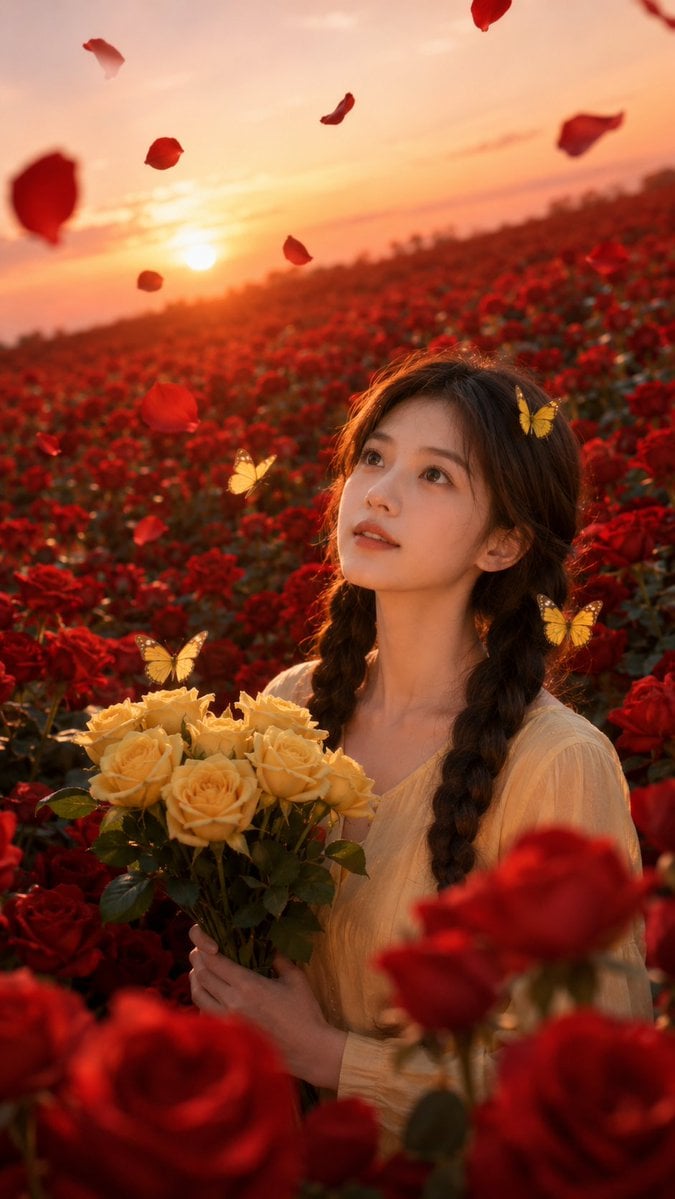
Sunset Rose Field Portrait Transformation
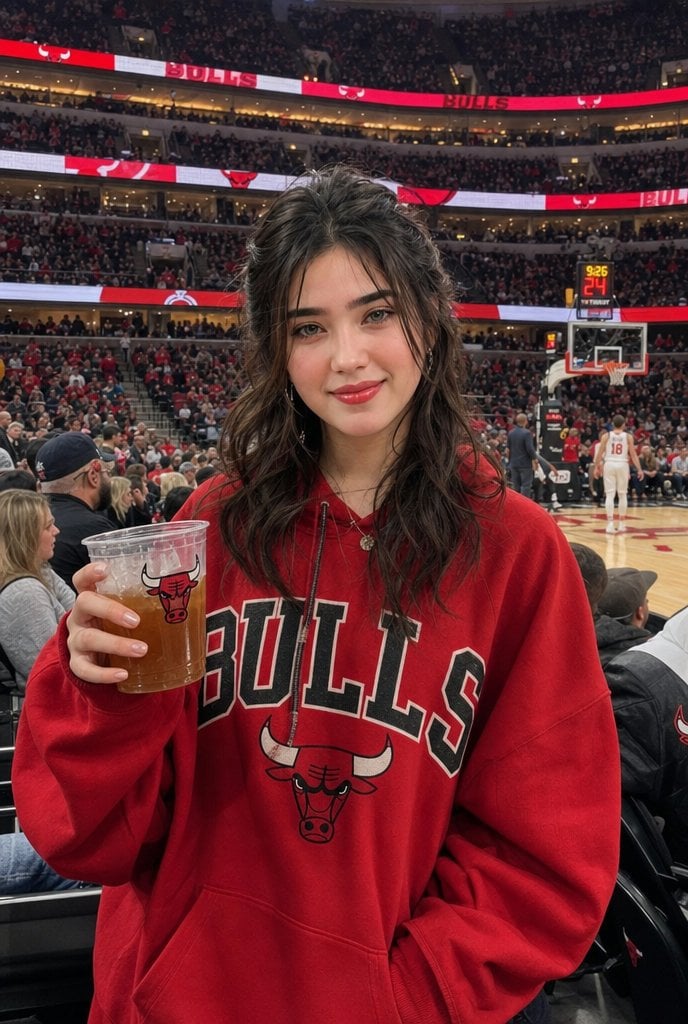
Chicago Bulls Arena Portrait
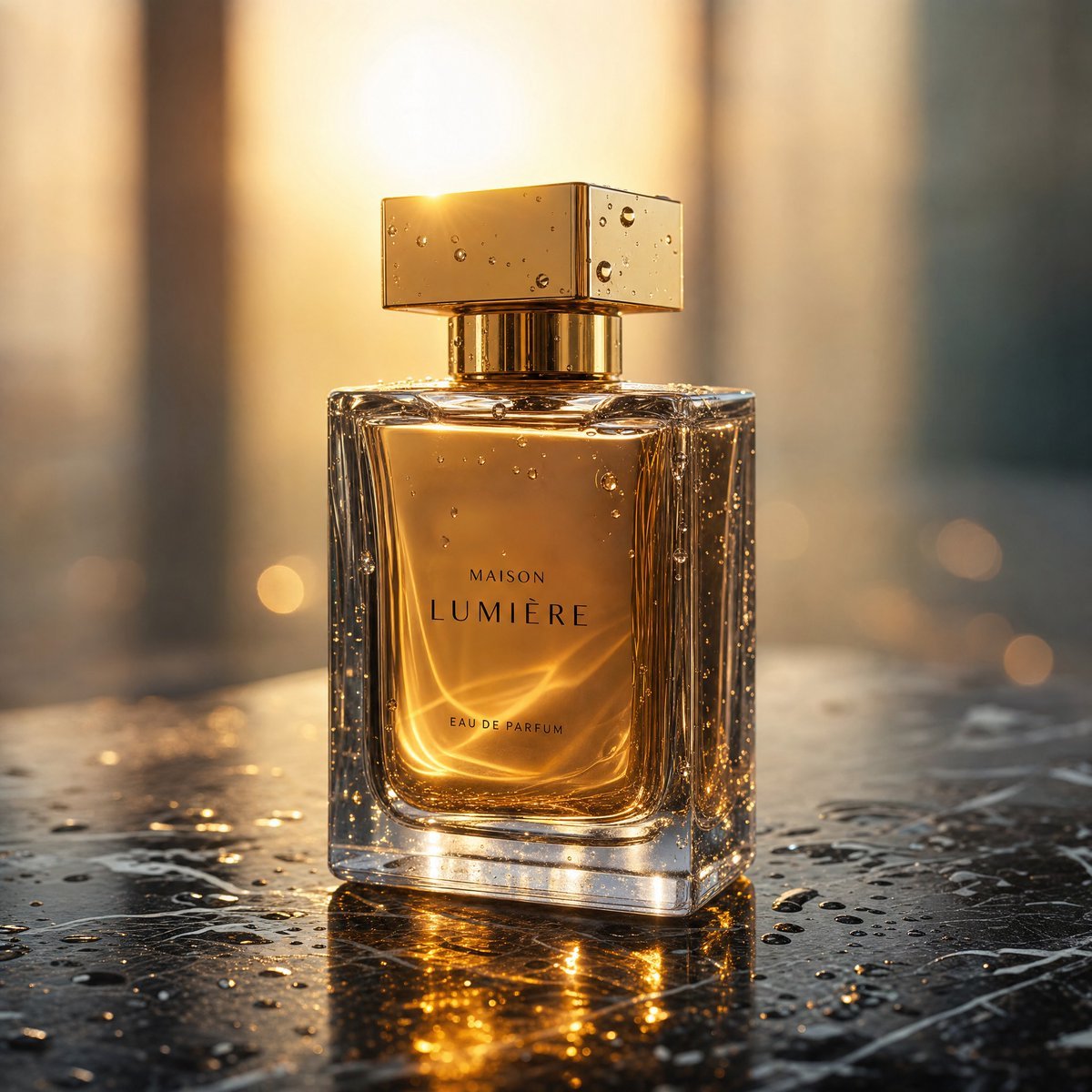
Golden Hour Luxury Perfume
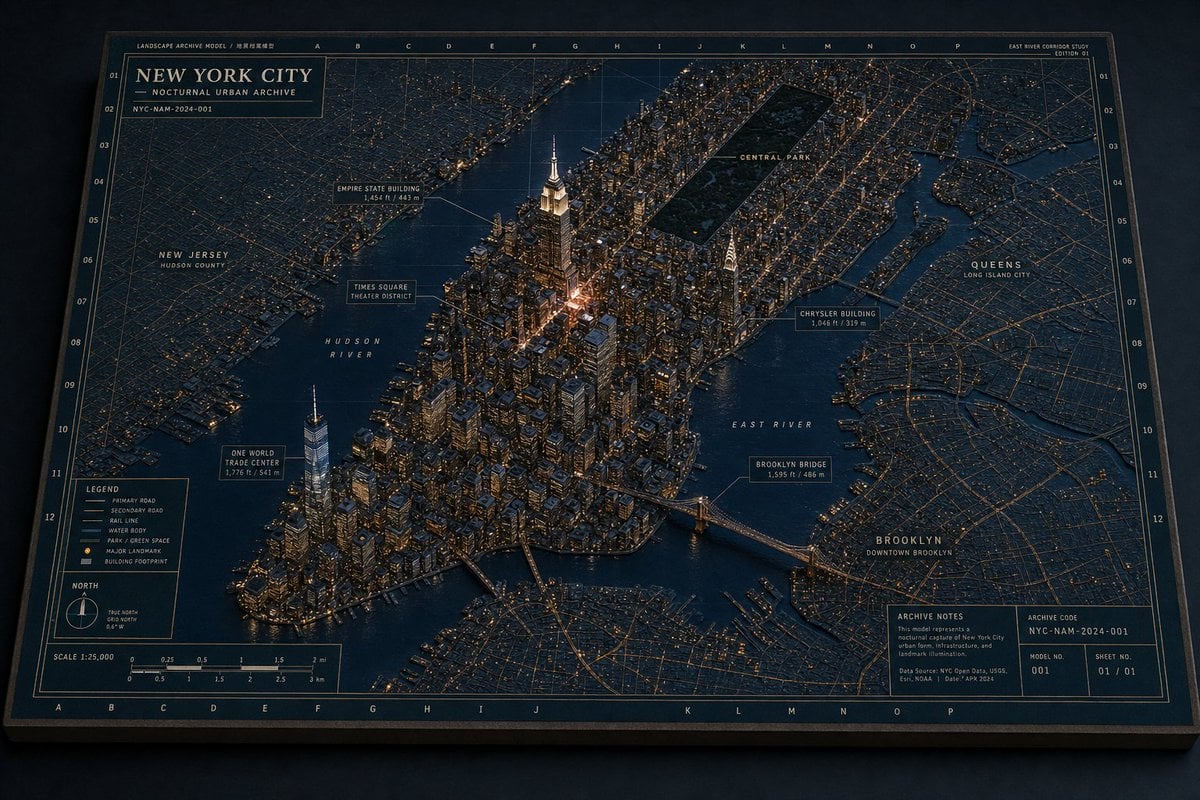
New York Night Archive Diorama
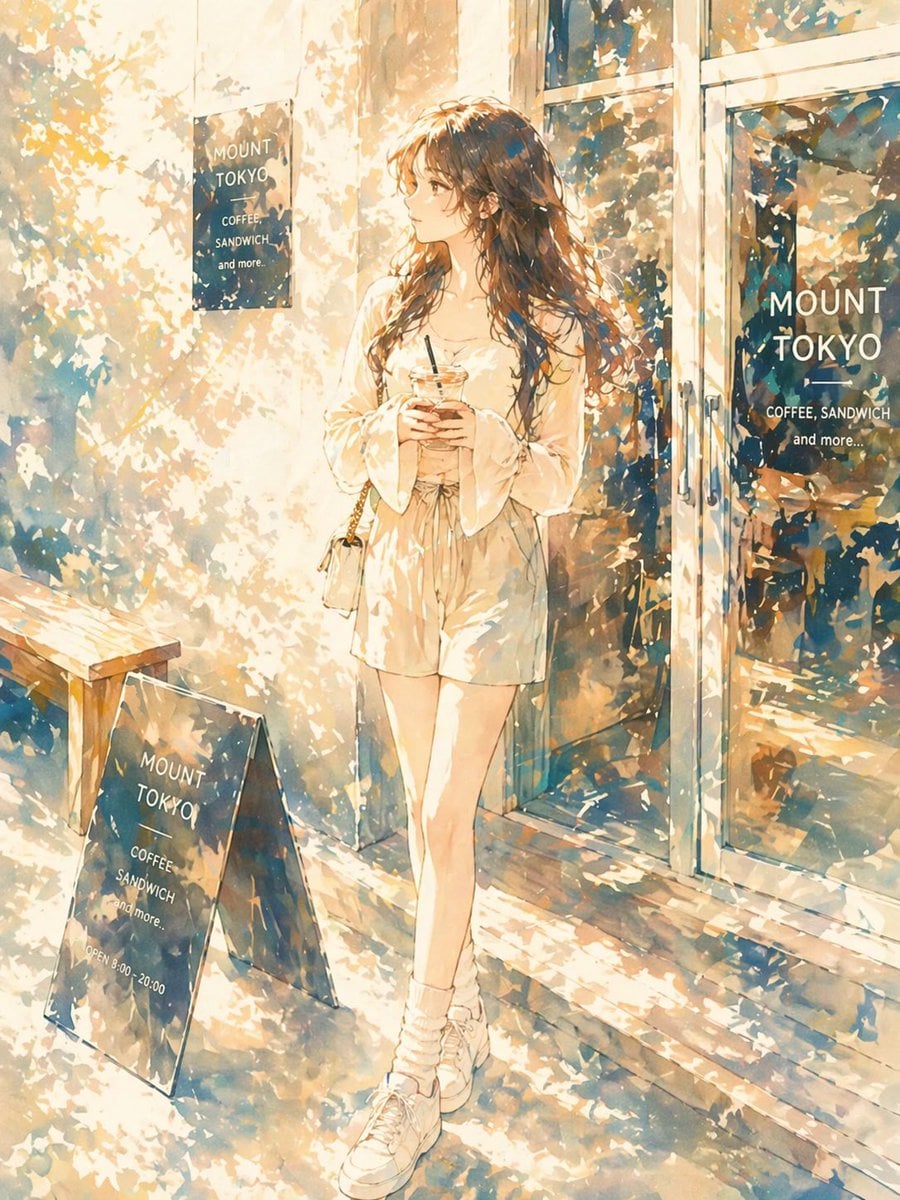
Sunlit Anime Girl Outside Cafe
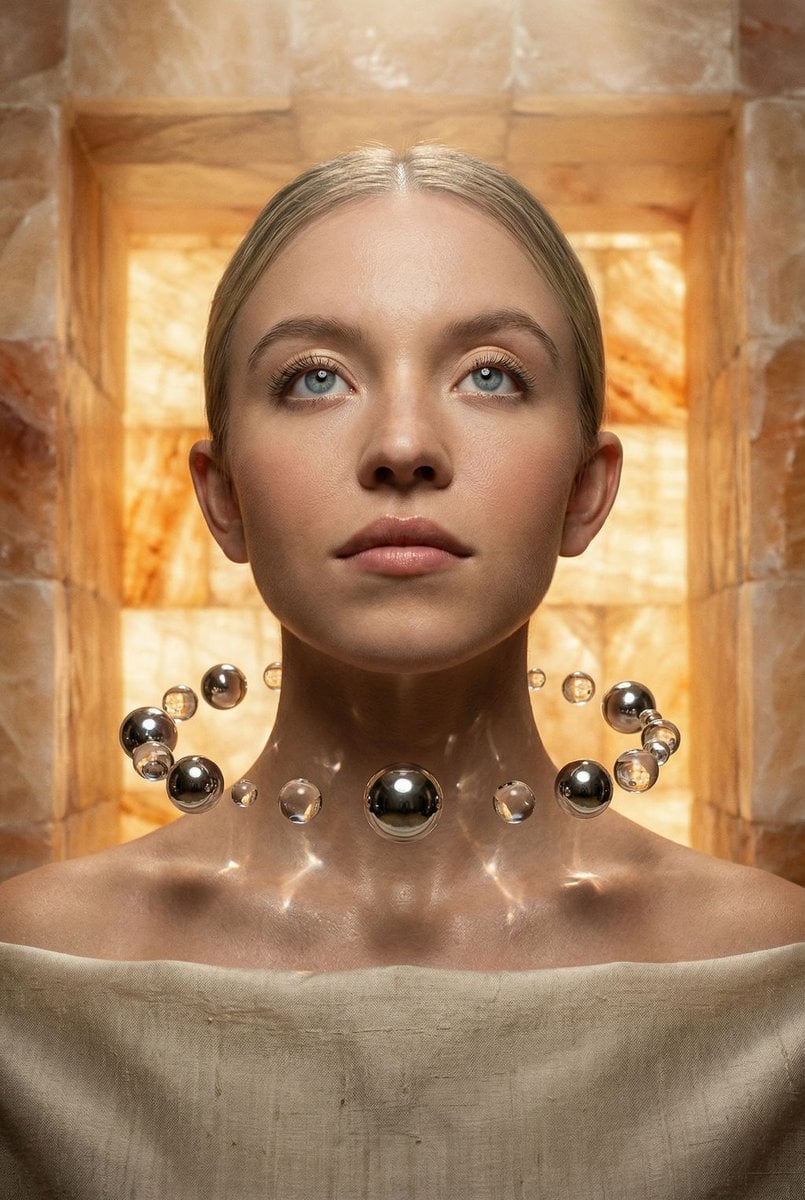
Sacred Alchemy Surreal Beauty Portrait Prompt
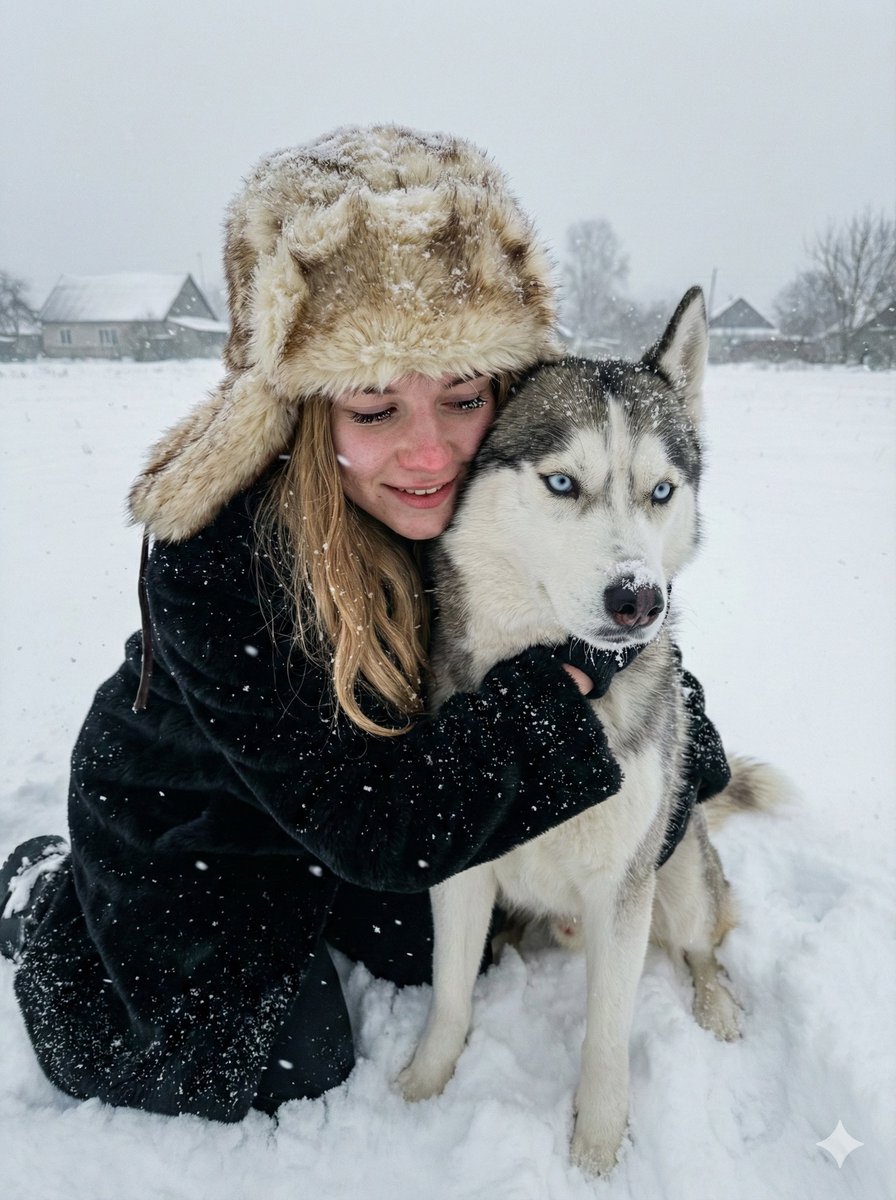
Hyper-realistic Winter Portrait with Siberian Husky
Browse template categories
AI Footballer Goal Celebration Generation questions
How do I use the AI Footballer Goal Celebration Generation template?
Add your photo if the template asks for one, edit the prompt if you like — the template's model and format are already selected — and press Generate. Your version opens in PicX Studio.
Can I customize the AI Footballer Goal Celebration Generation template?
Yes. You can change the subject, setting, lighting, mood, format, and available model controls before creating your image.
Is the AI Footballer Goal Celebration Generation template free?
Opening and editing this template is free. Generating uses credits, shown on the Generate button when you are signed in.
Which AI model should I use?
Start with Nano Banana 2, which is the model associated with this template. You can compare another compatible model for a different finish.
Looking for something else? Browse all templates.

Your photo, any look
Thousands of ready templates for every top image and video model, from one credit balance.