How do I use the Golden Hour Luxury Perfume template?
Choose the primary action to open PicX Studio with the available template settings. Review the model and format, personalize the creative direction, and generate when ready.
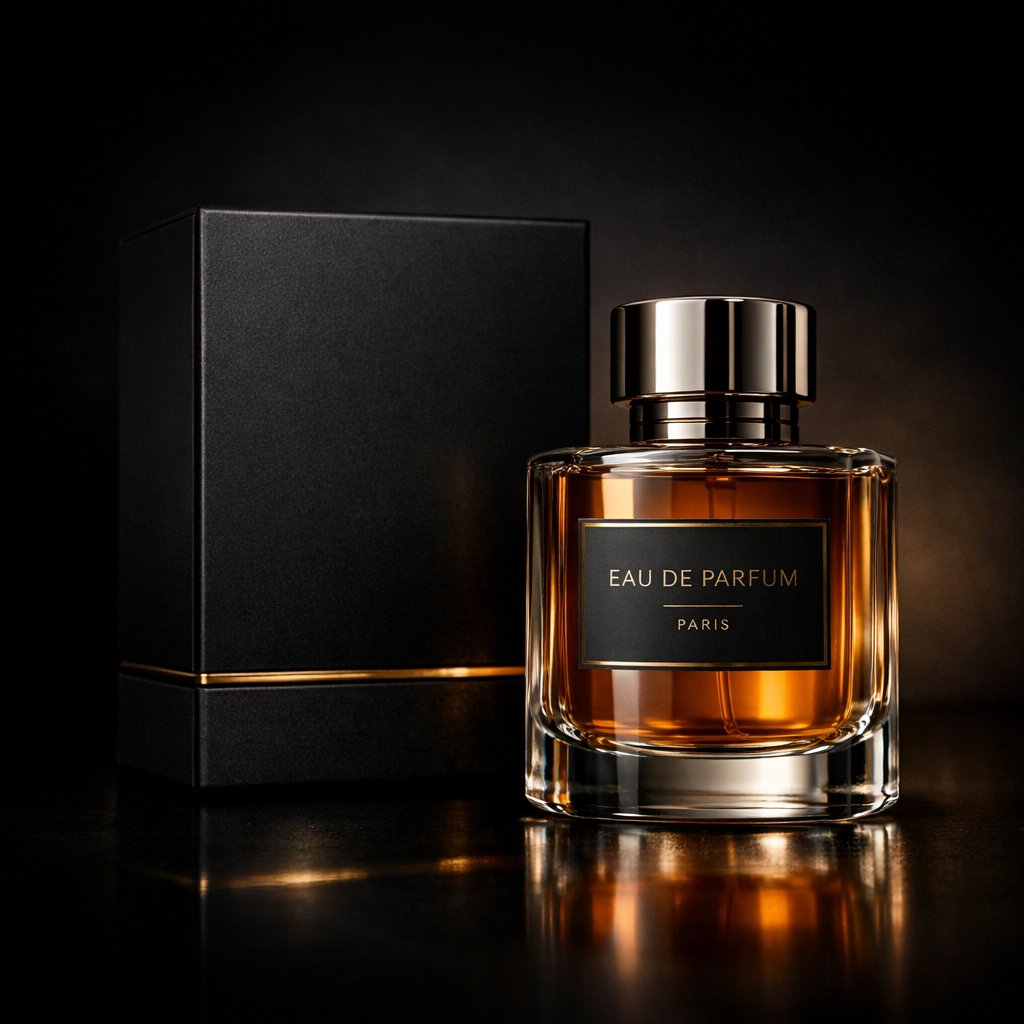
A high-end product photography prompt for creating a wet black marble perfume bottle shot with golden backlight and caustic reflections. Change the subject, setting, or lighting one variable at a time.
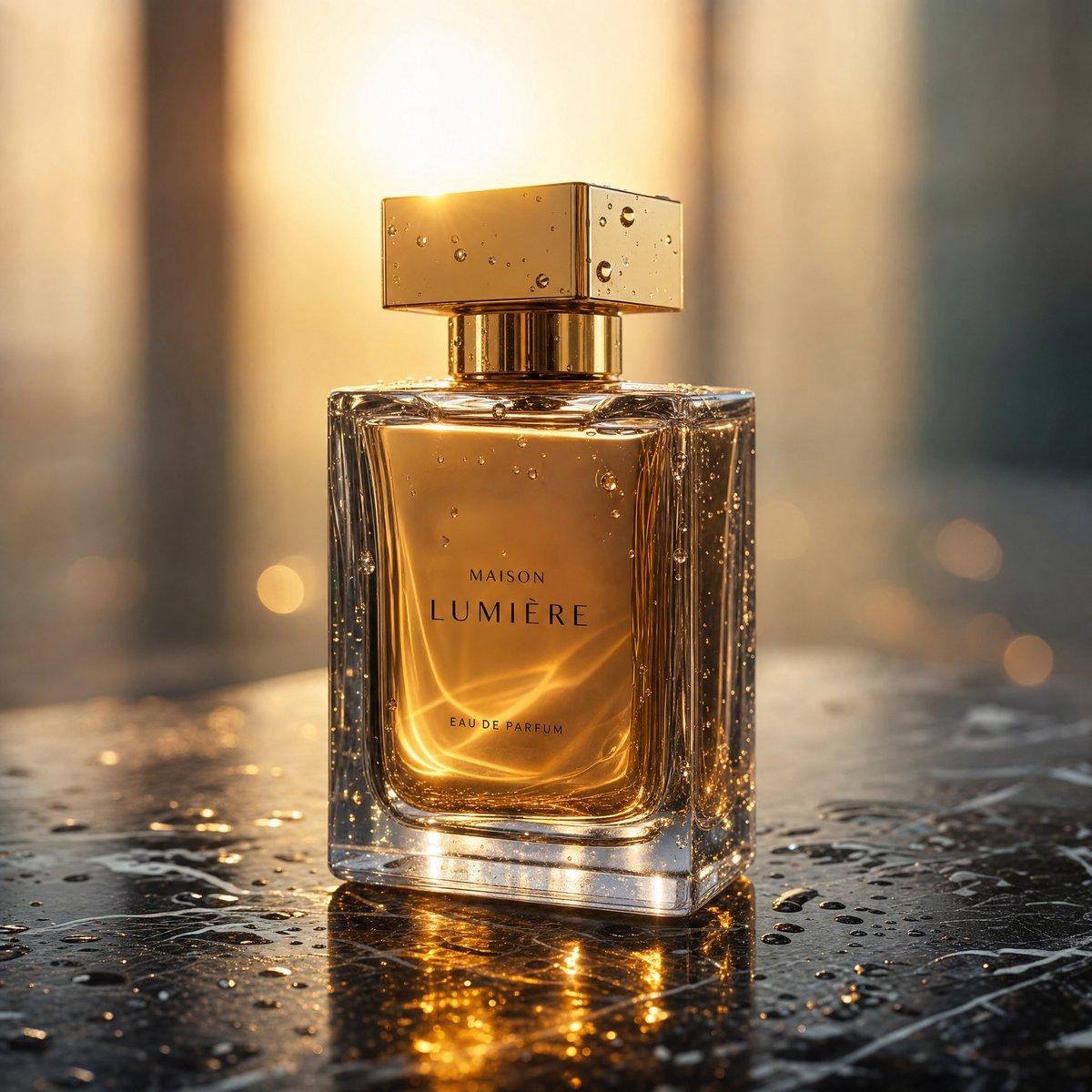
Create a photorealistic luxury product photograph of a square glass perfume bottle centered on wet black marble, with a clear thick transparent rectangular bottle, warm amber perfume liquid inside, and a reflective metallic gold rectangular cap covered in tiny water droplets. The front label reads {argument name="brand name" default="MAISON LUMIÈRE"} with smaller text {argument name="product type" default="EAU DE PARFUM"}. Use {argument name="lighting style" default="golden hour backlight"} shining directly from behind the cap, producing a bright sun flare, glowing amber highlights through the liquid, elegant caustic light patterns inside the bottle, and shimmering gold reflections on the wet marble surface. Add many realistic water droplets and condensation beads on the glass, cap, and tabletop, with small puddles and marble veining visible around the base. The background is softly blurred with warm vertical architectural shapes and circular bokeh lights, creating a premium high-end fragrance campaign mood. Shoot from a slightly low eye-level angle with shallow depth of field, crisp focus on the bottle edges and label, dramatic contrast, cinematic warm tones, ultra-detailed commercial product photography, 1:1 square composition.
Choose the primary action to open PicX Studio with the available template settings. Review the model and format, personalize the creative direction, and generate when ready.
Yes. You can change the subject, setting, lighting, mood, format, and available model controls before creating your image.
This template is free to open and customize. Generation usage is shown in PicX Studio before you create.
Start with GPT Image 2, which is the model associated with this template. You can compare another compatible model for a different finish.
© 2026 PicX Studio. All rights reserved.

Follow a topic to a crawlable collection of related PicX Studio templates.
43,474 public templates available. Verified via the PicX Studio public templates API; refreshed hourly.























![Minimalist Flat Vector Travel Poster — Premium minimalist flat-vector travel poster for {argument name="city name" default="[CITY_NAME]"}, 3:4 vertical format.](https://cms-assets.youmind.com/media/1787917359711_3ug846_HQX205cbMAA6F6S-300x400.jpg)






















![3D Isometric Atlas Scene in Firefly Style — Epic 3D isometric atlas scene: a massive ancient map of {argument name="subject" default="[SUBJECT]"} erupts from an](https://pbs.twimg.com/media/G9TrbHSWwAAkuce.jpg)