How do I use the Moonlit Biomorphic Future City template?
Choose the primary action to open PicX Studio with the available template settings. Review the model and format, personalize the creative direction, and generate when ready.
A panoramic prompt for generating an ethereal white organic sci-fi metropolis with moonlight, canals, gardens, and sweeping futuristic architecture. Change the subject, setting, or lighting one variable at a time.
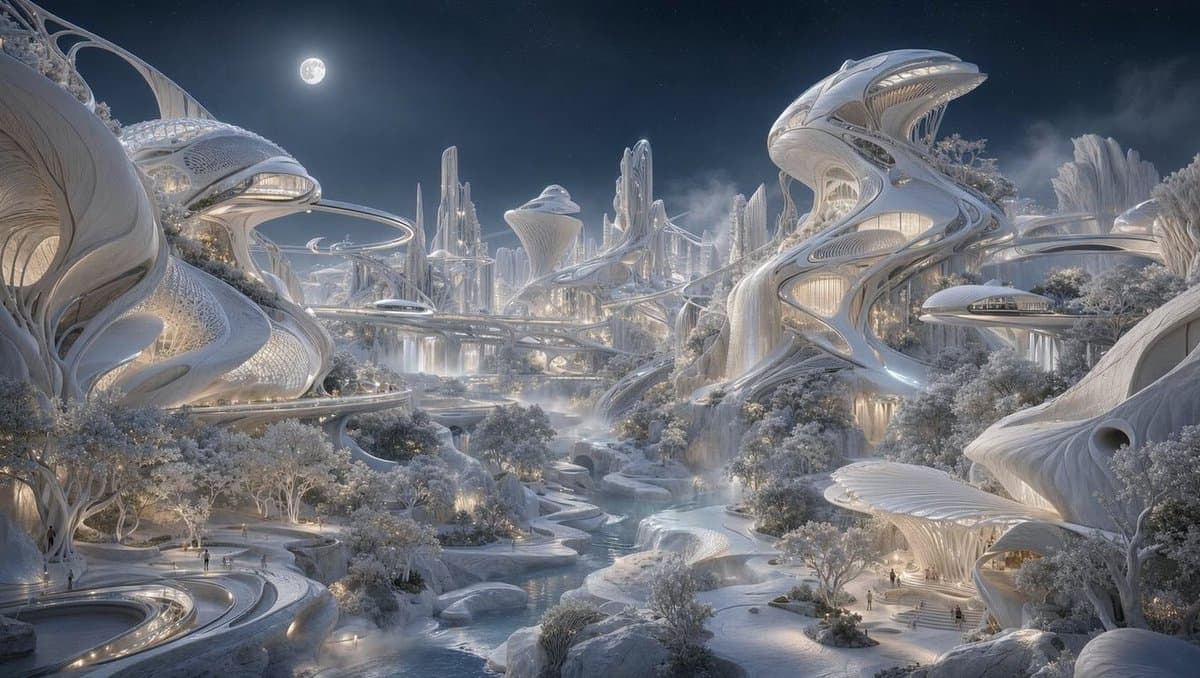
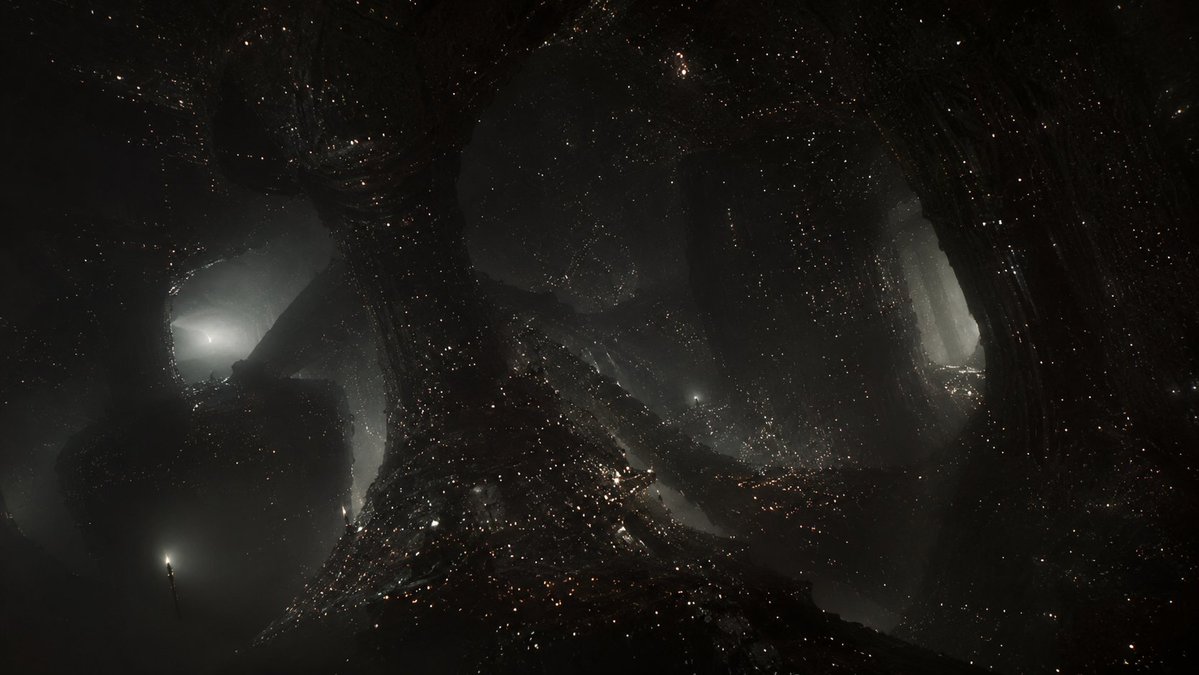
Create a wide cinematic fantasy sci-fi cityscape at night: an elegant futuristic utopian metropolis made of smooth white organic architecture, sweeping shell-like buildings, ribbed biomorphic towers, arched skybridges, and layered elevated roads curving through the scene. The city should feel vast and luminous, with approximately three dominant foreground megastructures: one large cropped shell-like building on the left, one tall twisting tower-building on the right, and one lower pavilion-like structure in the lower right; include many smaller spires and towers receding into the misty center background. Use {argument name="architectural style" default="white biomorphic solarpunk futurism inspired by shells, bones, and flowing parametric design"}. Add a narrow river or canal winding from the foreground into the center distance, bordered by terraces, bridges, gardens, and softly lit pedestrian paths. Include clusters of pale trees and landscaped parks throughout the city, glowing warm interior windows, delicate dotted facade textures, and tiny human figures for scale. The sky is deep blue-black with a bright full moon near the upper left-center, faint stars, and drifting mist. Color palette: cool moonlit silver, pearl white, icy blue-gray, and warm champagne lights. Lighting should be dreamy and high-detail, with soft volumetric haze, reflective water, crisp architectural surfaces, and an ethereal peaceful atmosphere. Use a panoramic 16:9 composition, ultra-detailed digital concept art, cinematic depth, no text, no logos, no vehicles dominating the scene.
Choose the primary action to open PicX Studio with the available template settings. Review the model and format, personalize the creative direction, and generate when ready.
Yes. You can change the subject, setting, lighting, mood, format, and available model controls before creating your image.
This template is free to open and customize. Generation usage is shown in PicX Studio before you create.
Start with GPT Image 2, which is the model associated with this template. You can compare another compatible model for a different finish.
© 2026 PicX Studio. All rights reserved.

Follow a topic to a crawlable collection of related PicX Studio templates.
43,474 public templates available. Verified via the PicX Studio public templates API; refreshed hourly.
Prompt stories that include this template.












![Minimalist Flat Vector Travel Poster — Premium minimalist flat-vector travel poster for {argument name="city name" default="[CITY_NAME]"}, 3:4 vertical format.](https://cms-assets.youmind.com/media/1787917359711_3ug846_HQX205cbMAA6F6S-300x400.jpg)