
Museum Papercraft Anime Portrait
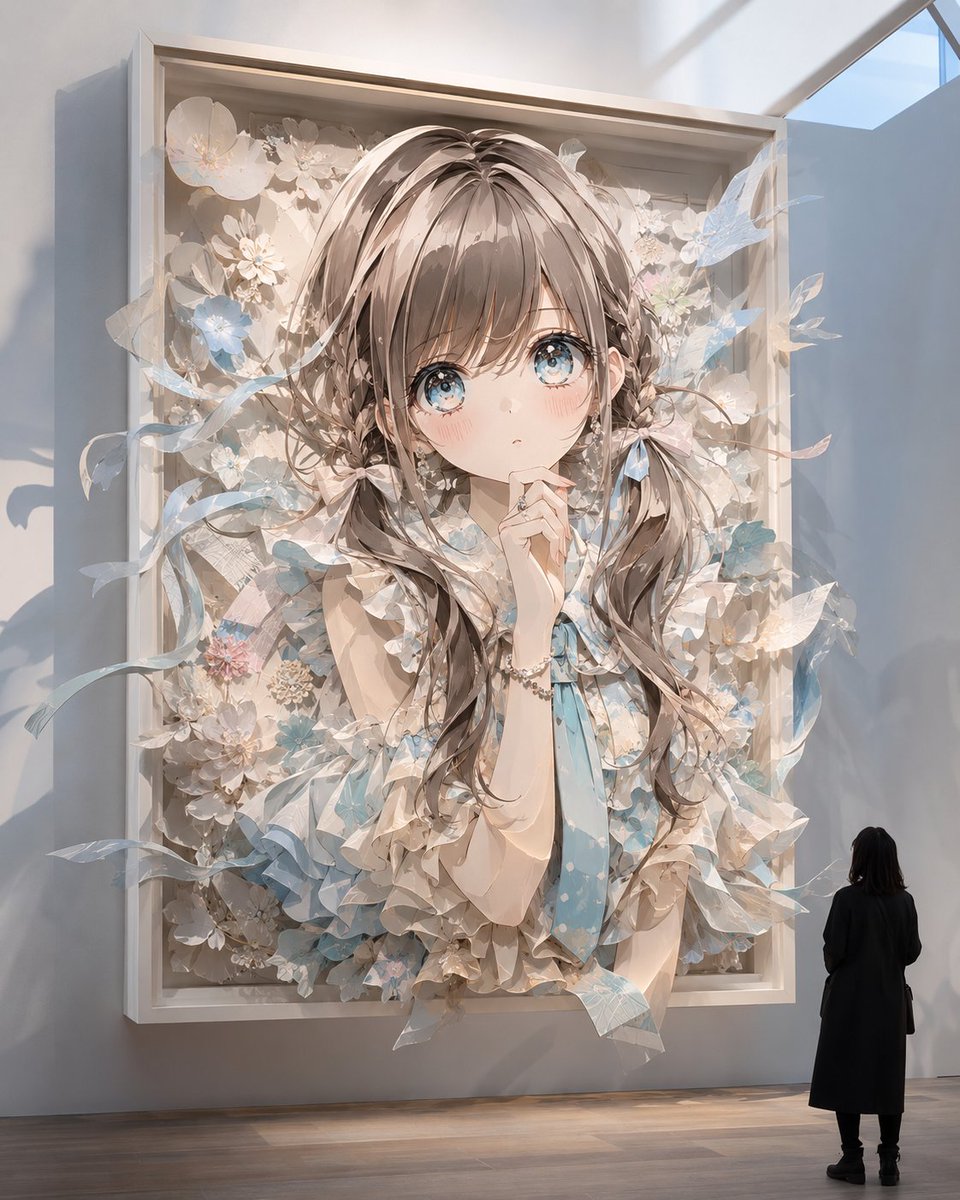
Generates a cinematic museum installation where an anime-style girl becomes an elaborate layered paper craft artwork emerging from a framed display.
- Prompt included
- Model and format preset
- Free template
The prompt behind this image
Copy the exact prompt behind Museum Papercraft Anime Portrait, or open it in the studio and make it yours.
Create a vertical museum-gallery scene showing {argument name="character name" default="an original anime-style girl"} as an ultra-detailed three-dimensional paper craft artwork bursting out from a large white shadow-box frame mounted on a wall. The artwork is a single oversized framed portrait: 1 young girl figure, 1 deep rectangular white frame, 1 small museum visitor standing at the lower right for scale, and 1 plain square privacy-like block covering the center of the girl’s face. The girl has {argument name="hair color" default="soft ash-brown"} long wavy hair made from layered cut paper strips, delicate anime proportions, a sleeveless cream dress with many folded paper ruffles, a pale blue ribbon tie, and a small bracelet. Surround her with intricate paper flowers, translucent petals, pale blue leaves, curling ribbon strips, and layered floral cutouts that extend beyond the frame, creating the feeling that the paper artwork is coming alive and spilling into the room. Use {argument name="accent color" default="pale sky blue"} accents among mostly ivory, beige, cream, and light blush tones. The setting is a quiet contemporary art museum with a high wall, wooden floor, soft natural sunlight from an upper-right skylight, long shadows, and a lone visitor in a black coat looking up at the piece. Visual style: photorealistic museum installation mixed with refined anime illustration, extremely precise paper-cut texture, visible folded edges, layered cardstock depth, delicate shadows, translucent vellum-like pieces, elegant pastel color grading, cinematic lighting, high detail, whimsical yet realistic. Composition: centered giant paper portrait occupying most of the image, visitor small in the bottom-right corner, frame slightly protruding from the wall, flowers and ribbons extending outward in shallow relief. Constraints: no text, no watermark, no extra people, keep the square face block plain and centered, maintain a vertical 4:5 aspect ratio.
How to use Museum Papercraft Anime Portrait in 3 steps
- 1Upload ImagePNG, JPG or paste
Add your photo
Upload the photo the template builds on. The prompt, model and format are already set.
- 2…a portrait of your subject in softgolden-hour light, 85mm…
Personalize
Edit the subject and creative details for your destination.
- 3Generate
Generate
Press Generate — your image is created in PicX Studio, so you can compare it with the original and refine one variable at a time.
More like this
Templates with the same subject, style or setup. Open one to see its prompt.
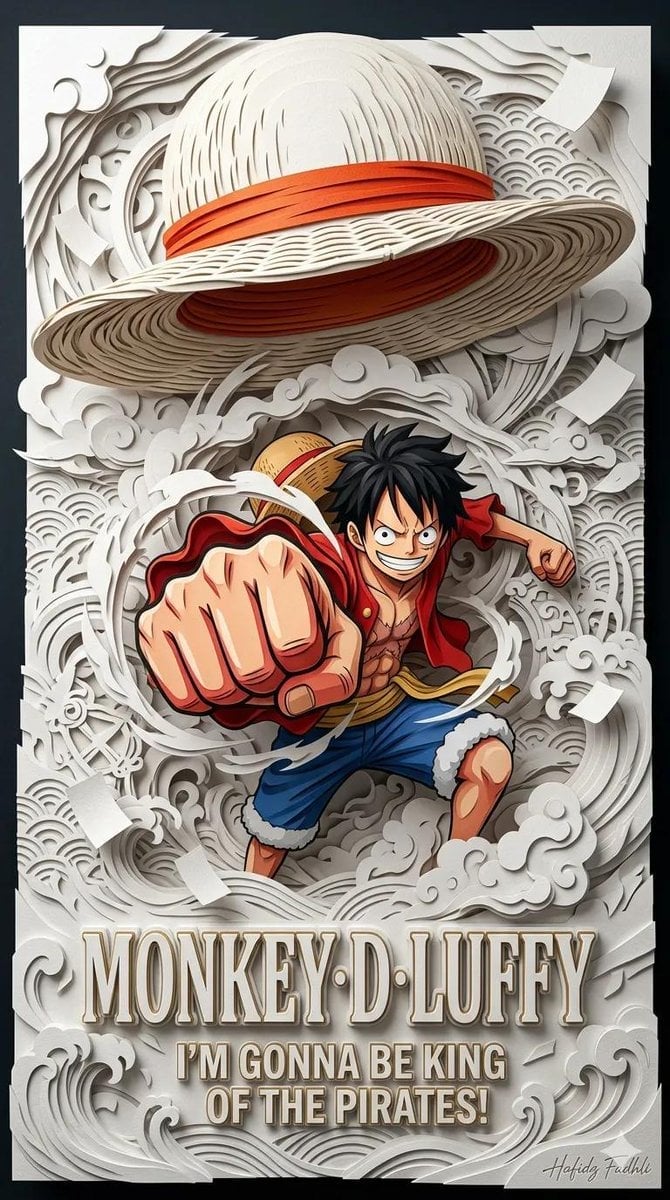
Master Papercraft Shadow Box — Anime Hero Emerging from Paper Waves

Found Photograph: Us, 1970

80s Couple Studio Portrait

80s Bollywood Star

80s Golden Hour Cinema

Me in 1985

1985 Studio Portrait

Hyper-Realistic Minecraft POV Portrait
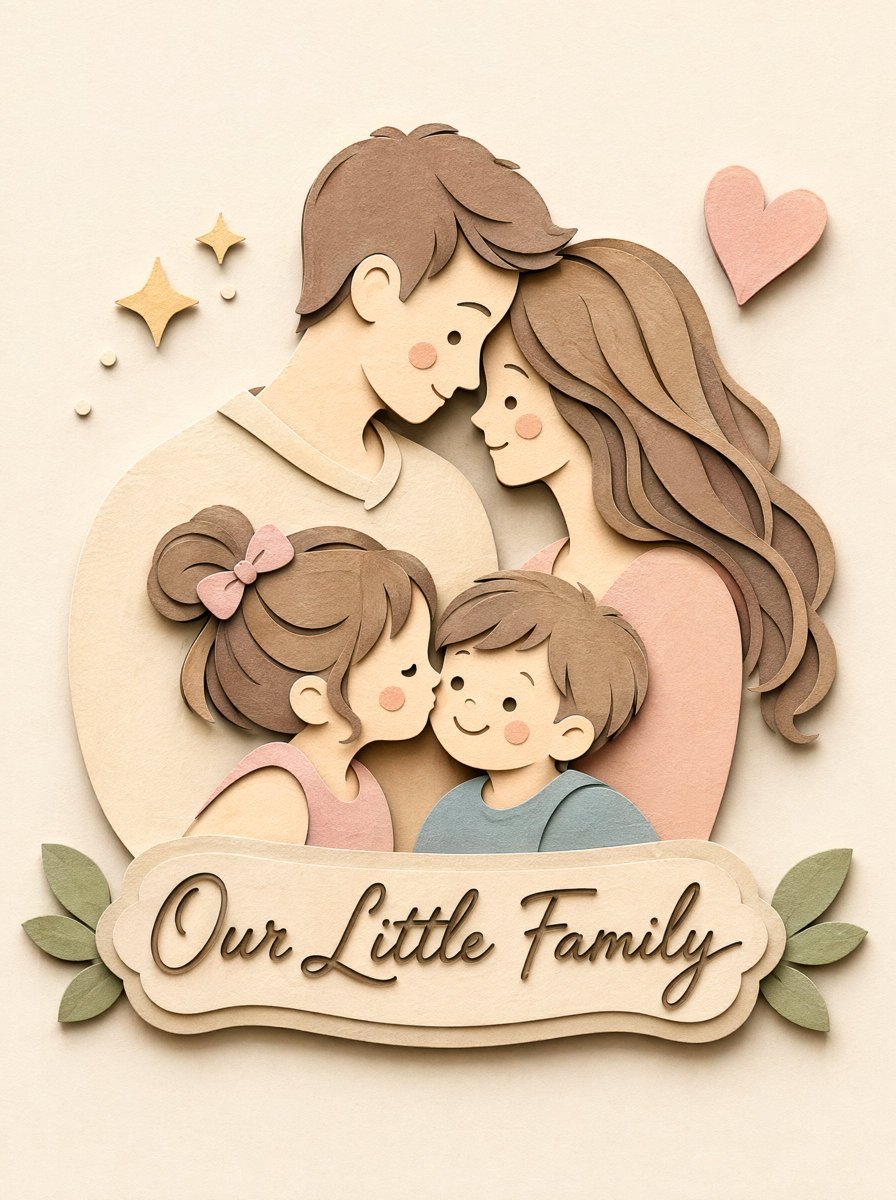
Papercraft Diorama Style Portrait
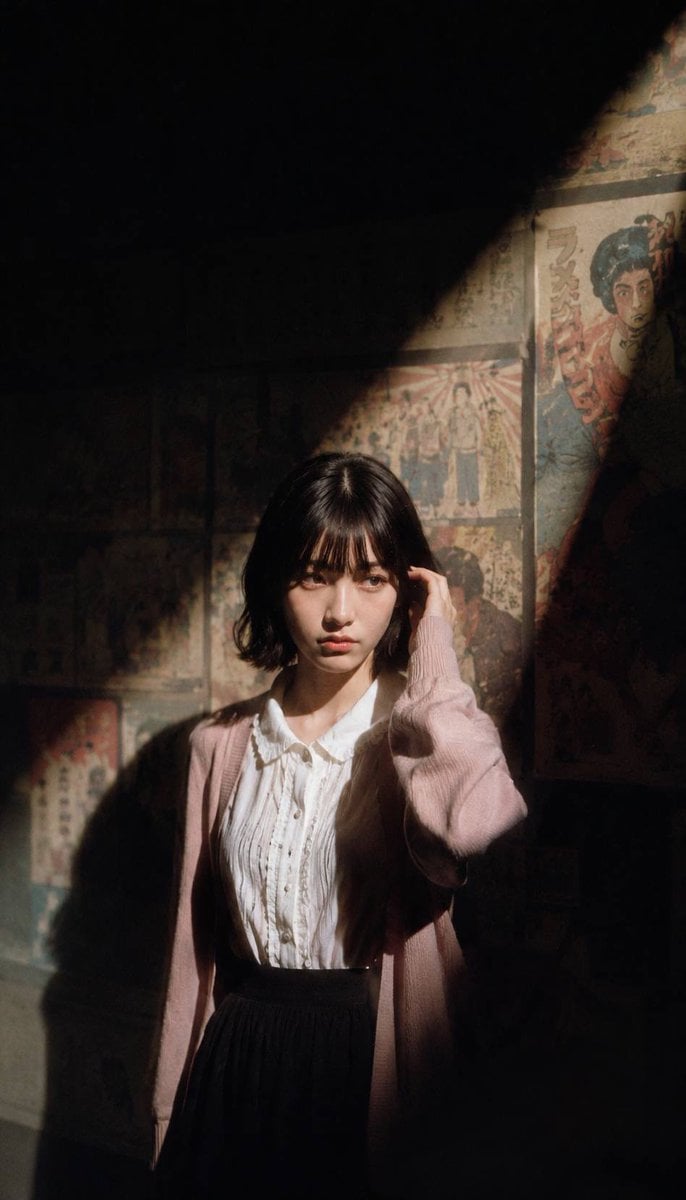
Mysterious Museum Exhibition Portrait

Rooftop Fisheye — Cat-Ear Balaclava at Golden Hour

Soft Handcrafted Paper-Cut Layered Illustration
Make it yours
Museum Papercraft Anime Portrait works as-is. These are the safest ways to change it without losing the look.
Change one field
Copy a single group, rewrite it, and generate again so you can see what that field is doing.
Keep the frame, change the subject
Hold the composition and light of Museum Papercraft Anime Portrait, then swap wardrobe, props or the person for a new take.
| If the result… | Why | Fix |
|---|---|---|
| The result drifts from the preview | Too many fields changed at once. | Reuse Museum Papercraft Anime Portrait as-is first, then change one group — subject, light, or setting. |
| The model over-stylizes the scene | The prose prompt leaves finish and camera underspecified. | Add one camera or lighting sentence and stay on GPT Image 2. |
More GPT Image 2 templates
Other prompts made for GPT Image 2.

Six VTuber Japanese Logo Sheet

Realistic Portrait of Woman and Deer

The Vista Modular Condo Poster

AI Model Routing Comparison Infographic

2.5D Anime Art Board

Isometric Productivity Desk Scene

New York Double Exposure Poster

Four-Panel AI Landscape Comparison

Japanese Tatami Lifestyle Magazine Cover

NESCAFÉ Coffee Map Poster
More image prompts
Fresh picks from across the catalog.
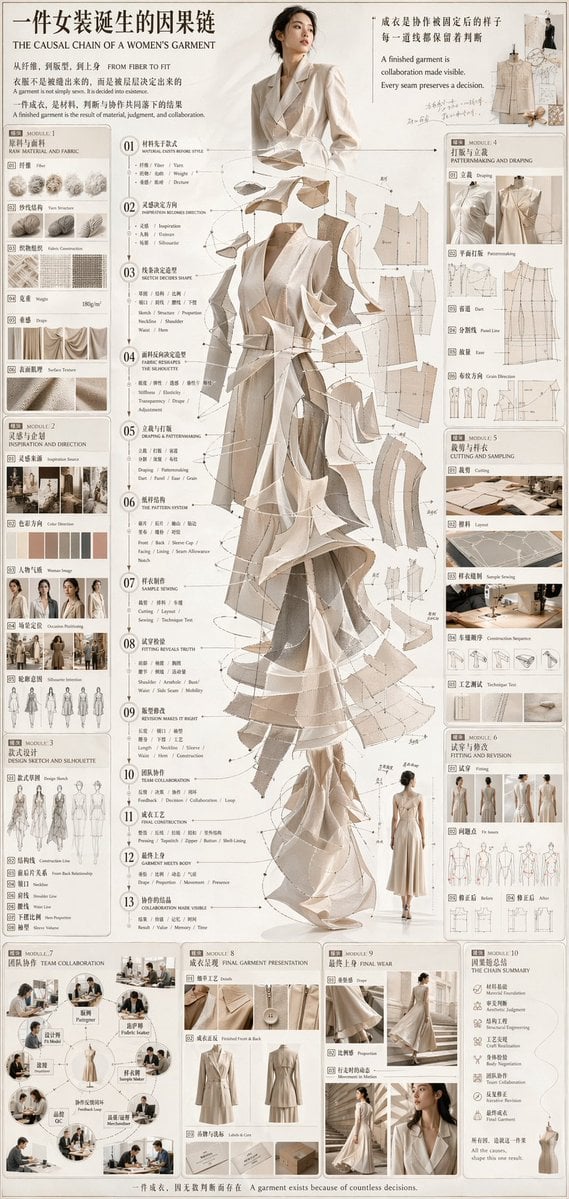
Couture Garment Process Infographic
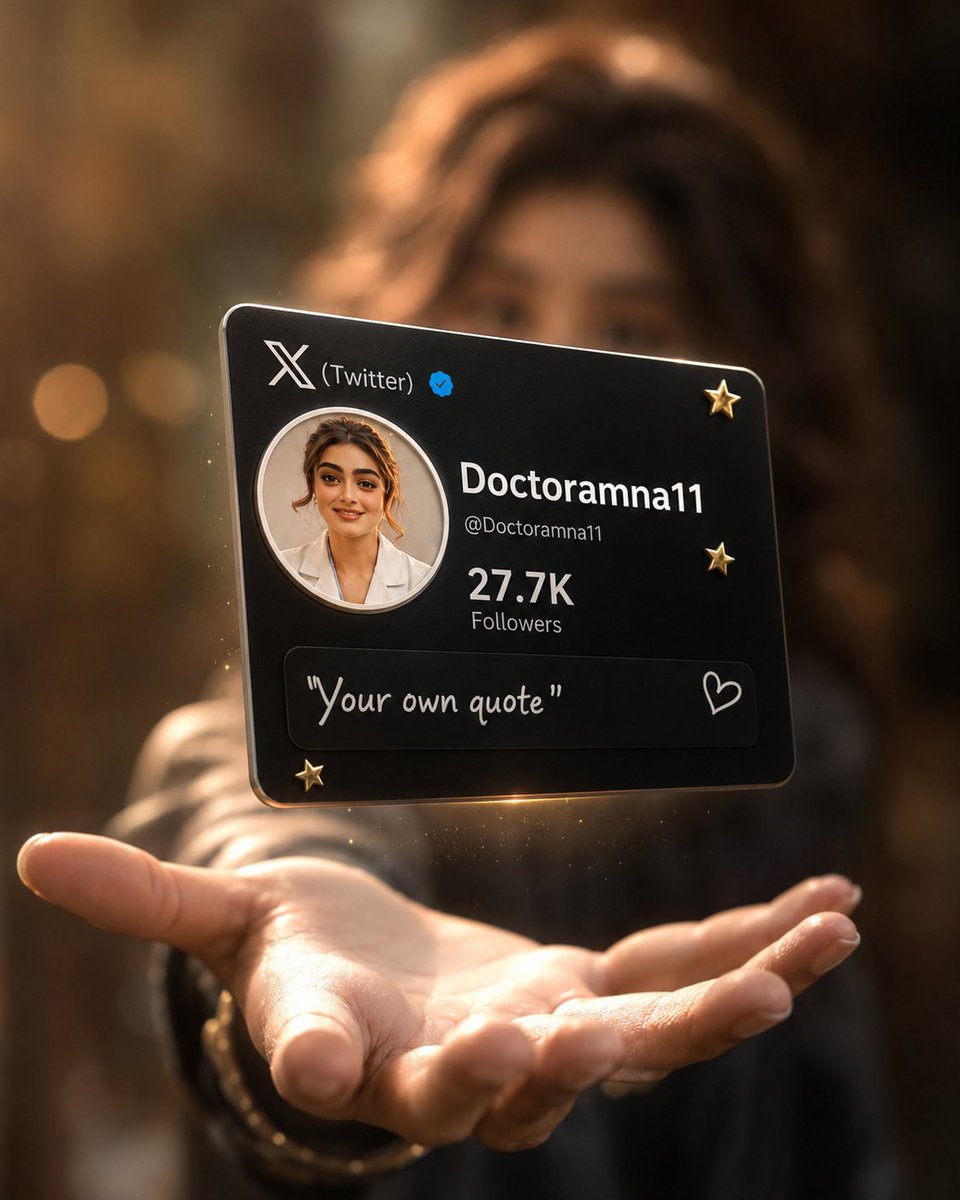
Floating Black Profile Card Concept
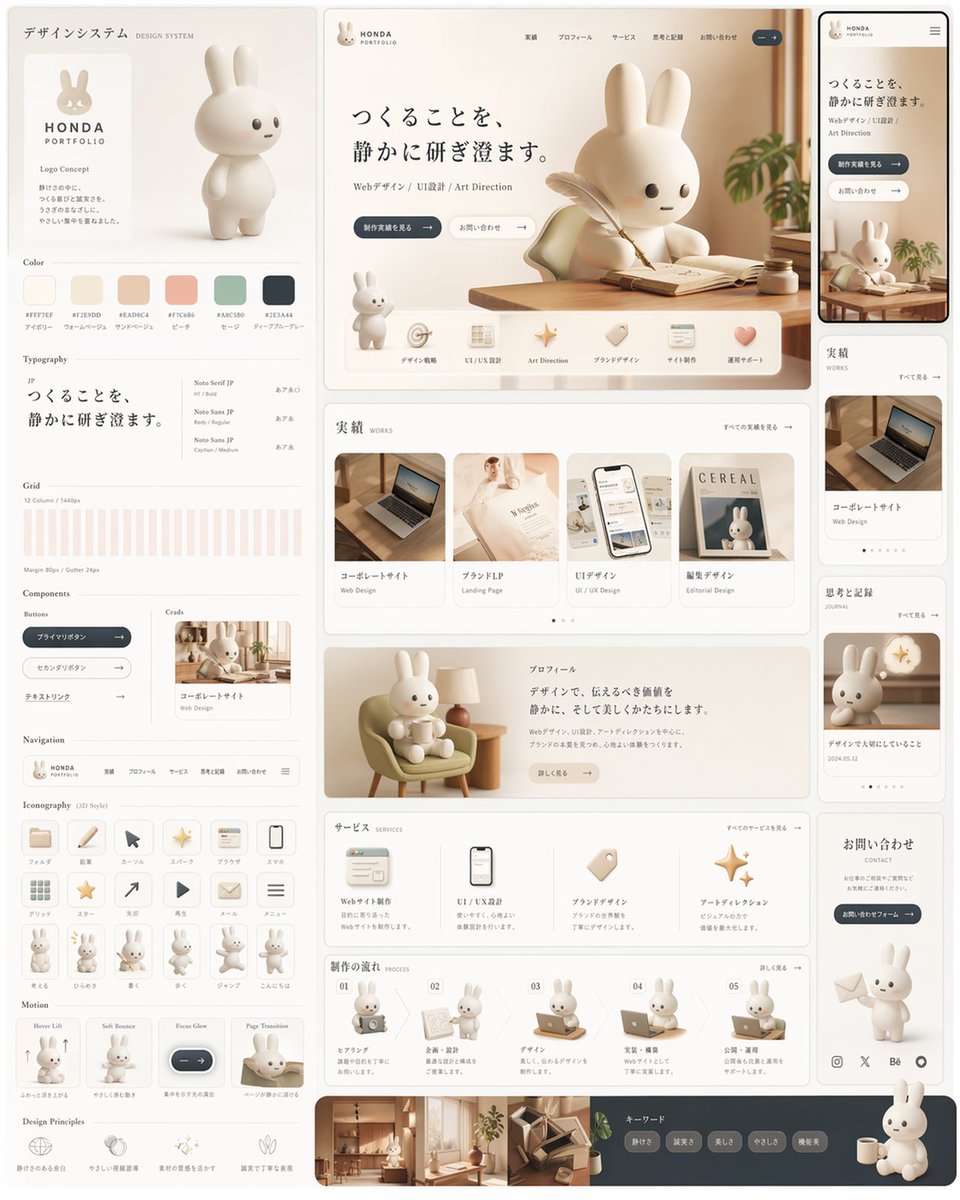
Rabbit Portfolio Design System Board

08 Rodeo Drive Luxury Exit — California Series

Elegant Professional Portrait with Coffee and Roses Prompt
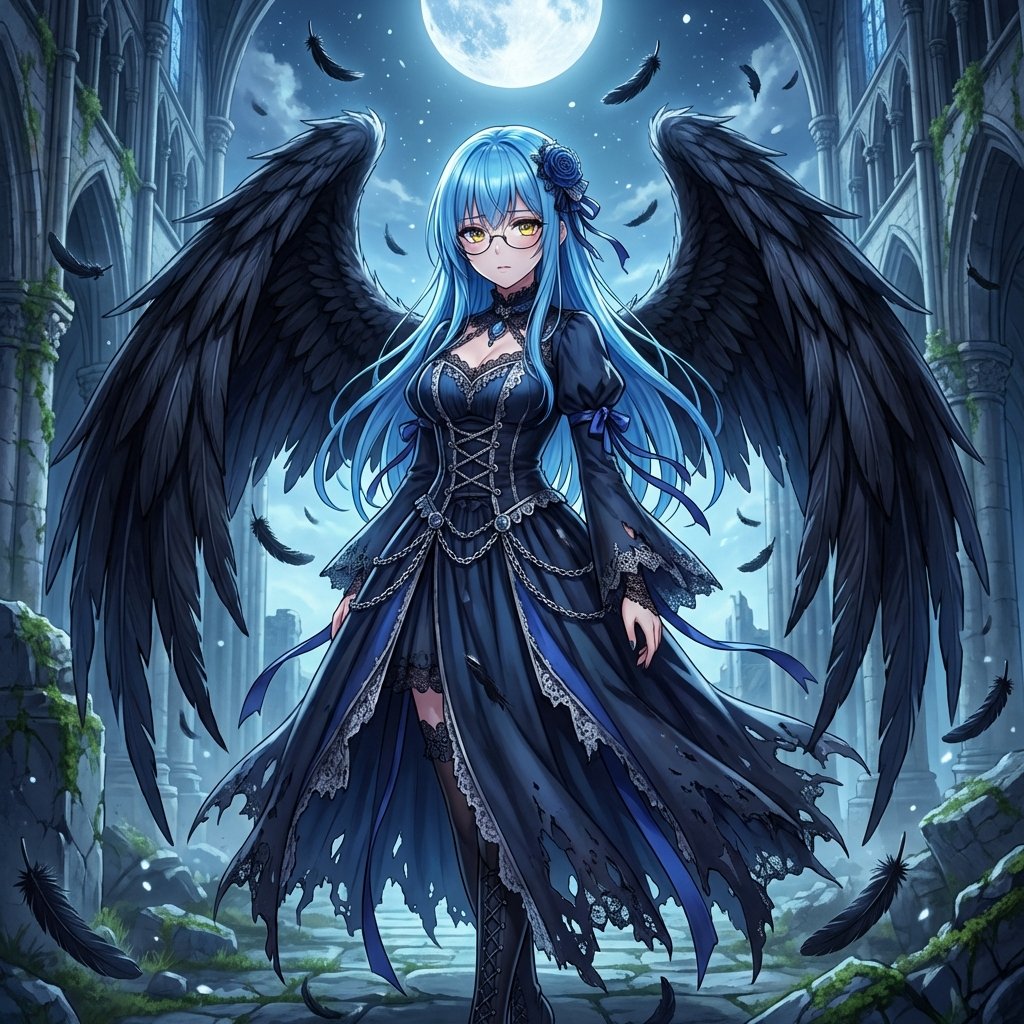
Fallen Angel Conversion
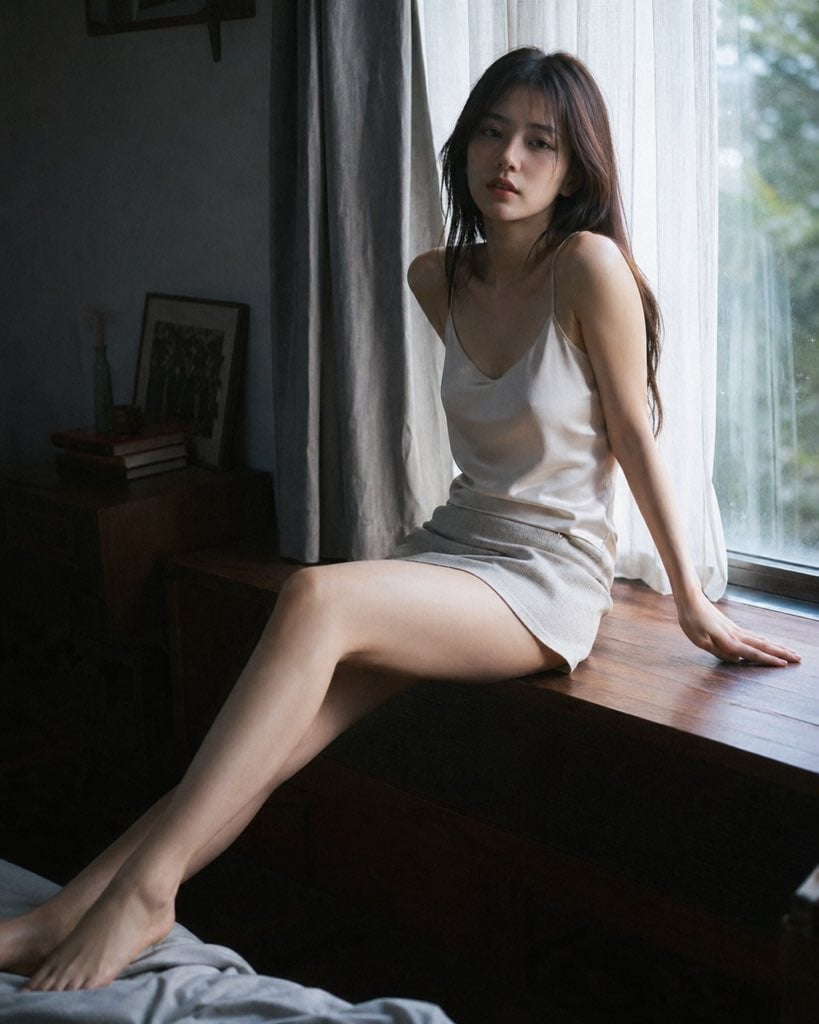
Cinematic Morning Interior Scene
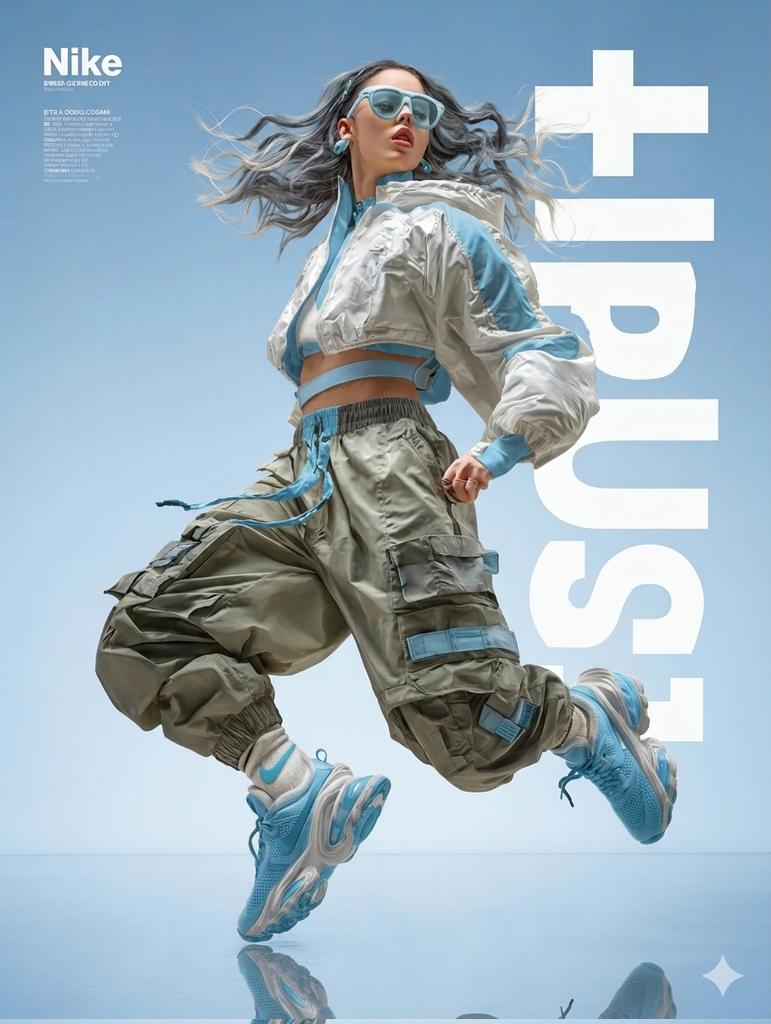
High Fashion Action Nike Nano Banana
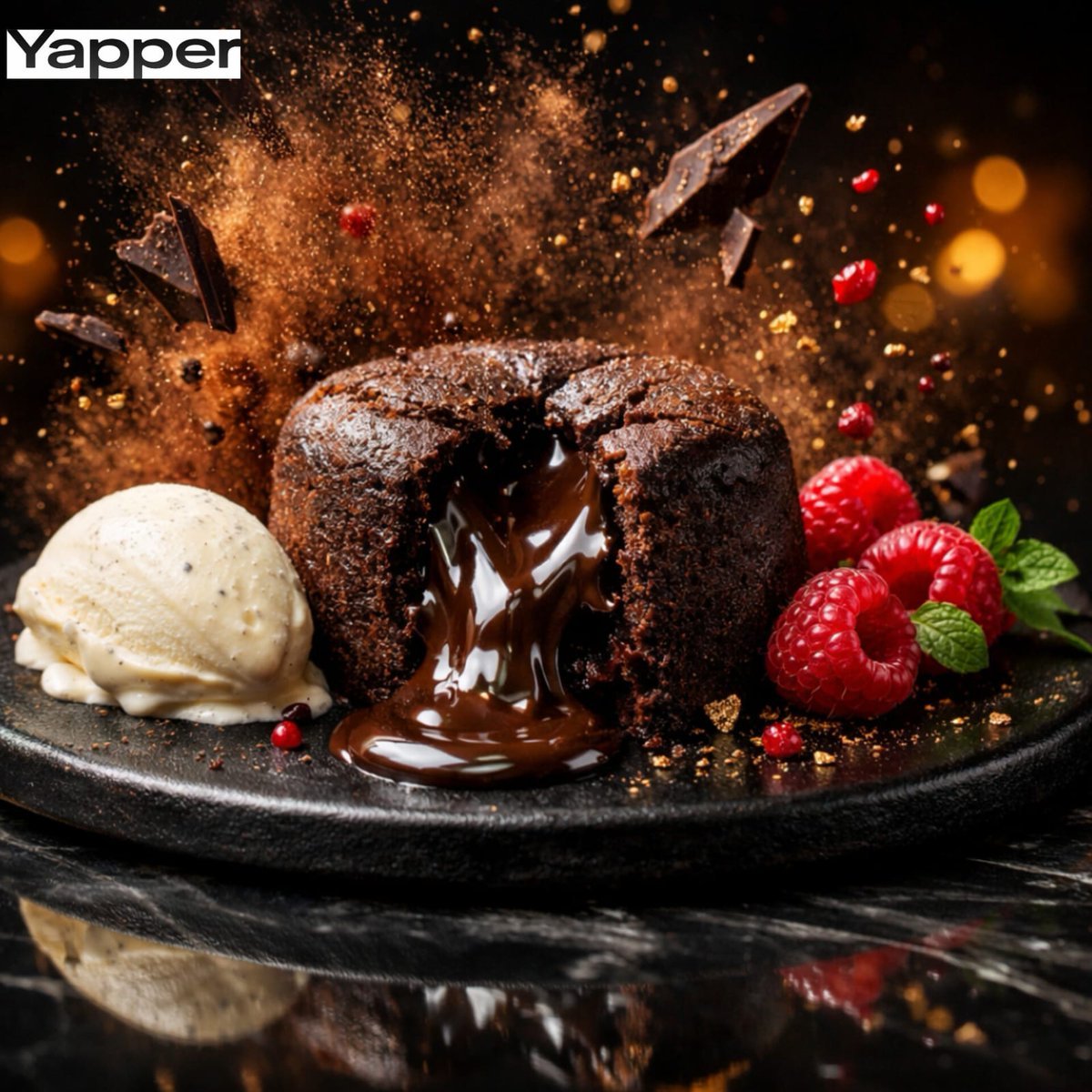
High-Speed Cinematic Luxury Dessert Photography Prompt (Molten Chocolate Lava Cake)
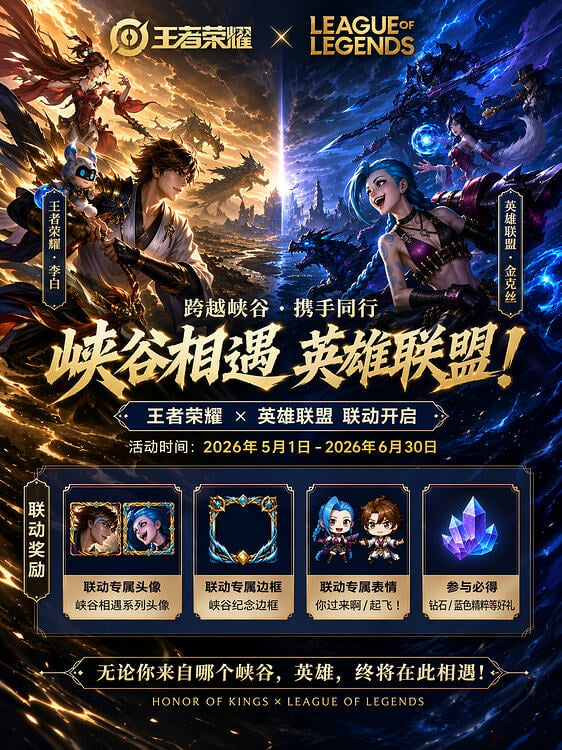
Game Crossover Promotional Poster
Browse template categories
Museum Papercraft Anime Portrait questions
How do I use the Museum Papercraft Anime Portrait template?
Add your photo if the template asks for one, edit the prompt if you like — the template's model and format are already selected — and press Generate. Your version opens in PicX Studio.
Can I customize the Museum Papercraft Anime Portrait template?
Yes. You can change the subject, setting, lighting, mood, format, and available model controls before creating your image.
Is the Museum Papercraft Anime Portrait template free?
Opening and editing this template is free. Generating uses credits, shown on the Generate button when you are signed in.
Which AI model should I use?
Start with GPT Image 2, which is the model associated with this template. You can compare another compatible model for a different finish.
Looking for something else? Browse all templates.

Your photo, any look
Thousands of ready templates for every top image and video model, from one credit balance.