
Couture Garment Process Infographic
This prompt generates a dense fashion-editorial poster showing a deconstructed couture dress surrounded by labeled design, patternmaking, fitting, and production workflow panels for use in concept presentations or…
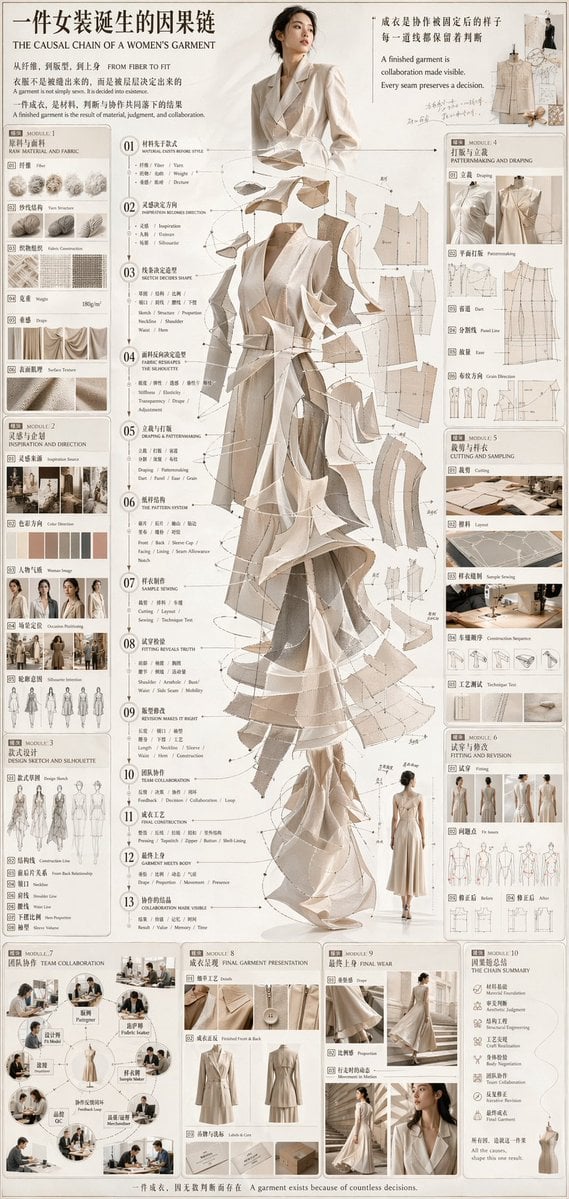
- Prompt included
- Model and format preset
- Premium template
The prompt behind this image
Copy the exact prompt behind Couture Garment Process Infographic, or open it in the studio and make it yours.
- Type
- fashion design infographic poster
- Style
- editorial couture process board, minimalist luxury branding, soft beige monochrome palette, clean white background, fine technical linework, delicate paper texture, elegant serif and small caps typography, bilingual Chinese and English fashion presentation
- Subject › Theme
- the full decision chain behind a women's garment from material research to final dress
- Subject › Centerpiece
- a tall front-facing female model wearing an avant-garde deconstructed gown in layered ivory, sand, taupe, and warm beige fabric panels, with semi-transparent pattern pieces, drape fragments, and construction lines floating around the body like an exploded view
- Subject › Model › Face
- intentionally blurred or obscured
- Subject › Model › Pose
- standing upright, arms relaxed, couture presentation stance
- Subject › Garment › Type
- floor-length sleeveless couture dress
- Subject › Garment › Silhouette
- column base with dramatic asymmetrical layered draping, sculptural folds, flared lower panels, and fragmented pattern-like extensions
- Subject › Garment › Materials
- matte woven fabric, sheer organza-like overlays, muslin toile textures, paper-pattern aesthetics
- Layout › Orientation
- vertical poster
- Layout › Density
- information-dense
- Layout › Sections › 0 › Title
- 一件女装诞生的因果链
- Layout › Sections › 0 › Position
- top header
- Layout › Sections › 0 › Count
- 1
- Layout › Sections › 0 › Labels
- THE CAUSAL CHAIN OF A WOMEN'S GARMENT
- Layout › Sections › 1 › Title
- 面料与材料
- Layout › Sections › 1 › Position
- upper left
- Layout › Sections › 1 › Count
- 6
- Layout › Sections › 1 › Labels
- Fiber, Yarn Structure, Fabric Construction, Weight, Drape, Surface Texture
- Layout › Sections › 2 › Title
- 灵感与企划
- Layout › Sections › 2 › Position
- left upper-middle
- Layout › Sections › 2 › Count
- 6
- Layout › Sections › 2 › Labels
- Inspiration Source, Color Direction, Woman Image, Occasion Positioning, Silhouette Intention, Design Sketch
- Layout › Sections › 3 › Title
- 设计与轮廓
Raw JSON
{"type":"fashion design infographic poster","style":"editorial couture process board, minimalist luxury branding, soft beige monochrome palette, clean white background, fine technical linework, delicate paper texture, elegant serif and small caps typography, bilingual Chinese and English fashion presentation","subject":{"theme":"the full decision chain behind a women's garment from material research to final dress","centerpiece":"a tall front-facing female model wearing an avant-garde deconstructed gown in layered ivory, sand, taupe, and warm beige fabric panels, with semi-transparent pattern pieces, drape fragments, and construction lines floating around the body like an exploded view","model":{"face":"intentionally blurred or obscured","pose":"standing upright, arms relaxed, couture presentation stance"},"garment":{"type":"floor-length sleeveless couture dress","silhouette":"column base with dramatic asymmetrical layered draping, sculptural folds, flared lower panels, and fragmented pattern-like extensions","materials":"matte woven fabric, sheer organza-like overlays, muslin toile textures, paper-pattern aesthetics"}},"layout":{"orientation":"vertical poster","density":"information-dense","sections":[{"title":"一件女装诞生的因果链","position":"top header","count":1,"labels":["THE CAUSAL CHAIN OF A WOMEN'S GARMENT"]},{"title":"面料与材料","position":"upper left","count":6,"labels":["Fiber","Yarn Structure","Fabric Construction","Weight","Drape","Surface Texture"]},{"title":"灵感与企划","position":"left upper-middle","count":6,"labels":["Inspiration Source","Color Direction","Woman Image","Occasion Positioning","Silhouette Intention","Design Sketch"]},{"title":"设计与轮廓","position":"left lower-middle","count":7,"labels":["Drape Sketch","Construction Line","Form Sketch Relationship","Volume Line","Wear Line","Movement Line","Proportion"]},{"title":"中央信息链","position":"center left and center","count":13,"labels":["RAW MATERIAL AND FABRIC","MATERIAL DENSITY FORCE","INSPIRATION BECOMES DIRECTION","SKETCH DECIDES SHAPE","DRAPE PRACTICE SHAPES THE SILHOUETTE","DRAPING & PATTERNMAKING","THE PATTERN SYSTEM","SAMPLE SEWING","FITTING REVEALS TRUTH","REVISED MAKES IT RIGHT","TEAM COLLABORATION","FINAL CONSTRUCTION","COLLABORATION MADE VISIBLE"]},{"title":"打版与立裁","position":"upper right","count":6,"labels":["Pattern Drafting","Panel Line","Balance","Grain Direction","Patternmaking","Draping"]},{"title":"裁剪与样衣","position":"right middle","count":5,"labels":["Cutting","Layout","Sample Sewing","Combination Sequence","Technology Test"]},{"title":"试穿与修正","position":"right lower-middle","count":4,"labels":["Fit test","Before","After","Revision"]},{"title":"团队协作","position":"bottom left","count":8,"labels":["Design Team","Patternmaker","Fabric Table","Fit Model","Design Review","Technical Meeting","Merchandising","QC"]},{"title":"成衣呈现","position":"bottom center","count":5,"labels":["Look","Finished Front & Back","Label & Cm","Packaging","Detail"]},{"title":"最终上身","position":"bottom center-right","count":4,"labels":["Drape","Proportion","Movement in Motion","Close-up"]},{"title":"因果总结","position":"bottom right","count":6,"labels":["Material Base","Aesthetic Judgment","Structural Engineering","Craft Precision","Body Negotiation","All these shape one result"]}],"additional_elements":{"technical_drawings":12,"fabric_swatches":8,"process_photos":23,"mini figure sketches":10,"diagram_arrows":"many thin annotation arrows and numbered callouts connecting process steps to the central garment"}},"text":{"headline_cn":"一件女装诞生的因果链","headline_en":"THE CAUSAL CHAIN OF A WOMEN'S GARMENT","top_right_quote":"A finished garment is visible, collaboration made visible. Every seam preserves a decision.","footer":"A garment exists because of countless decisions."},"color_palette":{"primary":"{argument name=\"primary palette\" default=\"ivory, cream, sand, beige, taupe\"}","background":"warm white","accent":"light gray linework and muted brown text"},"rendering":{"lighting":"soft studio lighting, diffuse and shadow-light","detail_level":"very high","composition":"magazine-quality infographic with the model centered and narrow modular side panels","mood":"intellectual, refined, process-driven, couture atelier"}}How to use Couture Garment Process Infographic in 3 steps
- 1Upload ImagePNG, JPG or paste
Add your photo
Upload the photo the template builds on. The prompt, model and format are already set.
- 2…a portrait of your subject in softgolden-hour light, 85mm…
Personalize
Edit the subject and creative details for your destination.
- 3Generate
Generate
Press Generate — your image is created in PicX Studio, so you can compare it with the original and refine one variable at a time.
More like this
Templates with the same subject, style or setup. Open one to see its prompt.

Isometric Process Educational Diorama

Gpt2 Infographic Edu Visual Japanese Sci Fi Suit Up Process Board

Japan Travel Brochure Poster
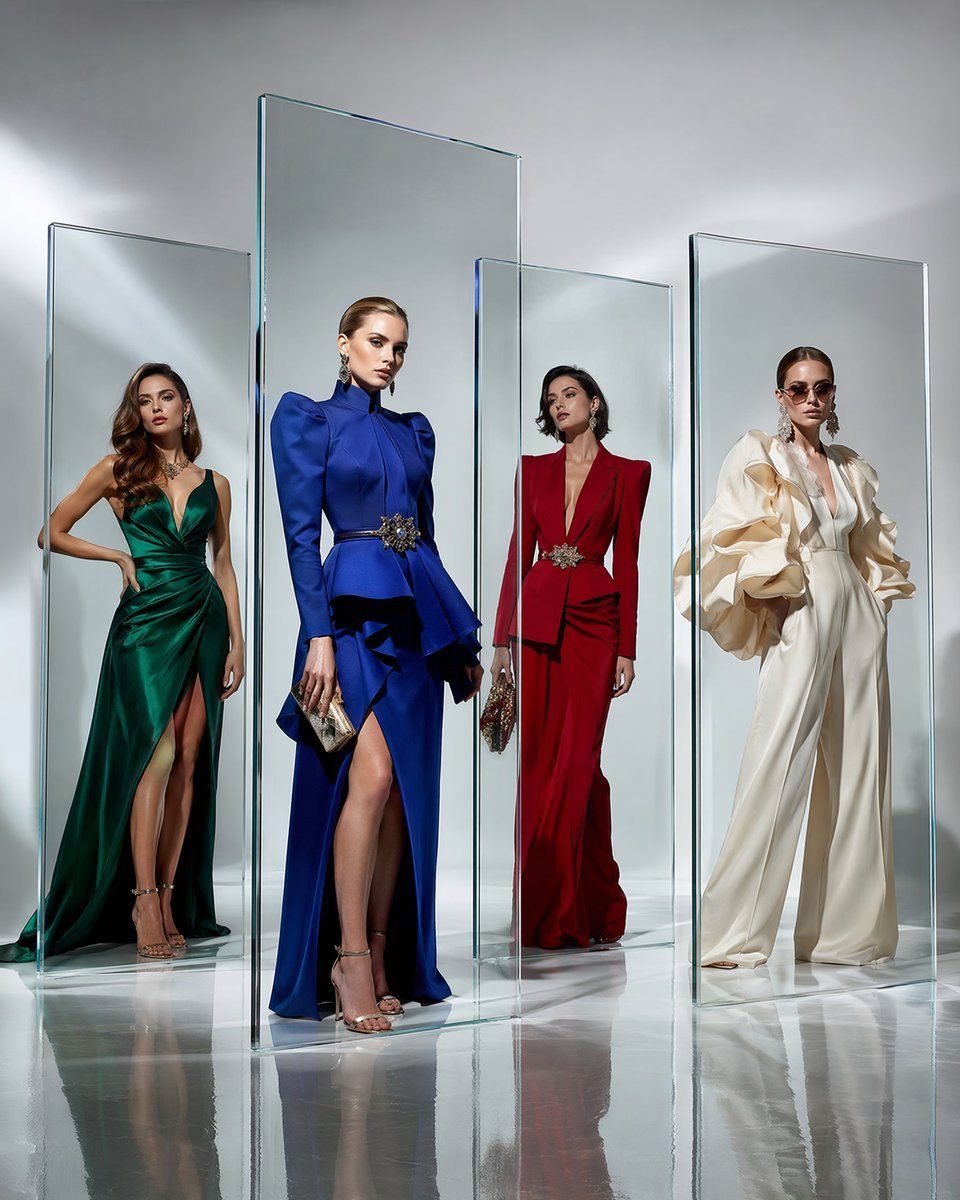
Crystal Panel European Couture Fashion Composite
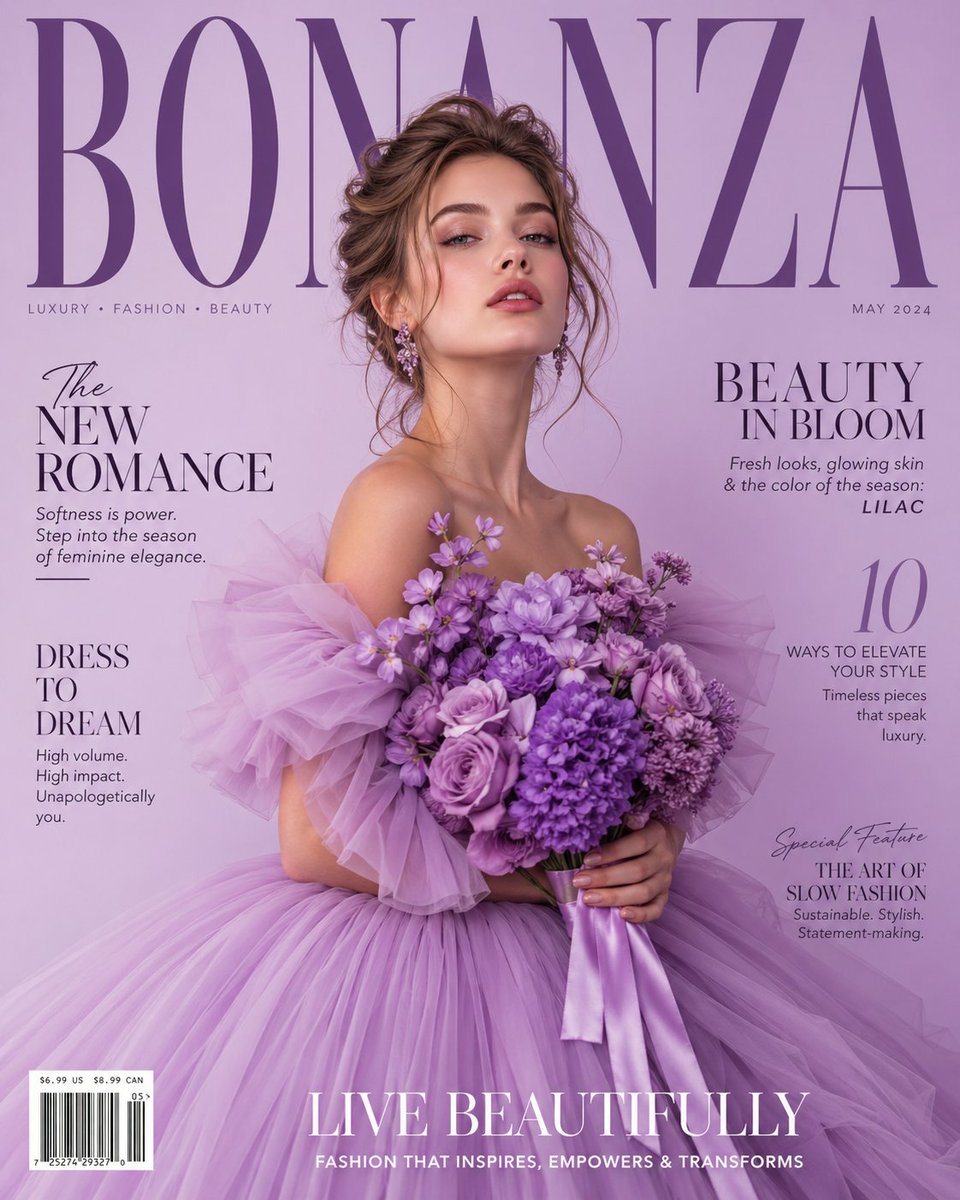
Lavender Couture Magazine Cover Fashion Portrait

Isometric Vehicle Teardown Infographic Template

Automatic Coffee Machine Process Infographic
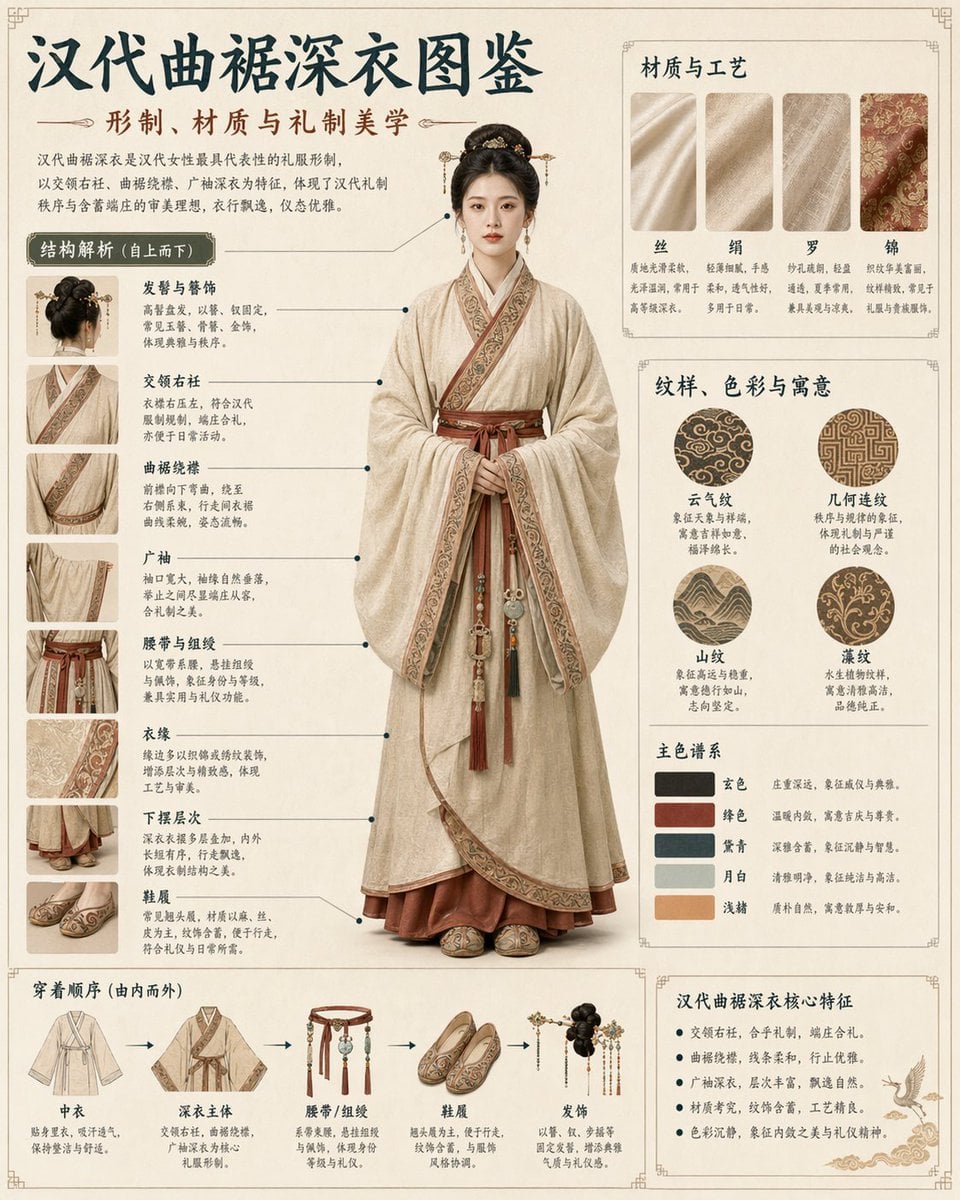
Cultural Garment Infographic
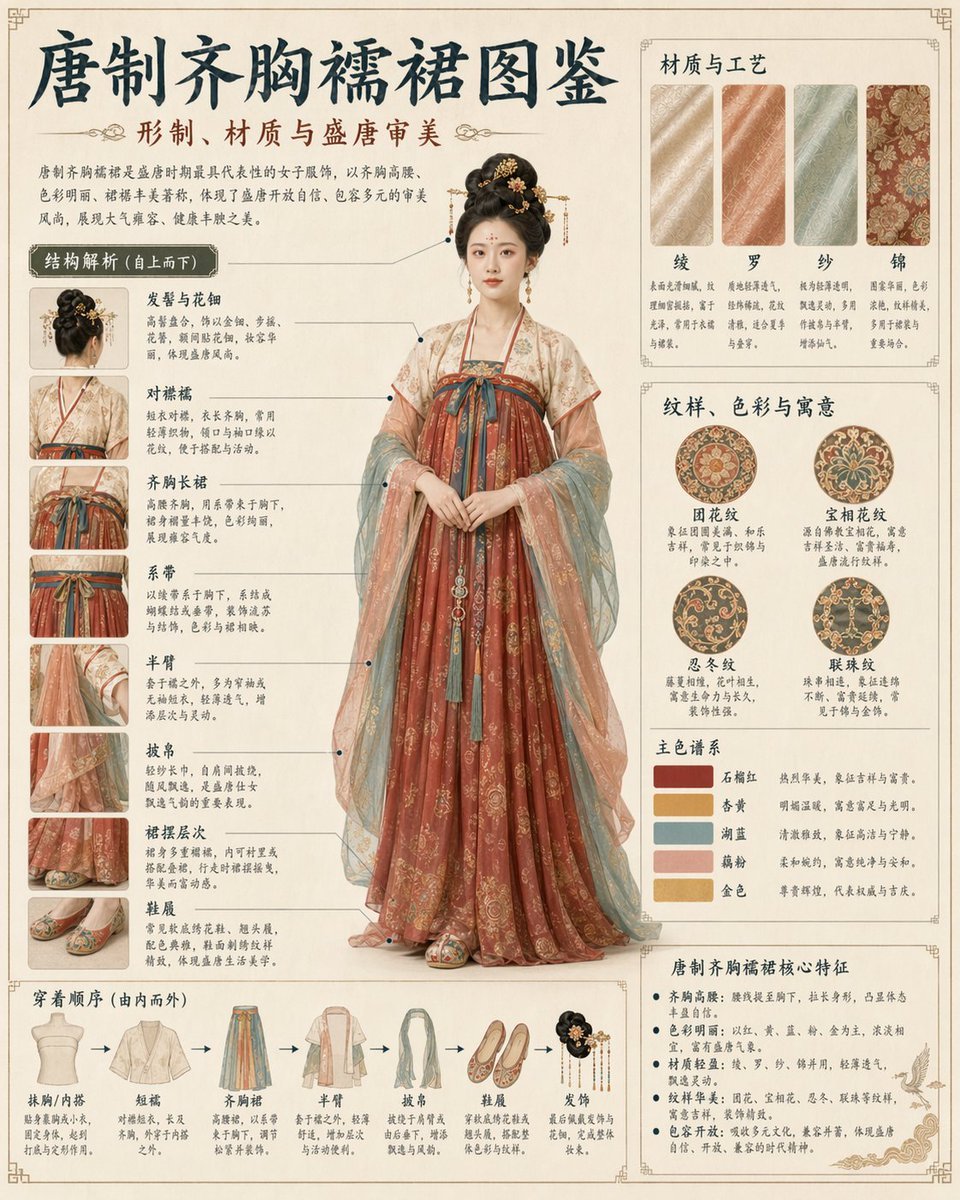
Traditional Garment Infographic
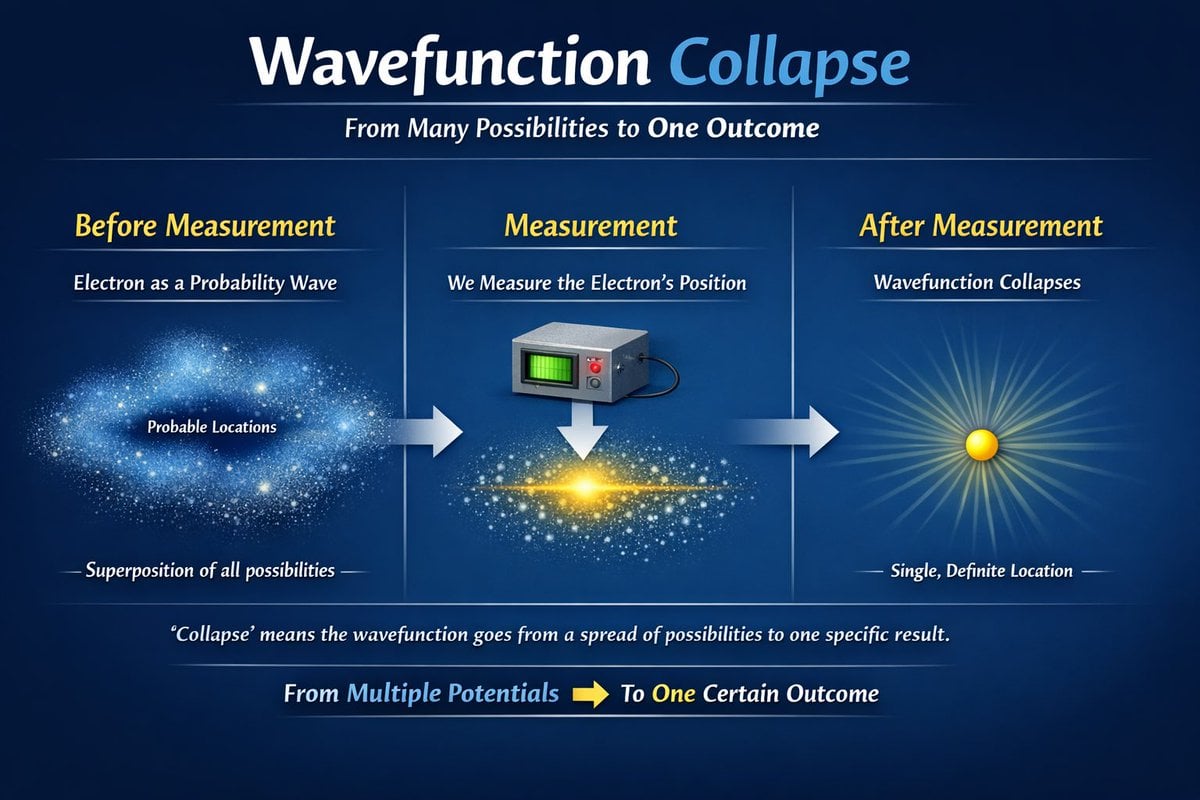
Scientific Process Infographic
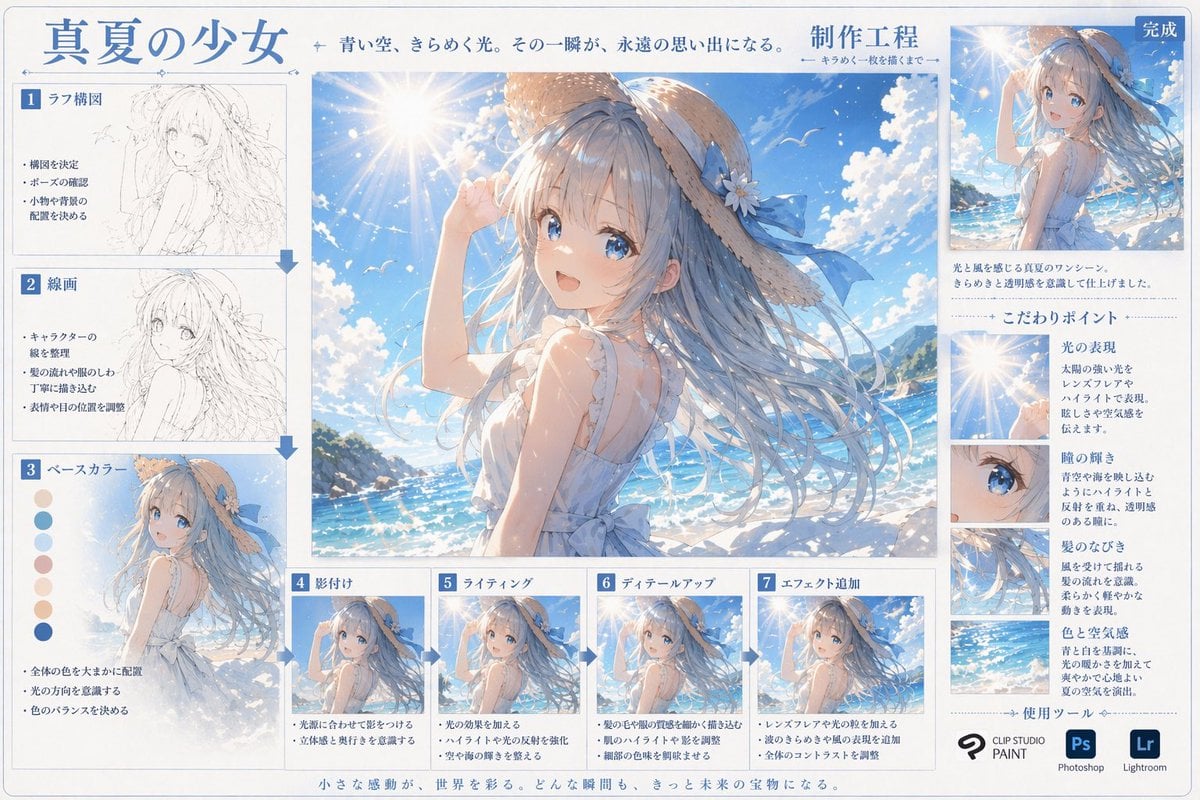
Anime Art Process Infographic

Gpt2 E Commerce Main Image Earbuds E Commerce Infographic
Make it yours
Couture Garment Process Infographic works as-is. These are the safest ways to change it without losing the look.
Swap the setting
Keep the rest of the prompt and replace the location block. The current setting is “warm white”.
Swap the light
One lighting change is enough to compare takes. Current light: “soft studio lighting, diffuse and shadow-light”.
Change one field
Copy a single group, rewrite it, and generate again so you can see what that field is doing.
| If the result… | Why | Fix |
|---|---|---|
| The result drifts from the preview | Too many fields changed at once. | Reuse Couture Garment Process Infographic as-is first, then change one group — subject, light, or setting. |
| GPT Image 2 ignores part of the JSON | Some models flatten or skip nested keys. | Keep the same values and paste them as a short paragraph instead. |
More GPT Image 2 templates
Other prompts made for GPT Image 2.

Six VTuber Japanese Logo Sheet

Realistic Portrait of Woman and Deer

The Vista Modular Condo Poster

AI Model Routing Comparison Infographic

2.5D Anime Art Board

Isometric Productivity Desk Scene

New York Double Exposure Poster

Four-Panel AI Landscape Comparison

Japanese Tatami Lifestyle Magazine Cover

NESCAFÉ Coffee Map Poster
More image prompts
Fresh picks from across the catalog.

Paris Watercolor Travel Poster
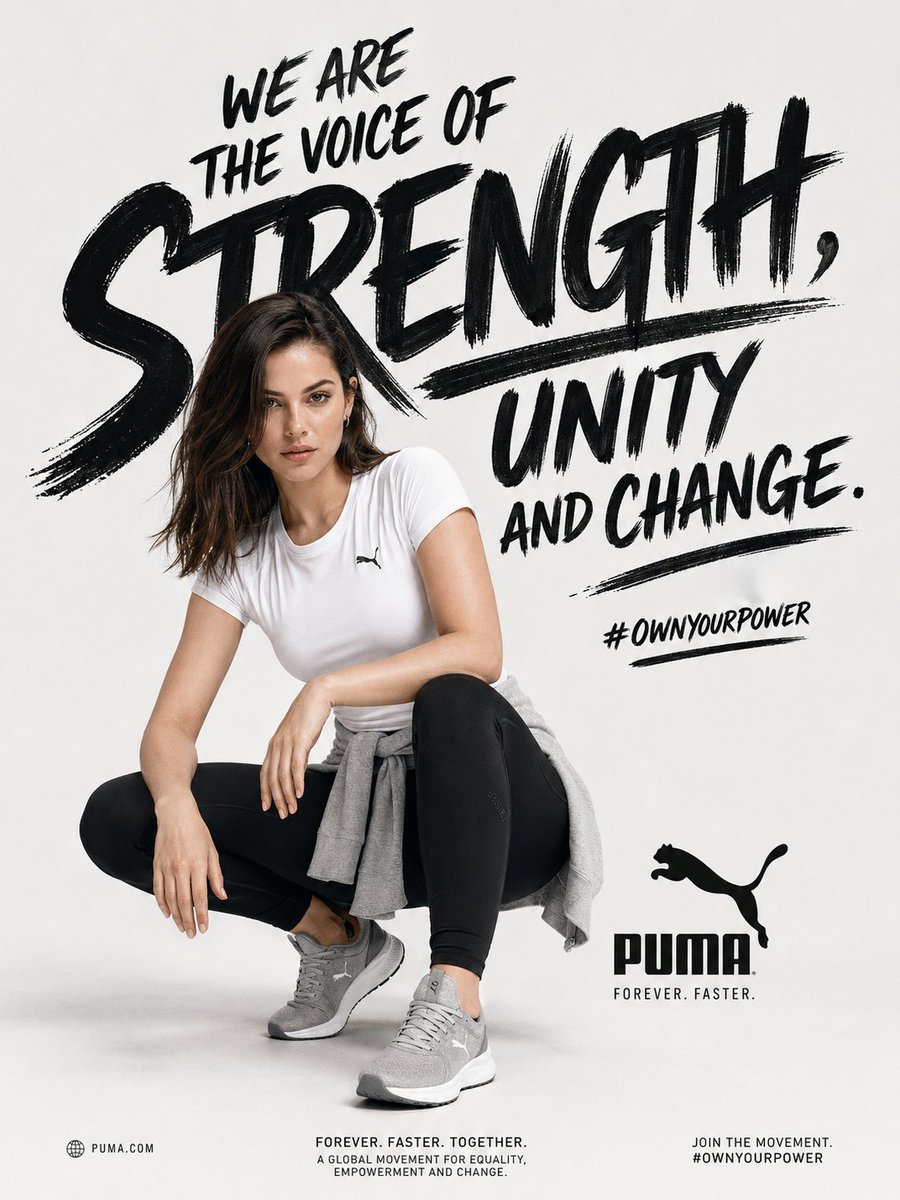
Empowerment Sports Campaign Poster
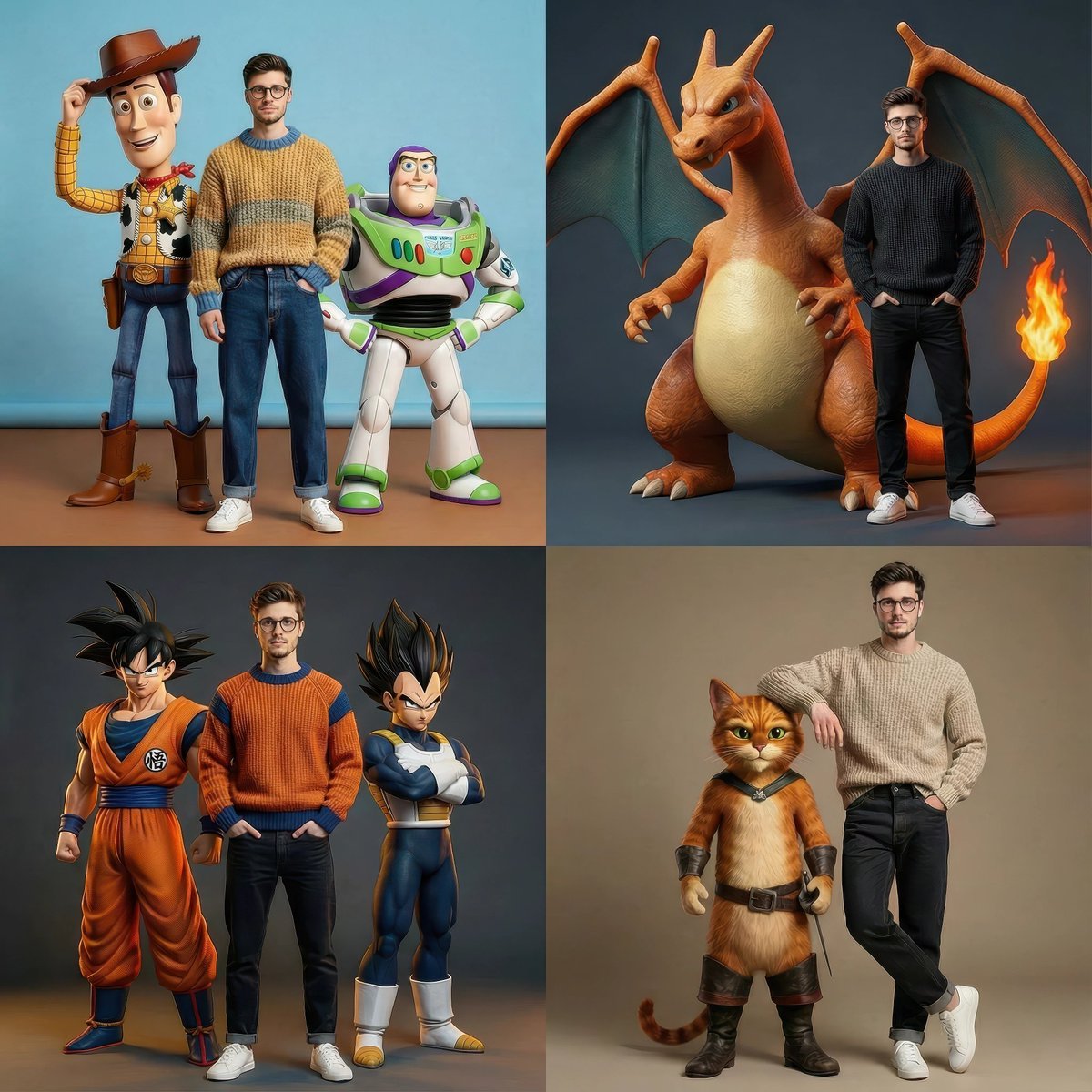
Hyperrealistic Fashion Editorial with Animated Characters
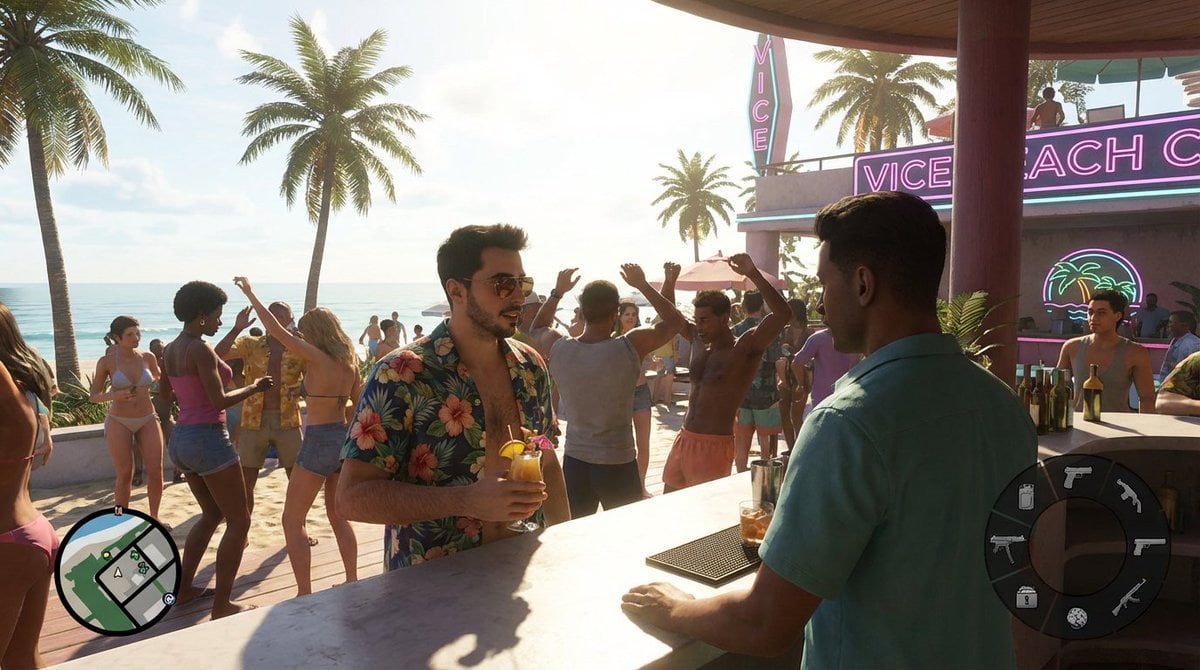
Beach Club Open-World Game Screenshot
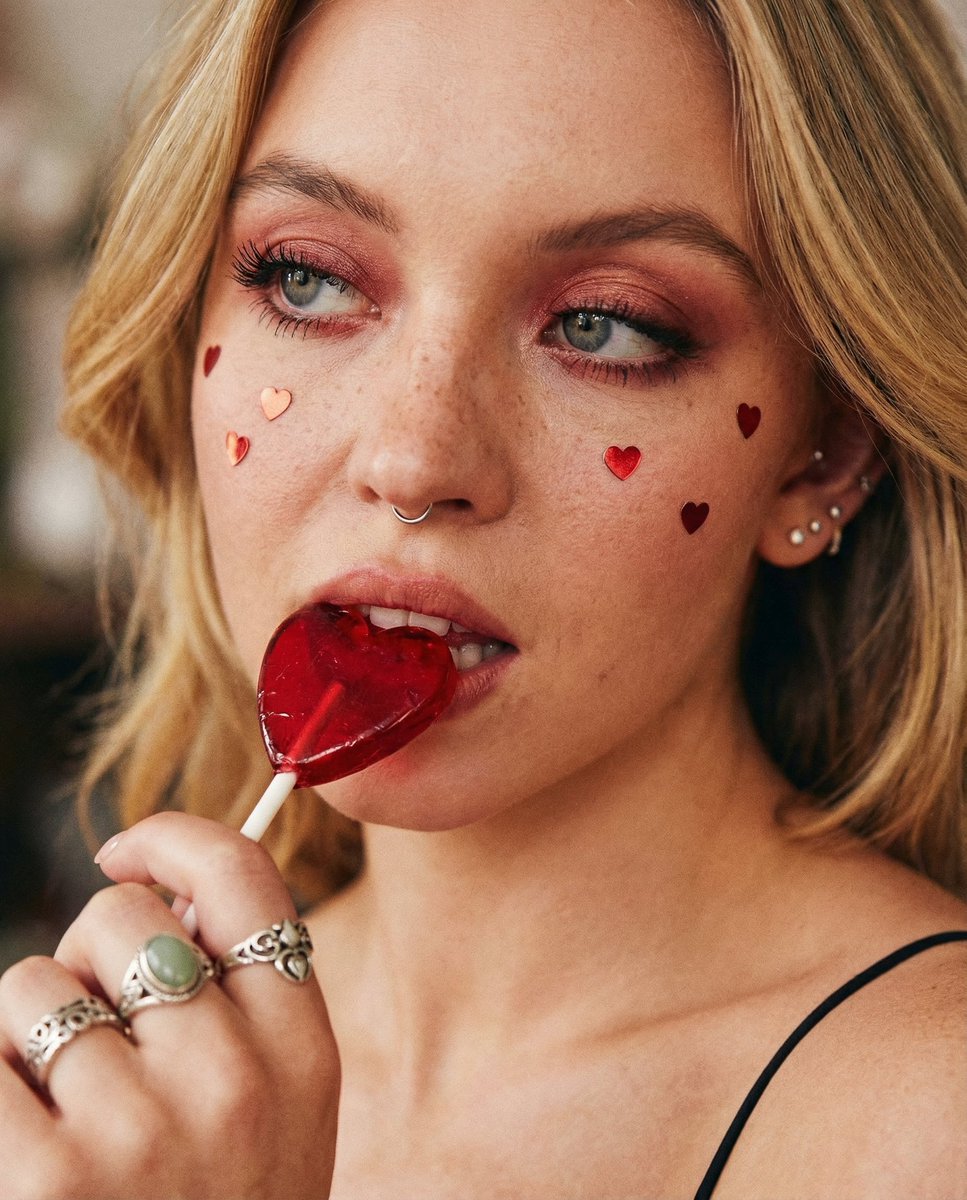
Coquette Soft Grunge Portrait with Lollipop
Aria
LEGO Miniature Diorama of 'The Nun' Horror Film Set
Fashion Casting Contact Sheet Portrait
ASCII Layout Landing Page Generator
Cinematic Beachwear Model Portrait
Browse template categories
Couture Garment Process Infographic questions
How do I use the Couture Garment Process Infographic template?
Add your photo if the template asks for one, edit the prompt if you like — the template's model and format are already selected — and press Generate. Your version opens in PicX Studio.
Can I customize the Couture Garment Process Infographic template?
Yes. You can change the subject, setting, lighting, mood, format, and available model controls before creating your image.
Is the Couture Garment Process Infographic template free?
Opening and editing this template is free. Generating uses credits, shown on the Generate button when you are signed in.
Which AI model should I use?
Start with GPT Image 2, which is the model associated with this template. You can compare another compatible model for a different finish.
Looking for something else? Browse all templates.

Your photo, any look
Thousands of ready templates for every top image and video model, from one credit balance.