
Lavender Couture Magazine Cover Fashion Portrait
Negative prompt: plastic skin, harsh shadows, cluttered layout, distorted typography, text artifacts, watermark, logo, cartoon, illustration, over-saturated colors
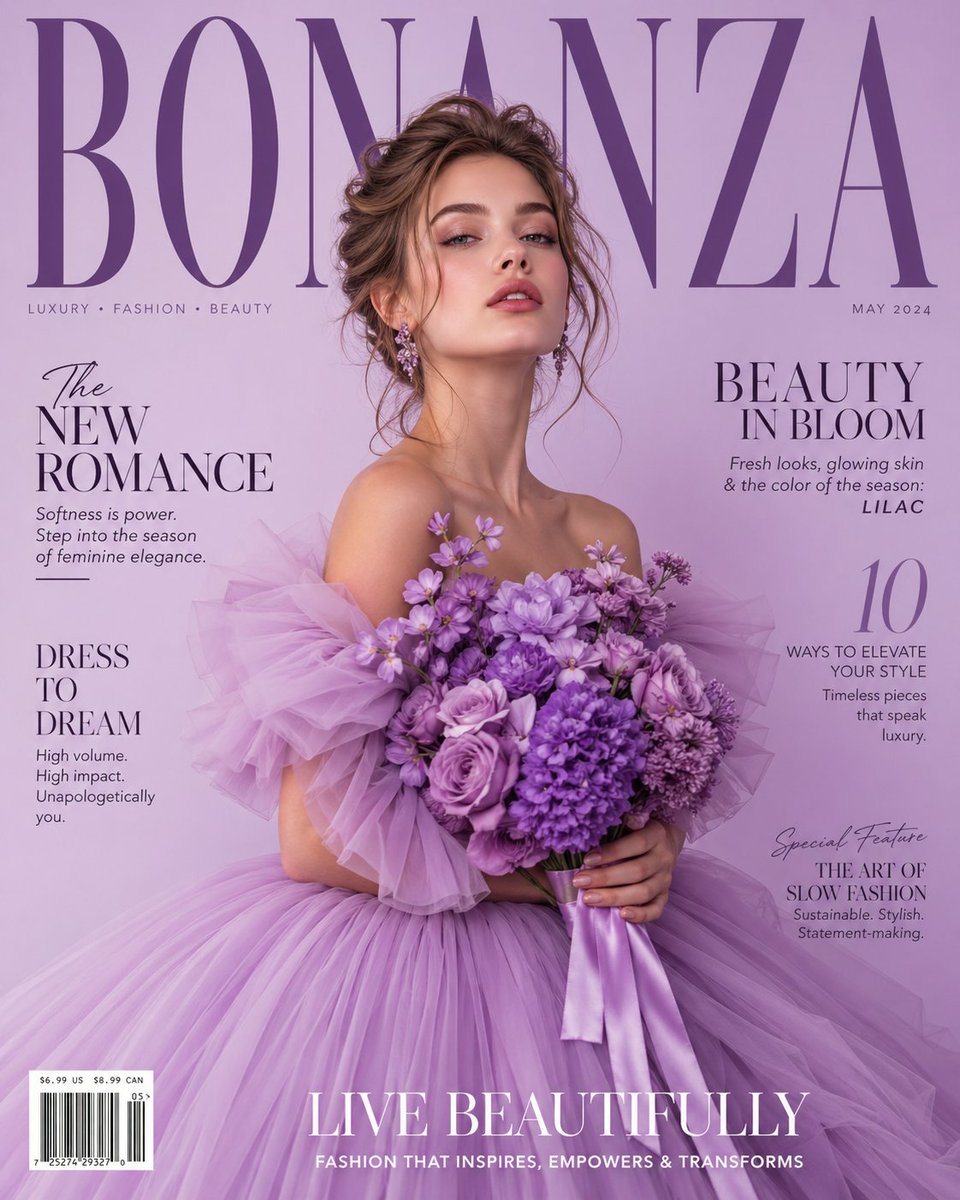
- Prompt included
- Model and format preset
- Premium template
The prompt behind this image
Copy the exact prompt behind Lavender Couture Magazine Cover Fashion Portrait, or open it in the studio and make it yours.
Luxury high-fashion magazine cover with soft light purple lavender gradient background. Beautiful young female model with delicate features, glowing skin, confident elegant expression, centered. She wears a dramatic high-volume couture gown made of layered pastel purple tulle creating a dreamy cloud-like silhouette, holding a lush bouquet of purple flowers including roses, peonies, and lilacs with soft bokeh. Loose romantic updo with soft strands framing her face, subtle glamorous makeup, glossy lips, soft blush. Large bold magazine title in thick elegant serif font behind the model’s head, partially obscured, clean editorial layout with realistic typography. Side cover text in refined fashion magazine style: The New Romance, Beauty in Bloom, Dress to Dream, 10 Ways to Elevate Your Style, Special Feature: The Art of Slow Fashion. Include barcode, May issue date, and tagline at bottom. Soft studio lighting, diffused glow, high-end Vogue-style editorial, shallow depth of field, luxury aesthetic, ultra-realistic, 8K detail.
How to use Lavender Couture Magazine Cover Fashion Portrait in 3 steps
- 1
Open
The prompt is already in the box next to the preview, with the template's model and format selected.
- 2…a portrait of your subject in softgolden-hour light, 85mm…
Personalize
Edit the subject and creative details for your destination.
- 3Generate
Generate
Press Generate — your image is created in PicX Studio, so you can compare it with the original and refine one variable at a time.
More like this
Templates with the same subject, style or setup. Open one to see its prompt.

Couture Fashion Editorial Woman and Drag

Caution Tape Fashion — Industrial Editorial
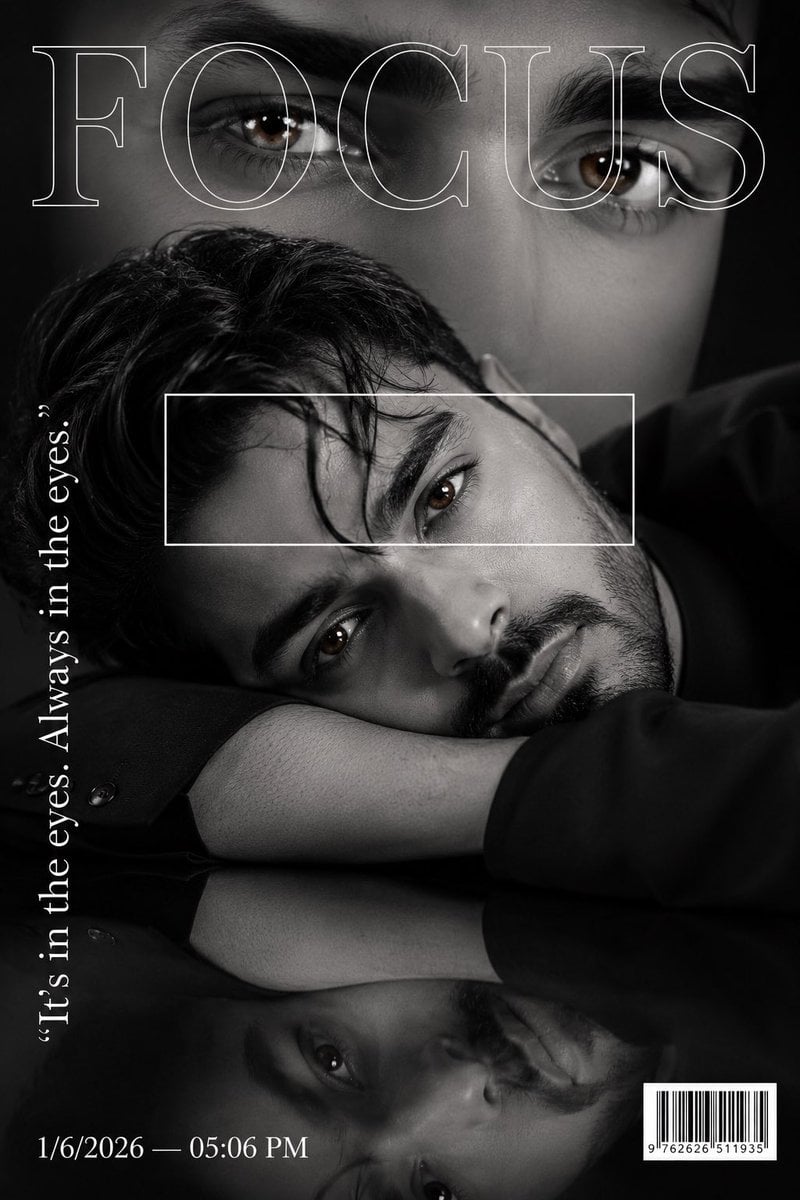
Luxury Fashion Magazine Cover Portrait

Nano Banana 2 Editorial Fashion Portrait

19 Luxury Helicopter Travel — California Series

08 Rodeo Drive Luxury Exit — California Series

Luxury Fashion Editorial Portrait

High-Fashion Magazine Cover Portrait
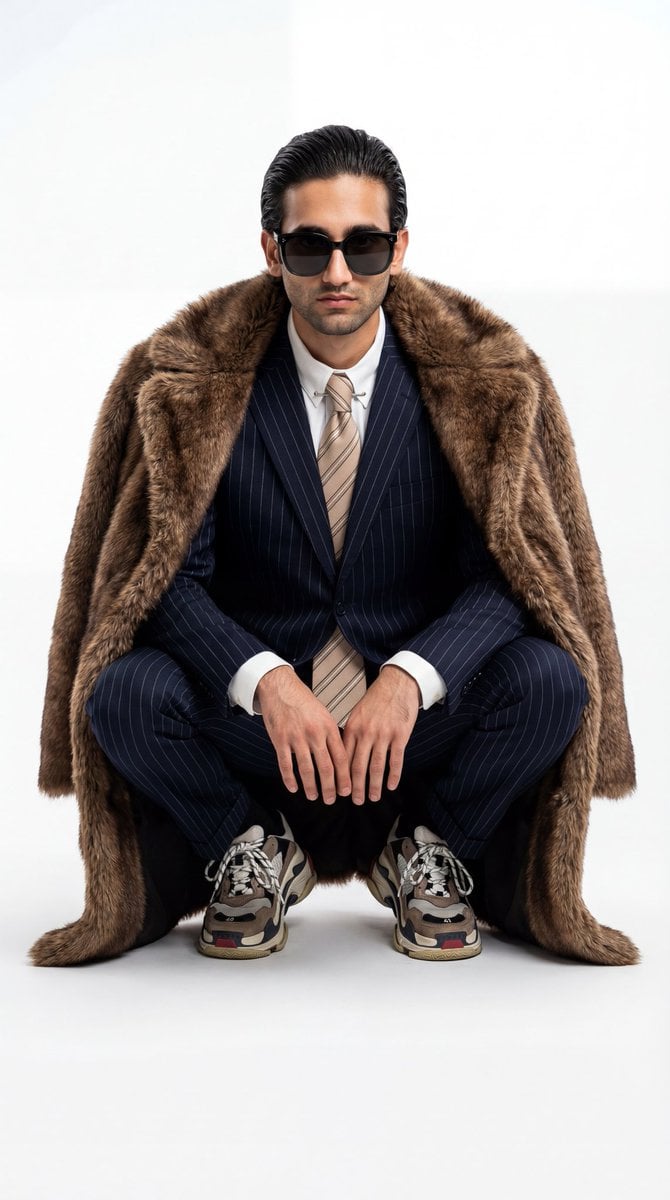
Ultra-Realistic Luxury Fashion Editorial Portrait

untitled

Nano Banana 2 High Fashion Sports Campai

Ive Yujin Fashion Portrait in Blue
Make it yours
Lavender Couture Magazine Cover Fashion Portrait works as-is. These are the safest ways to change it without losing the look.
Change one field
Copy a single group, rewrite it, and generate again so you can see what that field is doing.
Keep the frame, change the subject
Hold the composition and light of Lavender Couture Magazine Cover Fashion Portrait, then swap wardrobe, props or the person for a new take.
| If the result… | Why | Fix |
|---|---|---|
| The result drifts from the preview | Too many fields changed at once. | Reuse Lavender Couture Magazine Cover Fashion Portrait as-is first, then change one group — subject, light, or setting. |
| The model over-stylizes the scene | The prose prompt leaves finish and camera underspecified. | Add one camera or lighting sentence and stay on PicX Studio. |
More image prompts
Fresh picks from across the catalog.
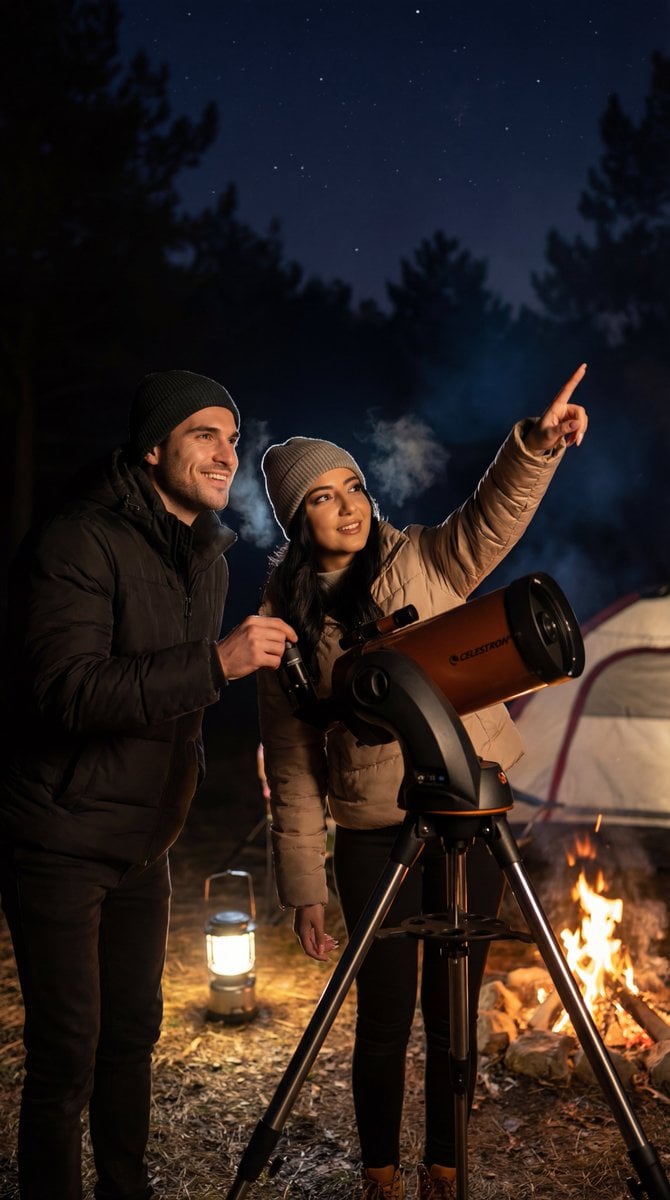
Ultra-Photorealistic Candid Film Still of Night Camping and Stargazing
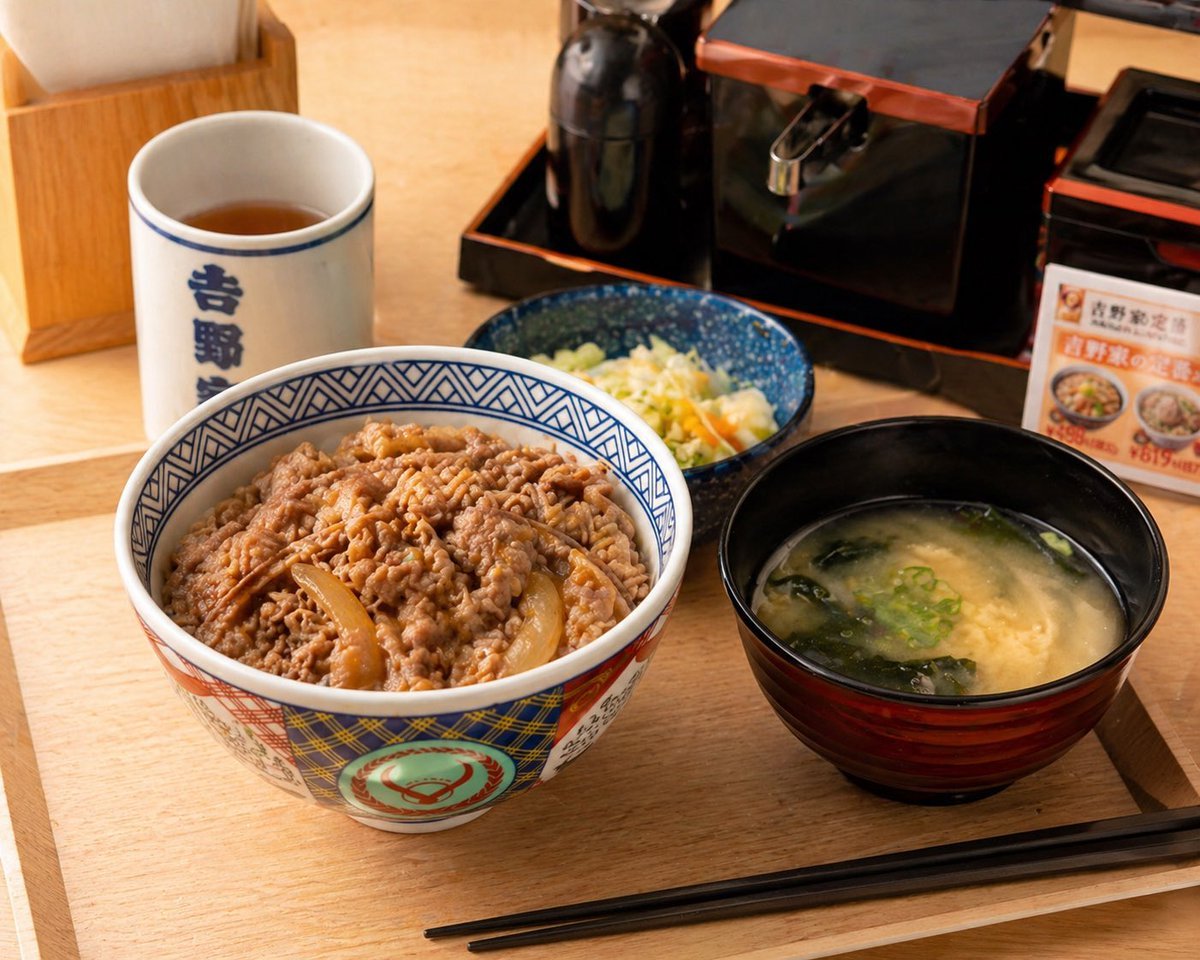
Food Image Professional Retouching Prompt
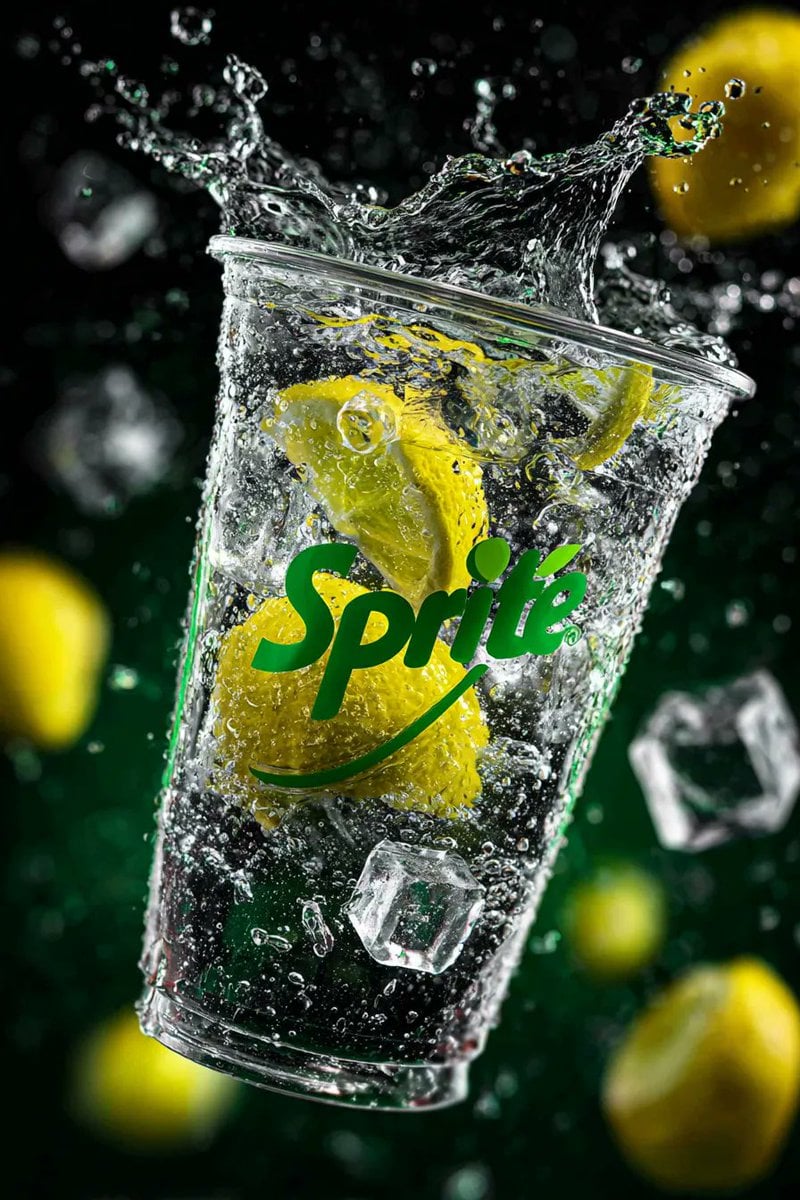
High-Speed Product Photography of Sparkling Soda Splash
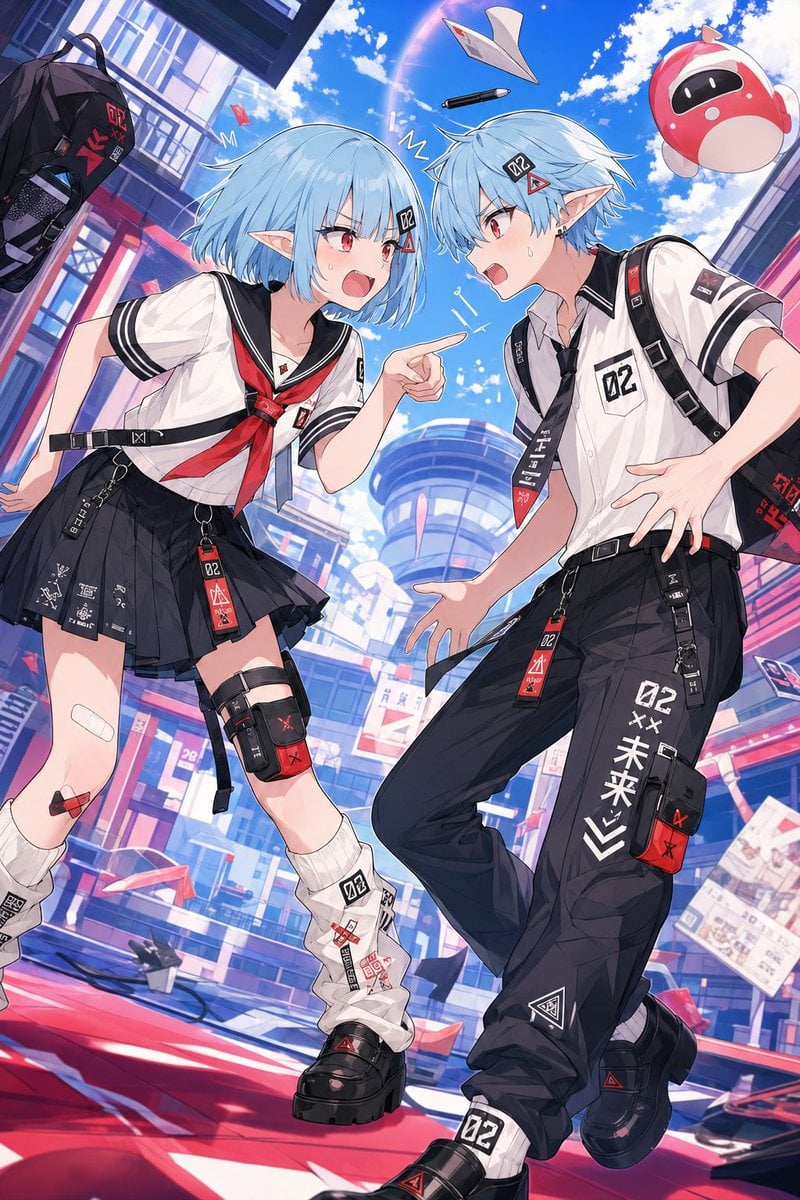
Retro Anime Gender Swap Visual
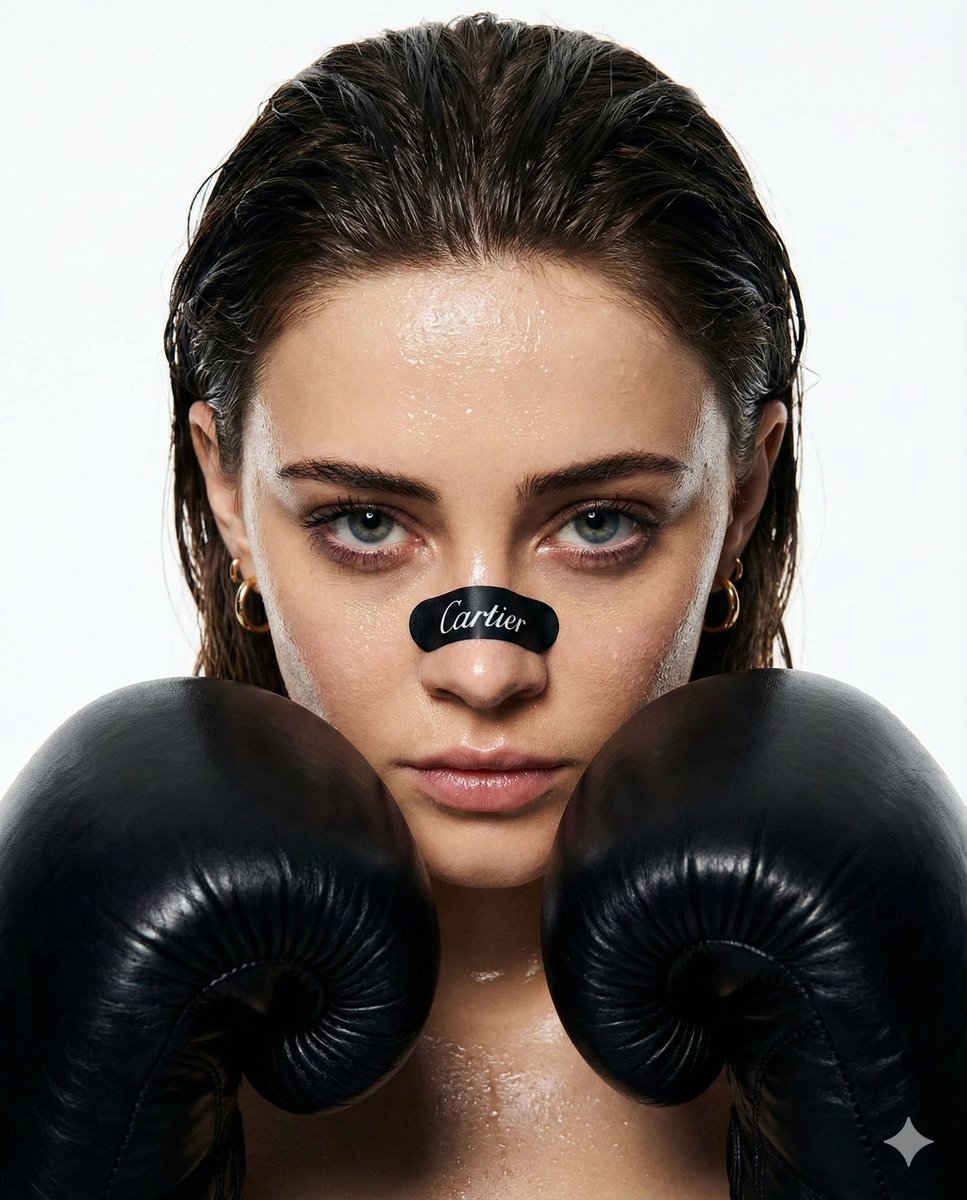
Cinematic Boxer Portrait with Cartier Branding
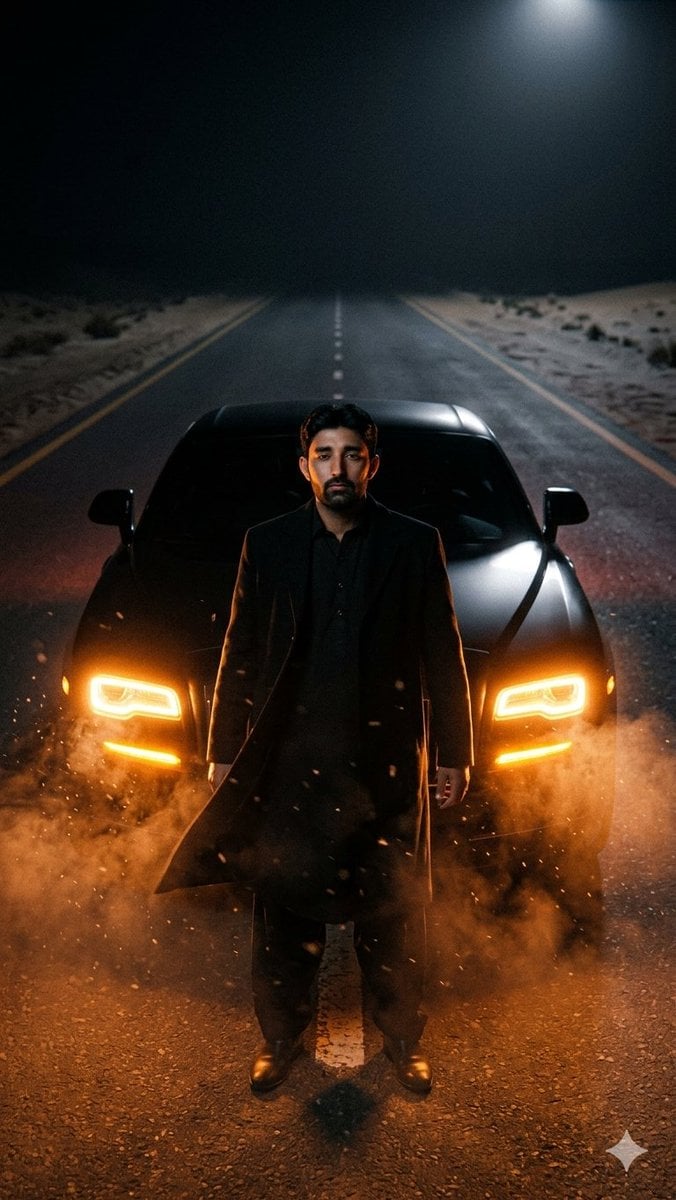
Cinematic Desert Highway Car Portrait
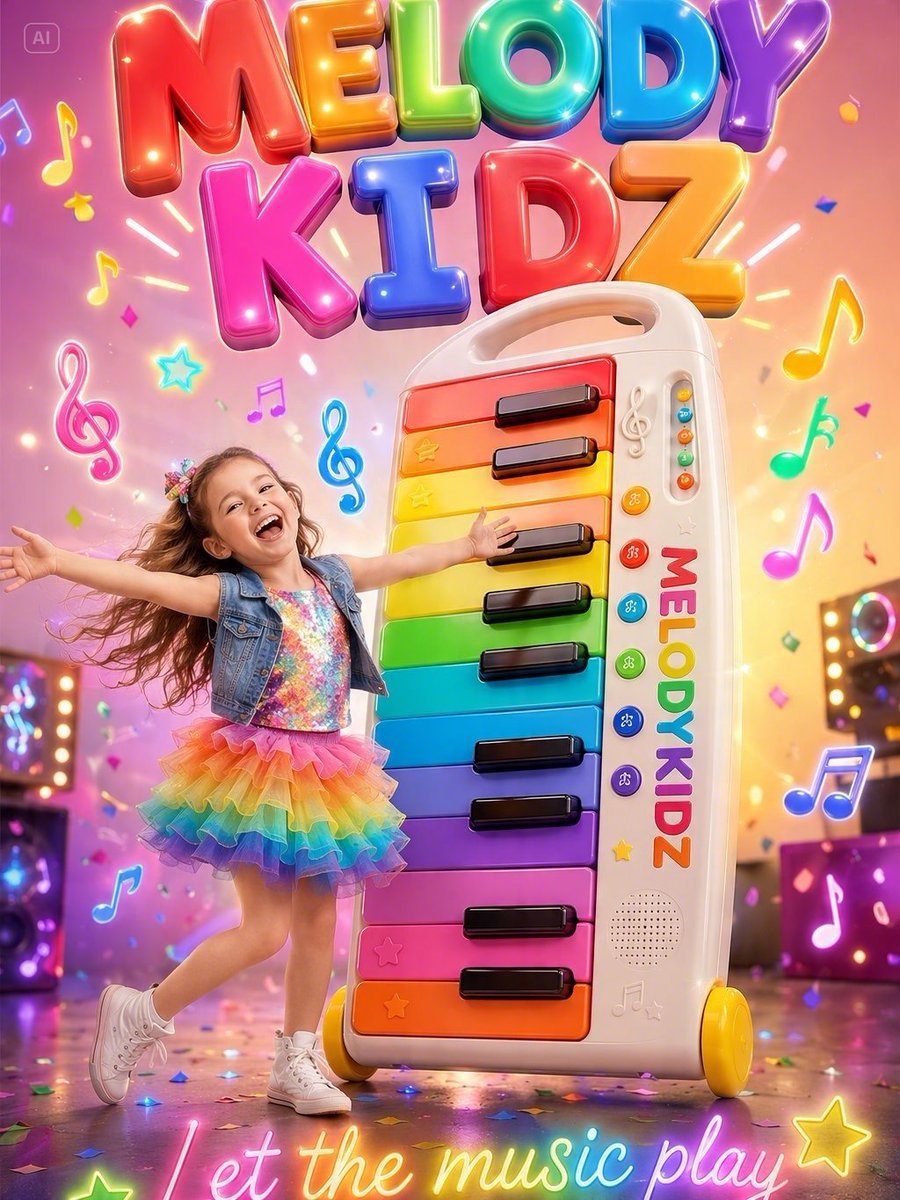
Musical Kids Toy Ad Poster
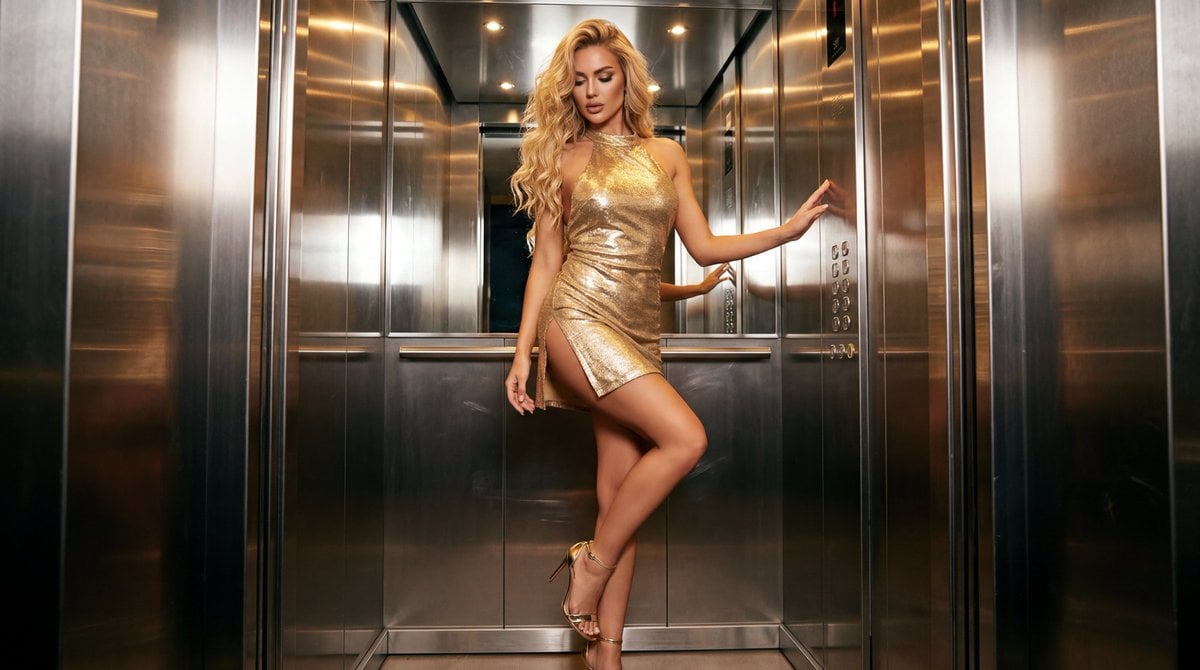
Glamorous Fashion Photoshoot in Steel Elevator
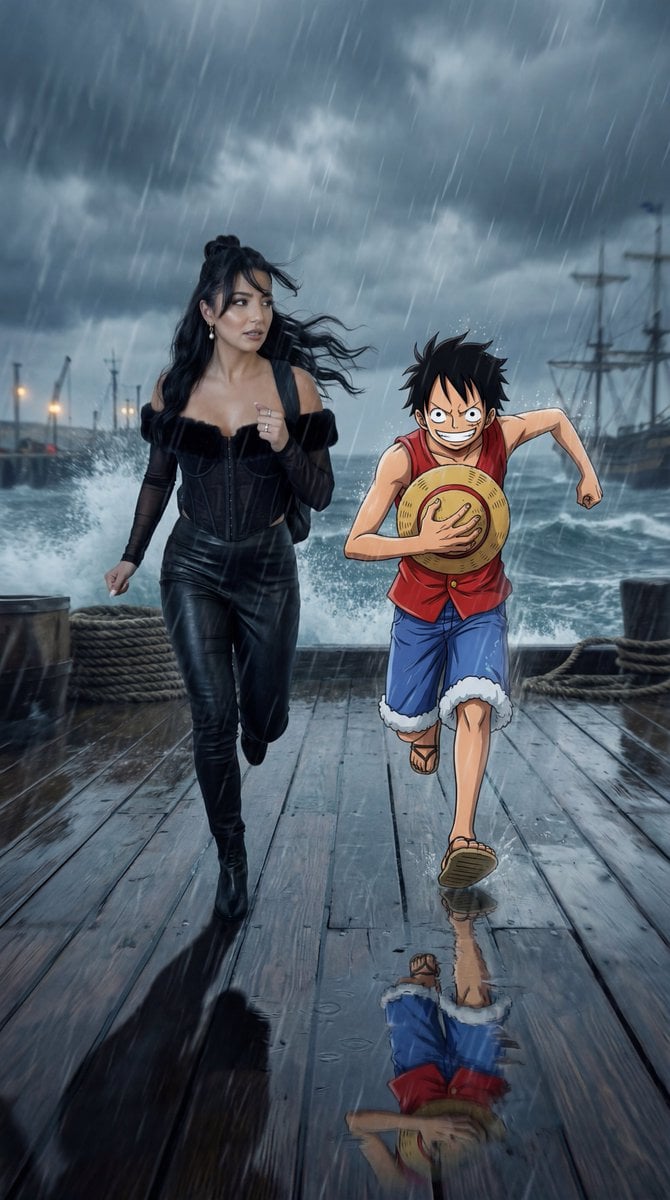
Cinematic Anime/Reality Action Blend Prompt
Minimal Flat Geometry Illustration Prompt
Browse template categories
Lavender Couture Magazine Cover Fashion Portrait questions
How do I use the Lavender Couture Magazine Cover Fashion Portrait template?
Add your photo if the template asks for one, edit the prompt if you like — the template's model and format are already selected — and press Generate. Your version opens in PicX Studio.
Can I customize the Lavender Couture Magazine Cover Fashion Portrait template?
Yes. You can change the subject, setting, lighting, mood, format, and available model controls before creating your image.
Is the Lavender Couture Magazine Cover Fashion Portrait template free?
Opening and editing this template is free. Generating uses credits, shown on the Generate button when you are signed in.
Which AI model should I use?
Choose a compatible model in PicX Studio based on the style, speed, and output controls your project needs.
Looking for something else? Browse all templates.

Your photo, any look
Thousands of ready templates for every top image and video model, from one credit balance.