
Paris Watercolor Travel Poster
Generates a refined watercolor city travel poster of a rainy Paris street with the Eiffel Tower, suitable for travel journals, wall art, or souvenir-style illustration.

- Prompt included
- Model and format preset
- Free template
The prompt behind this image
Copy the exact prompt behind Paris Watercolor Travel Poster, or open it in the studio and make it yours.
Create a vertical watercolor travel poster of {argument name="city" default="Paris"} in an elegant hand-painted urban sketch style. Show a rainy Paris street at sunset with the Eiffel Tower centered in the distance, framed by tall Haussmann-style buildings on both sides. The viewpoint is from a street-level crosswalk, with wet reflective pavement, soft ink outlines, loose watercolor washes, splattered edges, and warm golden café light contrasting with cool blue-gray shadows. Include exactly 1 large black car in the lower-left foreground, 2 smaller cars farther down the street, and 1 main pedestrian in a dark coat standing on the crosswalk in the lower-right foreground facing away. On the right side, depict a warmly lit corner café or brasserie with striped awnings and outdoor seating; include exactly 4 seated café patrons as small sketchy figures. Add traffic lights, street signs, balconies, windows, and street lamps as fine pen-and-ink details, but keep them painterly rather than photorealistic. The sky should be softly glowing peach, cream, and pale blue, with cloud-like watercolor blooms. Poster typography: large serif title at top left reading {argument name="headline text" default="PARIS"}; beneath it, handwritten cursive subtitle reading {argument name="subtitle text" default="Chasing sunsets in the city of light"}; a small location label reading {argument name="location label" default="Paris, France"}. Add tiny travel-journal footer text along the bottom margin, including small captions and coordinates-like microtype, but keep it subtle and decorative. Use a refined European-Japanese travel journal illustration aesthetic, premium stationery poster mood, no photo realism, no watermark, no extra large text.
How to use Paris Watercolor Travel Poster in 3 steps
- 1Upload ImagePNG, JPG or paste
Add your photo
Upload the photo the template builds on. The prompt, model and format are already set.
- 2…a portrait of your subject in softgolden-hour light, 85mm…
Personalize
Edit the subject and creative details for your destination.
- 3Generate
Generate
Press Generate — your image is created in PicX Studio, so you can compare it with the original and refine one variable at a time.
More like this
Templates with the same subject, style or setup. Open one to see its prompt.

Japan Travel Brochure Poster
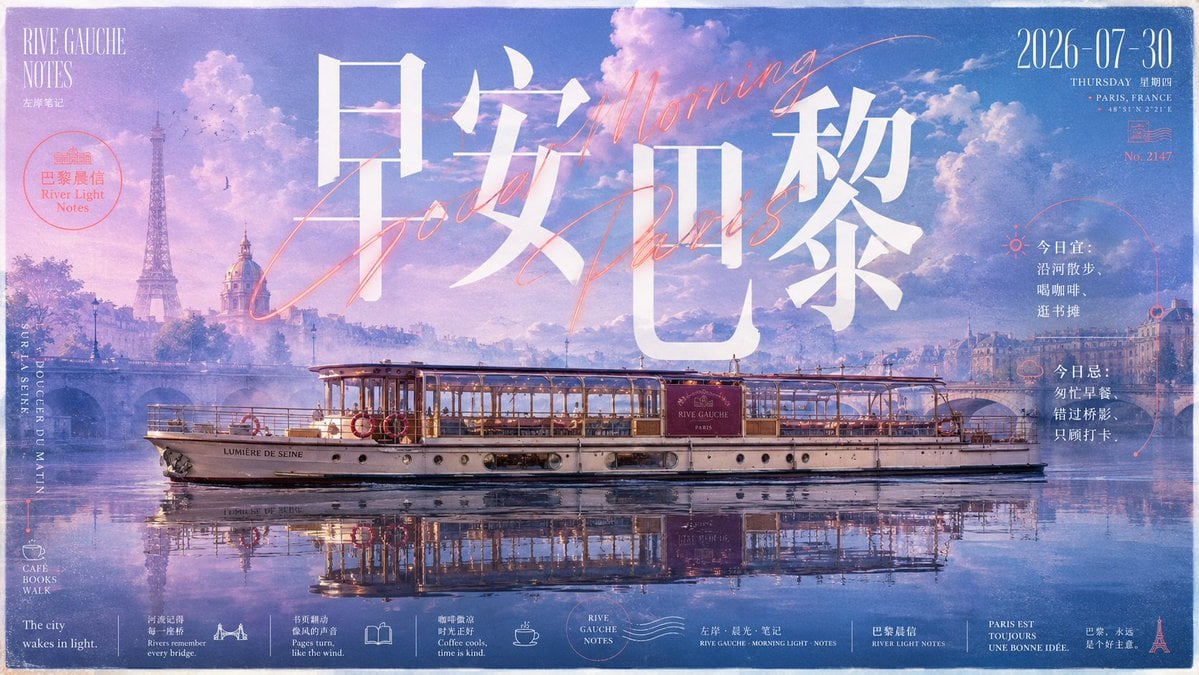
Paris Morning Travel Poster
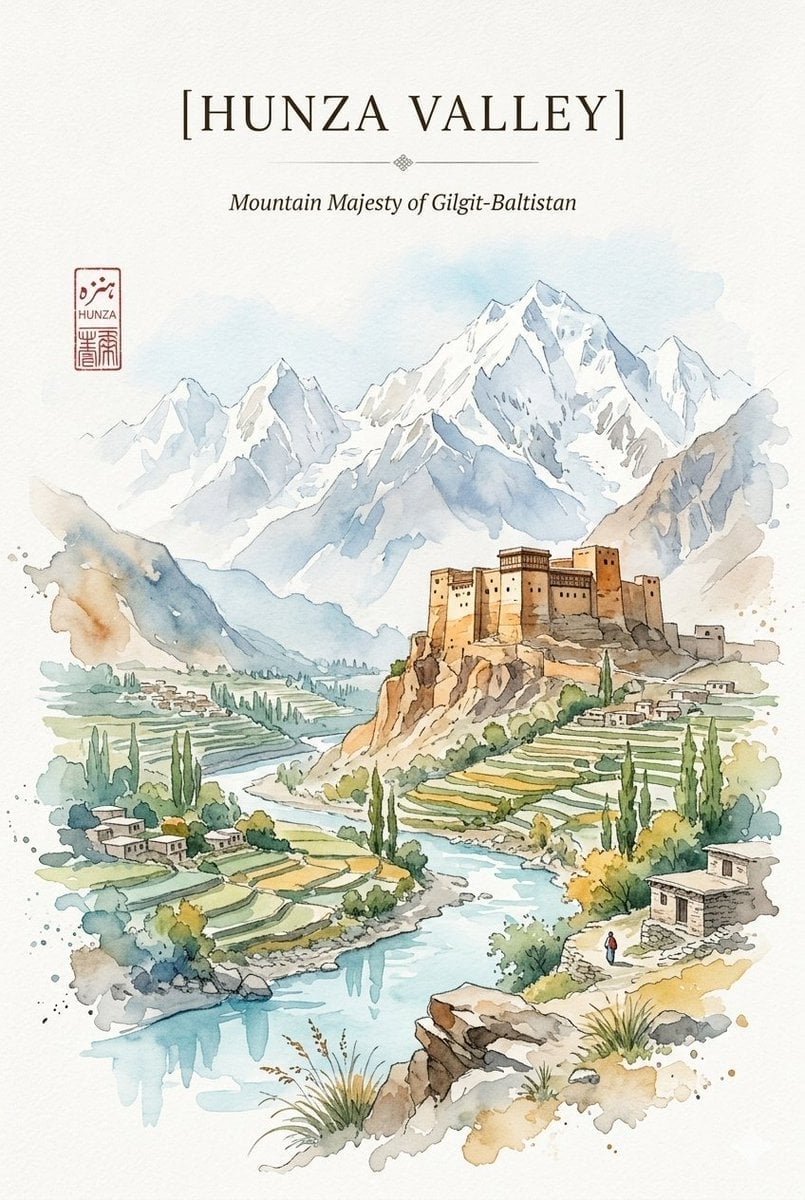
Alpine Watercolor Travel Poster
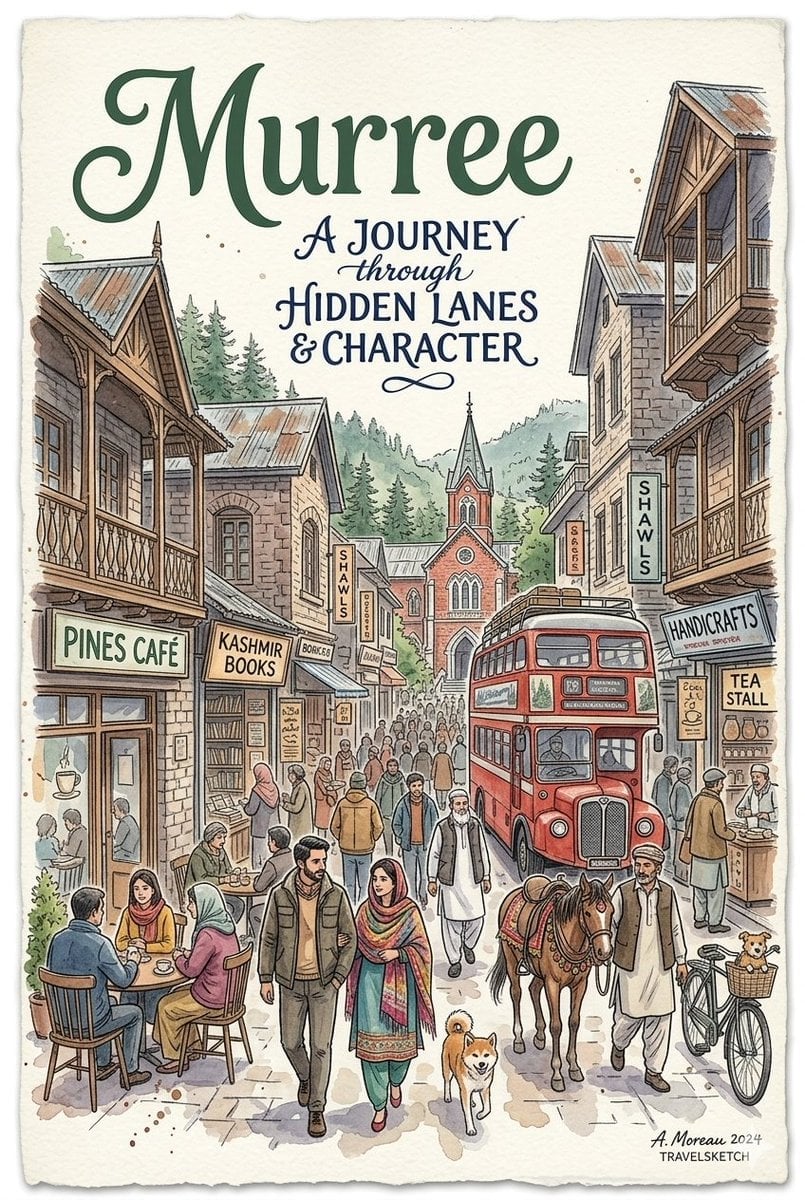
Watercolor Travel Poster Fusion
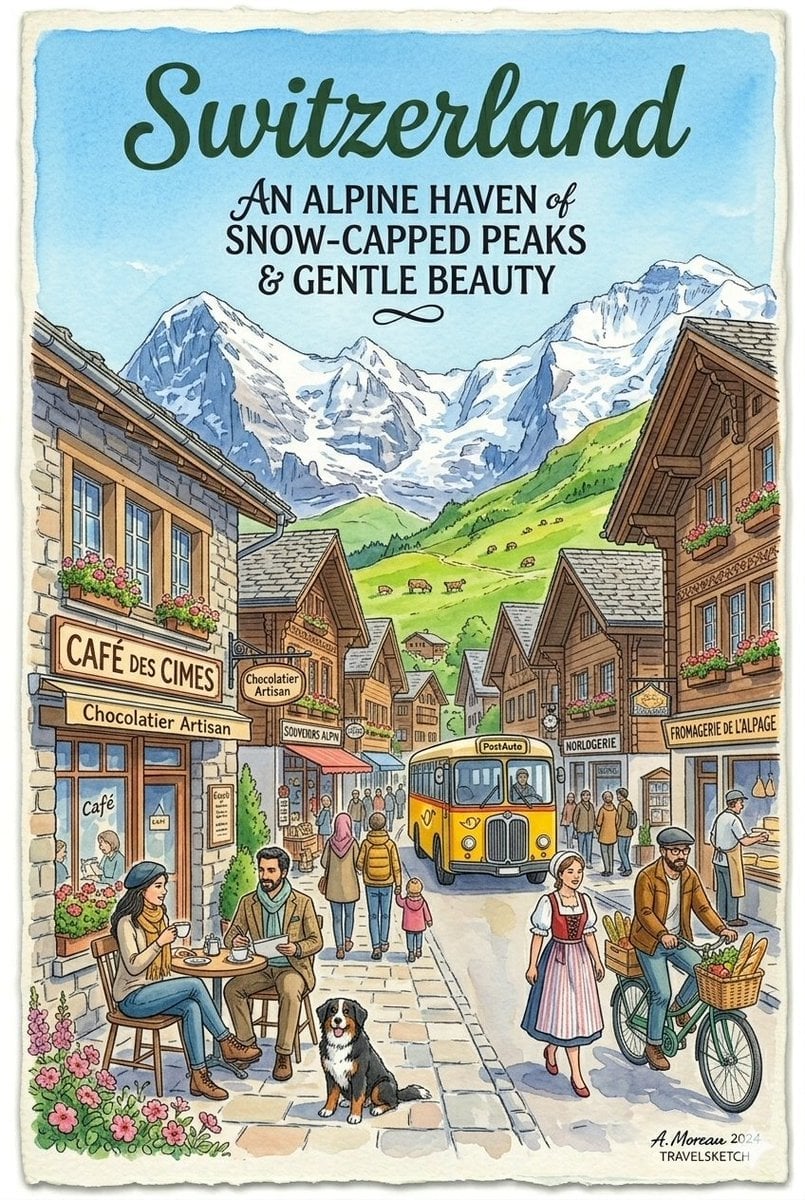
Vintage Watercolor Travel Posters
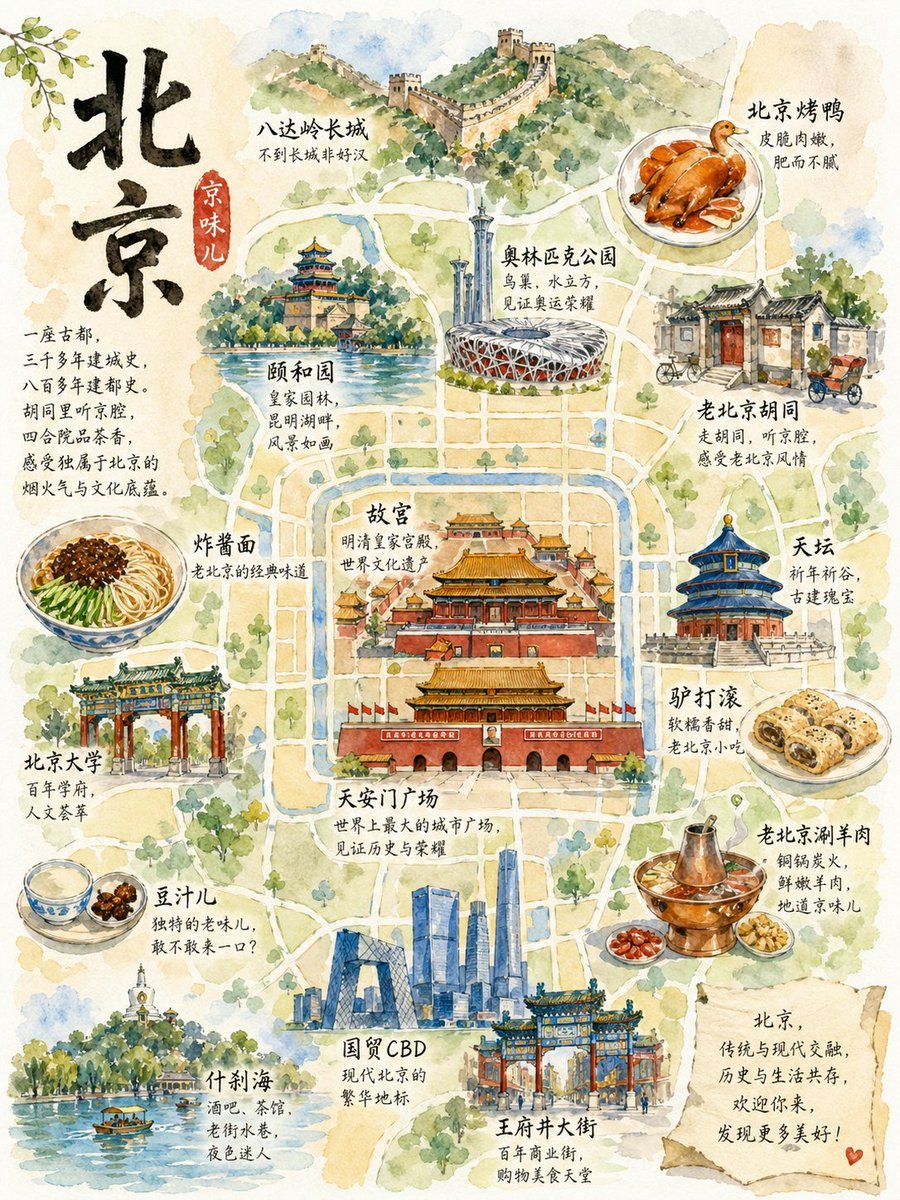
Watercolor Beijing Travel Map Poster
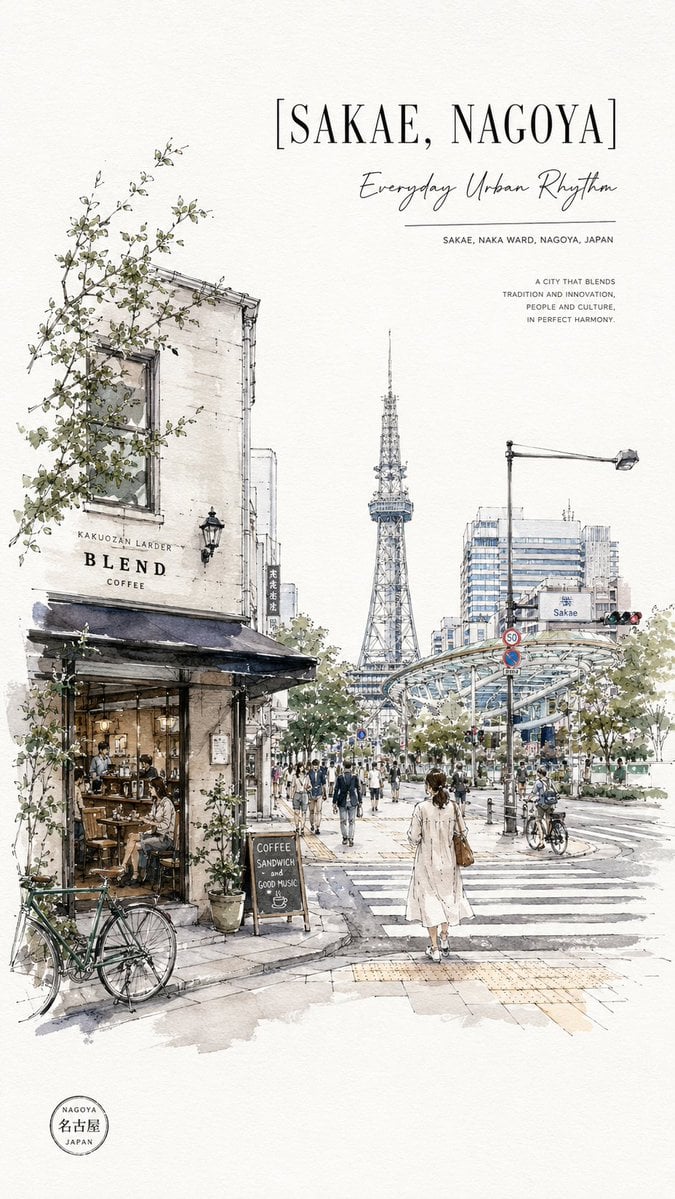
Sakae Nagoya Watercolor Travel Poster

City Posters by Nano Banana Pro
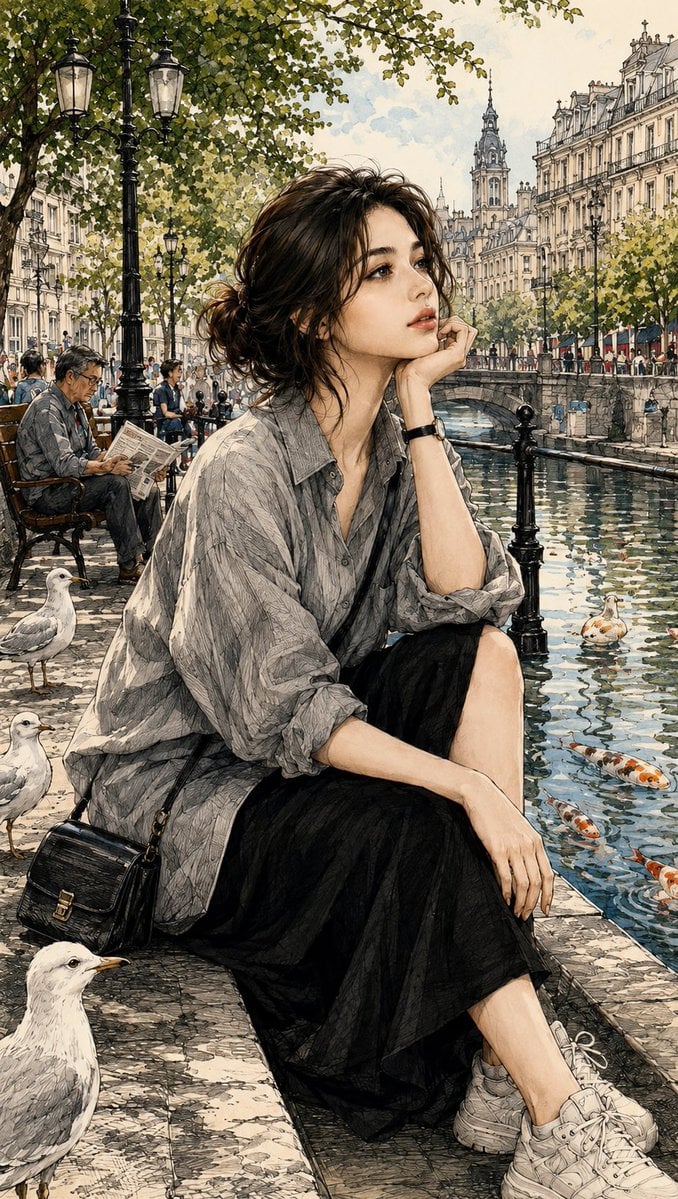
Watercolor and Ink Paris Illustration
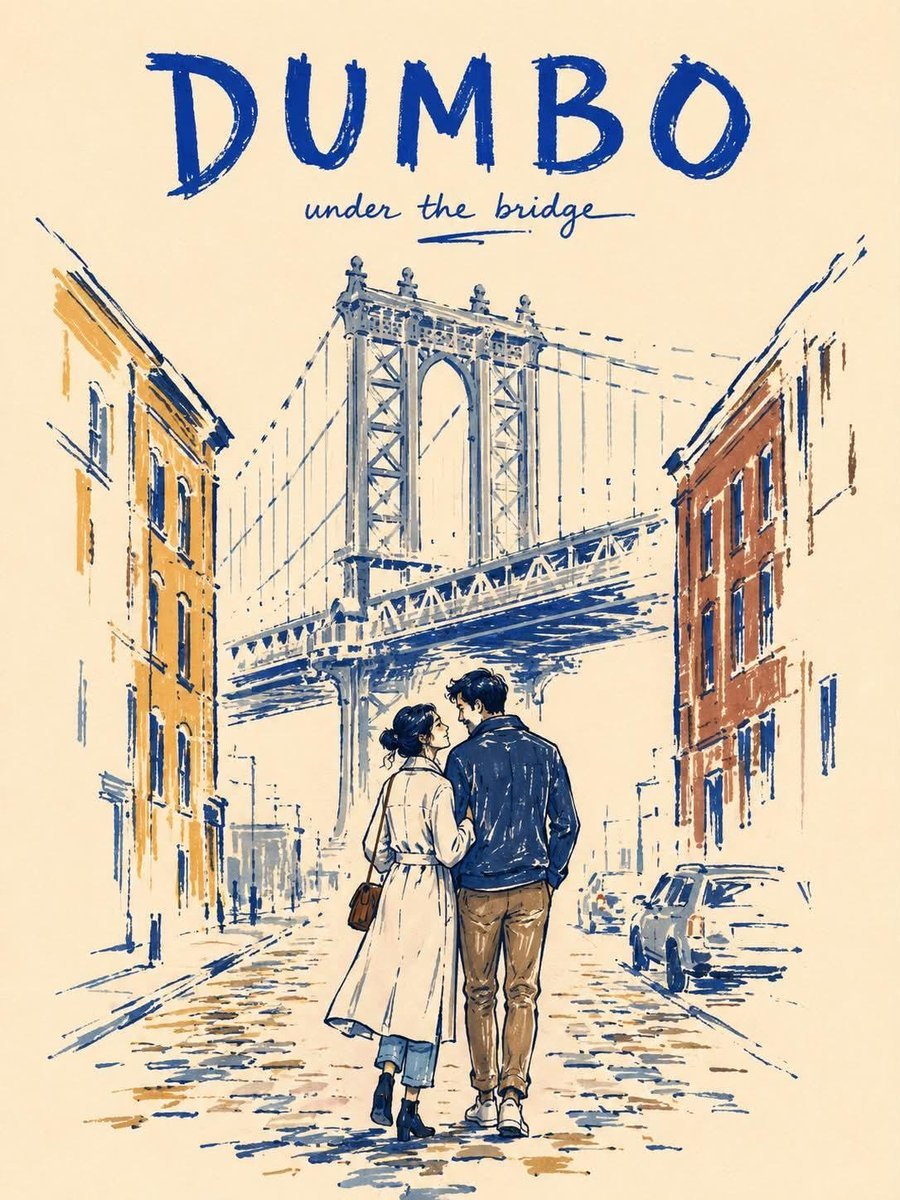
Minimalist Marker Travel Poster
Vintage Patagonia Travel Poster
Giant Typography Shanghai Travel Poster
Make it yours
Paris Watercolor Travel Poster works as-is. These are the safest ways to change it without losing the look.
Change one field
Copy a single group, rewrite it, and generate again so you can see what that field is doing.
Keep the frame, change the subject
Hold the composition and light of Paris Watercolor Travel Poster, then swap wardrobe, props or the person for a new take.
| If the result… | Why | Fix |
|---|---|---|
| The result drifts from the preview | Too many fields changed at once. | Reuse Paris Watercolor Travel Poster as-is first, then change one group — subject, light, or setting. |
| The model over-stylizes the scene | The prose prompt leaves finish and camera underspecified. | Add one camera or lighting sentence and stay on GPT Image 2. |
More GPT Image 2 templates
Other prompts made for GPT Image 2.

Six VTuber Japanese Logo Sheet

Realistic Portrait of Woman and Deer

The Vista Modular Condo Poster

AI Model Routing Comparison Infographic

2.5D Anime Art Board

Isometric Productivity Desk Scene

New York Double Exposure Poster

Four-Panel AI Landscape Comparison

Japanese Tatami Lifestyle Magazine Cover

NESCAFÉ Coffee Map Poster
More image prompts
Fresh picks from across the catalog.
Editorial Portrait 2x2 Grid
Chinese Casino Glamour Scene Prompt
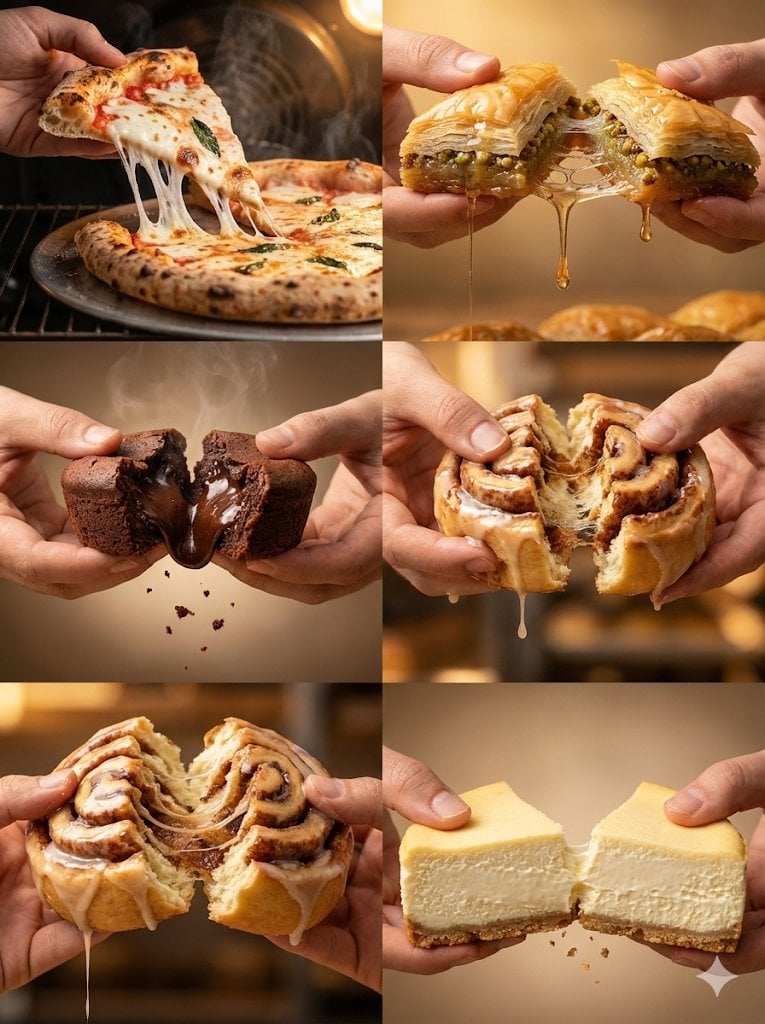
Food Action Photography Series Prompt (Cheese Pull, Syrup Drip)

Citrus Skincare Product Macro Photography Prompt

Christmas Ornament Chibi Character Transformation
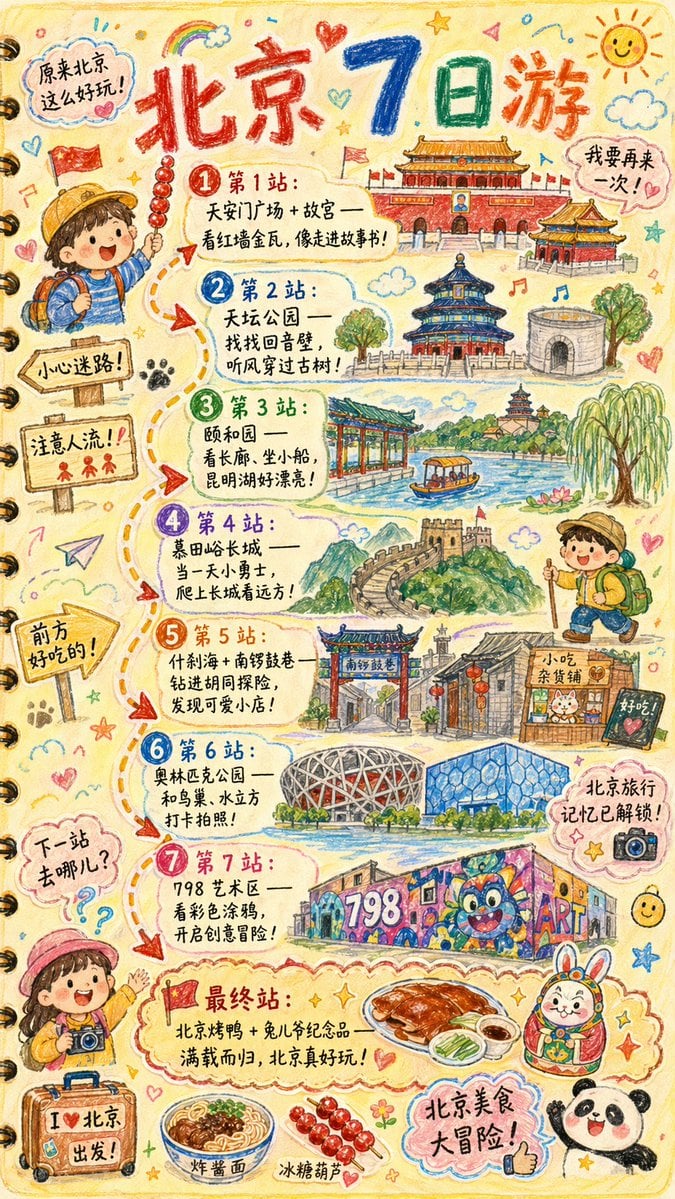
Hand-drawn Travel Journal Illustration
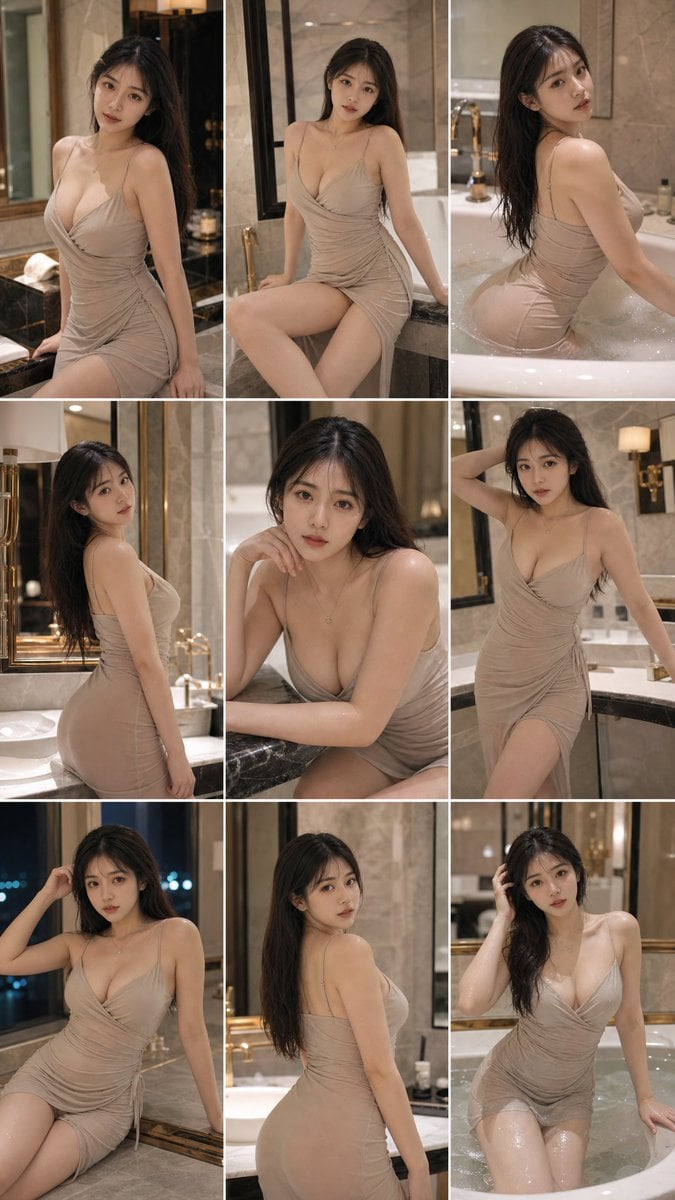
Elegant Bathroom Portrait Grid
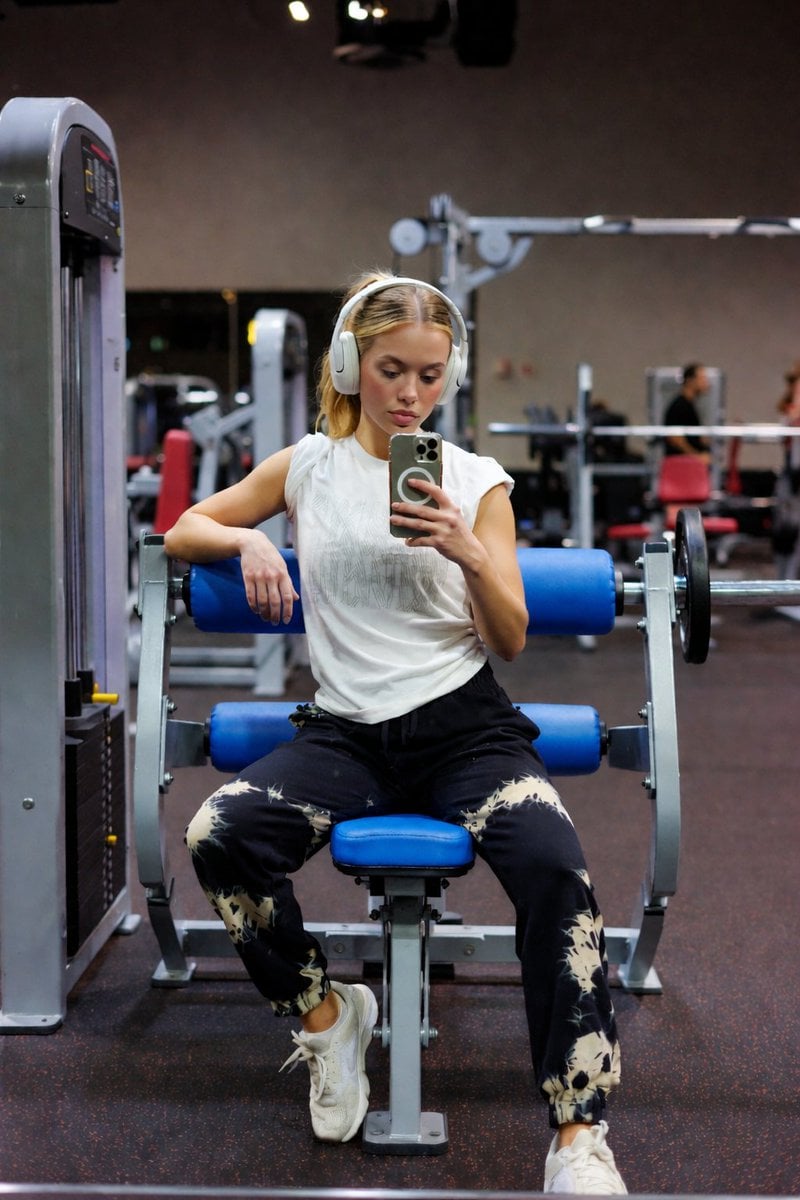
Blue Seat Gym Mirror Selfie Portrait
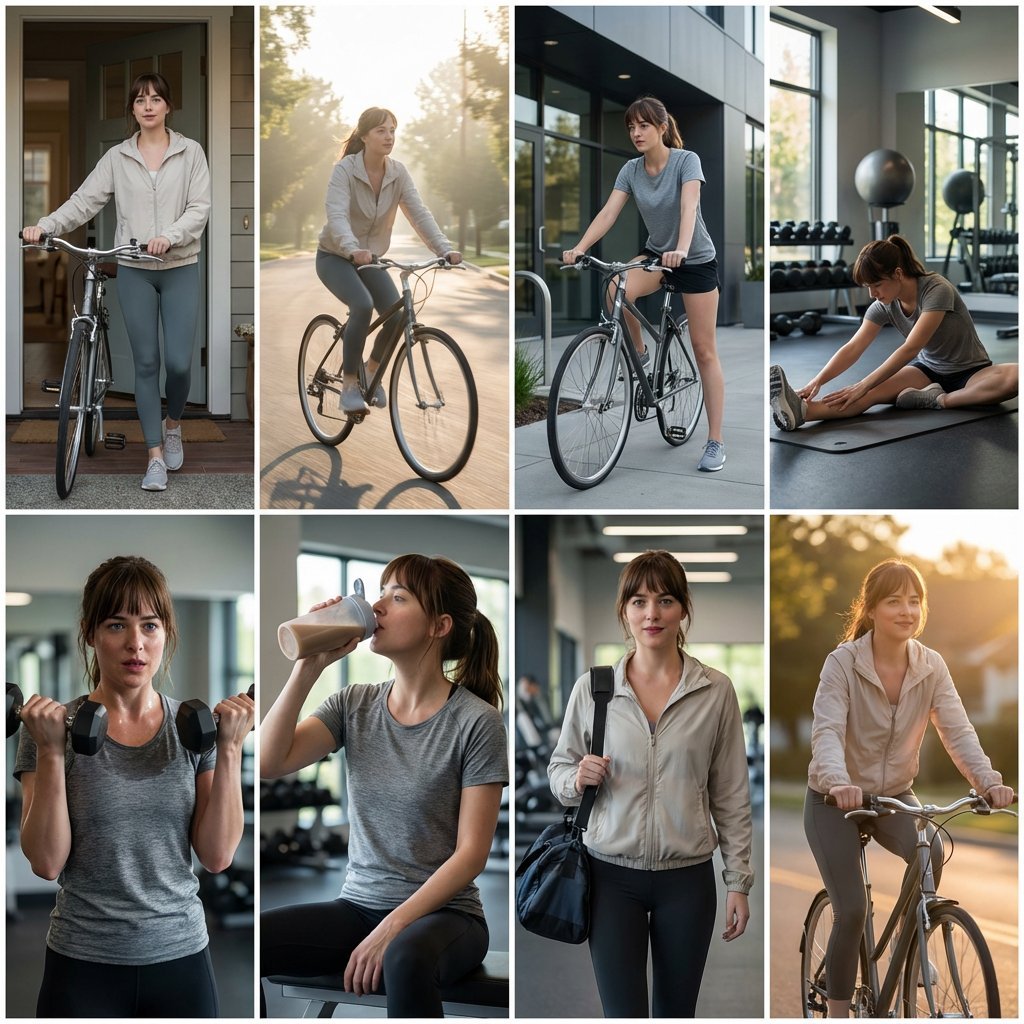
Photo Cinematic Storytelling Collage: Home to Gym Journey
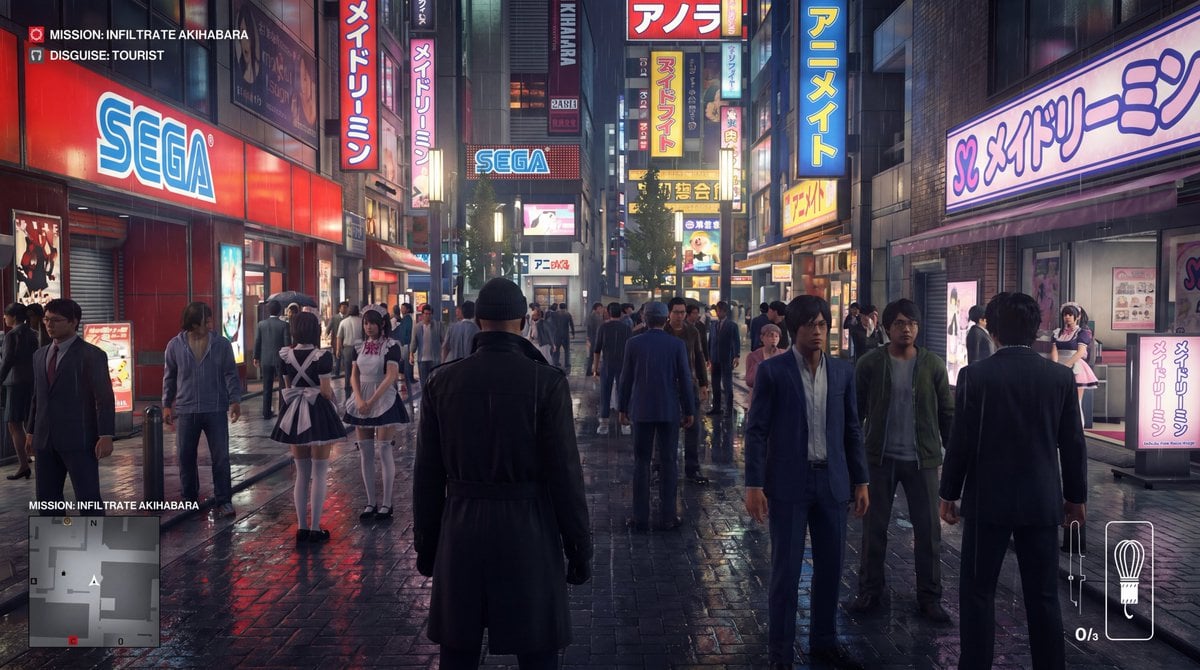
Character in location prompt
Browse template categories
Paris Watercolor Travel Poster questions
How do I use the Paris Watercolor Travel Poster template?
Add your photo if the template asks for one, edit the prompt if you like — the template's model and format are already selected — and press Generate. Your version opens in PicX Studio.
Can I customize the Paris Watercolor Travel Poster template?
Yes. You can change the subject, setting, lighting, mood, format, and available model controls before creating your image.
Is the Paris Watercolor Travel Poster template free?
Opening and editing this template is free. Generating uses credits, shown on the Generate button when you are signed in.
Which AI model should I use?
Start with GPT Image 2, which is the model associated with this template. You can compare another compatible model for a different finish.
Looking for something else? Browse all templates.

Your photo, any look
Thousands of ready templates for every top image and video model, from one credit balance.