
Watercolor and Ink Paris Illustration
A detailed watercolor and ink illustration of a woman sitting peacefully by a stone canal in a Paris-inspired city, featuring koi fish and seagulls.
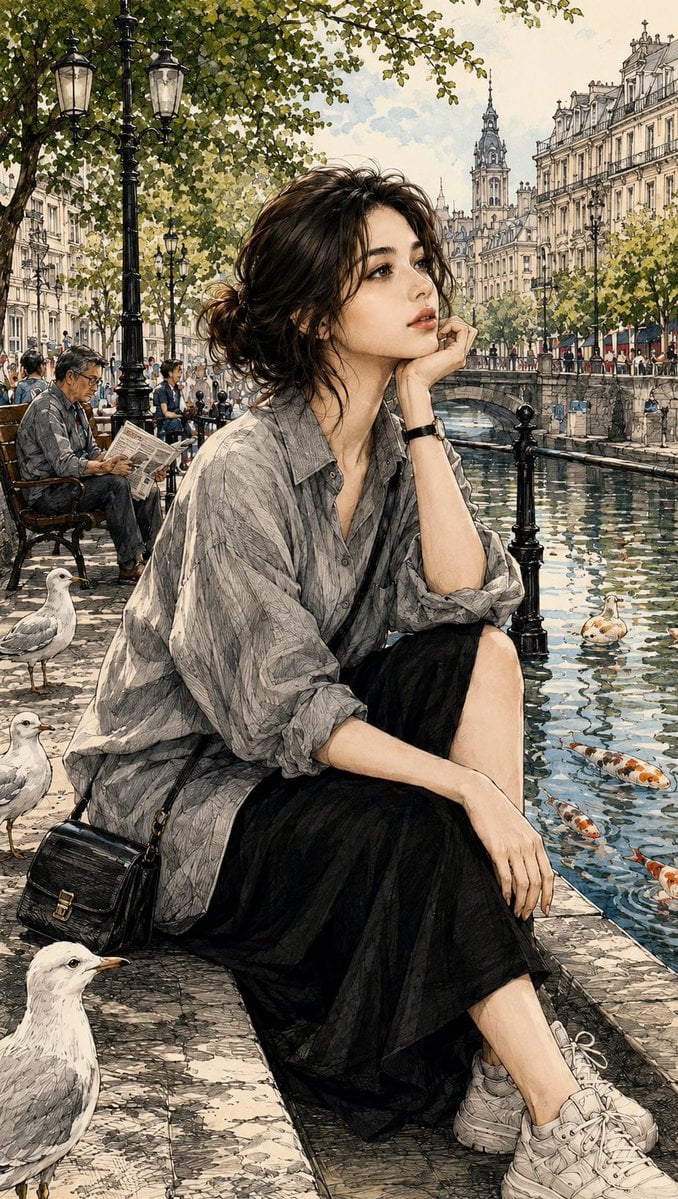
- Prompt included
- Model and format preset
- Free template
The prompt behind this image
Copy the exact prompt behind Watercolor and Ink Paris Illustration, or open it in the studio and make it yours.
Create an ultra-detailed watercolor and ink illustration in the exact same artistic style as the reference. A {argument name="subject" default="young woman"} is sitting peacefully on the edge of a stone canal in a beautiful {argument name="city" default="Paris-inspired European city"}. She wears {argument name="outfit" default="an oversized gray linen button-up shirt with rolled sleeves, a flowing black midi skirt, white chunky sneakers, and a black leather crossbody bag"}. Her dark hair is tied into a loose messy low bun with soft wispy strands framing her face. She rests her chin on her right hand while looking upward with a calm, dreamy, thoughtful expression. Behind her are elegant Haussmann-style buildings, a historic cathedral tower, vintage Victorian street lamps, lush green trees, a stone bridge filled with pedestrians, charming cafés, and a timeless European city atmosphere. The canal water is crystal clear with realistic reflections, gentle ripples, and several orange-and-white koi fish swimming beneath the surface. White seagulls stand naturally on the stone pavement beside her. Soft natural daylight, warm cinematic lighting, delicate shadows, atmospheric depth, realistic reflections, intricate architectural details, highly detailed trees, realistic fabric folds, beautiful skin texture, elegant composition. Art style: ultra-detailed watercolor painting combined with fine ink line art, pencil cross-hatching, architectural sketchbook illustration, travel journal aesthetic, editorial illustration, museum-quality artwork, muted earthy colors, soft pastel palette, luxury travel illustration, cinematic realism, masterpiece, award-winning artwork, HDR, volumetric lighting, depth of field, 8K, ultra-high resolution, razor-sharp details.
Reference images included
Watercolor and Ink Paris Illustration needs input media to work. They load alongside the prompt when you open it in the studio.
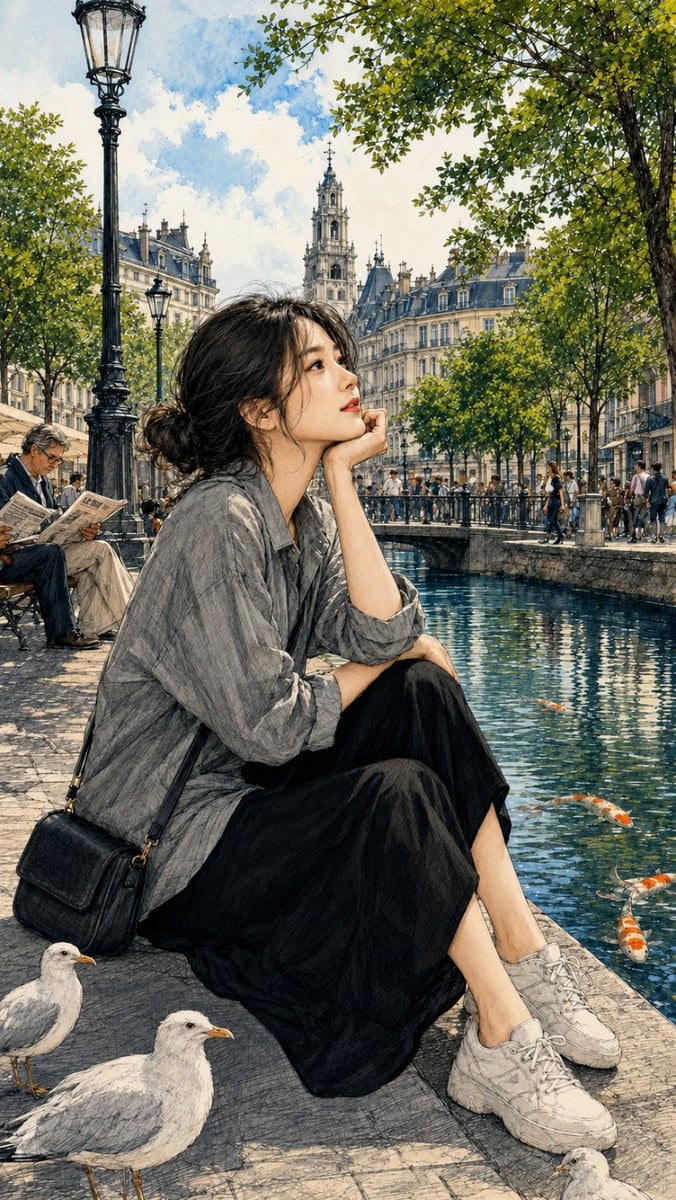
How to use Watercolor and Ink Paris Illustration in 3 steps
- 1Upload ImagePNG, JPG or paste
Add your photo
Upload the photo the template builds on. The prompt, model and format are already set.
- 2…a portrait of your subject in softgolden-hour light, 85mm…
Personalize
Edit the subject and creative details for your destination.
- 3Generate
Generate
Press Generate — your image is created in PicX Studio, so you can compare it with the original and refine one variable at a time.
More like this
Templates with the same subject, style or setup. Open one to see its prompt.

Watercolor Café Cheesecake Editorial Illustration
Japanese Café Sketch Duo Illustration
Delicate Japanese Café Lifestyle Illustration
Japanese Café Sketch Duo Illustration
Delicate Japanese Café Lifestyle Illustration
Parisian Fashion Lifestyle Illustration
Pen-and-Ink Cross-Hatching Illustration
Ink wash and watercolor woman portrait
Watercolor Woodland Children Illustrations
Traditional Japanese Ink Children Illustration
Split Face Photo and Ink Illustration
Watercolor Affirmation Illustration
Make it yours
Watercolor and Ink Paris Illustration works as-is. These are the safest ways to change it without losing the look.
Change one field
Copy a single group, rewrite it, and generate again so you can see what that field is doing.
Keep the frame, change the subject
Hold the composition and light of Watercolor and Ink Paris Illustration, then swap wardrobe, props or the person for a new take.
| If the result… | Why | Fix |
|---|---|---|
| The result drifts from the preview | Too many fields changed at once. | Reuse Watercolor and Ink Paris Illustration as-is first, then change one group — subject, light, or setting. |
| The model over-stylizes the scene | The prose prompt leaves finish and camera underspecified. | Add one camera or lighting sentence and stay on GPT Image 2. |
More GPT Image 2 templates
Other prompts made for GPT Image 2.

Six VTuber Japanese Logo Sheet

Realistic Portrait of Woman and Deer

The Vista Modular Condo Poster

AI Model Routing Comparison Infographic

2.5D Anime Art Board

Isometric Productivity Desk Scene

New York Double Exposure Poster

Four-Panel AI Landscape Comparison

Japanese Tatami Lifestyle Magazine Cover

NESCAFÉ Coffee Map Poster
More image prompts
Fresh picks from across the catalog.
Nighttime Motorcycle Photo with Face Replacement Prompt
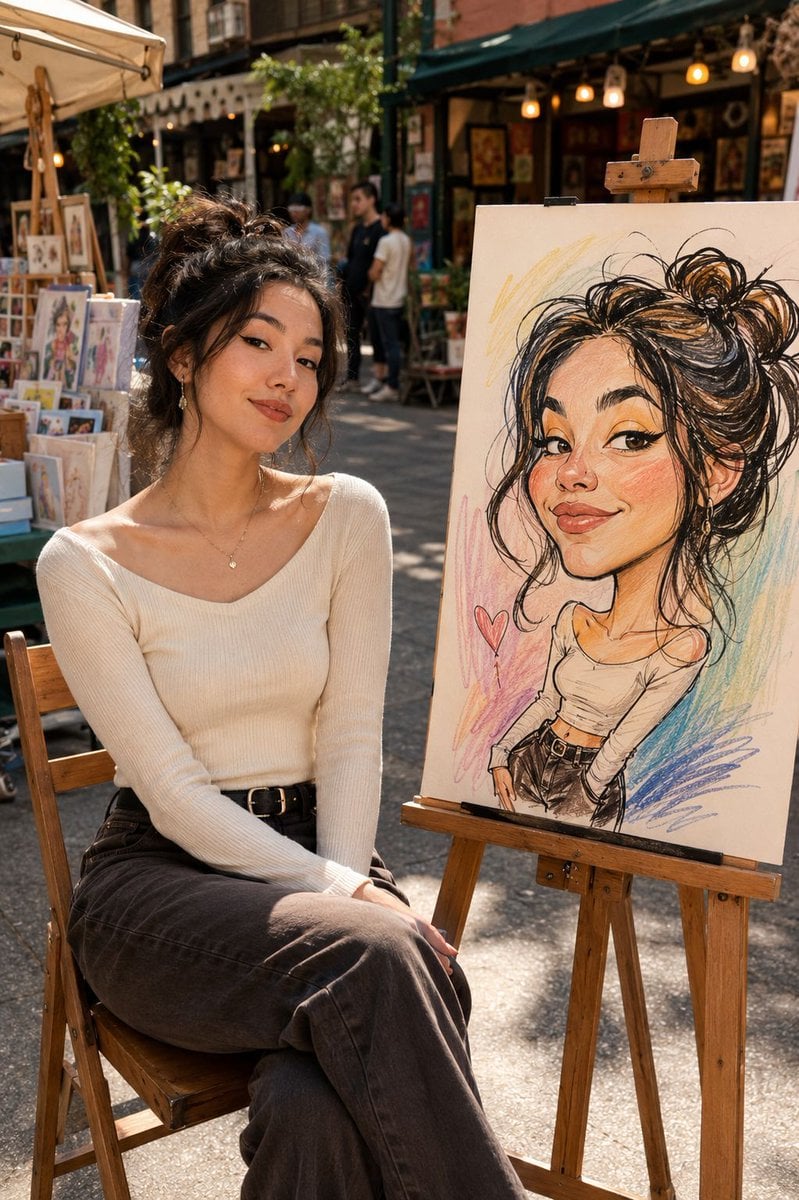
Urban Street Market Caricature Portrait
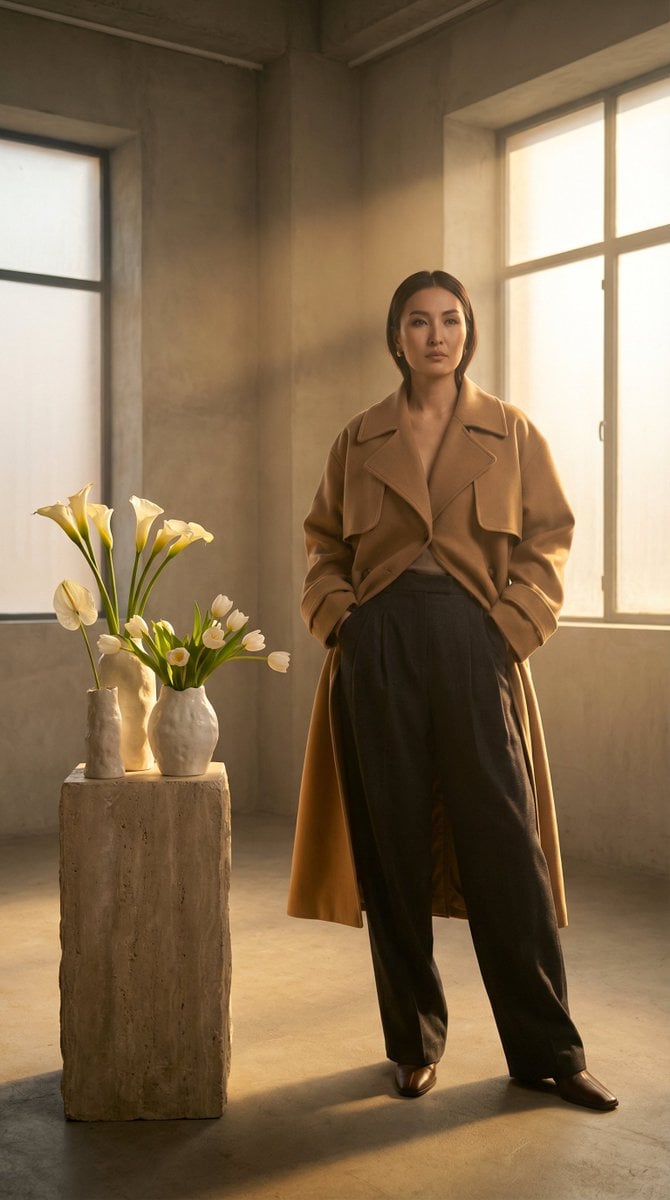
High-Fashion Kazakh Model Editorial Prompt
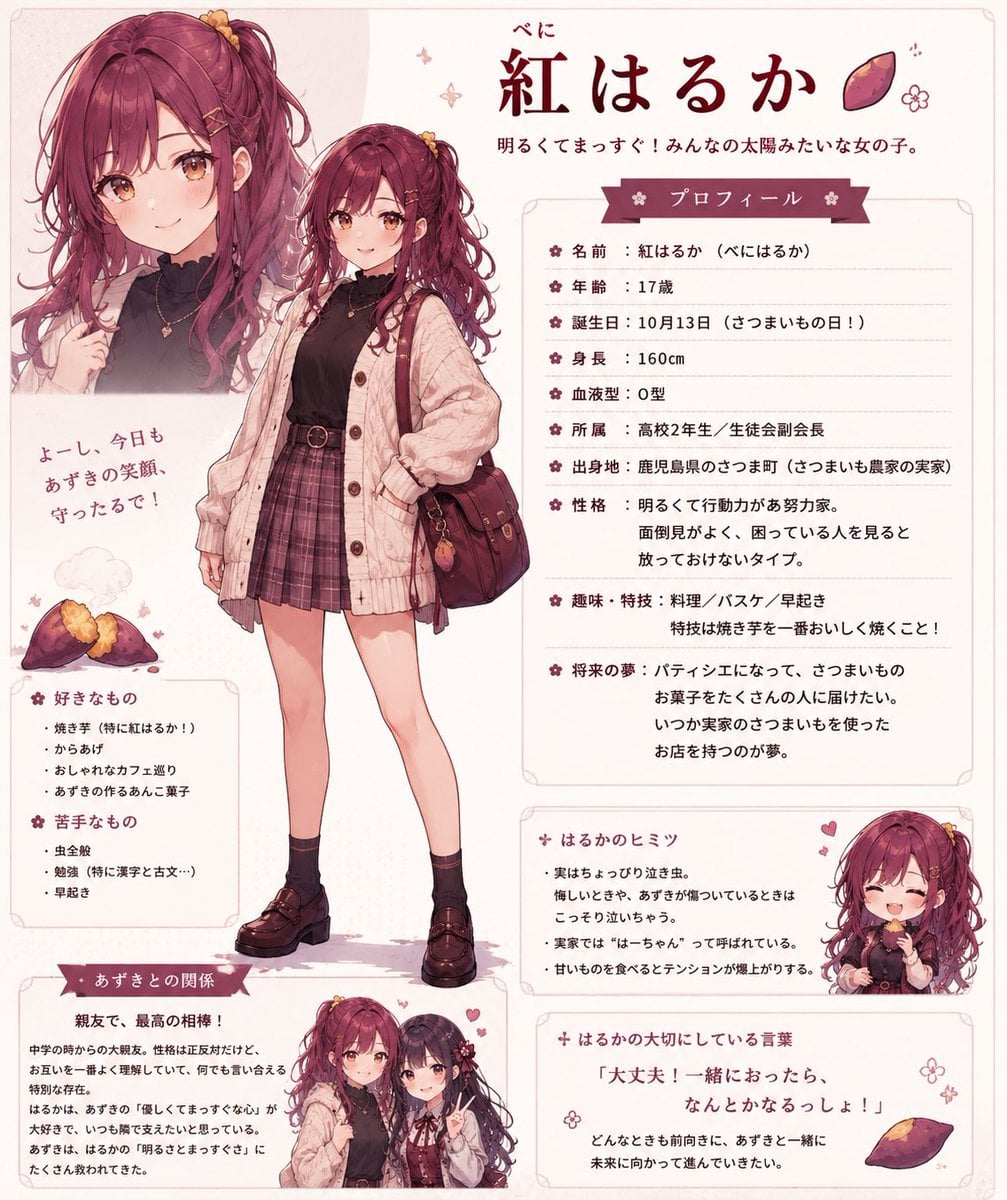
Beni Haruka Anime Character Sheet

Studio Photoshoot with Labubu and British Shorthair
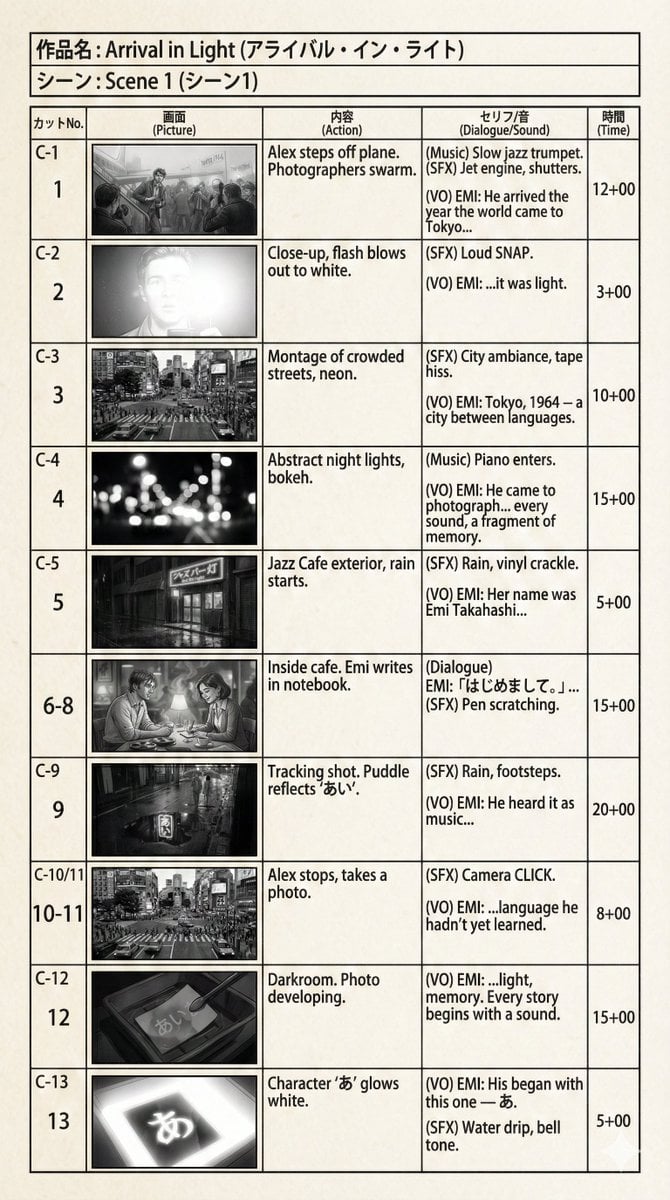
E-Konte (Japanese Storyboard) Generation
Book-Themed Diorama Grid Prompt
Whimsical May Garden Calendar Wallpaper
Red Vinyl Soundtrack Ad
Gpt2 Social Media Post Gothic Android Warrior Cathedral Key Art
Browse template categories
Watercolor and Ink Paris Illustration questions
How do I use the Watercolor and Ink Paris Illustration template?
Add your photo if the template asks for one, edit the prompt if you like — the template's model and format are already selected — and press Generate. Your version opens in PicX Studio.
Can I customize the Watercolor and Ink Paris Illustration template?
Yes. You can change the subject, setting, lighting, mood, format, and available model controls before creating your image.
Is the Watercolor and Ink Paris Illustration template free?
Opening and editing this template is free. Generating uses credits, shown on the Generate button when you are signed in.
Which AI model should I use?
Start with GPT Image 2, which is the model associated with this template. You can compare another compatible model for a different finish.
Looking for something else? Browse all templates.

Your photo, any look
Thousands of ready templates for every top image and video model, from one credit balance.