How do I use the Split Face Photo and Ink Illustration template?
Choose the primary action to open PicX Studio with the available template settings. Review the model and format, personalize the creative direction, and generate when ready.
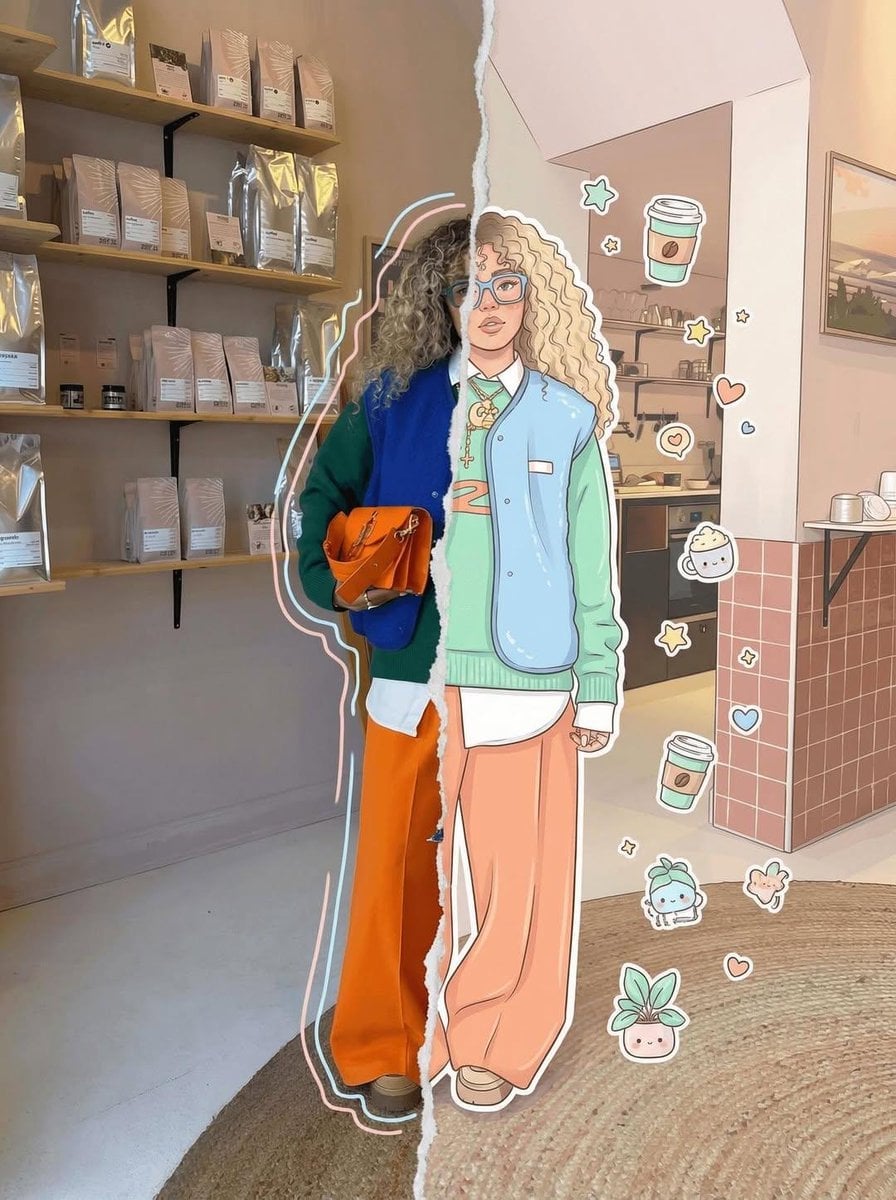
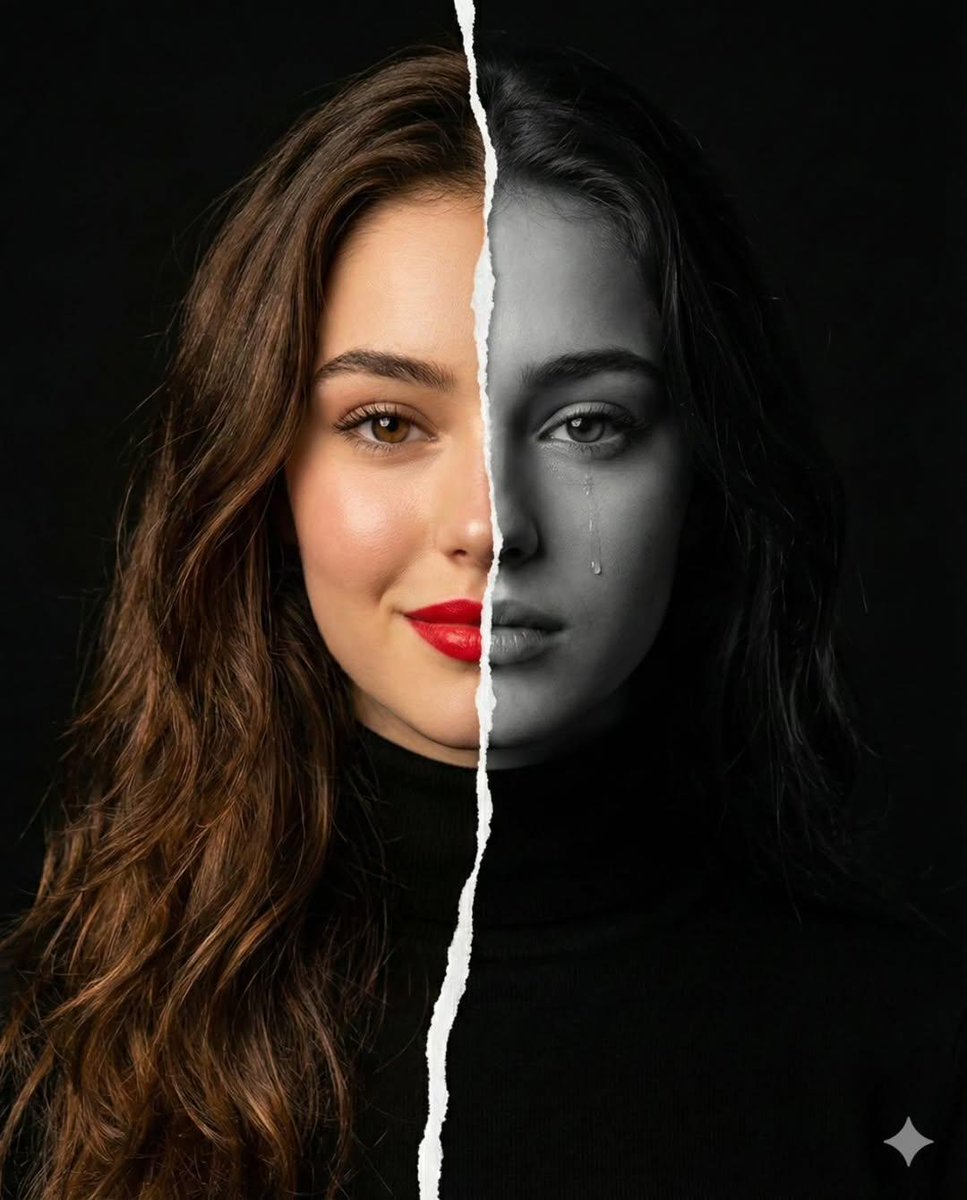
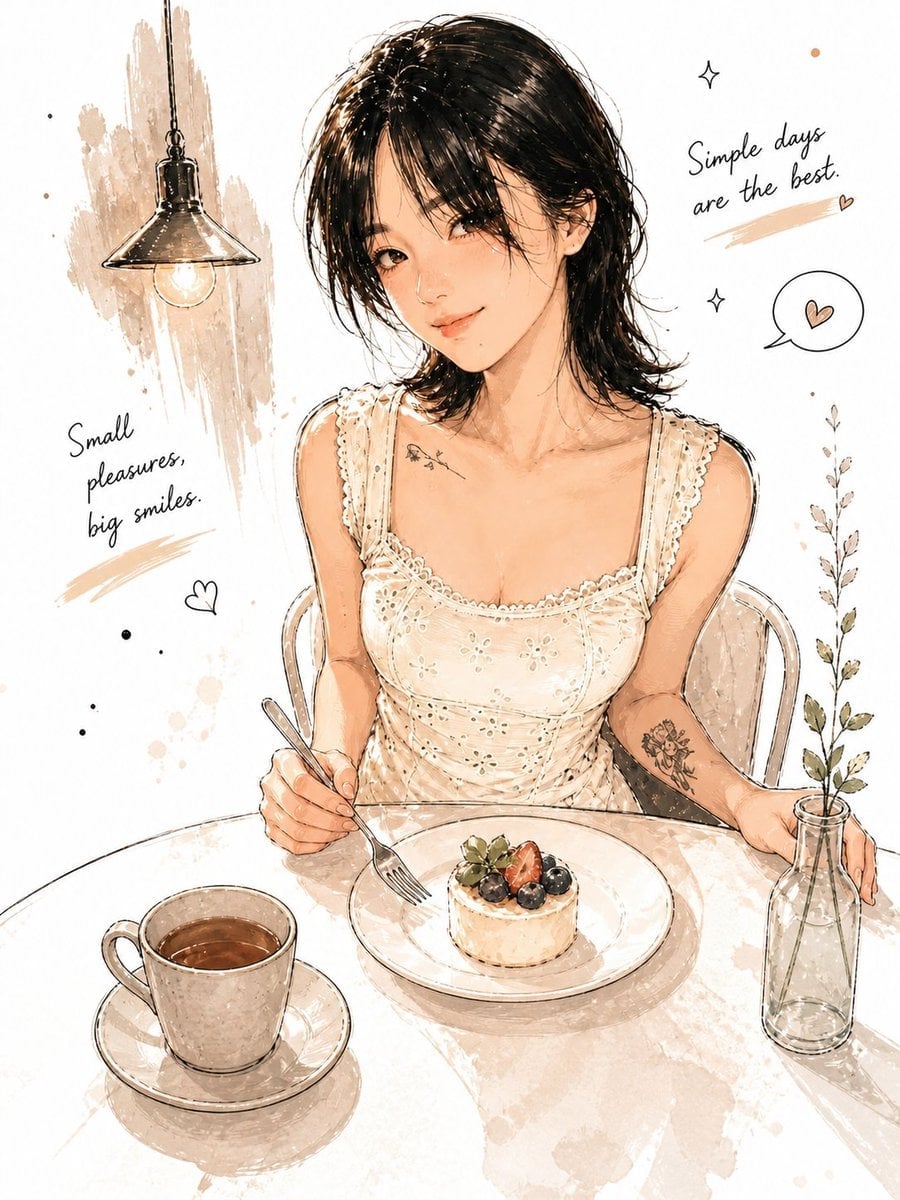
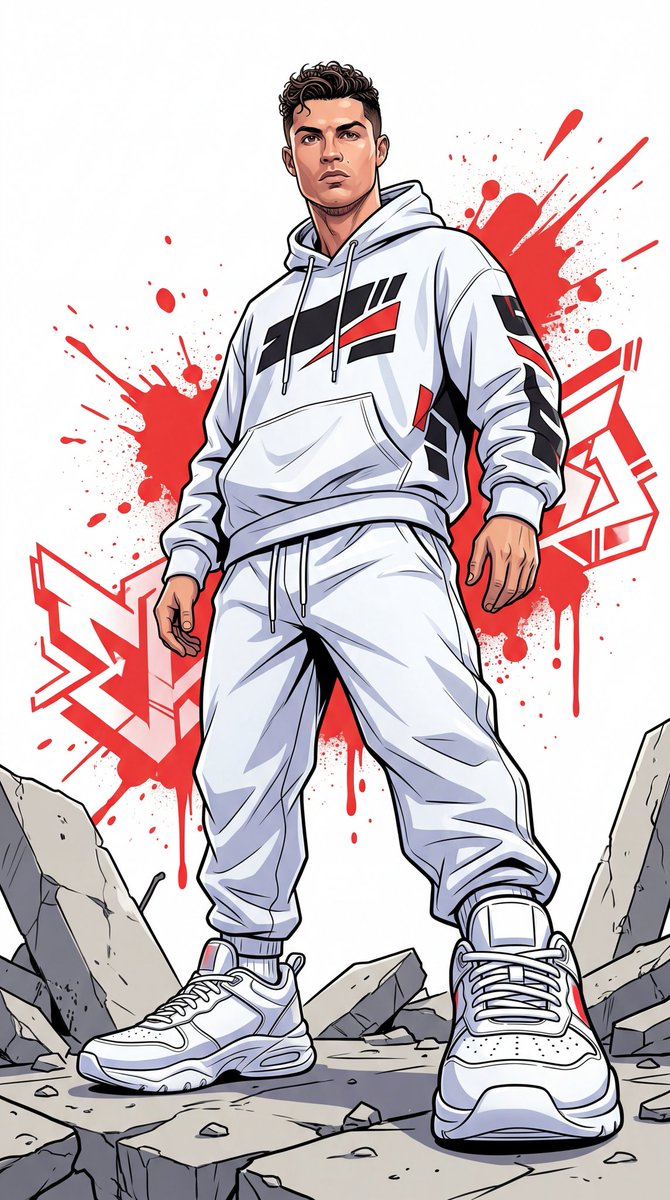
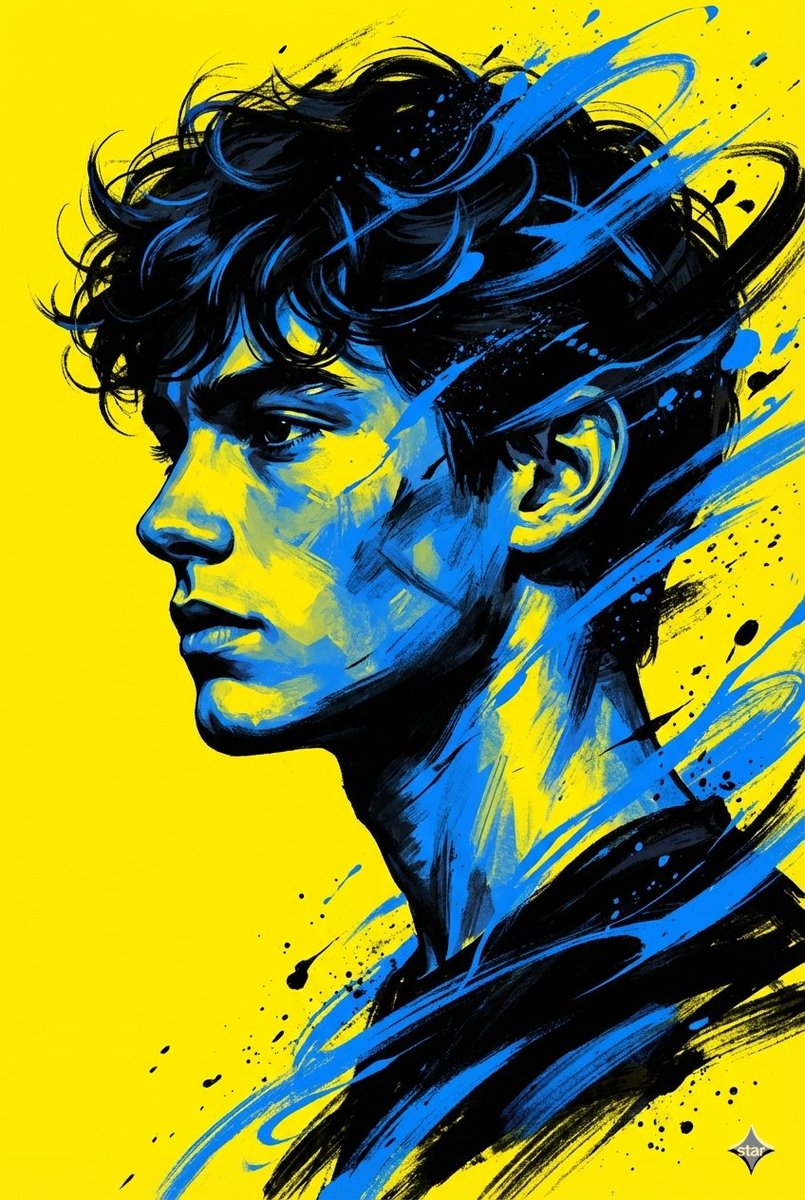
A creative editorial fine-art prompt that transforms a portrait into a split-face composition of realism and hand-drawn ink illustration.
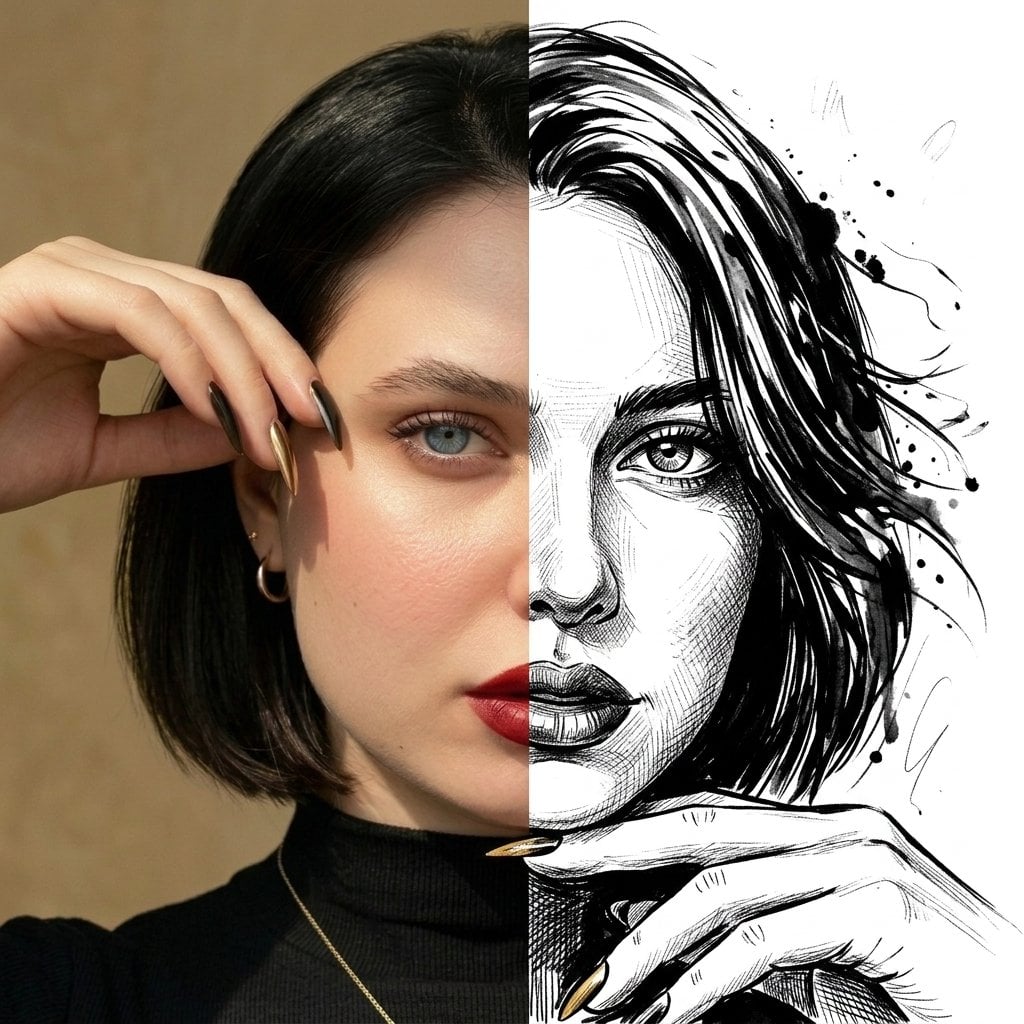
A split-face dual-style portrait using the uploaded photo. The left half shows a soft, ultra-realistic studio photograph with natural skin tones, smooth lighting, shallow depth of field, and warm bokeh lights in the background. The right half transforms the same face into a dramatic {argument name="illustration style" default="black-and-white hand-drawn ink illustration"}, featuring expressive brush strokes, bold line work, fine cross-hatching, flowing hair rendered with dynamic ink splashes, and a raw artistic sketch aesthetic. Perfect facial alignment between both halves, clean vertical split down the center, strong contrast between realism and illustration, editorial fine-art style, ultra-high resolution, sharp details, gallery-quality finish, 1:1 aspect ratio.
Choose the primary action to open PicX Studio with the available template settings. Review the model and format, personalize the creative direction, and generate when ready.
Yes. You can change the subject, setting, lighting, mood, format, and available model controls before creating your image.
This template is free to open and customize. Generation usage is shown in PicX Studio before you create.
Start with Nano Banana 2, which is the model associated with this template. You can compare another compatible model for a different finish.
Follow a topic to a crawlable collection of related PicX Studio templates.