How do I use the Human-Pet Split Face Portrait template?
Choose the primary action to open PicX Studio with the available template settings. Review the model and format, personalize the creative direction, and generate when ready.
An extreme close-up prompt that aligns half of a human face with half of a pet's face for an intimate, unified portrait.

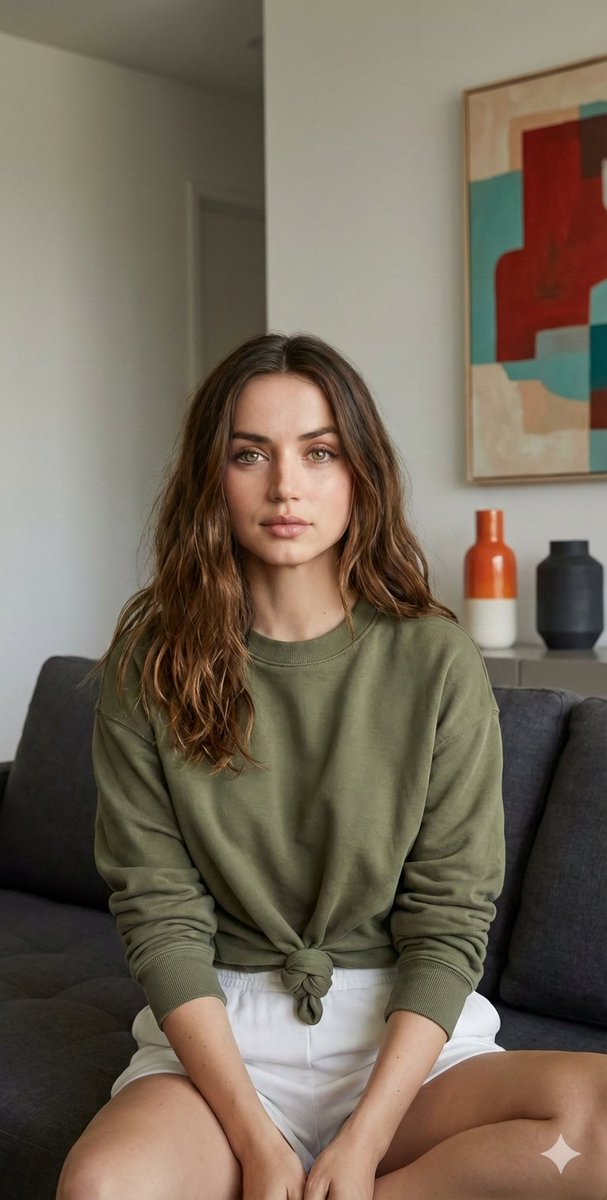
Use the exact same face from the reference image and generate a photorealistic colour photo, vertical 9:20, extreme close up. Half of a human face and half of {argument name="pet type" default="my pet"}'s face pressed closely together, and sharing the same frame equally. Faces are very close to the camera, and intimate contact. Tight crop, one human eye + one {argument name="pet feature" default="cat eye"} centered, perfectly aligned and both in sharp focus with the same intimate framing. Frame tightly filled with face, background barely visible.
Choose the primary action to open PicX Studio with the available template settings. Review the model and format, personalize the creative direction, and generate when ready.
Yes. You can change the subject, setting, lighting, mood, format, and available model controls before creating your image.
This template is free to open and customize. Generation usage is shown in PicX Studio before you create.
Start with Nano Banana 2, which is the model associated with this template. You can compare another compatible model for a different finish.
Follow a topic to a crawlable collection of related PicX Studio templates.