
Golden Hour Art Museum Portrait Prompt
A structured JSON prompt for Nano Banana Pro, designed to generate an artistic portrait of a young woman in an art museum during golden hour.
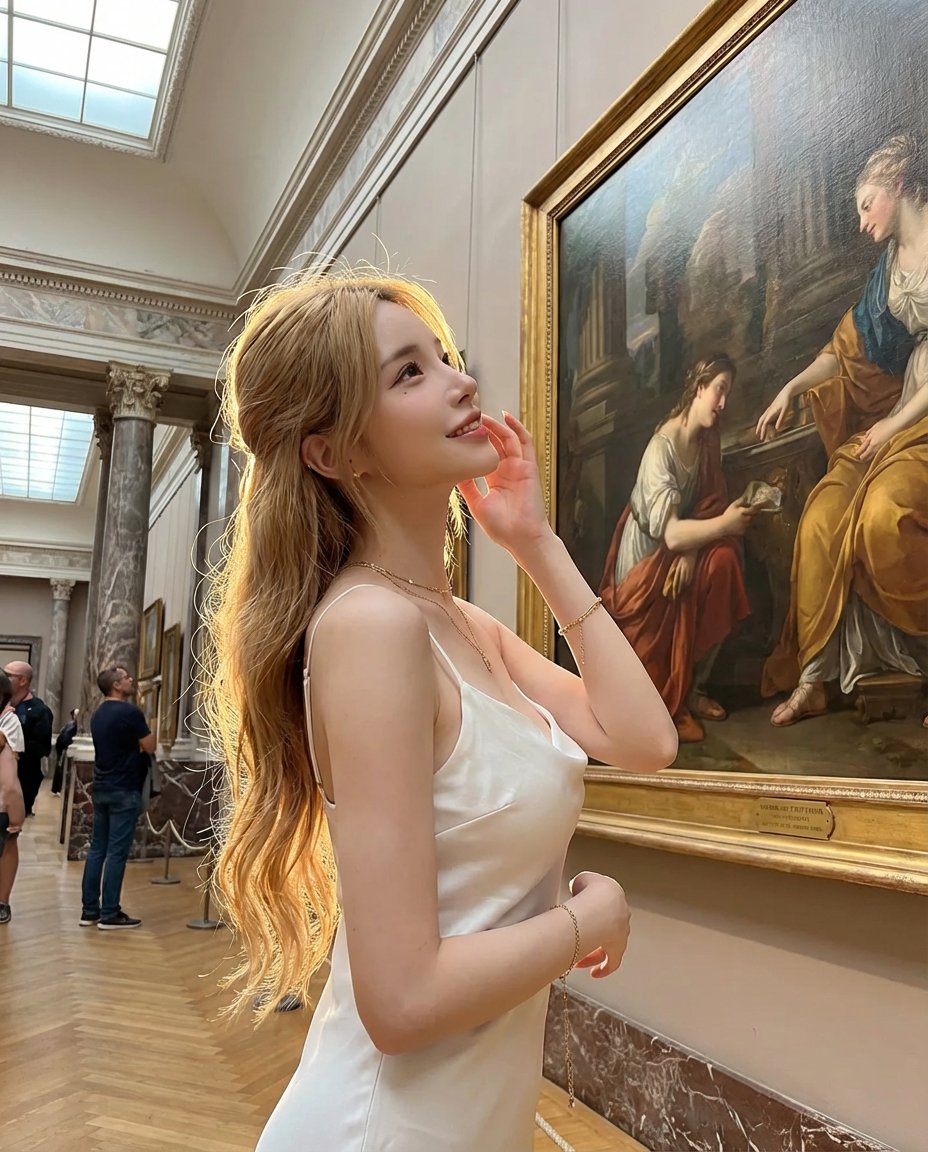
- Prompt included
- Model and format preset
- Premium template
The prompt behind this image
Copy the exact prompt behind Golden Hour Art Museum Portrait Prompt, or open it in the studio and make it yours.
{ "subject": { "description": "{argument name="subject description" default="Young woman in art museum at golden hour, standing before classical painting, divine lighting through skylight"}", "age": "{argument name="age" default="early 20s"}", "expression": { "eyes": "{argument name="eye expression" default="soft, contemplative, looking slightly upward"}", "mouth": "{argument name="mouth expression" default="gentle smile, lips slightly parted"}", "overall": "{argument name="overall expression" default="that 'art appreciation' transcendent beauty"}" }, "hair": { "color": "{argument name="hair color" default="golden blonde with natural waves"}", "style": "{argument name="hair style" default="half-up, half-down, elegant but effortless"}", "details": "{argument name="hair details" default="golden hour light catching strands, halo effect"}" }, "body": { "position": "{argument name="body position" default="standing before artwork, graceful posture"}", "frame": "{argument name="frame" default="elegant, poised, artistic"}", "stance": "{argument name="stance" default="weight on one foot, slight contrapposto"}" }, "pose": { "position": "{argument name="pose position" default="standing beside classical painting"}", "body": "{argument name="pose body" default="turned slightly toward camera, head angled to artwork"}", "arms": "{argument name="pose arms" default="one hand near face adjusting hair, other relaxed"}", "feet": "{argument name="pose feet" default="graceful stance, museum-appropriate posture"}", "overall": "{argument name="overall pose" default="the museum art angel pose"}" }, "clothing": { "dress": { "type": "{argument name="dress type" default="white slip dress"}", "fit": "{argument name="dress fit" default="flowy, elegant, simple"}", "material": "{argument name="dress material" default="silk or satin, light-reflecting"}", "effect": "{argument name="dress effect" default="ethereal, classical, timeless beauty"}" }, "shoes": { "type": "{argument name="shoe type" default="minimal sandals or barefoot"}", "style": "{argument name="shoe style" default="simple, elegant"}" } }, "accessories": { "jewelry": "{argument name="jewelry" default="delicate gold chain, small earrings"}", "bag": "{argument name="bag" default="small clutch or none"}", "makeup": "{argument name="makeup" default="natural, glowing, golden hour enhanced"}" } }, "environment": { "location": "{argument name="location" default="art museum, classical wing"}", "museum_details": { "artwork": "{argument name="artwork" default="large classical painting in background"}", "architecture": "{argument name="architecture" default="high ceilings, classical columns"}", "flooring": "{argument name="flooring" default="polished marble or stone"}", "lighting": "{argument name="environment lighting" default="skylight above, golden hour beams"}" }, "atmosphere": { "mood": "{argument name="atmosphere mood" default="serene, cultural, elevated"}", "visitors": "{argument name="visitors" default="sparse, respectful distance"}" } }, "photography": { "style": "{argument name="photography style" default="artistic portrait selfie, museum setting"}", "framing": "{argument name="framing" default="full body with artwork context"}", "angle": "{argument name="angle" default="slight low angle, heroic perspective"}", "quality": "{argument name="quality" default="iPhone, golden hour lighting"}", "aspect": "{argument name="aspect" default="4:5 vertical"}" }, "color_story": { "her": "{argument name="color story her" default="white dress, blonde hair, gold jewelry"}", "museum": "{argument name="color story museum" default="warm golden light, classical artwork colors"}", "palette": "{argument name="palette" default="golds, whites, soft museum tones"}" }, "vibe": { "energy": "{argument name="energy" default="artistic elegance, cultural sophistication"}", "mood": "{argument name="mood" default="transcendent, beautiful, timeless"}", "caption": "{argument name="caption" default="'golden hour at the museum' or 'art and soul' or '🎨'"}" } }
How to use Golden Hour Art Museum Portrait Prompt in 3 steps
- 1
Open
The prompt is already in the box next to the preview, with the template's model and format selected.
- 2…a portrait of your subject in softgolden-hour light, 85mm…
Personalize
Edit the subject and creative details for your destination.
- 3Generate
Generate
Press Generate — your image is created in PicX Studio, so you can compare it with the original and refine one variable at a time.
More like this
Templates with the same subject, style or setup. Open one to see its prompt.

80s Golden Hour Cinema

Rooftop Fisheye — Cat-Ear Balaclava at Golden Hour

Cinematic Golden Hour Garden Portrait

Cinematic Golden Hour Urban Portrait

Golden Hour Redhead Portrait

Golden Hour Cinematic Boss Energy Portrait

Golden Hour Cinematic Portrait
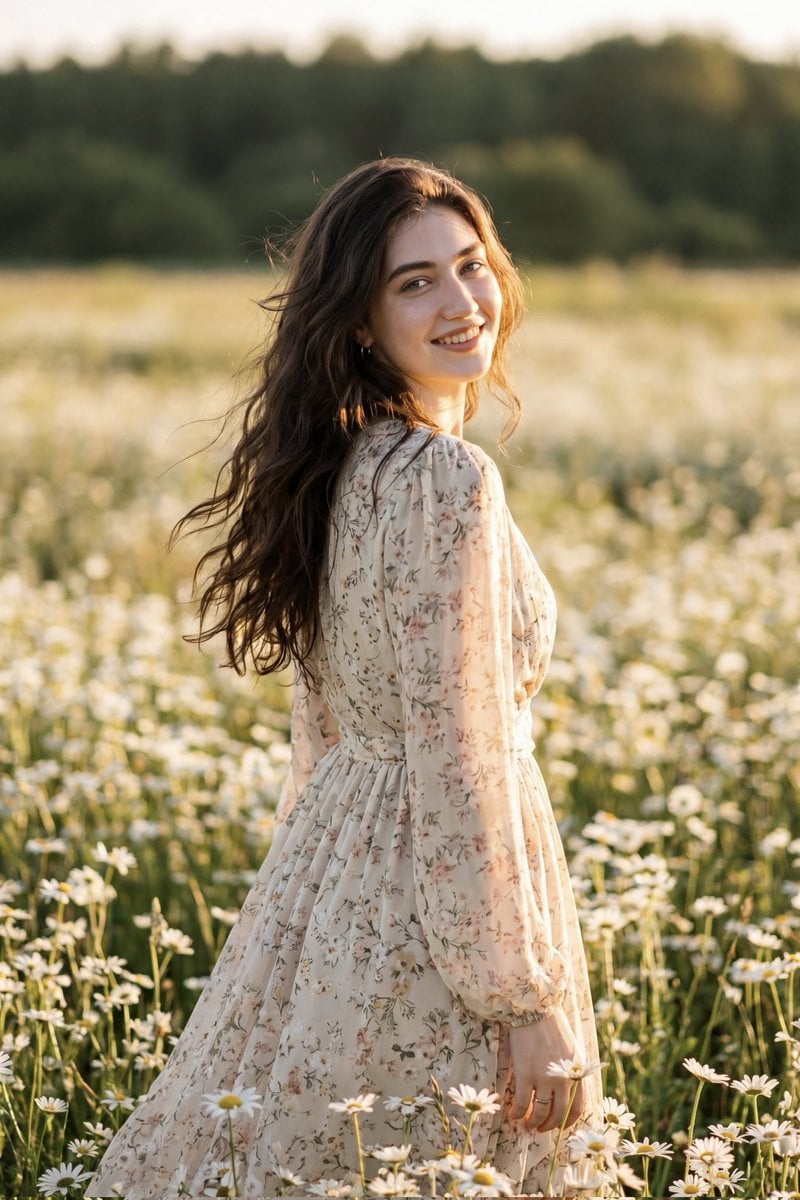
Golden Hour Daisy Field Portrait
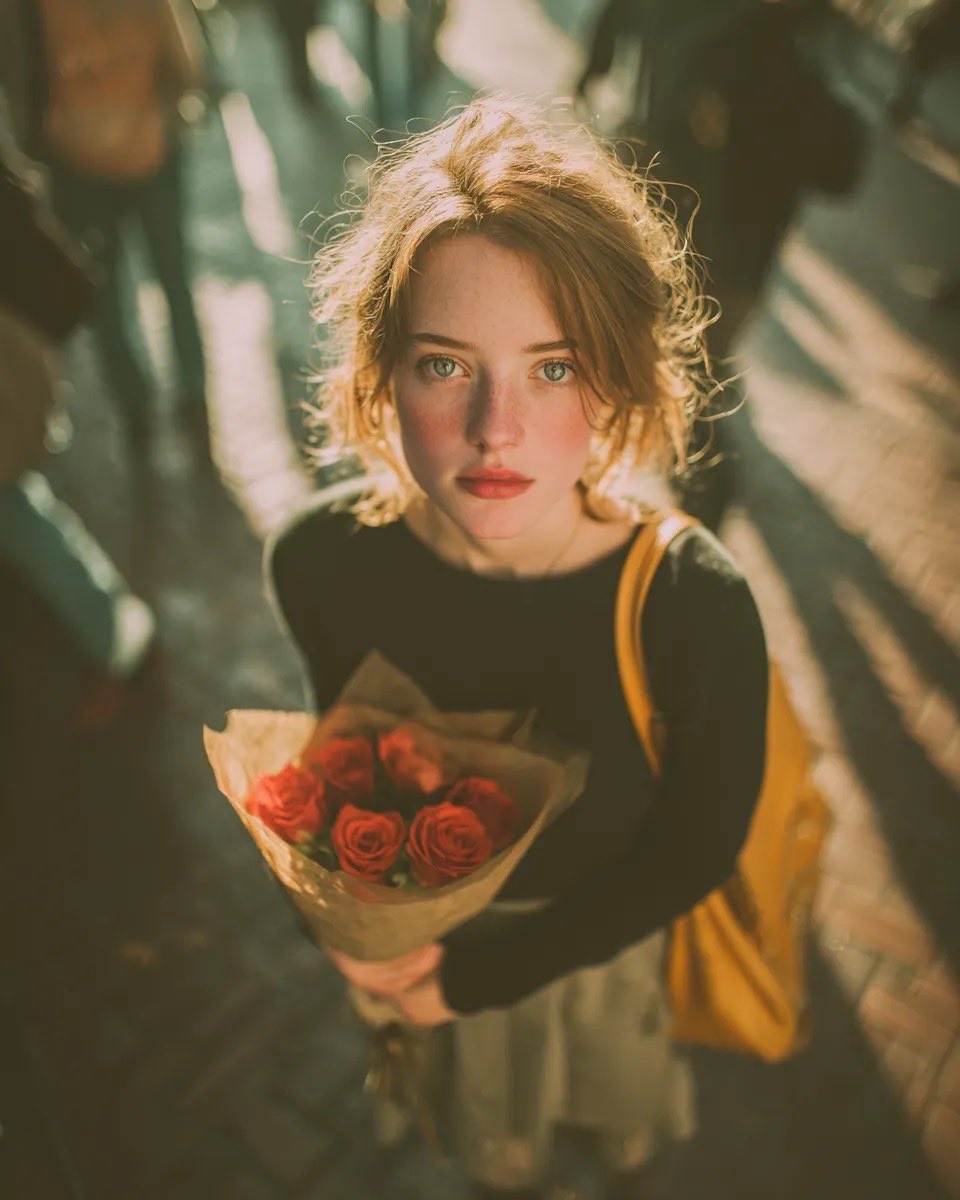
Golden Hour Rose Portrait

Golden Hour Korean Classroom Portrait
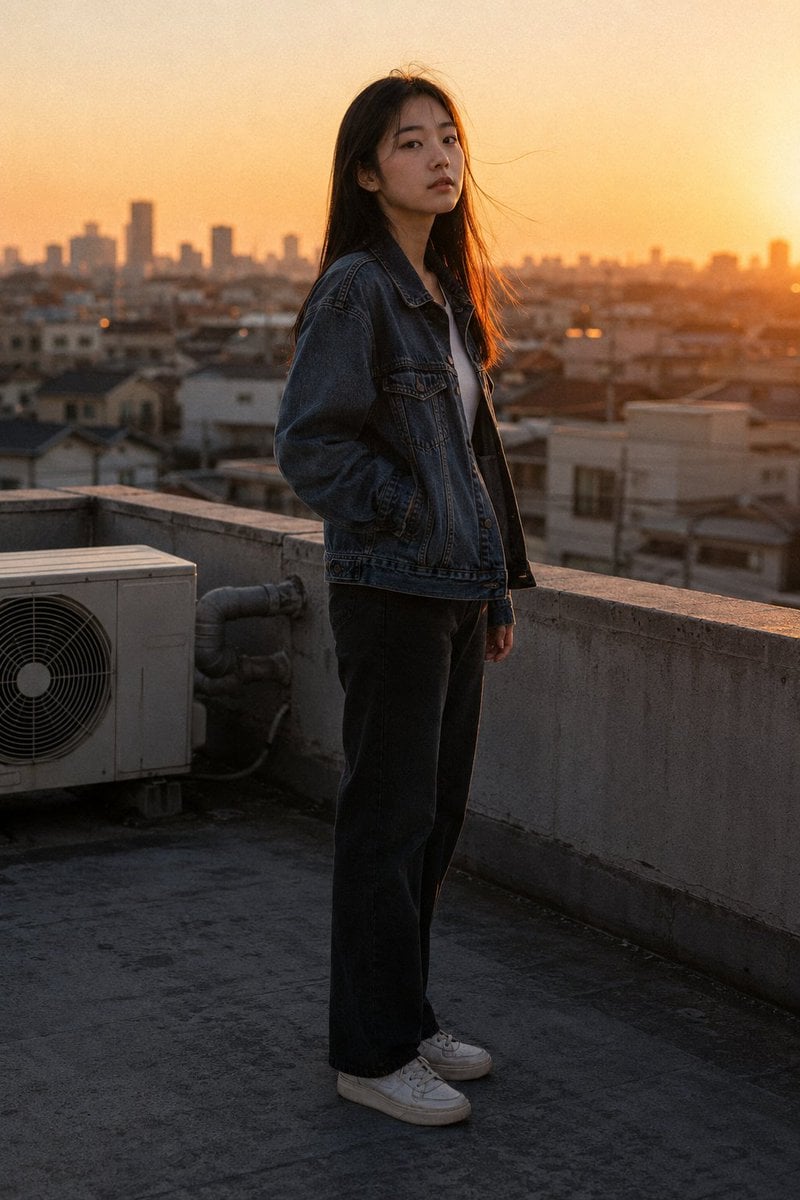
Golden Hour Rooftop Portrait
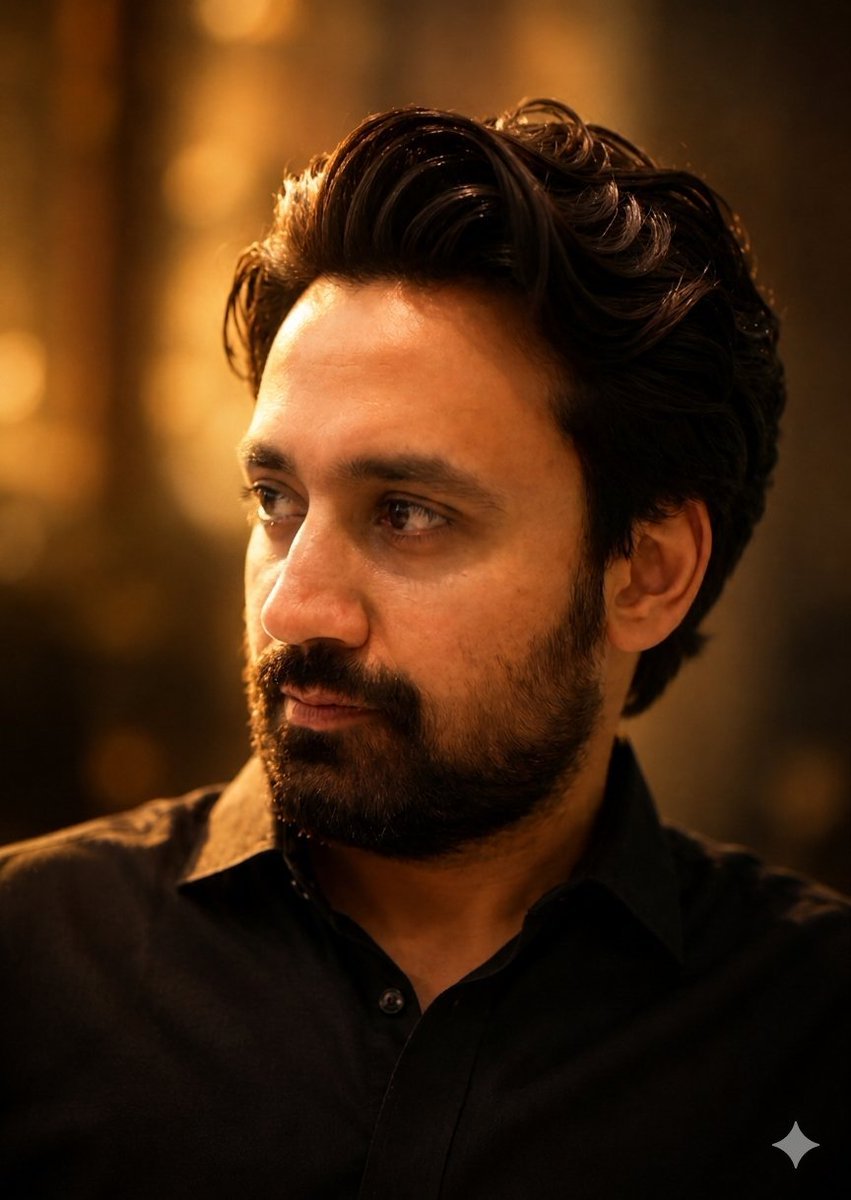
Golden Hour Contemplative Portrait
Make it yours
Golden Hour Art Museum Portrait Prompt works as-is. These are the safest ways to change it without losing the look.
Change one field
Copy a single group, rewrite it, and generate again so you can see what that field is doing.
Keep the frame, change the subject
Hold the composition and light of Golden Hour Art Museum Portrait Prompt, then swap wardrobe, props or the person for a new take.
| If the result… | Why | Fix |
|---|---|---|
| The result drifts from the preview | Too many fields changed at once. | Reuse Golden Hour Art Museum Portrait Prompt as-is first, then change one group — subject, light, or setting. |
| The model over-stylizes the scene | The prose prompt leaves finish and camera underspecified. | Add one camera or lighting sentence and stay on Nano Banana 2. |
More Nano Banana 2 templates
Other prompts made for Nano Banana 2.

Photorealistic Leaf Shaped Like a Dragon

K-Pop Idol Portrait Grid for Rapid Selection

Urban Street Portrait with Cartoon Inner Self Duo

Candid Nighttime Photo with Cat Prompt

High-Concept 3D Diorama Generation Prompt

Cinematic Futuristic Studio Portrait Template

Skincare Editorial Photography Collage Prompt

Hyper-Realistic Commercial Product Photography (Splash Effect)

Hyper-Realistic Nightclub Portrait Prompt

Cinematic Urban Rain Scene Prompt (Neo-Noir)
More image prompts
Fresh picks from across the catalog.

Fiery Japanese Growth Thumbnail
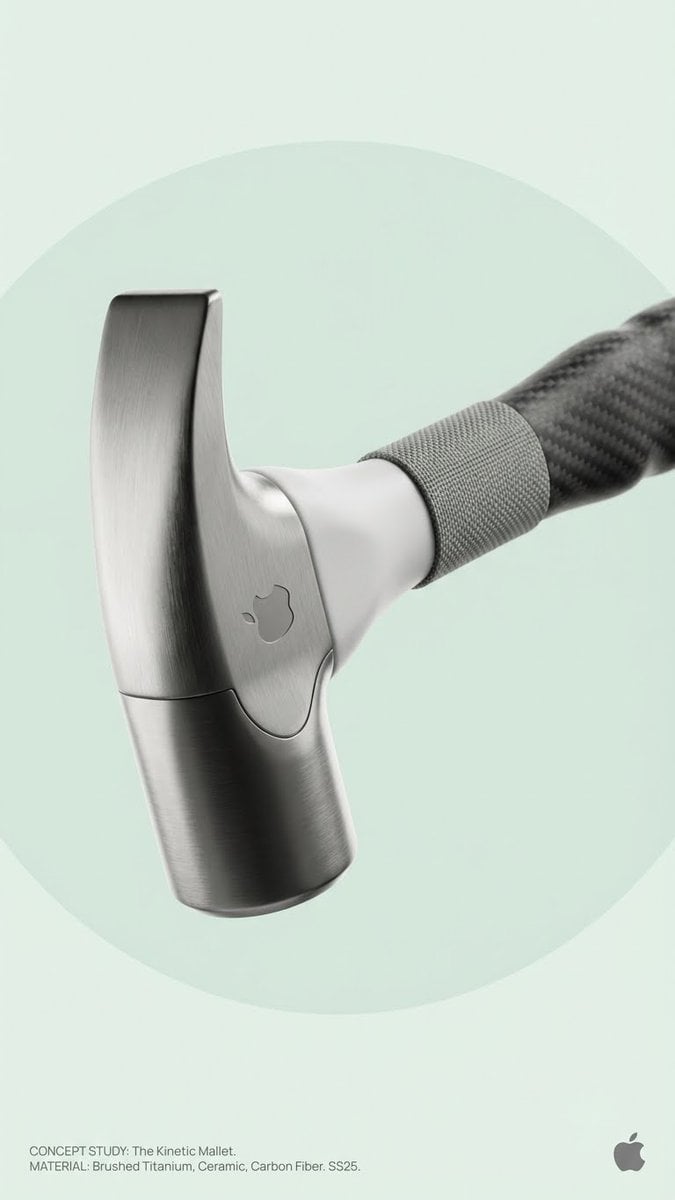
Brand Concept Generation Prompt: Unexpected Functional Objects
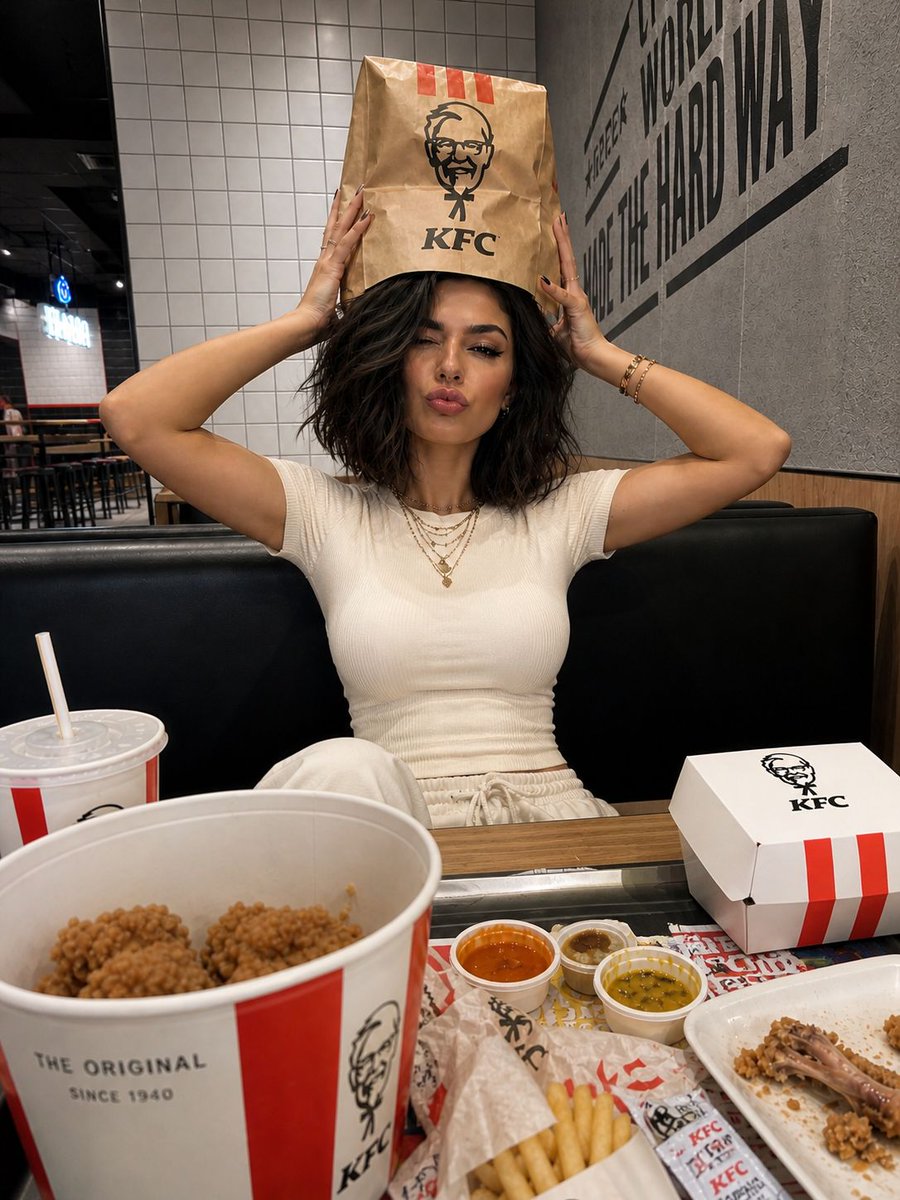
KFC Booth iPhone Snapshot
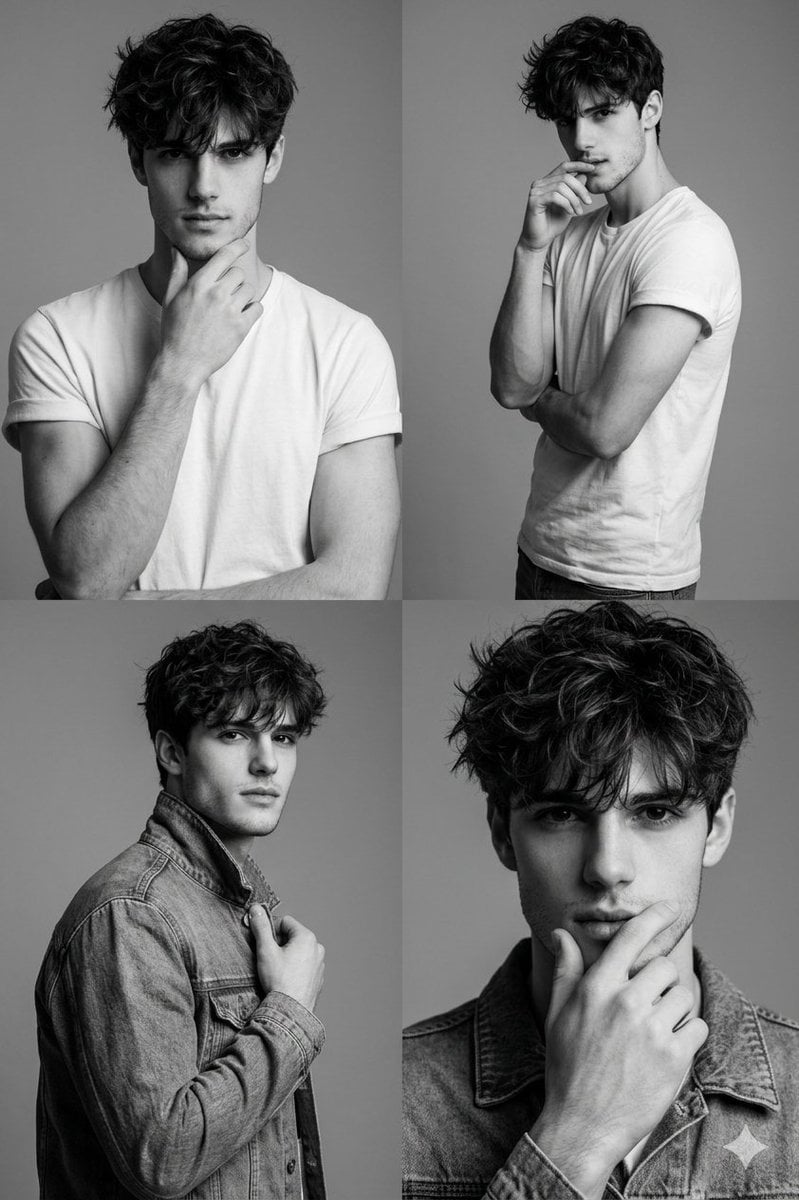
Black-and-White Fashion Collage with Face Preservation
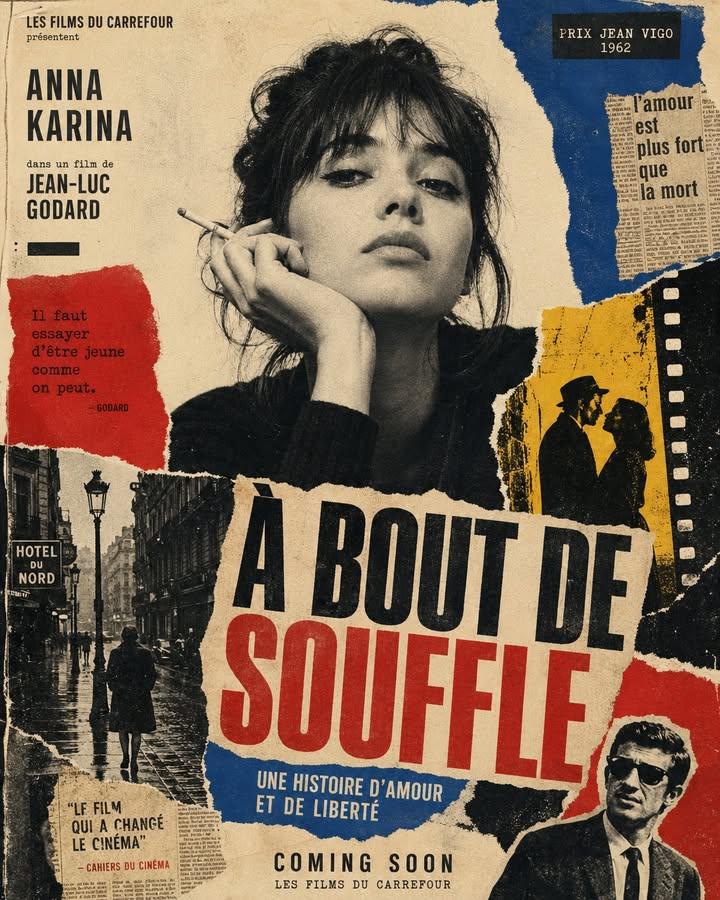
1960s Art-House Film Poster
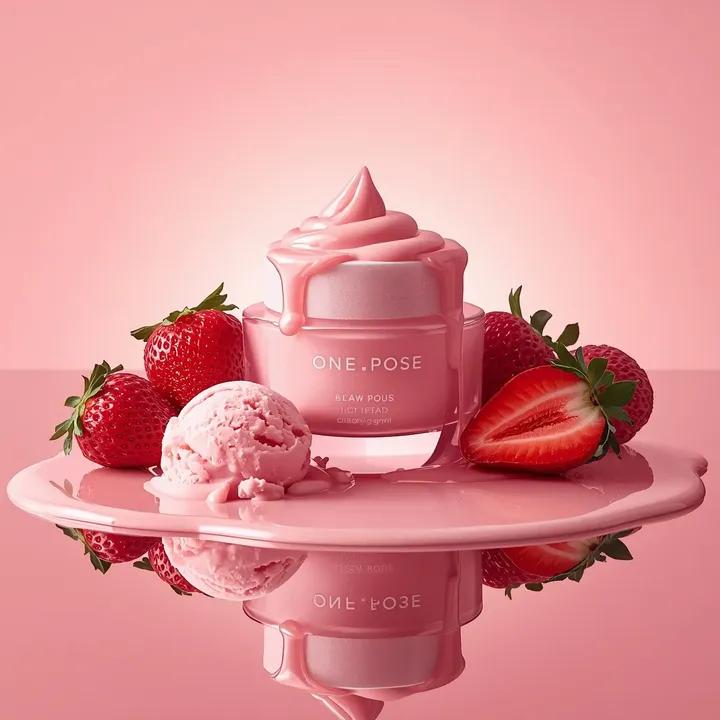
Ultra-Realistic Luxury Skincare Product Photography (Duplicate)
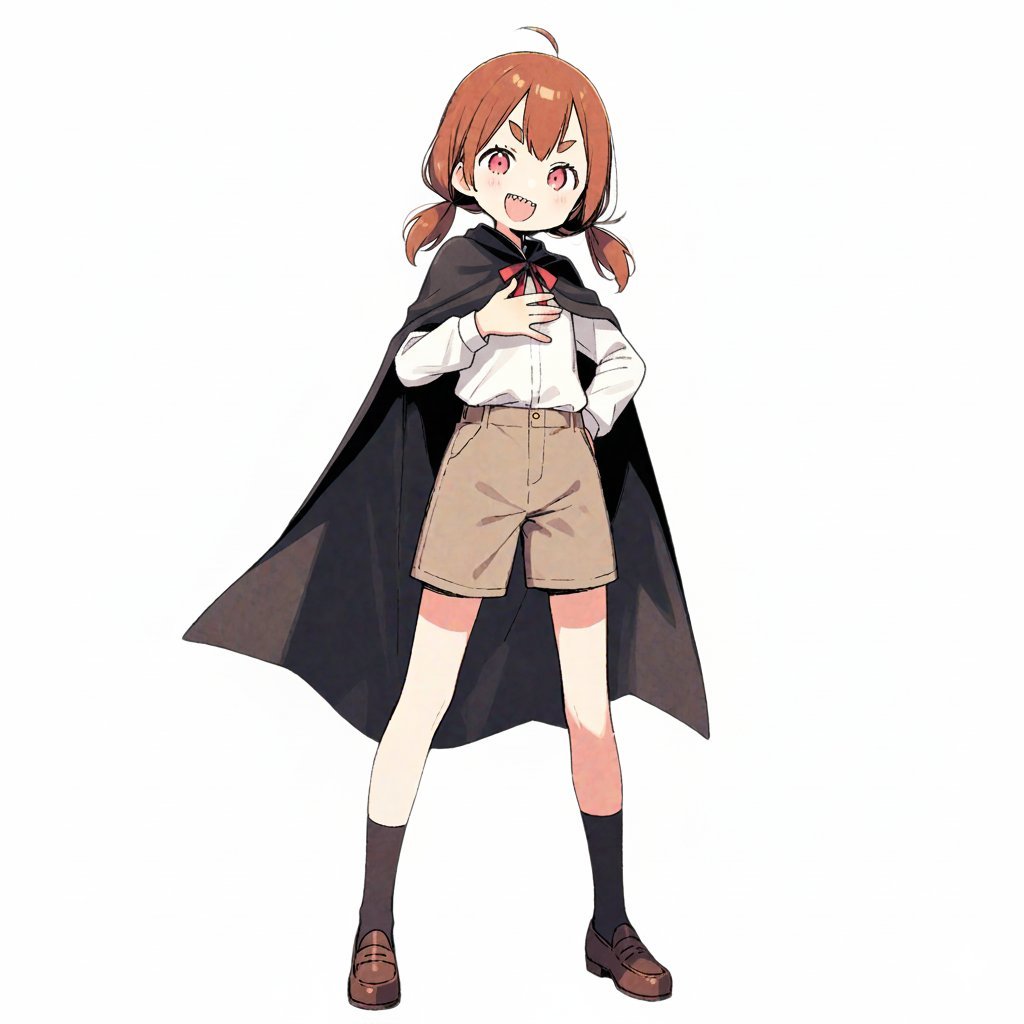
Character Robotization and Technical Diagram Prompt
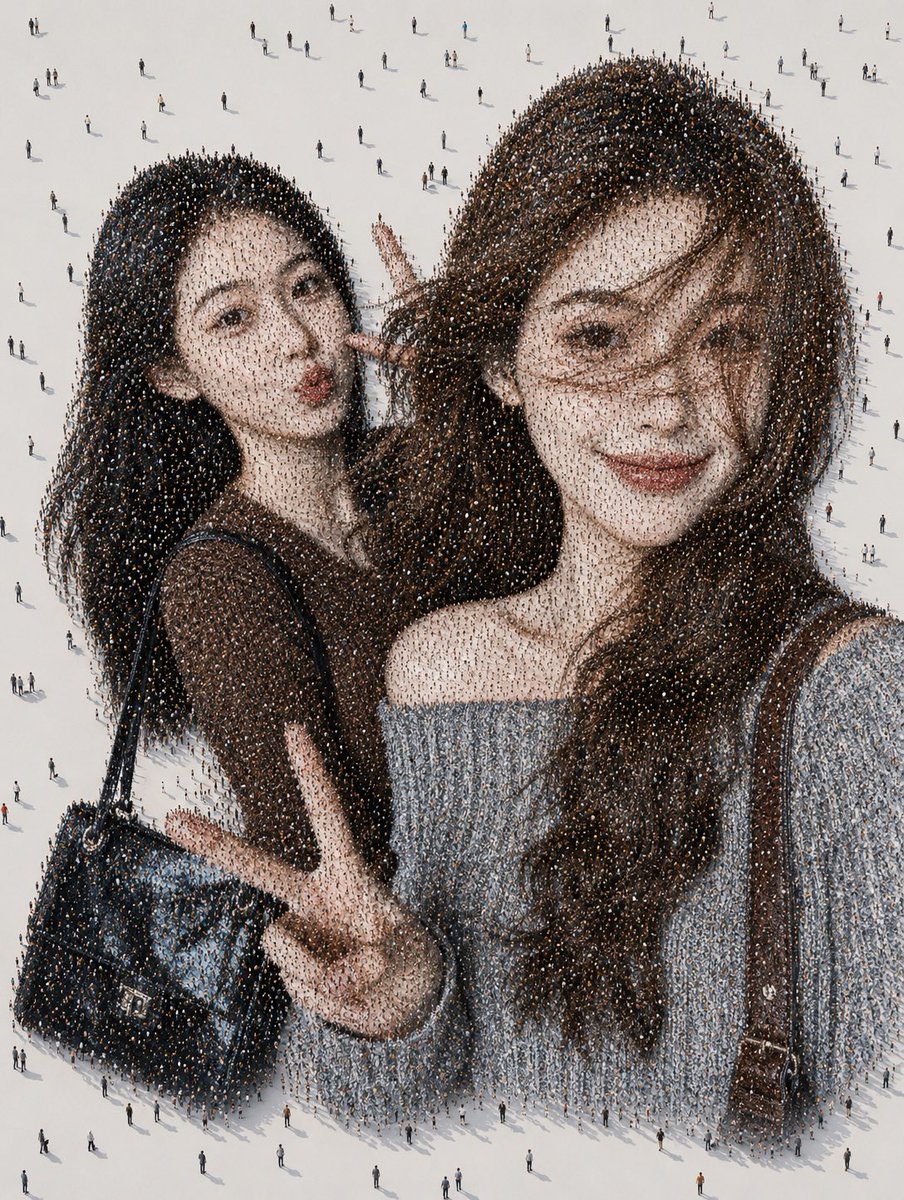
Crowd Mosaic Best Friends Selfie
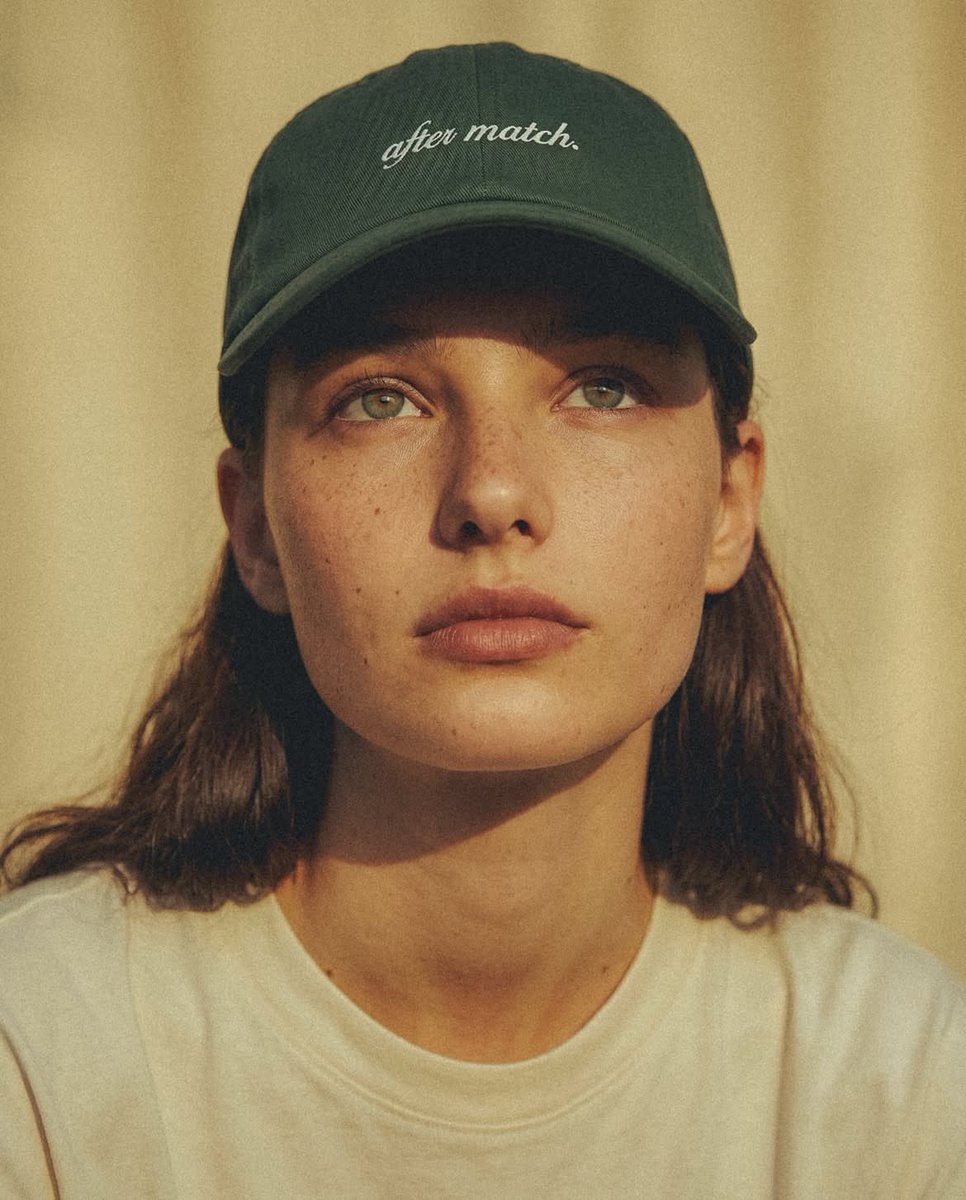
Fashion Editorial Green Cap Portraits
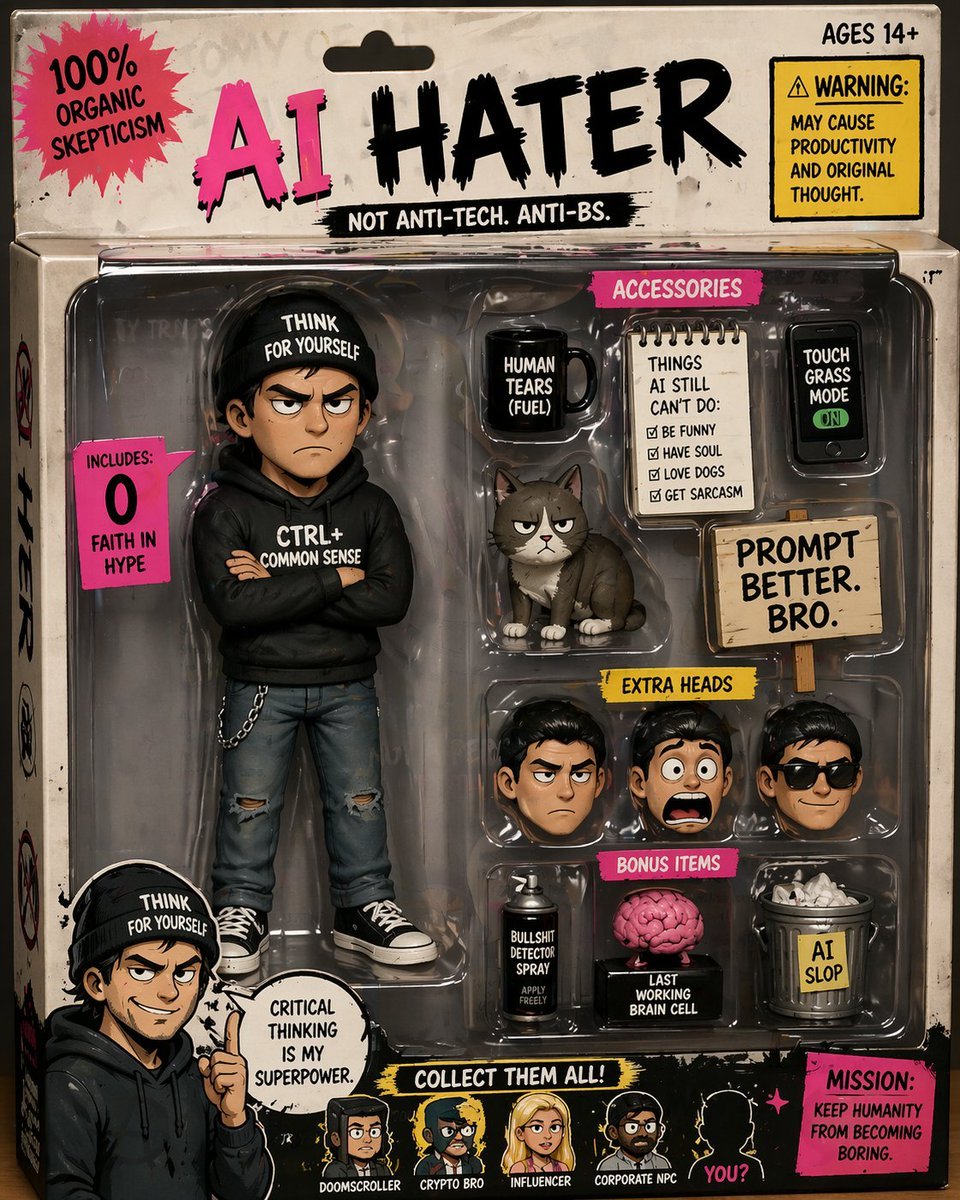
Satirical AI Hater Action Figure
Browse template categories
Golden Hour Art Museum Portrait Prompt questions
How do I use the Golden Hour Art Museum Portrait Prompt template?
Add your photo if the template asks for one, edit the prompt if you like — the template's model and format are already selected — and press Generate. Your version opens in PicX Studio.
Can I customize the Golden Hour Art Museum Portrait Prompt template?
Yes. You can change the subject, setting, lighting, mood, format, and available model controls before creating your image.
Is the Golden Hour Art Museum Portrait Prompt template free?
Opening and editing this template is free. Generating uses credits, shown on the Generate button when you are signed in.
Which AI model should I use?
Start with Nano Banana 2, which is the model associated with this template. You can compare another compatible model for a different finish.
Looking for something else? Browse all templates.

Your photo, any look
Thousands of ready templates for every top image and video model, from one credit balance.