
1960s Art-House Film Poster
A detailed prompt for creating a vintage-style 1960s European art-house film poster with collage elements, bold typography, and a raw, tactile aesthetic.
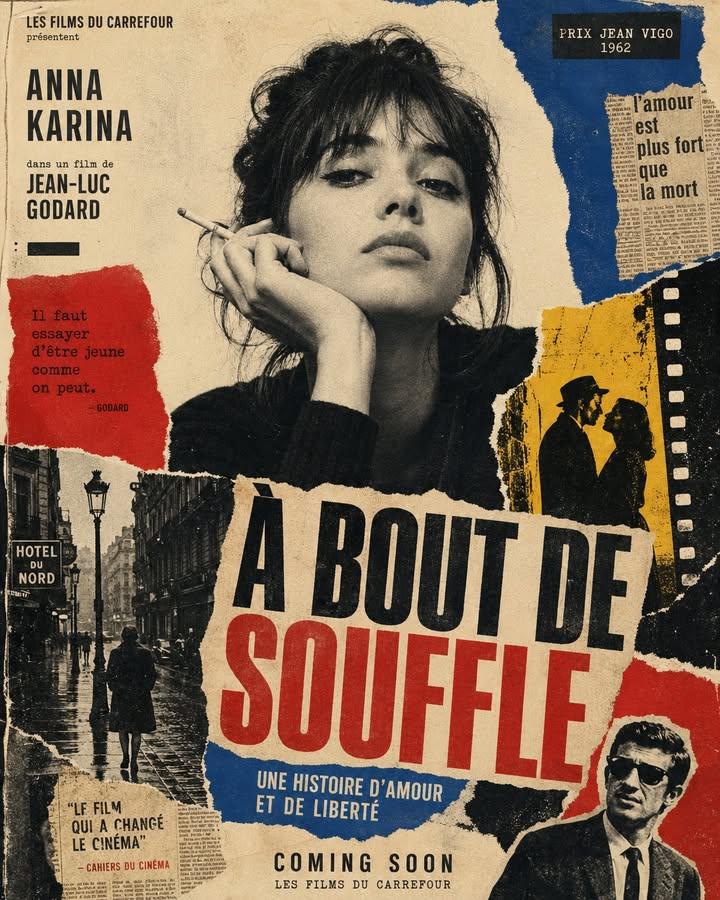
- Prompt included
- Model and format preset
- Free template
The prompt behind this image
Copy the exact prompt behind 1960s Art-House Film Poster, or open it in the studio and make it yours.
Create a vertical poster composition on aged cream paper with a handmade analog feel. Use rough ripped paper edges, layered magazine cutouts, photocopy grain, halftone texture, ink bleed, and slightly imperfect screen-print registration. Keep the subject as the main black-and-white photographic portrait, placed prominently in the center or upper center. Surround the subject with graphic blocks of deep red, cobalt blue, warm yellow, black, and ivory. Add supporting collage fragments such as a rainy European street, film-strip borders, newspaper clippings, urban silhouettes, and cinematic details, arranged like a handmade 1960s art-house movie poster. Use bold condensed typography with a strong visual hierarchy. Add large headline text: “{argument name="main title" default="[MAIN TITLE]"}”. Add smaller subtitle text: “{argument name="subtitle" default="[SUBTITLE]"}”. Add bottom text: “{argument name="event details" default="[BRAND NAME / EVENT NAME / COMING SOON / DATE]"}”. If needed, include a small top line reading “[TAGLINE]”. The final result should feel cinematic, intellectual, rebellious, and editorial — like a lost 1960s European film poster with a strong point of view. Keep it raw, tactile, printed, imperfect, and handmade. Avoid a glossy modern finish.
How to use 1960s Art-House Film Poster in 3 steps
- 1
Open
The prompt is already in the box next to the preview, with the template's model and format selected.
- 2…a portrait of your subject in softgolden-hour light, 85mm…
Personalize
Edit the subject and creative details for your destination.
- 3Generate
Generate
Press Generate — your image is created in PicX Studio, so you can compare it with the original and refine one variable at a time.
More like this
Templates with the same subject, style or setup. Open one to see its prompt.

Black Tie Opera House
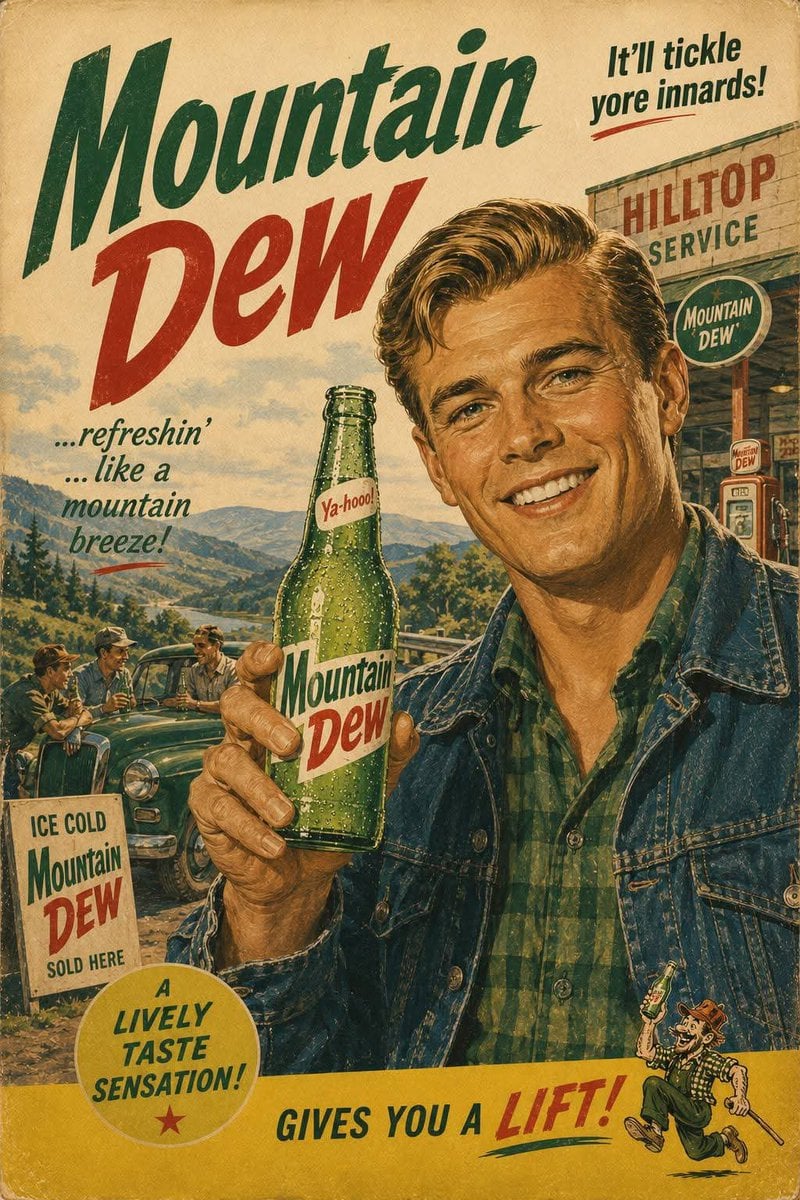
1960s American Beverage Advertising Poster

Japan Travel Brochure Poster
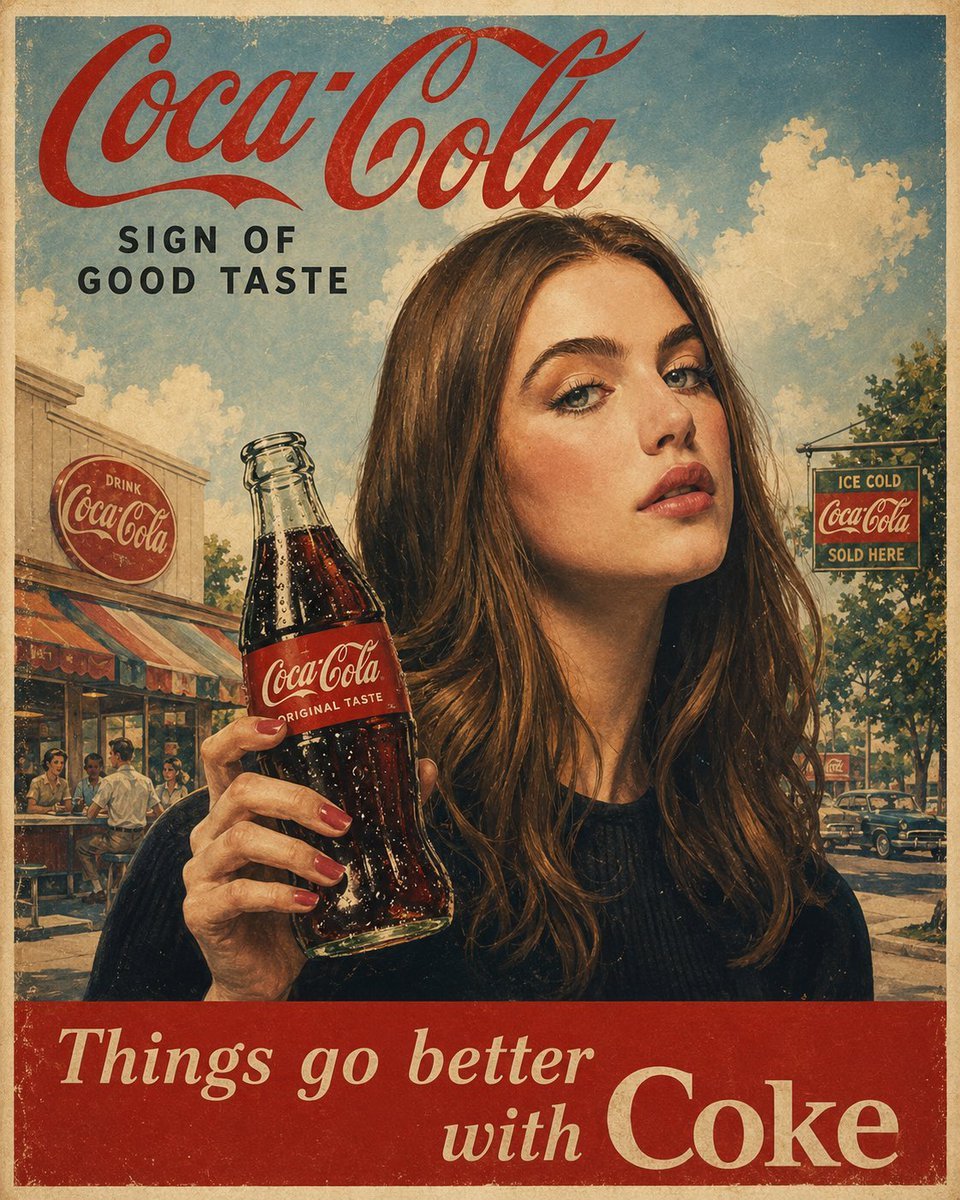
1960s American Advertising Poster
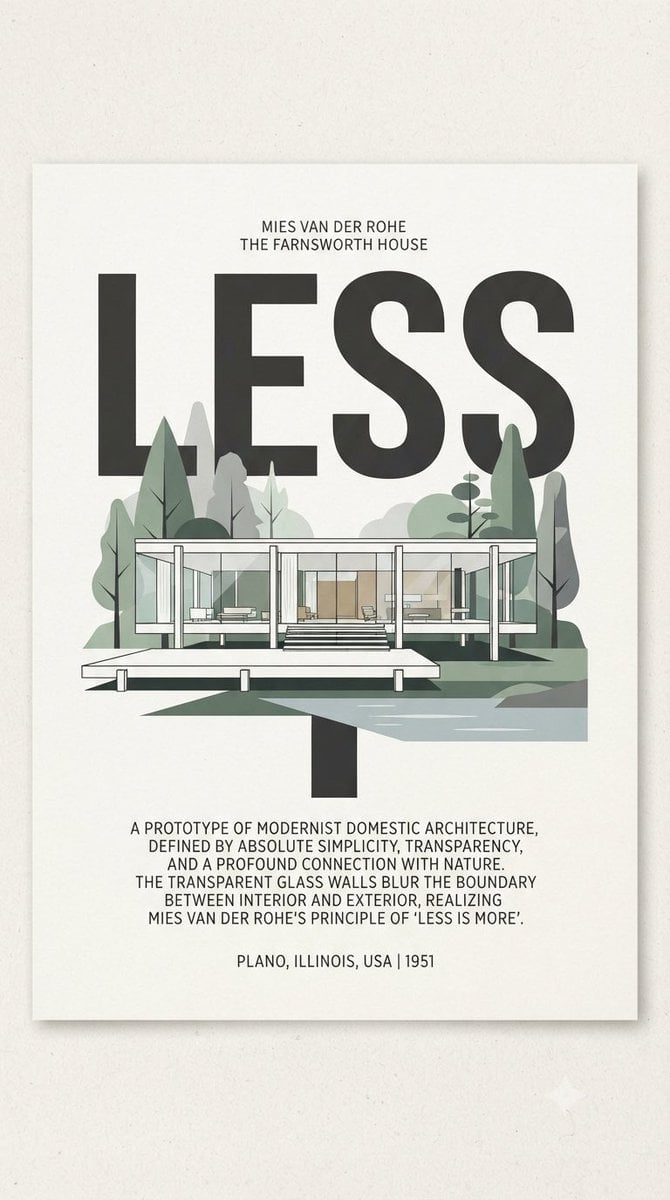
Farnsworth House LESS Poster
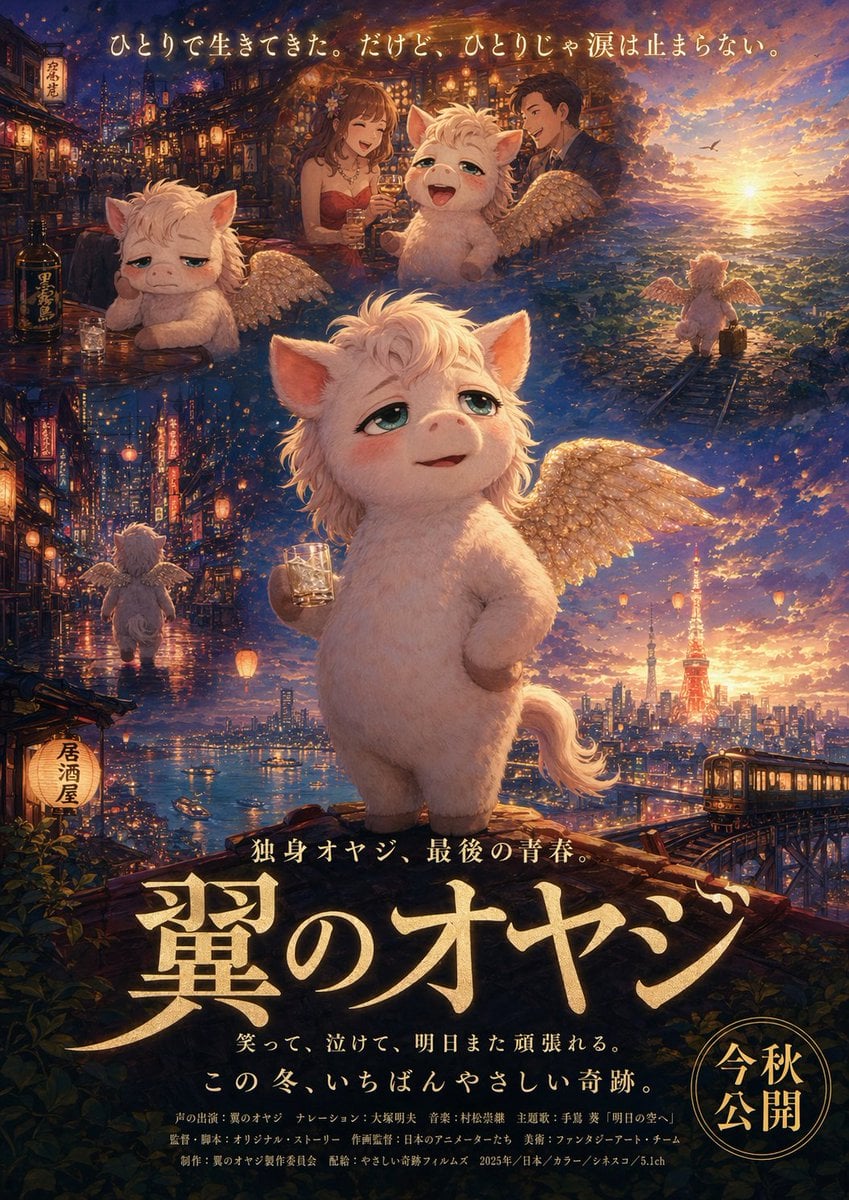
Japanese Fantasy Winged Pig Film Poster
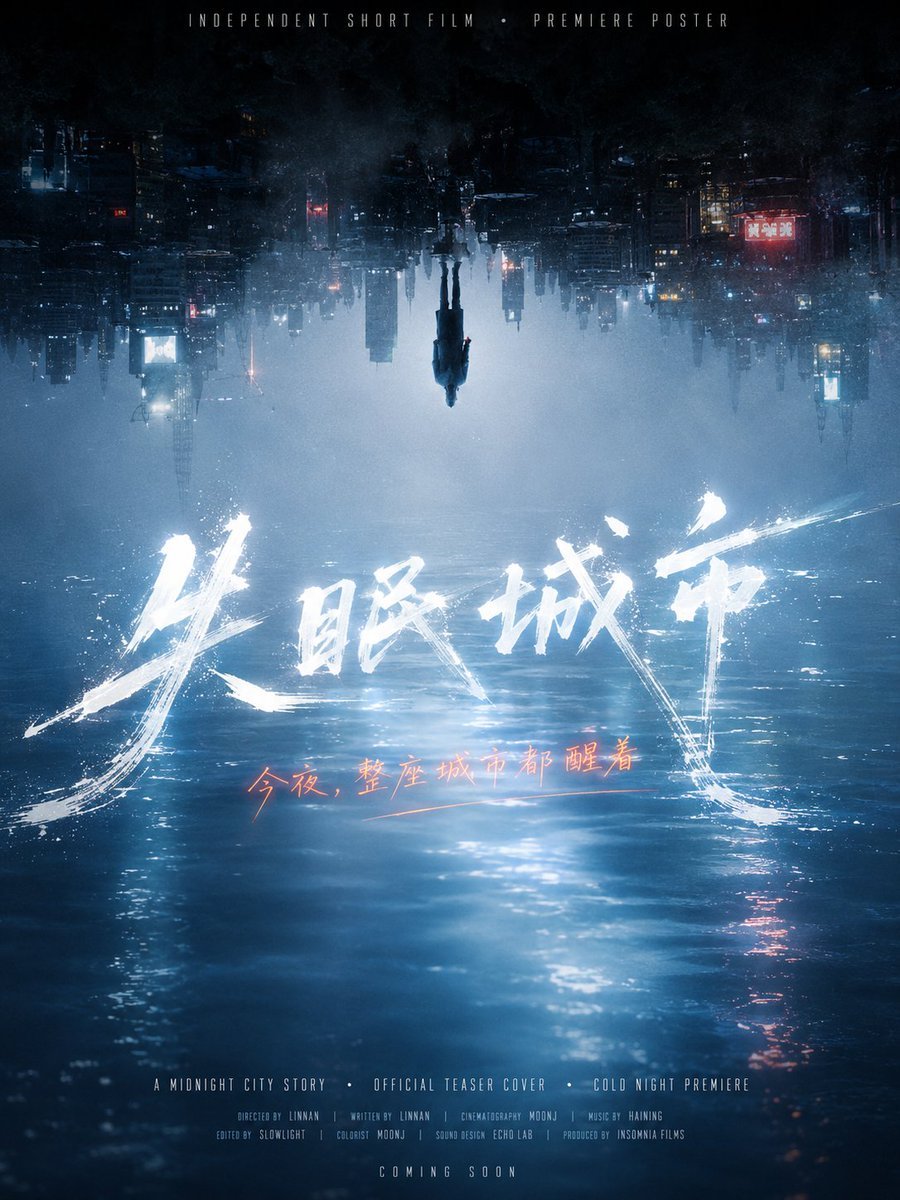
Inverted Midnight City Film Poster

Sepia Family Portrait Studio

Monogram Luggage Cart

Statue Garden Twilight

Opera Glasses Velvet Seat

Fountain Pen Ink Splash
Make it yours
1960s Art-House Film Poster works as-is. These are the safest ways to change it without losing the look.
Change one field
Copy a single group, rewrite it, and generate again so you can see what that field is doing.
Keep the frame, change the subject
Hold the composition and light of 1960s Art-House Film Poster, then swap wardrobe, props or the person for a new take.
| If the result… | Why | Fix |
|---|---|---|
| The result drifts from the preview | Too many fields changed at once. | Reuse 1960s Art-House Film Poster as-is first, then change one group — subject, light, or setting. |
| The model over-stylizes the scene | The prose prompt leaves finish and camera underspecified. | Add one camera or lighting sentence and stay on GPT Image 2. |
More GPT Image 2 templates
Other prompts made for GPT Image 2.

Six VTuber Japanese Logo Sheet

Realistic Portrait of Woman and Deer

The Vista Modular Condo Poster

AI Model Routing Comparison Infographic

2.5D Anime Art Board

Isometric Productivity Desk Scene

New York Double Exposure Poster

Four-Panel AI Landscape Comparison

Japanese Tatami Lifestyle Magazine Cover

NESCAFÉ Coffee Map Poster
More image prompts
Fresh picks from across the catalog.
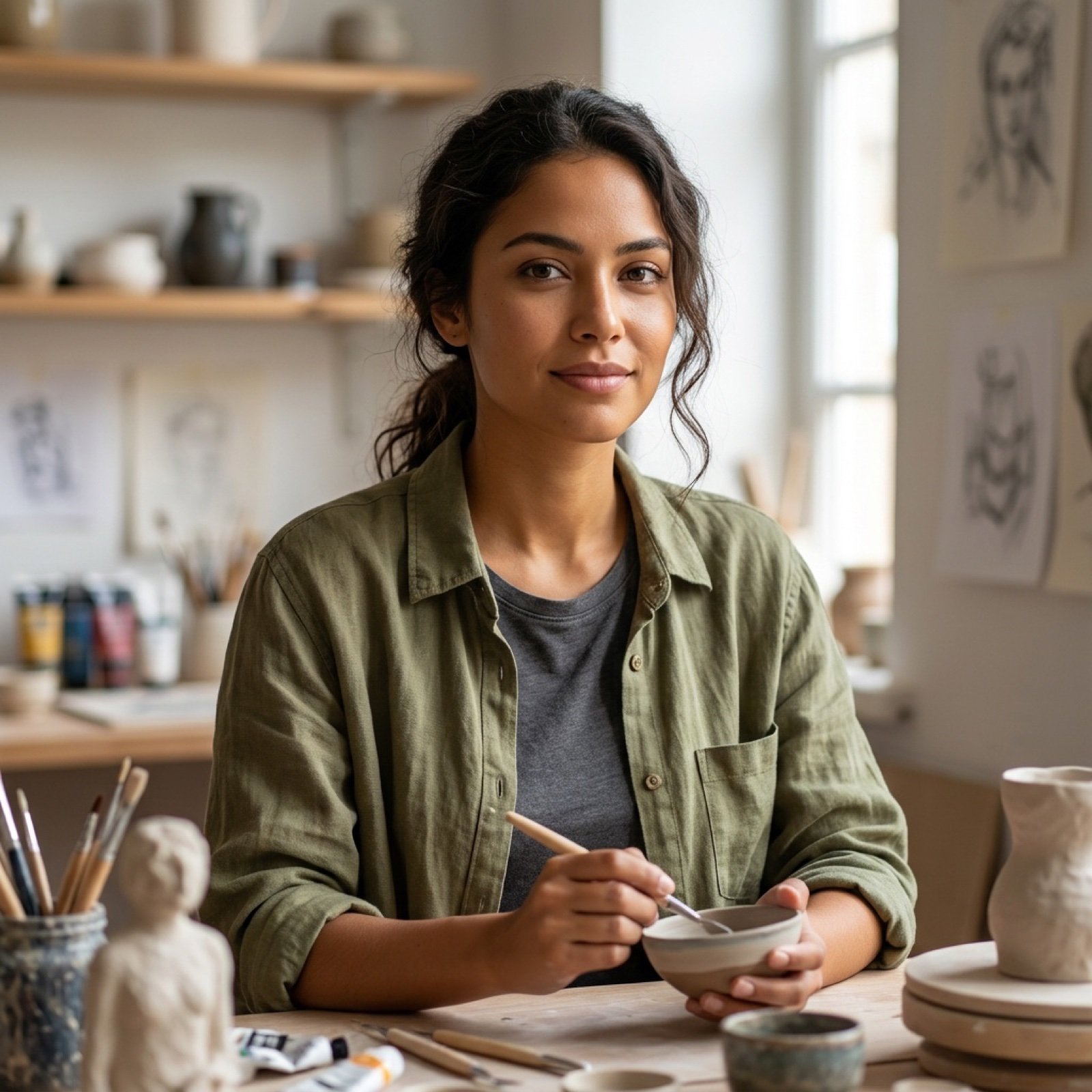
High Fidelity Face Swap Task Definition
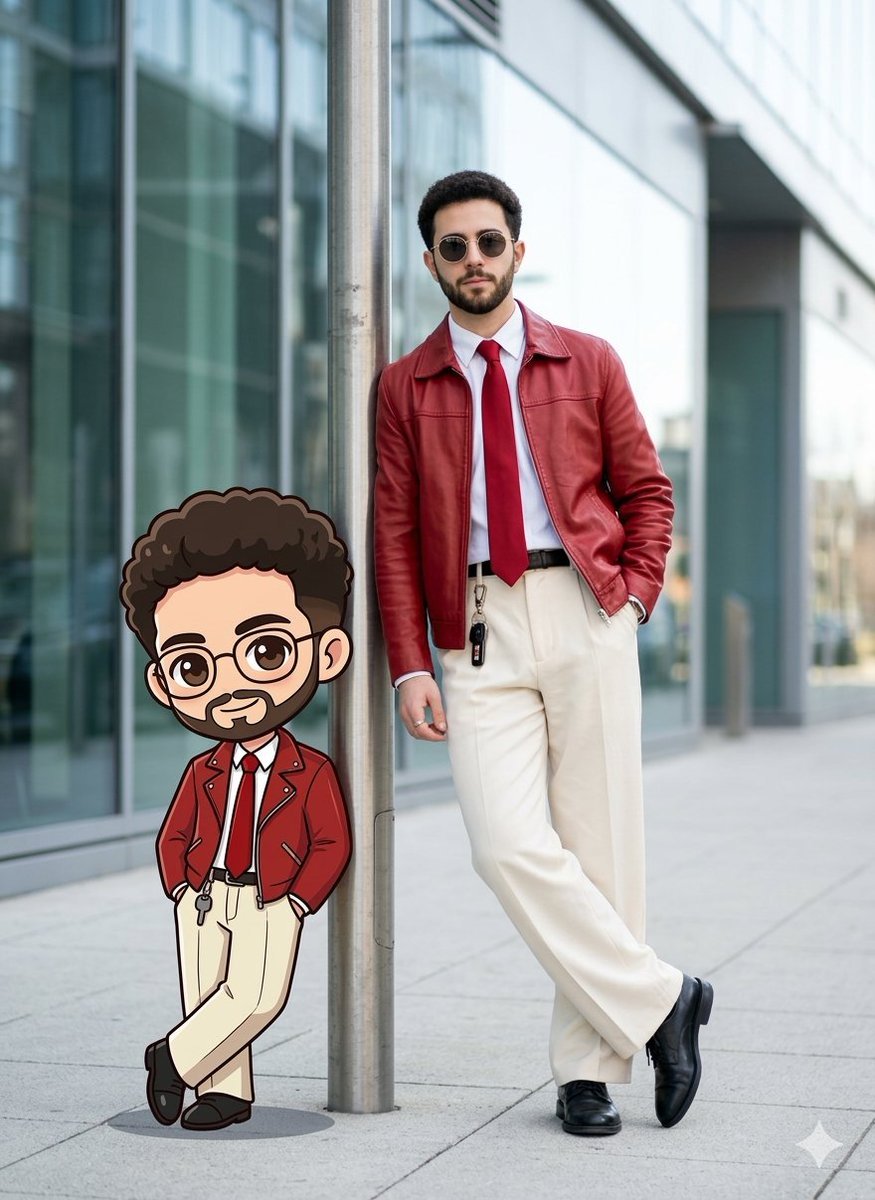
Cinematic Urban Street Style Transformation Prompt
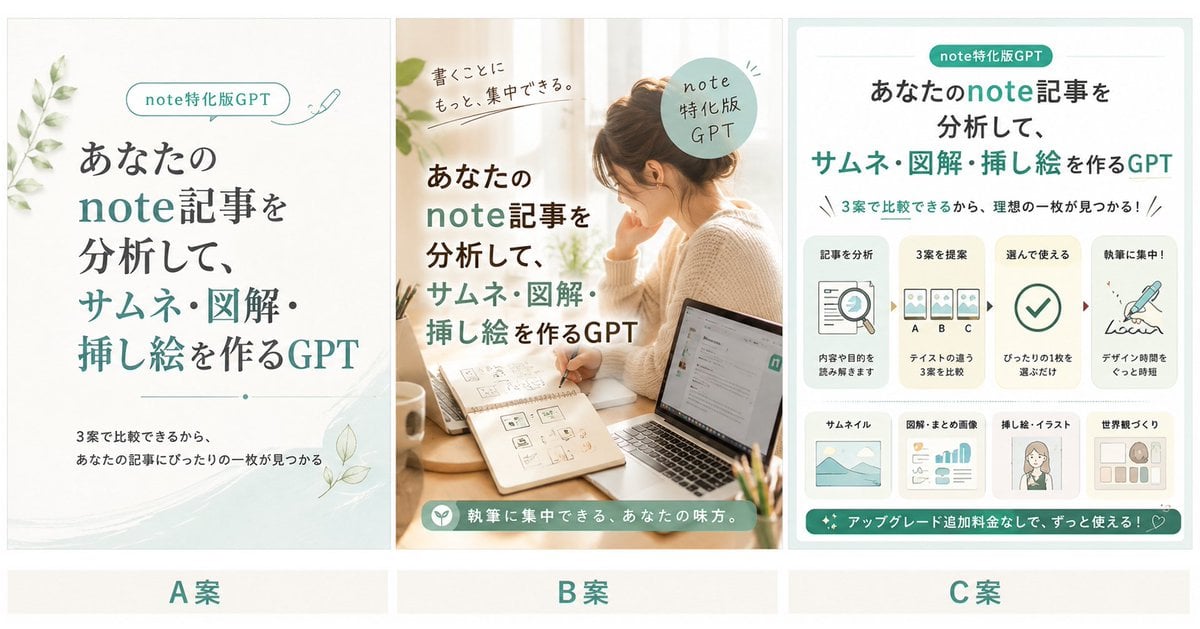
Three Japanese Note GPT Cover Proposals
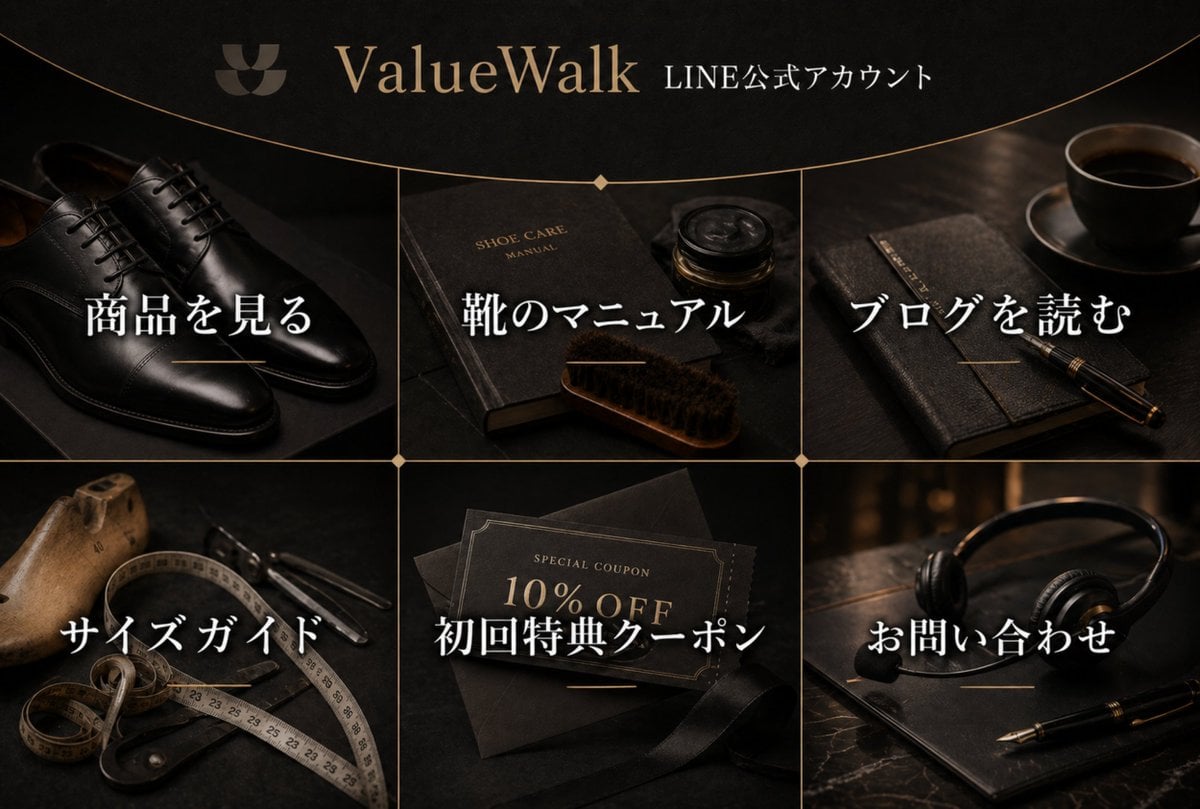
Luxury Shoe Brand LINE Rich Menu
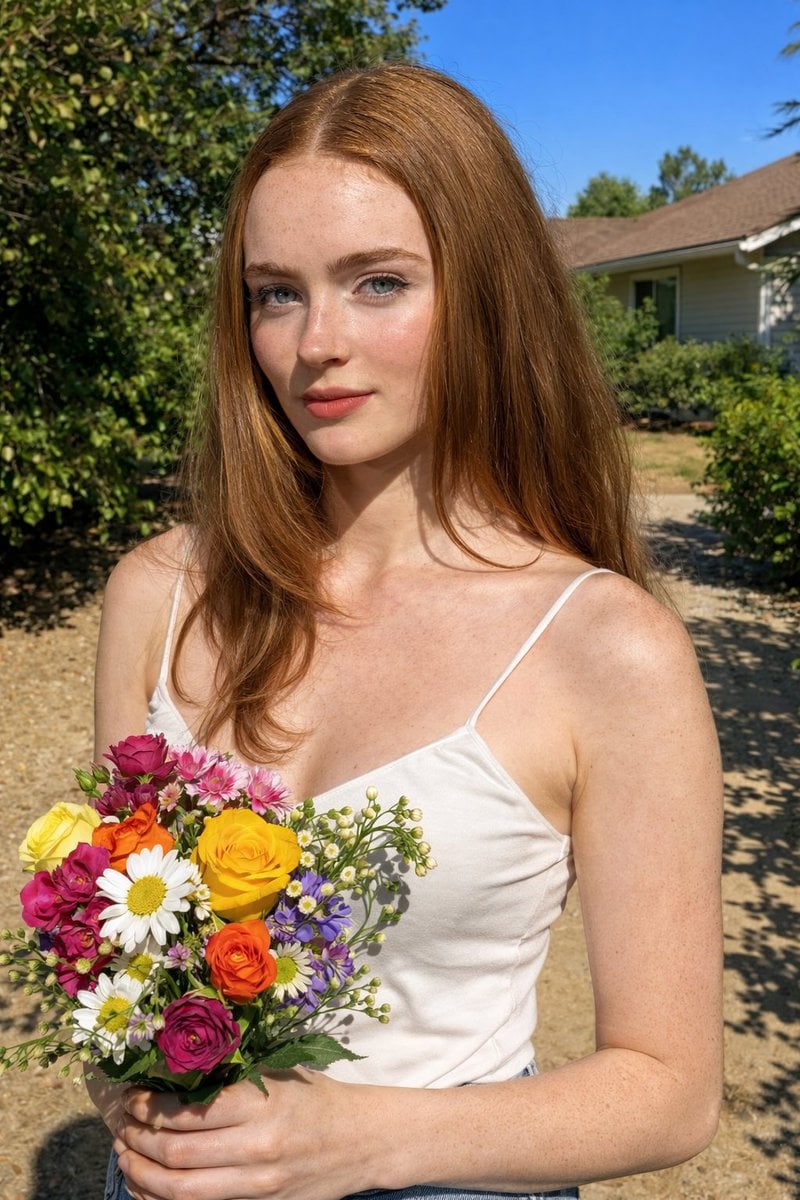
Harsh Midday Sunlight Outdoor Portrait Prompt for Nano Banana 2
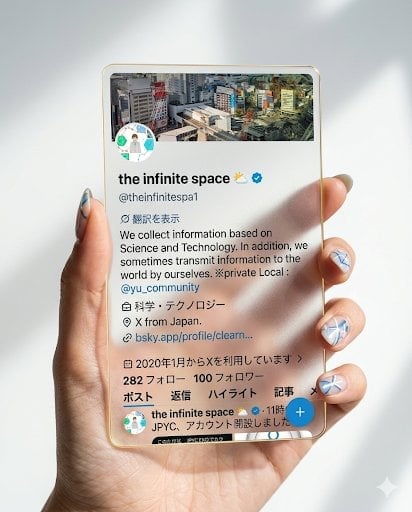
Photorealistic Hand Holding Transparent Acrylic Profile Card
Text Replacement Prompt for Image Editing

Cinematic Studio Portrait of an Intellectual Man
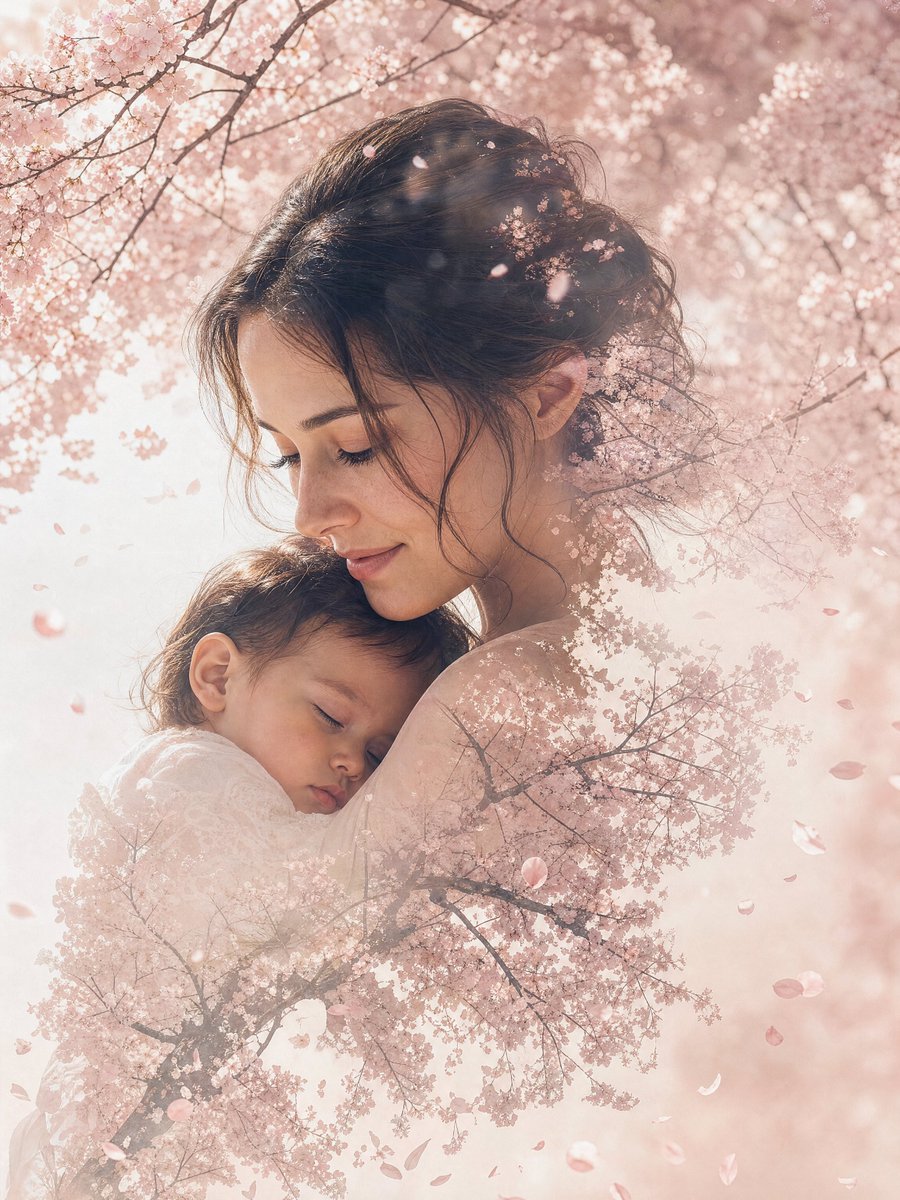
Double Exposure Nature Portrait
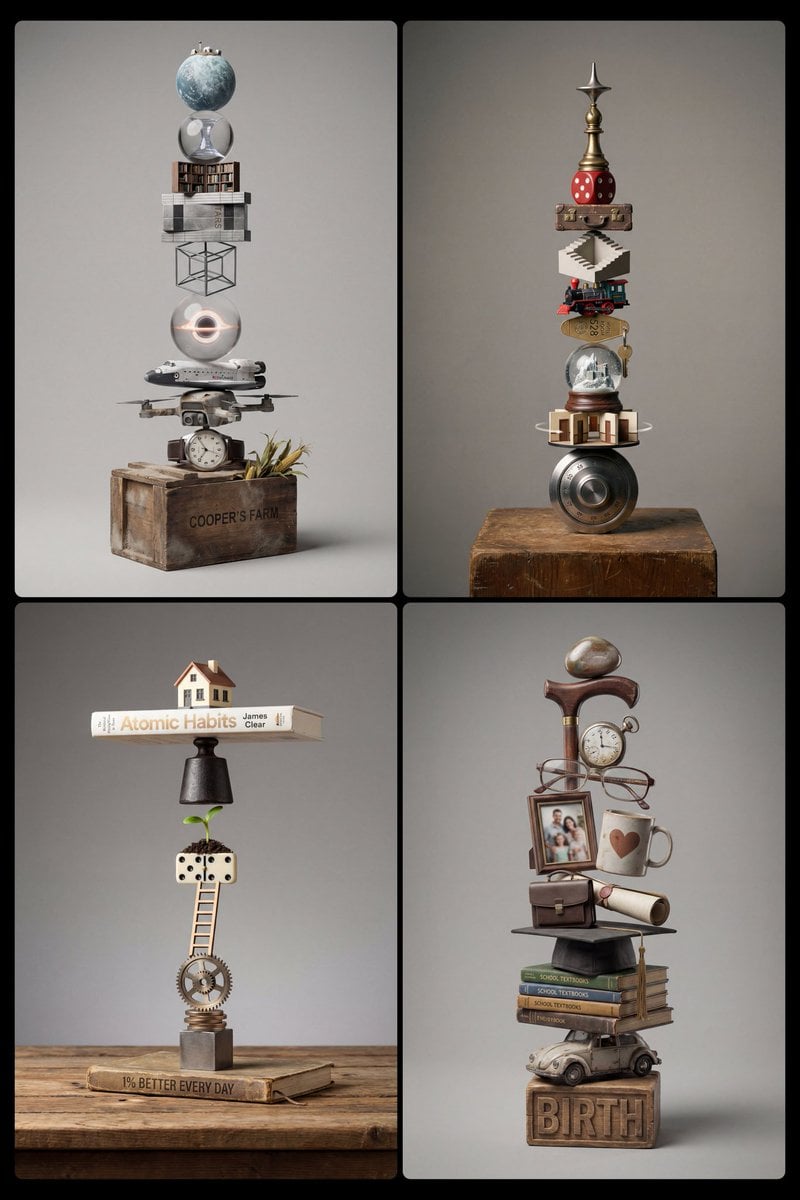
Stacked Objects Symbolizing a Concept
Browse template categories
1960s Art-House Film Poster questions
How do I use the 1960s Art-House Film Poster template?
Add your photo if the template asks for one, edit the prompt if you like — the template's model and format are already selected — and press Generate. Your version opens in PicX Studio.
Can I customize the 1960s Art-House Film Poster template?
Yes. You can change the subject, setting, lighting, mood, format, and available model controls before creating your image.
Is the 1960s Art-House Film Poster template free?
Opening and editing this template is free. Generating uses credits, shown on the Generate button when you are signed in.
Which AI model should I use?
Start with GPT Image 2, which is the model associated with this template. You can compare another compatible model for a different finish.
Looking for something else? Browse all templates.

Your photo, any look
Thousands of ready templates for every top image and video model, from one credit balance.