
Cat Girl Penguin LINE Sticker Sheet
Generates a 3 by 3 sheet of cute chibi LINE-style stickers featuring a cat-eared anime girl and penguin mascot with Japanese reaction text.
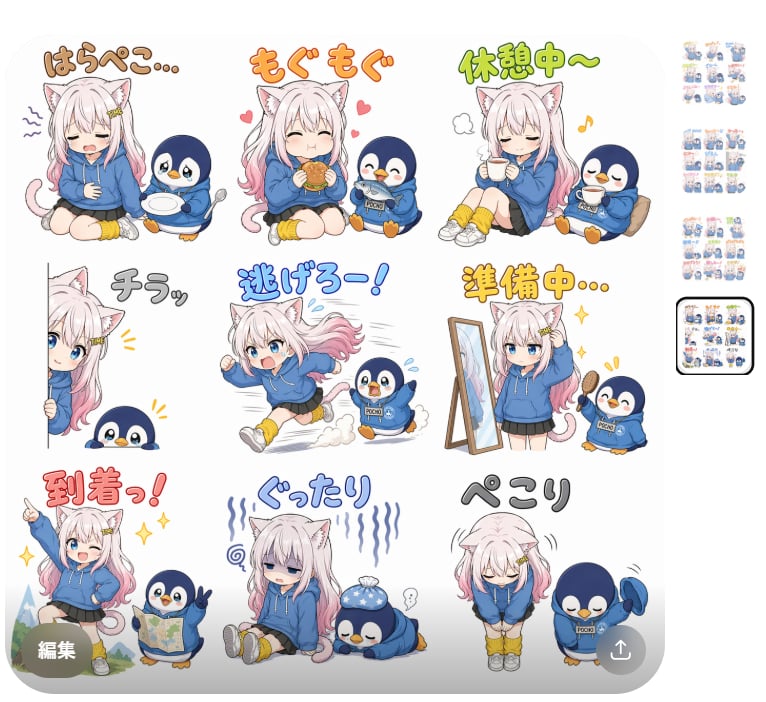
- Prompt included
- Model and format preset
- Free template
The prompt behind this image
Copy the exact prompt behind Cat Girl Penguin LINE Sticker Sheet, or open it in the studio and make it yours.
Goal: Create a cute LINE sticker sheet featuring {argument name="character name" default="a white-haired cat-eared anime girl and a small blue penguin mascot"} in a soft chibi style, with exactly 9 separate sticker illustrations arranged in a 3 by 3 grid on a clean white background. Canvas: Square 1:1 image, high resolution, lots of white space between stickers, each sticker isolated with no panel borders. Use pastel colors, thick clean outlines, gentle shading, expressive poses, and playful handwritten Japanese sticker text above or near each pose. Character details: The main girl is a chibi anime cat girl with long fluffy white hair with pale pink tips, white cat ears, blue eyes, a small tail, a blue oversized hoodie, yellow leg warmers, white shoes, and cute hair clips. The mascot is a round navy-blue penguin wearing a matching blue hoodie with a tiny pouch label, orange beak and feet, and simple cheerful expressions. Text style: Use large rounded handwritten Japanese lettering with colored outlines and drop shadows, matching the mood of each sticker. Keep the text readable and cute. Sticker layout: Include exactly 9 stickers: 1. Top left: Girl sitting tired and hungry with eyes closed, holding her stomach; penguin offers an empty plate and spoon. Text: {argument name="hungry text" default="はらぺこ..."} in brown. 2. Top center: Girl happily eating a burger while the penguin eats popcorn; small pink hearts around them. Text: {argument name="munching text" default="もぐもぐ"} in orange. 3. Top right: Girl and penguin sitting relaxed with mugs of tea or coffee, eyes closed; cozy rest mood with a steam puff and music note. Text: {argument name="break text" default="休憩中〜"} in green. 4. Middle left: Girl peeking from the left edge holding a vertical sign or pole, penguin peeking from below; shy suspicious mood. Text: 「チラッ」 in gray. 5. Middle center: Girl running away quickly with long hair trailing, motion blur and dust clouds; penguin looks surprised and follows. Text: 「逃げろー!」 in blue. 6. Middle right: Girl getting ready in front of a standing mirror, brushing her hair with sparkles; penguin cheers while holding a brush. Text: 「準備中...」 in yellow-orange. 7. Bottom left: Girl sitting on luggage or a stump and pointing upward energetically; penguin holds a travel map, mountains in the background, sparkles. Text: 「到着っ!」 in red. 8. Bottom center: Girl slumped on the floor looking exhausted and dizzy, with blue vertical stress lines; penguin lies flattened nearby with an ice pack on its head. Text: 「ぐったり」 in blue-gray. 9. Bottom right: Girl bowing apologetically with head down; penguin also bows deeply. Text: {argument name="apology text" default="ぺこり"} in dark gray. Constraints: Make all 9 stickers consistent in character design and scale, with transparent-sticker-like clean edges on white. Do not add extra characters, extra stickers, UI elements, watermarks, or English text. Keep the composition balanced and suitable for a LINE sticker set preview.
How to use Cat Girl Penguin LINE Sticker Sheet in 3 steps
- 1Upload ImagePNG, JPG or paste
Add your photo
Upload the photo the template builds on. The prompt, model and format are already set.
- 2…a portrait of your subject in softgolden-hour light, 85mm…
Personalize
Edit the subject and creative details for your destination.
- 3Generate
Generate
Press Generate — your image is created in PicX Studio, so you can compare it with the original and refine one variable at a time.
More like this
Templates with the same subject, style or setup. Open one to see its prompt.
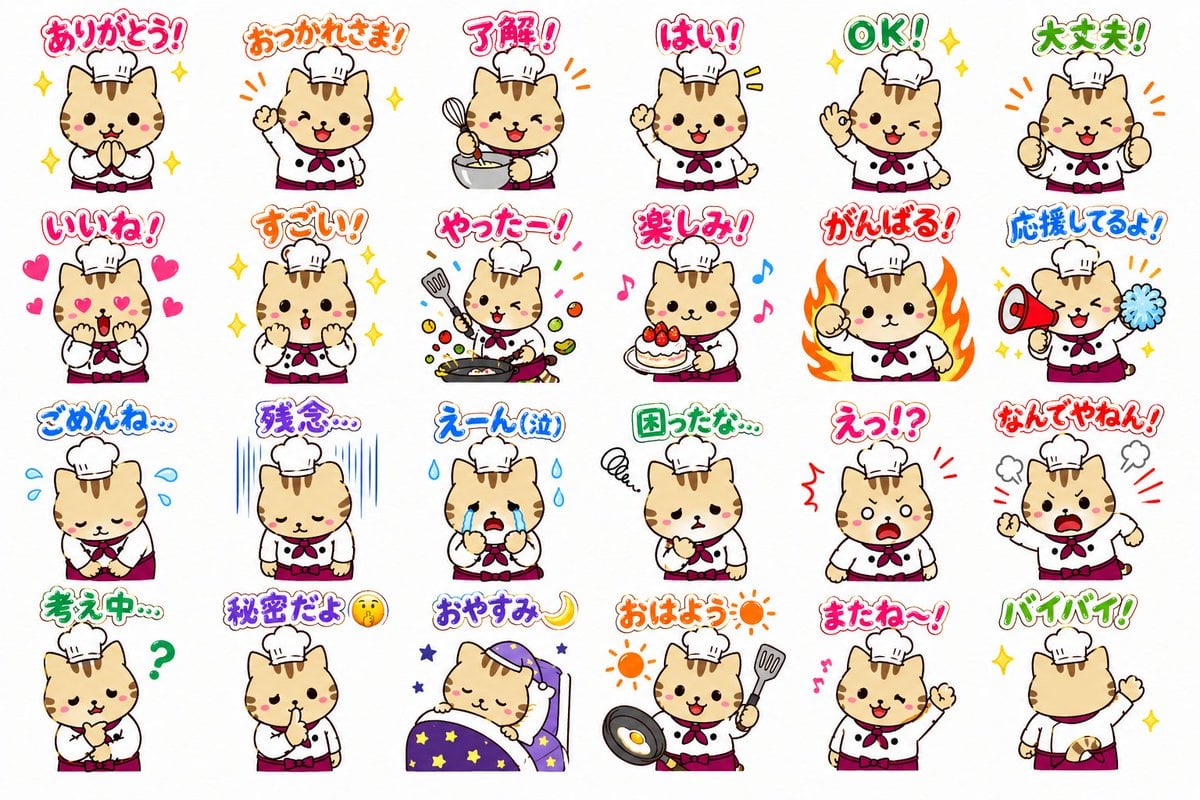
Chef Cat LINE Sticker Sheet

Brand Sticker Sheet Monoline Vector
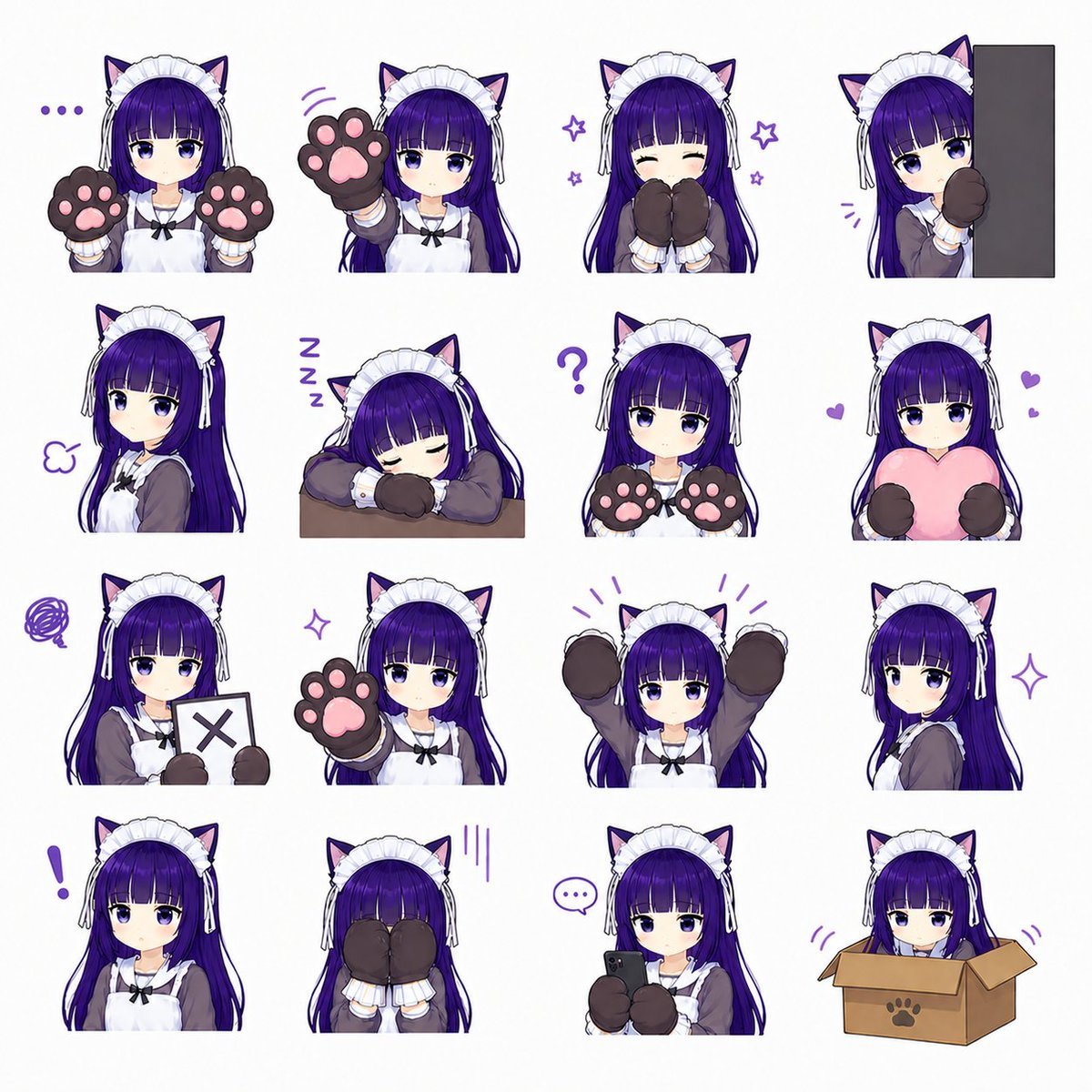
Cat-Eared Maid Emote Sticker Sheet
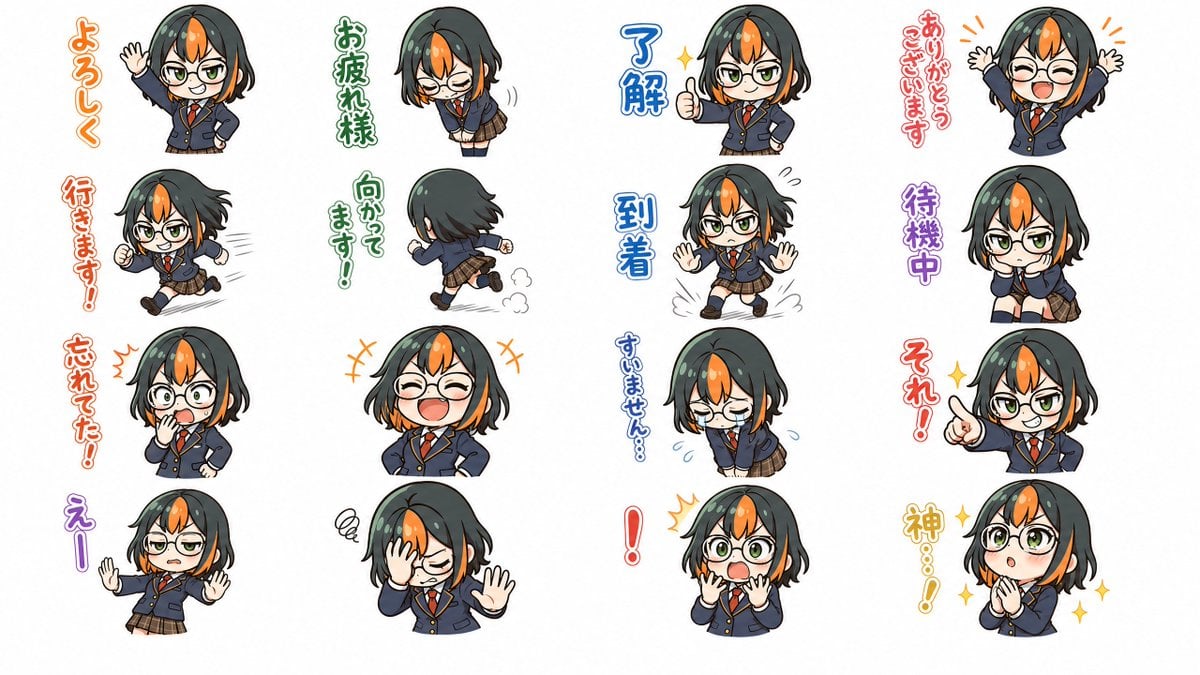
Chibi Japanese Schoolgirl Sticker Sheet
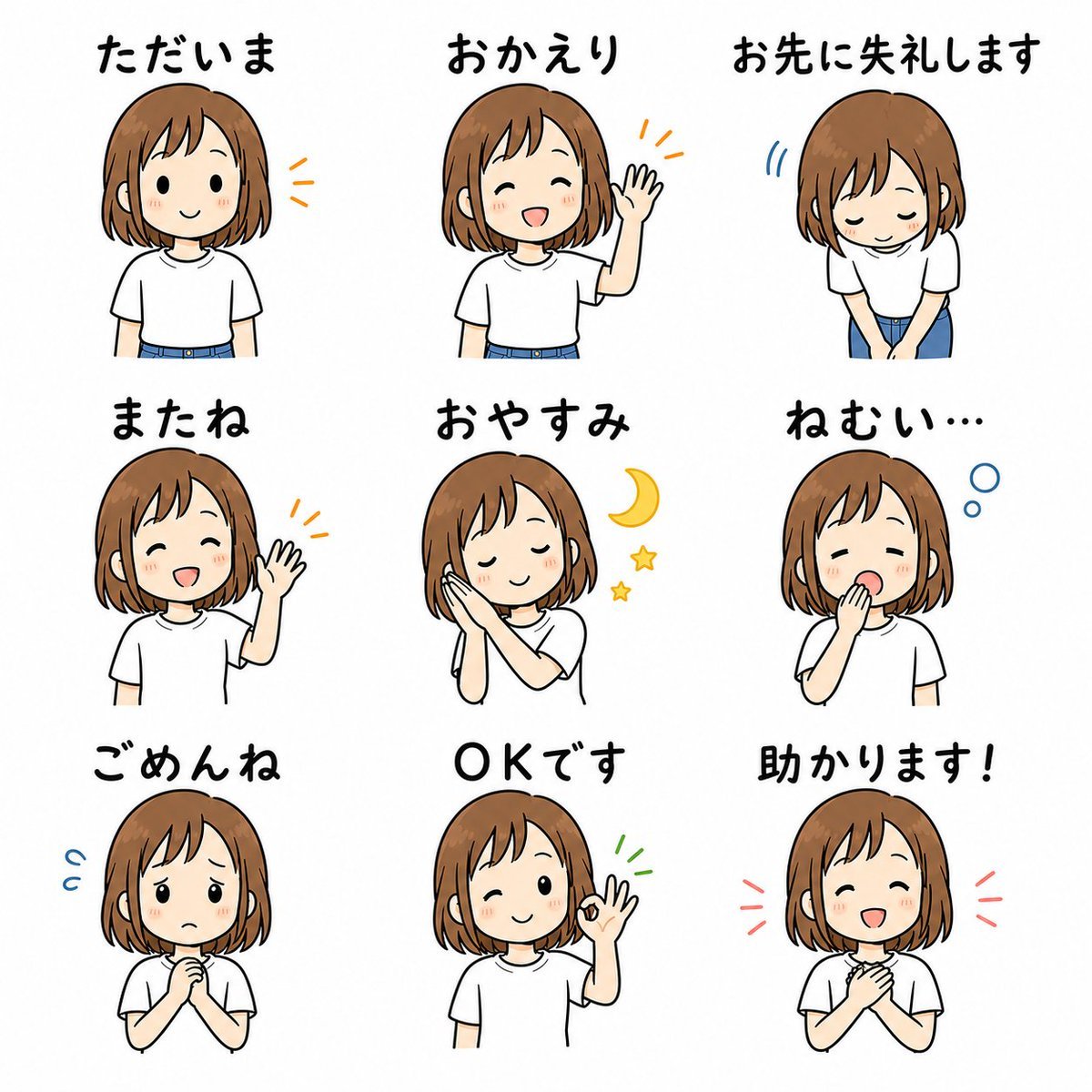
Cute Japanese LINE Sticker Sheet
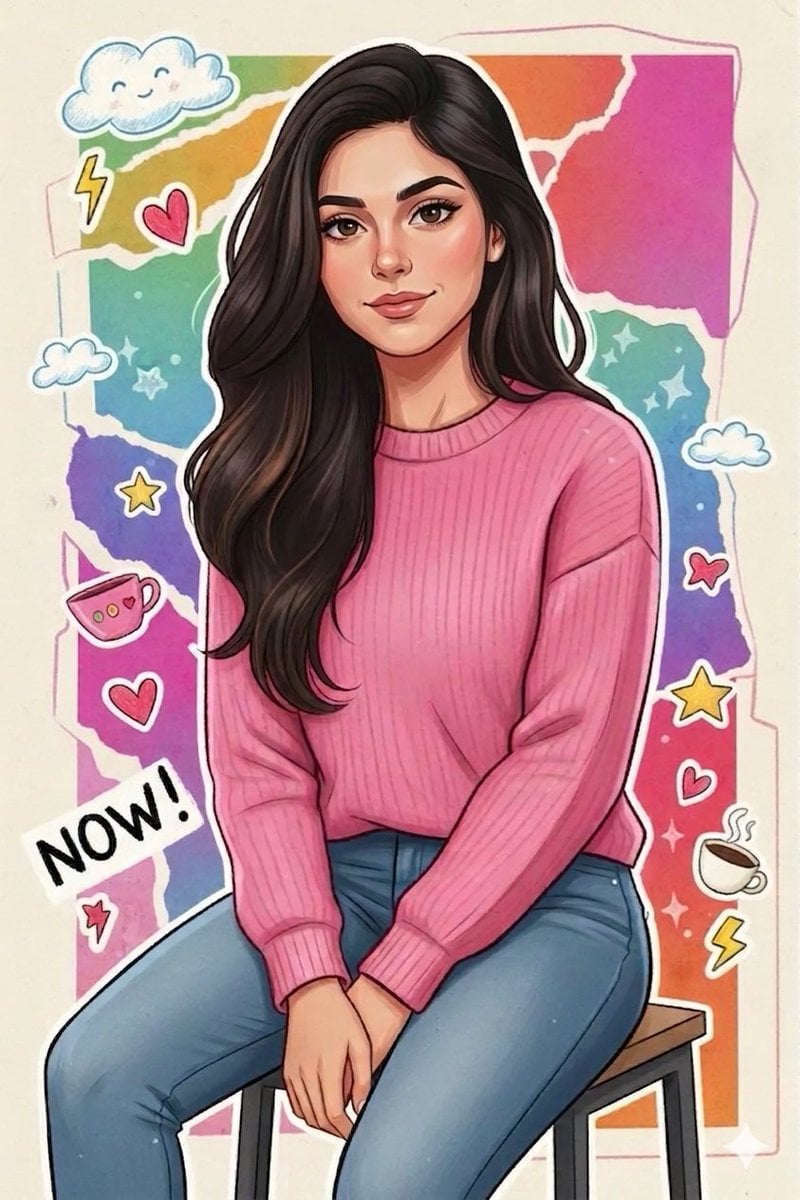
Sticker Art Style - Rainbow Girl

Sticker Art Style - Rainbow Girl v2
Sticker Art Style - Rainbow Girl

Chibi Anime Ninja Sticker Sheet

Teen Girl Alpine Lake Mountain View

A trendy, high-end Sticker Sheet set
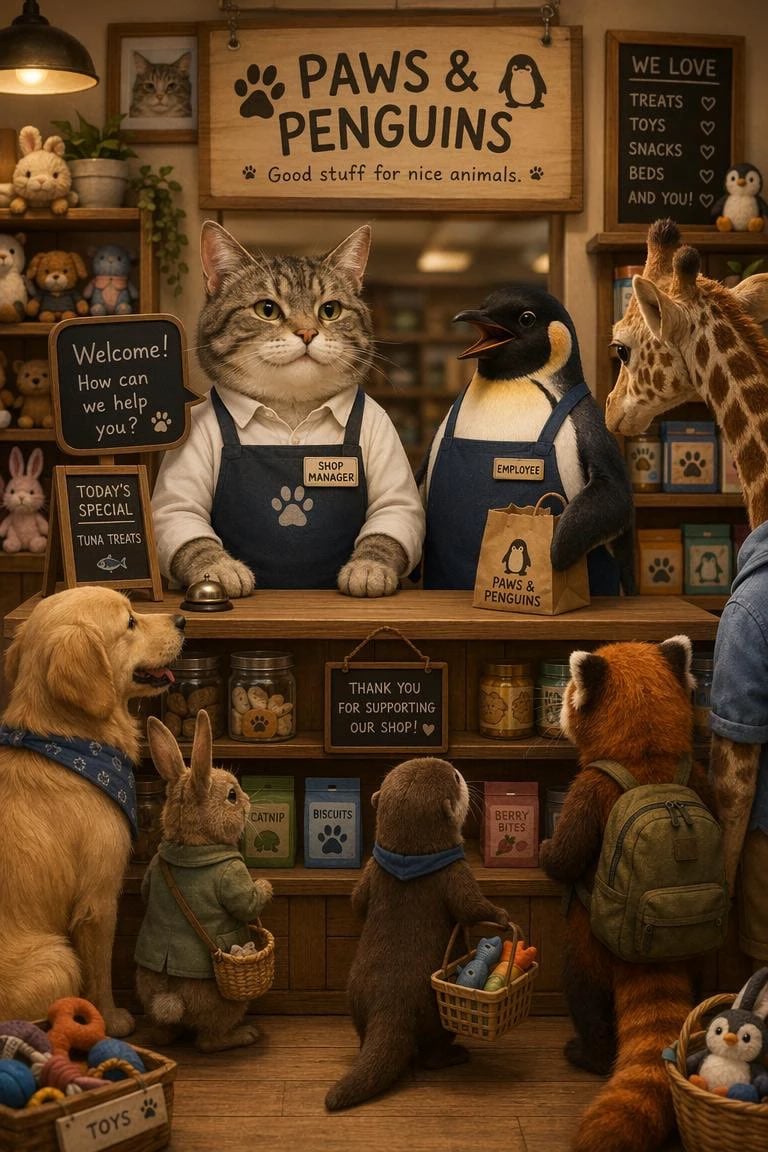
Cat Manager and Penguin Clerk
Make it yours
Cat Girl Penguin LINE Sticker Sheet works as-is. These are the safest ways to change it without losing the look.
Change one field
Copy a single group, rewrite it, and generate again so you can see what that field is doing.
Keep the frame, change the subject
Hold the composition and light of Cat Girl Penguin LINE Sticker Sheet, then swap wardrobe, props or the person for a new take.
| If the result… | Why | Fix |
|---|---|---|
| The result drifts from the preview | Too many fields changed at once. | Reuse Cat Girl Penguin LINE Sticker Sheet as-is first, then change one group — subject, light, or setting. |
| The model over-stylizes the scene | The prose prompt leaves finish and camera underspecified. | Add one camera or lighting sentence and stay on GPT Image 2. |
More GPT Image 2 templates
Other prompts made for GPT Image 2.

Six VTuber Japanese Logo Sheet

Realistic Portrait of Woman and Deer

The Vista Modular Condo Poster

AI Model Routing Comparison Infographic

2.5D Anime Art Board

Isometric Productivity Desk Scene

New York Double Exposure Poster

Four-Panel AI Landscape Comparison

Japanese Tatami Lifestyle Magazine Cover

NESCAFÉ Coffee Map Poster
More image prompts
Fresh picks from across the catalog.

Analog-Inspired Male Portrait with Hard Flash Prompt
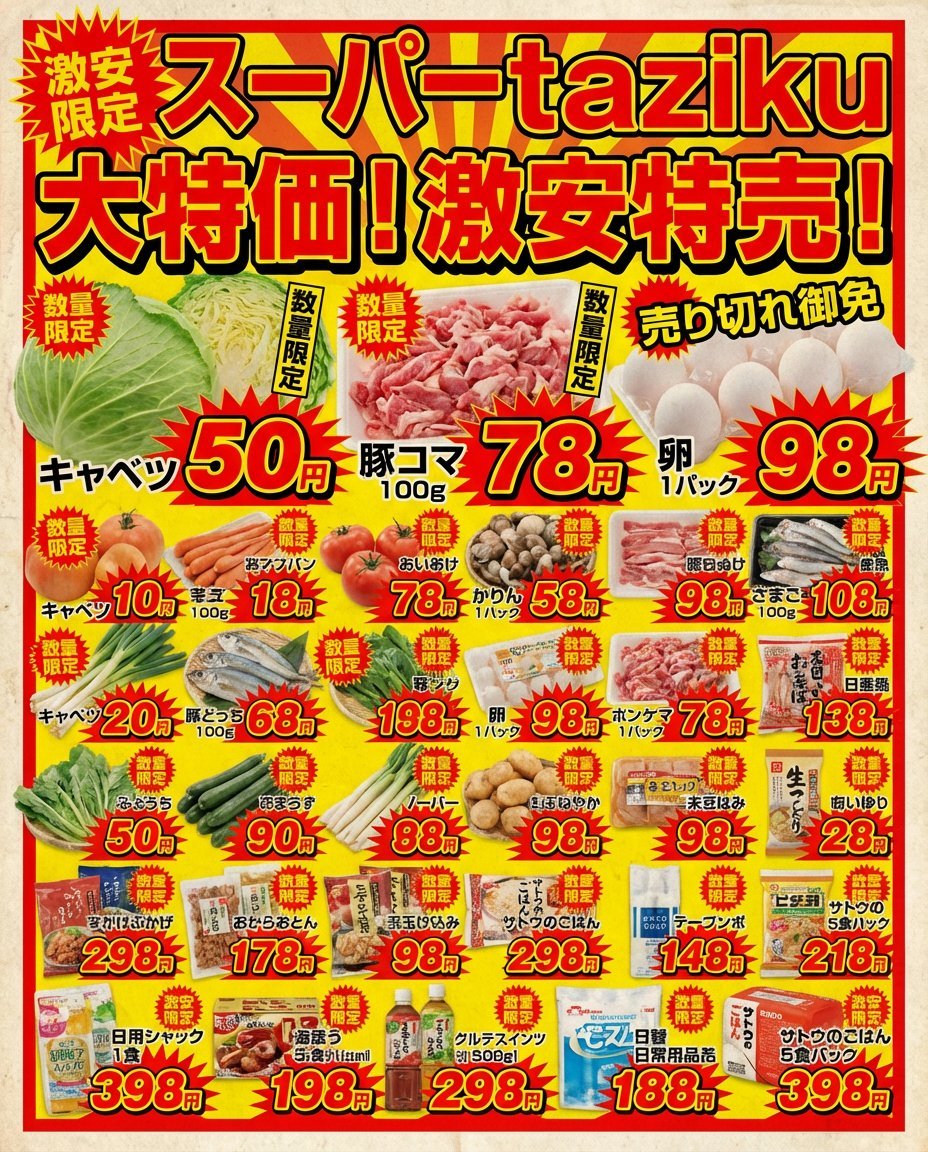
Supermarket sale flyer in Japanese
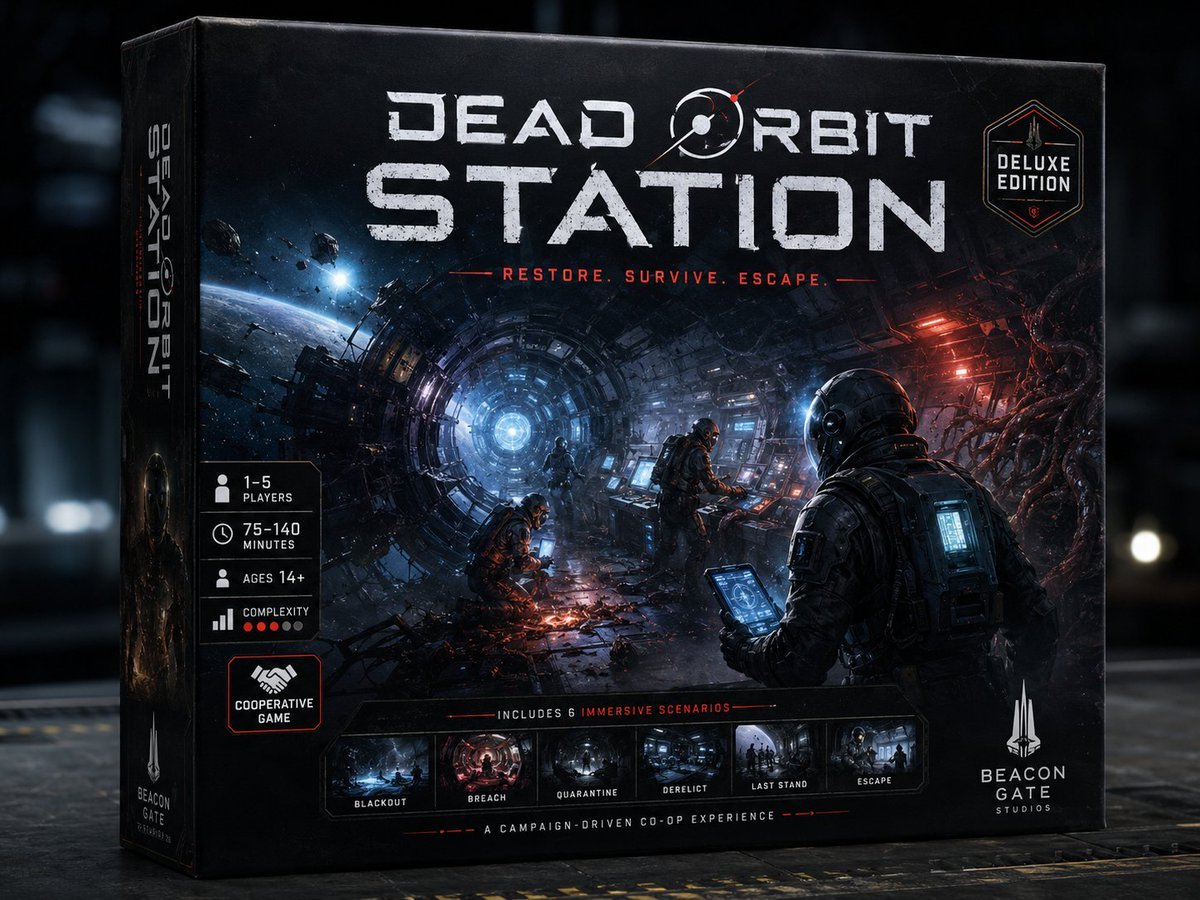
Dead Orbit Station Board Game Box

Quiet Luxury Outdoor Editorial Portrait
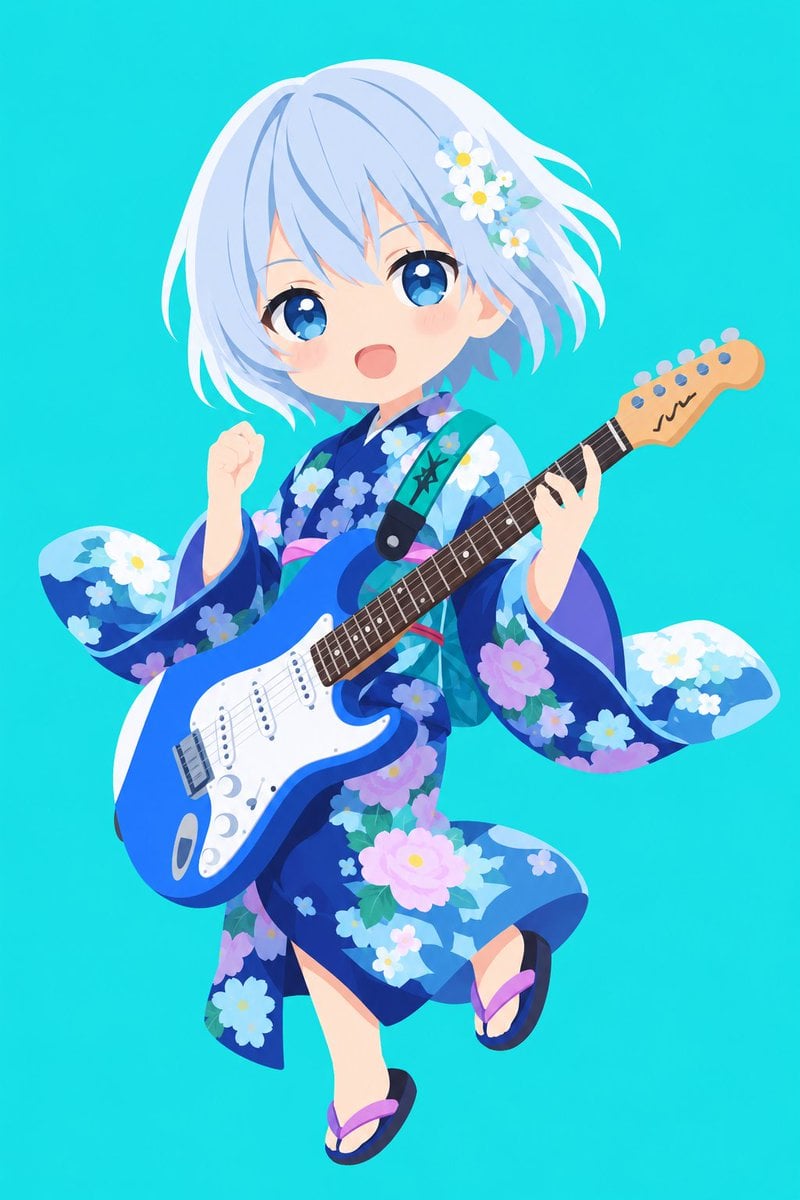
Vector Style Character Redraw
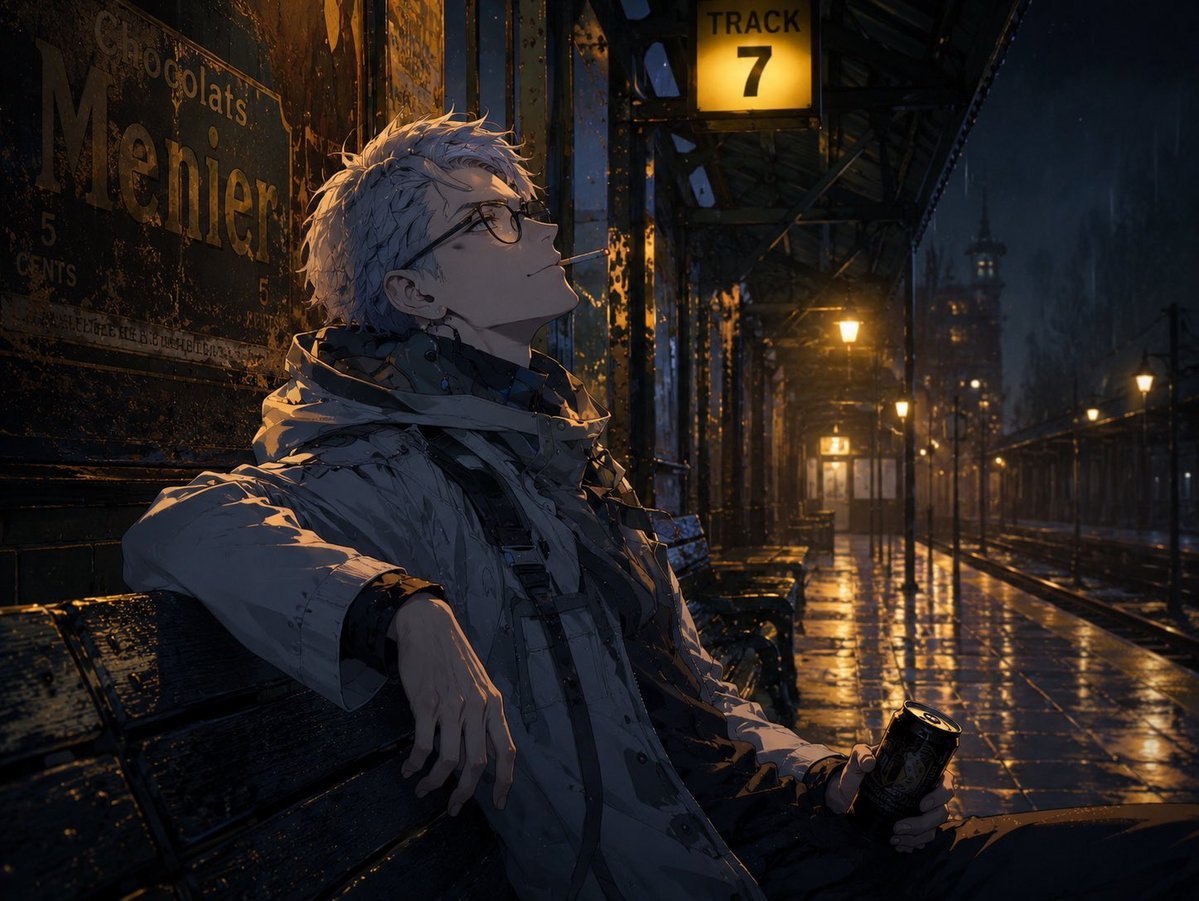
Cinematic Game Character in Midnight Station

Golden Hour Coastal Lifestyle Photo Prompt
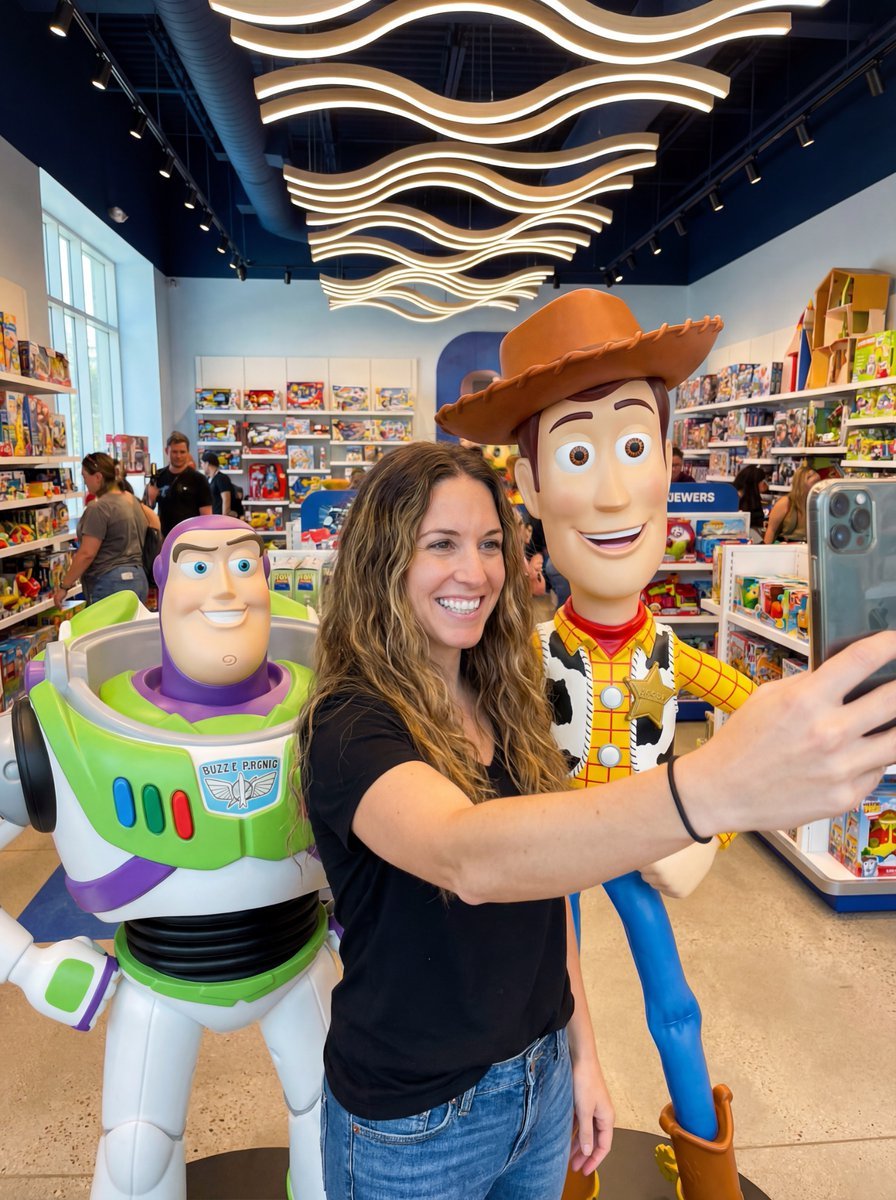
Toy Story Selfie with Identity Lock Prompt

Zhao Lusi Radiant Rosy Collection
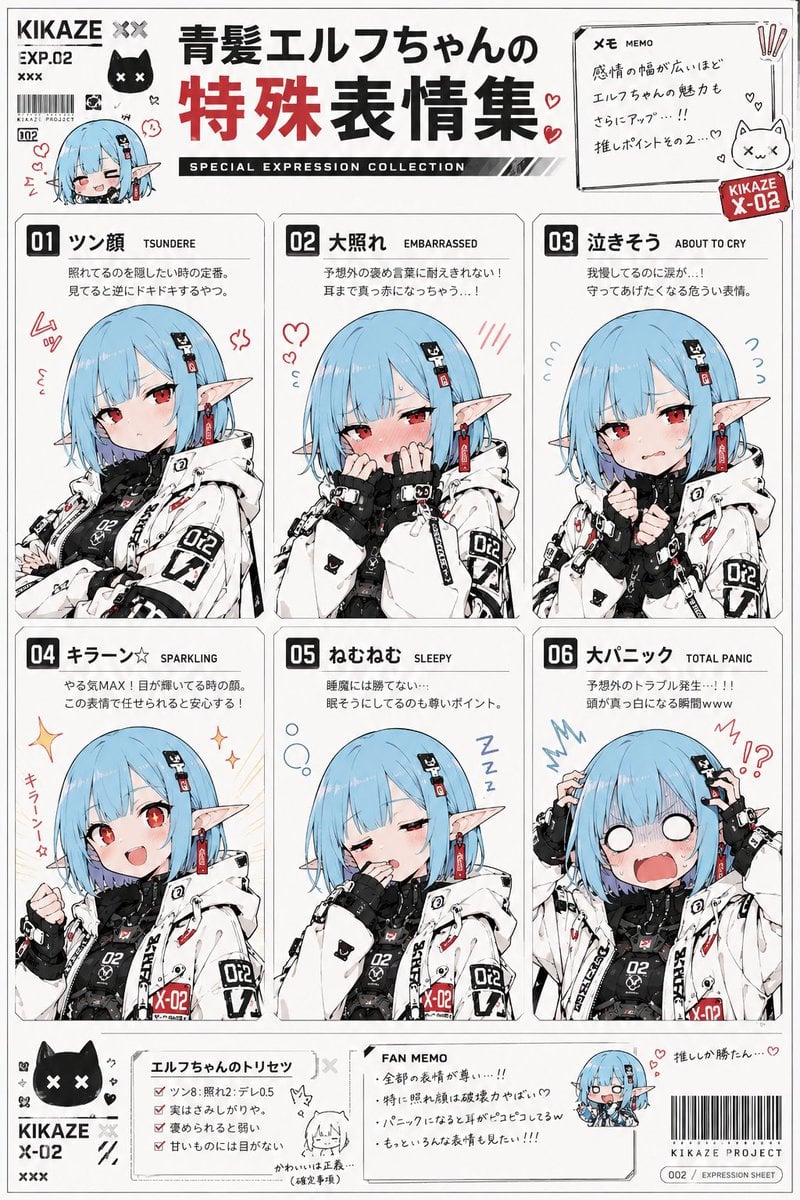
Anime Character Expression Sheet Generator
Browse template categories
Cat Girl Penguin LINE Sticker Sheet questions
How do I use the Cat Girl Penguin LINE Sticker Sheet template?
Add your photo if the template asks for one, edit the prompt if you like — the template's model and format are already selected — and press Generate. Your version opens in PicX Studio.
Can I customize the Cat Girl Penguin LINE Sticker Sheet template?
Yes. You can change the subject, setting, lighting, mood, format, and available model controls before creating your image.
Is the Cat Girl Penguin LINE Sticker Sheet template free?
Opening and editing this template is free. Generating uses credits, shown on the Generate button when you are signed in.
Which AI model should I use?
Start with GPT Image 2, which is the model associated with this template. You can compare another compatible model for a different finish.
Looking for something else? Browse all templates.

Your photo, any look
Thousands of ready templates for every top image and video model, from one credit balance.