
Analog-Inspired Male Portrait with Hard Flash Prompt
A detailed prompt for generating an analog-inspired, lo-fi editorial portrait of a young man in a personal, chaotic bedroom setting.
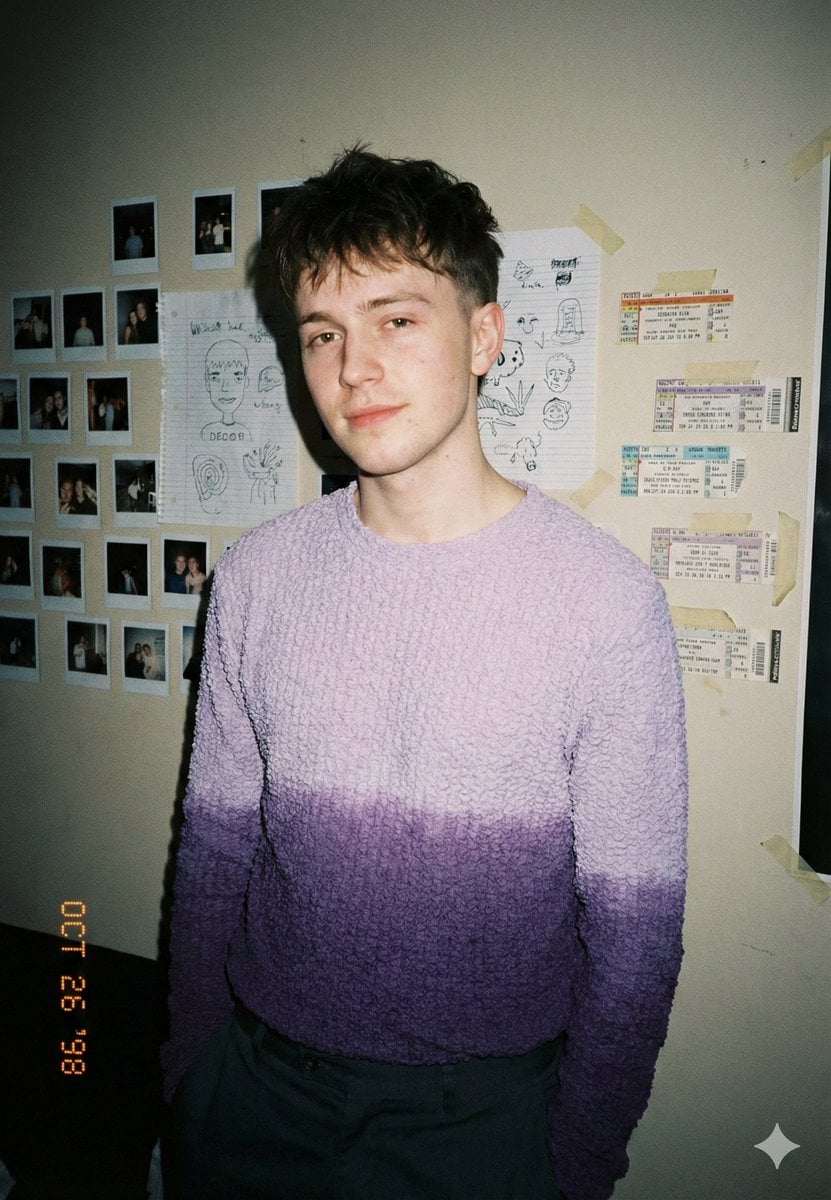
- Prompt included
- Model and format preset
- Free template
The prompt behind this image
Copy the exact prompt behind Analog-Inspired Male Portrait with Hard Flash Prompt, or open it in the studio and make it yours.
{ "scene": "An intimate indoor portrait taken in a personal bedroom or studio space, walls covered with taped photos, sketches, and ticket stubs", "subject": { "gender": "male", "age": "early 20s", "expression": "calm, slightly guarded, introspective", "pose": "standing casually, shoulders relaxed, slight lean, hands out of frame", "gaze": "direct but unforced eye contact with the camera", "hair": "short, messy crop with natural volume, slightly uneven fringe", "wardrobe": { "top": "textured knit sweater with {argument name="sweater color" default="soft purple gradient fade"}", "bottom": "muted trousers, understated and casual", "style": "effortless, lived-in, indie editorial" } }, "environment": { "location": "personal room or creative space", "background_elements": [ "polaroid photographs taped to wall", "handwritten sketches and doodles", "concert or travel ticket stubs", "masking tape visible and imperfect" ], "atmosphere": "nostalgic, personal, slightly raw" }, "lighting": { "type": "direct on-camera flash", "quality": "harsh but controlled", "shadow": "hard shadows falling behind subject", "mood": "late 90s / early 2000s candid realism" }, "camera": { "shot_type": "medium portrait", "lens": "35mm", "perspective": "eye-level, snapshot-style framing", "depth_of_field": "deep enough to keep wall details readable", "imperfections": "slight vignetting, flash falloff" }, "color_grading": { "palette": "muted neutrals with soft lavender emphasis", "contrast": "moderate", "tones": "natural skin tones with slight warmth" }, "texture_and_detail": { "skin": "real texture, visible blemishes, no smoothing", "fabric": "clearly defined knit texture", "grain": "noticeable film grain", "timestamp": "subtle date stamp in corner" }, "style": "analog-inspired, diary-like portrait, lo-fi editorial realism", "negative_prompt": [ "studio lighting", "beauty retouching", "plastic skin", "perfect symmetry", "over-sharpening", "clean minimal background", "AI artifacts" ] }
How to use Analog-Inspired Male Portrait with Hard Flash Prompt in 3 steps
- 1
Open
The prompt is already in the box next to the preview, with the template's model and format selected.
- 2…a portrait of your subject in softgolden-hour light, 85mm…
Personalize
Edit the subject and creative details for your destination.
- 3Generate
Generate
Press Generate — your image is created in PicX Studio, so you can compare it with the original and refine one variable at a time.
More like this
Templates with the same subject, style or setup. Open one to see its prompt.
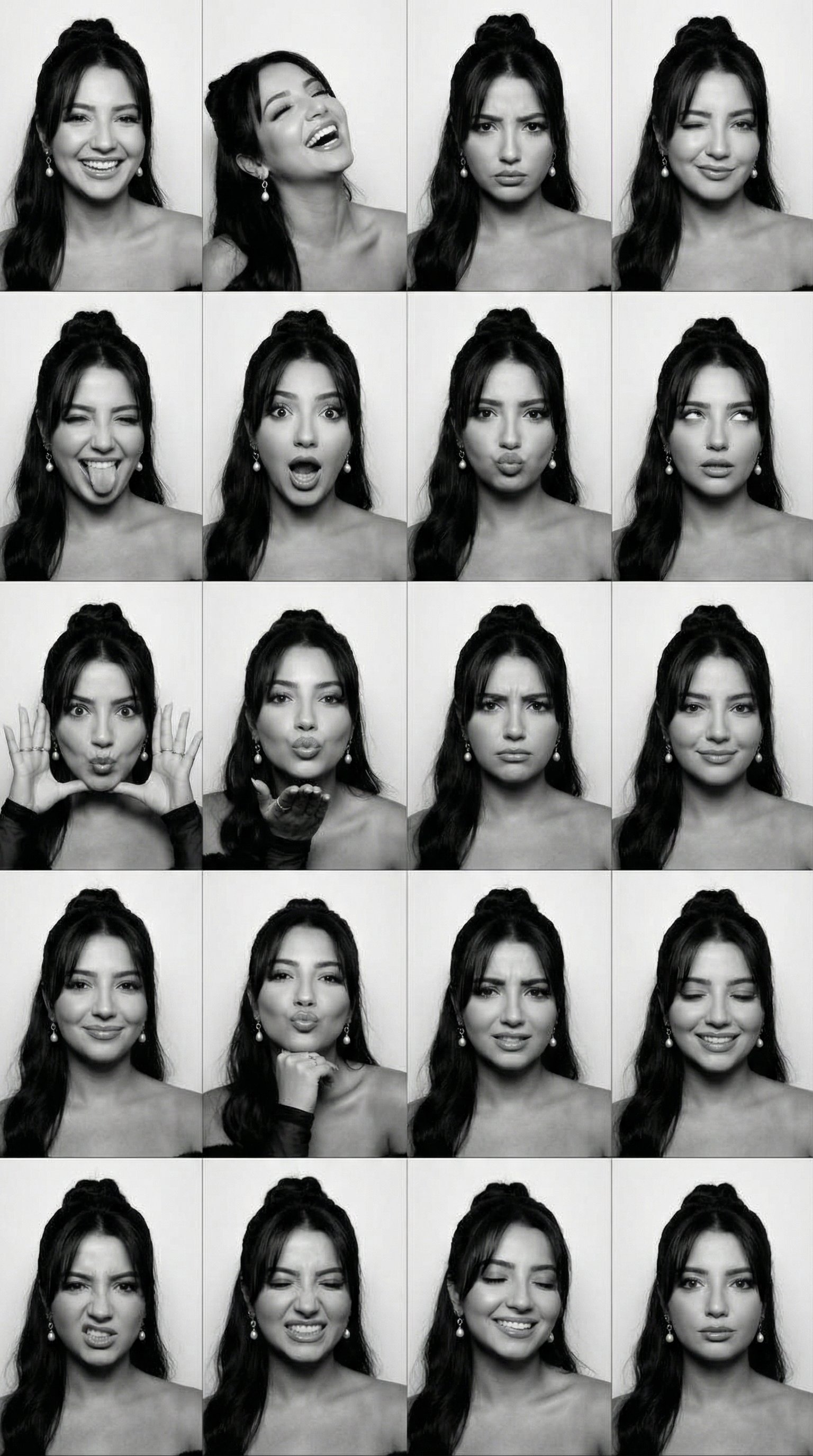
B&W Photobooth Expression Grid 4x4 — Nano Banana

Found Photograph: Us, 1970

80s Couple Studio Portrait

80s Bollywood Star

80s Golden Hour Cinema

Me in 1985

1985 Studio Portrait

Hyper-Realistic Minecraft POV Portrait

Rooftop Fisheye — Cat-Ear Balaclava at Golden Hour

Rainy Café Window Moody Portrait
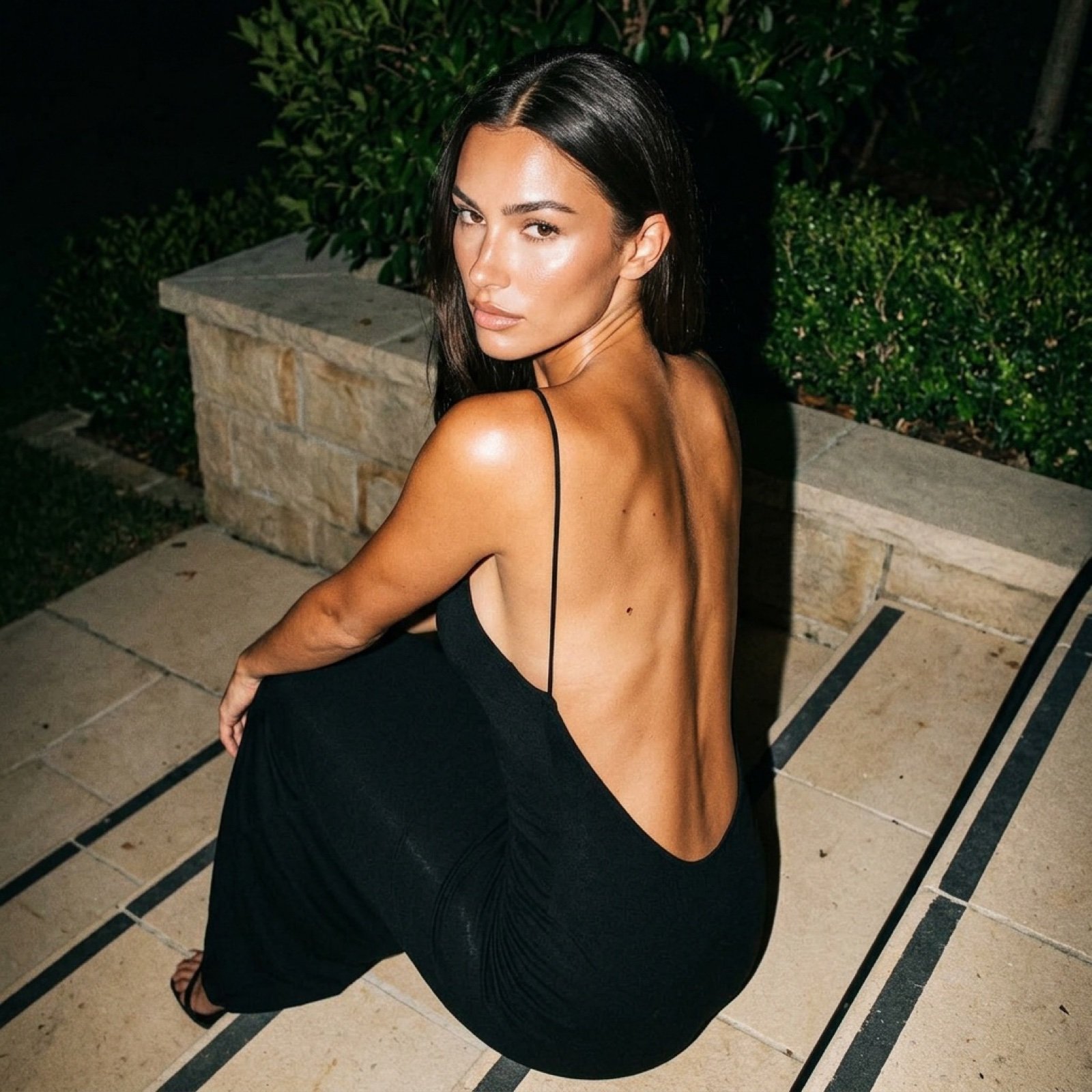
Hard Flash Backless Dress Night Photo Prompt

untitled
Make it yours
Analog-Inspired Male Portrait with Hard Flash Prompt works as-is. These are the safest ways to change it without losing the look.
Change one field
Copy a single group, rewrite it, and generate again so you can see what that field is doing.
Keep the frame, change the subject
Hold the composition and light of Analog-Inspired Male Portrait with Hard Flash Prompt, then swap wardrobe, props or the person for a new take.
| If the result… | Why | Fix |
|---|---|---|
| The result drifts from the preview | Too many fields changed at once. | Reuse Analog-Inspired Male Portrait with Hard Flash Prompt as-is first, then change one group — subject, light, or setting. |
| The model over-stylizes the scene | The prose prompt leaves finish and camera underspecified. | Add one camera or lighting sentence and stay on Nano Banana 2. |
More Nano Banana 2 templates
Other prompts made for Nano Banana 2.

Photorealistic Leaf Shaped Like a Dragon

K-Pop Idol Portrait Grid for Rapid Selection

Poetic Rain Forest Portrait During Golden Hour

Urban Street Portrait with Cartoon Inner Self Duo

Candid Nighttime Photo with Cat Prompt

High-Concept 3D Diorama Generation Prompt

Cinematic Futuristic Studio Portrait Template

Skincare Editorial Photography Collage Prompt

Hyper-Realistic Commercial Product Photography (Splash Effect)

Hyper-Realistic Nightclub Portrait Prompt
More image prompts
Fresh picks from across the catalog.
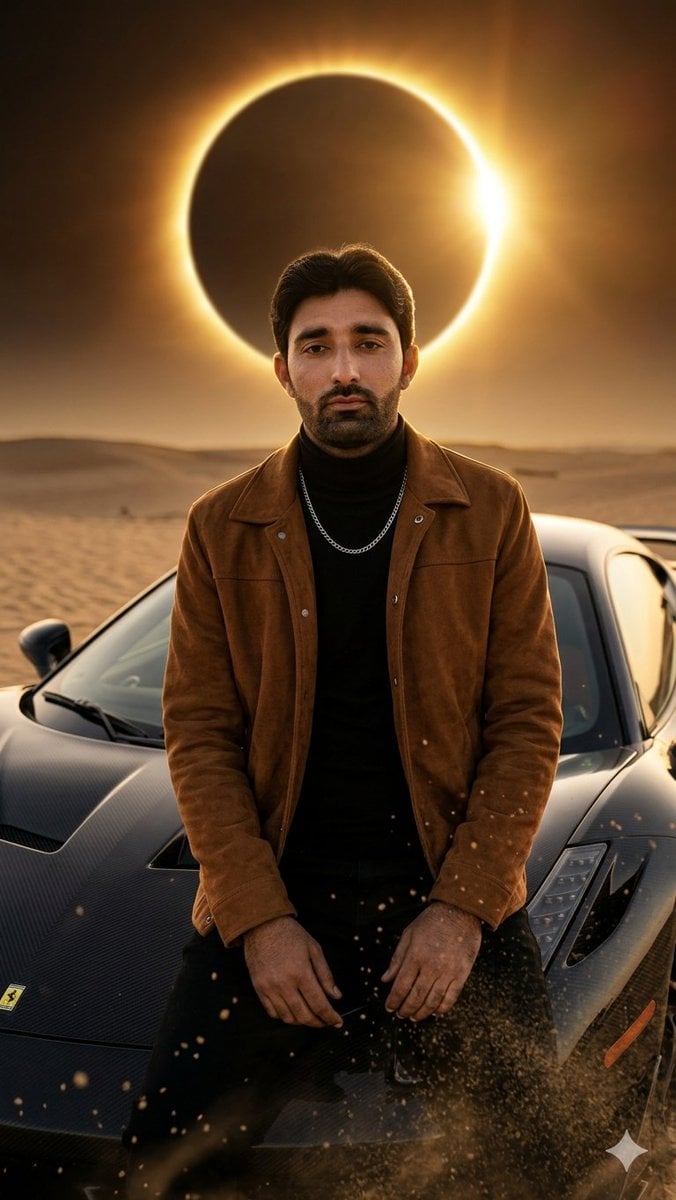
Desert Eclipse Sports Car Portrait
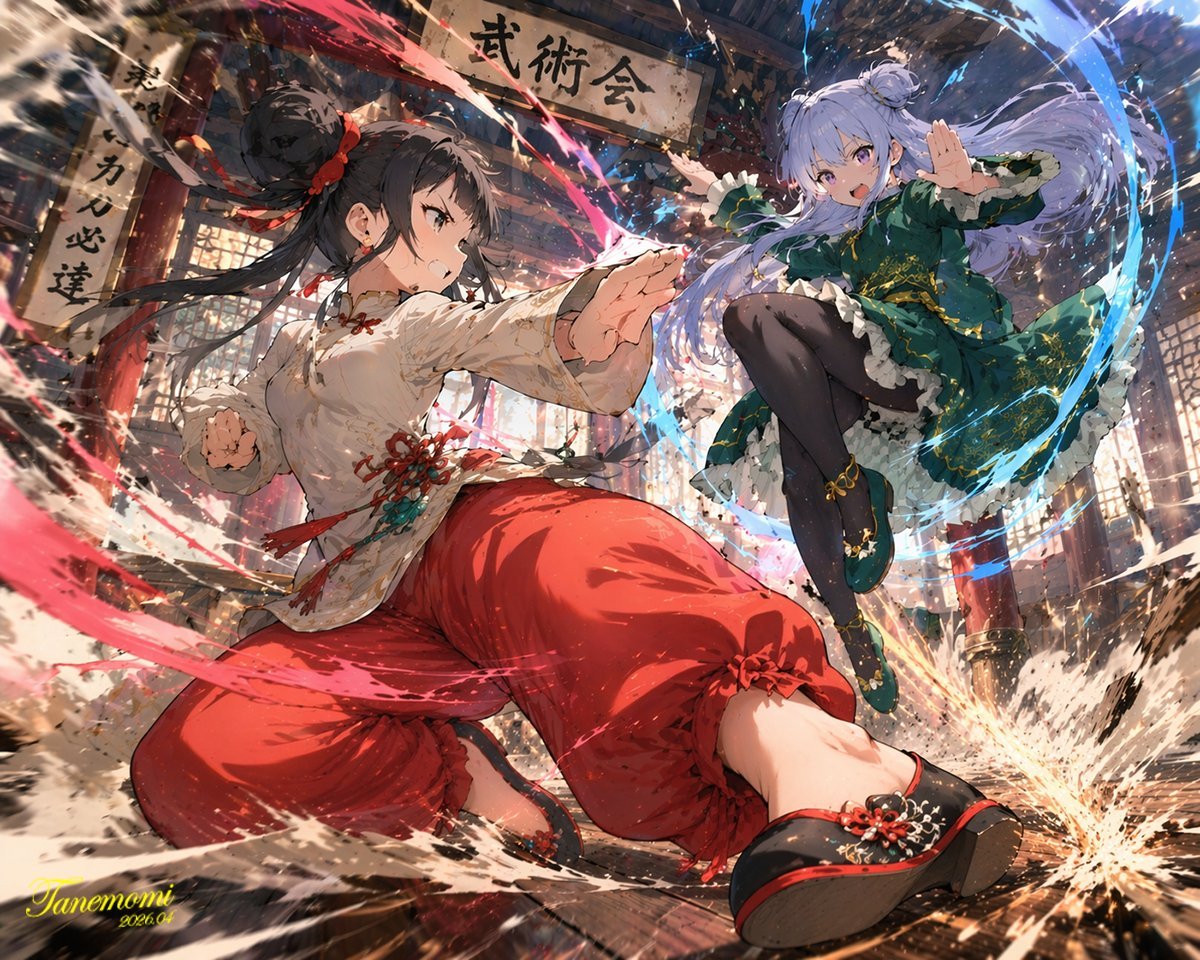
Gpt2 Anime Martial Arts Battle Illustration
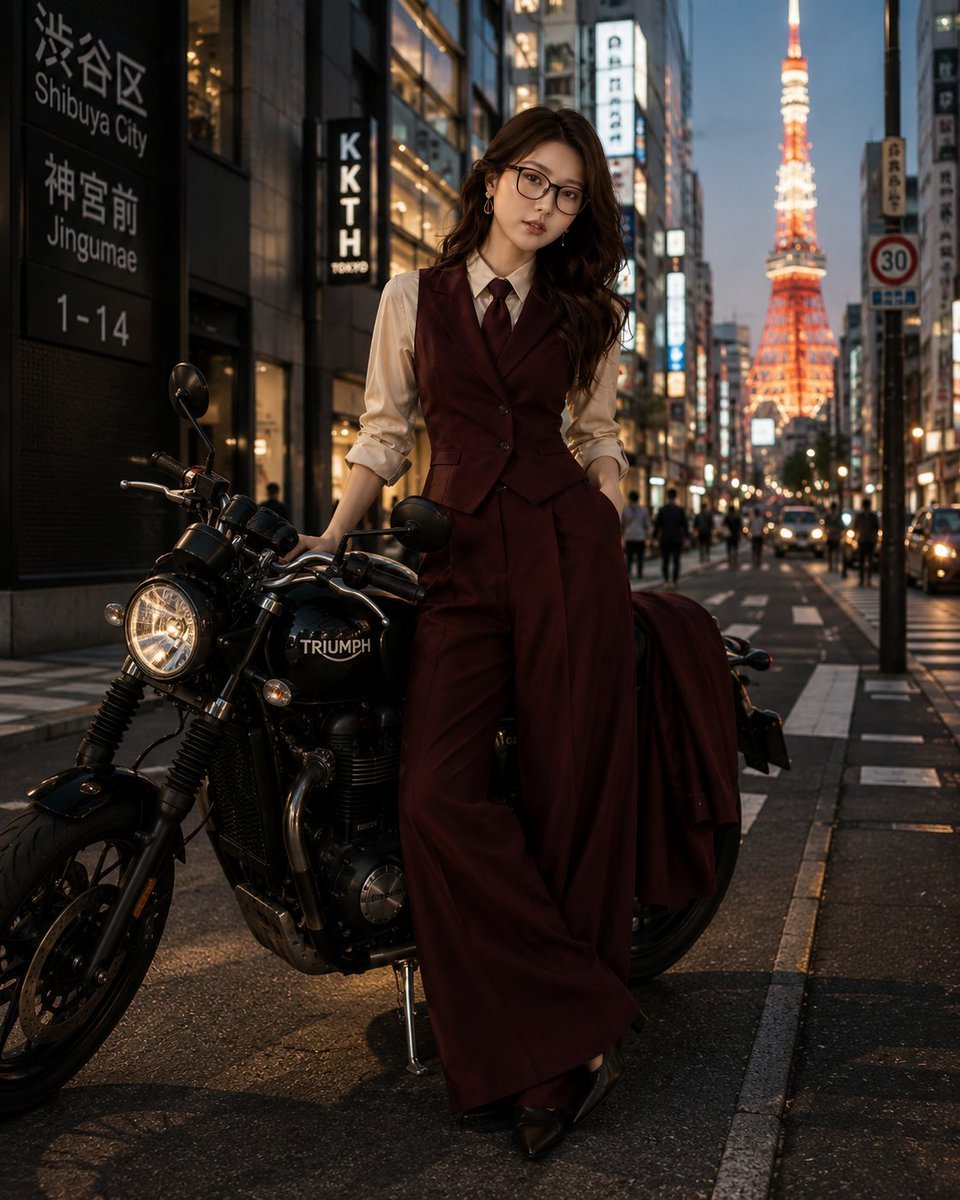
Tokyo Blue Hour Motorcycle Editorial
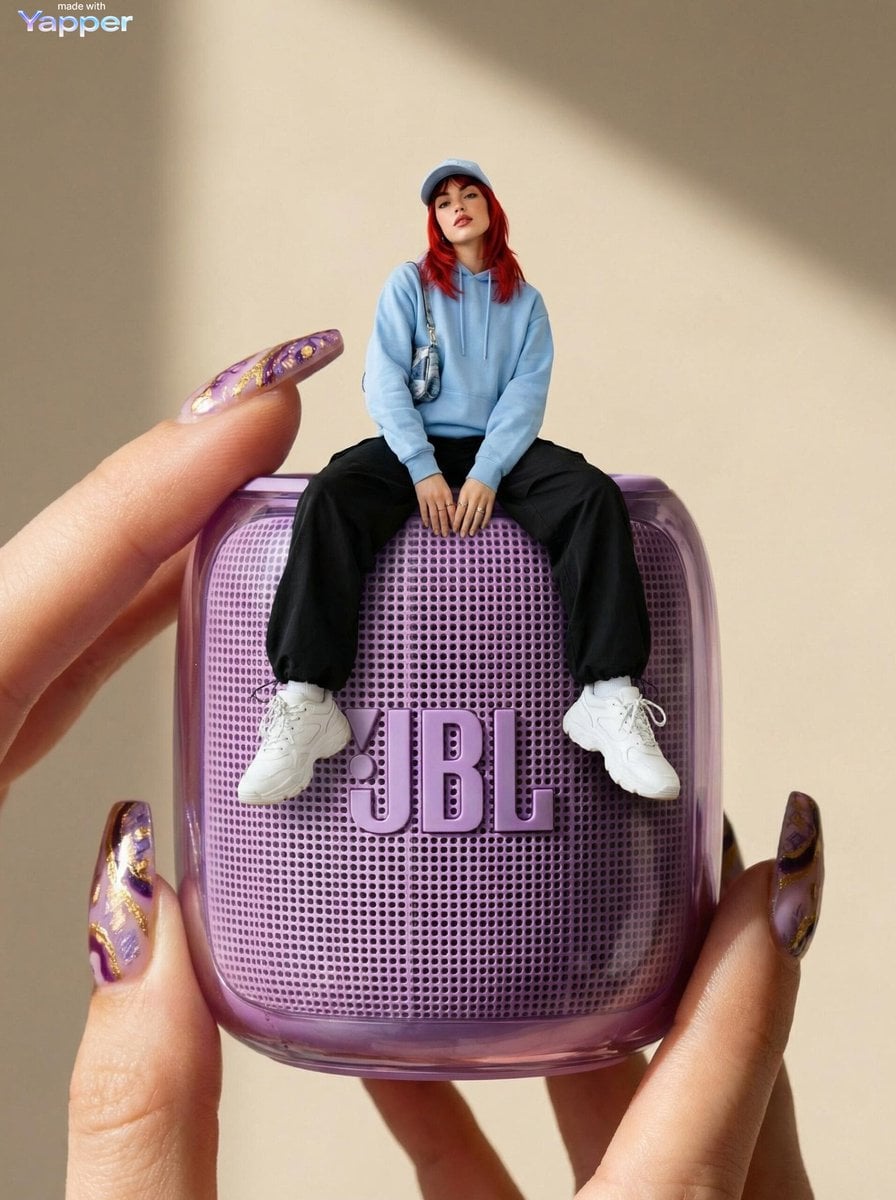
Forced Perspective Miniature Woman on Speaker
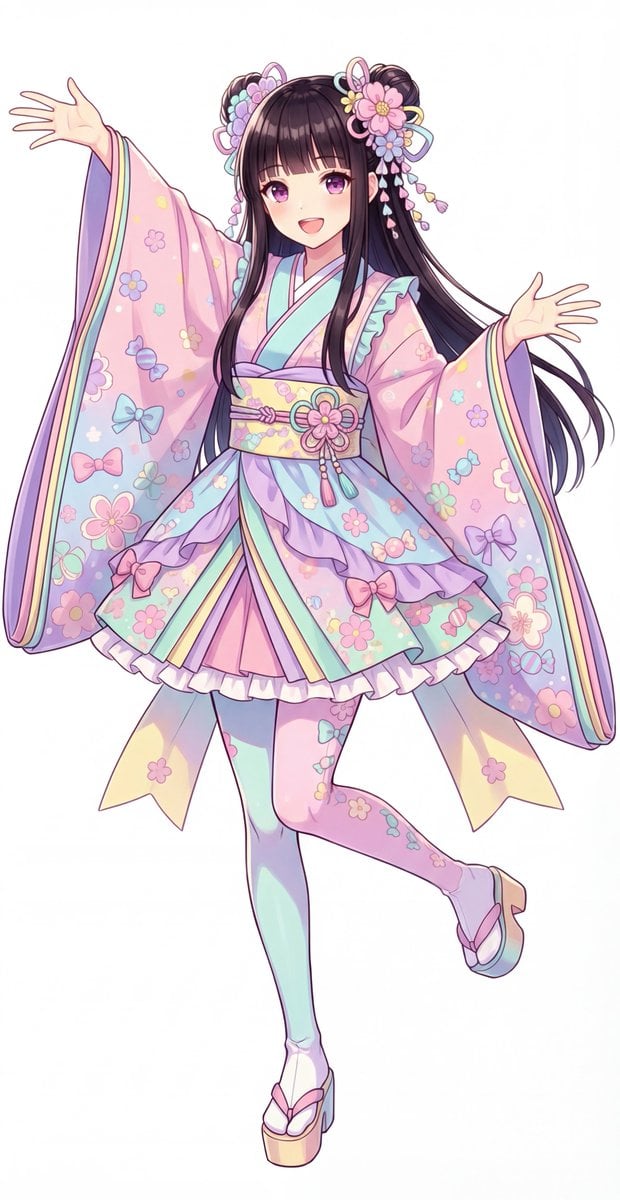
Kawaii Jūnihitoe Outfit Modification Prompt for NanoBananaPro

AI Fantasy Dungeon UI Header
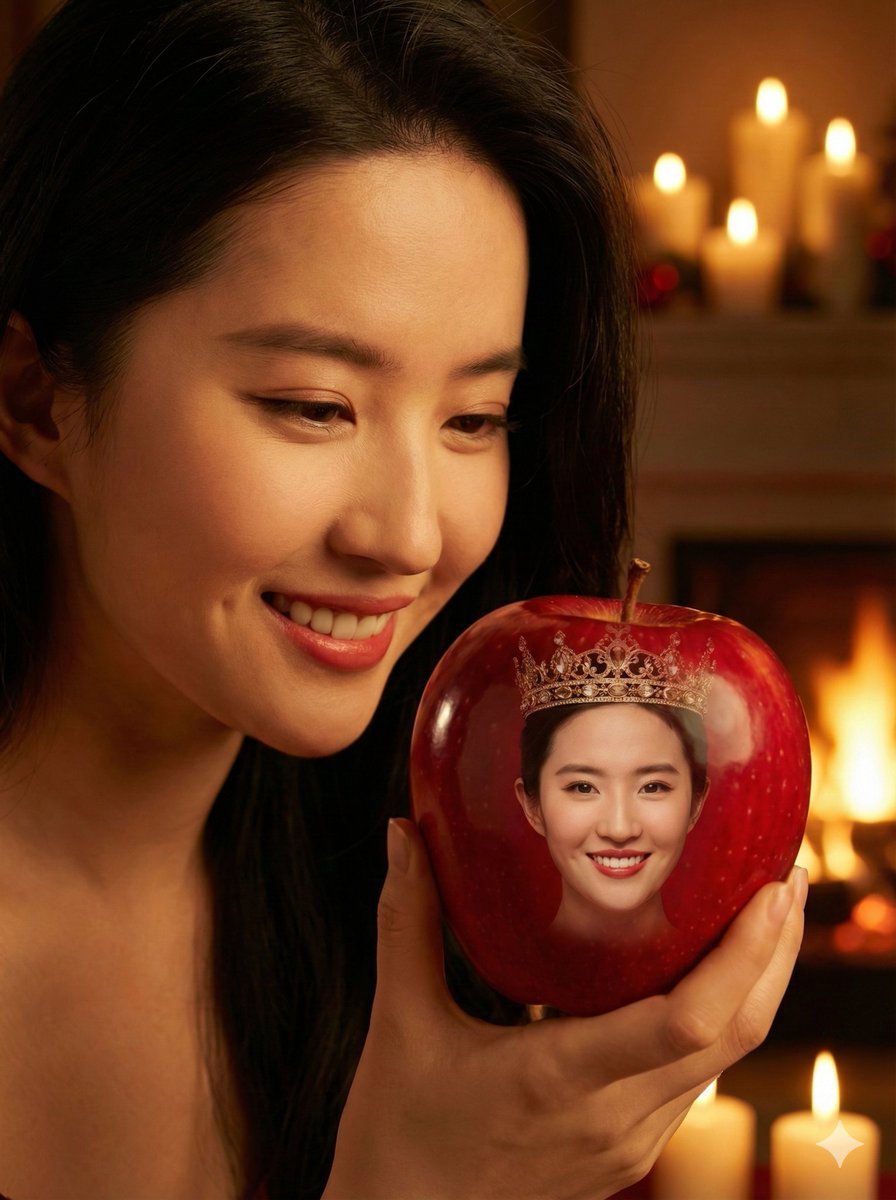
Cinematic Close-up of a Woman Holding a Magical Apple
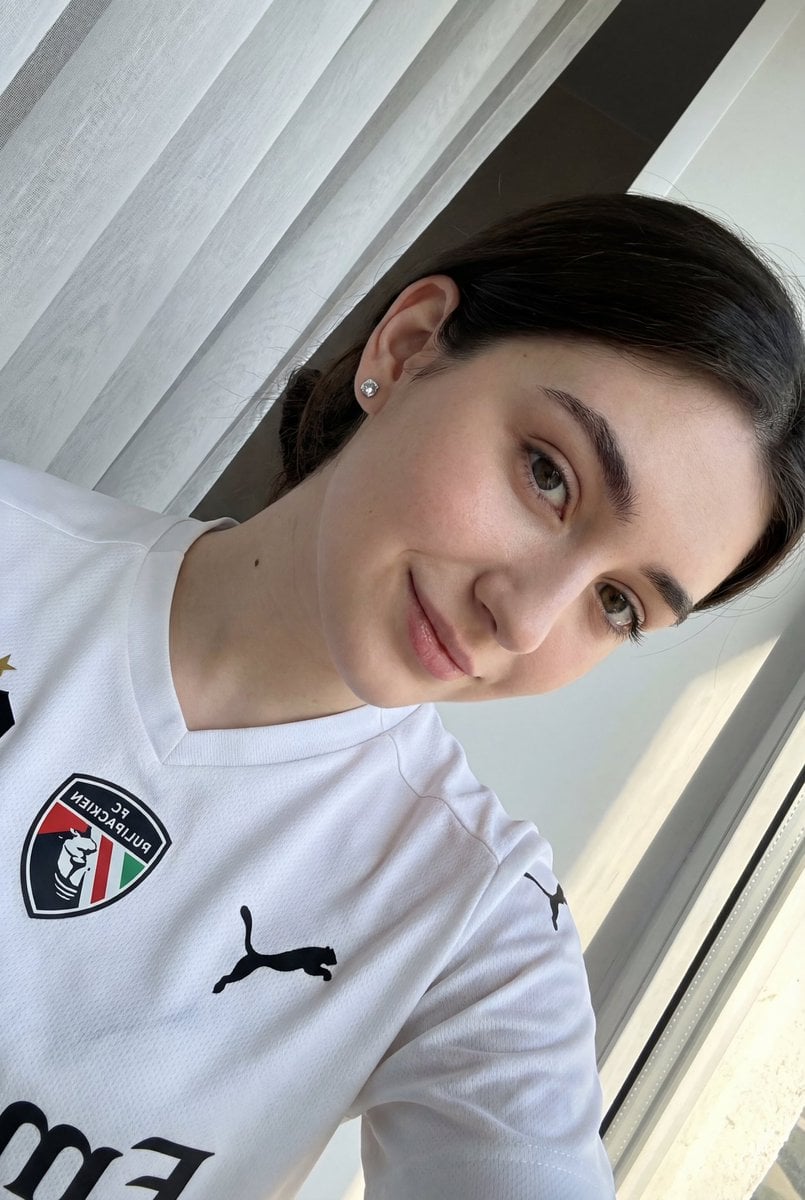
Detailed JSON prompt for a casual portrait of a young woman in a sports jersey
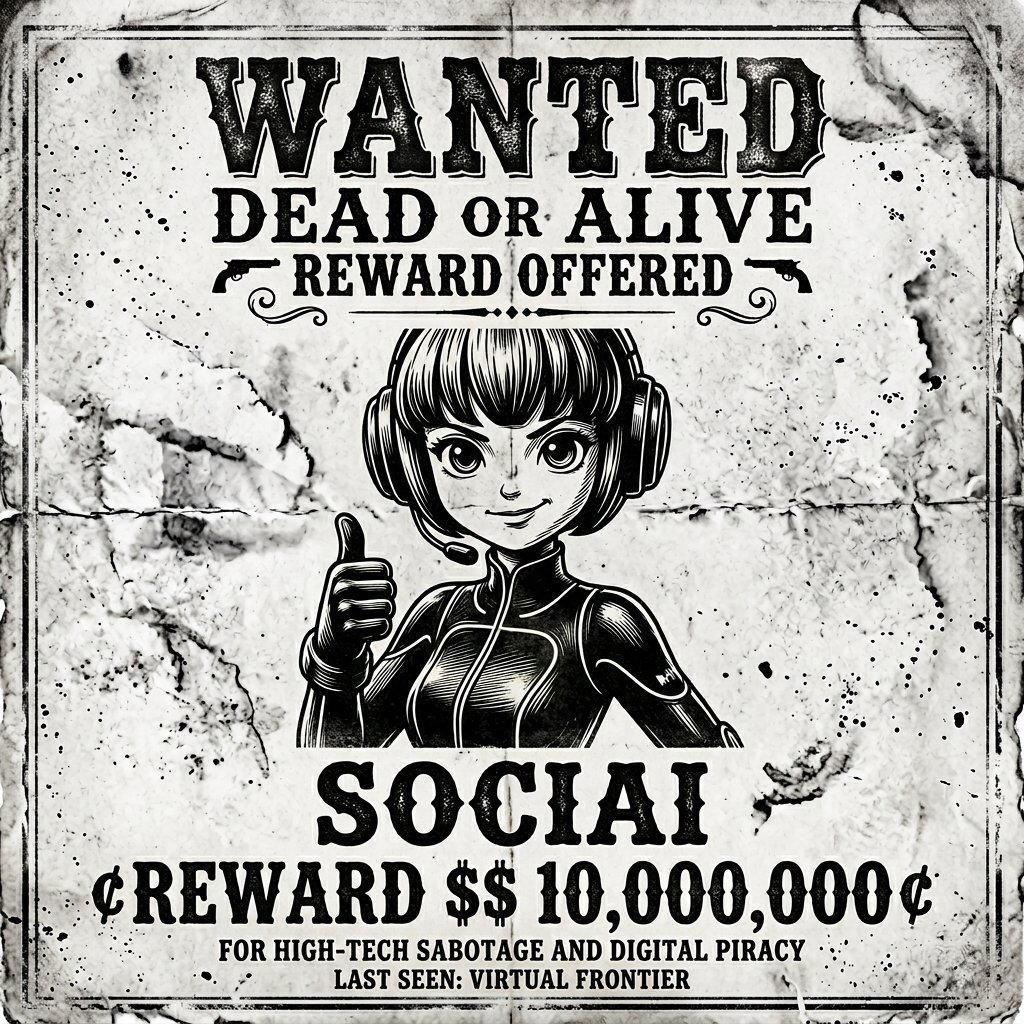
Vintage Monochrome Illustration Prompt
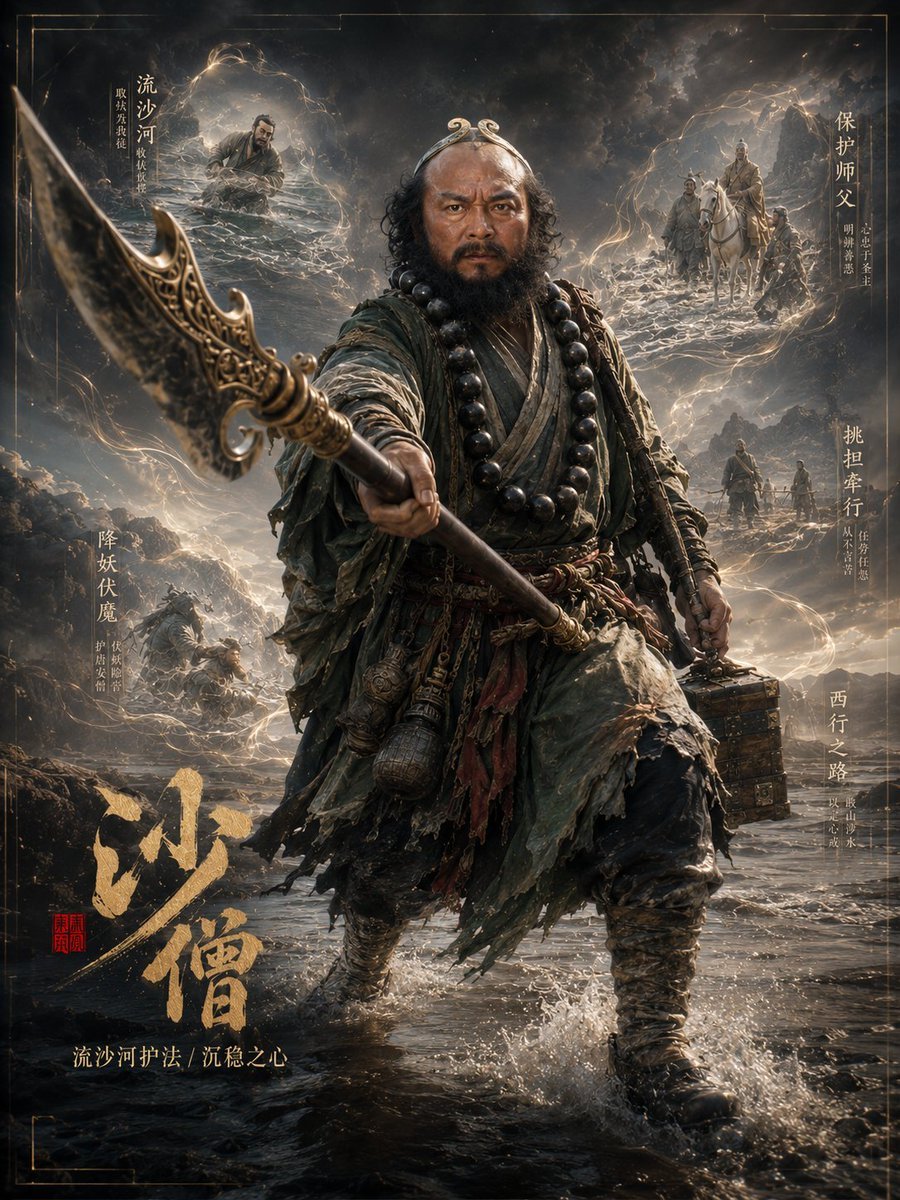
Dark Fantasy Sha Seng Character Poster
Browse template categories
Analog-Inspired Male Portrait with Hard Flash Prompt questions
How do I use the Analog-Inspired Male Portrait with Hard Flash Prompt template?
Add your photo if the template asks for one, edit the prompt if you like — the template's model and format are already selected — and press Generate. Your version opens in PicX Studio.
Can I customize the Analog-Inspired Male Portrait with Hard Flash Prompt template?
Yes. You can change the subject, setting, lighting, mood, format, and available model controls before creating your image.
Is the Analog-Inspired Male Portrait with Hard Flash Prompt template free?
Opening and editing this template is free. Generating uses credits, shown on the Generate button when you are signed in.
Which AI model should I use?
Start with Nano Banana 2, which is the model associated with this template. You can compare another compatible model for a different finish.
Looking for something else? Browse all templates.

Your photo, any look
Thousands of ready templates for every top image and video model, from one credit balance.