
Hard Flash Backless Dress Night Photo Prompt
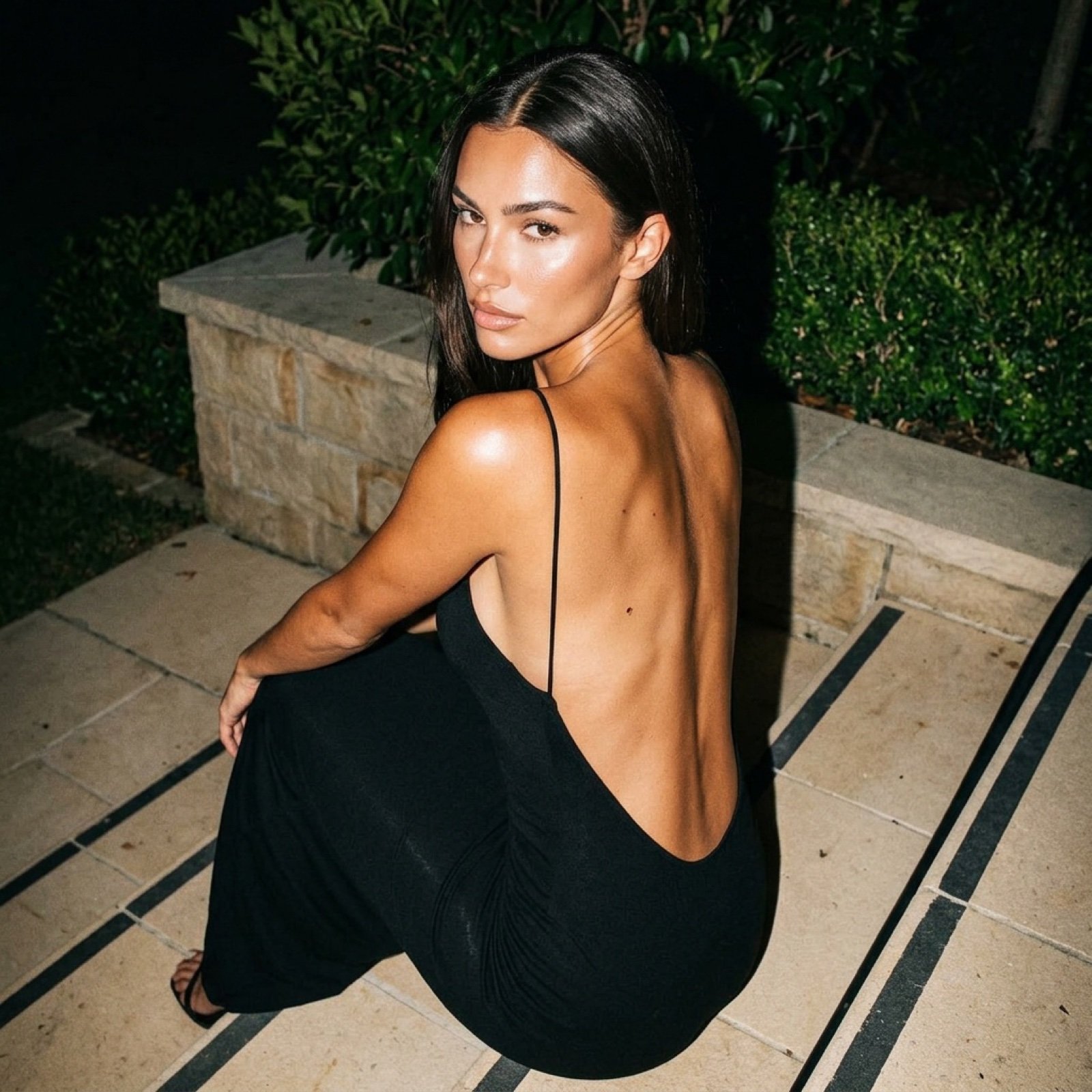
A detailed JSON prompt for generating a photorealistic night photo of a young woman with tanned skin and dark hair, wearing a floor-length black maxi dress with an extremely low, open back, captured in a seated twist…
- Prompt included
- Model and format preset
- Premium template
The prompt behind this image
Copy the exact prompt behind Hard Flash Backless Dress Night Photo Prompt, or open it in the studio and make it yours.
{ "subject": { "description": "Young adult female with tanned, bronzed skin and long, dark brunette hair parted in the middle. She has distinct, sharp facial features including high cheekbones, a straight nose, arched eyebrows, and full, glossy lips. She is wearing a floor-length black maxi dress with very thin spaghetti straps. The dress features an extremely low, open back that exposes the entire back down to the lumbar region, revealing the spinal groove and shoulder blades.", "anatomy_constraints": { "body_type": "Fit but soft, realistic proportions", "skin_texture": "High fidelity pores, slight sheen from flash, natural skin imperfections, visible mole/freckle on upper back", "bust_volume": "Natural fullness implied by side profile visibility, gravity-affected soft tissue", "back_details": "Visible scapula definition, distinct spinal indentation, smooth muscle tone" } }, "pose": { "type": "Seated twist, looking back", "description": "The subject is sitting on stone steps, body oriented away from the camera (posterior view). She is twisting her torso significantly to the left to look back over her left shoulder directly at the lens. Her back is arched, accentuating the curve of the spine. The left arm is resting on the leg/knee area (mostly obscured), and the right arm is relaxed. The neck is turned sharply to maintain eye contact.", "alignment": "Head turned left, eyes locked on camera, chin slightly lowered" }, "environment": { "setting": "Outdoors at night, residential or garden staircase", "elements": [ "Beige/light grey stone steps with dark grout lines", "Low stone retaining wall", "Dark green leafy bushes and hedging in the immediate background", "Night sky (implied dark void)" ] }, "camera": { "shot_type": "Medium shot, slightly high angle", "perspective": "Looking down at the subject, close proximity", "focal_length": "35mm to 50mm equivalent", "depth_of_field": "Deep enough to keep face and back in focus, slight fall-off in background foliage" }, "lighting": { "type": "Direct on-camera flash (hard flash photography)", "characteristics": [ "High contrast", "Sharp, defined shadows cast on the wall behind the subject", "Bright specular highlights on the shoulder, cheekbone, tip of nose, and forehead", "Reflective sheen on the skin due to flash intensity", "Vignetting at the edges due to flash fall-off" ] }, "mood_and_expression": { "mood": "Alluring, mysterious, confident, nightlife aesthetic", "expression": "Sultry, neutral to slightly parted lips, intense direct gaze", "eye_contact": "Direct, piercing" }, "style_and_realism": { "style": "Flash photography, paparazzi style, candid social media aesthetic, raw realism", "fidelity": "Photorealistic, unpolished texture, high ISO noise simulation" }, "colors_and_tone": { "palette": [ "Deep blacks (dress, background shadows)", "Warm bronzed skin tones", "Beige/cream stone colors", "Deep forest greens (foliage)" ], "tonality": "Warm ski"
How to use Hard Flash Backless Dress Night Photo Prompt in 3 steps
- 1
Open
The prompt is already in the box next to the preview, with the template's model and format selected.
- 2…a portrait of your subject in softgolden-hour light, 85mm…
Personalize
Edit the subject and creative details for your destination.
- 3Generate
Generate
Press Generate — your image is created in PicX Studio, so you can compare it with the original and refine one variable at a time.
More like this
Templates with the same subject, style or setup. Open one to see its prompt.

Night Sports Car Portrait — Cinematic Moody
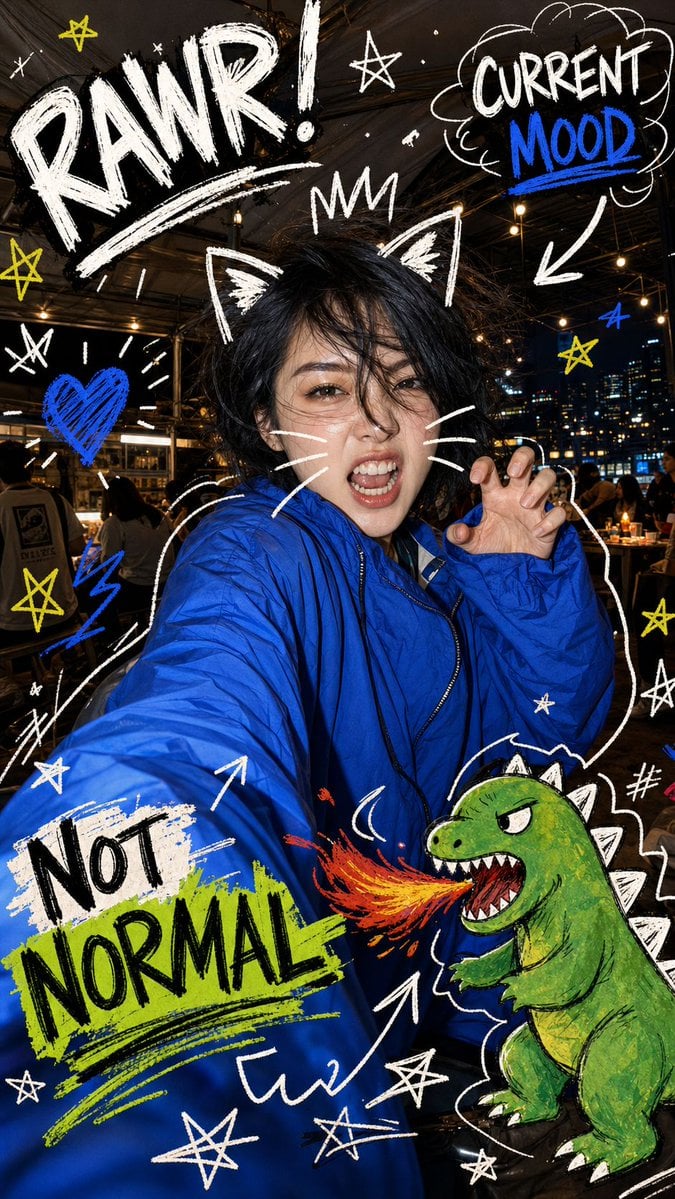
Nighttime Doodle Flash Selfie
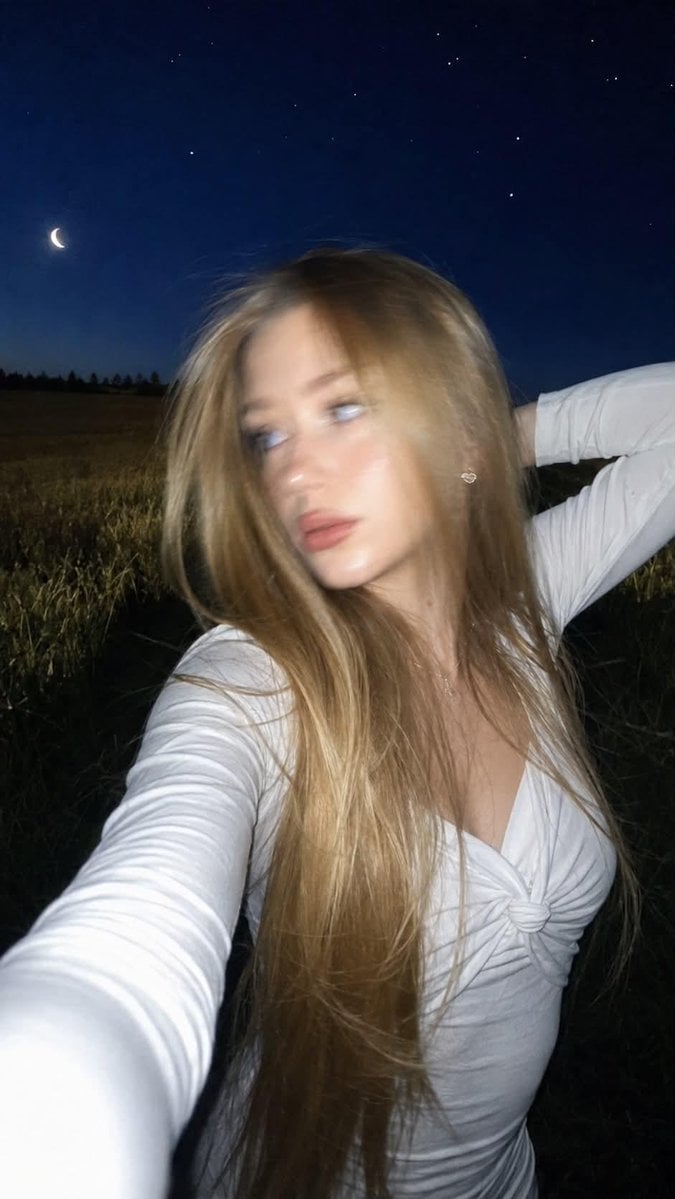
Night Flash iPhone Selfie with Motion Blur
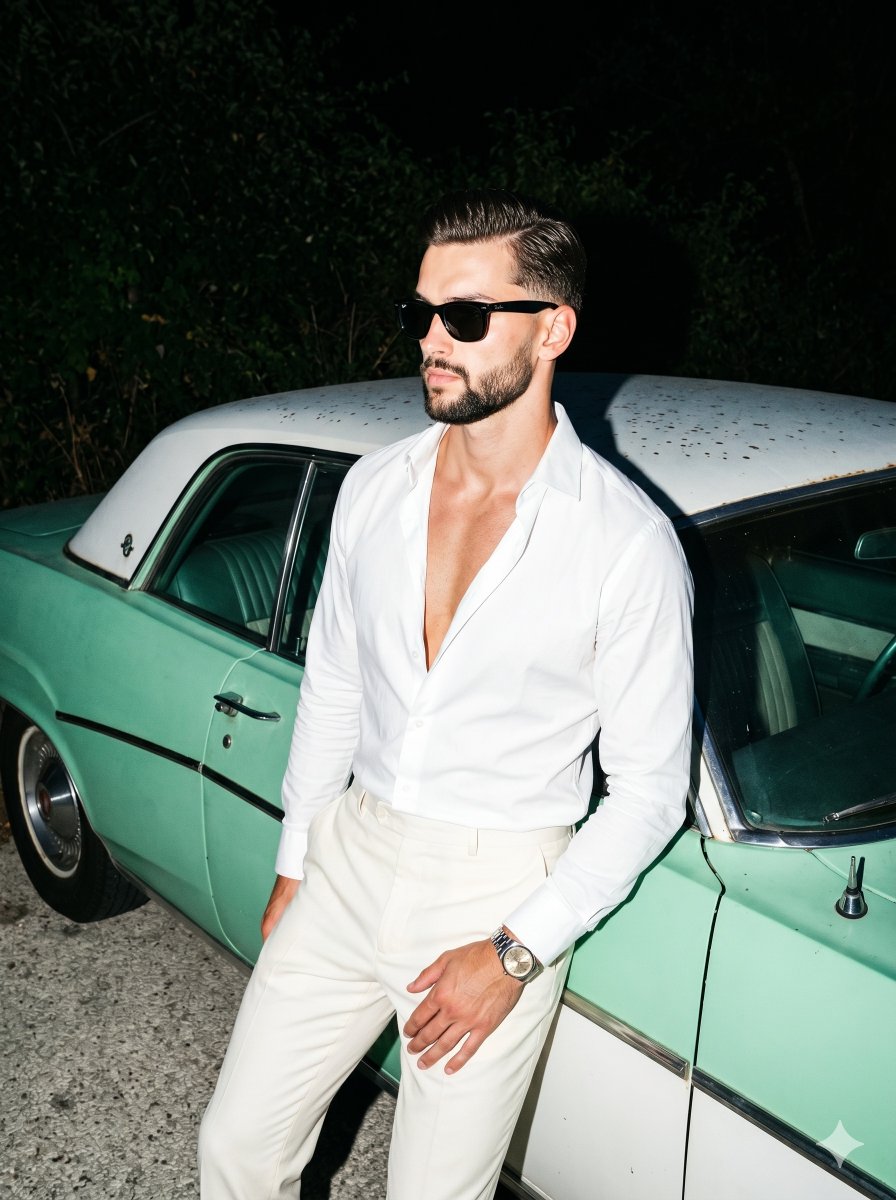
Retro Nightlife Flash Portrait

Nostalgic Digicam Café Afternoon Portrait

Subway Platform Quiet Introspective Portrait
Subway Platform Quiet Introspective Portrait

Spider-Man Night Swing New York Cinematic
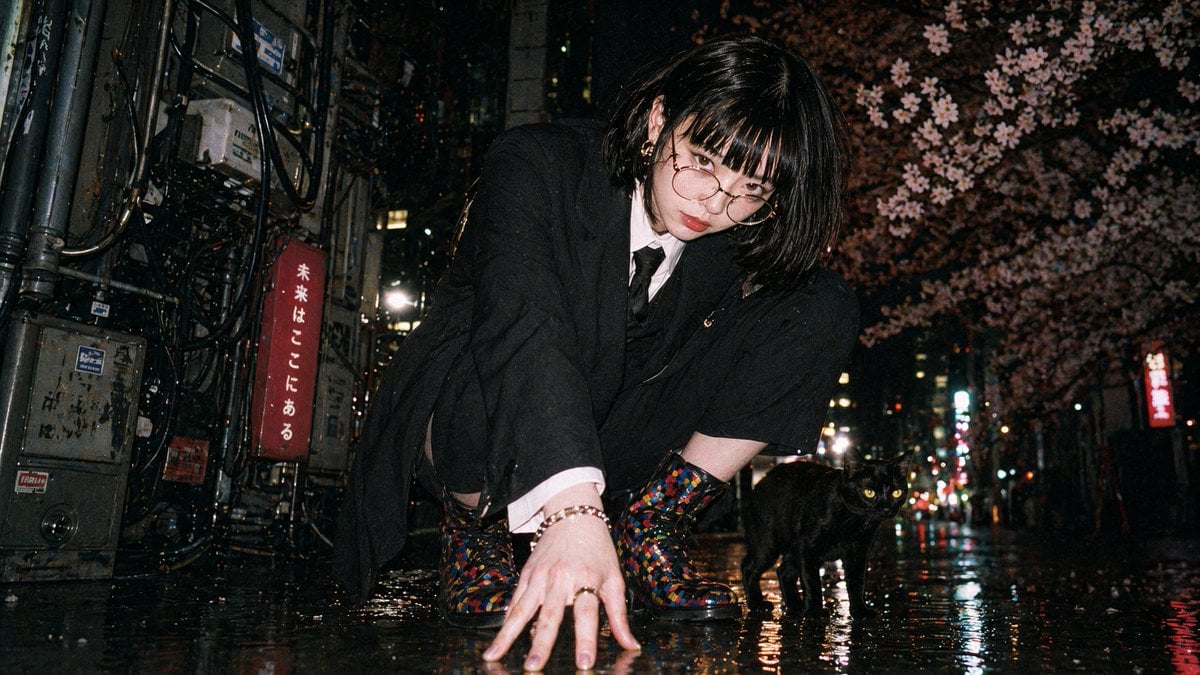
Disposable Flash Tokyo Night Portrait

Dancer Character - Four View Reference Sheet

Floating Woman Above Cityscape with Notifications
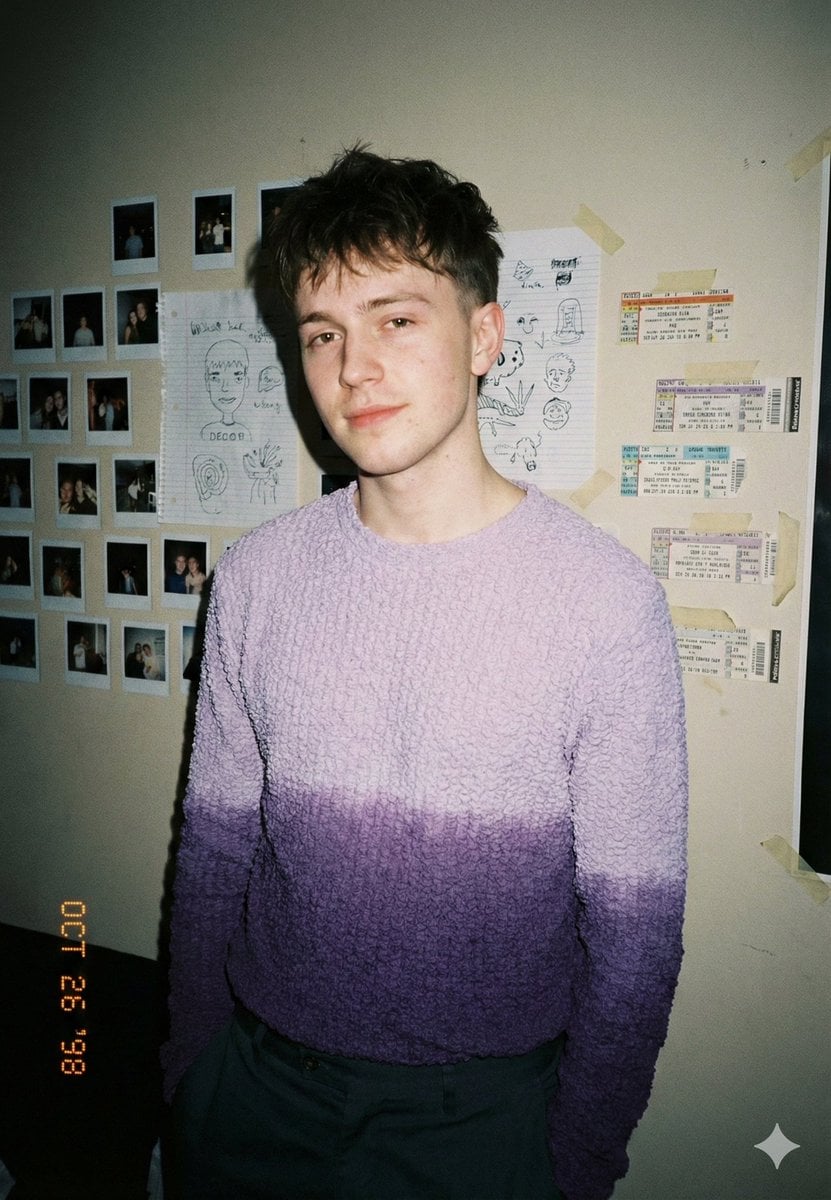
Analog-Inspired Male Portrait with Hard Flash Prompt
Make it yours
Hard Flash Backless Dress Night Photo Prompt works as-is. These are the safest ways to change it without losing the look.
Change one field
Copy a single group, rewrite it, and generate again so you can see what that field is doing.
Keep the frame, change the subject
Hold the composition and light of Hard Flash Backless Dress Night Photo Prompt, then swap wardrobe, props or the person for a new take.
| If the result… | Why | Fix |
|---|---|---|
| The result drifts from the preview | Too many fields changed at once. | Reuse Hard Flash Backless Dress Night Photo Prompt as-is first, then change one group — subject, light, or setting. |
| The model over-stylizes the scene | The prose prompt leaves finish and camera underspecified. | Add one camera or lighting sentence and stay on Nano Banana 2. |
More Nano Banana 2 templates
Other prompts made for Nano Banana 2.

Photorealistic Leaf Shaped Like a Dragon

K-Pop Idol Portrait Grid for Rapid Selection

Poetic Rain Forest Portrait During Golden Hour

Urban Street Portrait with Cartoon Inner Self Duo

Candid Nighttime Photo with Cat Prompt

High-Concept 3D Diorama Generation Prompt

Cinematic Futuristic Studio Portrait Template

Skincare Editorial Photography Collage Prompt

Hyper-Realistic Commercial Product Photography (Splash Effect)

Hyper-Realistic Nightclub Portrait Prompt
More image prompts
Fresh picks from across the catalog.
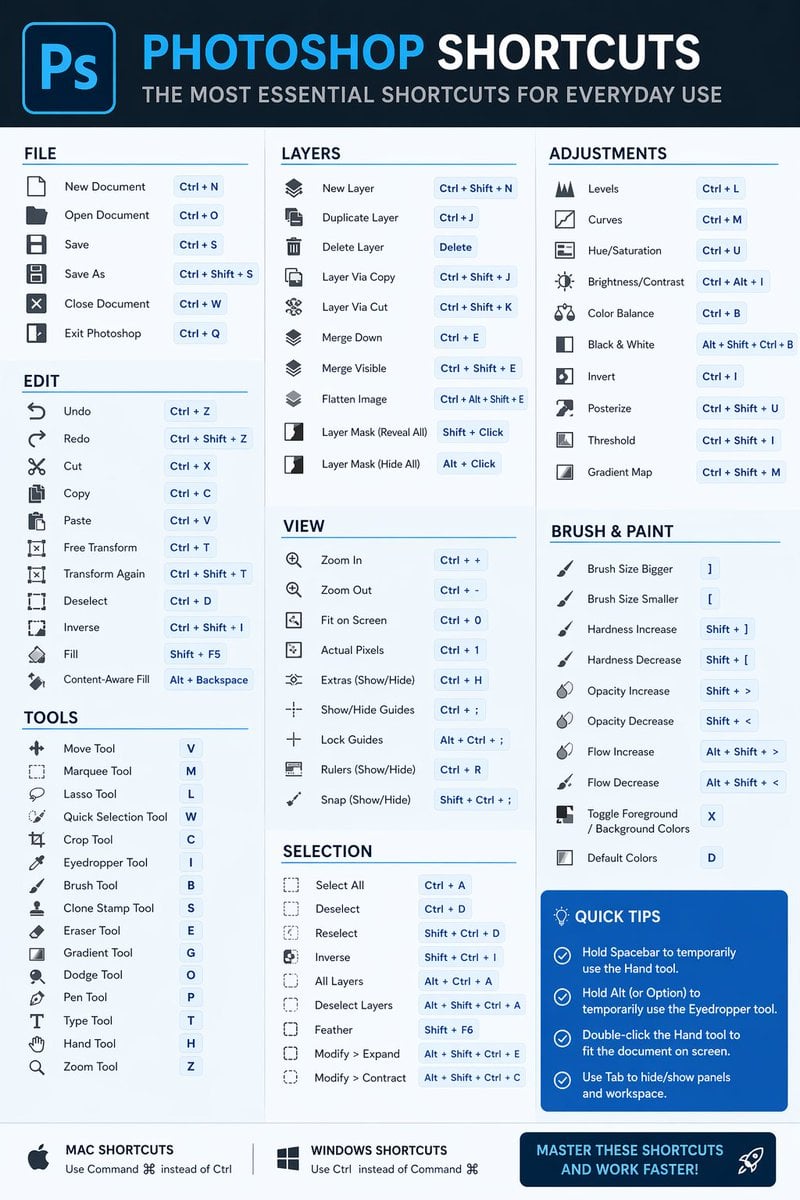
Software Shortcut Infographic
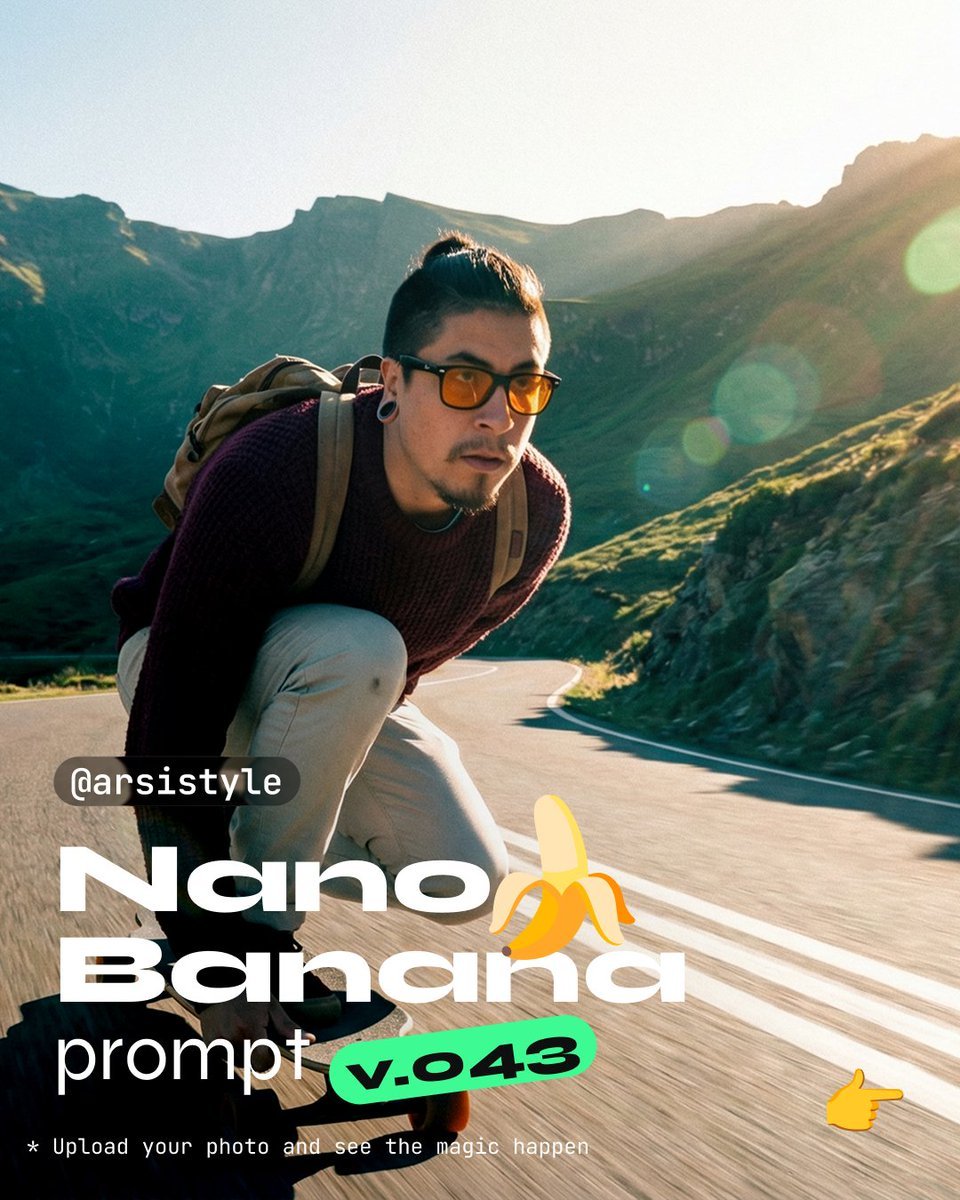
Dynamic Longboard Tracking Shot

Sculptor's Awakening Cinematic Scene Prompt
Ultra-Realistic Cinematic Portrait Prompt
Korean Style Makeup Analysis Chart
Surreal Product Composite: Subject Emerging from Cracked Phone Screen
Fantasy Mushroom Forest Storyboard
Imperial Marshal Anime Commander
prompt 👇 Exact Prompt: Create a premium cinemat
Celestial Ryokan Fantasy Editorial
Browse template categories
Hard Flash Backless Dress Night Photo Prompt questions
How do I use the Hard Flash Backless Dress Night Photo Prompt template?
Add your photo if the template asks for one, edit the prompt if you like — the template's model and format are already selected — and press Generate. Your version opens in PicX Studio.
Can I customize the Hard Flash Backless Dress Night Photo Prompt template?
Yes. You can change the subject, setting, lighting, mood, format, and available model controls before creating your image.
Is the Hard Flash Backless Dress Night Photo Prompt template free?
Opening and editing this template is free. Generating uses credits, shown on the Generate button when you are signed in.
Which AI model should I use?
Start with Nano Banana 2, which is the model associated with this template. You can compare another compatible model for a different finish.
Looking for something else? Browse all templates.

Your photo, any look
Thousands of ready templates for every top image and video model, from one credit balance.