
Retro Nightlife Flash Portrait
A gritty 90s editorial style prompt for a male model in resort wear leaning against a vintage coupe car at night.
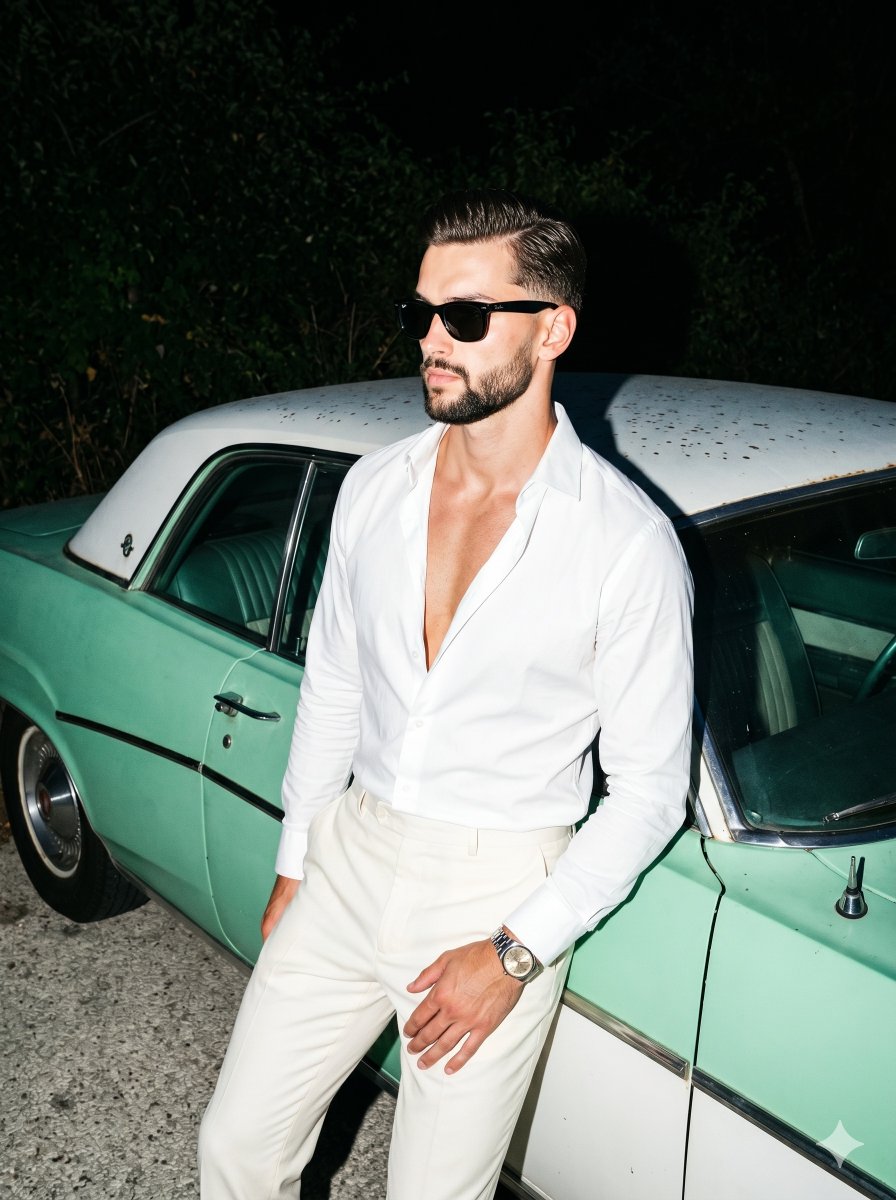
- Prompt included
- Model and format preset
- Premium template
The prompt behind this image
Copy the exact prompt behind Retro Nightlife Flash Portrait, or open it in the studio and make it yours.
A young, athletic adult male styled in retro-modern evening resort wear stands with his hips pressed backward against a vehicle, his torso leaning asymmetrically toward the right while his shoulders slouch slightly back. His warm tan skin contrasts with a {argument name="shirt style" default="bright white, unbuttoned dress shirt"} that opens in a deep V-shape, paired with {argument name="pants style" default="cream off-white trousers"}. His slicked-back hair is sharply illuminated, and his head turns sharply 45 degrees to the left, his gaze directed off-camera and his eyes completely obscured by thick square black wayfarer-style sunglasses. His expression is aloof, confident, and serious, featuring a neutral, unsmiling mouth. His left hand rests naturally on his left thigh in the lower center frame, fingers loosely curled inward over his knee, revealing a silver wristwatch with a gold-tone dial. He leans heavily against the solid midground structure of a {argument name="car style" default="vintage mint green and white coupe car"}. The vehicle exhibits an aged, slightly oxidized matte-satin finish across its mint green body, detailing a vertical door seam, horizontal trim lines, and a silver chrome door handle, while its off-white roof reveals visible patchy dust spots and environmental wear. Below him, the solid, rough texture of the light gray paved asphalt floor catches the immediate illumination. Behind the vehicle, the background transitions into dense, broad-leafed trees and foliage that remain completely unlit, fading seamlessly into the deep black void of a retro coastal night sky. A single-source, highly directional on-camera flash pierces the darkness with harsh, daylight-balanced hard light, creating a highly energetic nightlife atmosphere. This intense frontal burst creates slightly blown-out specular highlights across his forehead, nose tip, exposed chest, the crisp white shirt collar, and the car's chrome details, before falling off rapidly into the deep background. Pitch black shadows with incredibly sharp, defined edges are cast abruptly under his shirt collar, beneath his arms, and directly behind his torso onto the mint green car door. The split-complementary color palette emphasizes the crisp whites and mint greens against the deep olive-black night. Captured on a 35mm lens at f/8, 1/160s, and ISO 400, the digital portrait channels a gritty 90s direct-flash editorial aesthetic. The image remains tack sharp across the subject and car side, while the deep background foliage subtly softens. Post-processing applies a high-contrast curve with crushed blacks, punchy highlights, a slightly cooled color temperature, and a touch of intentional film grain and digital noise lingering in the heavy shadows, all elegantly composed and framed in a 3:4 aspect ratio.
How to use Retro Nightlife Flash Portrait in 3 steps
- 1
Open
The prompt is already in the box next to the preview, with the template's model and format selected.
- 2…a portrait of your subject in softgolden-hour light, 85mm…
Personalize
Edit the subject and creative details for your destination.
- 3Generate
Generate
Press Generate — your image is created in PicX Studio, so you can compare it with the original and refine one variable at a time.
More like this
Templates with the same subject, style or setup. Open one to see its prompt.

Found Photograph: Us, 1970

One Dance Before Midnight

80s Couple Studio Portrait

80s Neon Disco Night
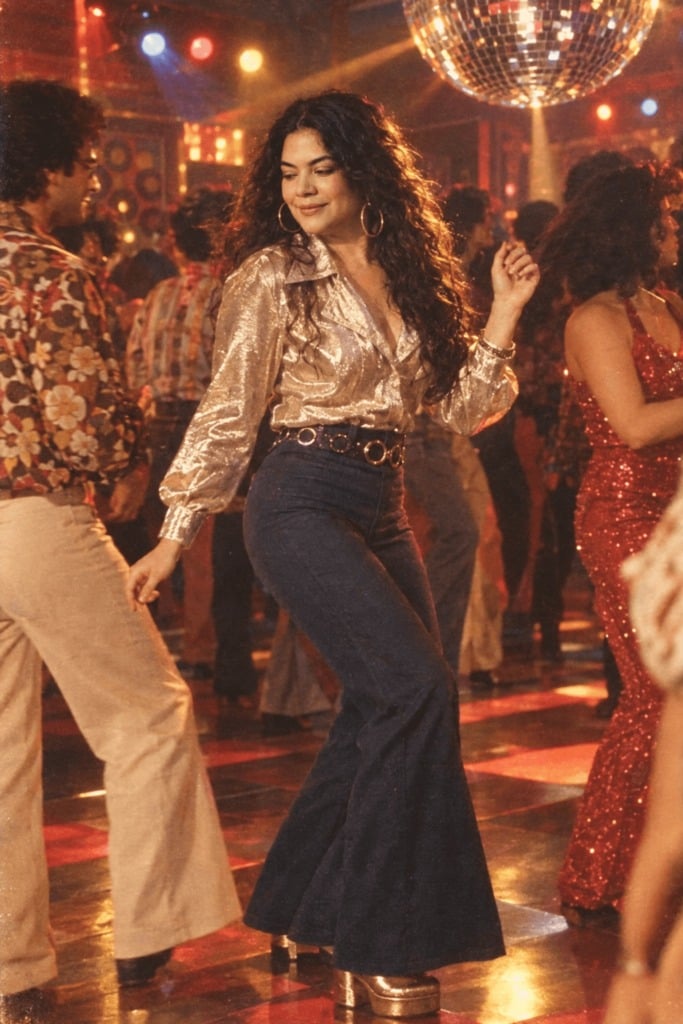
80s Disco Dancefloor

80s Bollywood Star

80s Golden Hour Cinema
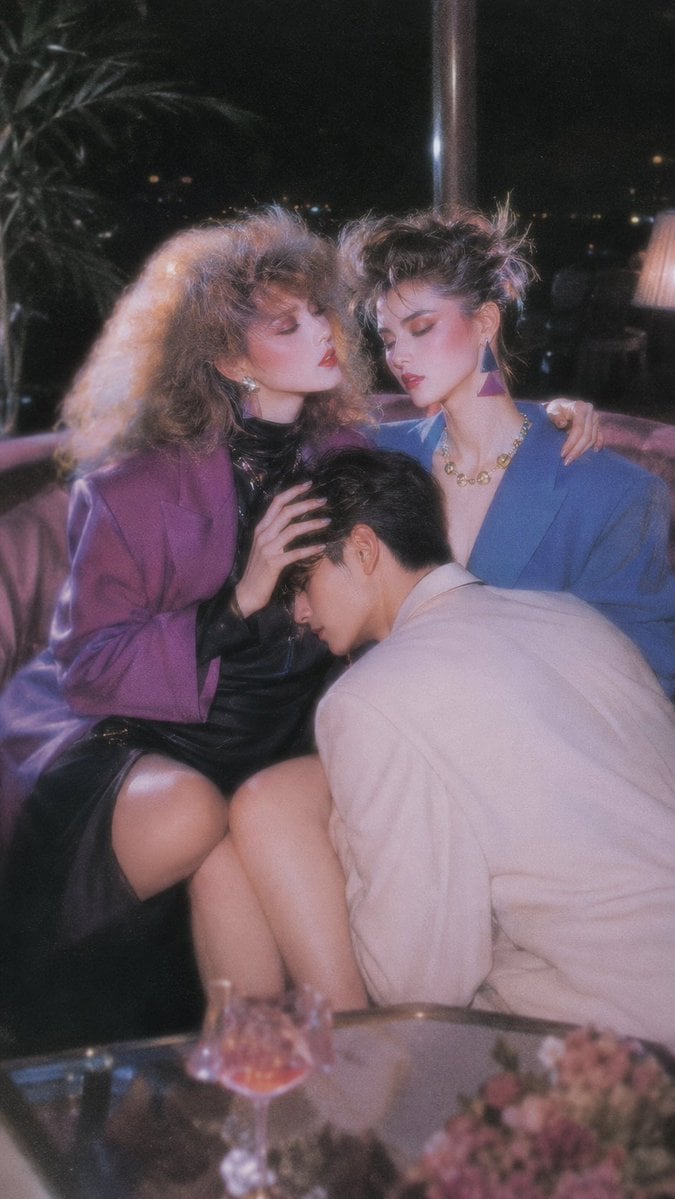
Retro Nightlife Flash Wallpaper
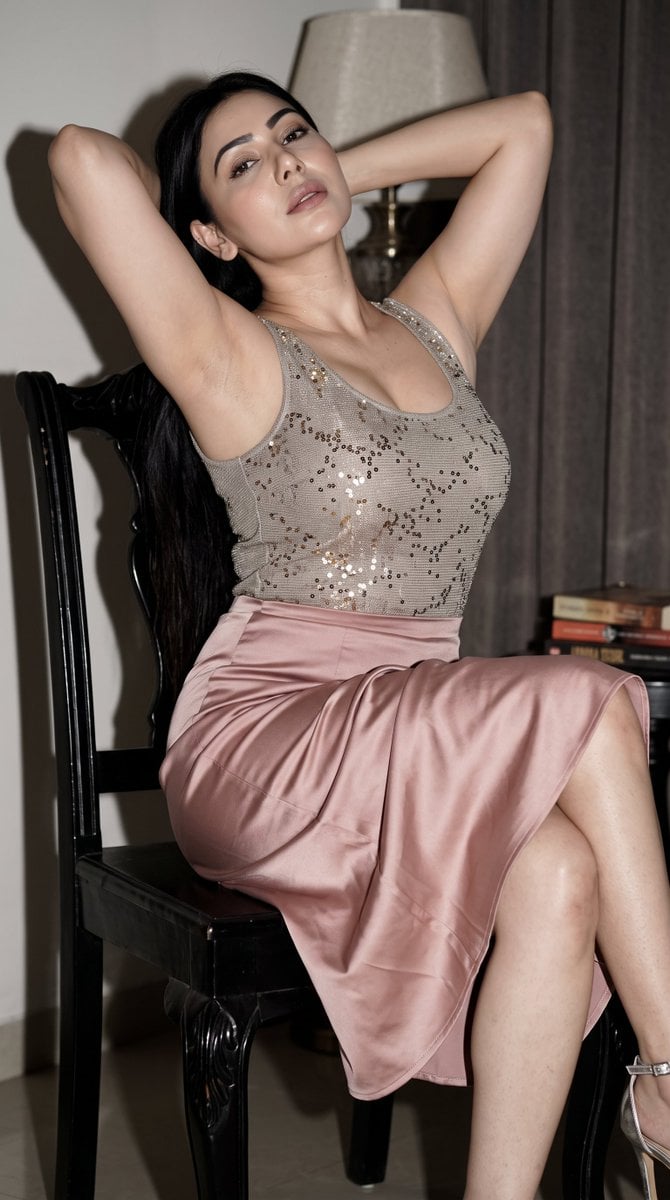
Early 2000s Nightlife Flash Portrait
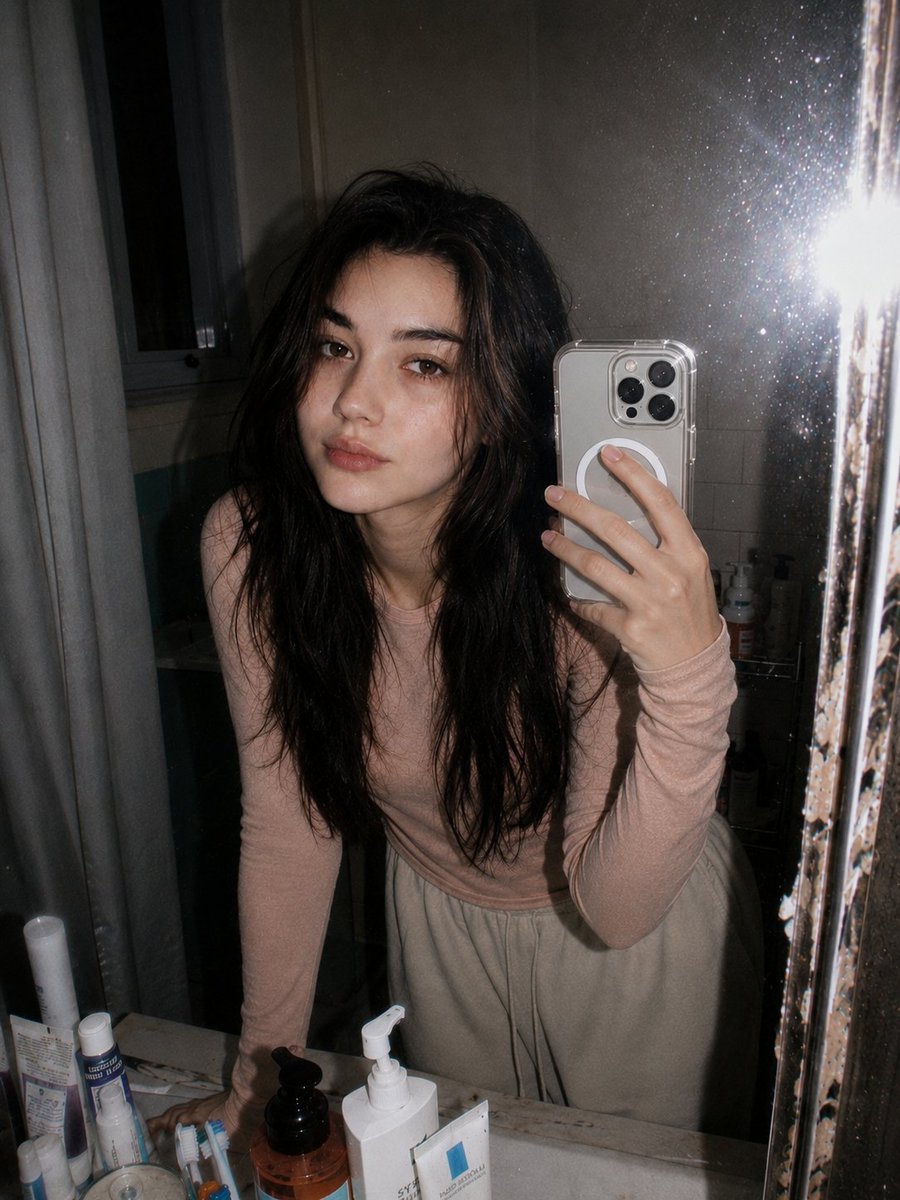
Retro 90s Disposable Camera Flash Portrait
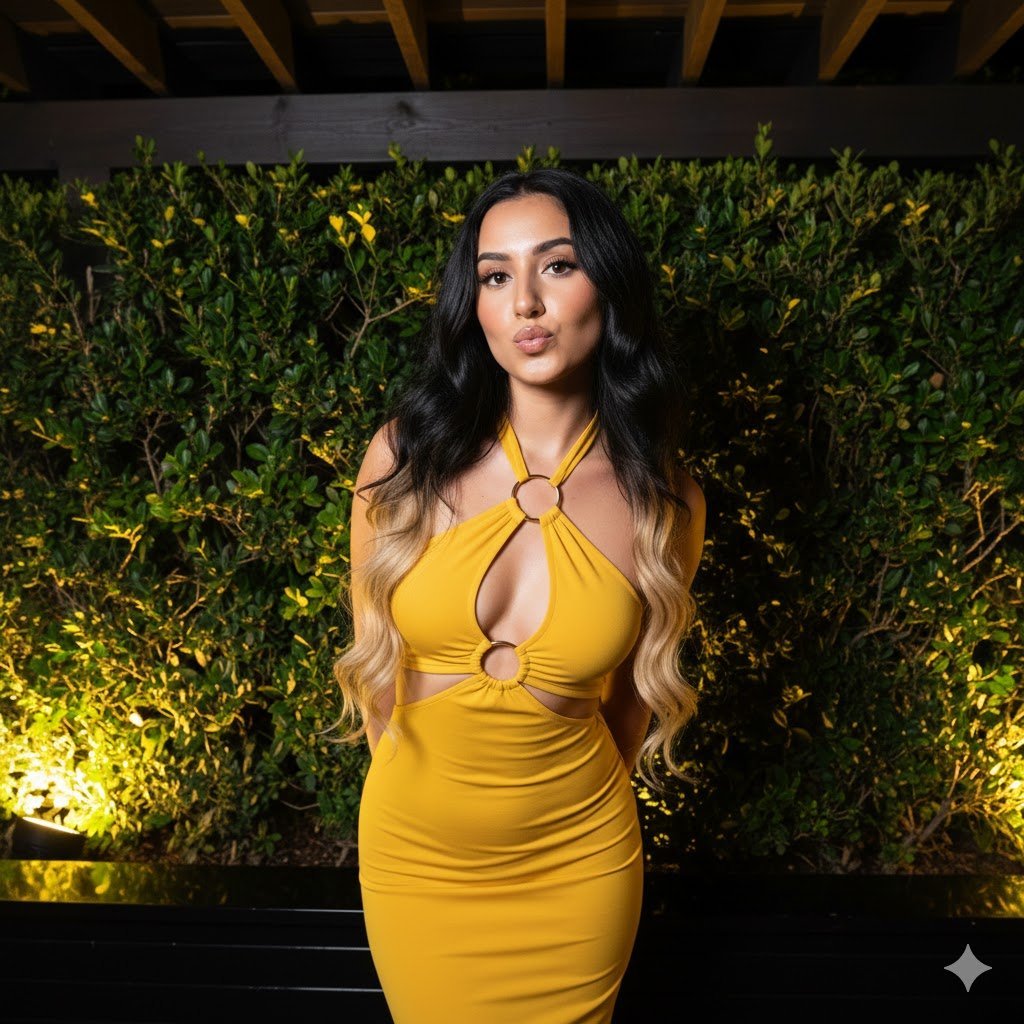
High-Contrast Nightlife Portrait Prompt with Flash Photography Aesthetic
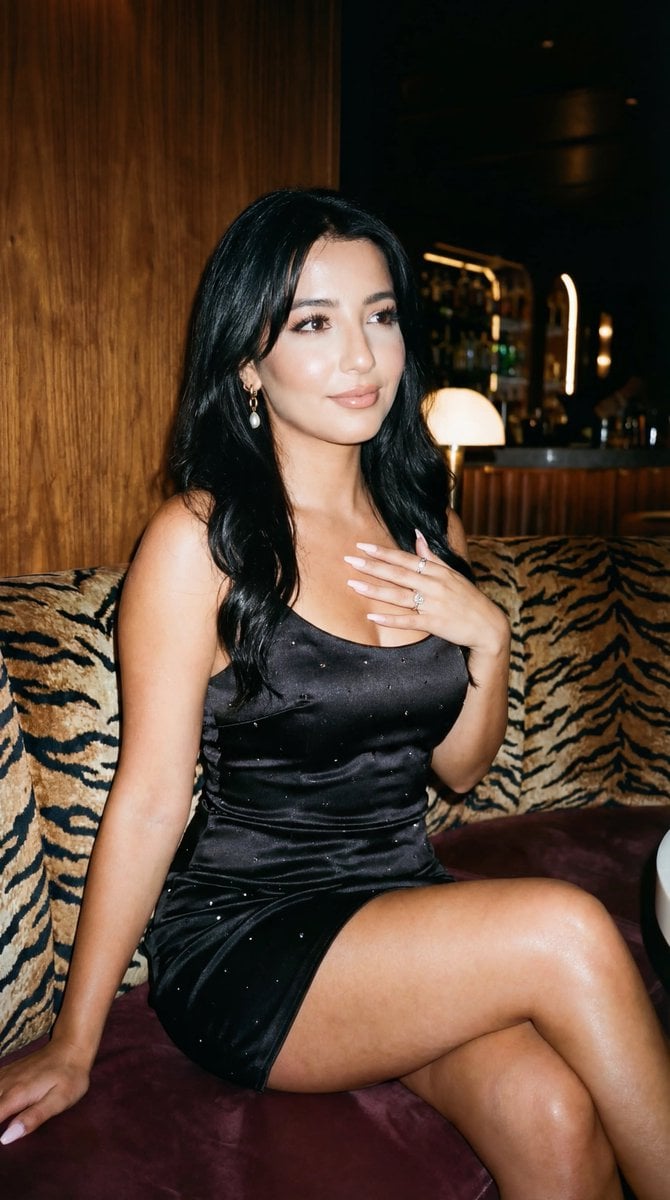
Glamorous Nightlife Flash Portrait in Velvet Booth
Make it yours
Retro Nightlife Flash Portrait works as-is. These are the safest ways to change it without losing the look.
Change one field
Copy a single group, rewrite it, and generate again so you can see what that field is doing.
Keep the frame, change the subject
Hold the composition and light of Retro Nightlife Flash Portrait, then swap wardrobe, props or the person for a new take.
| If the result… | Why | Fix |
|---|---|---|
| The result drifts from the preview | Too many fields changed at once. | Reuse Retro Nightlife Flash Portrait as-is first, then change one group — subject, light, or setting. |
| The model over-stylizes the scene | The prose prompt leaves finish and camera underspecified. | Add one camera or lighting sentence and stay on Nano Banana 2. |
More Nano Banana 2 templates
Other prompts made for Nano Banana 2.

Photorealistic Leaf Shaped Like a Dragon

K-Pop Idol Portrait Grid for Rapid Selection

Poetic Rain Forest Portrait During Golden Hour

Urban Street Portrait with Cartoon Inner Self Duo

Candid Nighttime Photo with Cat Prompt

High-Concept 3D Diorama Generation Prompt

Cinematic Futuristic Studio Portrait Template

Skincare Editorial Photography Collage Prompt

Hyper-Realistic Commercial Product Photography (Splash Effect)

Hyper-Realistic Nightclub Portrait Prompt
More image prompts
Fresh picks from across the catalog.
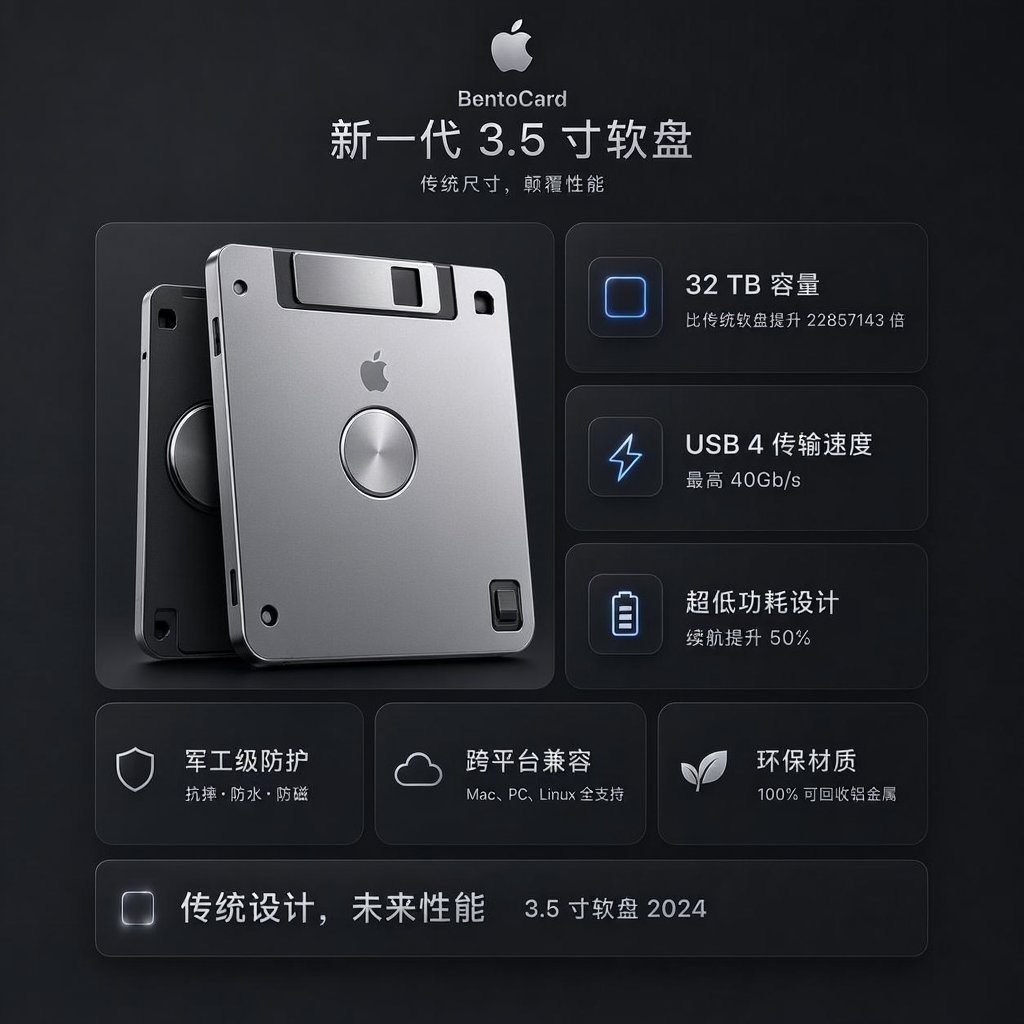
Futuristic BentoCard Floppy Ad
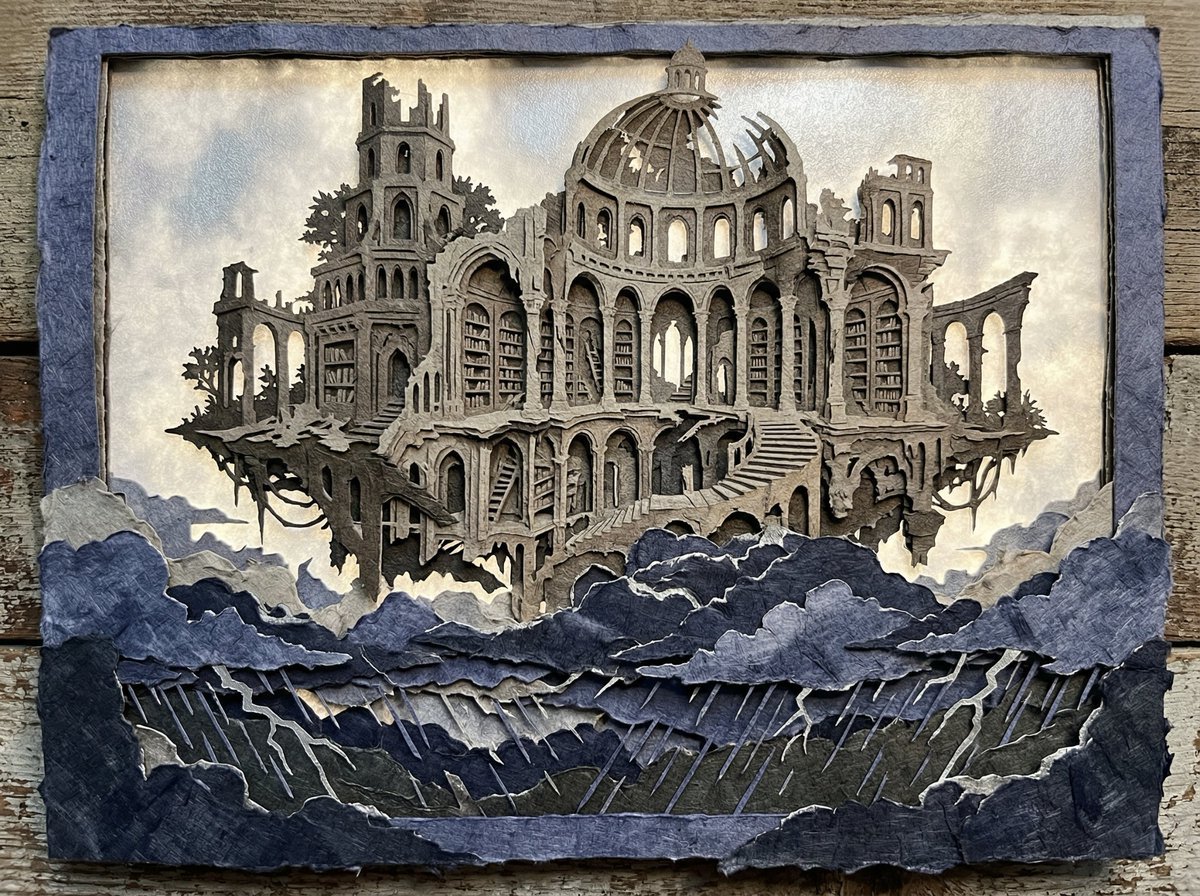
Intricate Paper Cut Silhouette of a Library
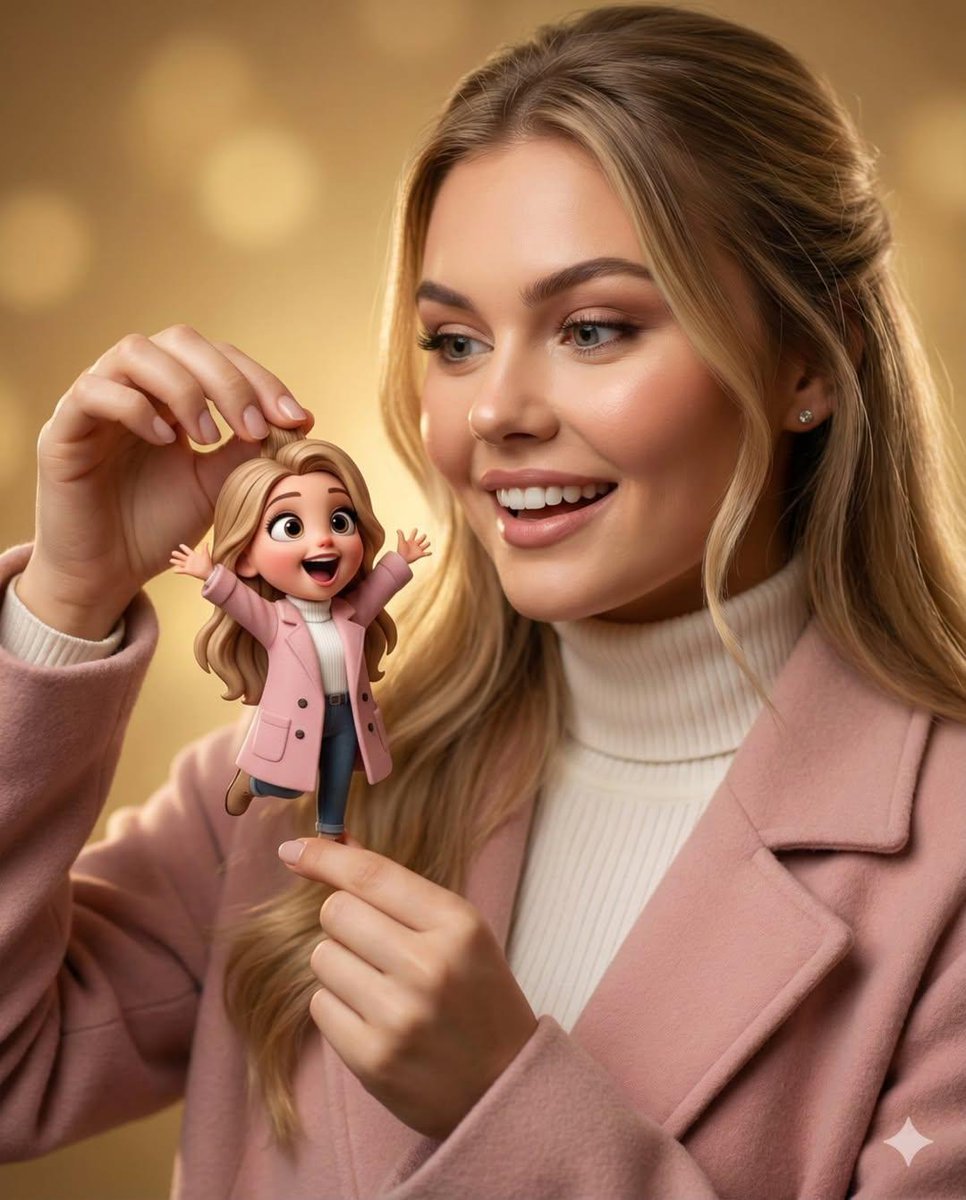
Whimsical 3D Character Interaction Portrait
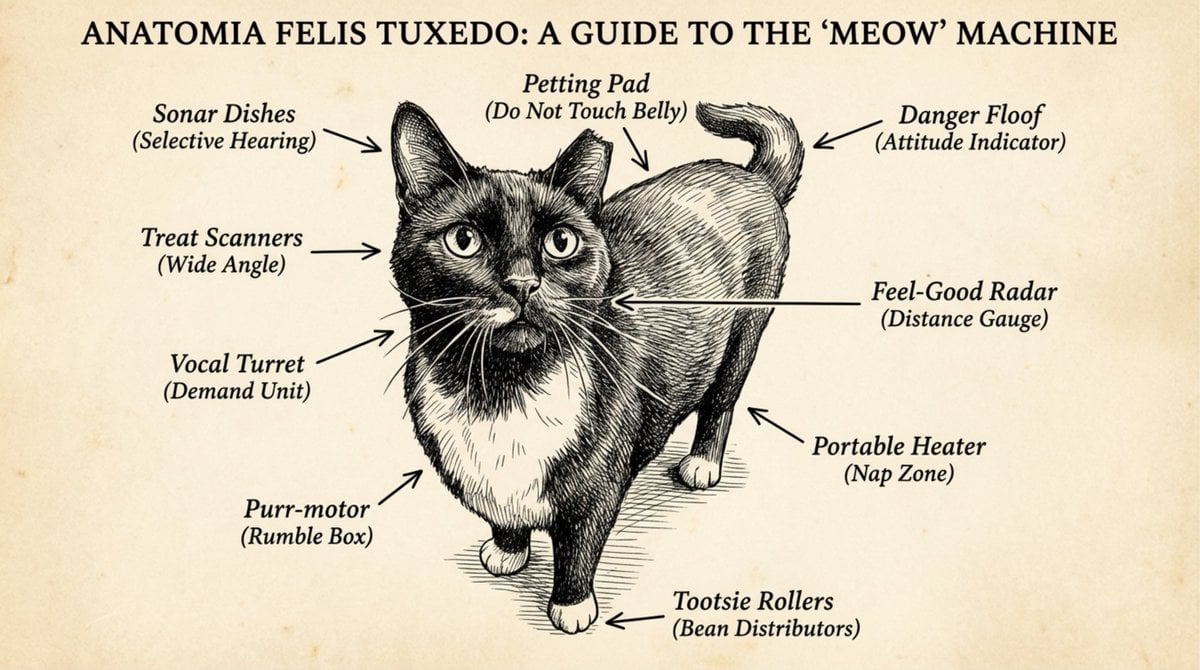
Funny anatomical diagram of a pet
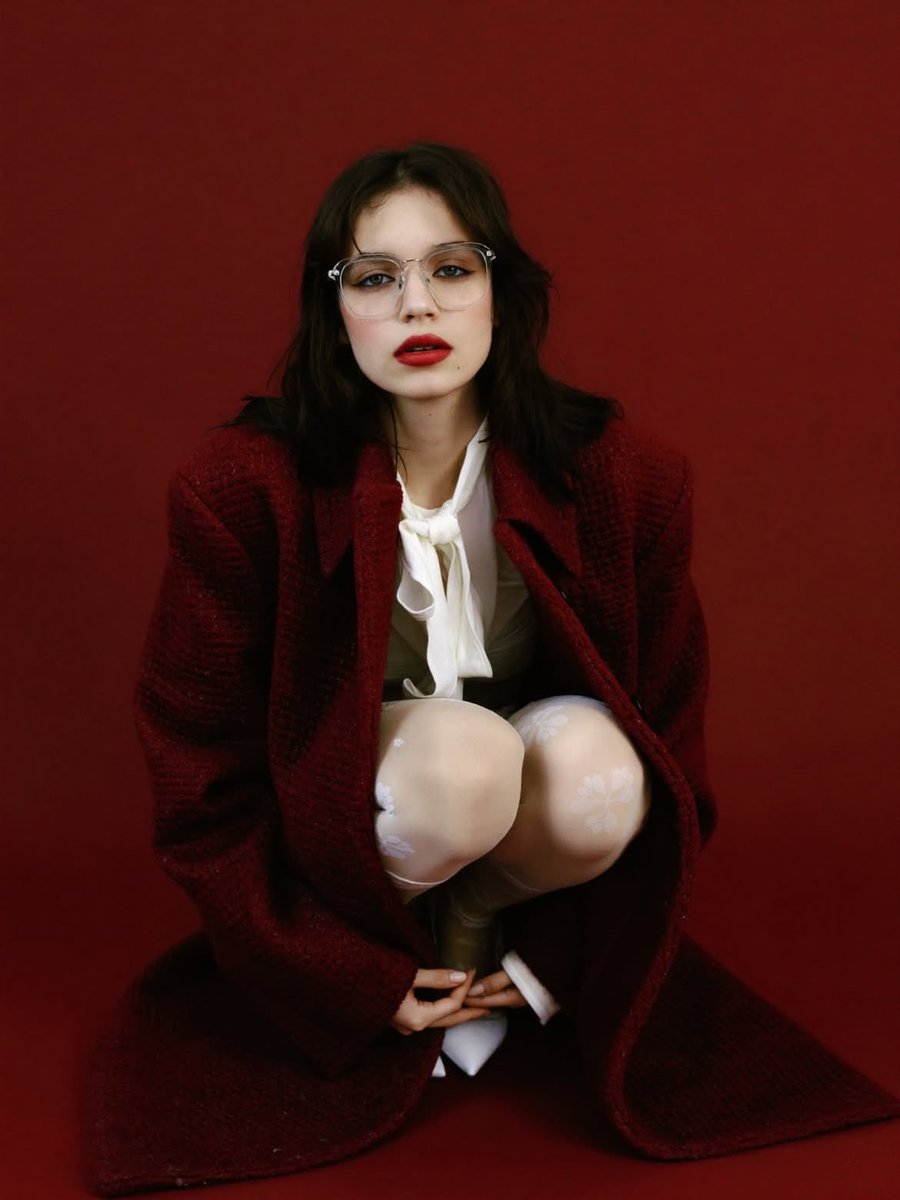
High-Fashion Editorial Portrait with Red Background
Professional ID Photo Generation Prompt for Nano Banana 2
Anime Cosmos Credit Card Design
3D chibi concept store brand prompt
Avant-Garde Editorial Velvet Portrait
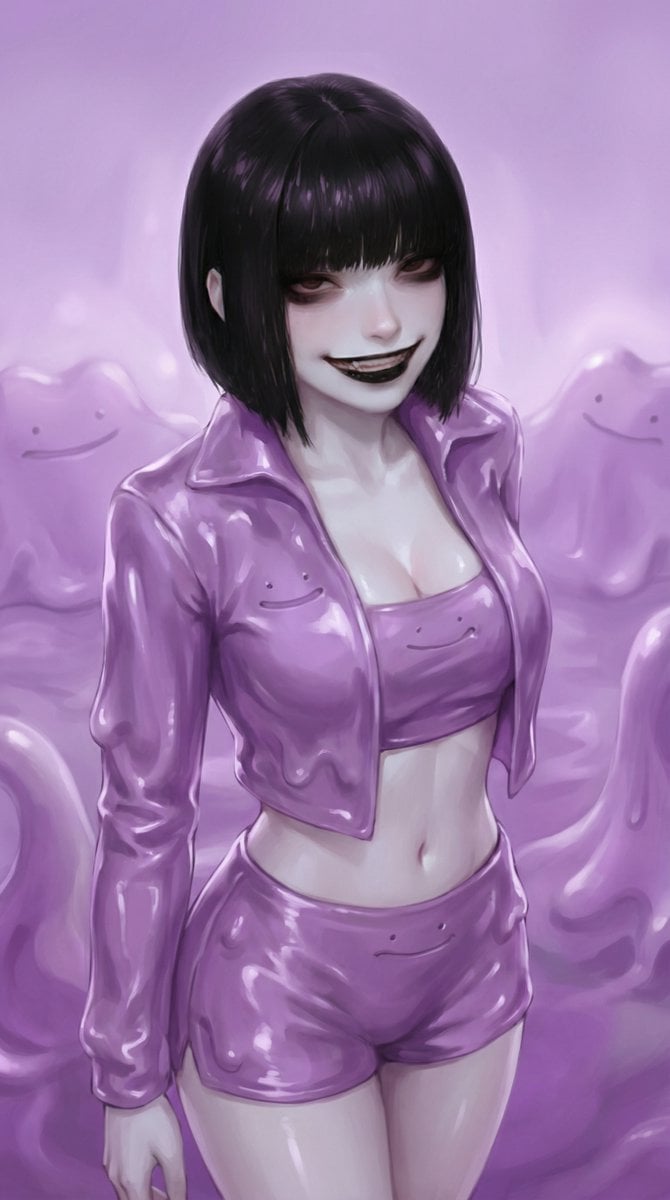
Ditto-Inspired Outfit Change with Identity Lock
Browse template categories
Retro Nightlife Flash Portrait questions
How do I use the Retro Nightlife Flash Portrait template?
Add your photo if the template asks for one, edit the prompt if you like — the template's model and format are already selected — and press Generate. Your version opens in PicX Studio.
Can I customize the Retro Nightlife Flash Portrait template?
Yes. You can change the subject, setting, lighting, mood, format, and available model controls before creating your image.
Is the Retro Nightlife Flash Portrait template free?
Opening and editing this template is free. Generating uses credits, shown on the Generate button when you are signed in.
Which AI model should I use?
Start with Nano Banana 2, which is the model associated with this template. You can compare another compatible model for a different finish.
Looking for something else? Browse all templates.

Your photo, any look
Thousands of ready templates for every top image and video model, from one credit balance.