
Surreal Product Composite: Subject Emerging from Cracked Phone Screen
A complex prompt for generating a surreal, photorealistic composite image, blending product photography with fantasy.
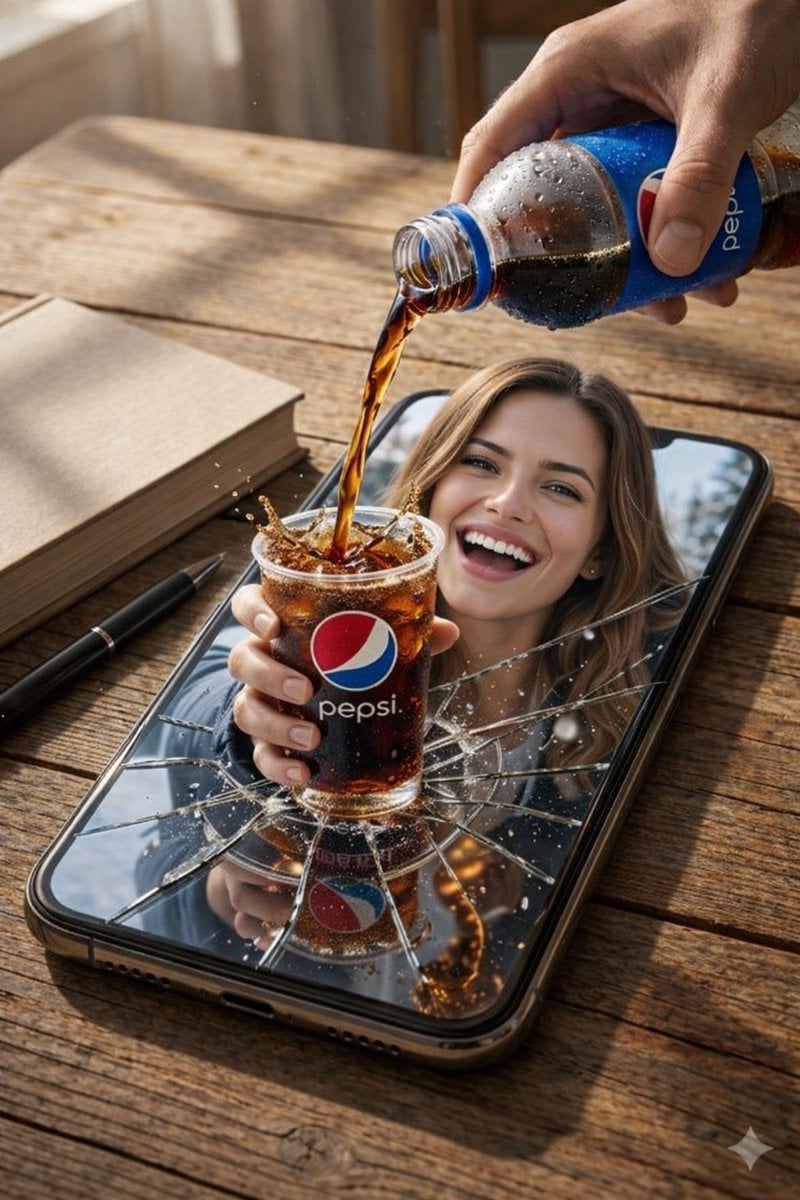
- Prompt included
- Model and format preset
- Free template
The prompt behind this image
Copy the exact prompt behind Surreal Product Composite: Subject Emerging from Cracked Phone Screen, or open it in the studio and make it yours.
{ "resolution": "8K UHD", "style": "photorealistic AI-edited composite, cinematic realism", "scene_type": "surreal product-style composition", "camera": { "angle": "slightly elevated top-down angle", "focus": "sharp foreground with shallow depth of field", "lens_effects": [ "natural depth of field", "high clarity", "macro-level liquid detail" ] }, "environment": { "surface": "wooden table with visible grain texture", "lighting": { "type": "soft natural daylight", "direction": "from upper left", "shadows": "soft realistic shadows under objects" }, "background": { "indoor": true, "elements": [ "blurred interior background", "snowy outdoor scenery visible inside phone screen in one image" ] } }, "main_object": { "smartphone": { "position": "lying flat on wooden table", "orientation": "vertical portrait orientation", "color": "black", "screen_state": "visibly cracked glass with radial fracture lines", "screen_interaction": "screen appears broken outward, allowing subject to emerge" } }, "human_subject": { "visibility": "upper body visible through phone screen", "expression": "wide smile, visible teeth", "eye_direction": "looking toward the viewer", "gender_presentation": "female-presenting", "hair": { "color": "light brown", "style": "loose, shoulder-length" }, "clothing_variants": [ { "outfit": "casual indoor look", "details": "neutral top visible behind phone screen" }, { "outfit": "winter clothing", "details": [ "dark padded jacket", "light turtleneck sweater", "black gloves", "black fur hat" ] } ] }, "action": { "primary_action": "soda being poured into a transparent plastic cup", "motion": "liquid splash frozen mid-air", "liquid_behavior": [ "visible carbonation bubbles", "splash droplets", "overflow splash effect" ] }, "beverage": { "type": "cola", "cup": { "material": "transparent plastic", "filled_with": "dark carbonated soda with ice", "logo": "{argument name="beverage brand" default="Pepsi"} logo clearly visible" }, "bottle": { "material": "plastic", "label": "Pepsi branding visible", "condition": "condensation droplets on bottle surface", "held_by": "human hand entering frame from top right" } }, "secondary_objects": [ { "object": "book", "position": "left side of phone", "color": "light beige cover", "state": "closed" }, { "object": "pen", "position": "near book on table", "color": "black", "orientation": "diagonal" } ], "effects": { "surreal_elements": [ "subject emerging from phone screen", "phy" ] } }
How to use Surreal Product Composite: Subject Emerging from Cracked Phone Screen in 3 steps
- 1
Open
The prompt is already in the box next to the preview, with the template's model and format selected.
- 2…a portrait of your subject in softgolden-hour light, 85mm…
Personalize
Edit the subject and creative details for your destination.
- 3Generate
Generate
Press Generate — your image is created in PicX Studio, so you can compare it with the original and refine one variable at a time.
More like this
Templates with the same subject, style or setup. Open one to see its prompt.
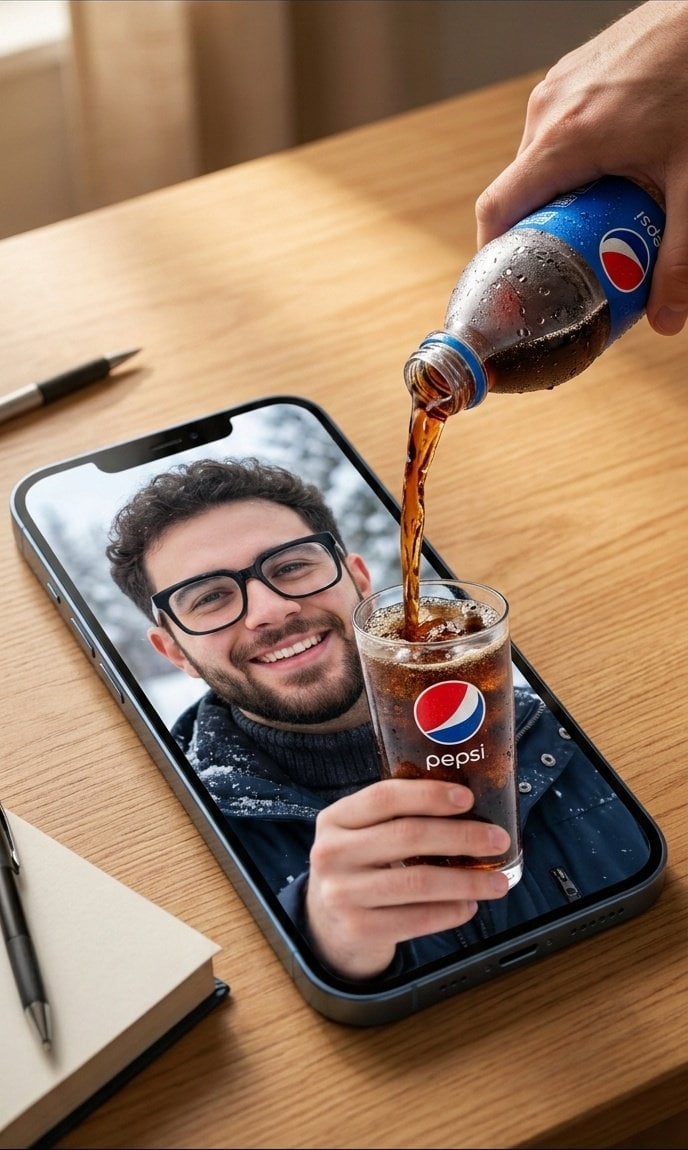
Surreal Commercial Composite: Pepsi Pouring into a Smartphone Screen

Headphones Lifestyle Nine Panel Grid
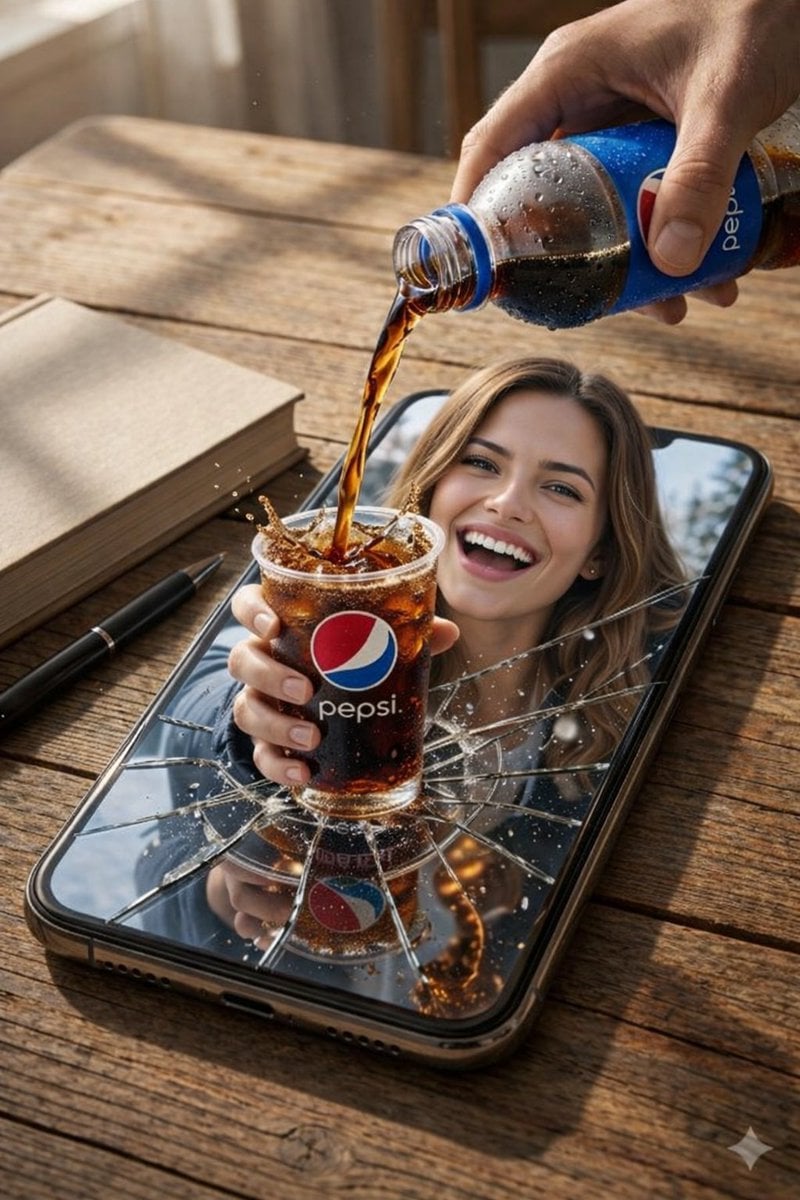
Surreal Pepsi Pour Phone Composite
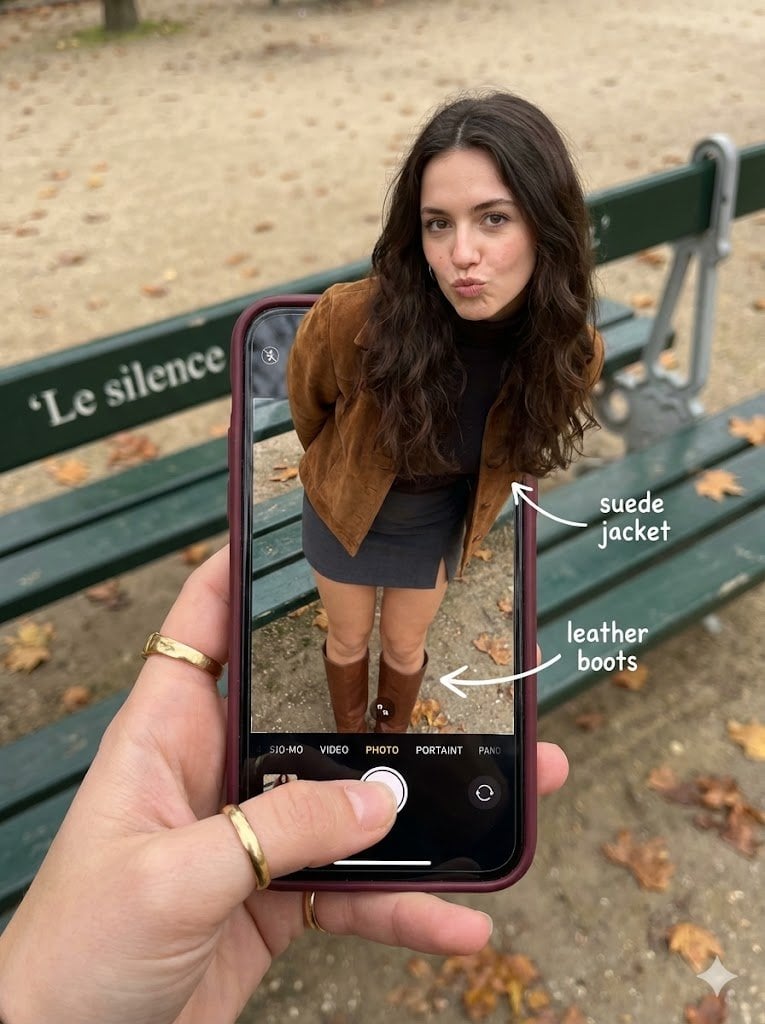
Hyper-Realistic Optical Illusion: Woman Emerging from Smartphone Screen

Character Emerging from Smartphone Screen (Forced Perspective)

Surreal Cinematic Scene: Man Emerging from Phone with Tiny Cartoon Boy

Wireless Headphones Creative Ad Visual
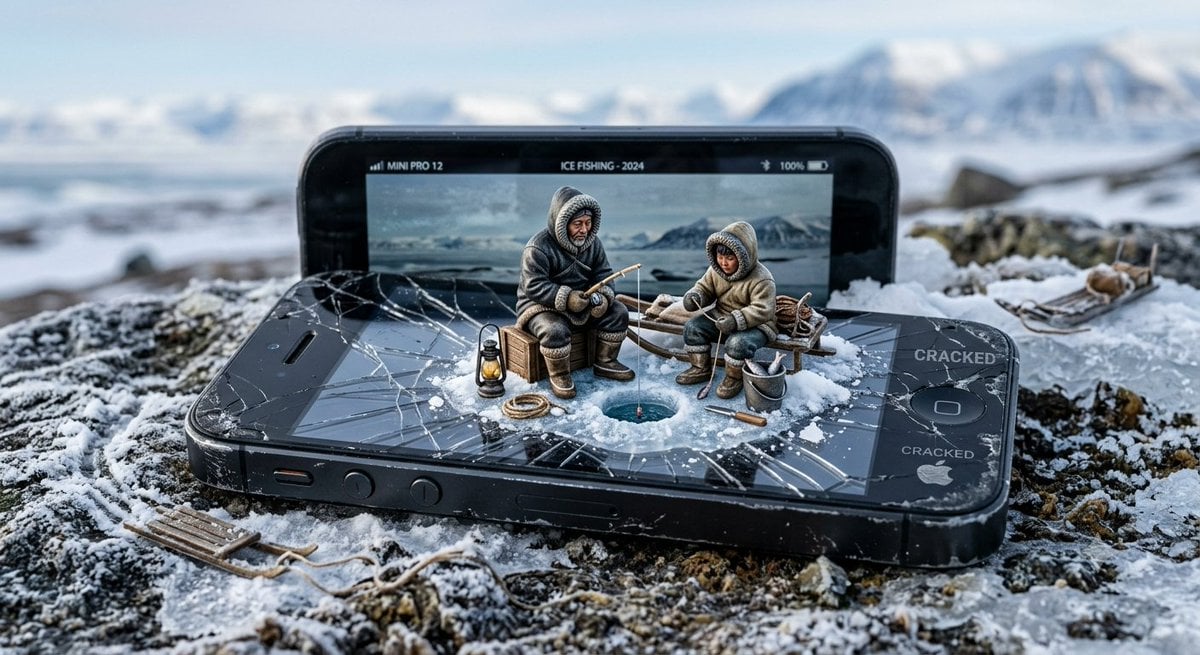
Miniature Inuit Fishing on Cracked Phone
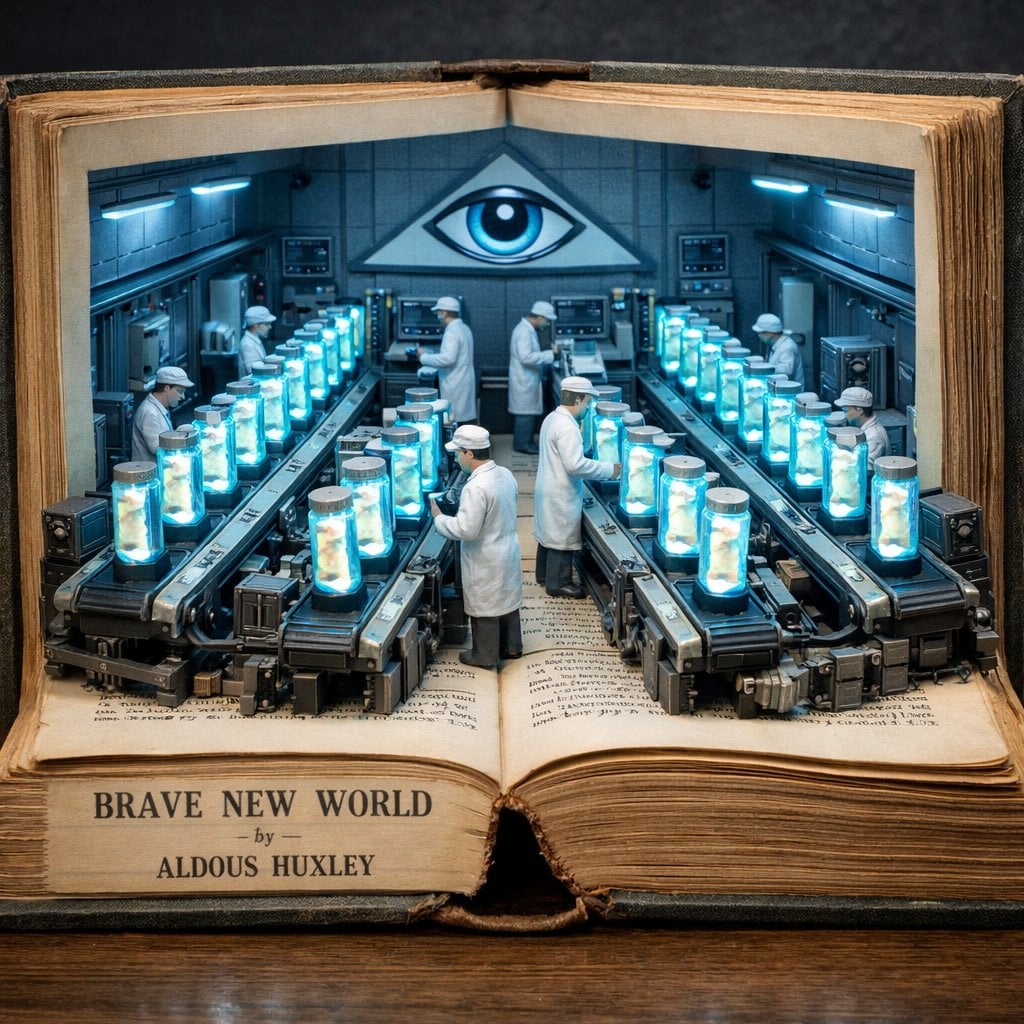
Surreal diorama emerging from an open vintage book of Brave New World
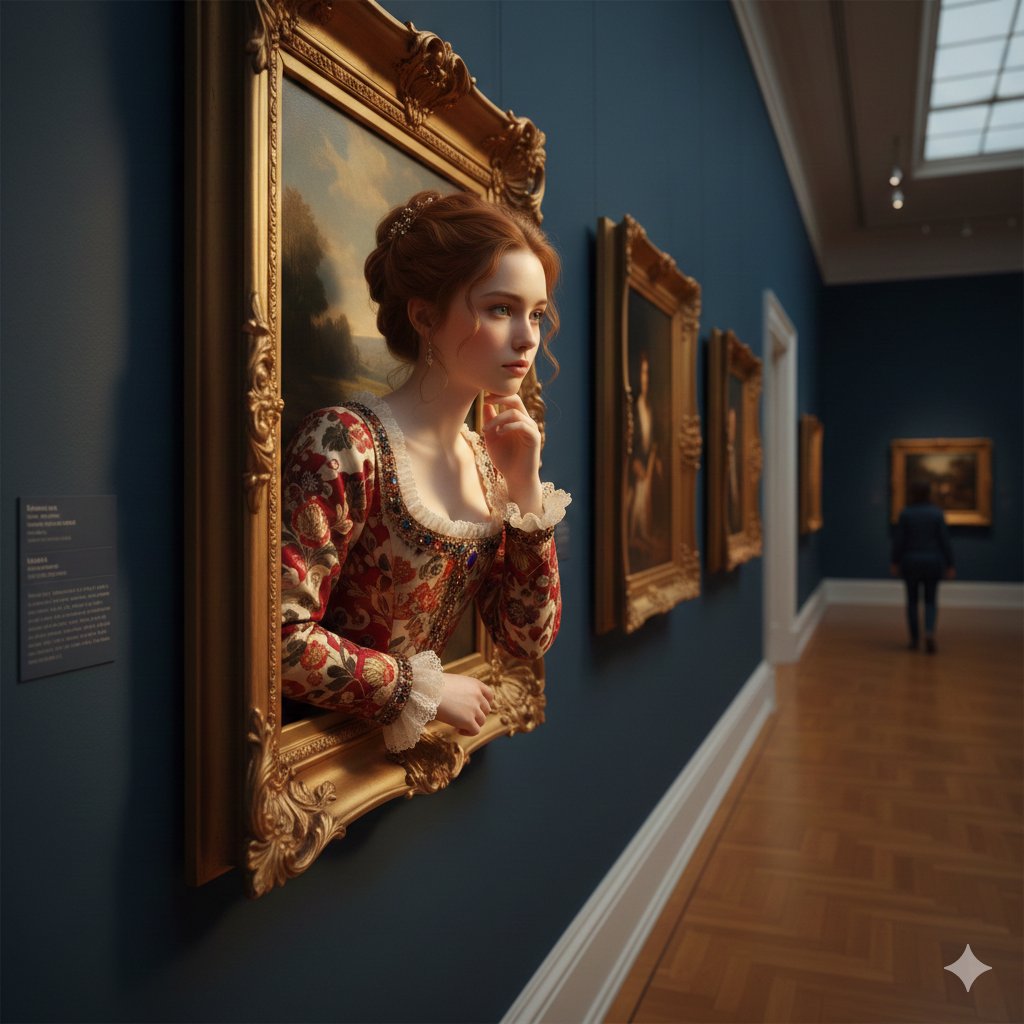
A surreal, ultra-realistic scene of a young woman emerging
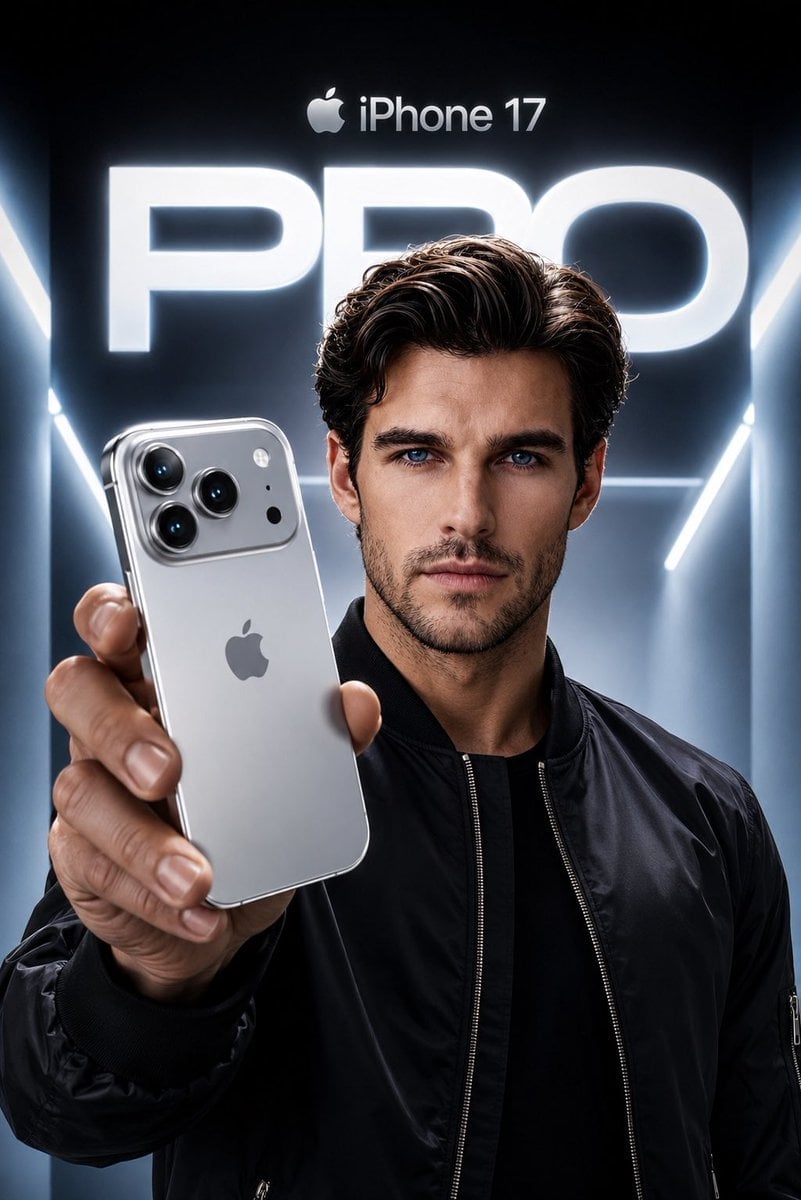
Apple Style iPhone Product Campaign

Surreal Cat Astronaut — Humanoid Face Freefall
Make it yours
Surreal Product Composite: Subject Emerging from Cracked Phone Screen works as-is. These are the safest ways to change it without losing the look.
Change one field
Copy a single group, rewrite it, and generate again so you can see what that field is doing.
Keep the frame, change the subject
Hold the composition and light of Surreal Product Composite: Subject Emerging from Cracked Phone Screen, then swap wardrobe, props or the person for a new take.
| If the result… | Why | Fix |
|---|---|---|
| The result drifts from the preview | Too many fields changed at once. | Reuse Surreal Product Composite: Subject Emerging from Cracked Phone Screen as-is first, then change one group — subject, light, or setting. |
| The model over-stylizes the scene | The prose prompt leaves finish and camera underspecified. | Add one camera or lighting sentence and stay on Nano Banana 2. |
More Nano Banana 2 templates
Other prompts made for Nano Banana 2.

Photorealistic Leaf Shaped Like a Dragon

K-Pop Idol Portrait Grid for Rapid Selection

Poetic Rain Forest Portrait During Golden Hour

Urban Street Portrait with Cartoon Inner Self Duo

Candid Nighttime Photo with Cat Prompt

High-Concept 3D Diorama Generation Prompt

Cinematic Futuristic Studio Portrait Template

Skincare Editorial Photography Collage Prompt

Hyper-Realistic Commercial Product Photography (Splash Effect)

Hyper-Realistic Nightclub Portrait Prompt
More image prompts
Fresh picks from across the catalog.

Luxury Hospitality Slipper Ad
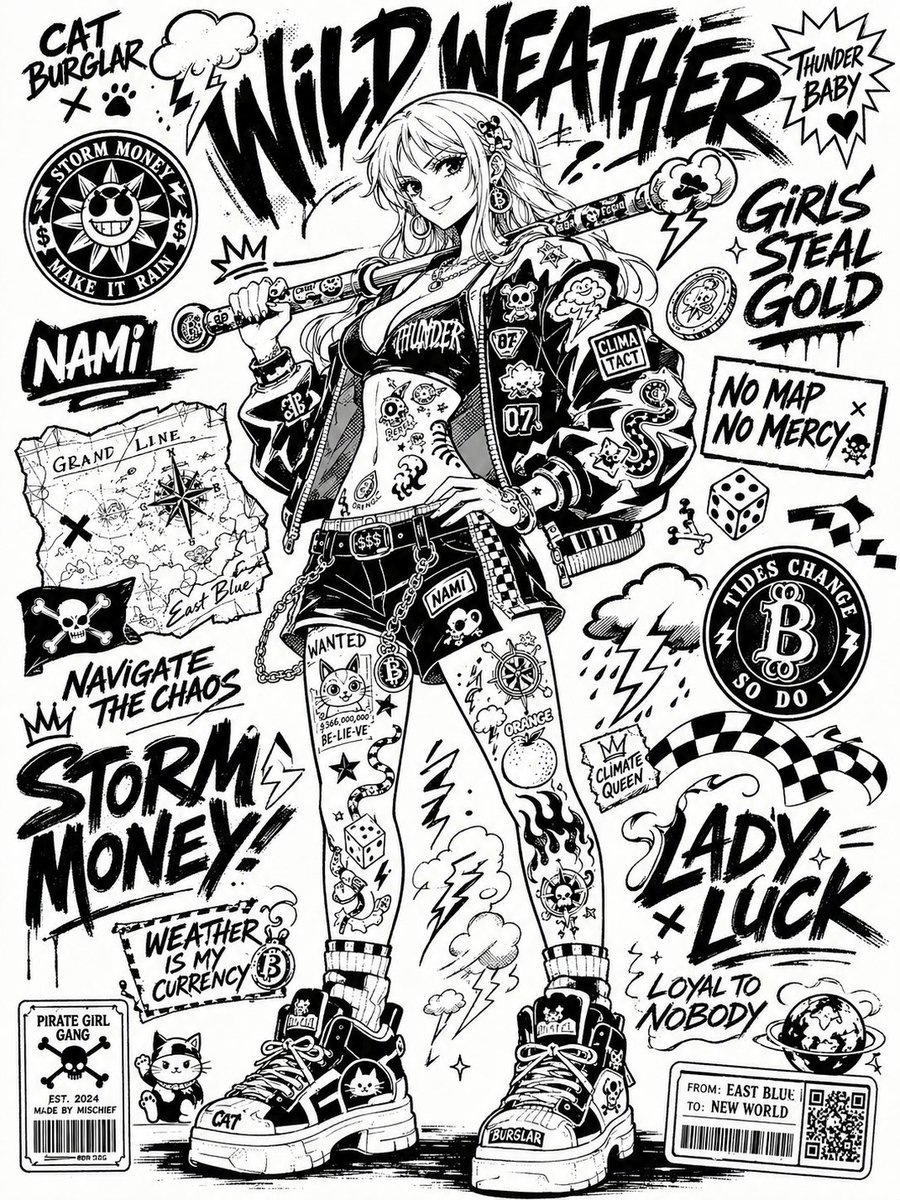
Black and White Sticker Bomb Street Poster

@Lart_AI Prompt 👇 Prompt: Ultra-stylized high-f

Heroic Dramatic Studio Portrait Prompt (Chinese Style)
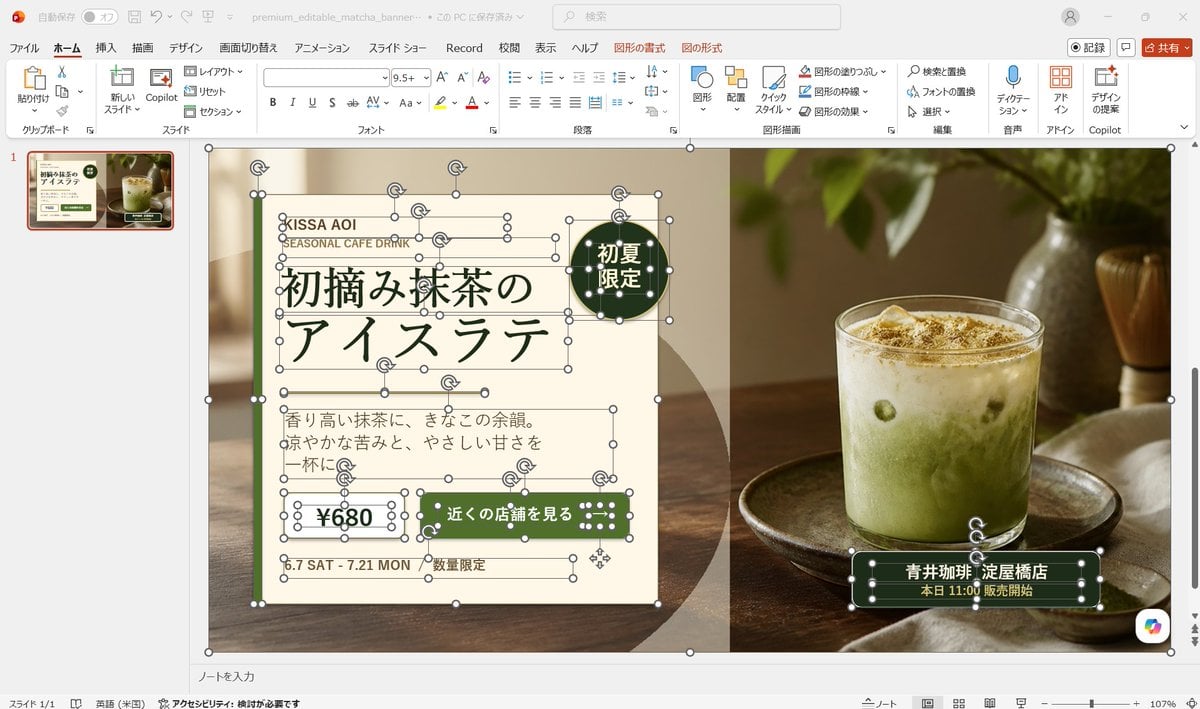
Editable Matcha Banner in PowerPoint
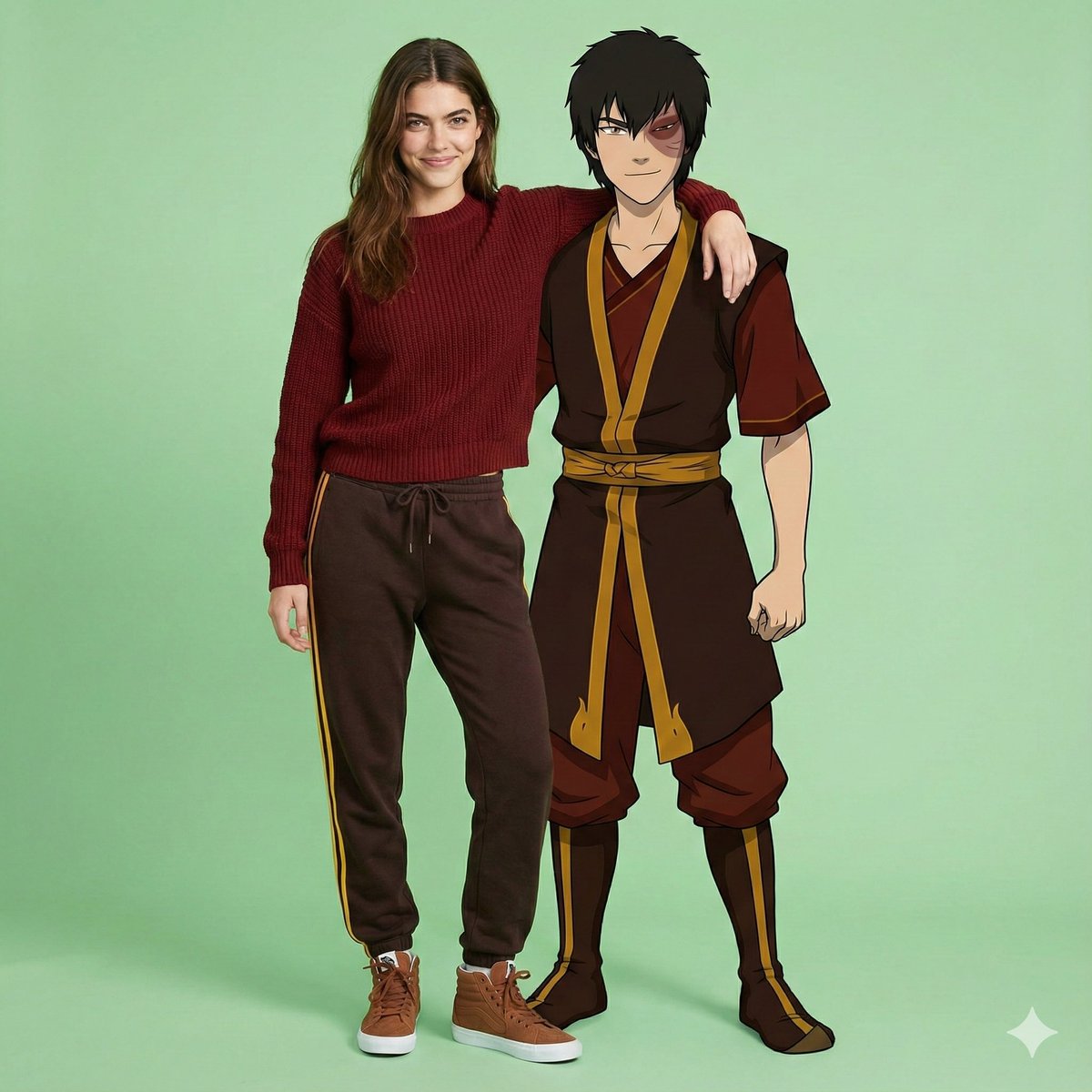
Avatar Zuko Fan Photo Prompt for Nano Banana Pro

Introspective Cinematic Café Portrait

Ultra-Detailed 3D Plush Cartoon Character Rendering

Character Visiting a Museum
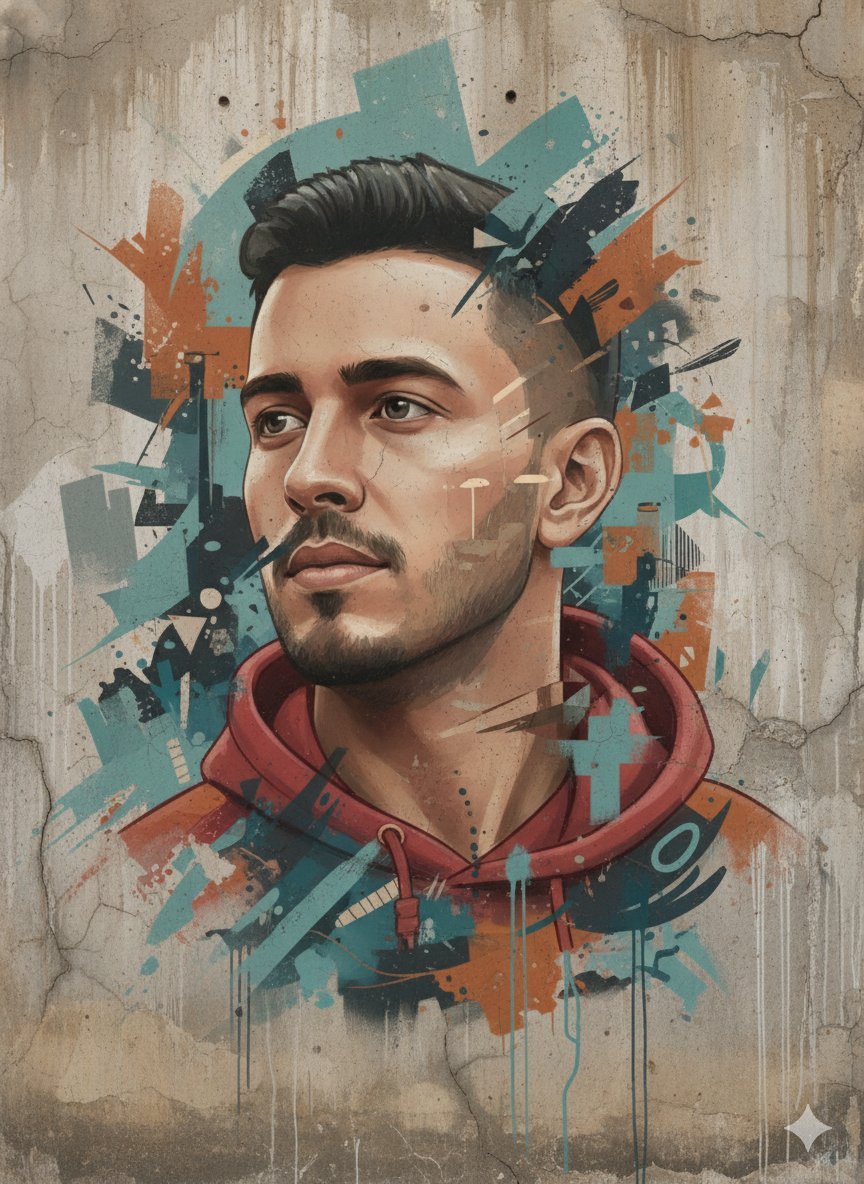
Abstract Realism Street Mural with Identity Preservation
Browse template categories
Surreal Product Composite: Subject Emerging from Cracked Phone Screen questions
How do I use the Surreal Product Composite: Subject Emerging from Cracked Phone Screen template?
Add your photo if the template asks for one, edit the prompt if you like — the template's model and format are already selected — and press Generate. Your version opens in PicX Studio.
Can I customize the Surreal Product Composite: Subject Emerging from Cracked Phone Screen template?
Yes. You can change the subject, setting, lighting, mood, format, and available model controls before creating your image.
Is the Surreal Product Composite: Subject Emerging from Cracked Phone Screen template free?
Opening and editing this template is free. Generating uses credits, shown on the Generate button when you are signed in.
Which AI model should I use?
Start with Nano Banana 2, which is the model associated with this template. You can compare another compatible model for a different finish.
Looking for something else? Browse all templates.

Your photo, any look
Thousands of ready templates for every top image and video model, from one credit balance.