
Wireless Headphones Creative Ad Visual
Wireless Headphones Creative Ad Visual is a ready photo look.
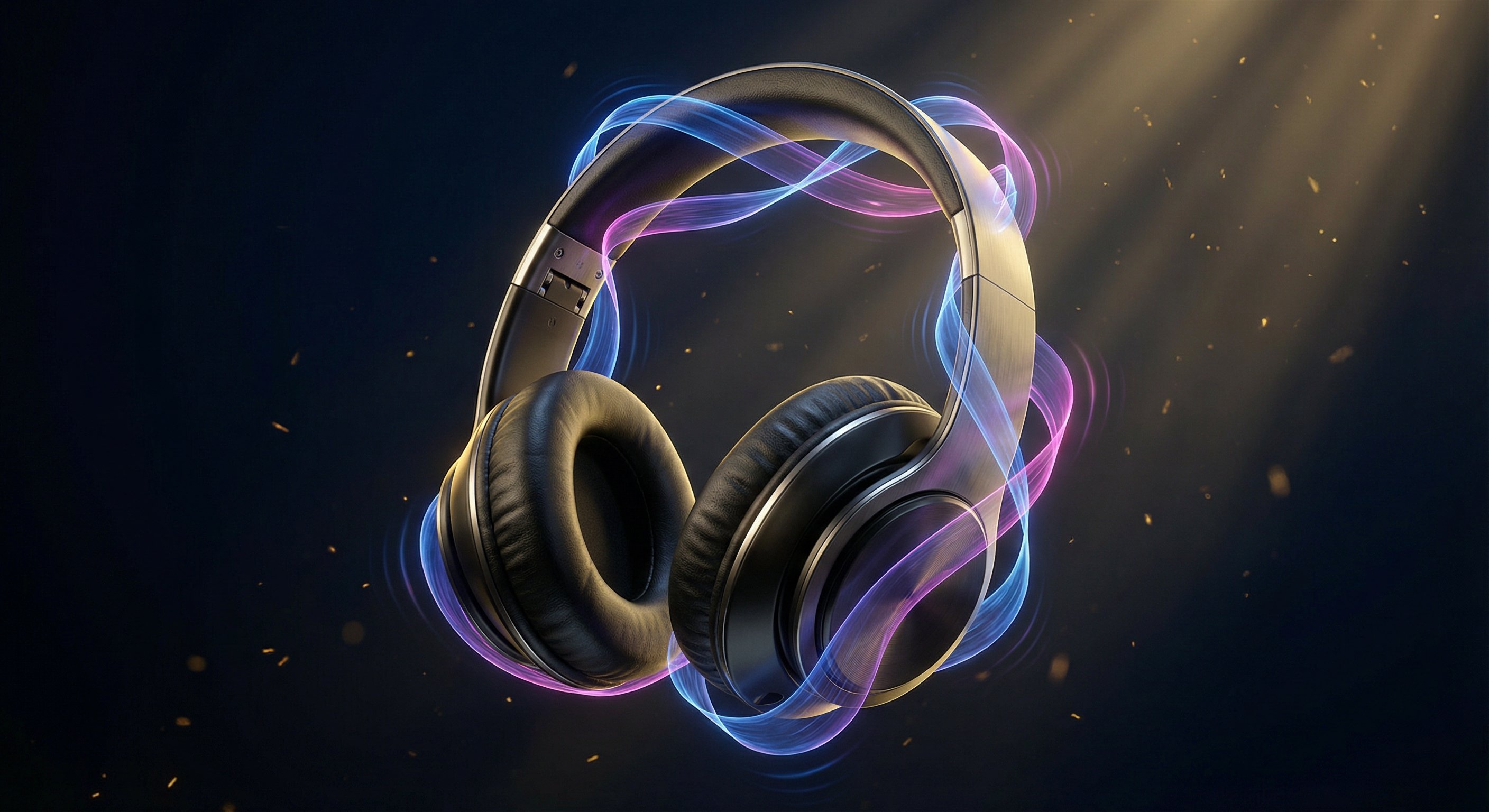
- Prompt included
- Model and format preset
- Free template
The prompt behind this image
Copy the exact prompt behind Wireless Headphones Creative Ad Visual, or open it in the studio and make it yours.
- Subject › Description
- high-end wireless headphones suspended mid-air, luxurious vegan leather ear cups in obsidian black, titanium alloy headband with ergonomic curve, visible cushion compression and hinge details
- Subject › Prop › Type
- abstract sound waves
- Subject › Prop › Details
- translucent glowing ribbons in sapphire blue and magenta weaving intricately through headband and cups, radiating energy waves with subtle pulse effects
- Photography › Camera Style
- 4K hyper-realistic CGI cinema poster
- Photography › Angle
- three-quarter view angled slightly from side for dimension
- Photography › Shot Type
- balanced poster layout with dynamic asymmetry
- Photography › Texture
- ultra-detailed surfaces, realistic reflections and subsurface scattering
- Background › Setting
- inky midnight blue expanse
- Background › Elements
- delicate glowing particles drifting like embers
- Background › Atmosphere
- epic cinematic power, layered depth
- Background › Lighting
- enhanced dramatic rim with golden undertones, soft volumetric god beams and ribbon luminescence
Raw JSON
{
  "subject": {
    "description": "high-end wireless headphones suspended mid-air, luxurious vegan leather ear cups in obsidian black, titanium alloy headband with ergonomic curve, visible cushion compression and hinge details",
    "prop": {
      "type": "abstract sound waves",
      "details": "translucent glowing ribbons in sapphire blue and magenta weaving intricately through headband and cups, radiating energy waves with subtle pulse effects"
    }
  },
  "photography": {
    "camera_style": "4K hyper-realistic CGI cinema poster",
    "angle": "three-quarter view angled slightly from side for dimension",
    "shot_type": "balanced poster layout with dynamic asymmetry",
    "texture": "ultra-detailed surfaces, realistic reflections and subsurface scattering"
  },
  "background": {
    "setting": "inky midnight blue expanse",
    "elements": ["delicate glowing particles drifting like embers"],
    "atmosphere": "epic cinematic power, layered depth",
    "lighting": "enhanced dramatic rim with golden undertones, soft volumetric god beams and ribbon luminescence"
  }
}How to use Wireless Headphones Creative Ad Visual in 3 steps
- 1
Open
The prompt is already in the box next to the preview, with the template's model and format selected.
- 2…a portrait of your subject in softgolden-hour light, 85mm…
Personalize
Edit the subject and creative details for your destination.
- 3Generate
Generate
Press Generate — your image is created in PicX Studio, so you can compare it with the original and refine one variable at a time.
More like this
Templates with the same subject, style or setup. Open one to see its prompt.

Headphones Lifestyle Nine Panel Grid

Cold Brew Coffee Ad Visual
Stanley Poster Ad Visual

A k.pop idol on the stage with mic

Trendy Cafe Drink Promo Poster

Minimalist Skincare Product Water Stone Still

Giant Forced Perspective Street Product Selfie

Playful Futuristic Brand Kit Board

Cappuccino Bottle Splash Product Ad

Luxury Toothpaste Commercial Storyboard

Parle Hide and Seek Cookie Campaign Poster

Moss Logo Minimalist Brand Flat Lay
Make it yours
Wireless Headphones Creative Ad Visual works as-is. These are the safest ways to change it without losing the look.
Swap the setting
Keep the rest of the prompt and replace the location block. The current setting is “inky midnight blue expanse”.
Swap the light
One lighting change is enough to compare takes. Current light: “enhanced dramatic rim with golden undertones, soft volumetric god beams and ribb”.
Change one field
Copy a single group, rewrite it, and generate again so you can see what that field is doing.
| If the result… | Why | Fix |
|---|---|---|
| The result drifts from the preview | Too many fields changed at once. | Reuse Wireless Headphones Creative Ad Visual as-is first, then change one group — subject, light, or setting. |
| PicX Studio ignores part of the JSON | Some models flatten or skip nested keys. | Keep the same values and paste them as a short paragraph instead. |
More image prompts
Fresh picks from across the catalog.
Korean Classroom Aesthetic Portrait
High-End Sporty Fashion Editorial Skiing
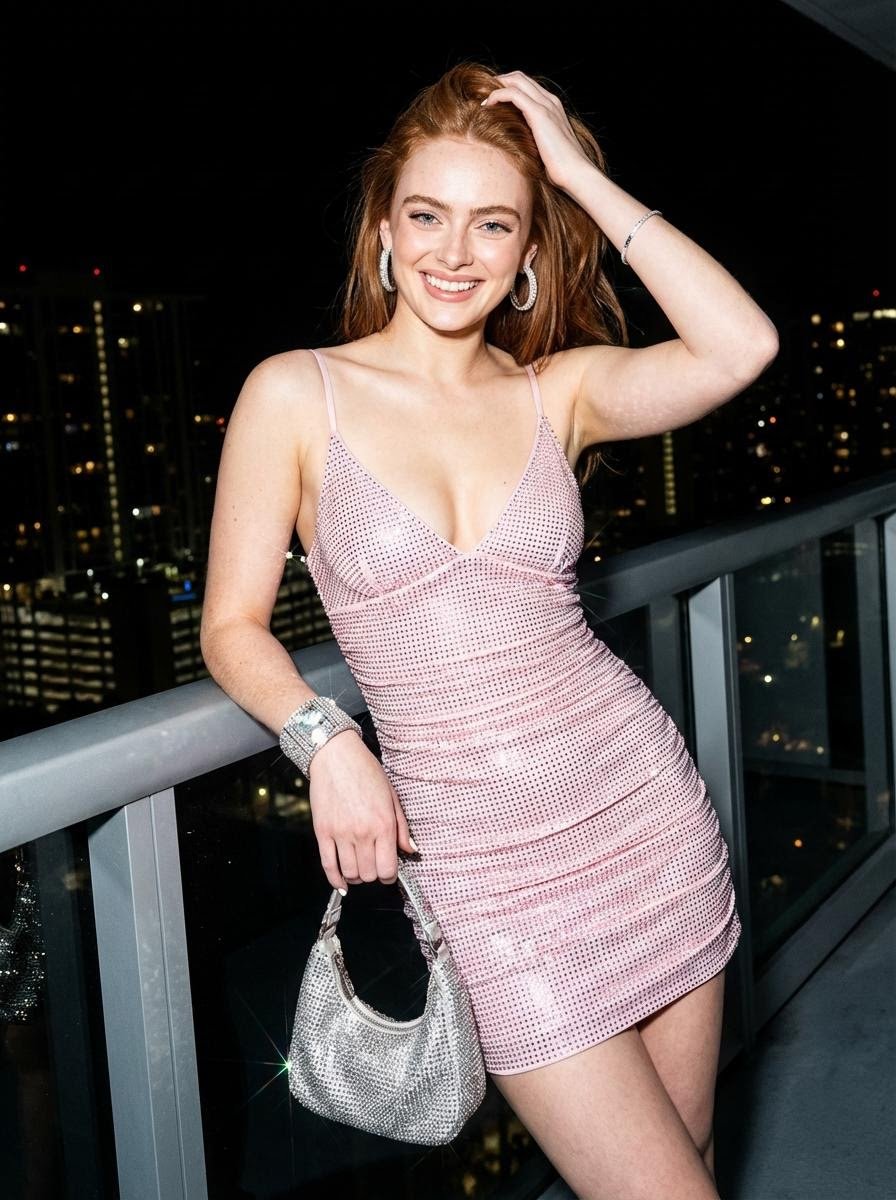
Nightlife Editorial Portrait Prompt

Zero-Gravity Space Maid Cafe Portrait
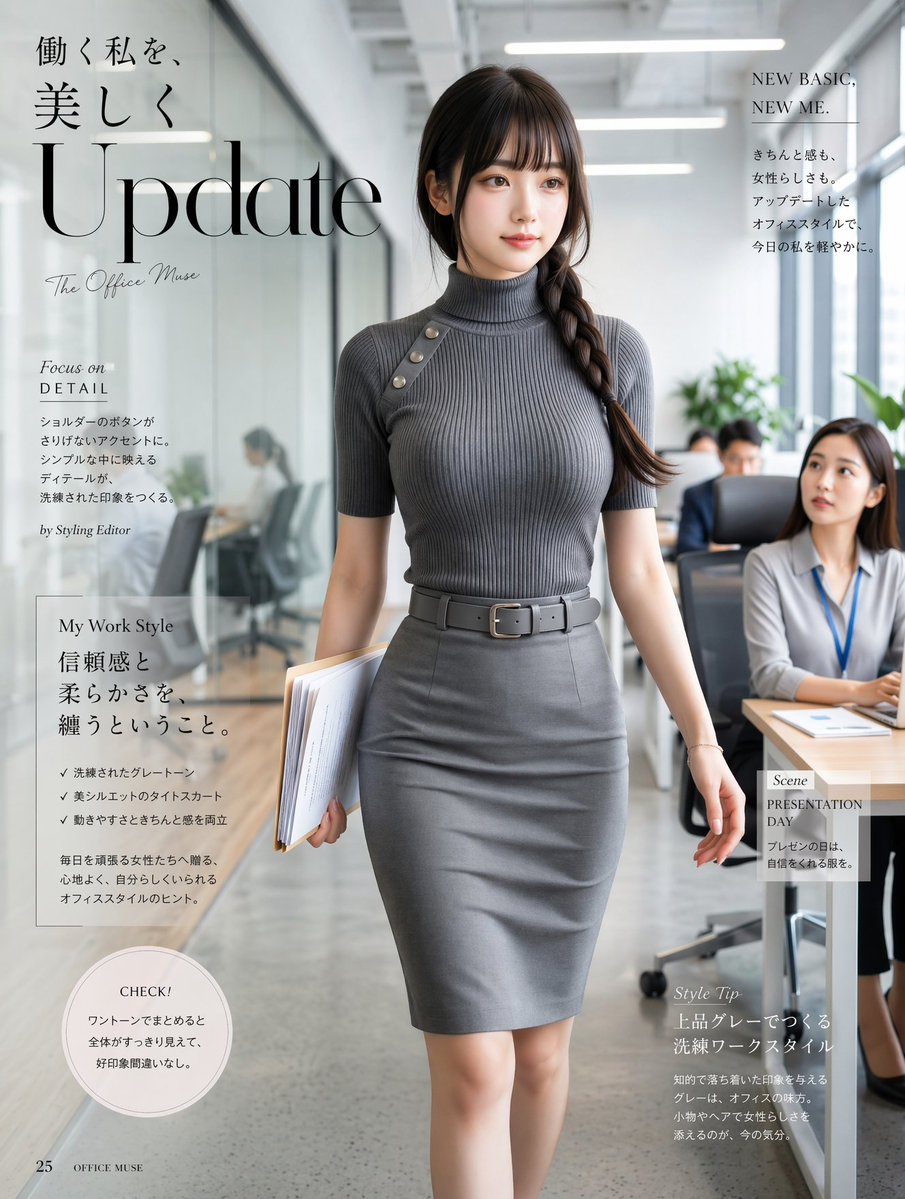
Office Fashion Magazine Cover
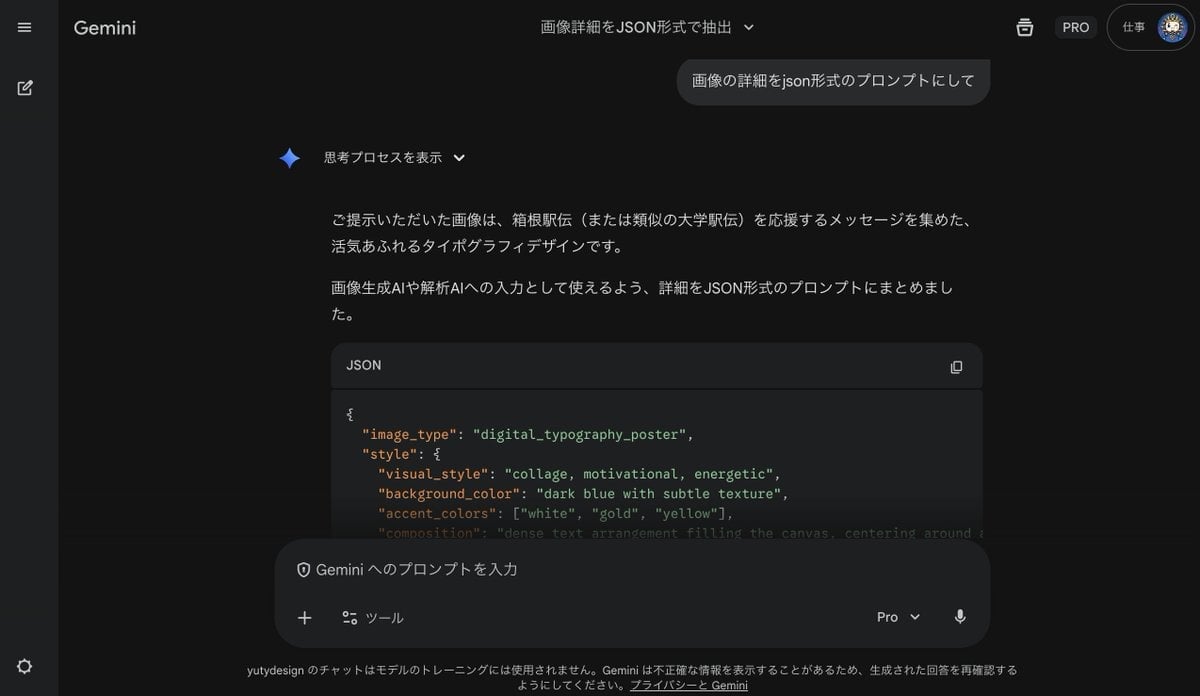
Generating Prompts from Reference Images with Nano Banana Pro

Chinese Poem Electrical Diorama Poster
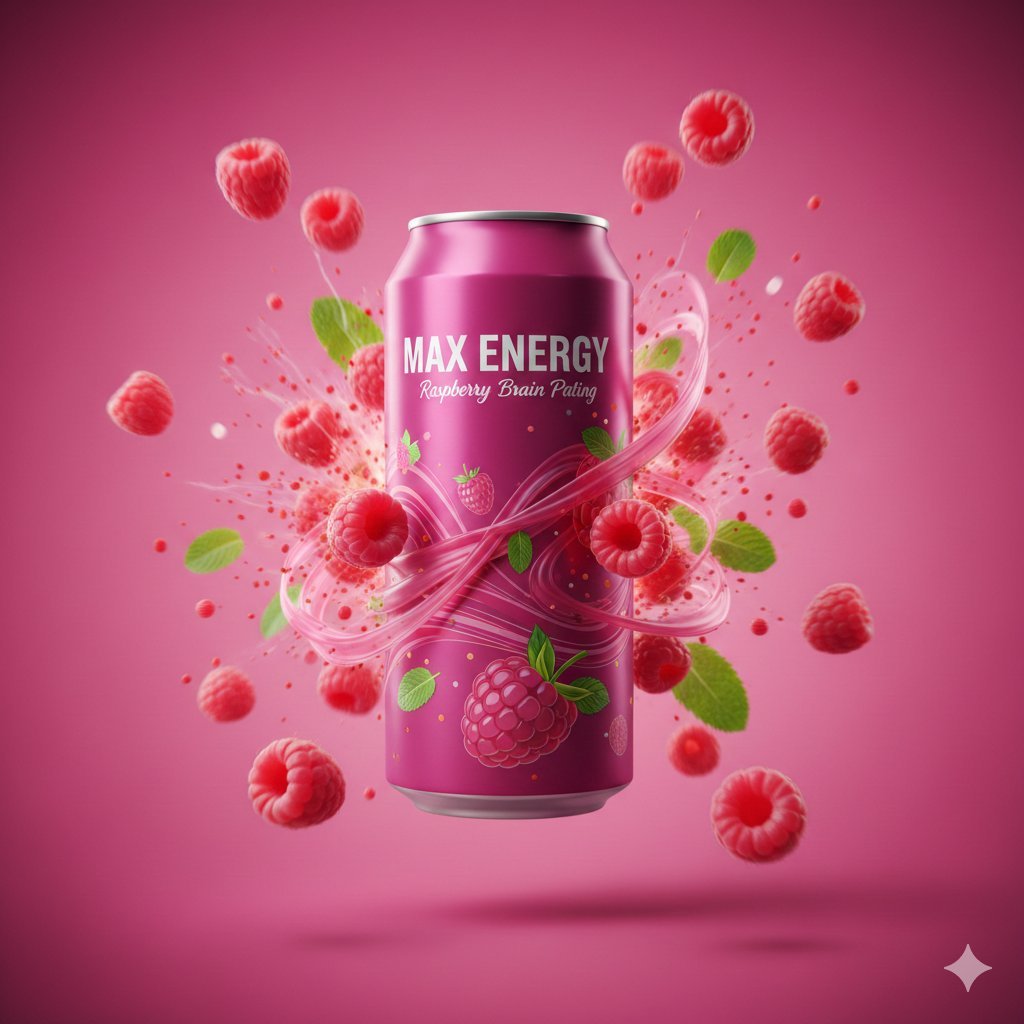
Cinematic Energy Drink Advertisement
Chrono-Holiday Artisan: Christmas Card Re-render by Era
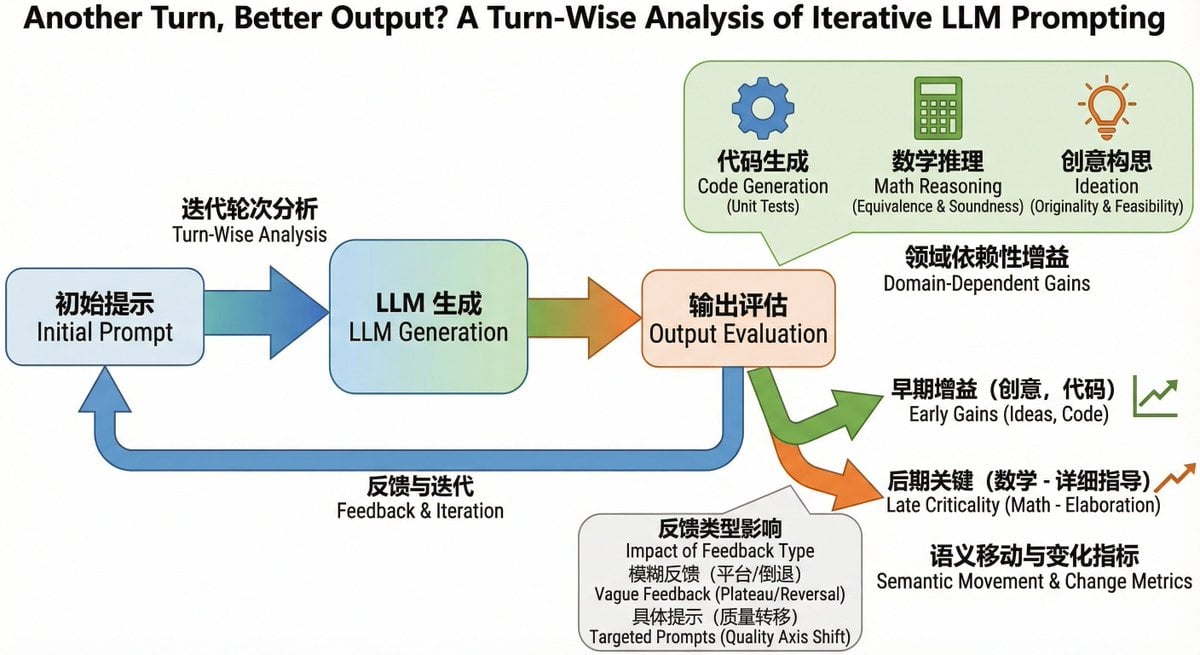
Bilingual diagram from a research paper
Browse template categories
Wireless Headphones Creative Ad Visual questions
How do I use the Wireless Headphones Creative Ad Visual template?
Add your photo if the template asks for one, edit the prompt if you like — the template's model and format are already selected — and press Generate. Your version opens in PicX Studio.
Can I customize the Wireless Headphones Creative Ad Visual template?
Yes. You can change the subject, setting, lighting, mood, format, and available model controls before creating your image.
Is the Wireless Headphones Creative Ad Visual template free?
Opening and editing this template is free. Generating uses credits, shown on the Generate button when you are signed in.
Which AI model should I use?
Choose a compatible model in PicX Studio based on the style, speed, and output controls your project needs.
Looking for something else? Browse all templates.

Your photo, any look
Thousands of ready templates for every top image and video model, from one credit balance.