
Cold Brew Coffee Ad Visual
Cold Brew Coffee Ad Visual is a ready photo look.

- Prompt included
- Model and format preset
- Premium template
The prompt behind this image
Copy the exact prompt behind Cold Brew Coffee Ad Visual, or open it in the studio and make it yours.
Ultra-premium 4K commercial poster of a tall iced coffee drink placed slightly tilted at center, rich coffee swirls visible through transparent cup, ice cubes frozen mid-air, roasted coffee beans dynamically floating around the cup, warm caramel-to-brown gradient background. Bold modern typography integrated behind the cup reading “COFFEE, BUT STRONGER”, smaller subtext: “Cold brew energy blend”. Studio lighting, sharp shadows beneath cup, high contrast, clean advertising layout, eye-catching US beverage campaign styleUltra-premium 4K commercial poster of a tall iced coffee drink placed slightly tilted at center, rich coffee swirls visible through transparent cup, ice cubes frozen mid-air, roasted coffee beans dynamically floating around the cup, warm caramel-to-brown gradient background. Bold modern typography integrated behind the cup reading “COFFEE, BUT STRONGER”, smaller subtext: “Cold brew energy blend”. Studio lighting, sharp shadows beneath cup, high contrast, clean advertising layout, eye-catching US beverage campaign style
How to use Cold Brew Coffee Ad Visual in 3 steps
- 1
Open
The prompt is already in the box next to the preview, with the template's model and format selected.
- 2…a portrait of your subject in softgolden-hour light, 85mm…
Personalize
Edit the subject and creative details for your destination.
- 3Generate
Generate
Press Generate — your image is created in PicX Studio, so you can compare it with the original and refine one variable at a time.
More like this
Templates with the same subject, style or setup. Open one to see its prompt.

Cappuccino Bottle Splash Product Ad
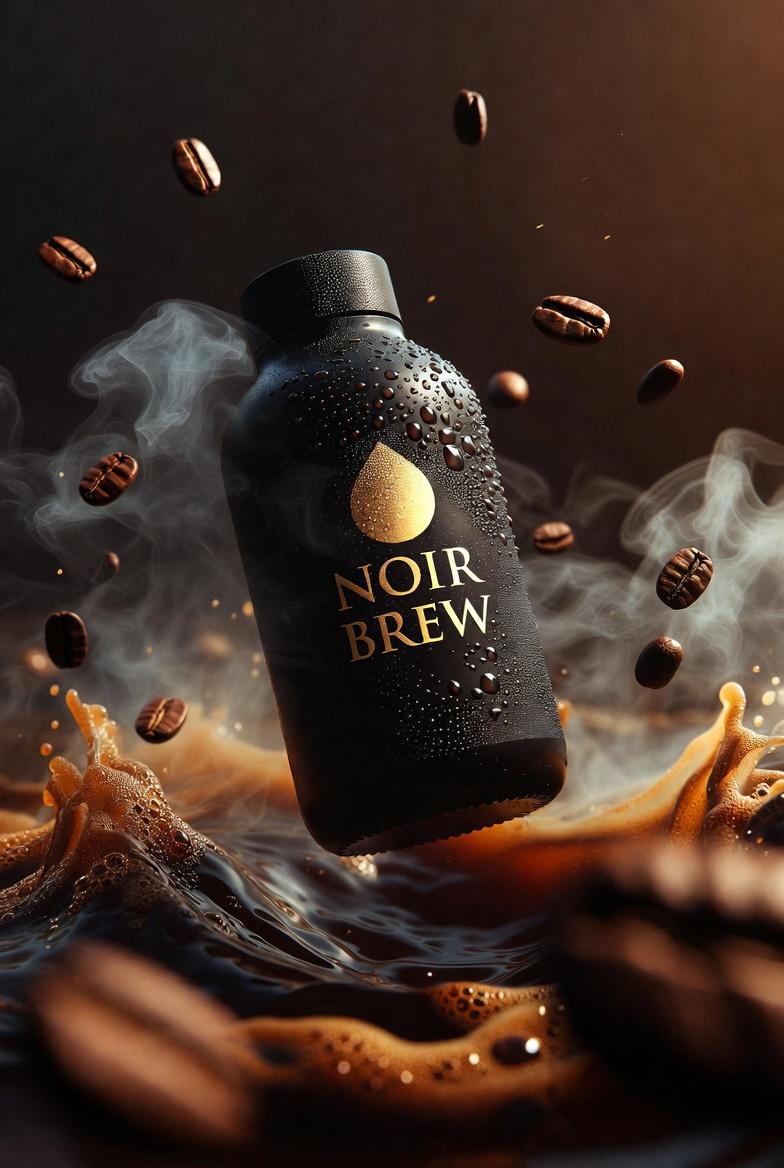
Ultra-Cinematic Product Photography of 'NOIR BREW' Coffee Bottle
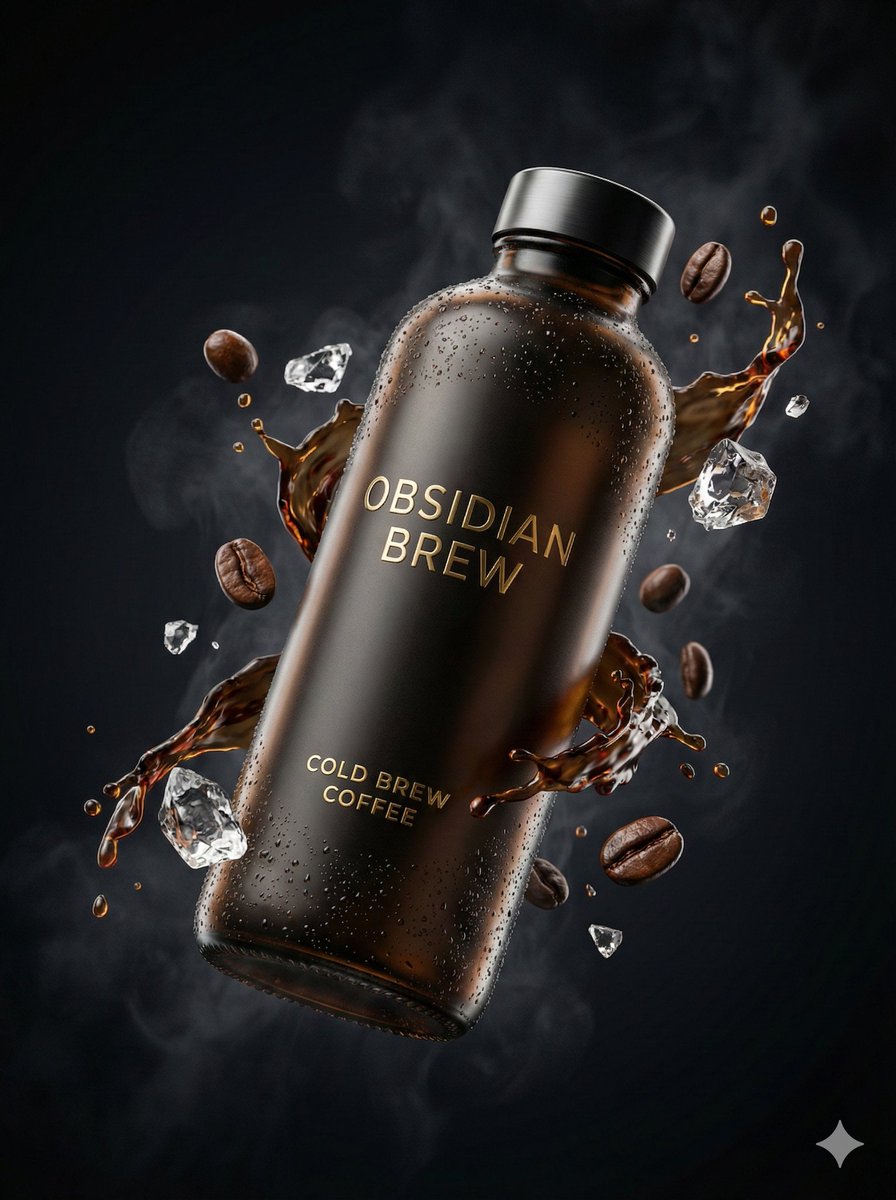
Ultra-Cinematic Luxury Cold Brew Product Photography
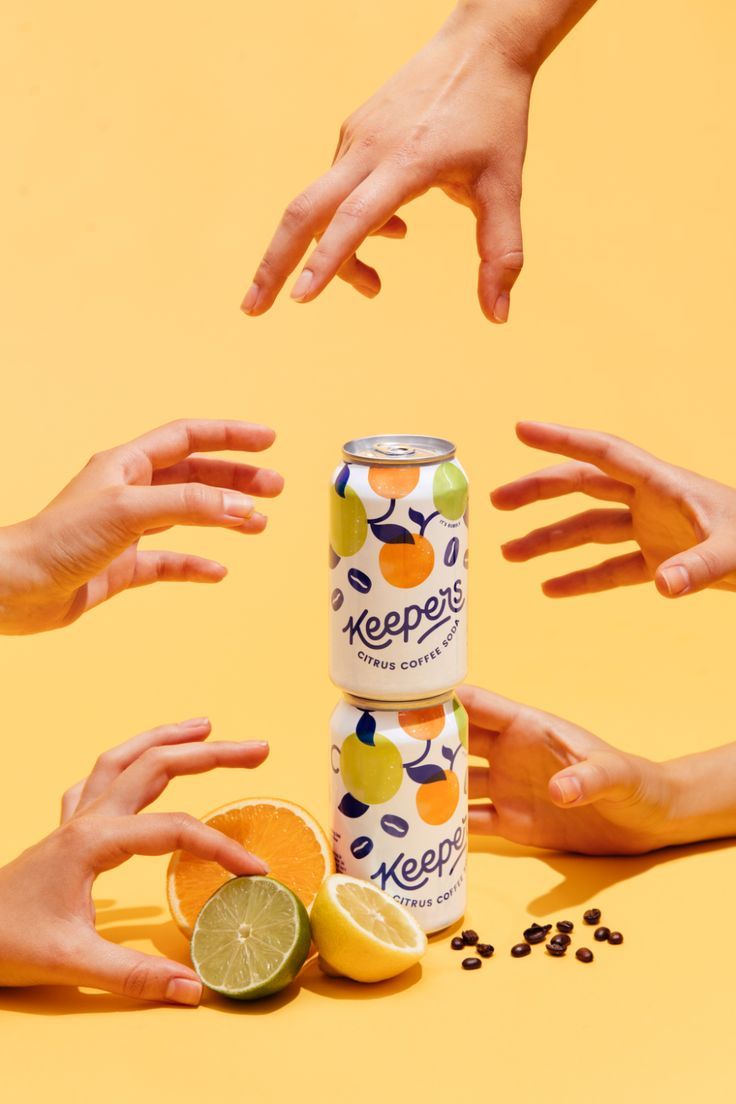
Vibrant Citrus Coffee Social

Wireless Headphones Creative Ad Visual
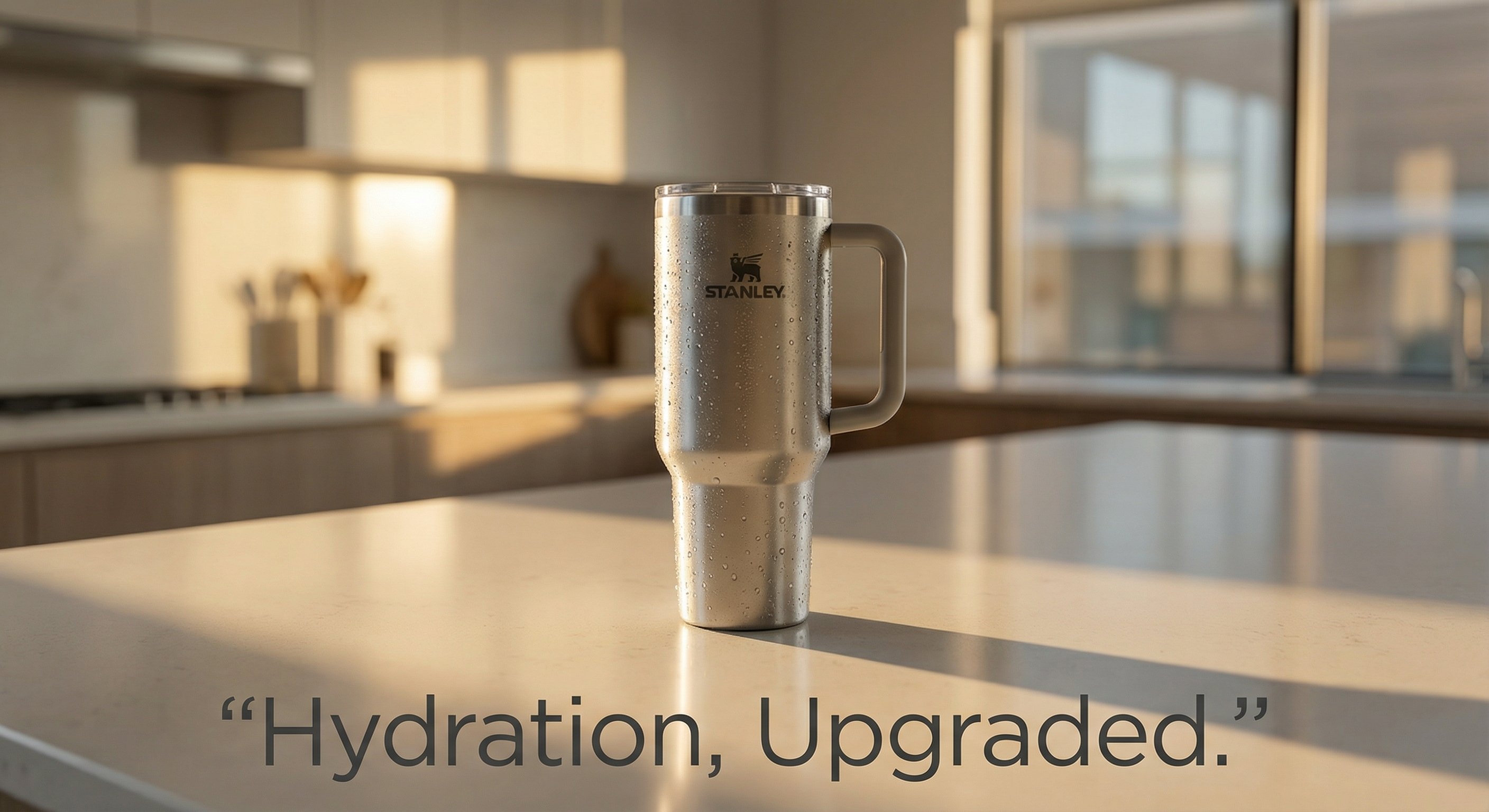
Stanley Poster Ad Visual

Whimsical Steaming Coffee Mug Art

Act as a 3D Product Visualization Artist
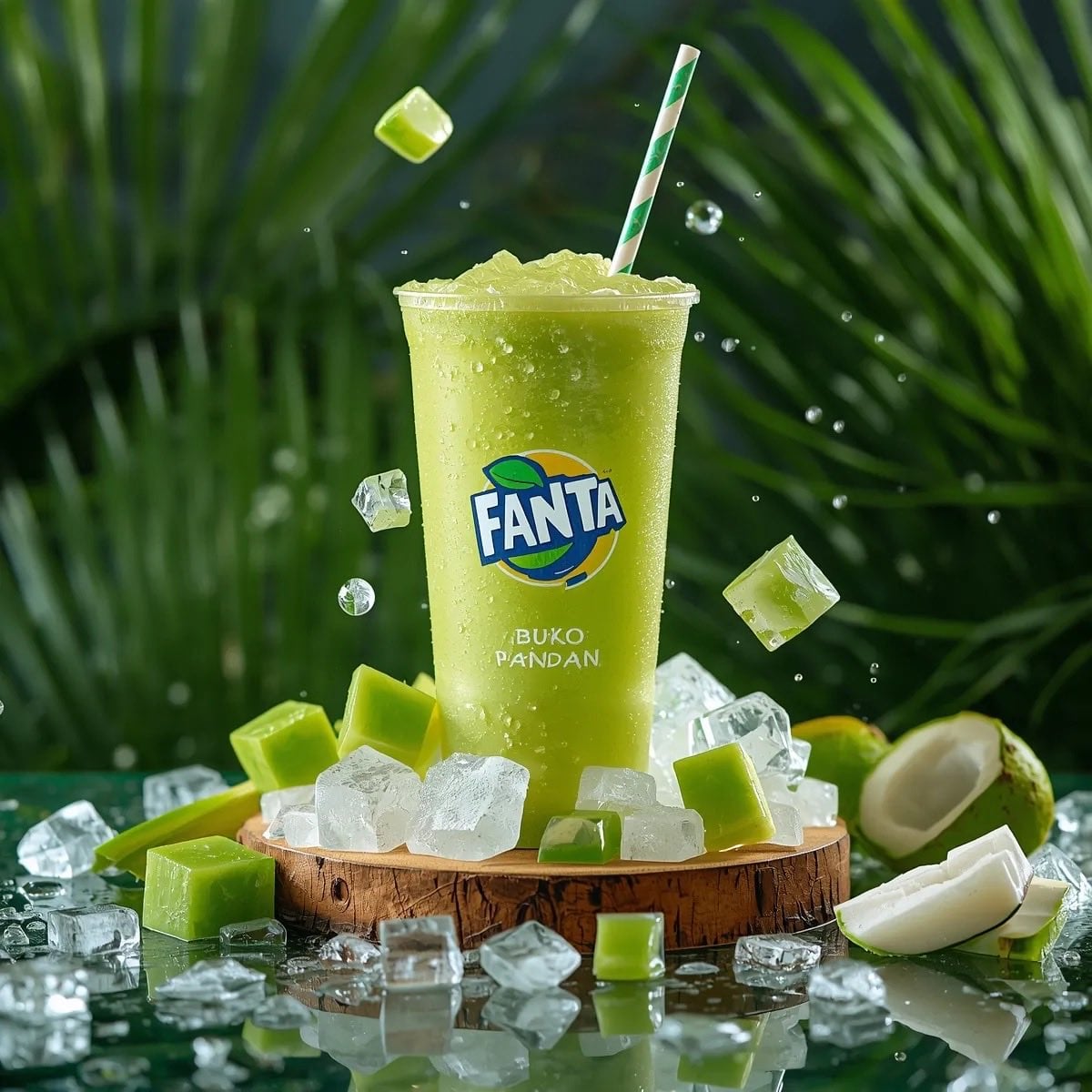
Ultra-realistic commercial product photography of a cold green tropical

A k.pop idol on the stage with mic

Trendy Cafe Drink Promo Poster

Minimalist Skincare Product Water Stone Still
Make it yours
Cold Brew Coffee Ad Visual works as-is. These are the safest ways to change it without losing the look.
Change one field
Copy a single group, rewrite it, and generate again so you can see what that field is doing.
Keep the frame, change the subject
Hold the composition and light of Cold Brew Coffee Ad Visual, then swap wardrobe, props or the person for a new take.
| If the result… | Why | Fix |
|---|---|---|
| The result drifts from the preview | Too many fields changed at once. | Reuse Cold Brew Coffee Ad Visual as-is first, then change one group — subject, light, or setting. |
| The model over-stylizes the scene | The prose prompt leaves finish and camera underspecified. | Add one camera or lighting sentence and stay on PicX Studio. |
More image prompts
Fresh picks from across the catalog.
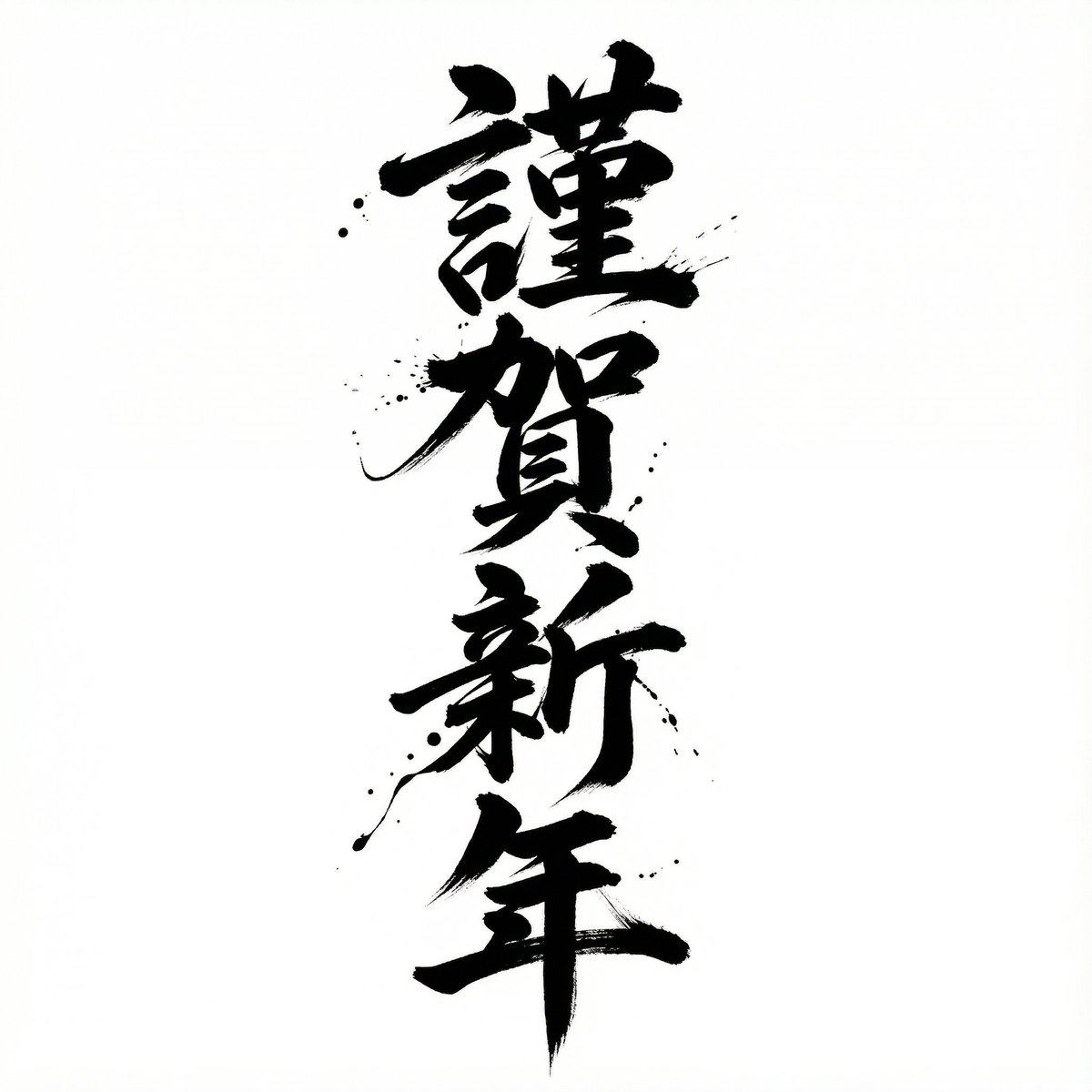
Nano Banana Pro Calligraphy Font Generator

Japanese Self-Care Flower Mark Card

Gpt2 Avant Garde Tennis Fashion
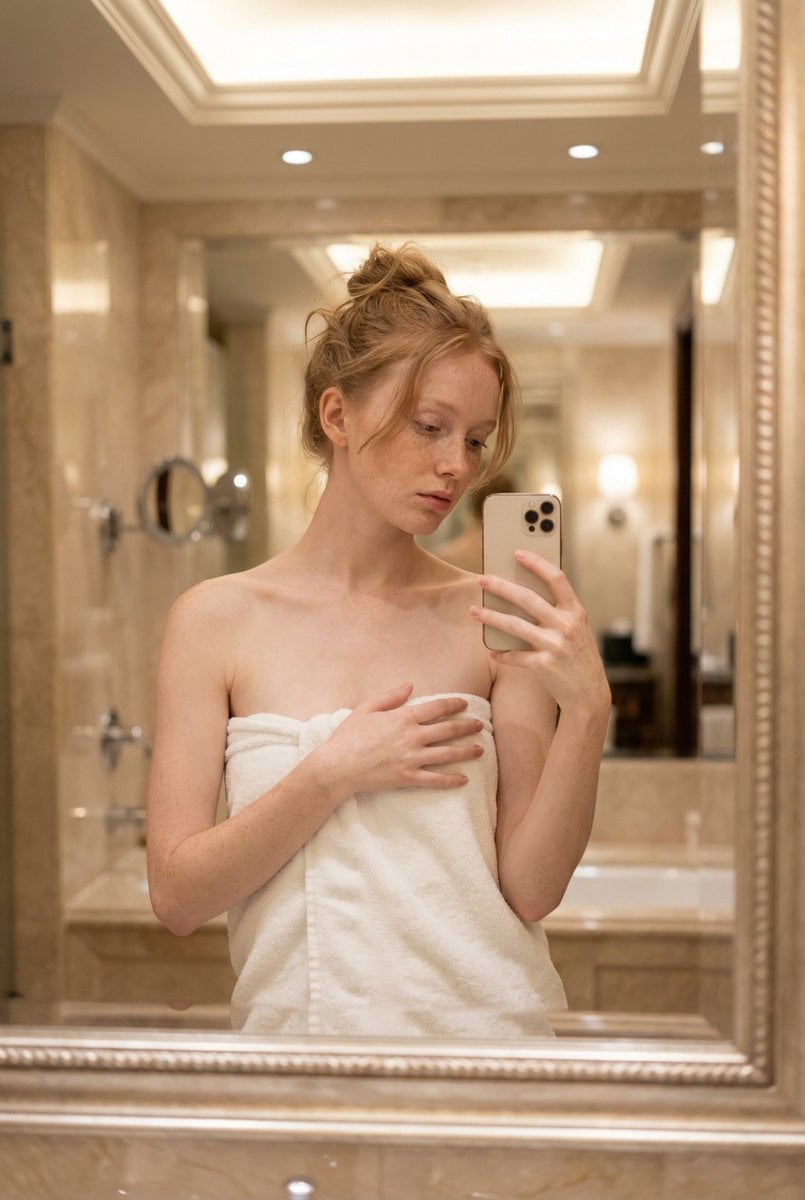
Intimate Mirror Selfie Portrait Prompt
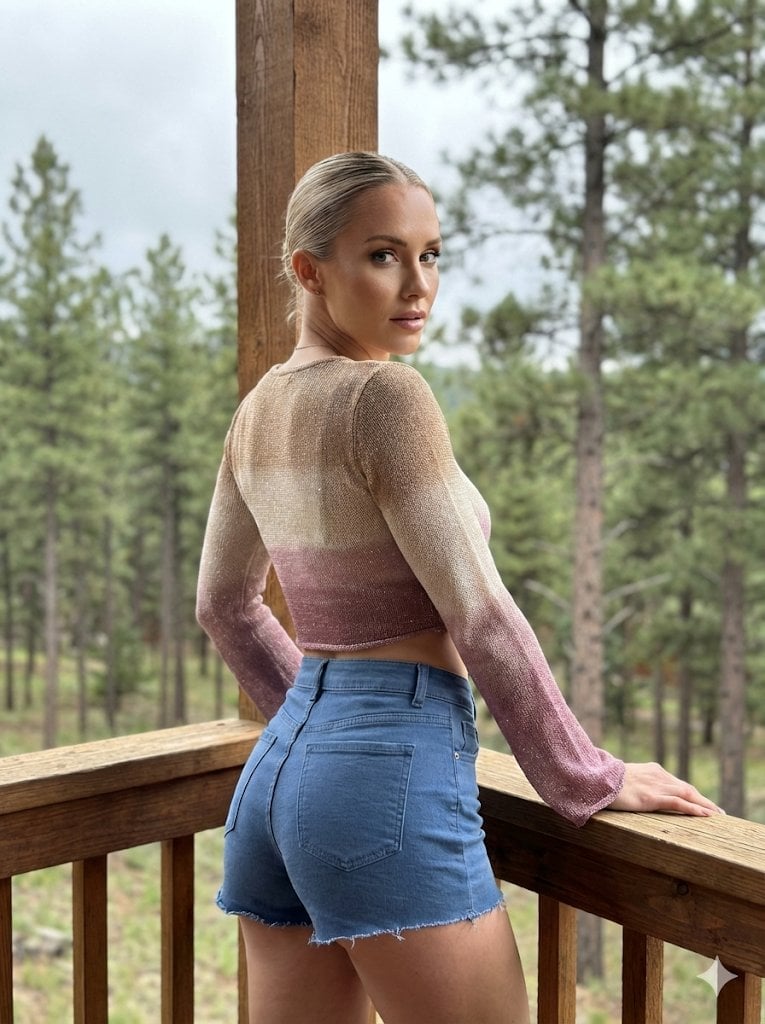
Hyper-Detailed Structured Prompt for High-Fidelity Portrait Generation

App Store Promotional Image Generation Prompt (Mr. Beast Style)
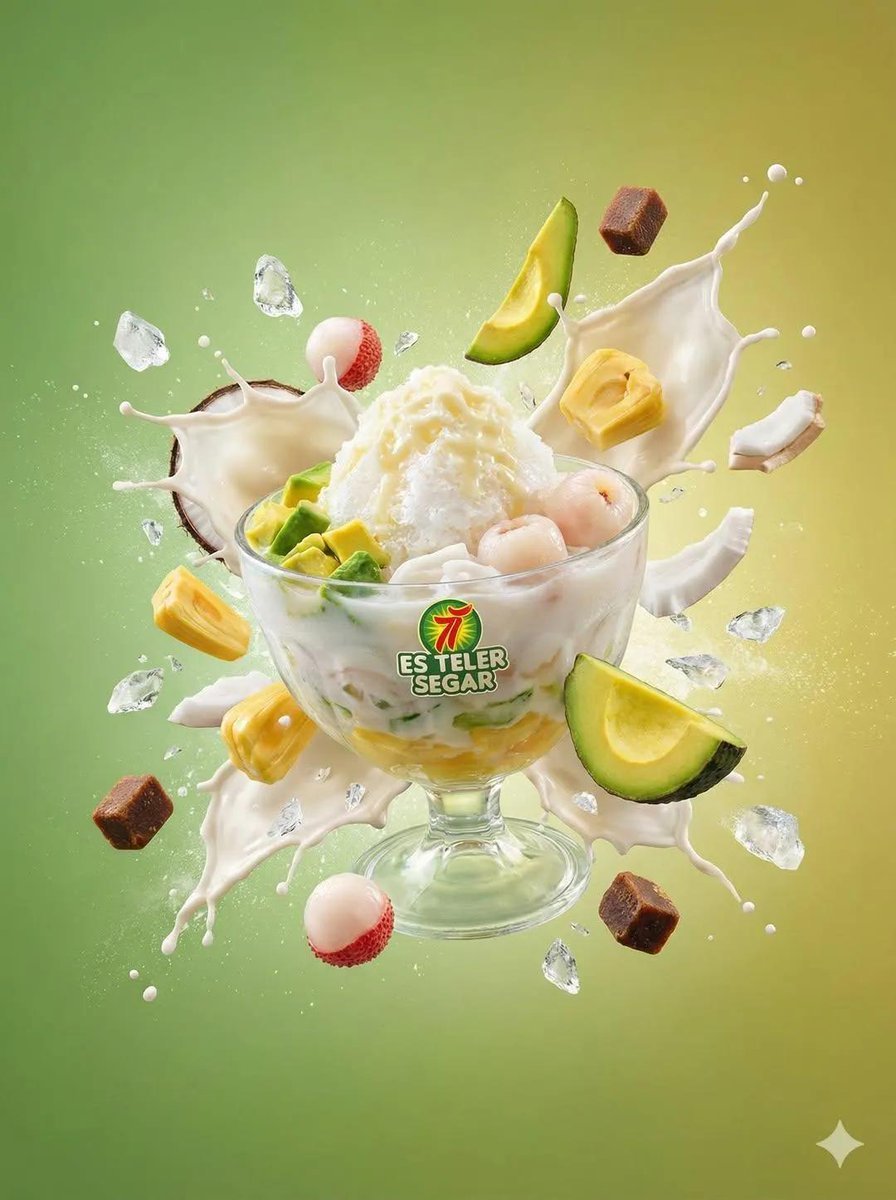
Tropical Dessert Product Photography with Milk Splash

High-Fidelity Mirror Selfie with Valentine's Roses and Identity Lock

X Ayzalnooor24521 a Cinematic High Resolution Portrait of
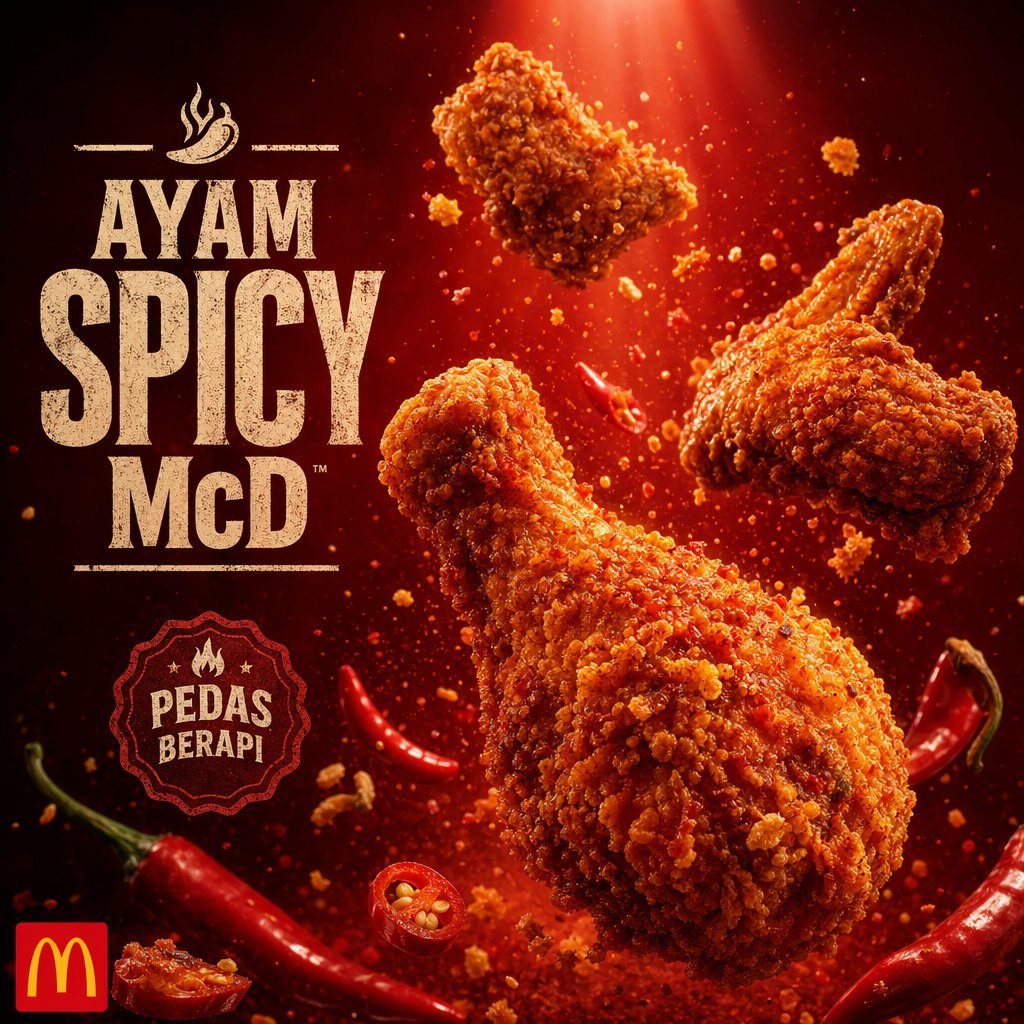
Explosive Fried Chicken Advertisement
Browse template categories
Cold Brew Coffee Ad Visual questions
How do I use the Cold Brew Coffee Ad Visual template?
Add your photo if the template asks for one, edit the prompt if you like — the template's model and format are already selected — and press Generate. Your version opens in PicX Studio.
Can I customize the Cold Brew Coffee Ad Visual template?
Yes. You can change the subject, setting, lighting, mood, format, and available model controls before creating your image.
Is the Cold Brew Coffee Ad Visual template free?
Opening and editing this template is free. Generating uses credits, shown on the Generate button when you are signed in.
Which AI model should I use?
Choose a compatible model in PicX Studio based on the style, speed, and output controls your project needs.
Looking for something else? Browse all templates.

Your photo, any look
Thousands of ready templates for every top image and video model, from one credit balance.