
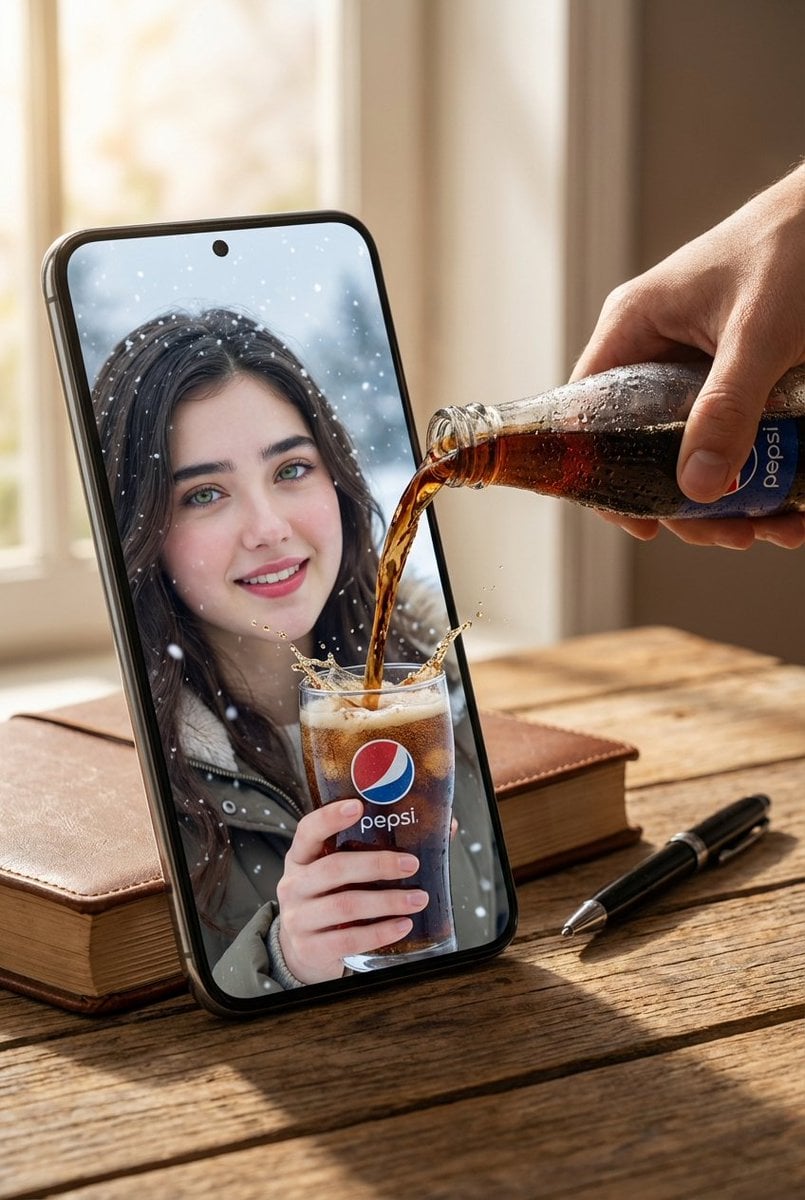
Surreal Pepsi Pour Phone Composite
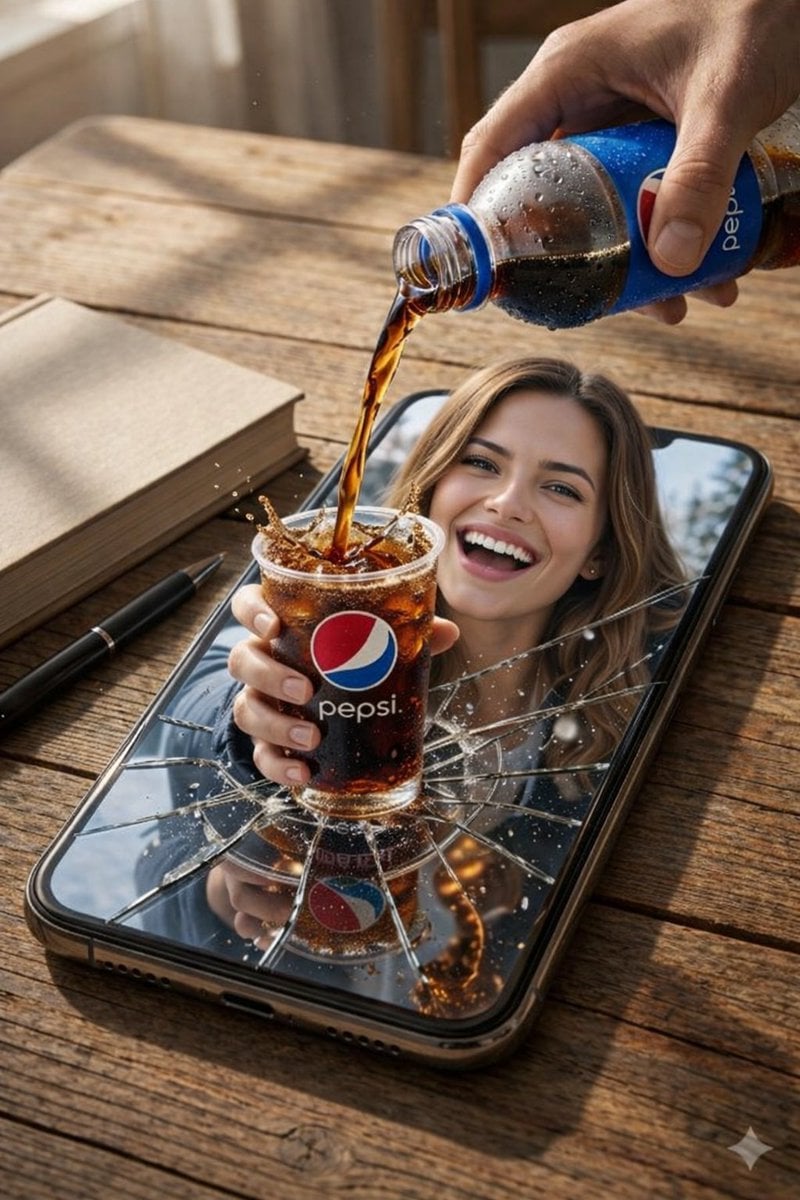
A surreal photorealistic scene where a subject emerges from a cracked smartphone screen to interact with the real world.
- Prompt included
- Model and format preset
- Free template
The prompt behind this image
Copy the exact prompt behind Surreal Pepsi Pour Phone Composite, or open it in the studio and make it yours.
Create an 8K UHD photorealistic AI-edited composite with cinematic realism, styled as a surreal product-style scene. Use a slightly elevated top-down camera angle with sharp foreground focus, shallow natural depth of field, high clarity, and macro-level detail in the liquids, reflections, and broken glass. Scene setting: A black smartphone lies flat in vertical portrait orientation on a wooden table with clearly visible grain. The lighting is soft natural daylight from the upper left, casting realistic soft shadows beneath every object. The background is an indoor space with gentle blur; in one variation, the phone screen shows a {argument name="screen scene" default="snowy outdoor scene"}. Main surreal concept: The phone screen is cracked with radial fracture lines, as if the glass has broken outward. A smiling female-presenting subject emerges from inside the phone screen into the real table space, creating a convincing physical interaction between the digital world and the real environment. Subject details: Show the upper body emerging from the phone. She looks toward the viewer with a wide toothy smile. She has loose shoulder-length light brown hair. Create two outfit variations: one casual indoor version with a neutral top visible behind the phone screen, and one {argument name="outfit variation" default="winter version"} with a dark padded jacket, light turtleneck sweater, black gloves, and a black fur hat. Action and product elements: A hand enters from the top right holding a plastic {argument name="brand" default="Pepsi"} bottle with visible branding and condensation droplets. Cola is being poured into a transparent plastic cup filled with dark carbonated soda and ice. The cup has a clearly visible Pepsi logo. Freeze the pour at a dramatic instant with carbonation bubbles, splash droplets, and a realistic overflow splash effect suspended in mid-air. Secondary objects: Place a closed light beige book on the left side of the phone and a black pen near the book at a diagonal angle. Visual effects: Include cracked screen shards, reflections on broken glass, liquid droplets, and, for the winter-scene variation, subtle snow particles. Keep all surreal elements physically believable, with accurate contact shadows and reflections. Color palette: Use warm brown table tones, black phone and pen details, deep cola brown, and blue-red Pepsi branding accents. Create high contrast between the warm tabletop and the cooler phone-screen elements. Post-processing: Ultra-sharp, high micro-detail, high dynamic range, no visible noise. The mood should be playful, surreal, visually striking, and highly realistic while still clearly having an intentional AI-edited impossible effect.
How to use Surreal Pepsi Pour Phone Composite in 3 steps
- 1
Open
The prompt is already in the box next to the preview, with the template's model and format selected.
- 2…a portrait of your subject in softgolden-hour light, 85mm…
Personalize
Edit the subject and creative details for your destination.
- 3Generate
Generate
Press Generate — your image is created in PicX Studio, so you can compare it with the original and refine one variable at a time.
More like this
Templates with the same subject, style or setup. Open one to see its prompt.
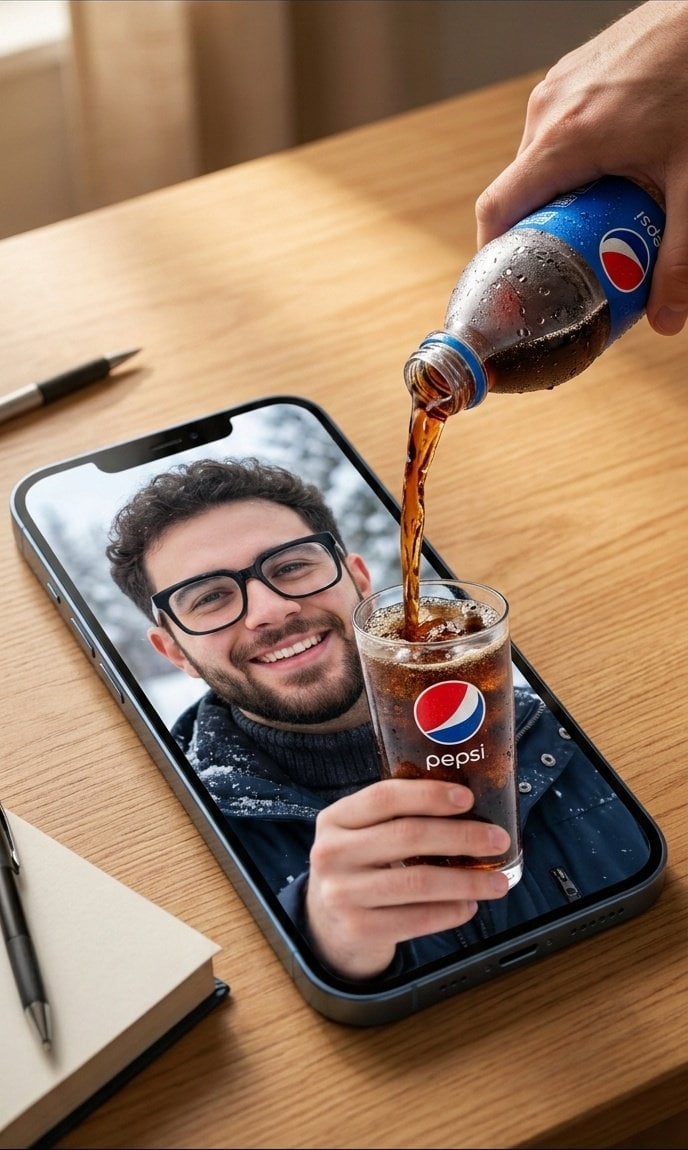
Surreal Commercial Composite: Pepsi Pouring into a Smartphone Screen
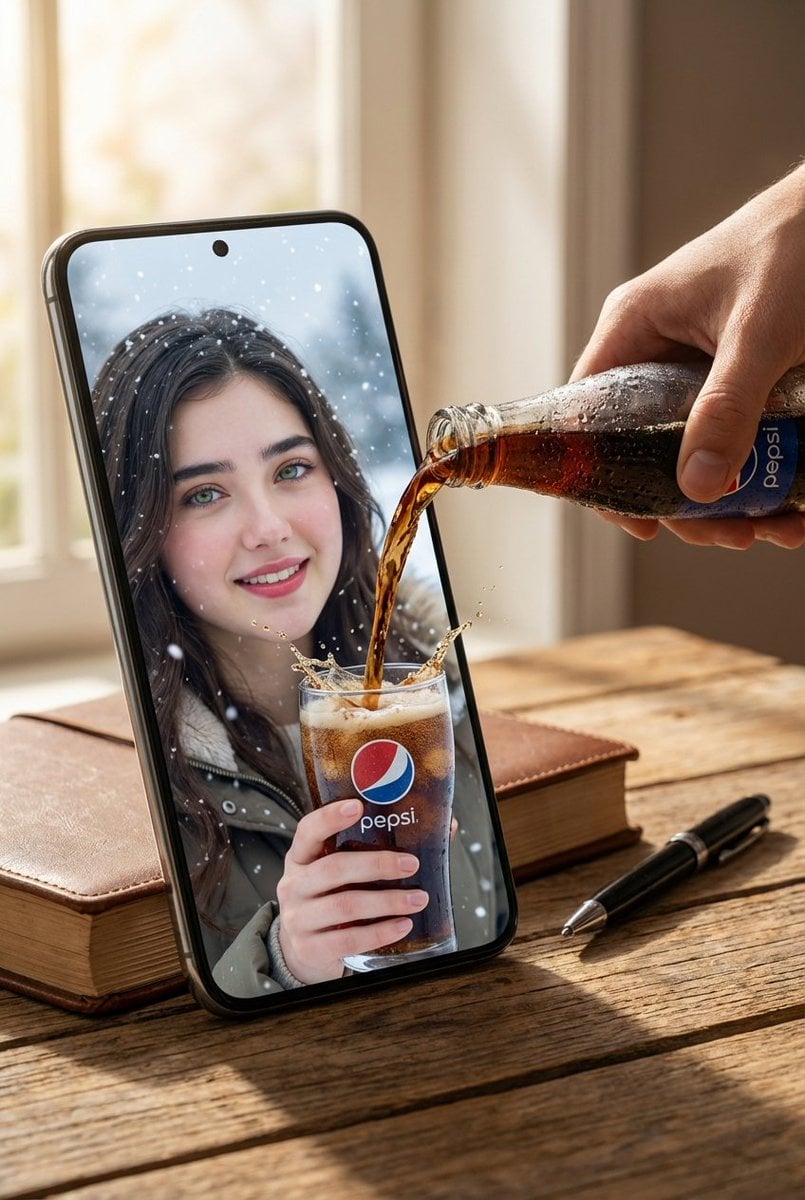
Surreal Pepsi Pouring Composite Prompt
Surreal Product Composite: Subject Emerging from Cracked Phone Screen

Surreal Cat Astronaut — Humanoid Face Freefall

Bold Red Contrast Fashion Editorial Newspaper Room

Stylized Fashion Portrait Bold Color Contrast Editorial

Photoreal Village Lanterns Minecraft Scene

Photoreal Selfie Minecraft Block World

Photoreal Selfie Minecraft Village Ghast UI
Monochrome Elevator Profile Cat Ear Selfie

Dark Marble Bathroom Racing Jacket Mirror Selfie
Surreal Pepsi Advertising Concept
Make it yours
Surreal Pepsi Pour Phone Composite works as-is. These are the safest ways to change it without losing the look.
Change one field
Copy a single group, rewrite it, and generate again so you can see what that field is doing.
Keep the frame, change the subject
Hold the composition and light of Surreal Pepsi Pour Phone Composite, then swap wardrobe, props or the person for a new take.
| If the result… | Why | Fix |
|---|---|---|
| The result drifts from the preview | Too many fields changed at once. | Reuse Surreal Pepsi Pour Phone Composite as-is first, then change one group — subject, light, or setting. |
| The model over-stylizes the scene | The prose prompt leaves finish and camera underspecified. | Add one camera or lighting sentence and stay on GPT Image 2. |
More GPT Image 2 templates
Other prompts made for GPT Image 2.

Six VTuber Japanese Logo Sheet

Realistic Portrait of Woman and Deer

The Vista Modular Condo Poster

AI Model Routing Comparison Infographic

2.5D Anime Art Board

Isometric Productivity Desk Scene

New York Double Exposure Poster

Four-Panel AI Landscape Comparison

Japanese Tatami Lifestyle Magazine Cover

NESCAFÉ Coffee Map Poster
More image prompts
Fresh picks from across the catalog.

Vintage Qipao Mother and Daughter Portrait

Simple Stick Figure Coloring Book Clipart
Fashion Editorial Reconstruction Image Generation Prompt
Professional Trading Card Illustration
UGC Skincare Review - Seedance 2.0

Surreal Giant Man Riding Miniature London Bus
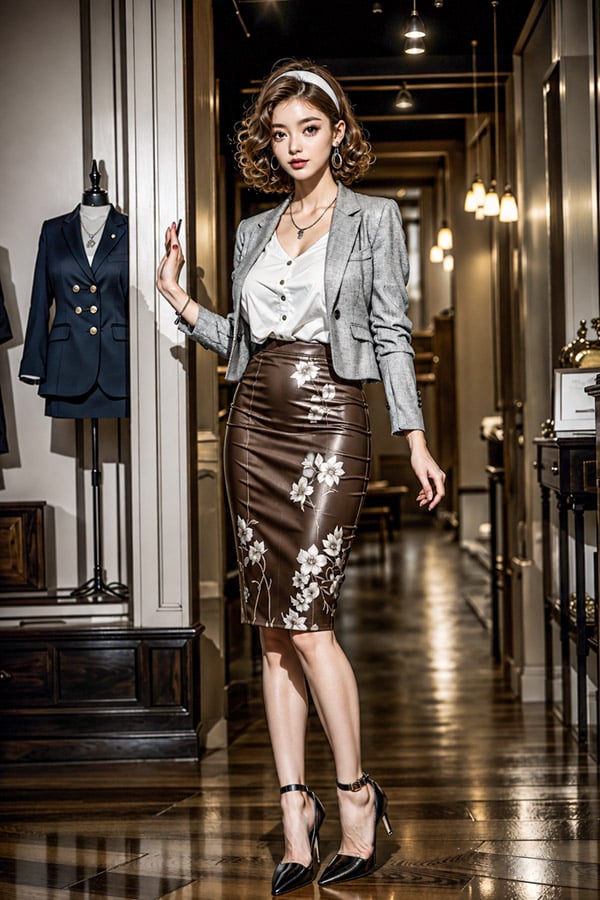
Luxury Boutique Fashion Portrait
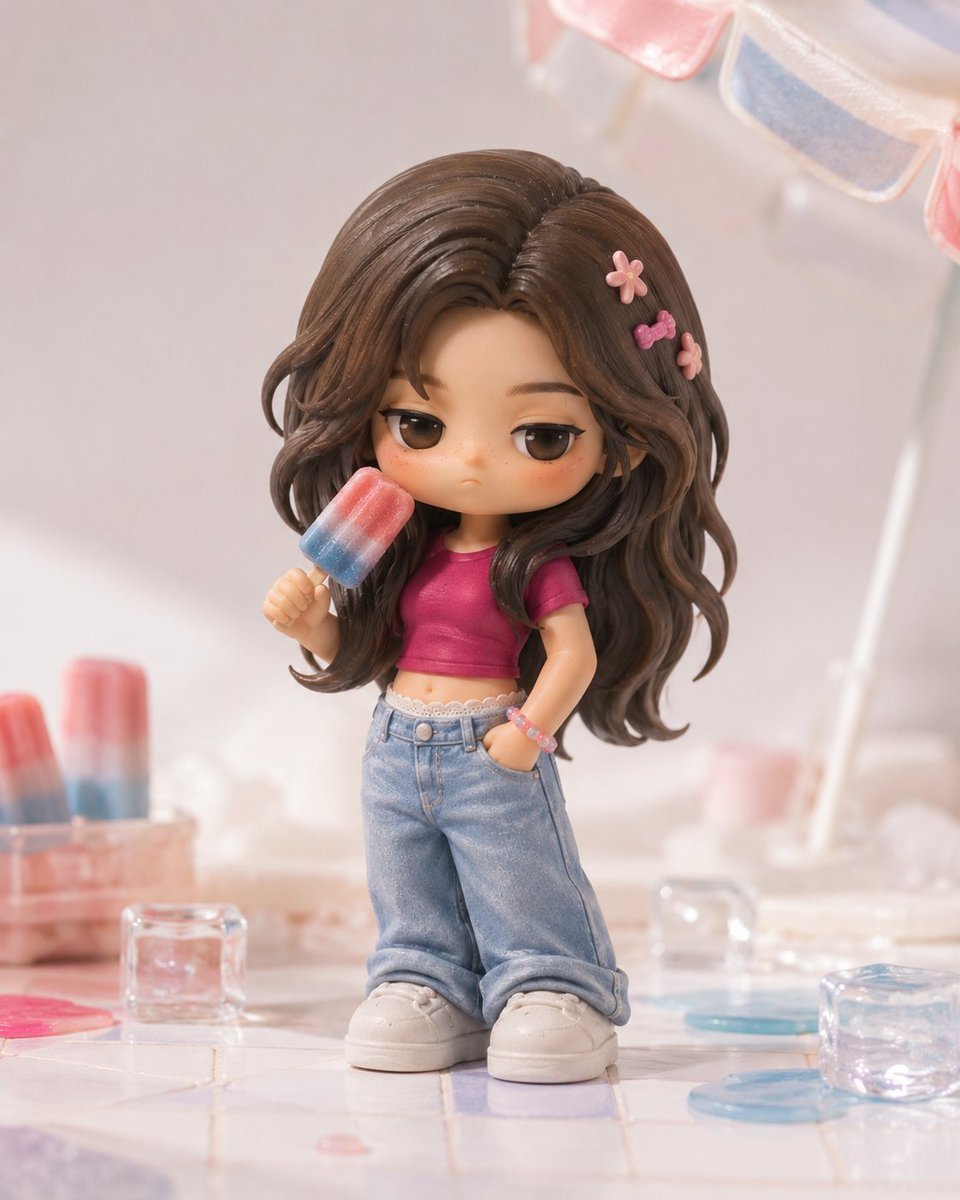
Pop Mart Hirono Style Custom Figure Prompt
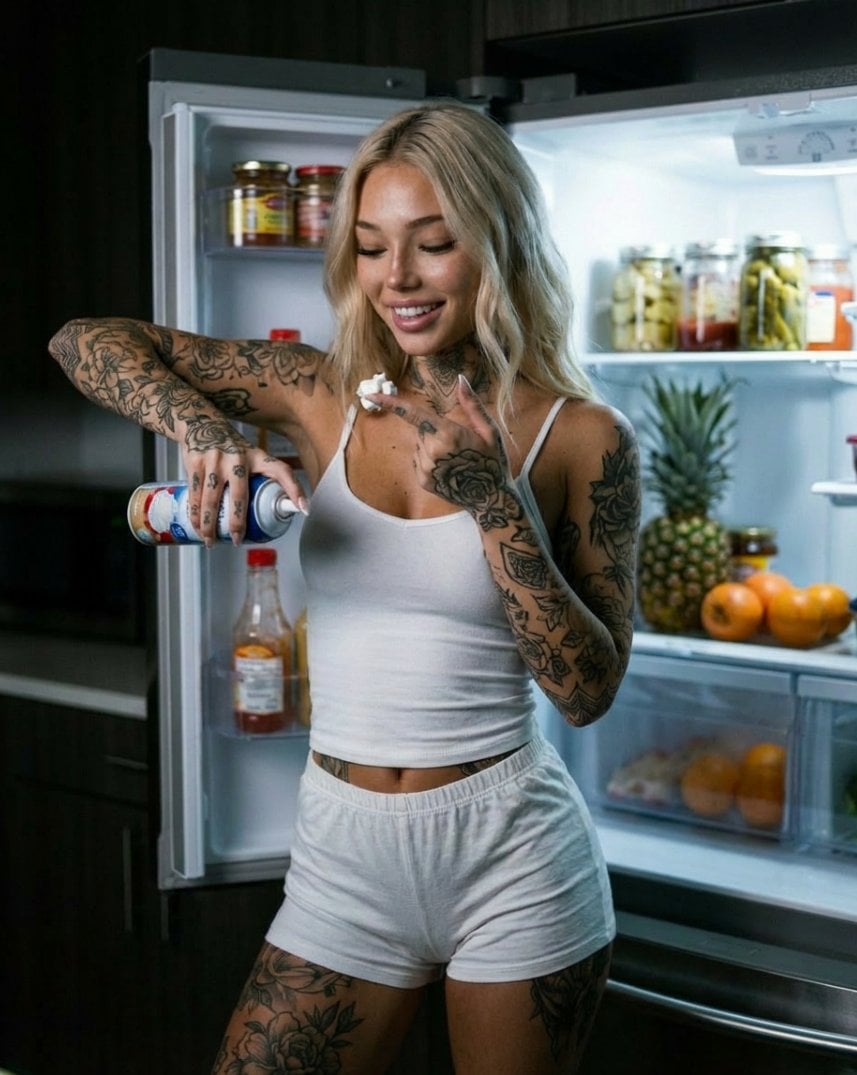
Photorealistic Whipped Cream Challenge Portrait Prompt
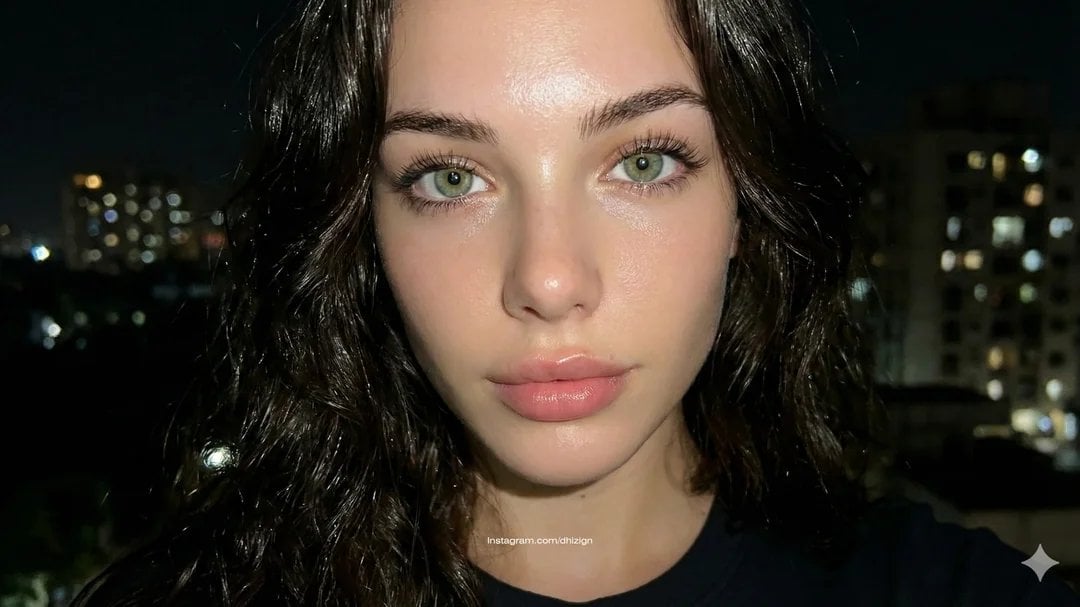
JSON-style Nano Banana Pro prompt for realistic faces
Browse template categories
Surreal Pepsi Pour Phone Composite questions
How do I use the Surreal Pepsi Pour Phone Composite template?
Add your photo if the template asks for one, edit the prompt if you like — the template's model and format are already selected — and press Generate. Your version opens in PicX Studio.
Can I customize the Surreal Pepsi Pour Phone Composite template?
Yes. You can change the subject, setting, lighting, mood, format, and available model controls before creating your image.
Is the Surreal Pepsi Pour Phone Composite template free?
Opening and editing this template is free. Generating uses credits, shown on the Generate button when you are signed in.
Which AI model should I use?
Start with GPT Image 2, which is the model associated with this template. You can compare another compatible model for a different finish.
Looking for something else? Browse all templates.

Your photo, any look
Thousands of ready templates for every top image and video model, from one credit balance.