
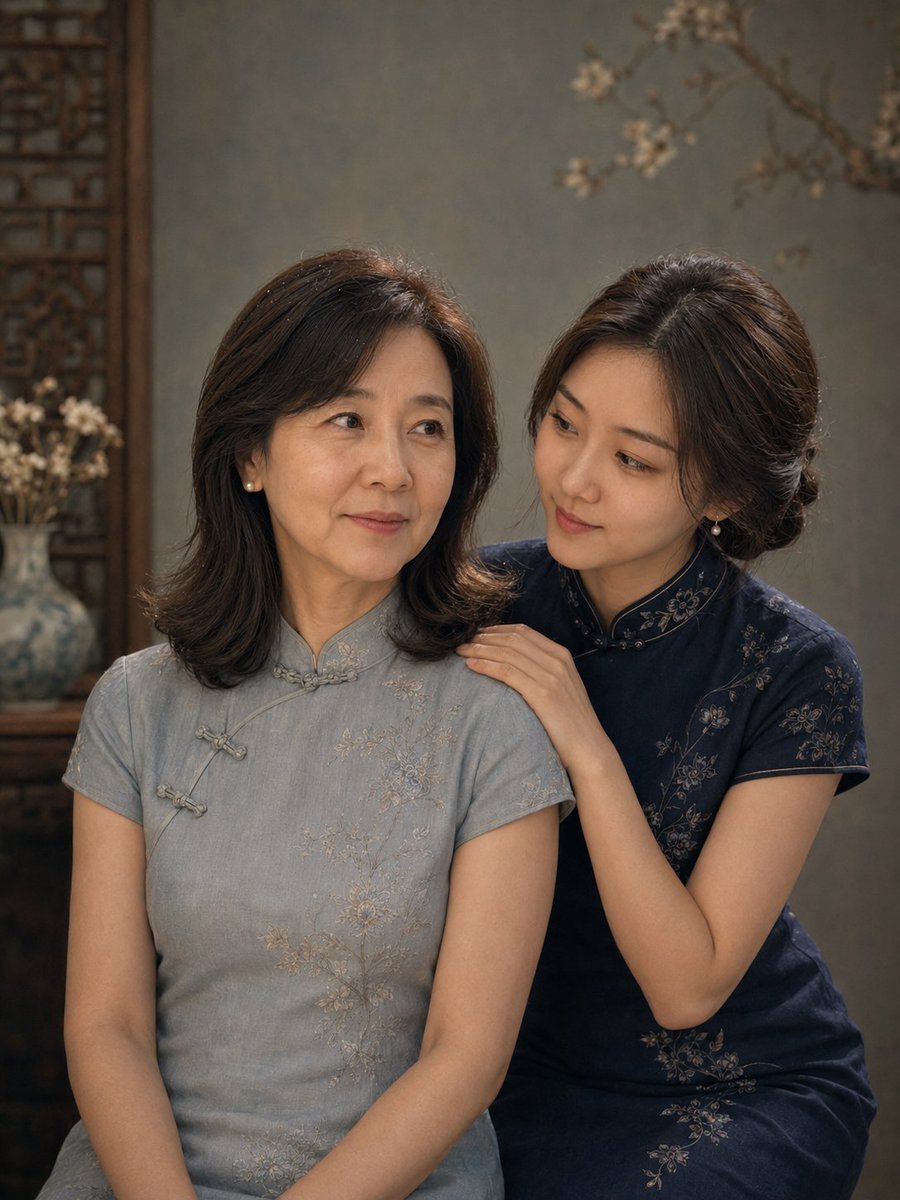
Vintage Qipao Mother and Daughter Portrait
A detailed prompt for generating a series of vintage Oriental-style studio portraits for mothers and daughters, focusing on preserving facial features and creating a nostalgic film texture.
- Prompt included
- Model and format preset
- Free template
The prompt behind this image
Copy the exact prompt behind Vintage Qipao Mother and Daughter Portrait, or open it in the studio and make it yours.
Based on the two real photos of women uploaded by the user, generate a qipao vintage-style mother-daughter portrait. Character setup: the younger woman is the daughter, 28 years old; the older woman is the mother, 56 years old. Please strictly preserve each person's real identity features, including face shape, facial proportions, eyes, nose, lips, skin tone, sense of age, base hairstyle, and overall demeanor. The mother should retain a natural, mature look with slight traces of age; her nasolabial folds should be very light — not too heavy, but also not completely smoothed away. The daughter should keep her own young, natural, delicate features. Overall style: a vintage Oriental qipao portrait — quiet, gentle, and dignified, with the feel of a commemorative mother-daughter portrait. The image uses soft studio lighting, with a slight film quality and a faint oil-painting feel. The background is a vintage studio backdrop in gray-green, blue-gray, or grayish-blue, which may include subtle floral branches, a canvas texture, or Chinese-style wooden elements. Clothing and hairstyle: the mother wears a traditional qipao in pale blue-gray, lake blue, or gray-blue; the daughter wears a modernized qipao in dark blue, navy, or blue-black. Both outfits belong to the same visual system. Hairstyles should be handled naturally based on the original hair length, kept dignified and neat overall with a Chinese-style updo feel; long hair can be styled as a low bun or low chignon, while short hair should keep its short base with a side part, tucked behind the ears, or a vintage short-hair style. Texture requirements: a realistic photographic texture, low-saturation, refined, and soft — no excessive skin smoothing, no fake-looking faces. Composition: each photo is a 3:4 portrait composition, a two-person half-body shot, the subjects close together, the image upright and relaxed. Image content: the mother and daughter stand close together side by side, the daughter standing to one side of the mother, her body leaning slightly toward her, naturally linking arms with the mother or leaning lightly against her shoulder. Both look at the camera, with a gentle, quiet, dignified expression and a restrained, natural smile. Mood: this image should focus on conveying the formal, real, dignified main visual of a mother-daughter commemorative portrait. Composition: each photo is a 3:4 portrait composition, a close-up or close-range half-body shot, emphasizing the relationship between face, shoulders, and hands. Image content: the daughter gently approaches from behind or from the side-back of the mother, one hand naturally resting on the mother's shoulder. There should be a natural interactive response between them: they can smile at each other, or the daughter can look tenderly at the mother while the mother tilts her head slightly in response. Overall it should feel intimate, soft, and companionable. Mood: this image should focus on conveying a real, tender, responsive sense of the mother-daughter relationship. Composition: each photo is a 3:4 portrait composition, a medium shot or three-quarter-body composition, clearly showing the relationship between sitting and standing, and revealing part of the qipao's silhouette. Image content: the mother sits on a Chinese-style wooden chair, the daughter stands behind her or to the side-back, one hand lightly resting on the mother's shoulder or naturally holding the back of the chair. Both look at the camera, with a calm, composed, dignified expression. A small side table, a blue-and-white porcelain vase, and white floral branches can be added to one side of the image as accents. Mood: this image should focus on conveying the layered mother-daughter relationship and a vintage, ceremonial feel. Composition: each photo is a 3:4 portrait composition, a full-body or near-full-body shot of both people, with natural, relaxed body proportions, fully showing the overall styling. Image content: the mother and daughter stand side by side, the daughter naturally close to the mother, lightly linking her arm. The mother can naturally hold a round fan, or clasp her hands together. Both look at the camera together, with a gentle, dignified, peaceful expression. The background can include a wooden Chinese-style frame, a small side table, a blue-and-white porcelain vase, or pale floral branches to enhance the completeness. Mood: this image is the complete mother-daughter commemorative portrait of the whole set, focusing on the overall hair and makeup styling, the full composition, and a gentle, dignified mother-daughter demeanor.
How to use Vintage Qipao Mother and Daughter Portrait in 3 steps
- 1Upload ImagePNG, JPG or paste
Add your photo
Upload the photo the template builds on. The prompt, model and format are already set.
- 2…a portrait of your subject in softgolden-hour light, 85mm…
Personalize
Edit the subject and creative details for your destination.
- 3Generate
Generate
Press Generate — your image is created in PicX Studio, so you can compare it with the original and refine one variable at a time.
More like this
Templates with the same subject, style or setup. Open one to see its prompt.

Found Photograph: Us, 1970

80s Couple Studio Portrait

80s Bollywood Star

80s Golden Hour Cinema
Gpt2 Profile Avatar Restored Vintage Mother and Child Portrait

Two Tickets, One Night

If We Met in 1985

One Dance Before Midnight

Before We said Goodbye

Our Song was on a Cassette

Meet Me When It Rains

The Date After College
Make it yours
Vintage Qipao Mother and Daughter Portrait works as-is. These are the safest ways to change it without losing the look.
Change one field
Copy a single group, rewrite it, and generate again so you can see what that field is doing.
Keep the frame, change the subject
Hold the composition and light of Vintage Qipao Mother and Daughter Portrait, then swap wardrobe, props or the person for a new take.
| If the result… | Why | Fix |
|---|---|---|
| The result drifts from the preview | Too many fields changed at once. | Reuse Vintage Qipao Mother and Daughter Portrait as-is first, then change one group — subject, light, or setting. |
| The model over-stylizes the scene | The prose prompt leaves finish and camera underspecified. | Add one camera or lighting sentence and stay on GPT Image 2. |
More GPT Image 2 templates
Other prompts made for GPT Image 2.

Six VTuber Japanese Logo Sheet

Realistic Portrait of Woman and Deer

The Vista Modular Condo Poster

AI Model Routing Comparison Infographic

2.5D Anime Art Board

Isometric Productivity Desk Scene

New York Double Exposure Poster

Four-Panel AI Landscape Comparison

Japanese Tatami Lifestyle Magazine Cover

NESCAFÉ Coffee Map Poster
More image prompts
Fresh picks from across the catalog.
Pink Floral Vacation Café Portrait
Butterfly Dress Editorial Grid Prompt for Nano Banana 2
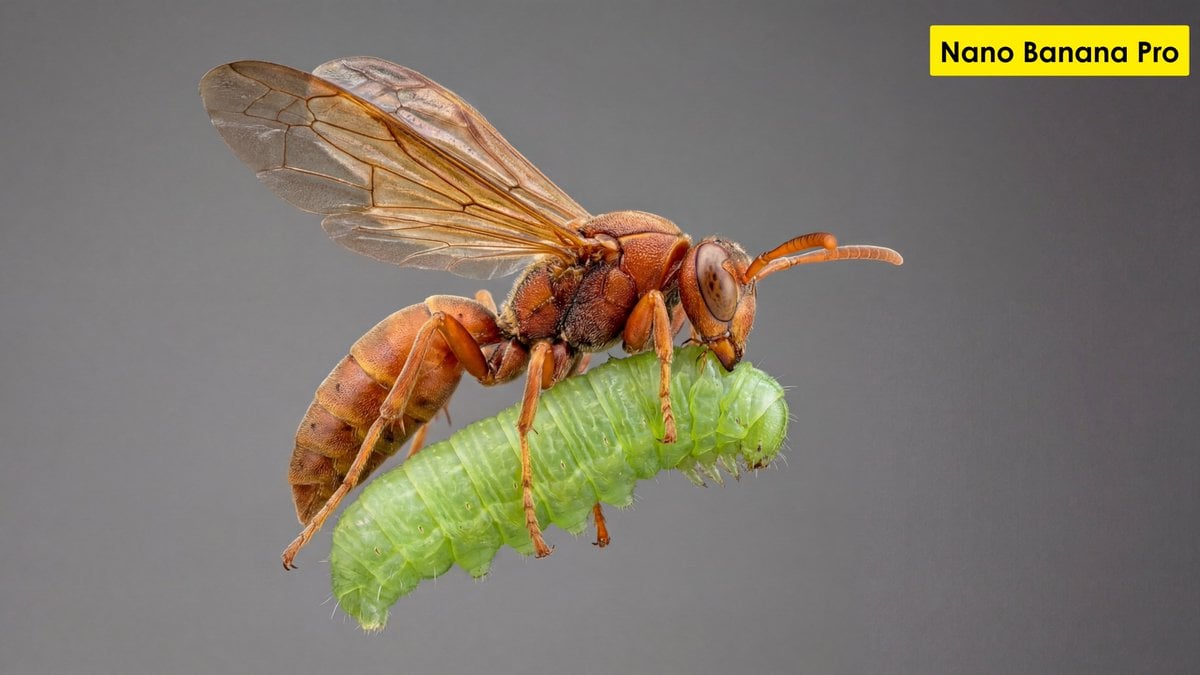
Scientific Ultra-Macro Insect Capture Prompt
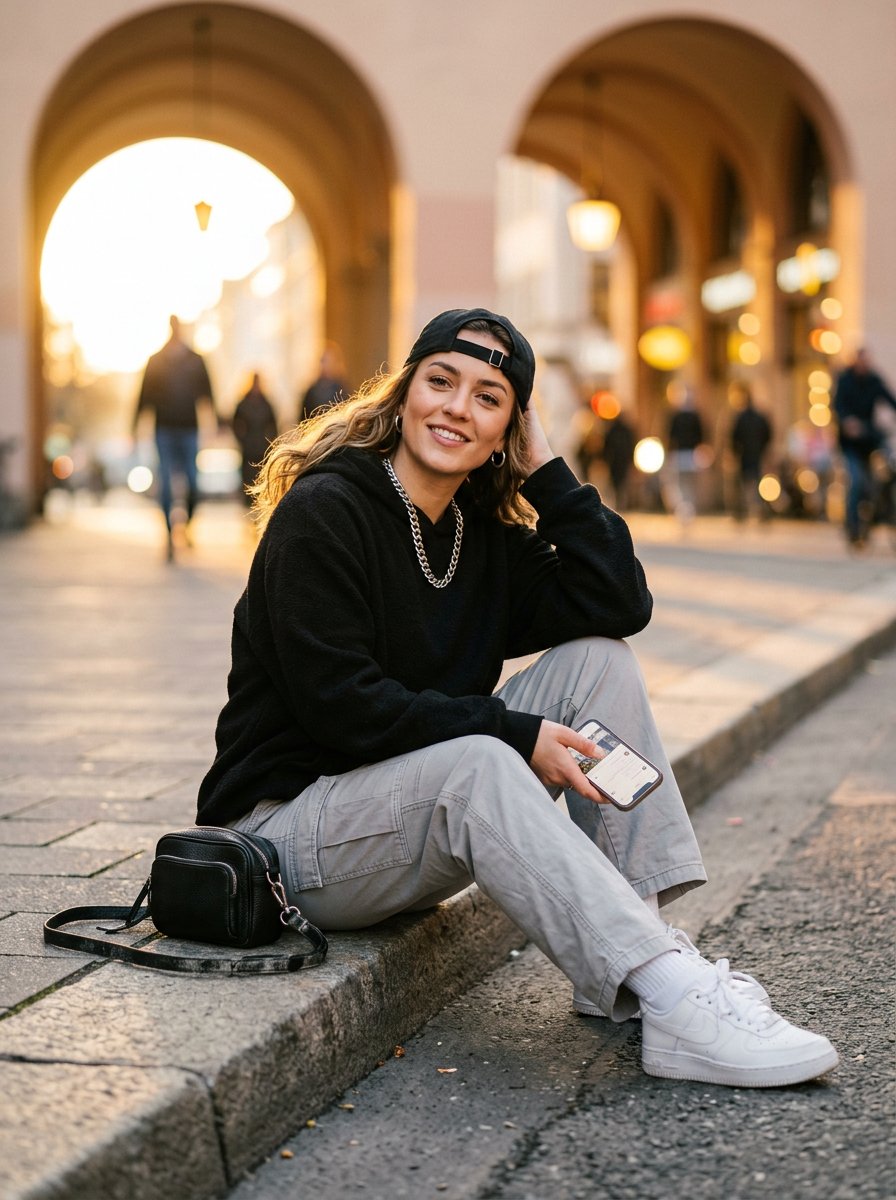
Bright Morning Street Fashion Portrait
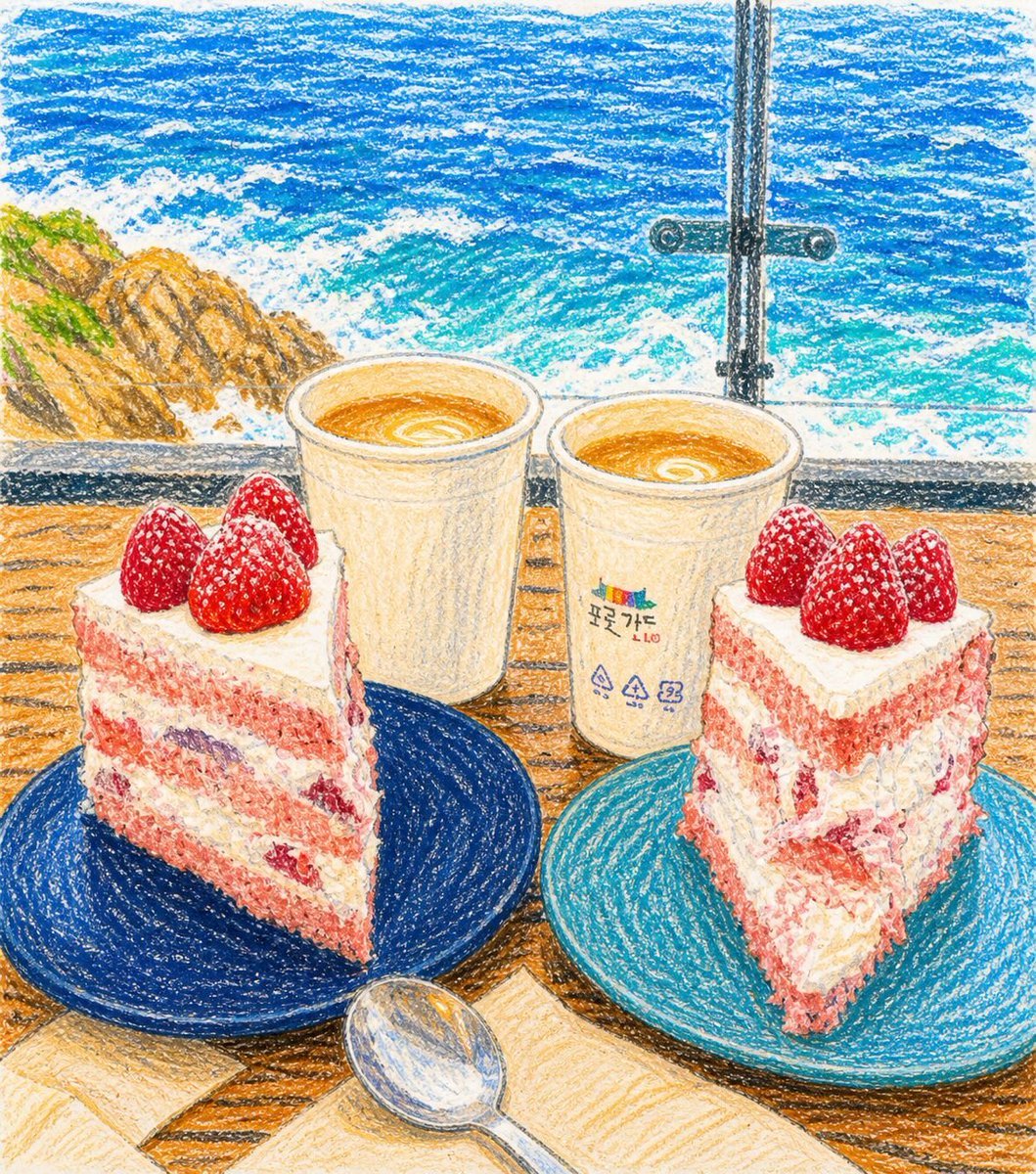
Crayon Drawing Transformation

Welcome Home Scenario Prompt
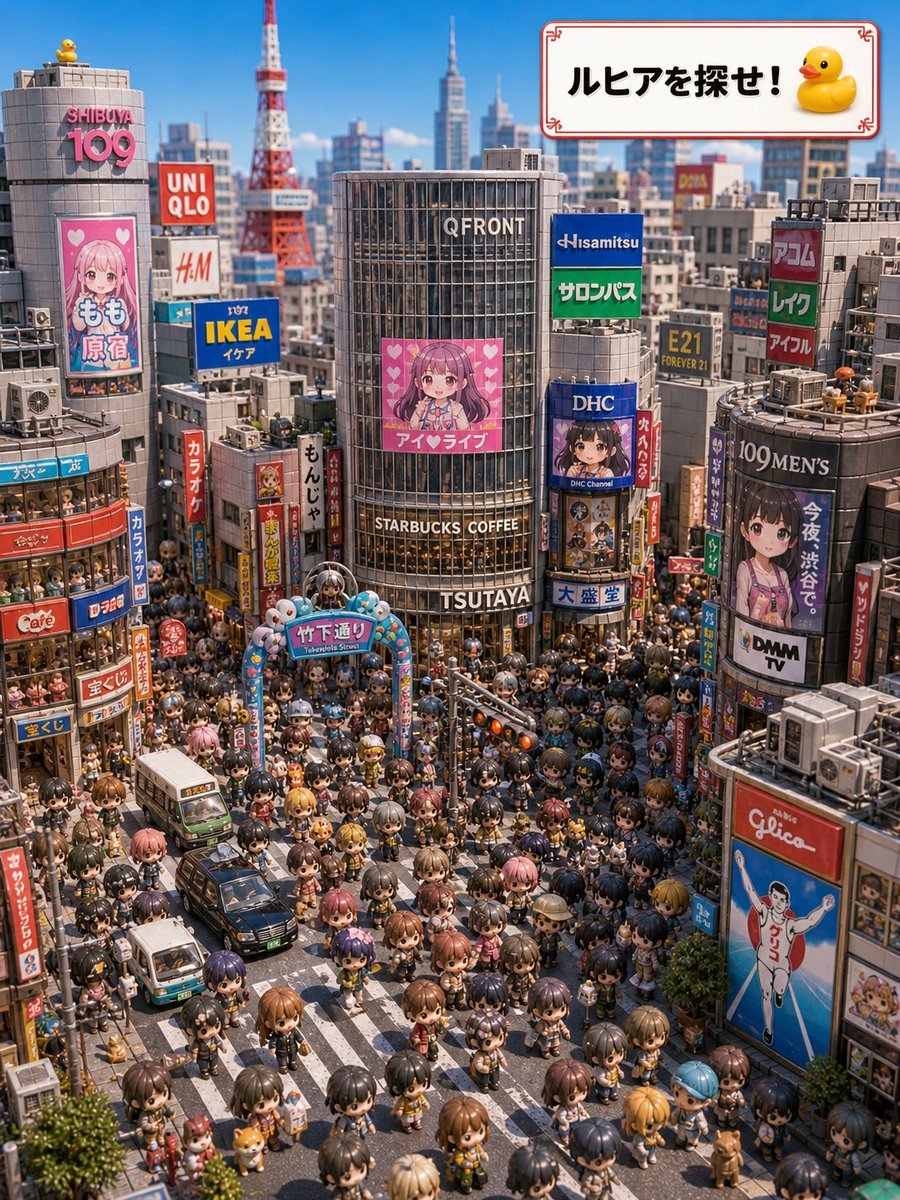
Find Ruhia in Shibuya
Action Basketball Dunk with Powder Explosion
Professional Korean Office Portrait

Snack Kingdom Potato Fries Ad
Browse template categories
Vintage Qipao Mother and Daughter Portrait questions
How do I use the Vintage Qipao Mother and Daughter Portrait template?
Add your photo if the template asks for one, edit the prompt if you like — the template's model and format are already selected — and press Generate. Your version opens in PicX Studio.
Can I customize the Vintage Qipao Mother and Daughter Portrait template?
Yes. You can change the subject, setting, lighting, mood, format, and available model controls before creating your image.
Is the Vintage Qipao Mother and Daughter Portrait template free?
Opening and editing this template is free. Generating uses credits, shown on the Generate button when you are signed in.
Which AI model should I use?
Start with GPT Image 2, which is the model associated with this template. You can compare another compatible model for a different finish.
Looking for something else? Browse all templates.

Your photo, any look
Thousands of ready templates for every top image and video model, from one credit balance.