
Action Basketball Dunk with Powder Explosion
A high-speed photography style shot of a basketball player mid-dunk with a dramatic red and charcoal powder explosion from the rim.
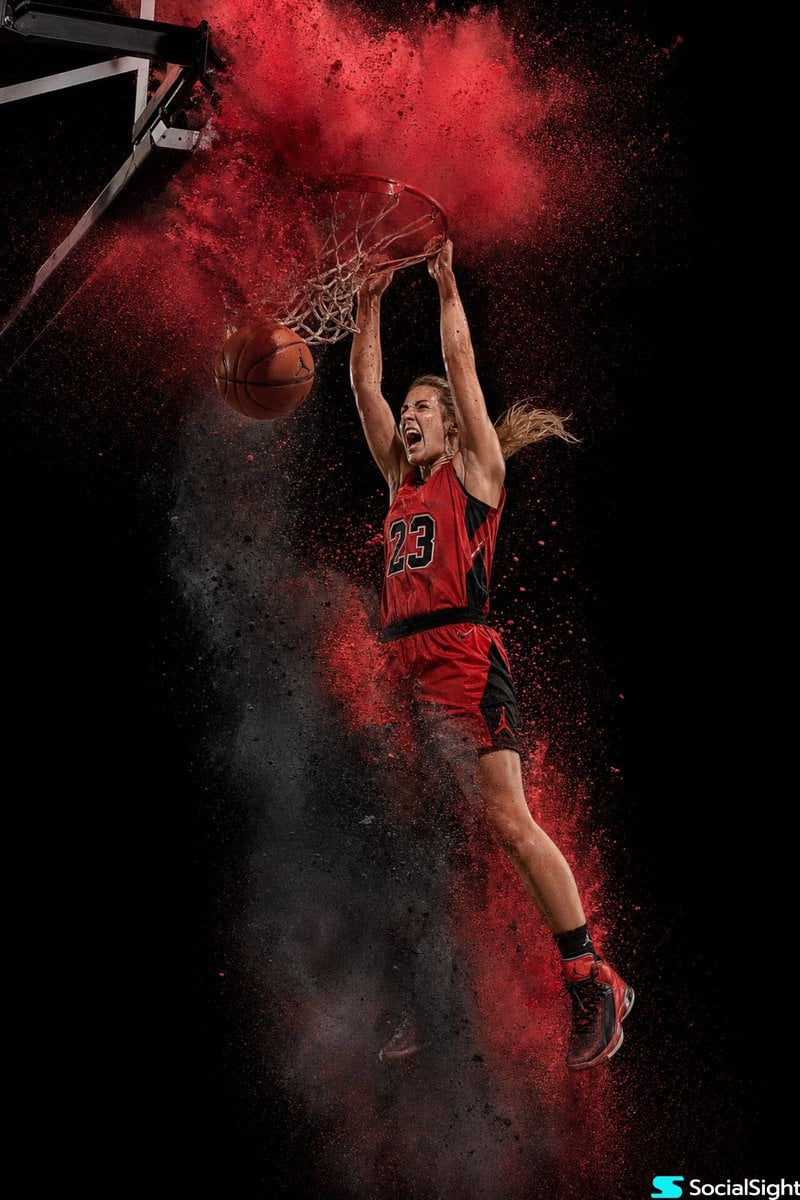
- Prompt included
- Model and format preset
- Premium template
The prompt behind this image
Copy the exact prompt behind Action Basketball Dunk with Powder Explosion, or open it in the studio and make it yours.
A {argument name="subject" default="female basketball player"}, fully elevated mid-air at the peak of a two-handed dunk, snapping the rim. Her face shows intense focus and exertion. Attire: {argument name="uniform color" default="Classic red and black"} basketball uniform (jersey and shorts). Red and black high-top basketball shoes. Environment: As the ball hits the rim, a massive, spherical explosion of {argument name="powder color" default="bright red and charcoal"} powder bursts upward from the hoop and downward from her body. Lighting & Background: Dramatic top-down "arena" lighting, focused tightly on the player. Deep black gradient background. Style & Details: Ultra-detailed, high-speed photography style. Individual red powder particles frozen, contrasting against the ball and net. Strong contrast, sweaty skin detail. Jordan Brand-style advertising aesthetic. 8k resolution, hyper-realistic.
How to use Action Basketball Dunk with Powder Explosion in 3 steps
- 1
Open
The prompt is already in the box next to the preview, with the template's model and format selected.
- 2…a portrait of your subject in softgolden-hour light, 85mm…
Personalize
Edit the subject and creative details for your destination.
- 3Generate
Generate
Press Generate — your image is created in PicX Studio, so you can compare it with the original and refine one variable at a time.
More like this
Templates with the same subject, style or setup. Open one to see its prompt.
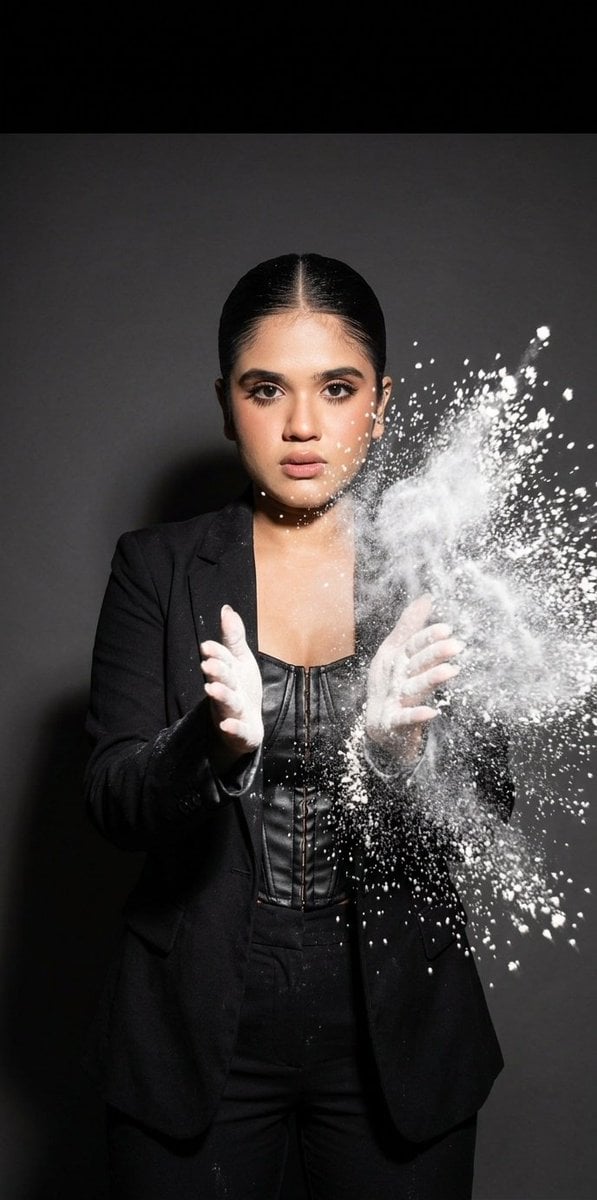
Flour Explosion Action Photography

Venom SpongeBob Hyperreal Cinematic Mix

Pop Art Superhero Explosion Poster

Hero Portrait Comic Multi-Panel Poster

Panning Motion Soccer Kick Poster
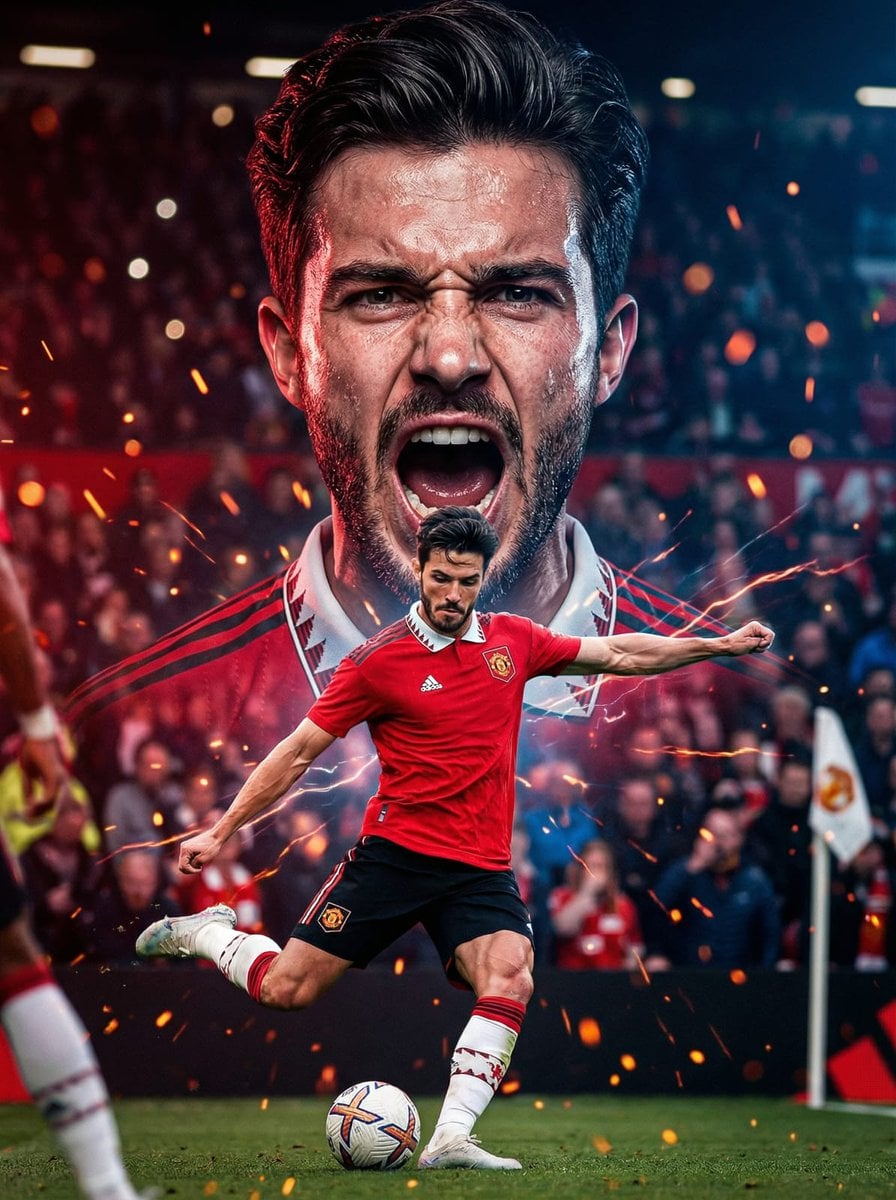
Dual Composition Hero Action Football Poster
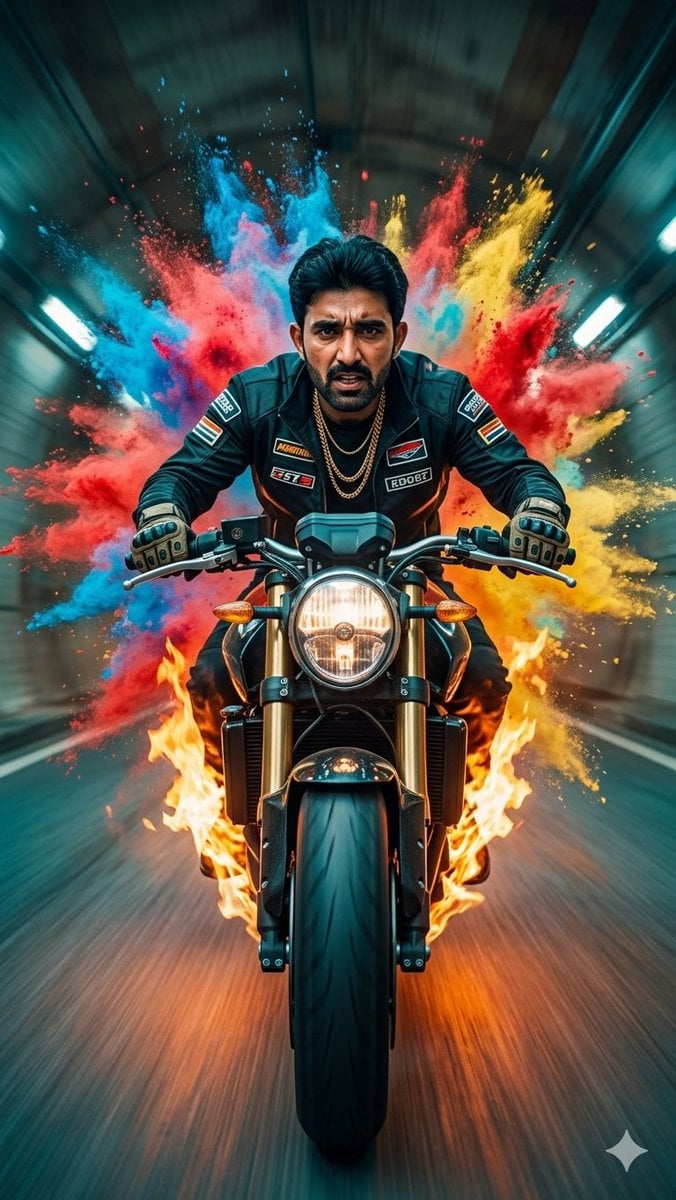
Cinematic Biker Powder Explosion
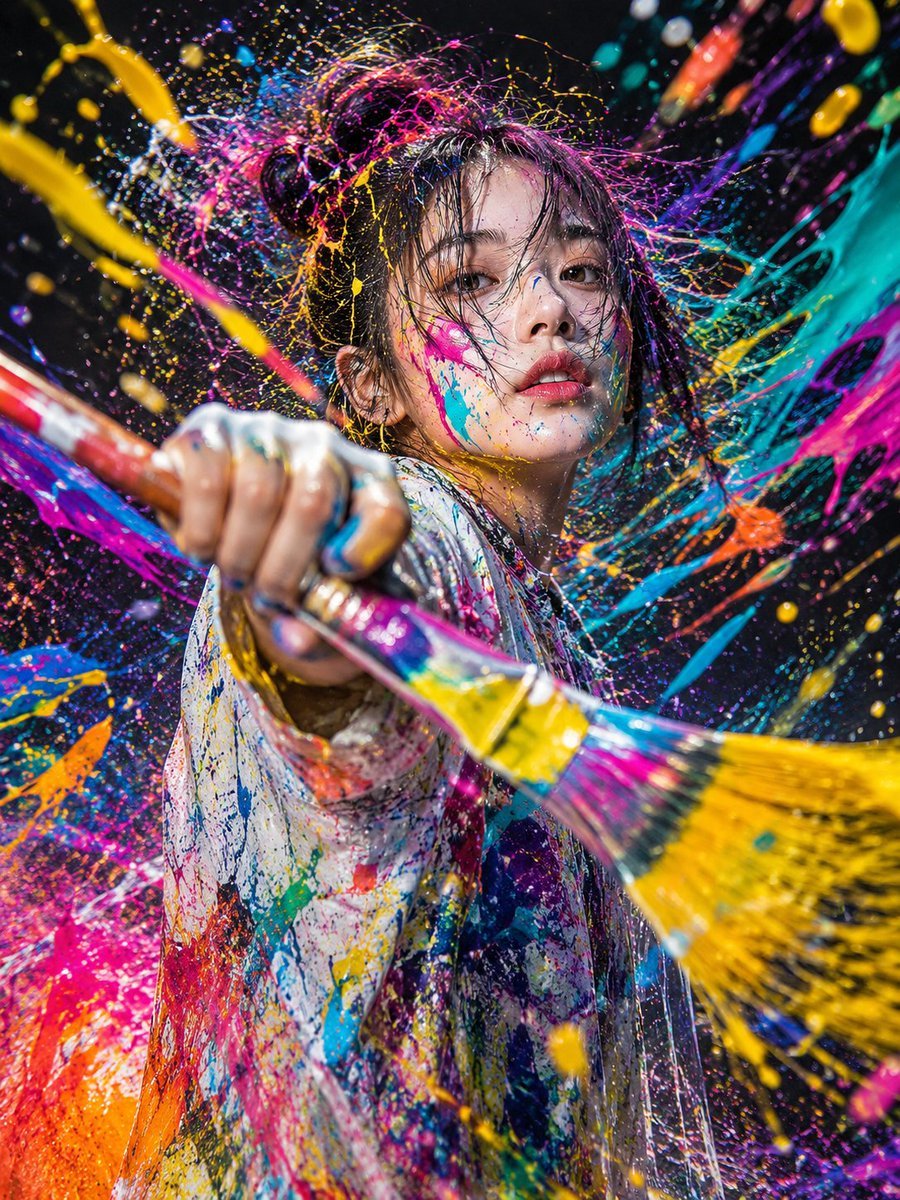
Action Artist Paint Explosion Portrait
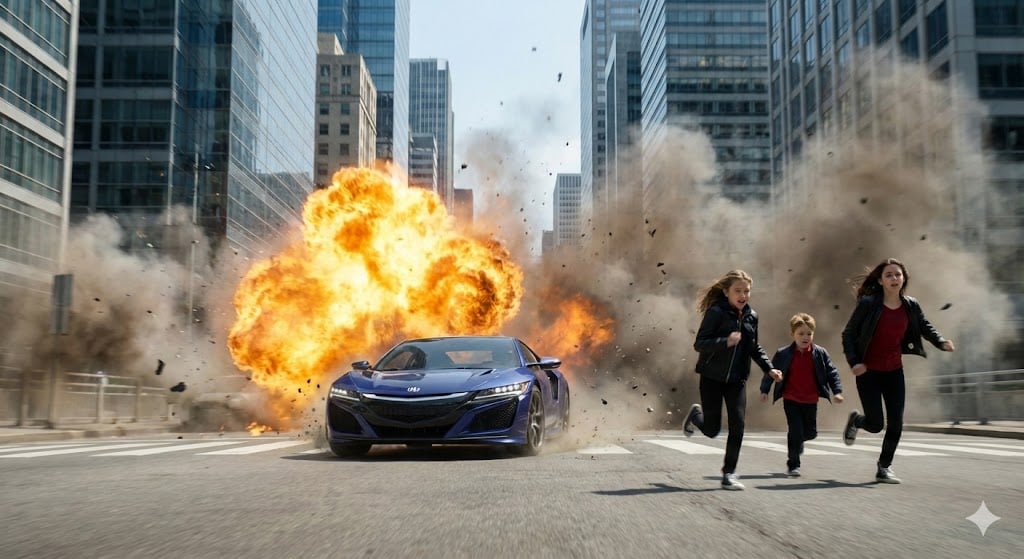
Cinematic Action Scene: Explosion Behind High-Speed Car
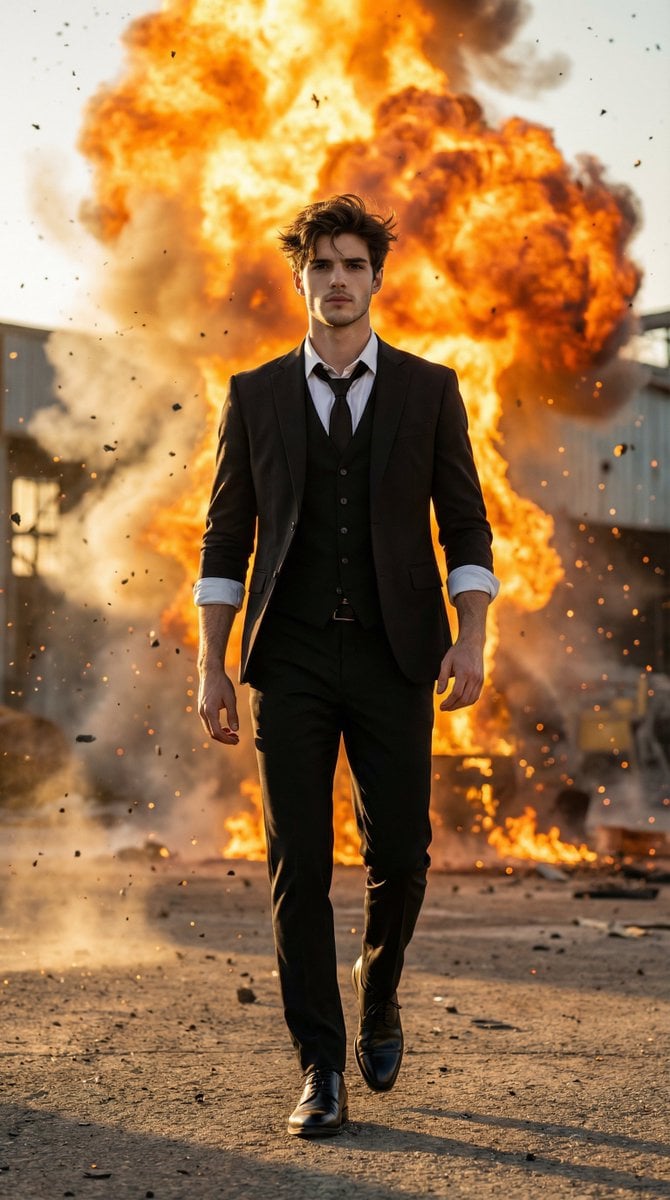
Action Hero Walking Away from Explosion Prompt (Image-to-Image)
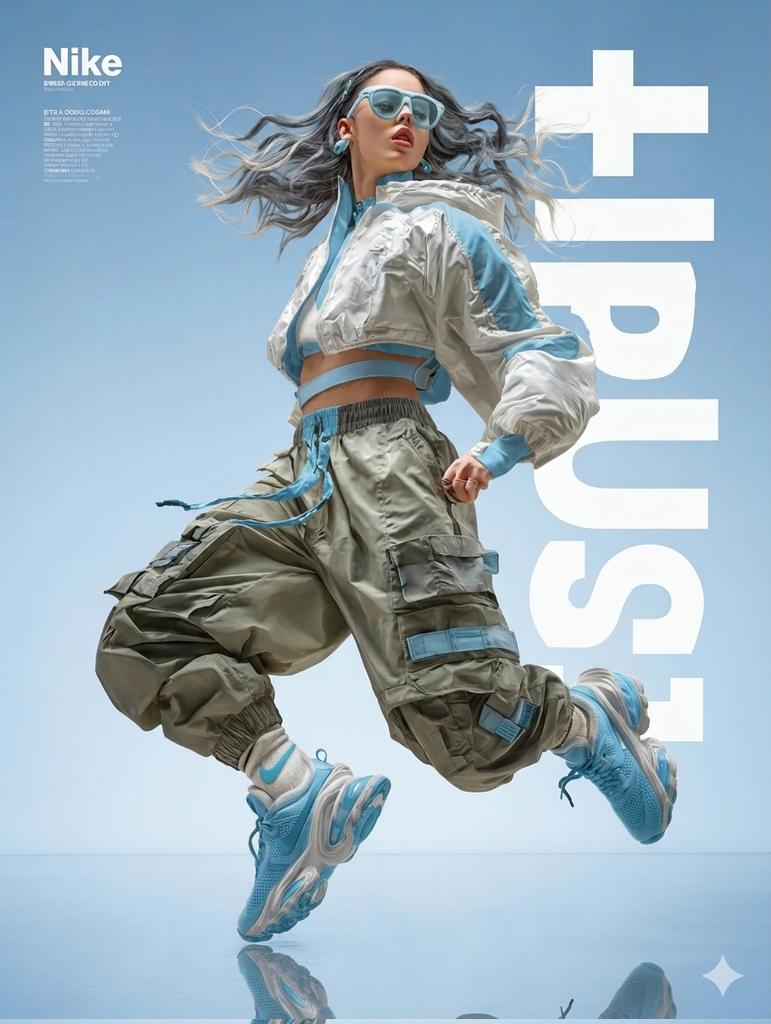
High Fashion Action Nike Nano Banana
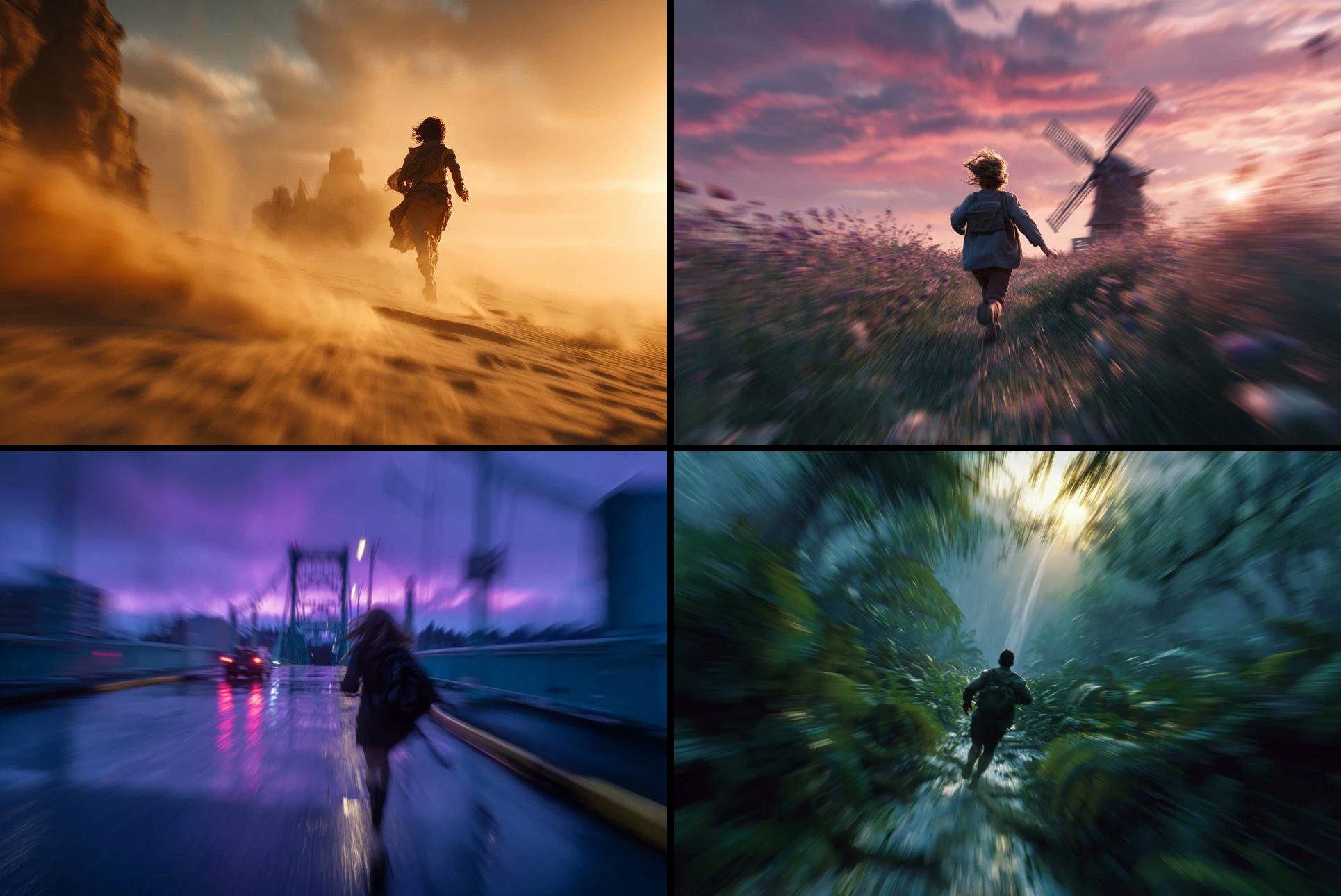
Freedom in Motion — Cinematic Sprint
Make it yours
Action Basketball Dunk with Powder Explosion works as-is. These are the safest ways to change it without losing the look.
Change one field
Copy a single group, rewrite it, and generate again so you can see what that field is doing.
Keep the frame, change the subject
Hold the composition and light of Action Basketball Dunk with Powder Explosion, then swap wardrobe, props or the person for a new take.
| If the result… | Why | Fix |
|---|---|---|
| The result drifts from the preview | Too many fields changed at once. | Reuse Action Basketball Dunk with Powder Explosion as-is first, then change one group — subject, light, or setting. |
| The model over-stylizes the scene | The prose prompt leaves finish and camera underspecified. | Add one camera or lighting sentence and stay on GPT Image 2. |
More GPT Image 2 templates
Other prompts made for GPT Image 2.

Six VTuber Japanese Logo Sheet

Realistic Portrait of Woman and Deer

The Vista Modular Condo Poster

AI Model Routing Comparison Infographic

2.5D Anime Art Board

Isometric Productivity Desk Scene

New York Double Exposure Poster

Four-Panel AI Landscape Comparison

Japanese Tatami Lifestyle Magazine Cover

NESCAFÉ Coffee Map Poster
More image prompts
Fresh picks from across the catalog.
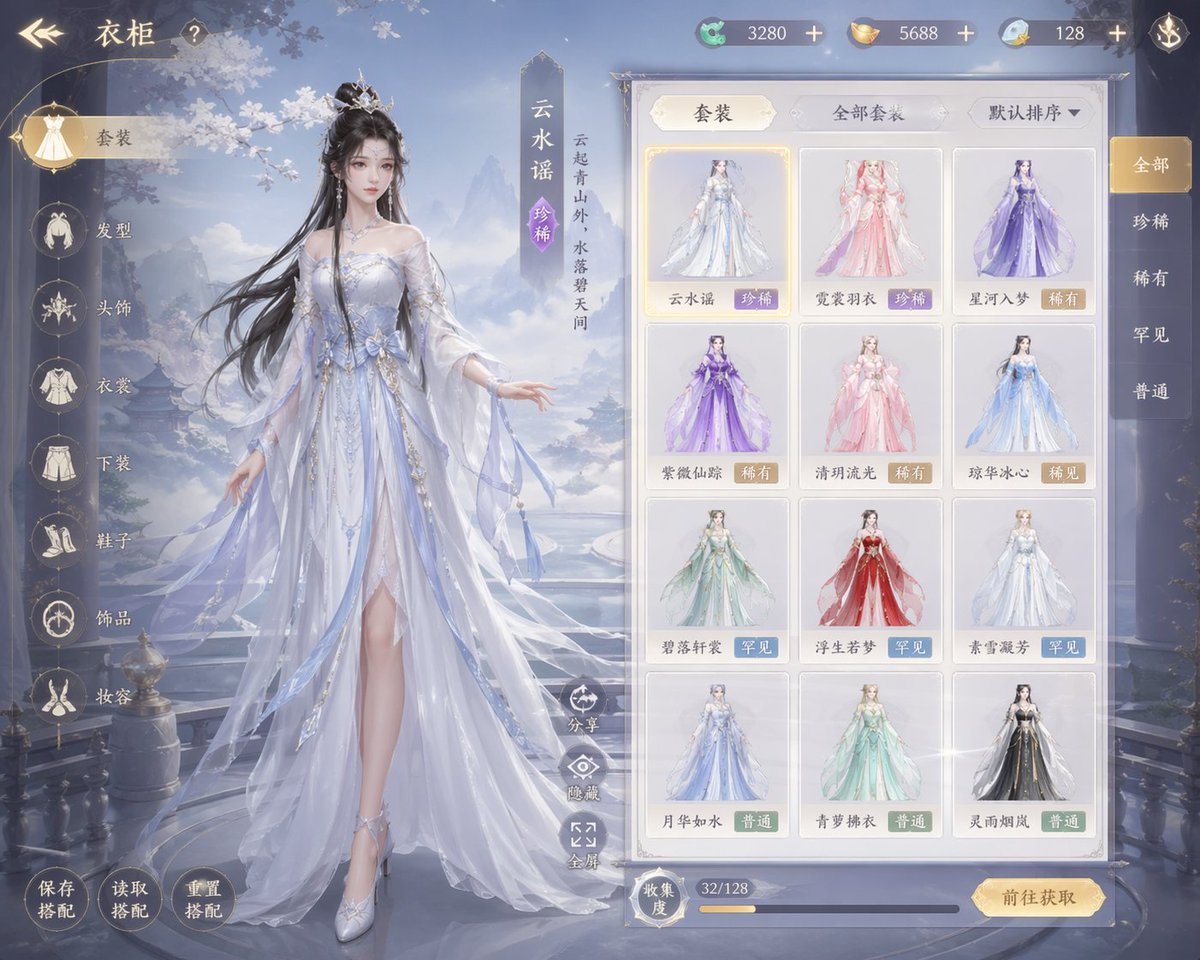
Xianxia Game Character Wardrobe Interface
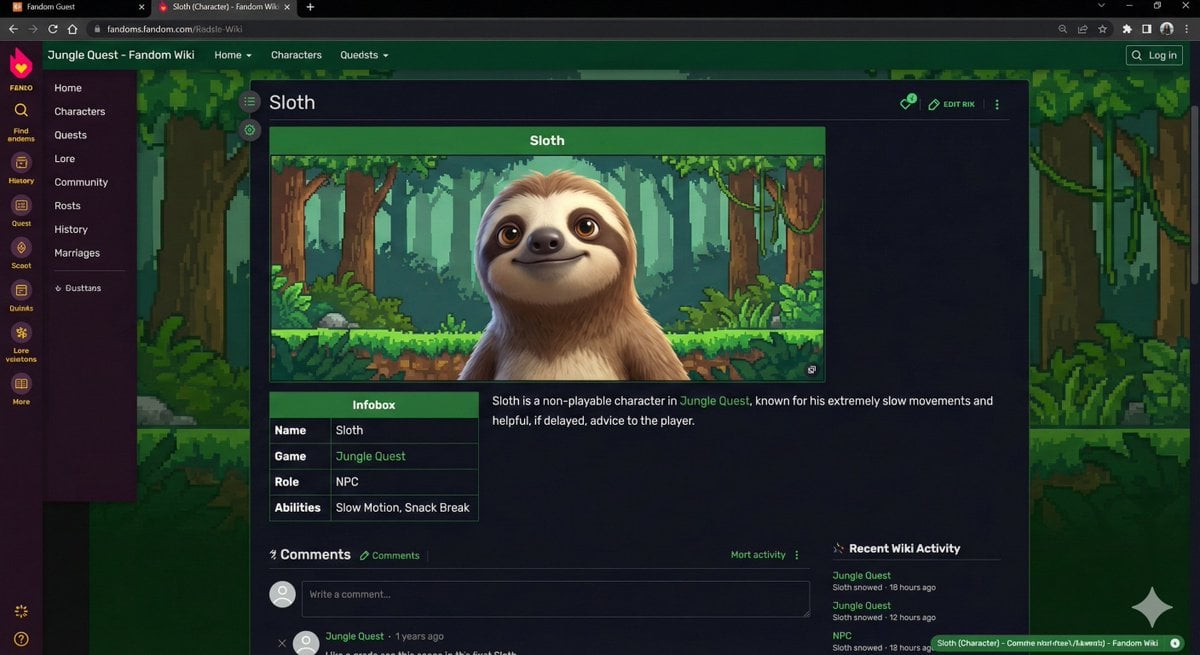
Video Game Wiki Style Image Generation
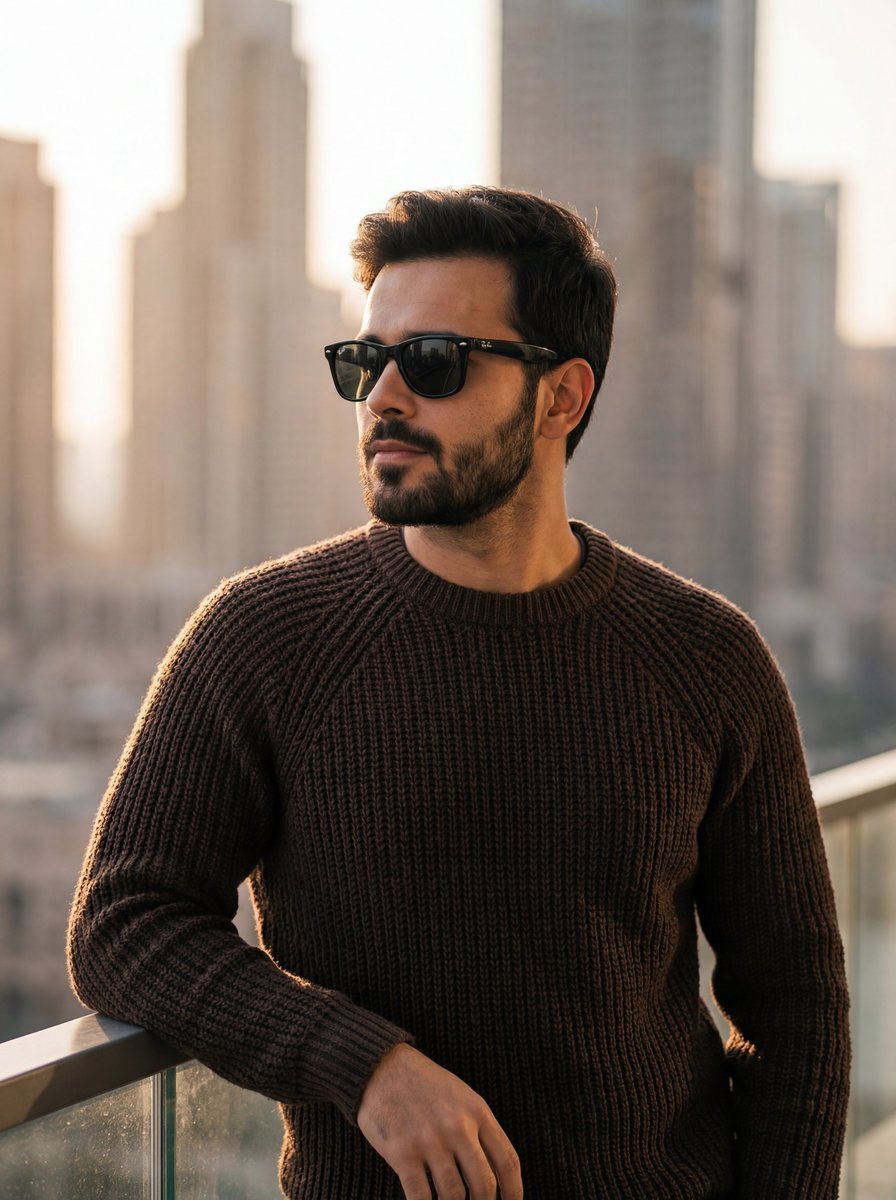
Golden Hour Portrait of Stylish Man on Balcony
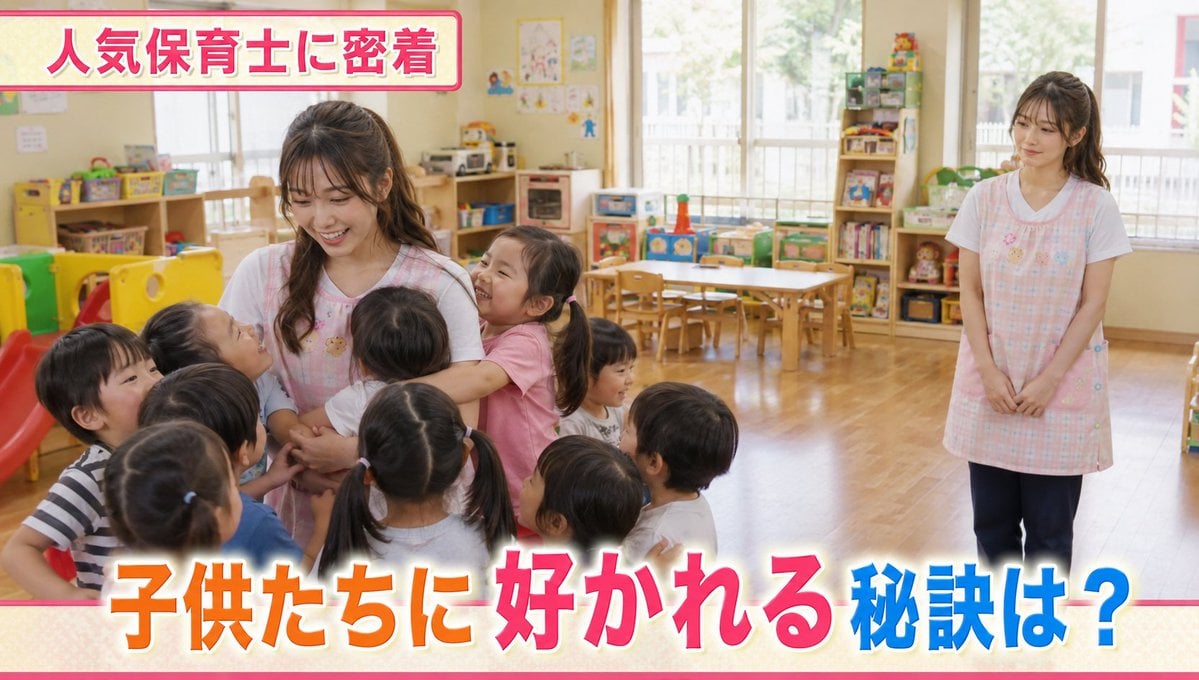
Contrast in Popularity Twin Teachers
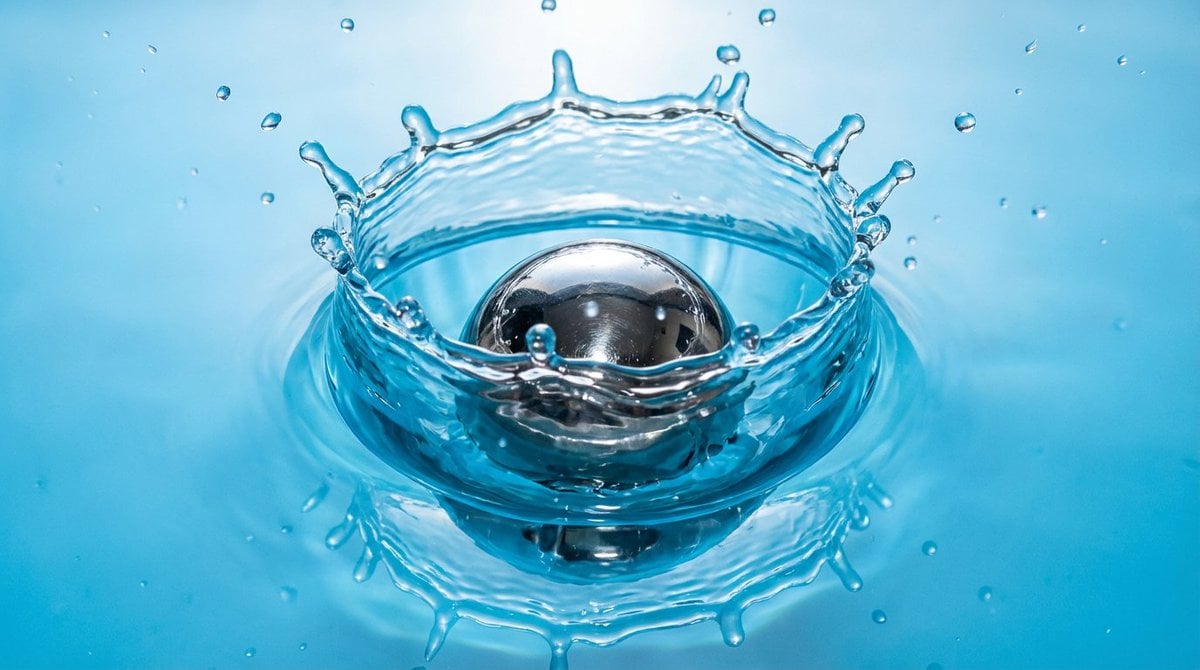
Metal ball splashing into water (slow-motion feel)
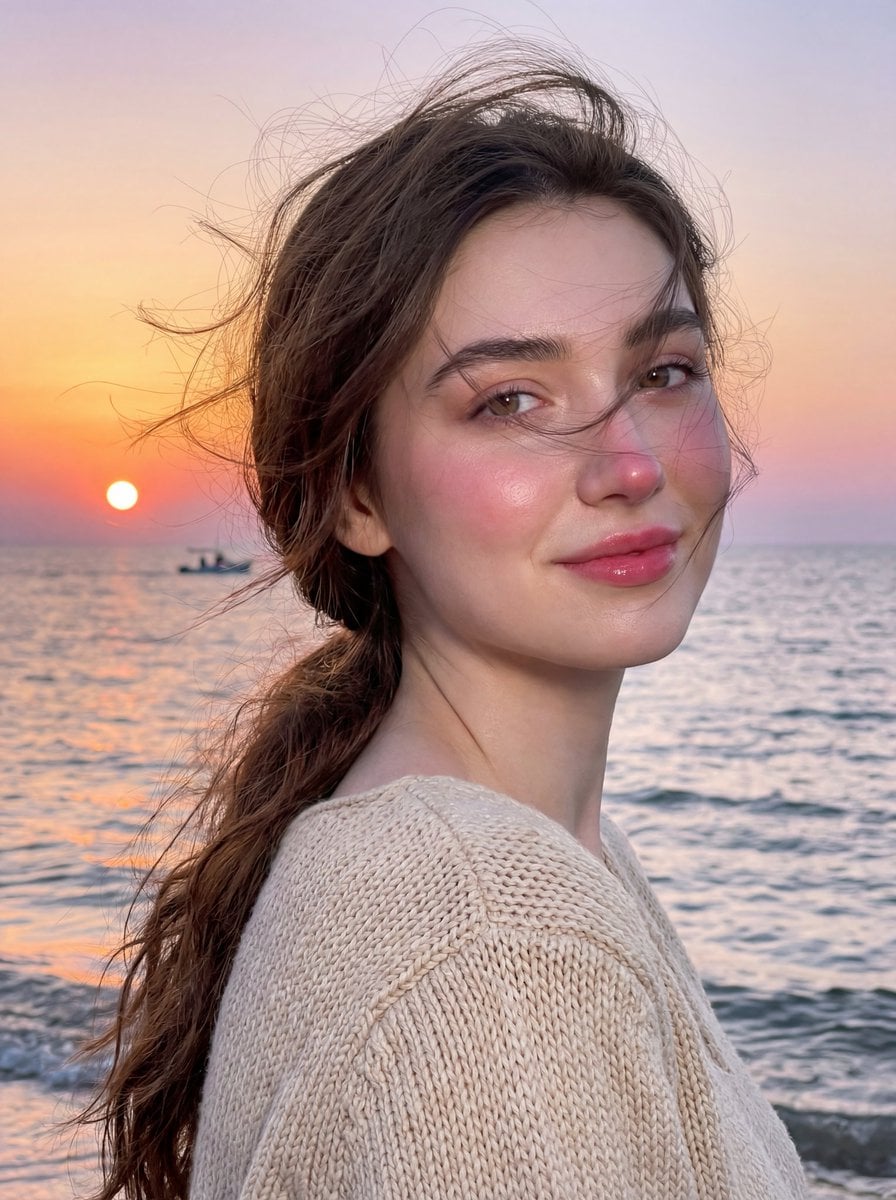
Golden Hour Seaside Portrait with Identity Preservation

Tilt-Shift Diorama Miniature City Prompt (Shanghai)
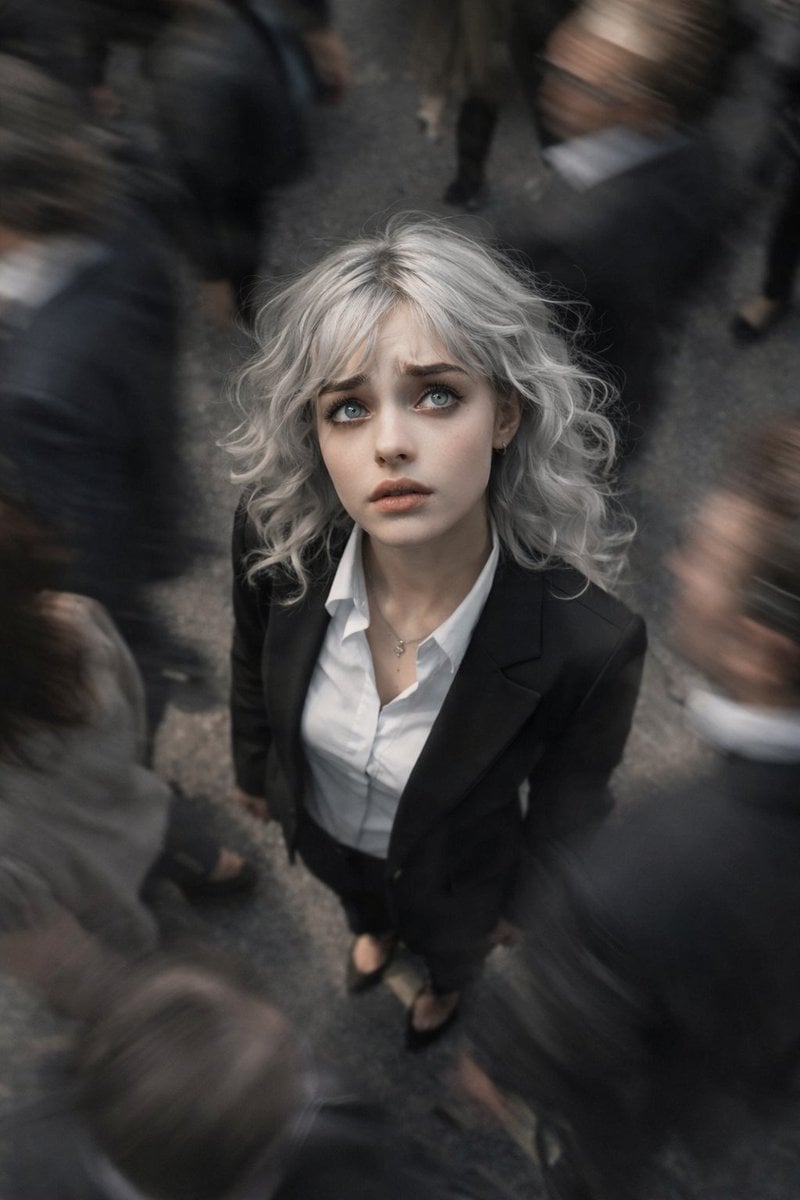
Top-View Street Scene with Motion Blur

Dreamy Venezia Travel Poster
Smartphone Screen Stepping Out Optical Illusion Prompt
Browse template categories
Action Basketball Dunk with Powder Explosion questions
How do I use the Action Basketball Dunk with Powder Explosion template?
Add your photo if the template asks for one, edit the prompt if you like — the template's model and format are already selected — and press Generate. Your version opens in PicX Studio.
Can I customize the Action Basketball Dunk with Powder Explosion template?
Yes. You can change the subject, setting, lighting, mood, format, and available model controls before creating your image.
Is the Action Basketball Dunk with Powder Explosion template free?
Opening and editing this template is free. Generating uses credits, shown on the Generate button when you are signed in.
Which AI model should I use?
Start with GPT Image 2, which is the model associated with this template. You can compare another compatible model for a different finish.
Looking for something else? Browse all templates.

Your photo, any look
Thousands of ready templates for every top image and video model, from one credit balance.