
Action Artist Paint Explosion Portrait
A high-quality prompt for generating dynamic portraits of female artists surrounded by explosive paint splashes in urban environments, featuring cinematic lighting and realistic textures.
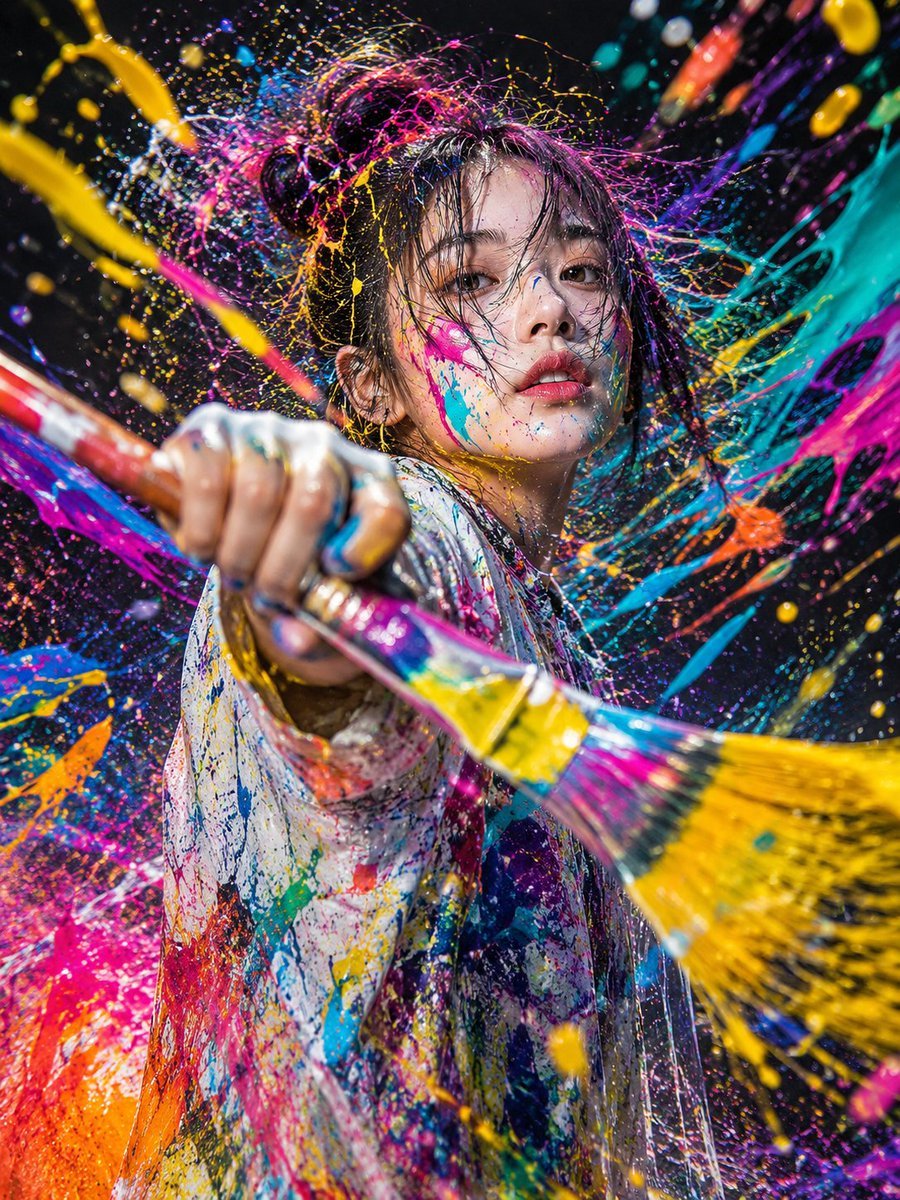
- Prompt included
- Model and format preset
- Free template
The prompt behind this image
Copy the exact prompt behind Action Artist Paint Explosion Portrait, or open it in the studio and make it yours.
Vertical 9:16 masterpiece best quality ultra high definition ultra realistic photorealistic 8K A beautiful adult {argument name="Subject" default="Japanese woman"} action artist ━━━━━━━━━━ Person ━━━━━━━━━━ A different woman each time High-fashion-model caliber Actress-level beauty Urban, cool charm Refined facial features Realistic pores Natural skin texture Authentic human texture Not an anime face Not CG ━━━━━━━━━━ Composition ━━━━━━━━━━ Full body shown Vertical composition Subject centered in the frame Toes visible Low angle Camera nearly at ground level Wide-angle 24mm lens Strong sense of perspective A bold composition that's Instagram-worthy Impact like a movie poster ━━━━━━━━━━ Action ━━━━━━━━━━ The moment capturing the peak of motion Random each time: Swinging through while crouching Swinging while jumping Swinging while spinning Sweeping across the ground Swinging while dancing Swinging on one knee Swinging while high-kicking Street-performance style A martial-arts-like stance Muscular tension Intense sense of dynamism Explosive sense of speed ━━━━━━━━━━ Paint ━━━━━━━━━━ {argument name="Paint Effect" default="a huge explosion of paint"} The paint dominates the frame The paint stands out more than the person Huge arcs of neon color Neon pink Electric blue Orange Yellow Purple Lime green Paint flying toward the camera Paint crossing right in front of the lens A massive amount of splatter Paint frozen in mid-air Paint throughout the foreground, midground, and background Over 70% of the frame is paint trails A huge splash ━━━━━━━━━━ Outfit ━━━━━━━━━━ An outfit covered in paint Random each time: Coveralls Overalls Cargo pants Streetwear Artist's work clothes Denim Techwear High-top sneakers Street sneakers Combat boots ━━━━━━━━━━ Location ━━━━━━━━━━ {argument name="Location" default="Shibuya at night"} A neon-lit street A rooftop A warehouse An abandoned factory site A graffiti-art wall An underground tunnel A festival venue A street-performance venue ━━━━━━━━━━ Lighting ━━━━━━━━━━ Neon lights Spotlight Rim light Reflections on wet ground High contrast Cinematic lighting ━━━━━━━━━━ Style ━━━━━━━━━━ Contemporary art Street art Fashion advertising photography Red Bull-event style An art-gallery exhibition piece A visual that goes viral on social media Overwhelming sense of dynamism Award-winning level Ultra-realistic photo No anime style No illustration style No CG style No doll-like style
How to use Action Artist Paint Explosion Portrait in 3 steps
- 1
Open
The prompt is already in the box next to the preview, with the template's model and format selected.
- 2…a portrait of your subject in softgolden-hour light, 85mm…
Personalize
Edit the subject and creative details for your destination.
- 3Generate
Generate
Press Generate — your image is created in PicX Studio, so you can compare it with the original and refine one variable at a time.
More like this
Templates with the same subject, style or setup. Open one to see its prompt.

Found Photograph: Us, 1970

80s Couple Studio Portrait

80s Bollywood Star

80s Golden Hour Cinema

Me in 1985

1985 Studio Portrait

Hyper-Realistic Minecraft POV Portrait
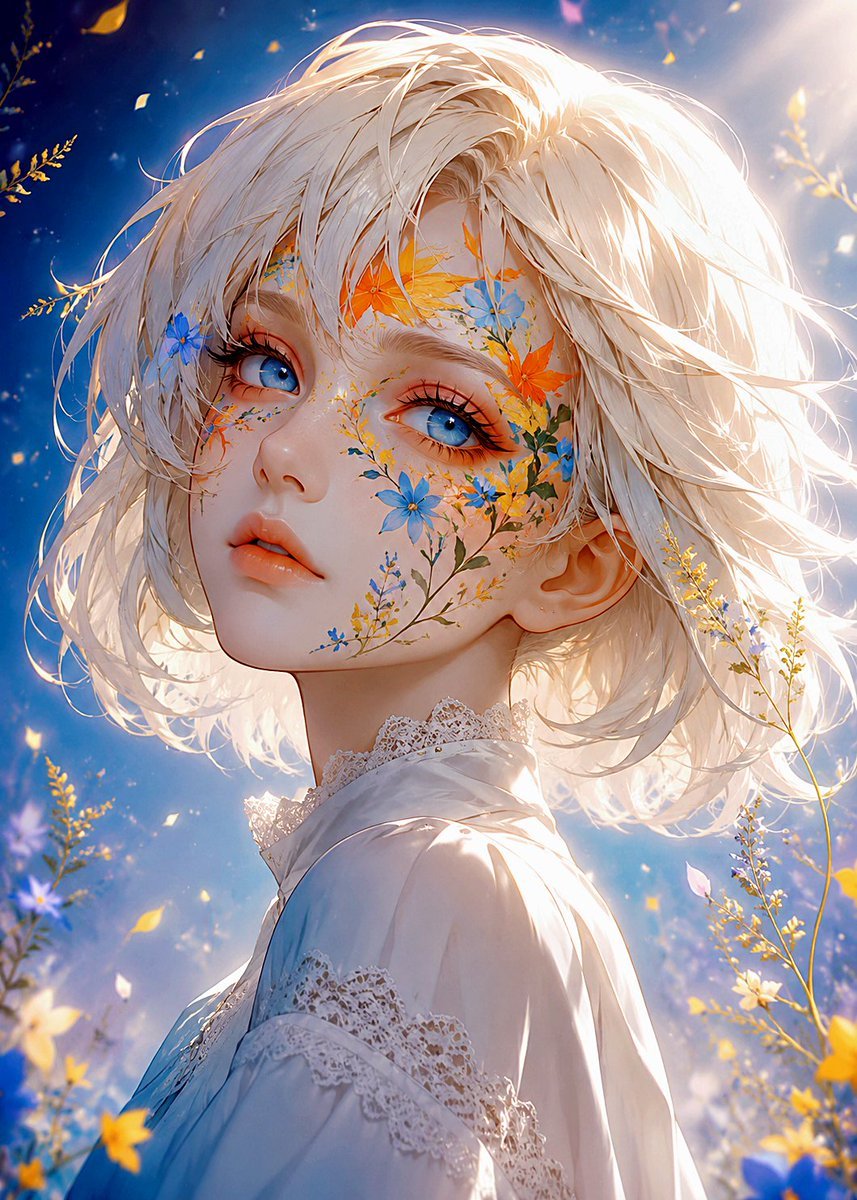
Floral Face Paint Anime Portrait
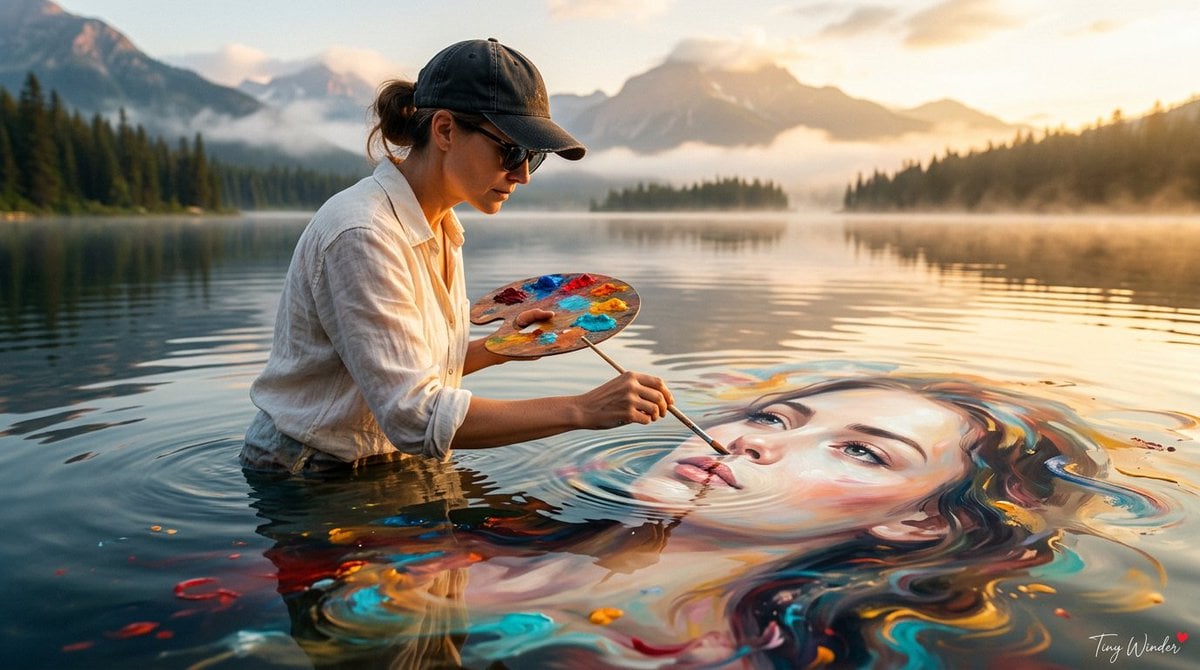
Surreal Fine Art Water Painting Portrait

Rooftop Fisheye — Cat-Ear Balaclava at Golden Hour
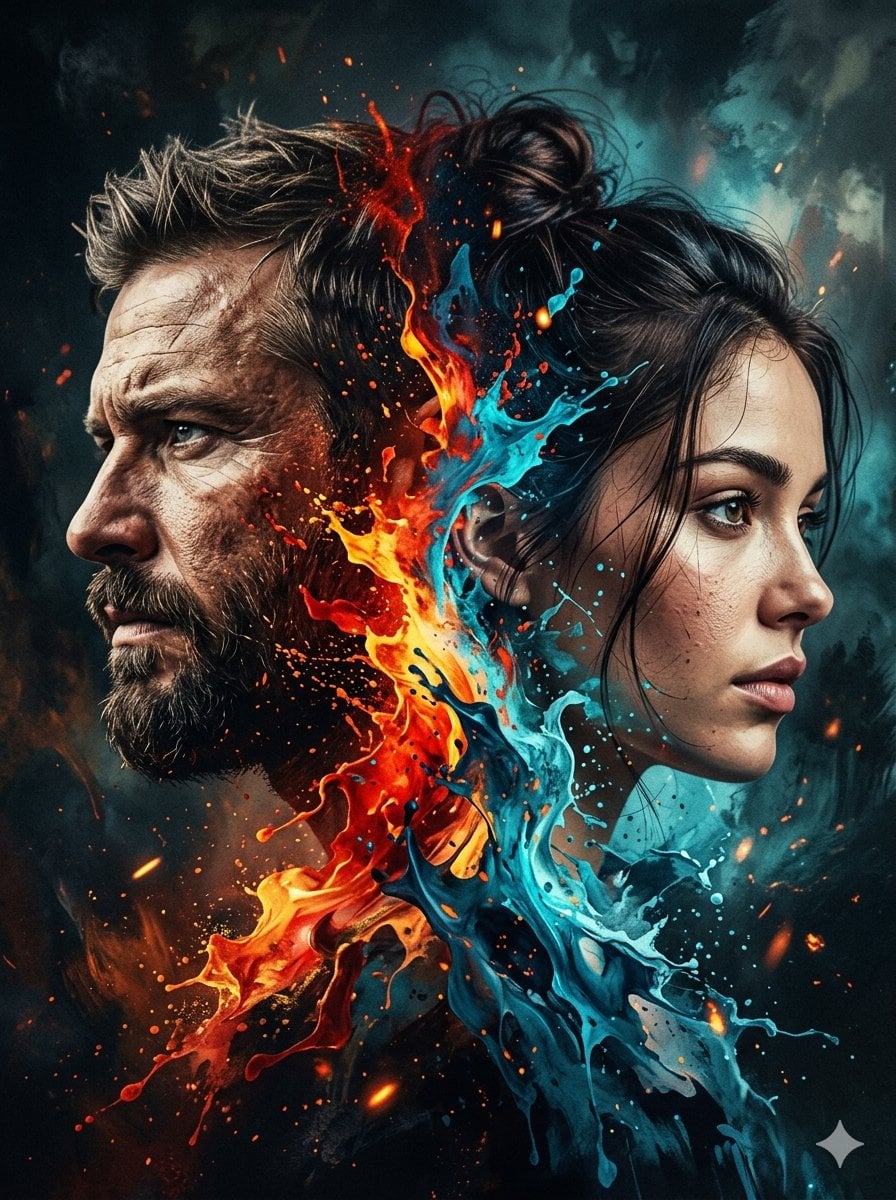
Dynamic Double-Exposure Artistic Portrait
Artistic Royal Purple Portrait
Make it yours
Action Artist Paint Explosion Portrait works as-is. These are the safest ways to change it without losing the look.
Change one field
Copy a single group, rewrite it, and generate again so you can see what that field is doing.
Keep the frame, change the subject
Hold the composition and light of Action Artist Paint Explosion Portrait, then swap wardrobe, props or the person for a new take.
| If the result… | Why | Fix |
|---|---|---|
| The result drifts from the preview | Too many fields changed at once. | Reuse Action Artist Paint Explosion Portrait as-is first, then change one group — subject, light, or setting. |
| The model over-stylizes the scene | The prose prompt leaves finish and camera underspecified. | Add one camera or lighting sentence and stay on GPT Image 2. |
More GPT Image 2 templates
Other prompts made for GPT Image 2.

Six VTuber Japanese Logo Sheet

Realistic Portrait of Woman and Deer

The Vista Modular Condo Poster

AI Model Routing Comparison Infographic

2.5D Anime Art Board

Isometric Productivity Desk Scene

New York Double Exposure Poster

Four-Panel AI Landscape Comparison

Japanese Tatami Lifestyle Magazine Cover

NESCAFÉ Coffee Map Poster
More image prompts
Fresh picks from across the catalog.
Dark Fantasy Bureau Role Sheet
Gpt2 Product Marketing Pastel Jellyfish Room Goods Poster
Professional Hairstyle and Makeup Analysis Guide
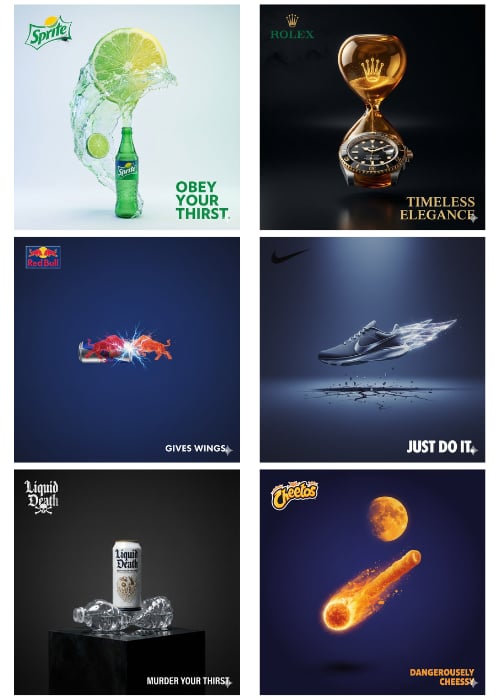
1Wrd Ad Generator
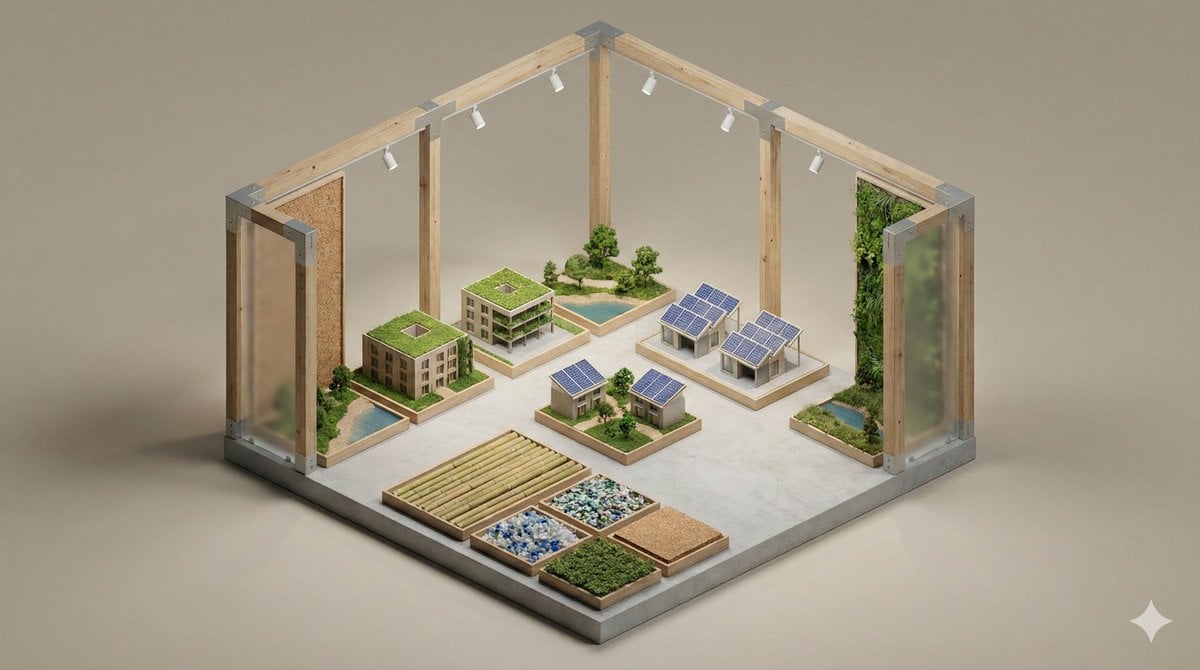
Minimalist 3D Isometric Exhibition Pod Diorama
Swat Takedown Seedance 2 0 Cinematic
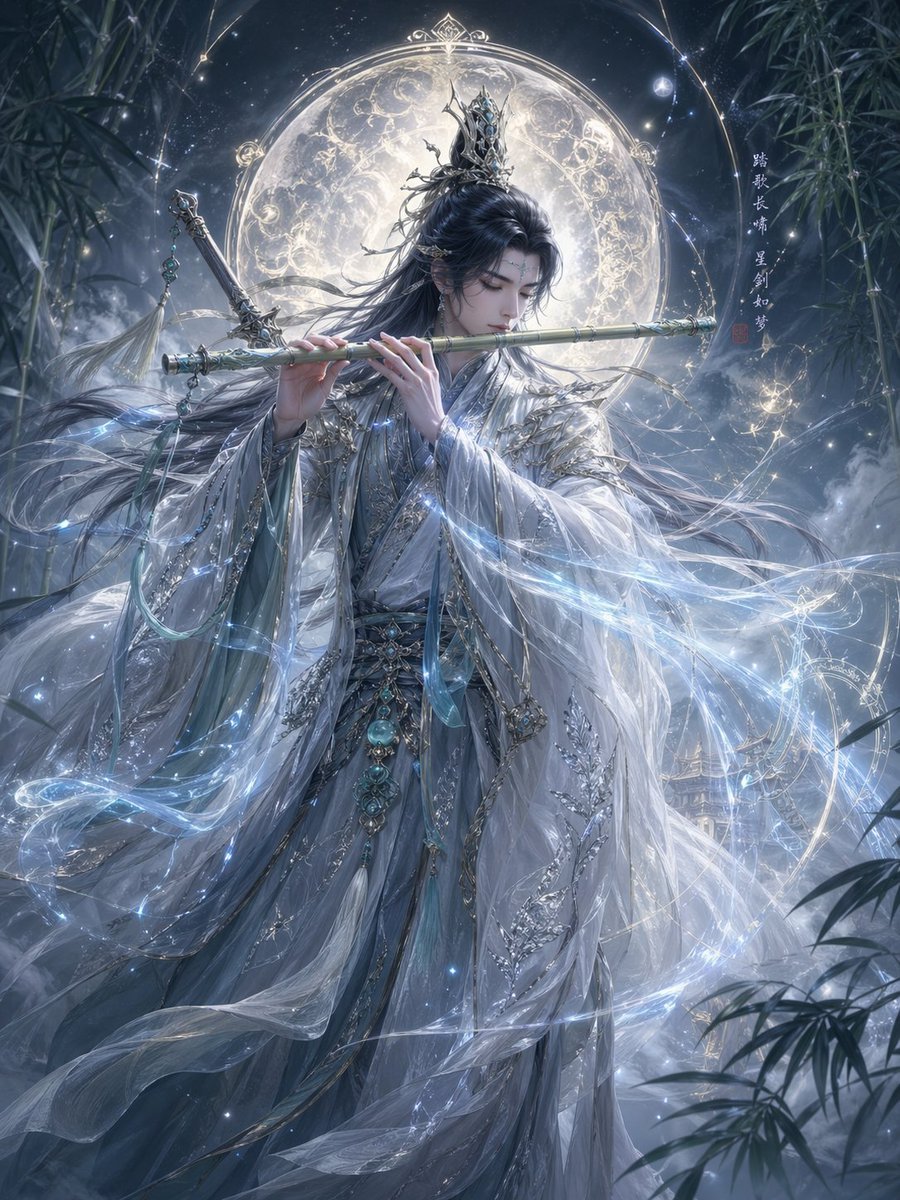
Epic Eastern Fantasy Character Concept
Indoor Fitness Lifestyle Portrait Prompt
Together We Are Perfect
Ultra-Realistic Promotional Image Prompt
Browse template categories
Action Artist Paint Explosion Portrait questions
How do I use the Action Artist Paint Explosion Portrait template?
Add your photo if the template asks for one, edit the prompt if you like — the template's model and format are already selected — and press Generate. Your version opens in PicX Studio.
Can I customize the Action Artist Paint Explosion Portrait template?
Yes. You can change the subject, setting, lighting, mood, format, and available model controls before creating your image.
Is the Action Artist Paint Explosion Portrait template free?
Opening and editing this template is free. Generating uses credits, shown on the Generate button when you are signed in.
Which AI model should I use?
Start with GPT Image 2, which is the model associated with this template. You can compare another compatible model for a different finish.
Looking for something else? Browse all templates.

Your photo, any look
Thousands of ready templates for every top image and video model, from one credit balance.