How do I use the Flour Explosion Action Photography template?
Choose the primary action to open PicX Studio with the available template settings. Review the model and format, personalize the creative direction, and generate when ready.
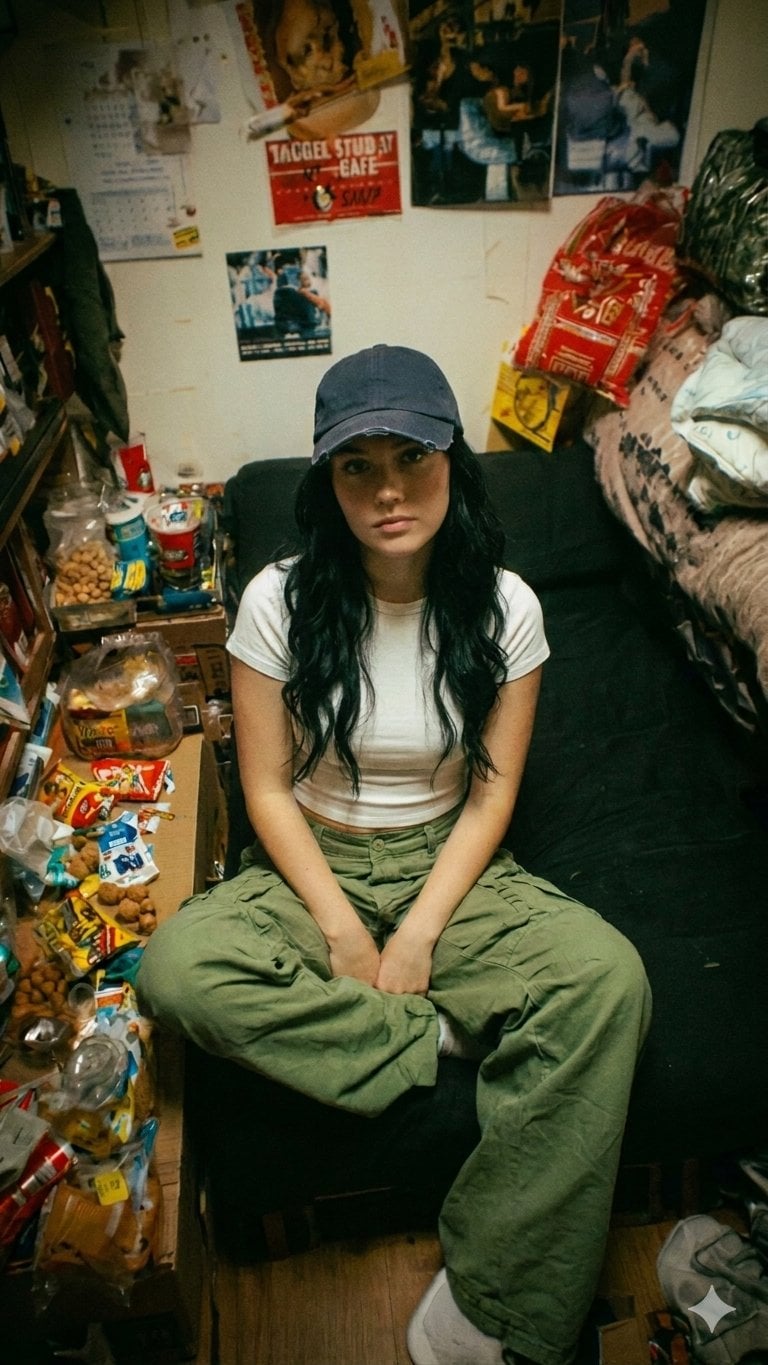
An action-oriented prompt capturing the motion of flour particles exploding during a high-contrast studio shot.
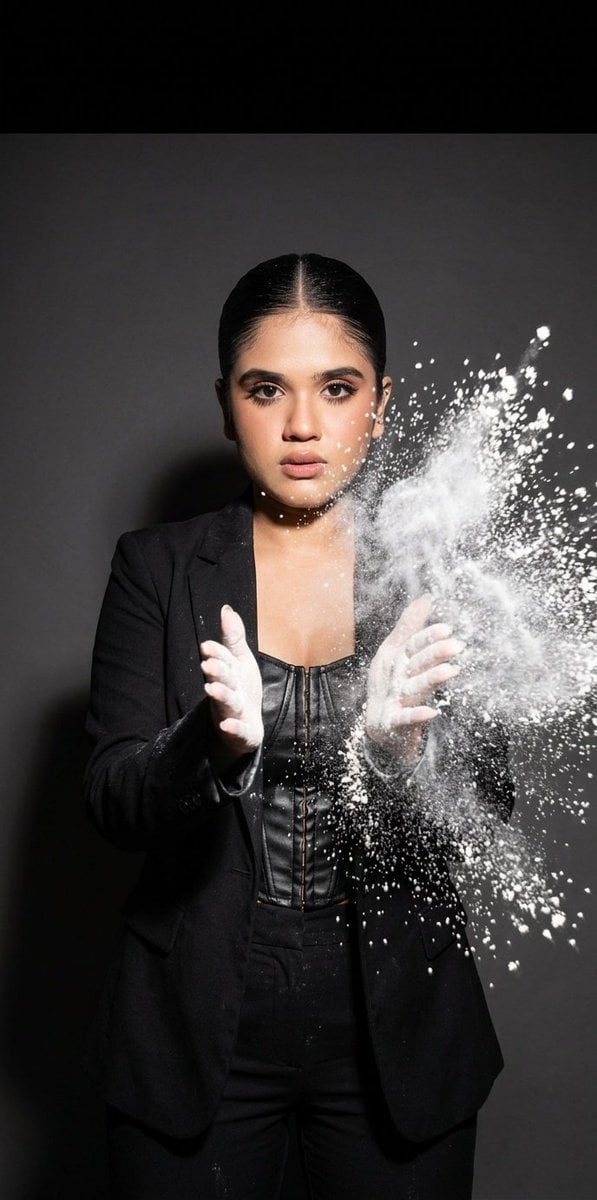
atmospheric studio action shot, dark solid background, harsh high-contrast flash, frozen motion, {argument name="lens" default="SUPER wide-angle 16mm lens"}, {argument name="subject" default="beautiful young brunette in a black top"} clapping her hands, a {argument name="effect" default="cloud of flour"} explodes around her, creating a textured haze, flour particles flying toward the camera, very large and close-up, some motion blur
Choose the primary action to open PicX Studio with the available template settings. Review the model and format, personalize the creative direction, and generate when ready.
Yes. You can change the subject, setting, lighting, mood, format, and available model controls before creating your image.
This template is free to open and customize. Generation usage is shown in PicX Studio before you create.
Start with Nano Banana 2, which is the model associated with this template. You can compare another compatible model for a different finish.
Follow a topic to a crawlable collection of related PicX Studio templates.