
Cinematic Biker Powder Explosion
Generates a dramatic vertical action portrait of a motorcycle rider charging through a tunnel amid colored powder and flames.
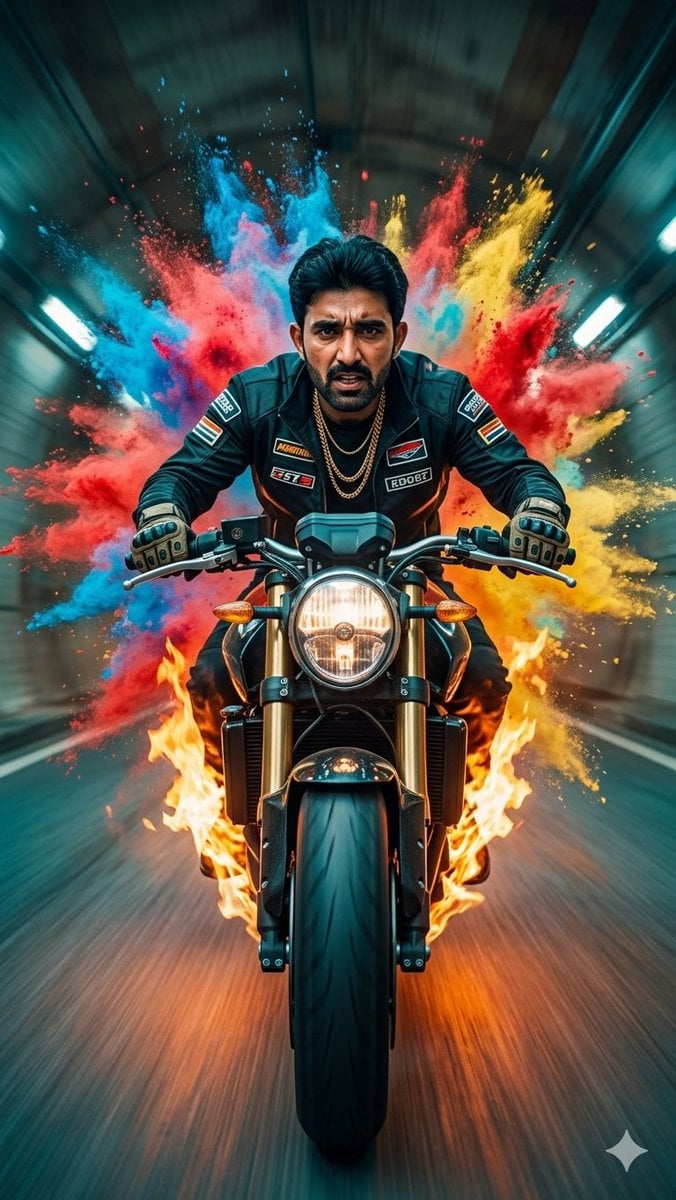
- Prompt included
- Model and format preset
- Free template
The prompt behind this image
Copy the exact prompt behind Cinematic Biker Powder Explosion, or open it in the studio and make it yours.
Create a vertical 9:16 cinematic 35mm action portrait of {argument name="character name" default="a powerful male biker"} riding a modern black street motorcycle directly toward the camera inside a dark industrial tunnel. The rider is centered and symmetrical, leaning forward aggressively with intense posture, both gloved hands gripping the handlebars, wearing a fitted black racing jacket with small motorsport patches, black pants, protective gloves, and two gold chain necklaces. His hair is short, dark, and slicked back; place a smooth rectangular blurred face area over the face as if anonymized. The motorcycle has a large glowing round headlight, amber side indicators, thick front tire, visible front forks, glossy black fender, and sharp realistic mechanical detail. Behind him, create one enormous explosion of colored powder made of exactly four dominant color clouds: bright cyan-blue on the left, vivid red across the center-left and right, hot yellow on the right, and small pink/magenta accents mixed near the top center. Add orange flames wrapping around both sides of the front wheel and lower motorcycle, with sparks and embers. Use strong tunnel motion blur radiating backward, teal-green fluorescent lights along both tunnel walls, wet reflective road streaks, dramatic contrast, shallow depth of field, high-speed energy, ultra-detailed photorealism, cinematic teal-and-orange grading, low front camera angle, no extra vehicles, no readable text, no watermark.
How to use Cinematic Biker Powder Explosion in 3 steps
- 1Upload ImagePNG, JPG or paste
Add your photo
Upload the photo the template builds on. The prompt, model and format are already set.
- 2…a portrait of your subject in softgolden-hour light, 85mm…
Personalize
Edit the subject and creative details for your destination.
- 3Generate
Generate
Press Generate — your image is created in PicX Studio, so you can compare it with the original and refine one variable at a time.
More like this
Templates with the same subject, style or setup. Open one to see its prompt.

Pop Art Superhero Explosion Poster
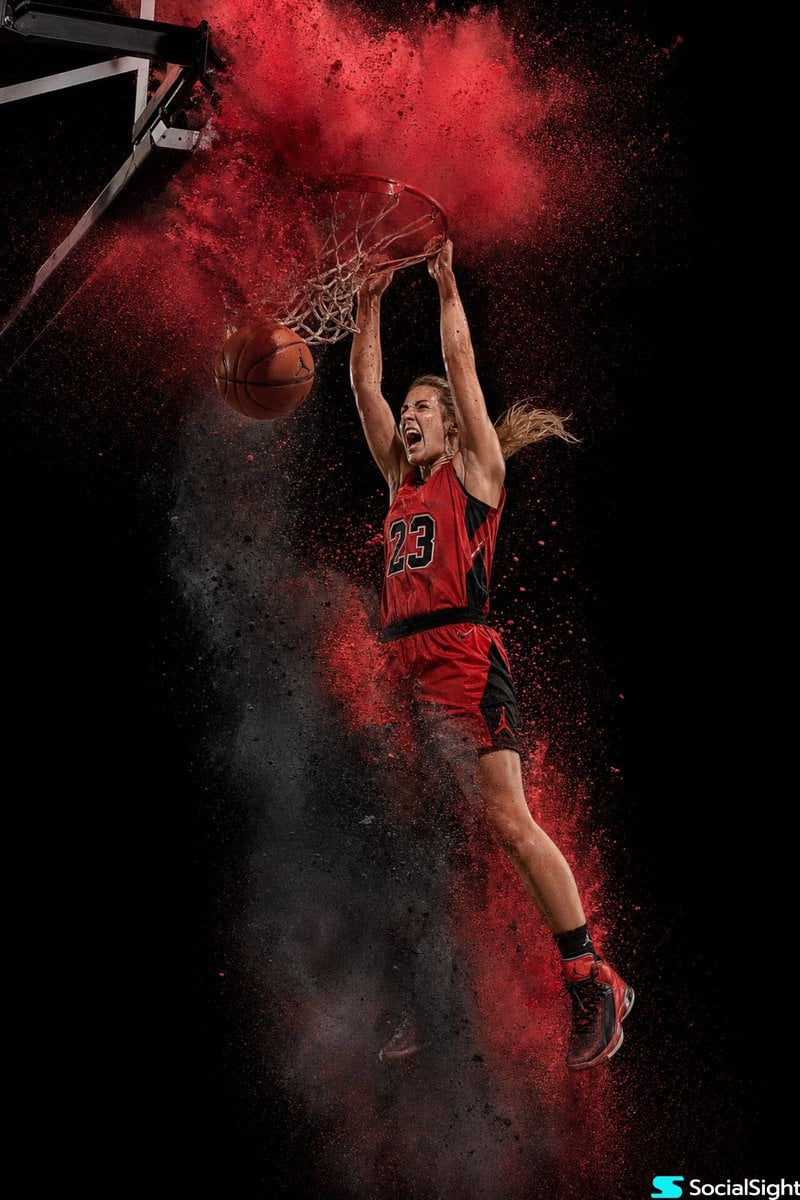
Action Basketball Dunk with Powder Explosion
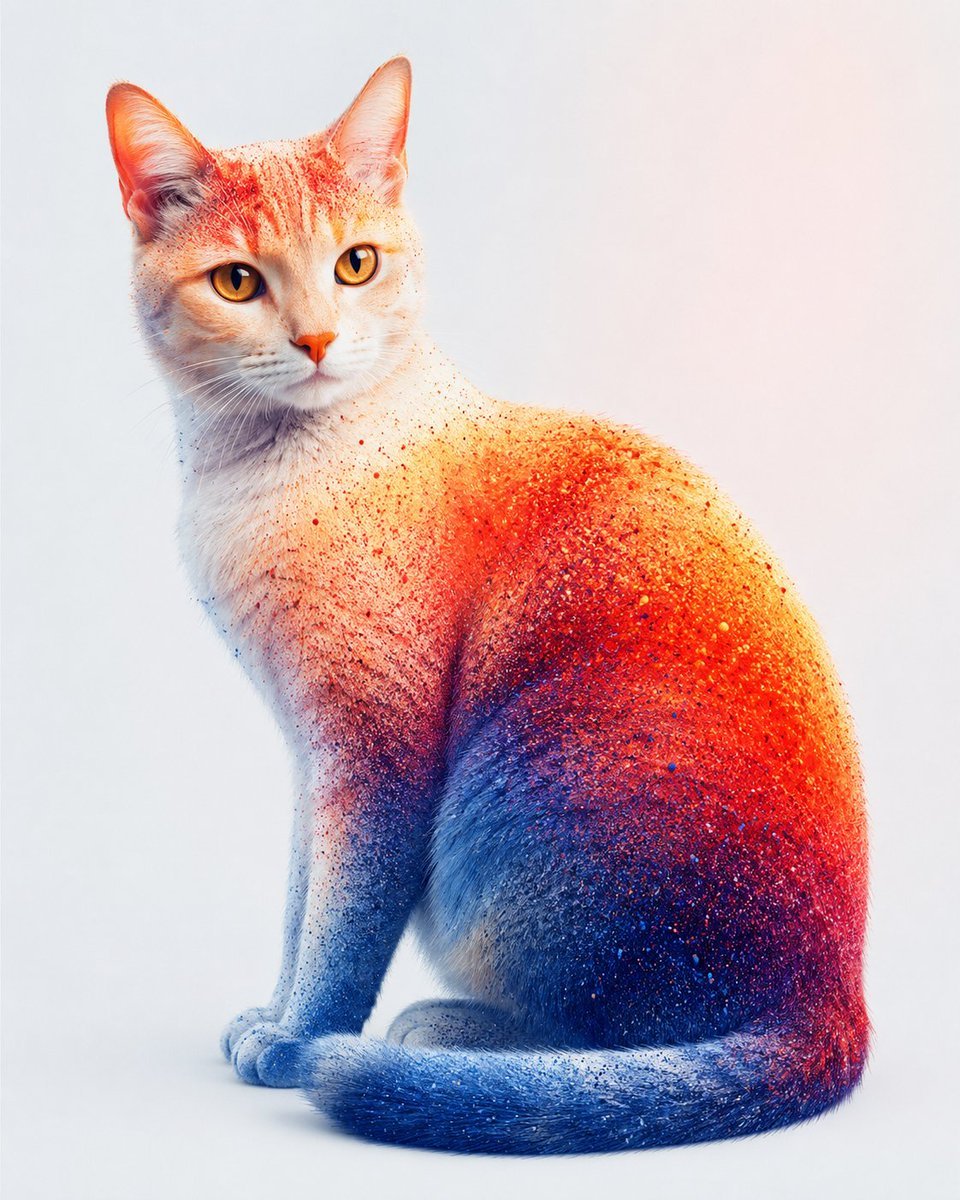
Color Powder Cat Portrait
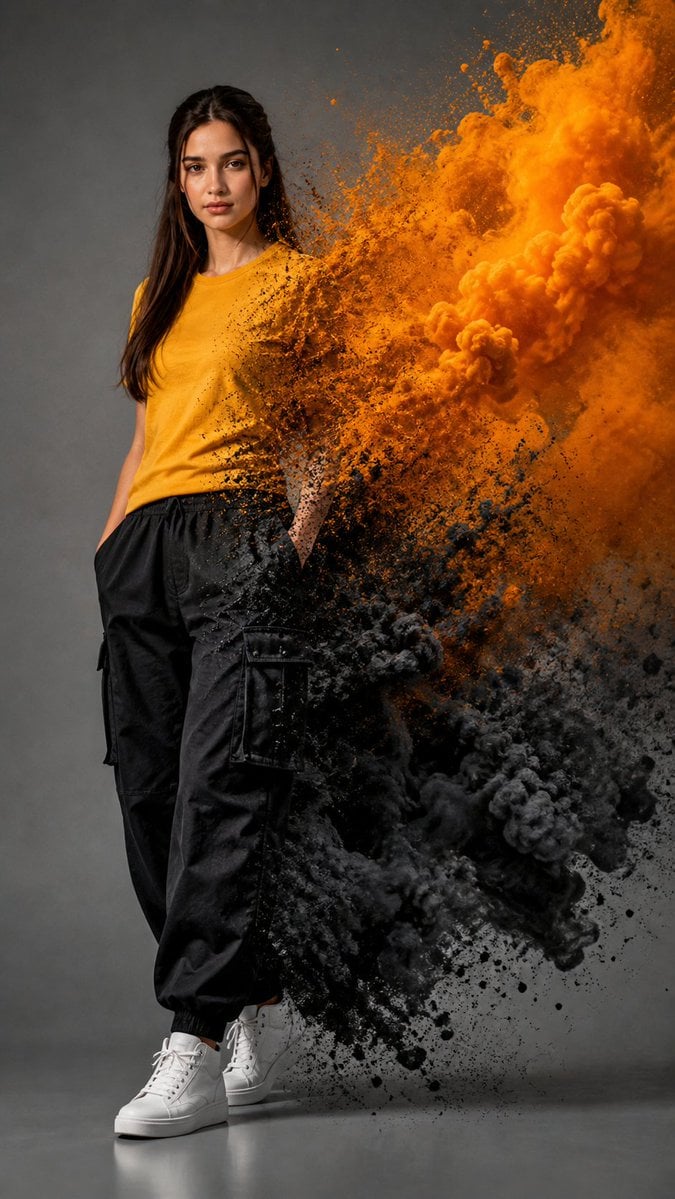
Fashion Portrait With Powder Disintegration
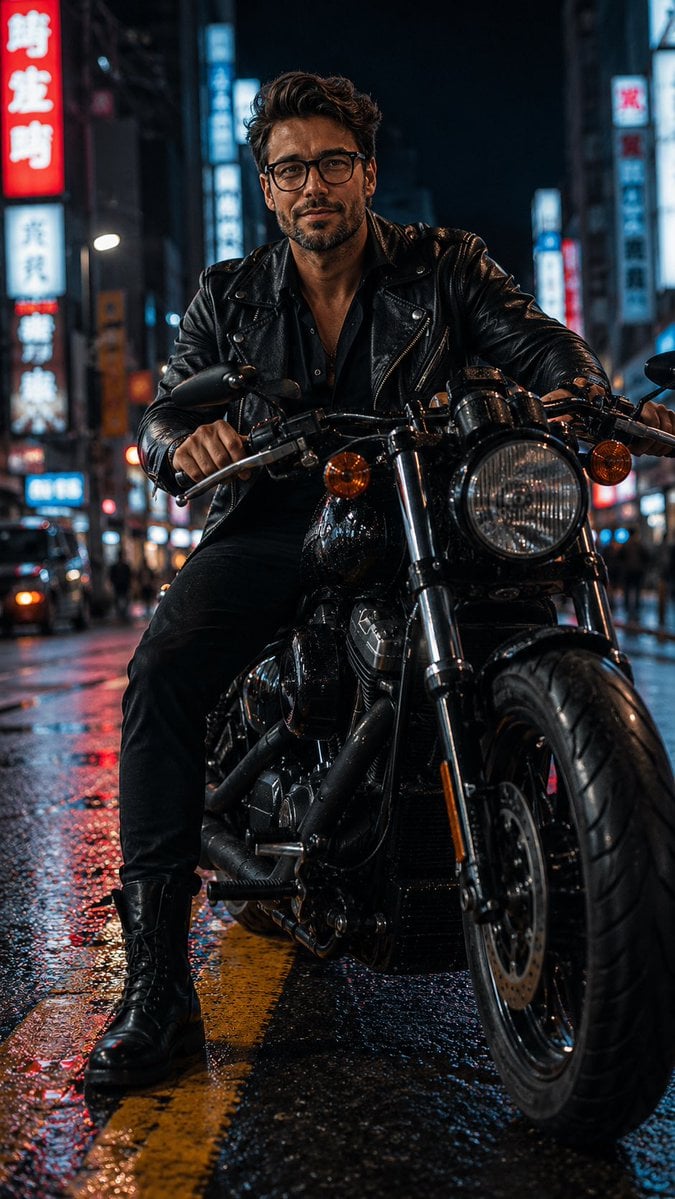
Biker in Tokyo Nightscape
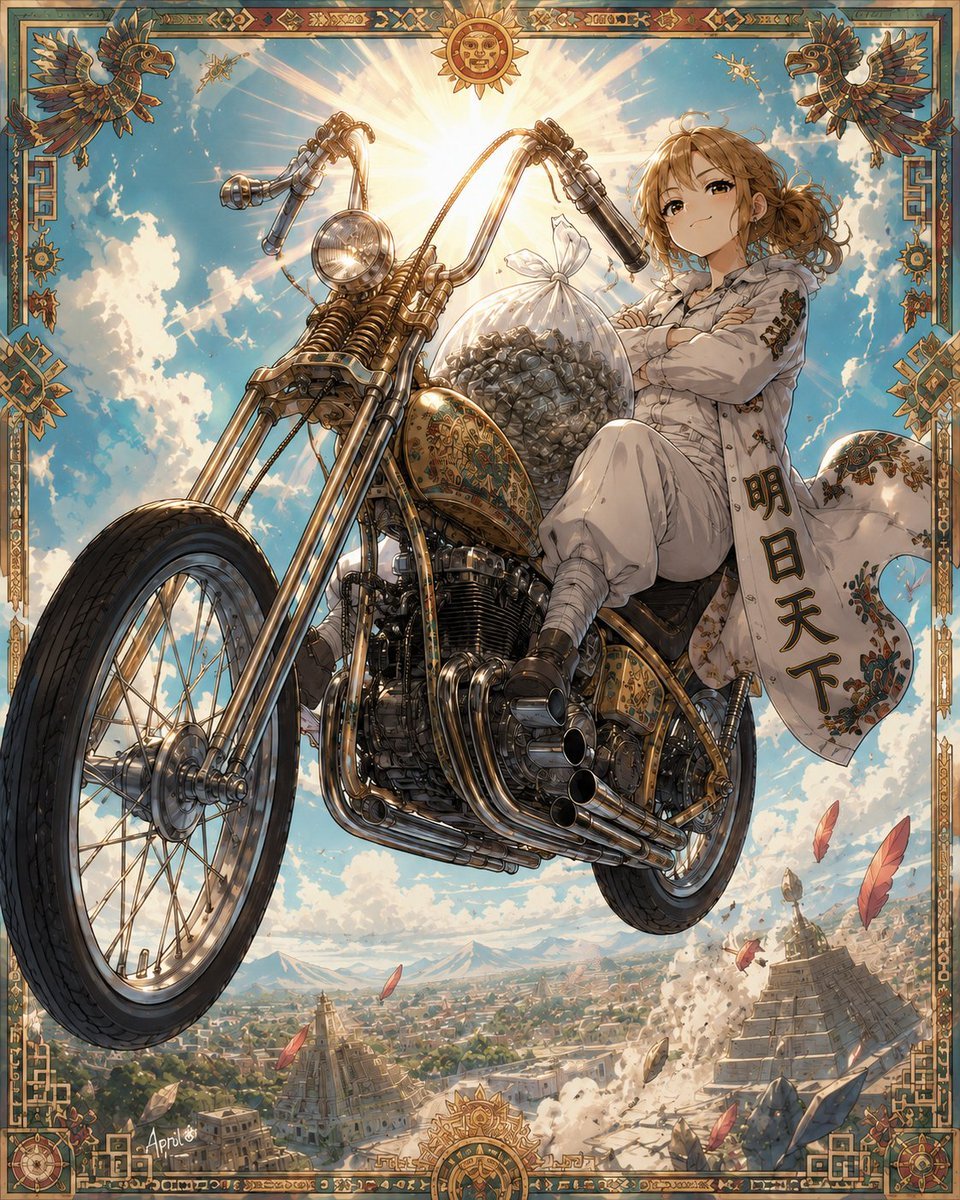
Skyborne Anime Biker in Ancient City
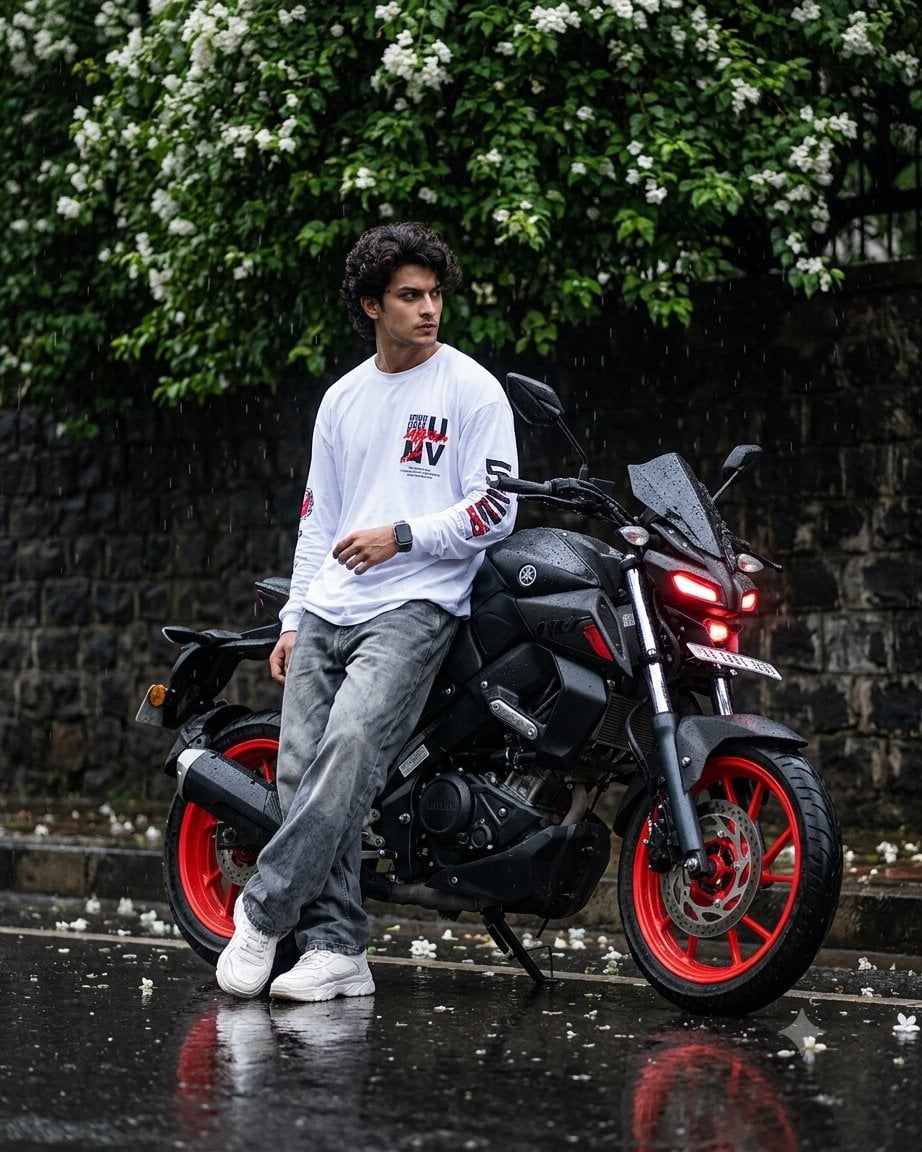
Cinematic Rainy Biker Portrait
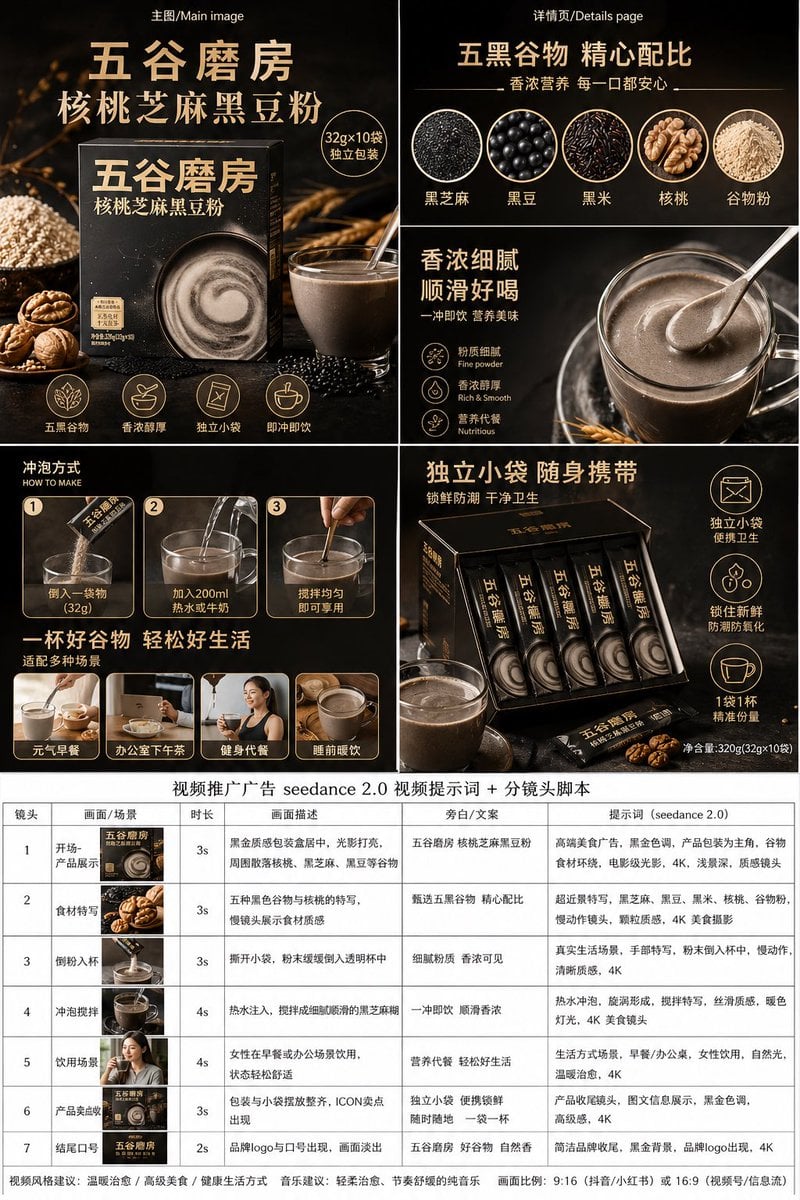
Premium Grain Powder Ad Board
Protein Powder Splash Hero Shot
Fairy Biker Above Tiny-Planet City
Hyper-Realistic Biker Wheelie Portrait
Cinematic Biker Duo Dusk Shot
Make it yours
Cinematic Biker Powder Explosion works as-is. These are the safest ways to change it without losing the look.
Change one field
Copy a single group, rewrite it, and generate again so you can see what that field is doing.
Keep the frame, change the subject
Hold the composition and light of Cinematic Biker Powder Explosion, then swap wardrobe, props or the person for a new take.
| If the result… | Why | Fix |
|---|---|---|
| The result drifts from the preview | Too many fields changed at once. | Reuse Cinematic Biker Powder Explosion as-is first, then change one group — subject, light, or setting. |
| The model over-stylizes the scene | The prose prompt leaves finish and camera underspecified. | Add one camera or lighting sentence and stay on GPT Image 2. |
More GPT Image 2 templates
Other prompts made for GPT Image 2.

Six VTuber Japanese Logo Sheet

Realistic Portrait of Woman and Deer

The Vista Modular Condo Poster

AI Model Routing Comparison Infographic

2.5D Anime Art Board

Isometric Productivity Desk Scene

New York Double Exposure Poster

Four-Panel AI Landscape Comparison

Japanese Tatami Lifestyle Magazine Cover

NESCAFÉ Coffee Map Poster
More image prompts
Fresh picks from across the catalog.
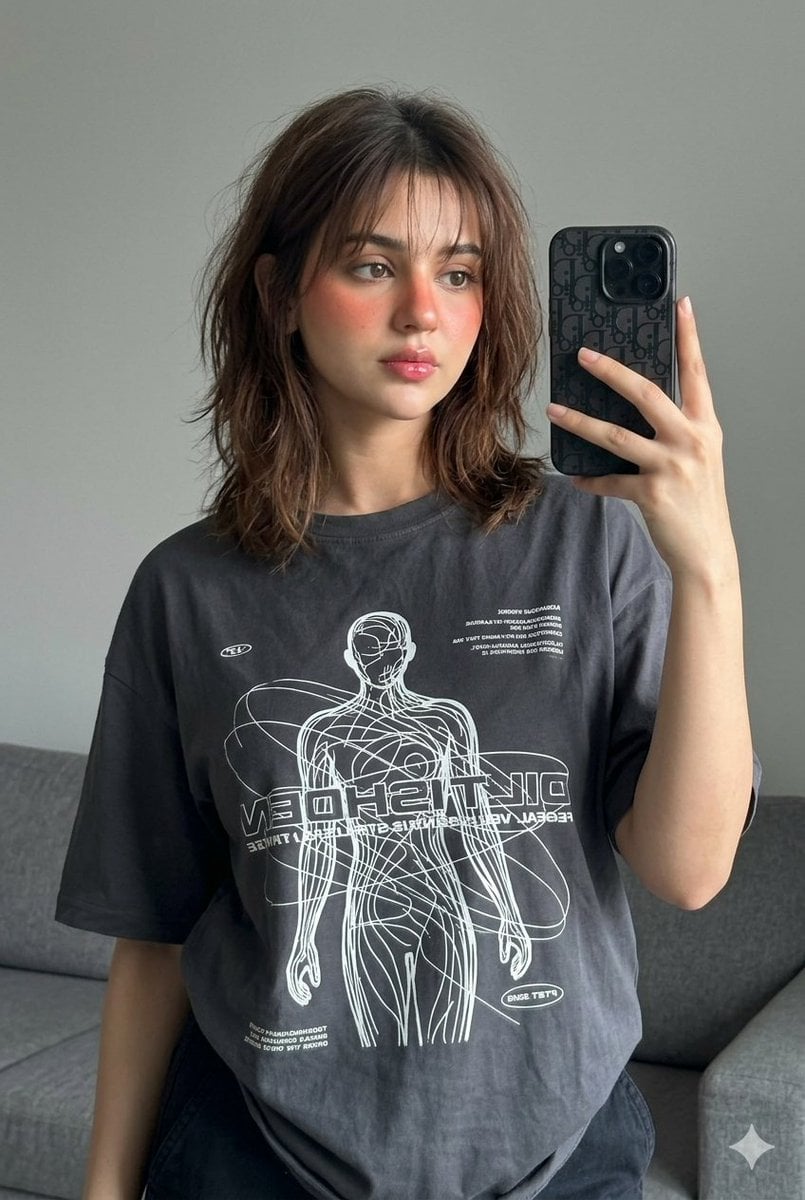
Editorial Mirror Selfie Edit
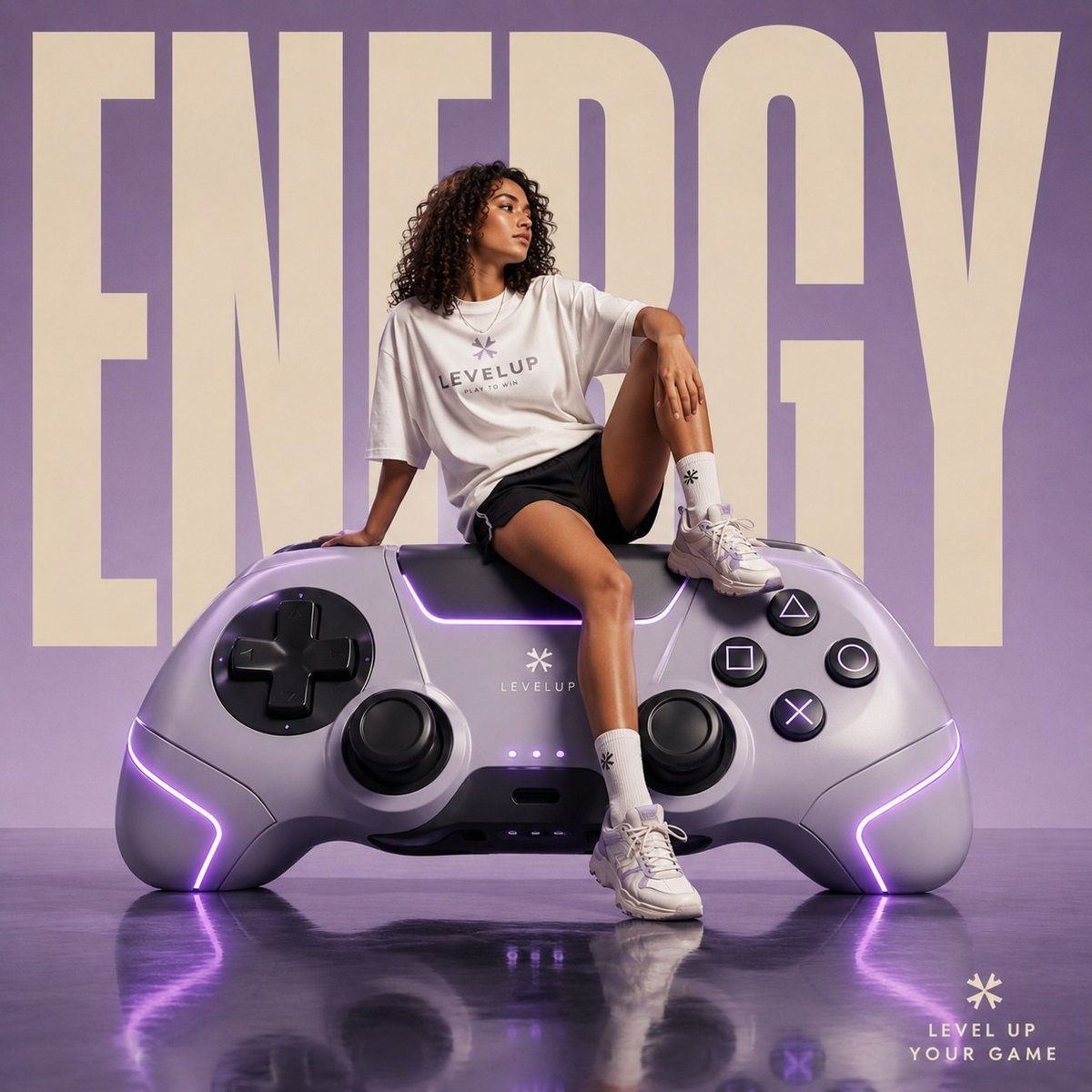
Futuristic Streetwear Campaign Poster
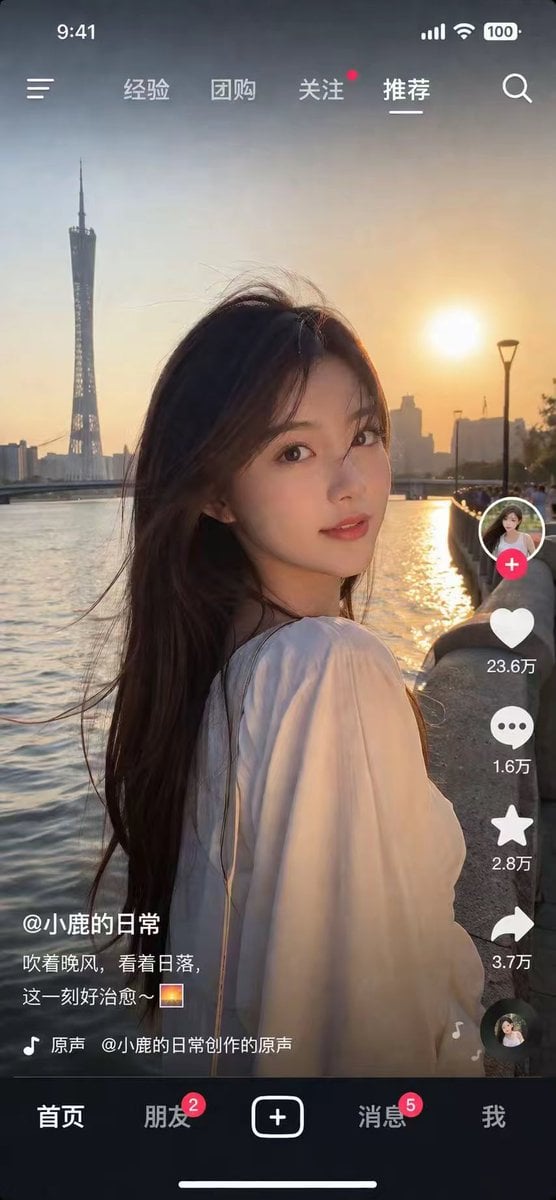
Photorealistic Short Video App Screenshot

Code Review English Infographic
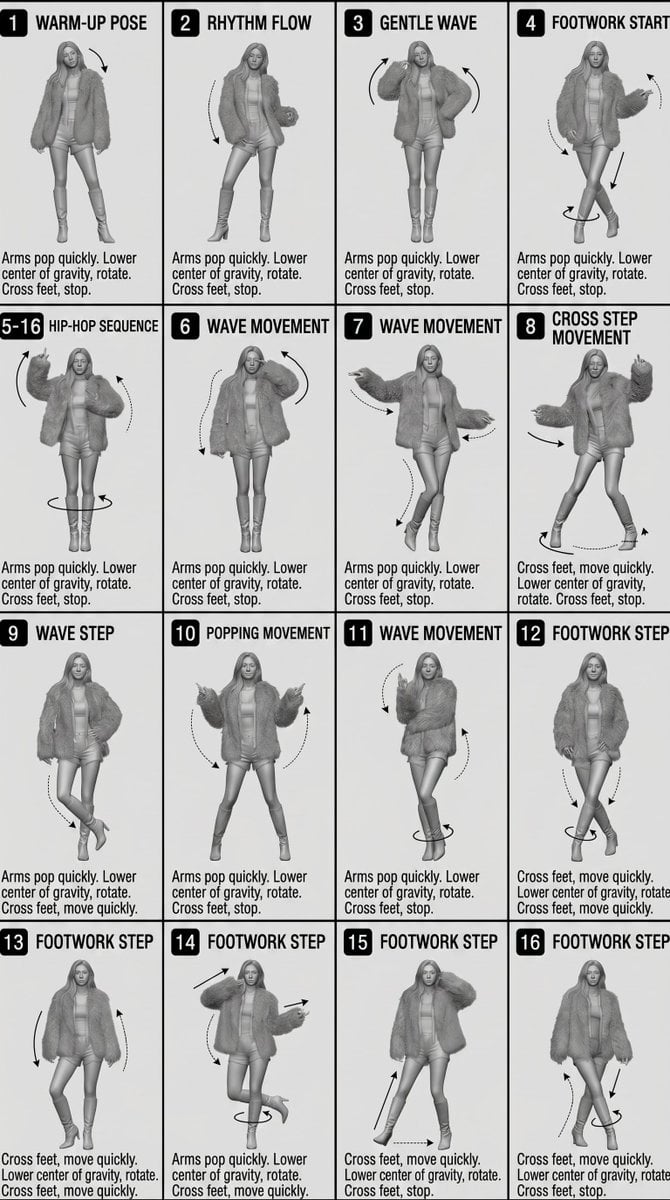
3D Technical Reference Sheet
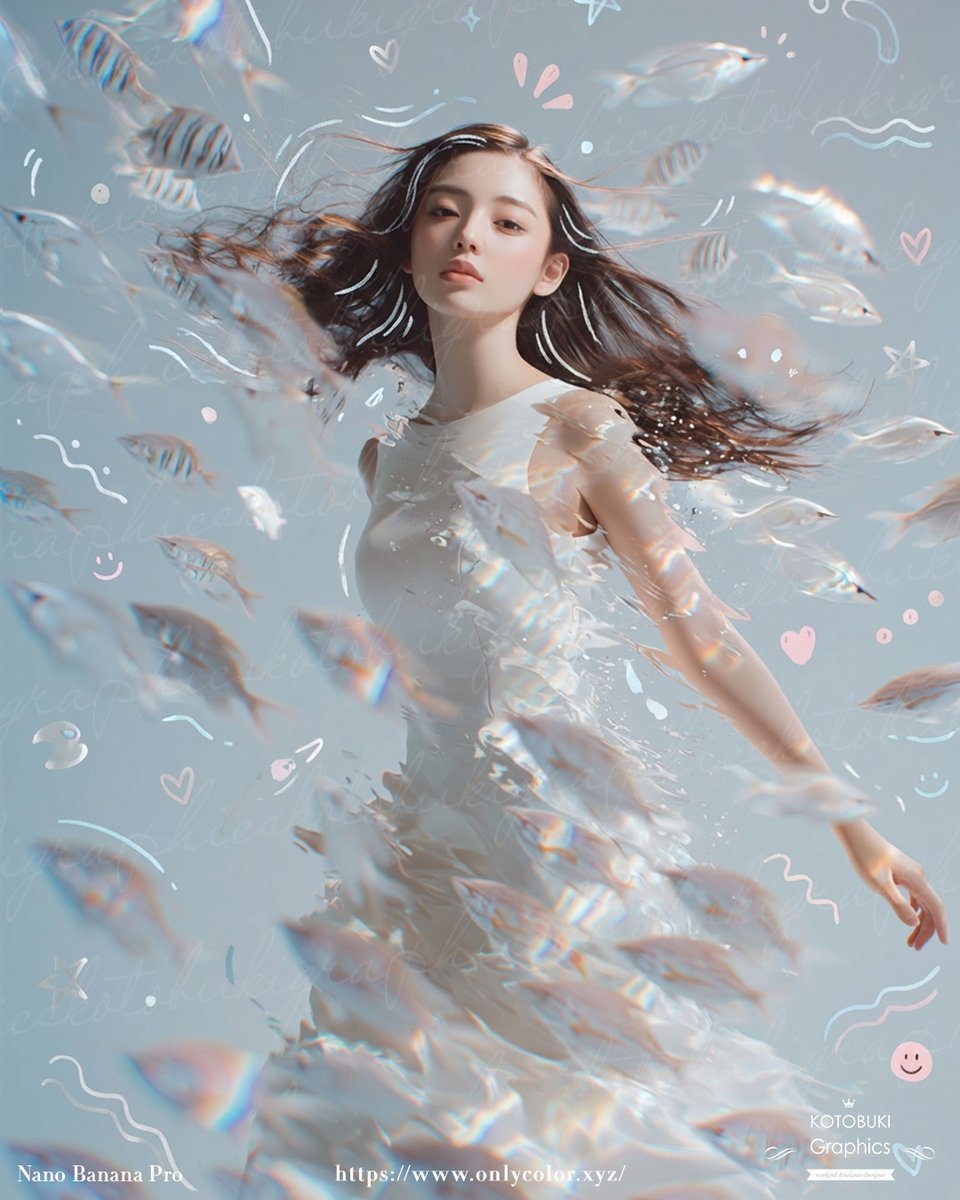
Gpt2 Profile Avatar Dreamy Underwater Woman with Translucent Fish
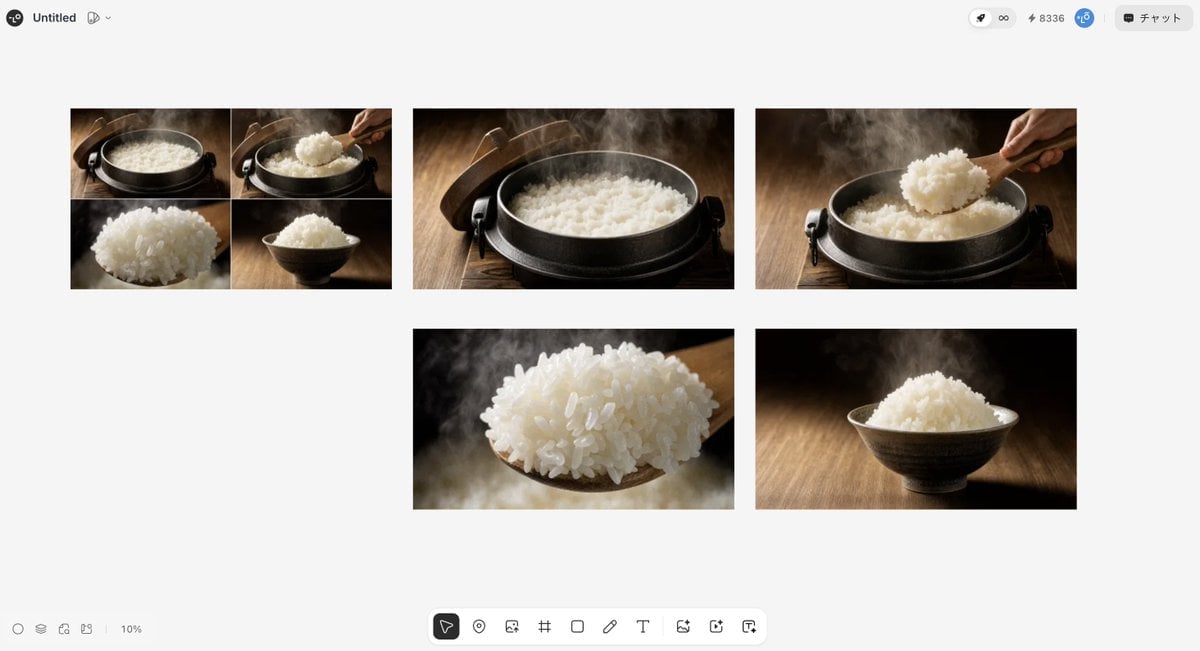
Japanese High-End Cuisine Storyboard
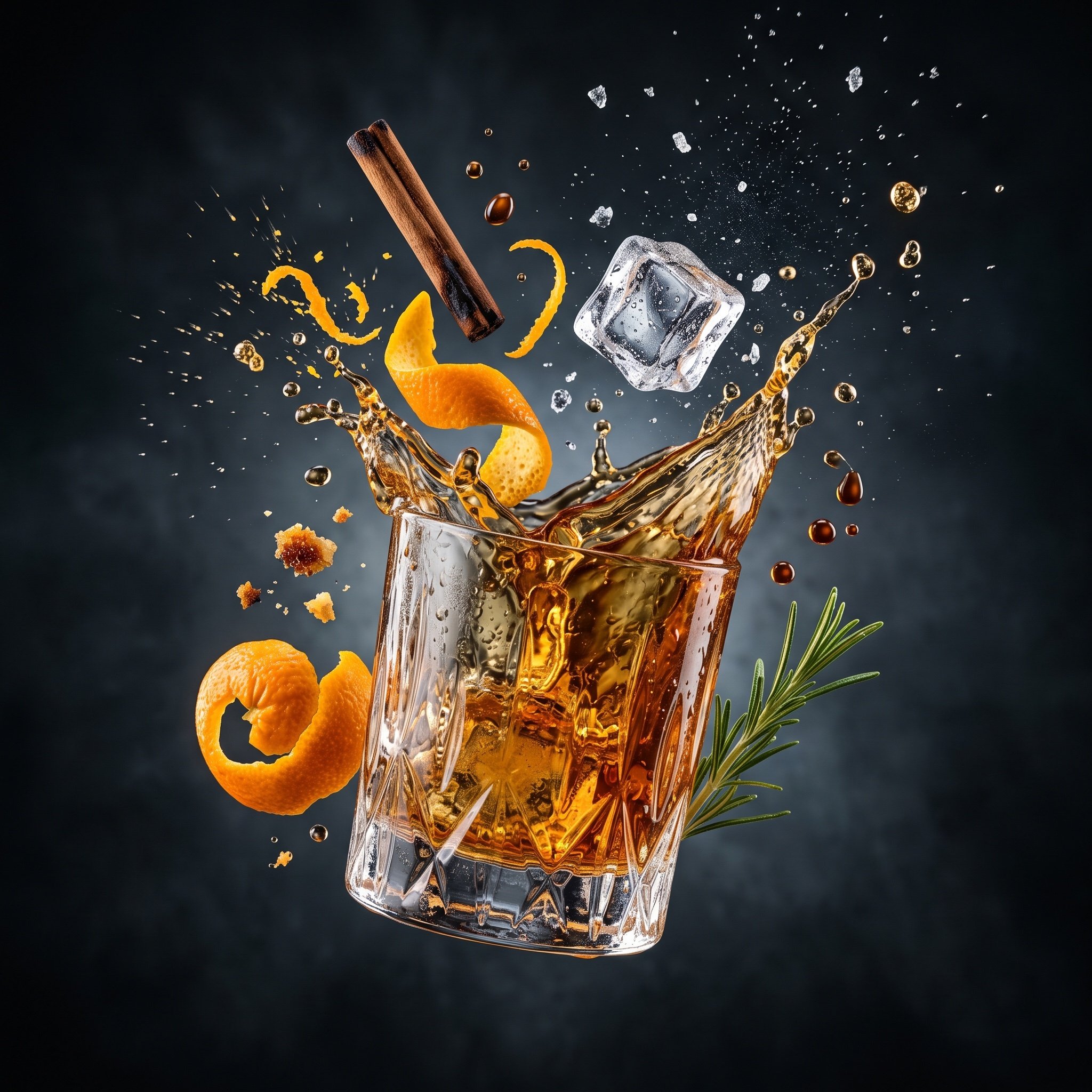
Hyper-realistic Floating Food Photography
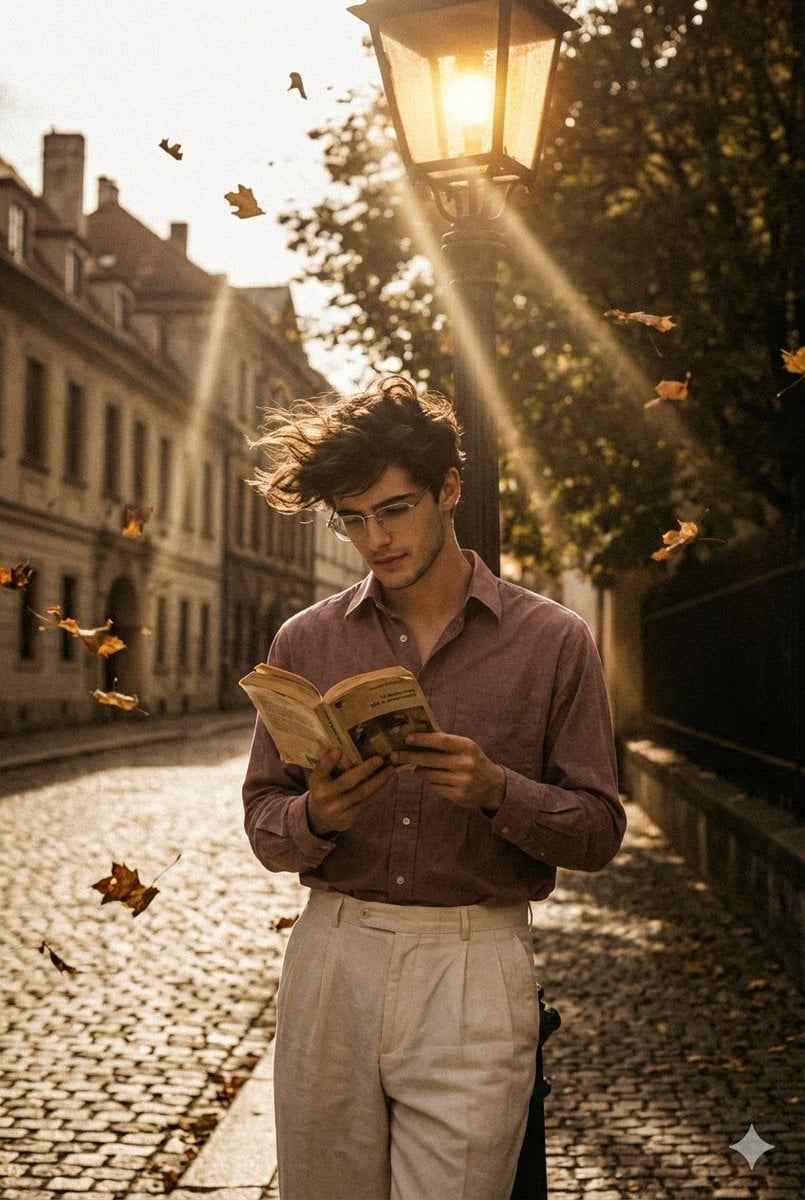
90s Movie Baddie Retro Portrait Prompt
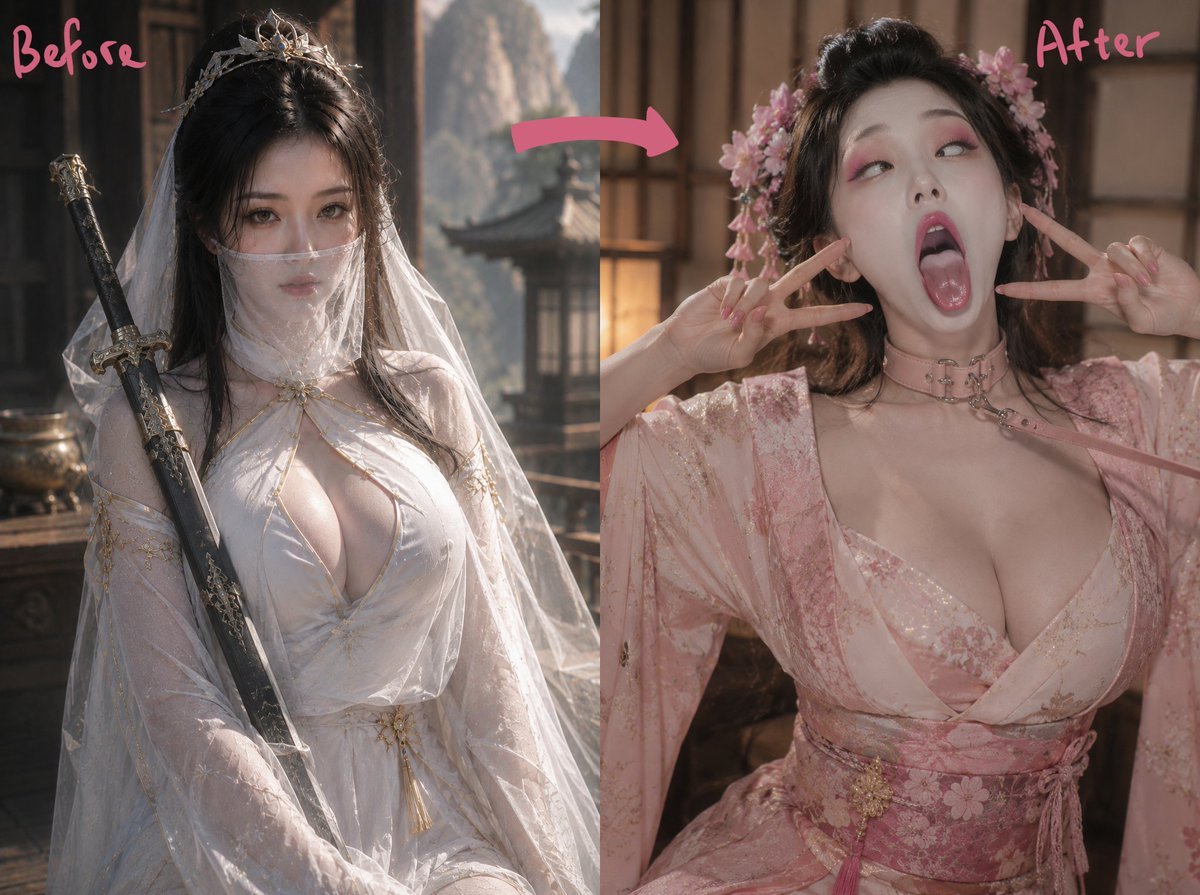
Ancient Fantasy Before After Diptych
Browse template categories
Cinematic Biker Powder Explosion questions
How do I use the Cinematic Biker Powder Explosion template?
Add your photo if the template asks for one, edit the prompt if you like — the template's model and format are already selected — and press Generate. Your version opens in PicX Studio.
Can I customize the Cinematic Biker Powder Explosion template?
Yes. You can change the subject, setting, lighting, mood, format, and available model controls before creating your image.
Is the Cinematic Biker Powder Explosion template free?
Opening and editing this template is free. Generating uses credits, shown on the Generate button when you are signed in.
Which AI model should I use?
Start with GPT Image 2, which is the model associated with this template. You can compare another compatible model for a different finish.
Looking for something else? Browse all templates.

Your photo, any look
Thousands of ready templates for every top image and video model, from one credit balance.