
Cinematic Biker Duo Dusk Shot
A highly specific prompt to recreate a cinematic photo of two people on a moving motorcycle at dusk, preserving identity and motion.
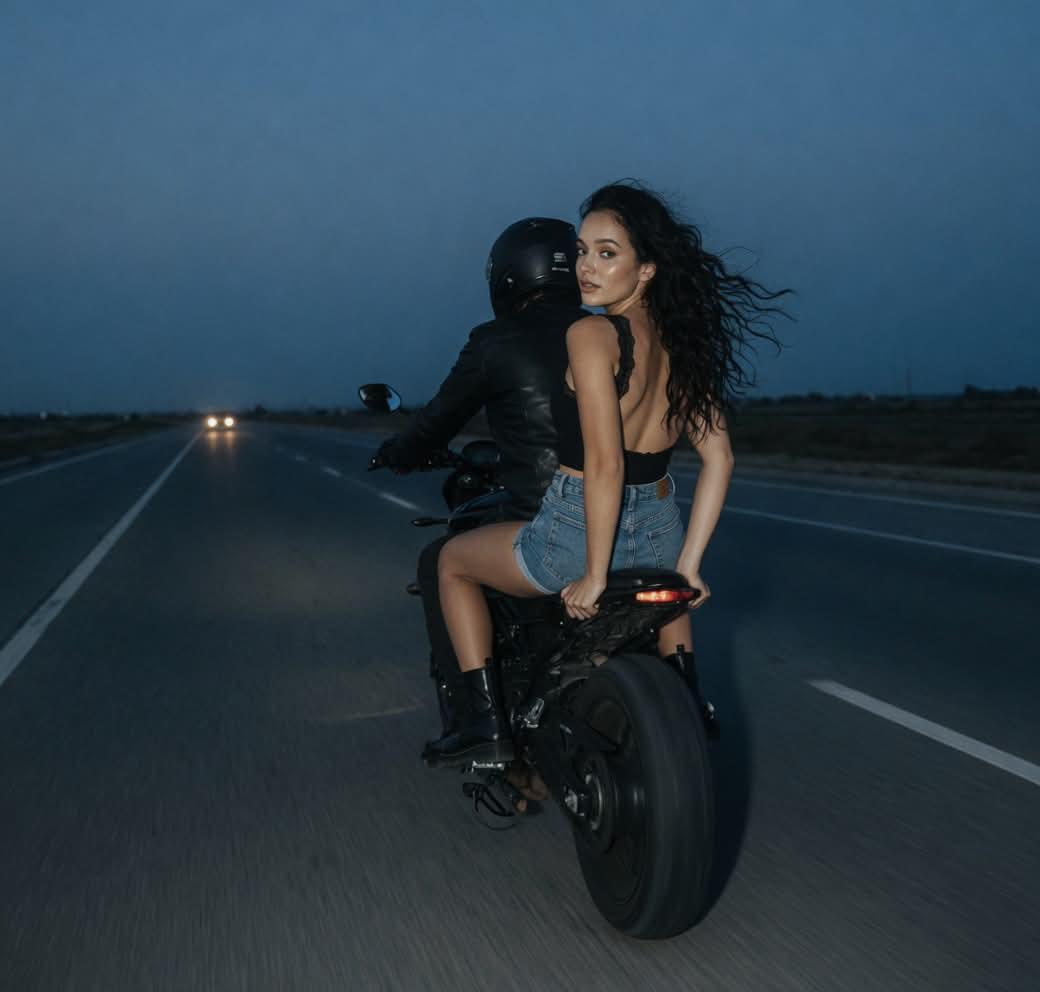
- Prompt included
- Model and format preset
- Free template
The prompt behind this image
Copy the exact prompt behind Cinematic Biker Duo Dusk Shot, or open it in the studio and make it yours.
Recreate the EXACT SAME PHOTO as the uploaded reference image. CRITICAL: • {argument name="subjects" default="TWO PEOPLE on the motorcycle"} • woman sits BEHIND the driver • motorcycle is MOVING forward • exact rear camera angle • exact empty road composition • exact cinematic dusk atmosphere • exact centered framing • exact biker aesthetic • exact lonely cinematic mood SCENE REFERENCE = ONLY for: • road • motorcycle composition • lighting • framing • atmosphere • motion • perspective DO NOT copy face or identity from scene reference. IDENTITY REFERENCE = WOMAN ONLY: • exact facial features • eyes • lips • eyebrows • skin texture • natural asymmetry • identity MOTORCYCLE MOVEMENT LOCK: • realistic driving motion • subtle motion blur • realistic wind in hair • cinematic movement DO NOT: • parked motorcycle • static pose • studio look DUO POSITION LOCK: • driver in front • woman behind • woman turns slightly backward toward camera • over-the-shoulder look • driver mostly dark and less visible CAMERA LOCK: • camera FAR behind motorcycle • same distance • same road visibility • same centered composition DO NOT: • zoom in • portrait crop • tighter framing POSE LOCK: • exact sitting posture • exact shoulder turn • exact torso twist • exact hand placement • exact body angle ATMOSPHERE LOCK: • {argument name="lighting" default="dark blue dusk tones"} • subtle nighttime mood • soft flash lighting • empty road feeling • cinematic realism DO NOT: • daylight • HDR glow • cyberpunk colors • glamour lighting HAIR LOCK: • long wind-blown hair • realistic movement • same wind direction OUTFIT LOCK: • {argument name="outfit" default="black backless top, denim bottoms, black boots"} • biker styling ANTI AI / REALISM: ONE REAL CAMERA PHOTO NO: • AI beauty look • CGI skin • face swap effect • plastic skin Preserve: • realistic skin texture • natural imperfections • cinematic realism • subtle film grain • ultra realistic • NO AI LOOK
How to use Cinematic Biker Duo Dusk Shot in 3 steps
- 1Upload ImagePNG, JPG or paste
Add your photo
Upload the photo the template builds on. The prompt, model and format are already set.
- 2…a portrait of your subject in softgolden-hour light, 85mm…
Personalize
Edit the subject and creative details for your destination.
- 3Generate
Generate
Press Generate — your image is created in PicX Studio, so you can compare it with the original and refine one variable at a time.
More like this
Templates with the same subject, style or setup. Open one to see its prompt.

Japanese Café Sketch Duo Illustration
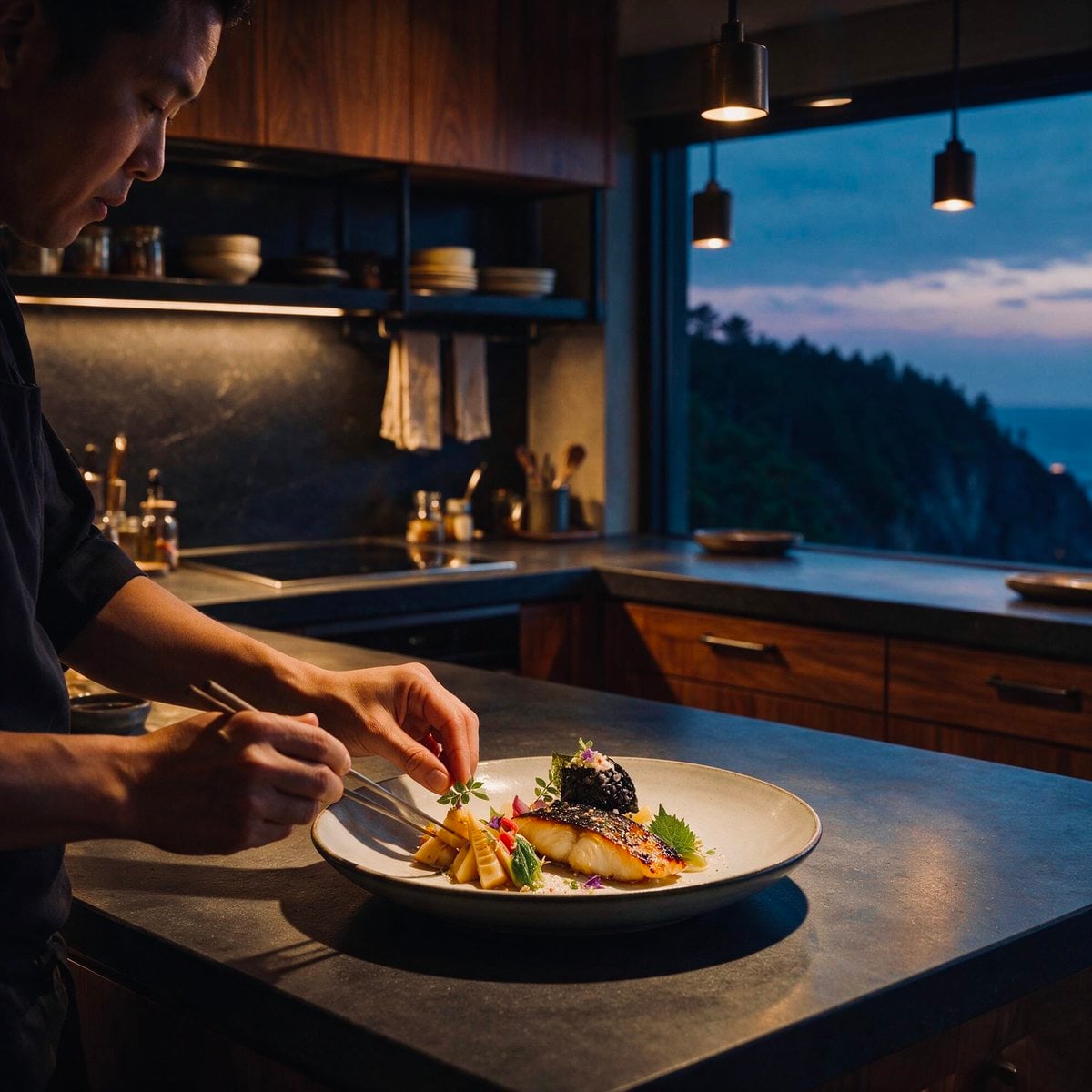
Cinematic Chef Plating at Dusk
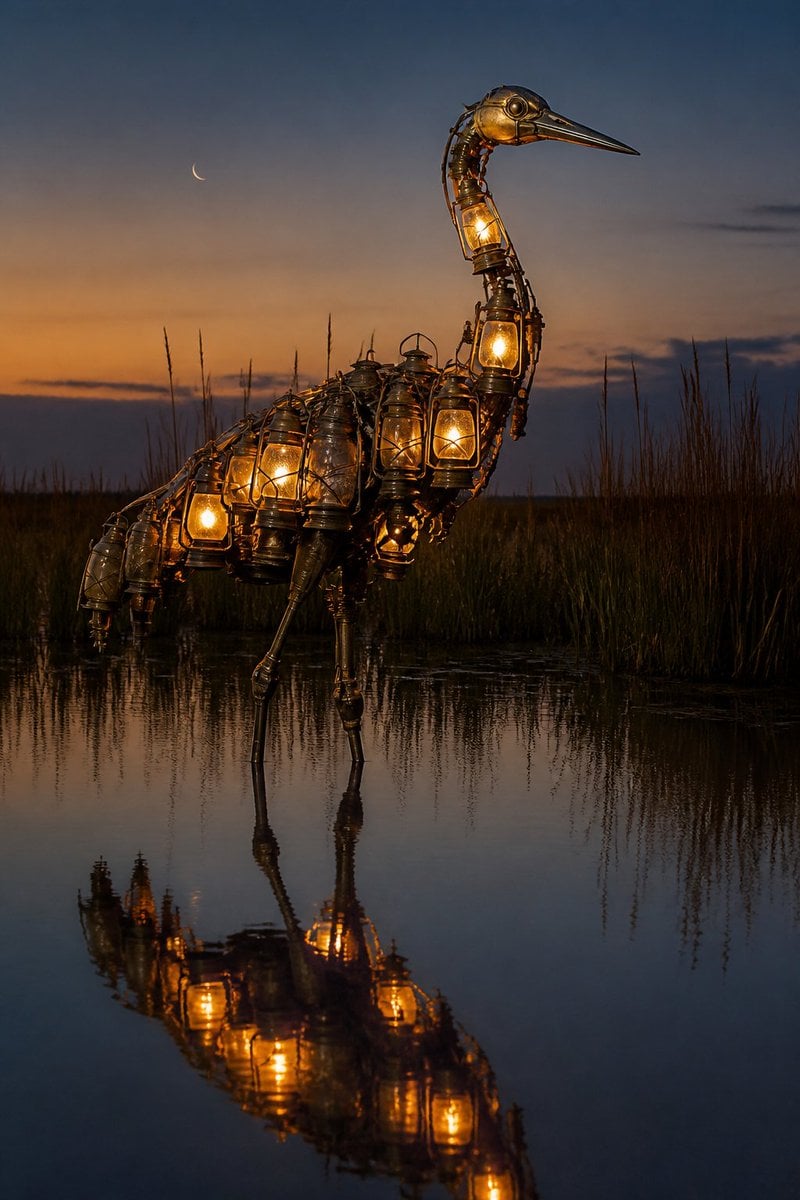
Photorealistic Lantern Crane at Dusk
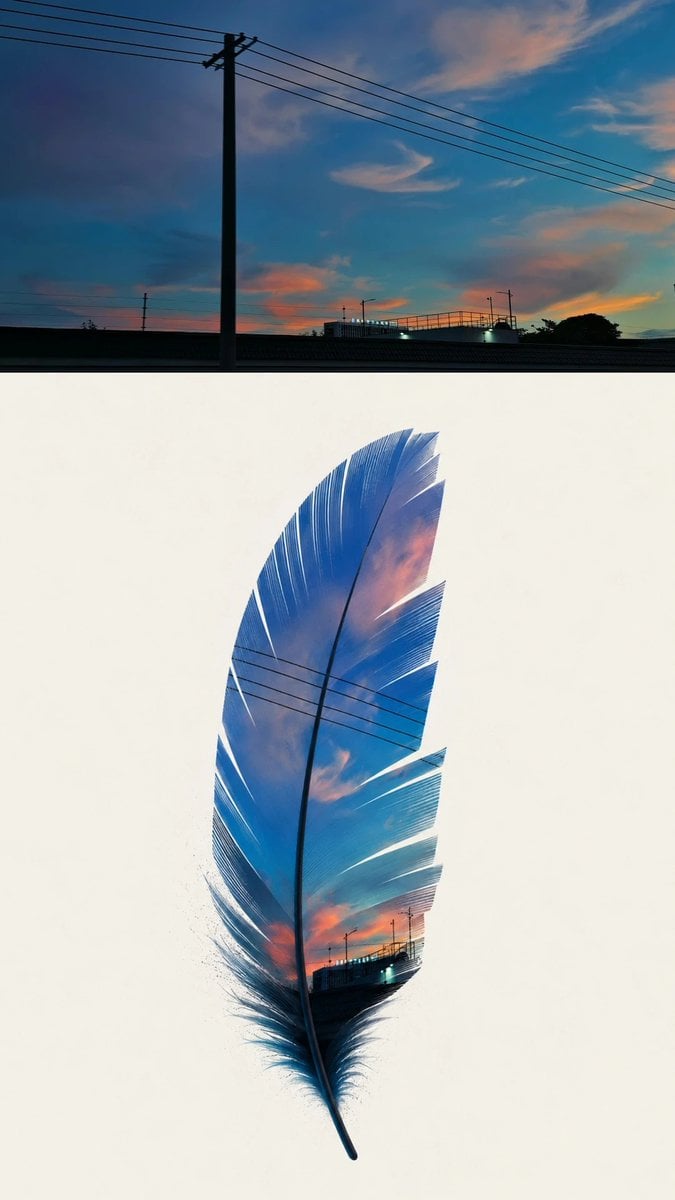
Dusk Sky Feather Poster
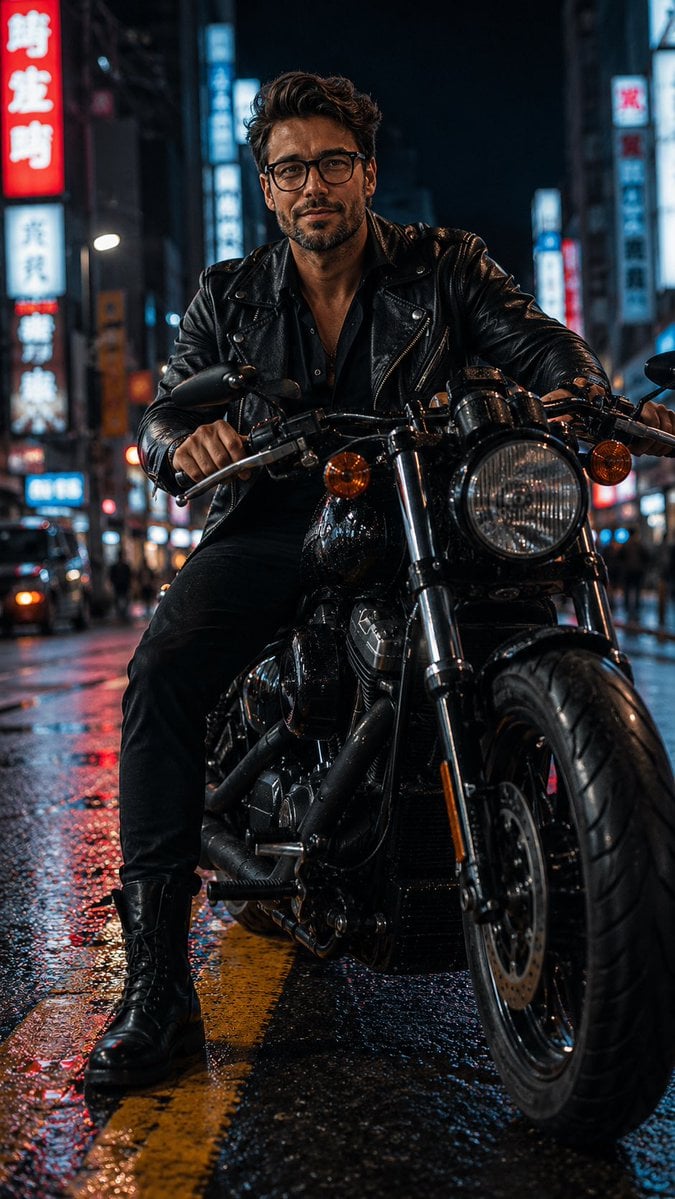
Biker in Tokyo Nightscape
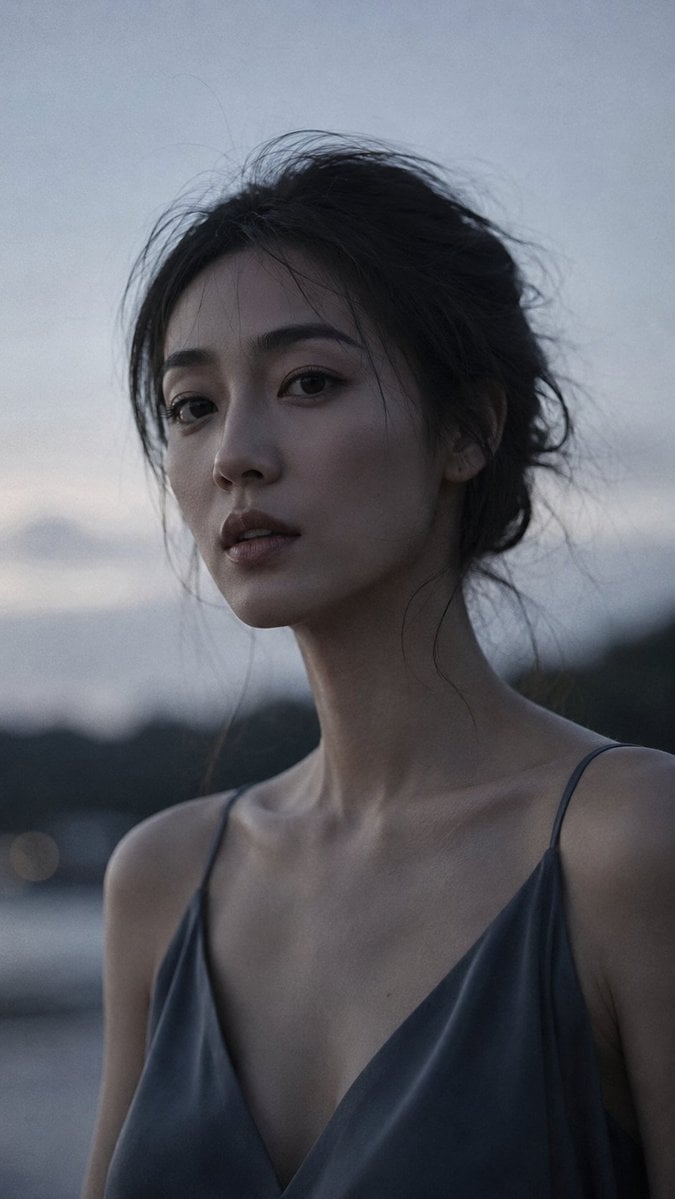
Japanese Dusk Portrait
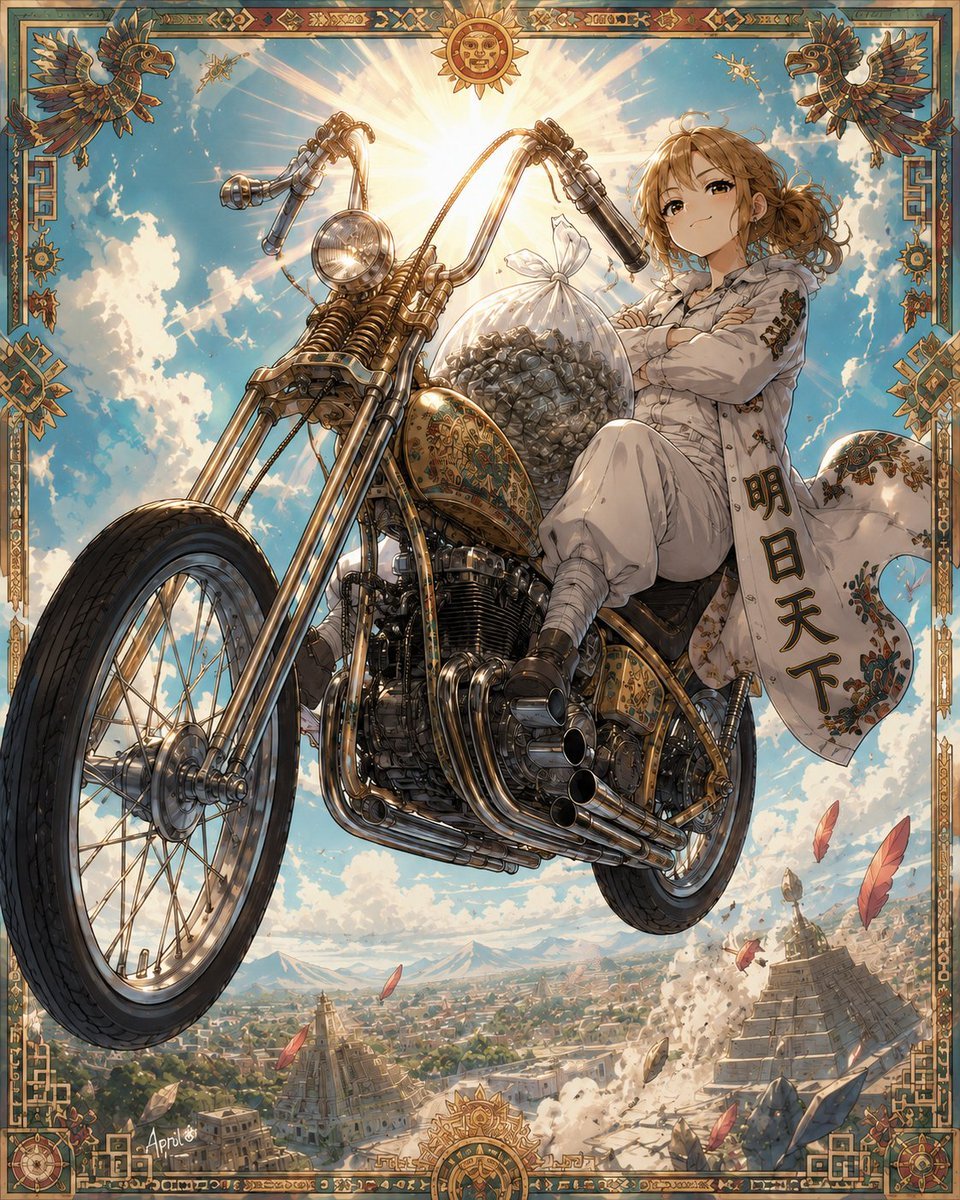
Skyborne Anime Biker in Ancient City
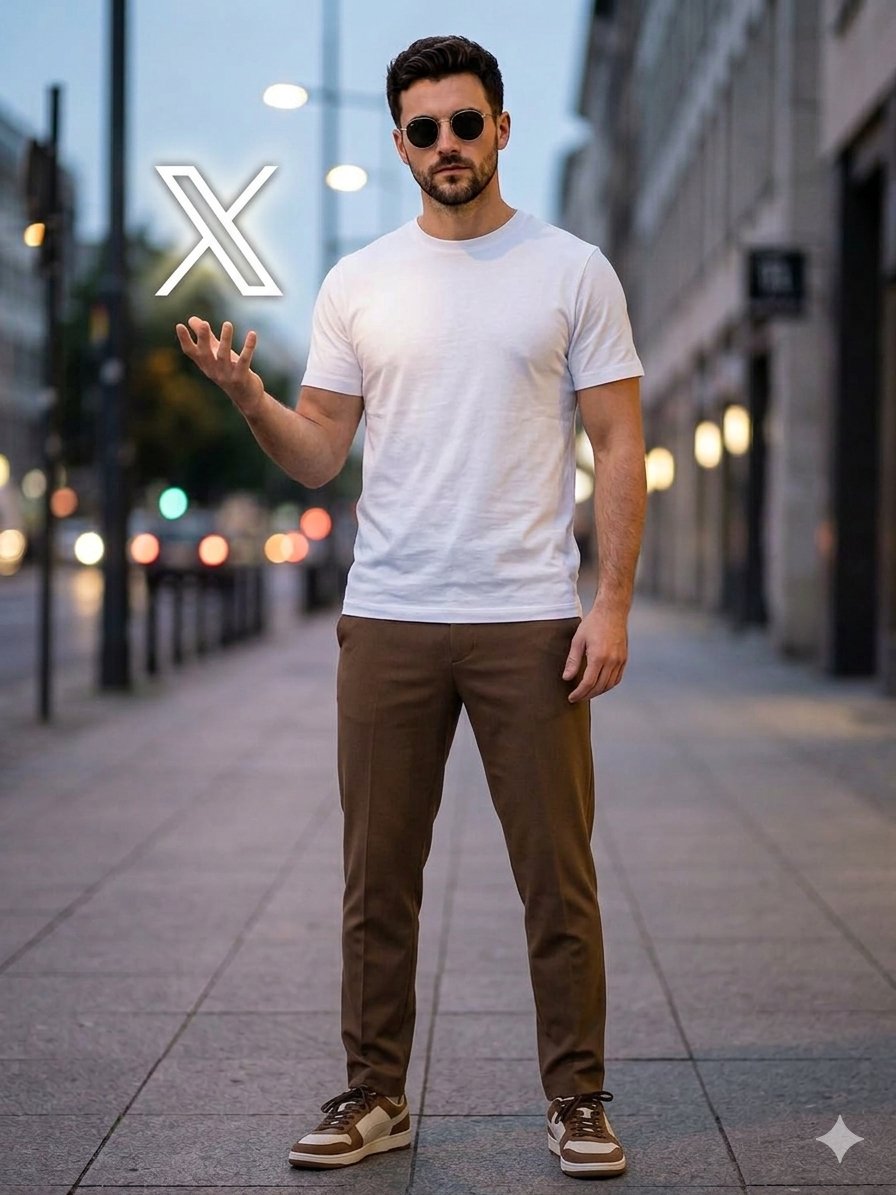
Urban Dusk Floating Logo Portrait
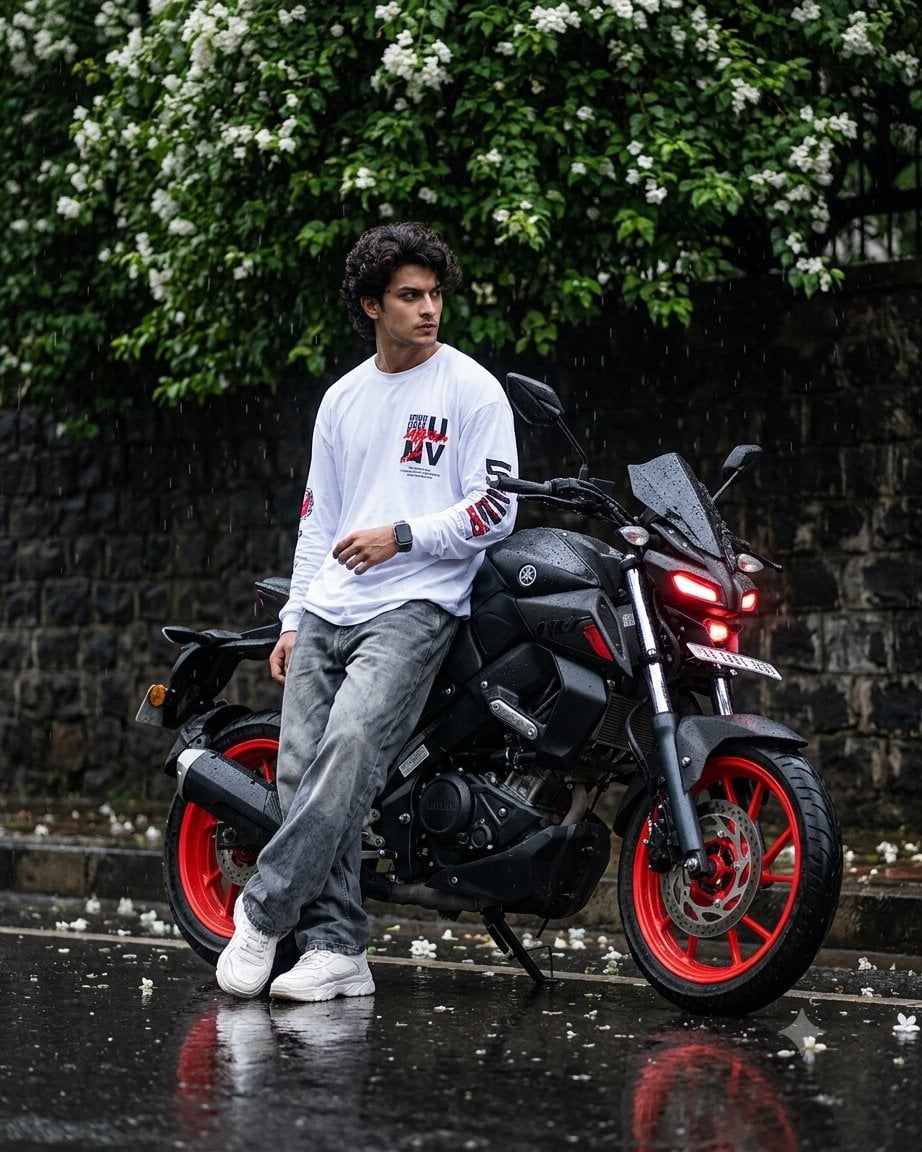
Cinematic Rainy Biker Portrait
Shanghai Longtang Dusk Portrait
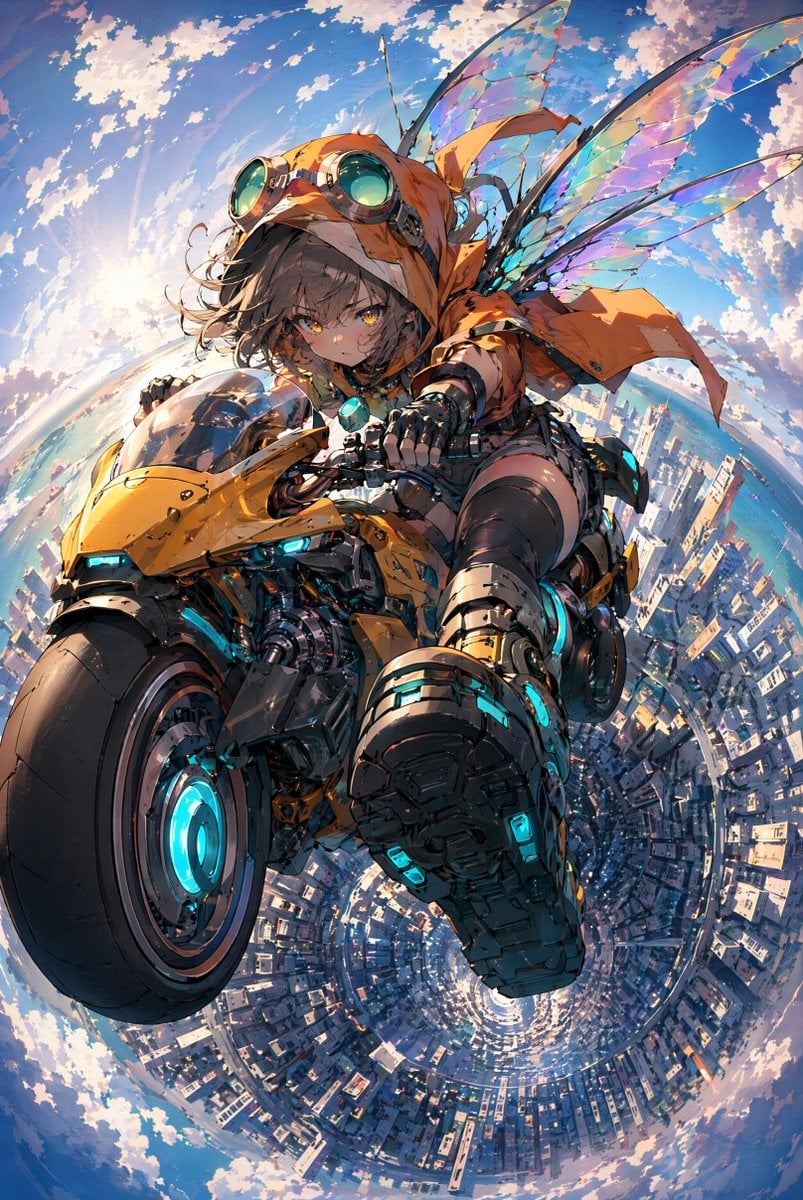
Fairy Biker Above Tiny-Planet City
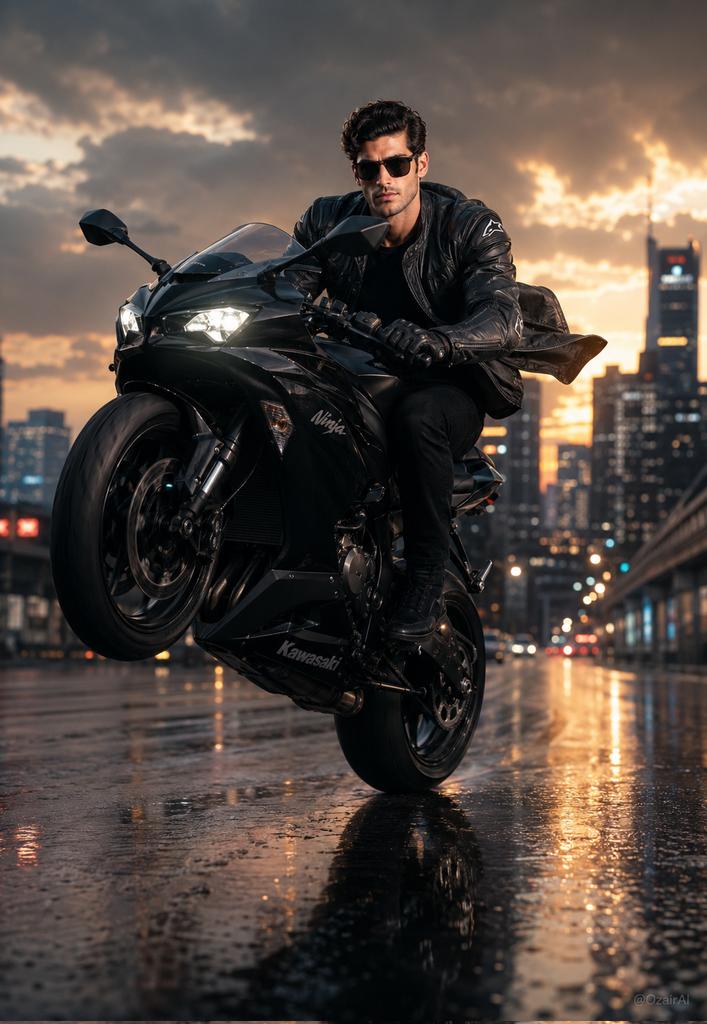
Hyper-Realistic Biker Wheelie Portrait
Make it yours
Cinematic Biker Duo Dusk Shot works as-is. These are the safest ways to change it without losing the look.
Change one field
Copy a single group, rewrite it, and generate again so you can see what that field is doing.
Keep the frame, change the subject
Hold the composition and light of Cinematic Biker Duo Dusk Shot, then swap wardrobe, props or the person for a new take.
| If the result… | Why | Fix |
|---|---|---|
| The result drifts from the preview | Too many fields changed at once. | Reuse Cinematic Biker Duo Dusk Shot as-is first, then change one group — subject, light, or setting. |
| The model over-stylizes the scene | The prose prompt leaves finish and camera underspecified. | Add one camera or lighting sentence and stay on GPT Image 2. |
More GPT Image 2 templates
Other prompts made for GPT Image 2.

Six VTuber Japanese Logo Sheet

Realistic Portrait of Woman and Deer

The Vista Modular Condo Poster

AI Model Routing Comparison Infographic

2.5D Anime Art Board

Isometric Productivity Desk Scene

New York Double Exposure Poster

Four-Panel AI Landscape Comparison

Japanese Tatami Lifestyle Magazine Cover

NESCAFÉ Coffee Map Poster
More image prompts
Fresh picks from across the catalog.
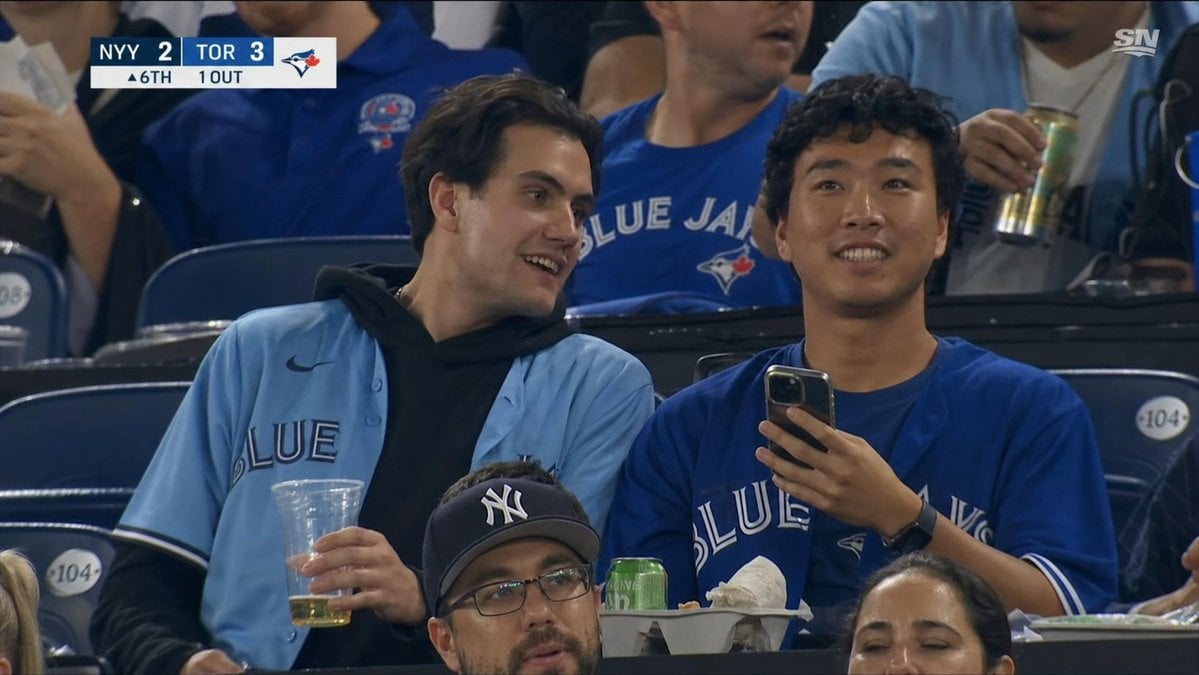
Blue Jays Broadcast Crowd Screenshot
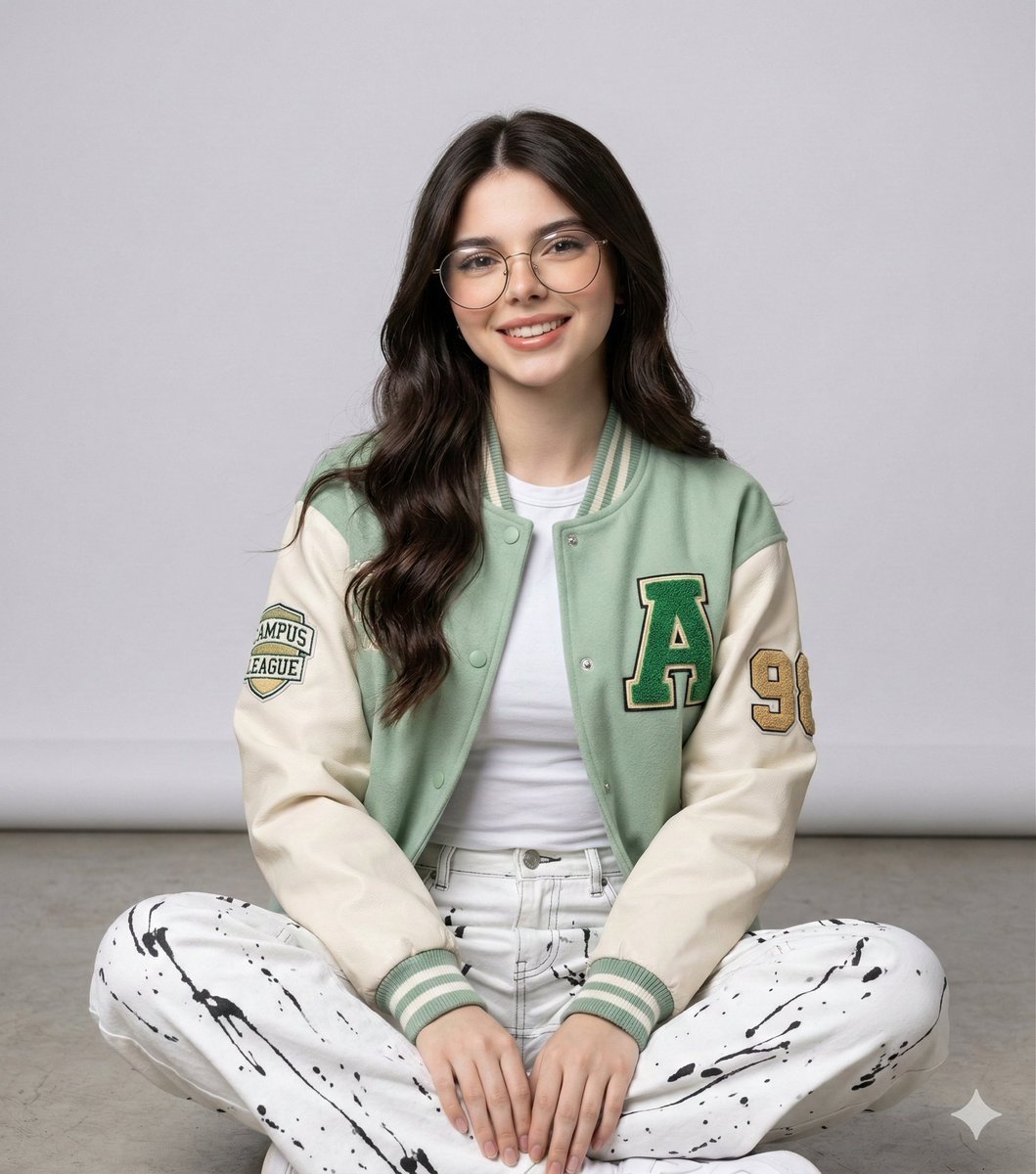
Studio Portrait of a Woman in Varsity Jacket and Splatter Pants
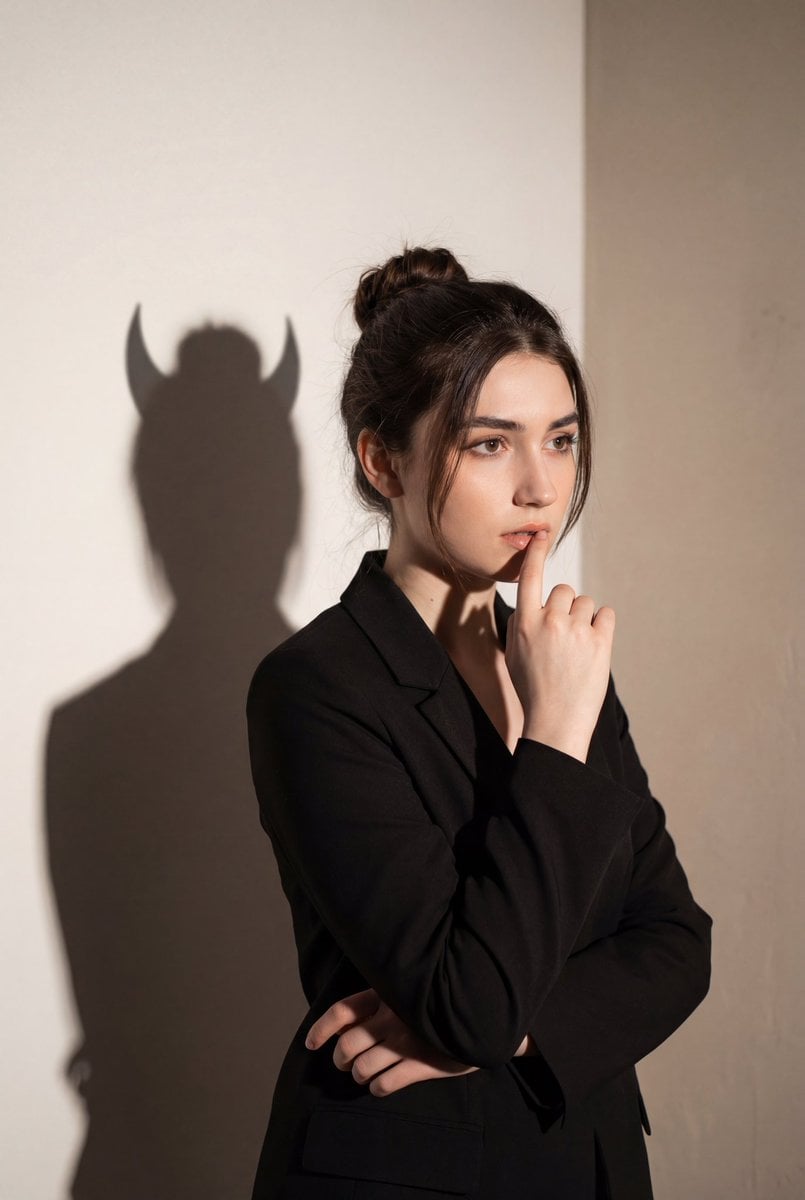
Conceptual Portrait with Symbolic Devil Horn Shadow
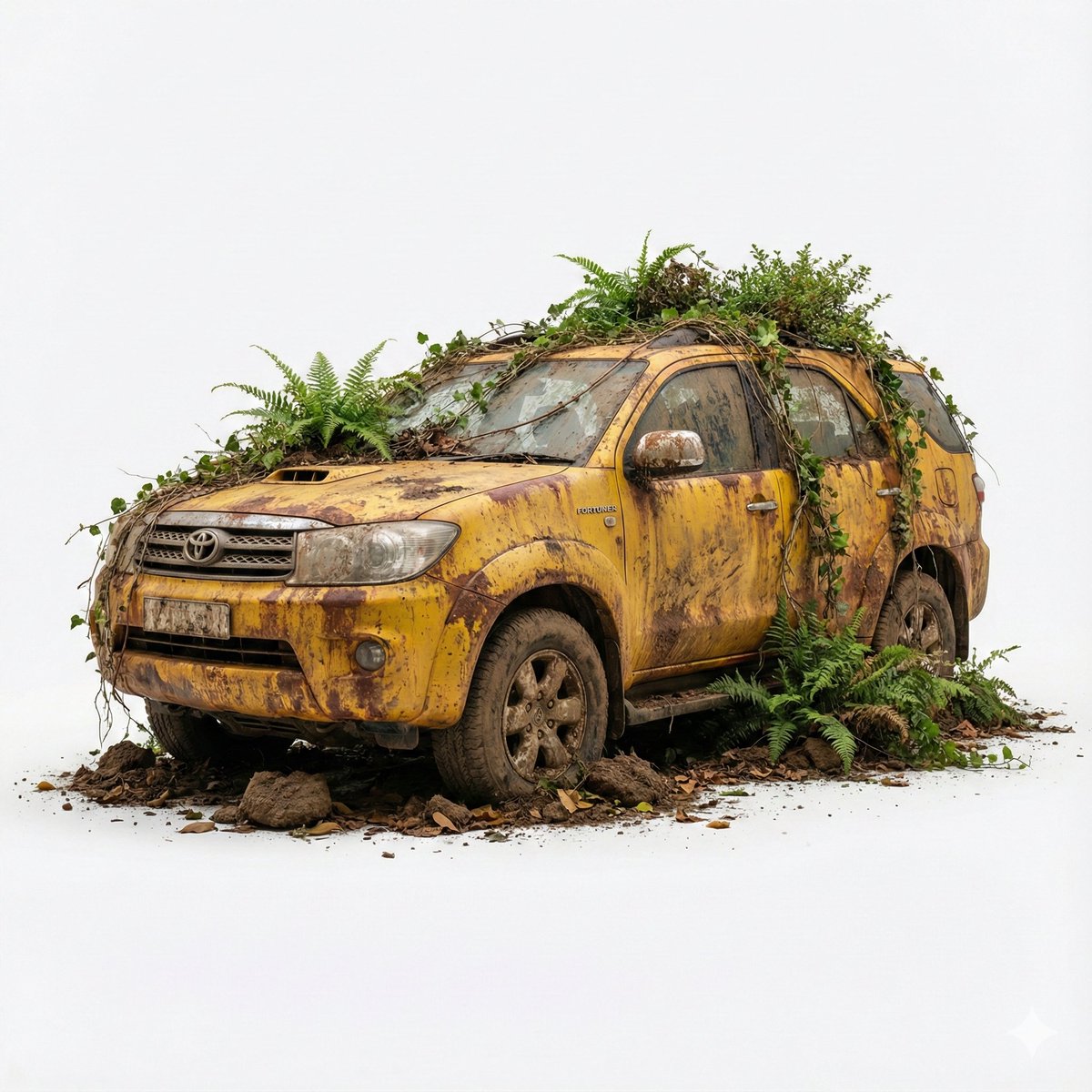
Abandoned Object Photorealistic Image Generator
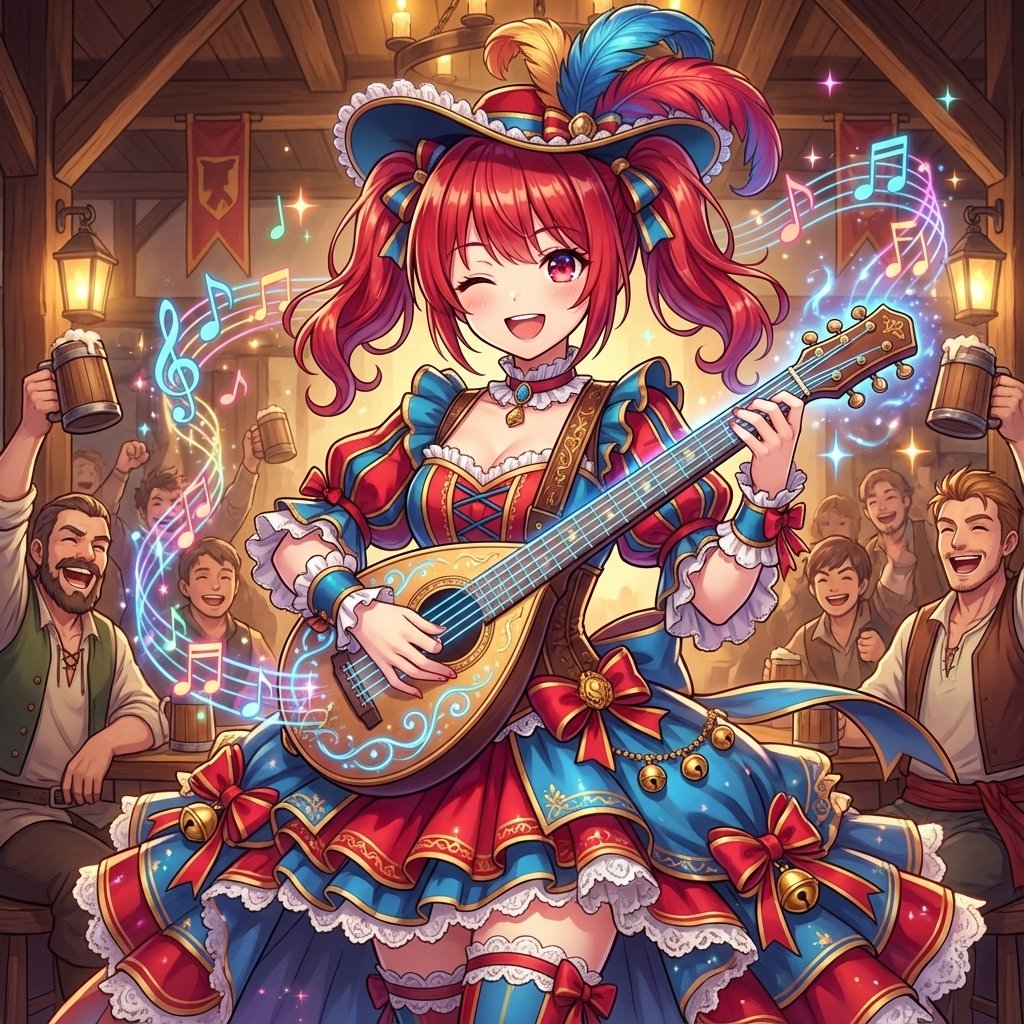
AI Conversion to Bard (Minstrel) Character

Nostalgic Filipino Chicharrón Ad
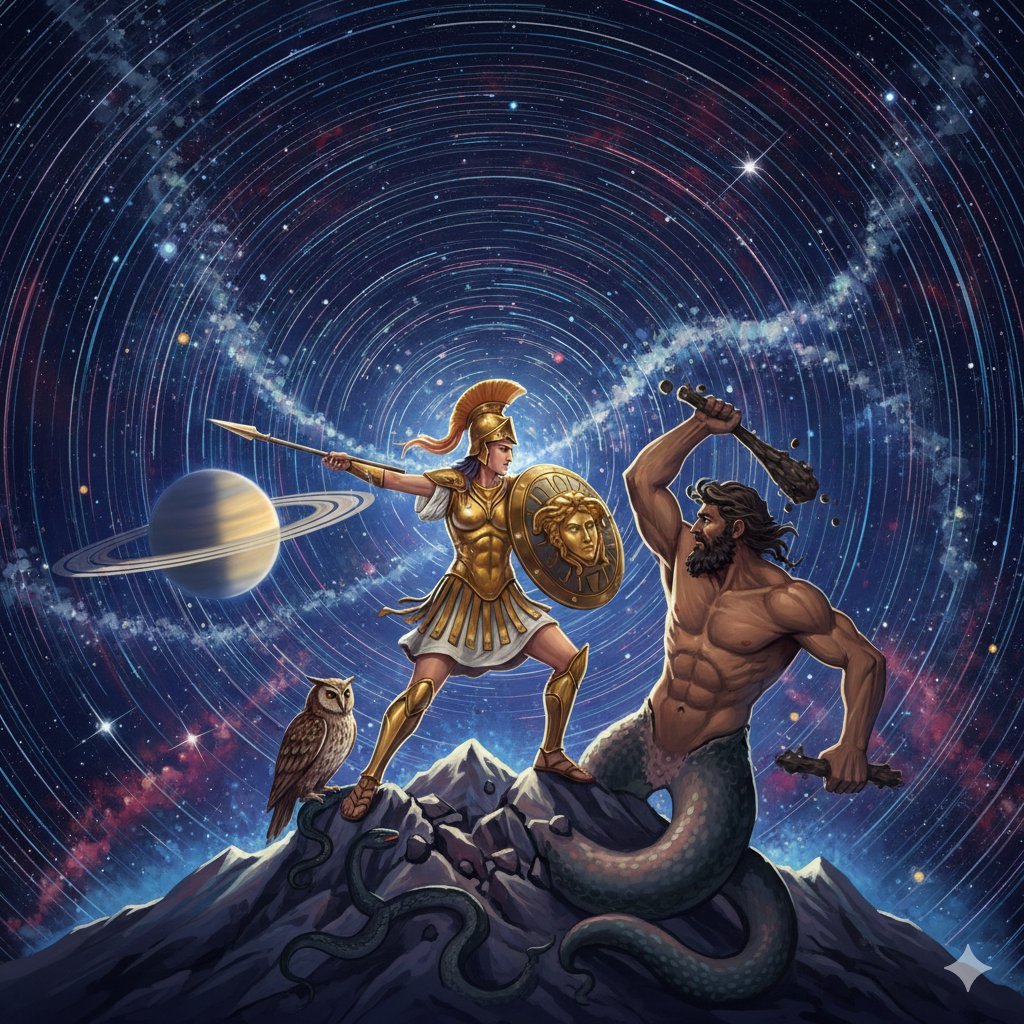
Athena vs. Enceladus Greek Mythology Prompt
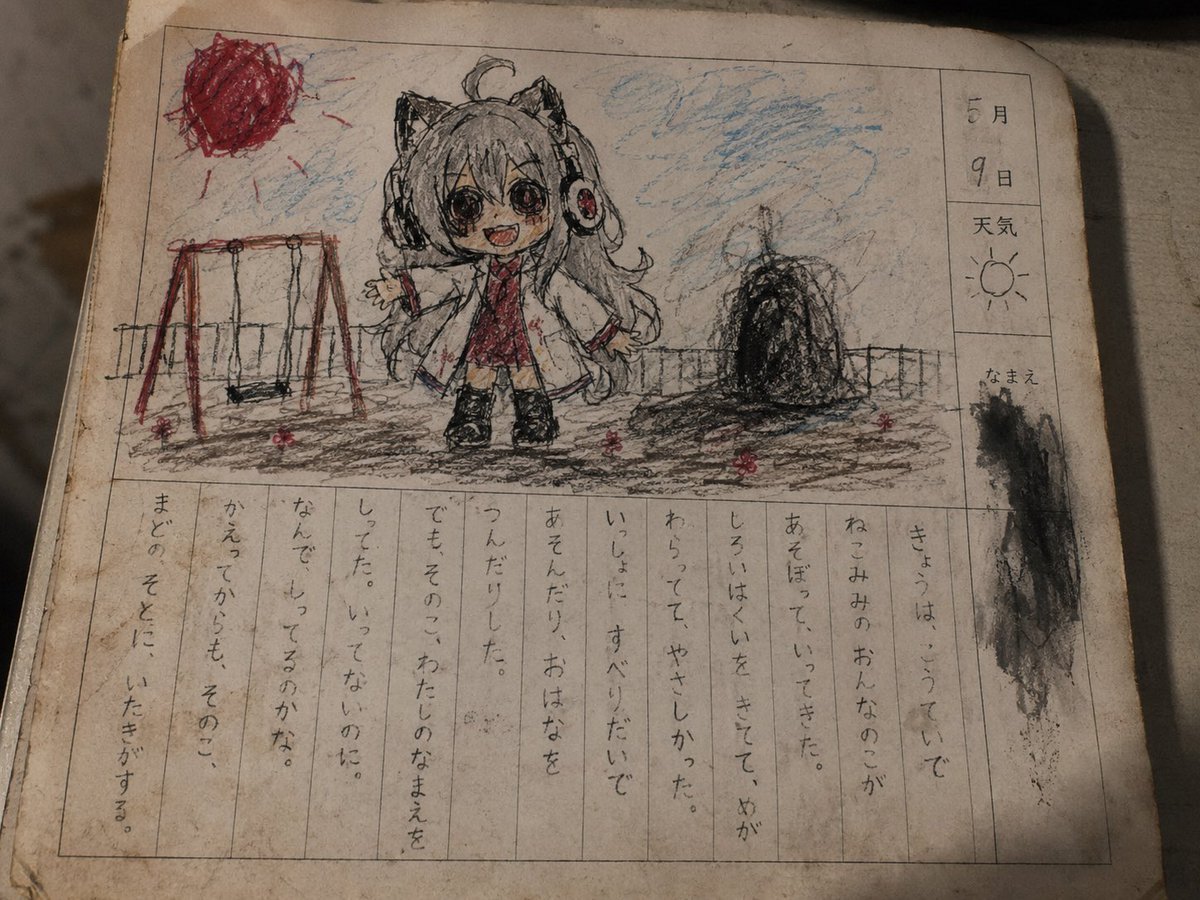
Cursed Japanese School Diary Prompt
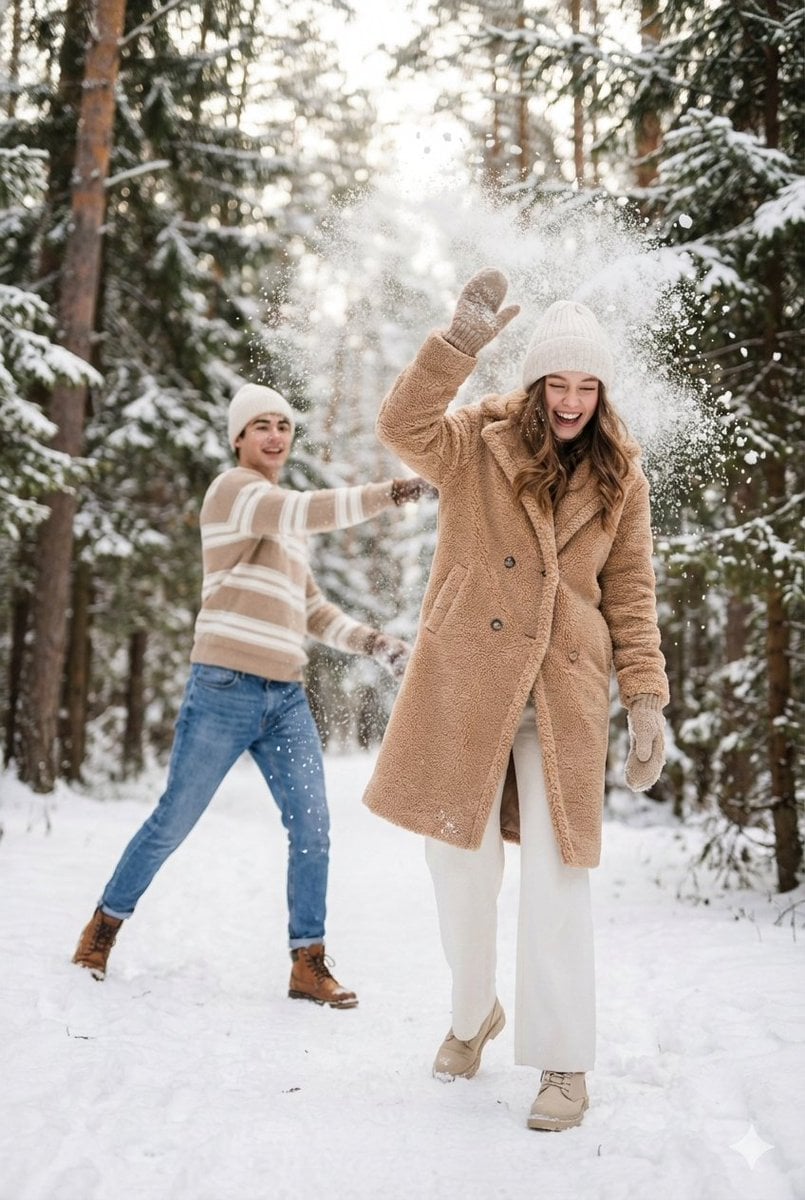
Cinematic Winter Scene Prompt of Couple Throwing Snow
Cinematic Golden Hour Male Portrait
Browse template categories
Cinematic Biker Duo Dusk Shot questions
How do I use the Cinematic Biker Duo Dusk Shot template?
Add your photo if the template asks for one, edit the prompt if you like — the template's model and format are already selected — and press Generate. Your version opens in PicX Studio.
Can I customize the Cinematic Biker Duo Dusk Shot template?
Yes. You can change the subject, setting, lighting, mood, format, and available model controls before creating your image.
Is the Cinematic Biker Duo Dusk Shot template free?
Opening and editing this template is free. Generating uses credits, shown on the Generate button when you are signed in.
Which AI model should I use?
Start with GPT Image 2, which is the model associated with this template. You can compare another compatible model for a different finish.
Looking for something else? Browse all templates.

Your photo, any look
Thousands of ready templates for every top image and video model, from one credit balance.